
simonharper
Members
-
Joined
-
Last visited
Everything posted by simonharper
-
edit - found out how. Bit fiddly but sorted. How do you change the two widgets on the Home Screen (the map is always present I understand) ? I use CarPlay so don’t need phone or Music. Thanks
- 11 replies
-
- add tile
- add widget
- columbus
- home screen
-
Tagged with:
-
That worked!! My dealer just said the same thing. So all good now 👍🏼 Thanks again for the PDF’s folks, really appreciated. I thought I had high beam assist but that was an option on my MY I learnt. Other thing is I cannot for the life of me get the reverse dip on the wing mirrors to work. Followed manual, all mirror options turned on (inc lower on reverse) etc.
-
Thanks again for the PDF’s folks, really appreciated. I thought I had high beam assist but that was an option on my MY I learnt. Other thing is I cannot for the life of me get the reverse dip on the wing mirrors to work. Followed manual, all mirror options turned on (inc lower on reverse) etc.
-
Many thanks
-
Many thanks Kenny. My car was registered March 2020 so is this brochure still valid or for the next model year? Will give that a try, thanks for the tip
-
Just bought a 2020 2.0 TDI 190 Sportline and wanted to see the full specifications for the car as a few things either aren’t working or are missing from my understanding of being fitted. Car was 1st registered in March 2020 Anyone got a PDF or info on where to get one to look over? cheers
-
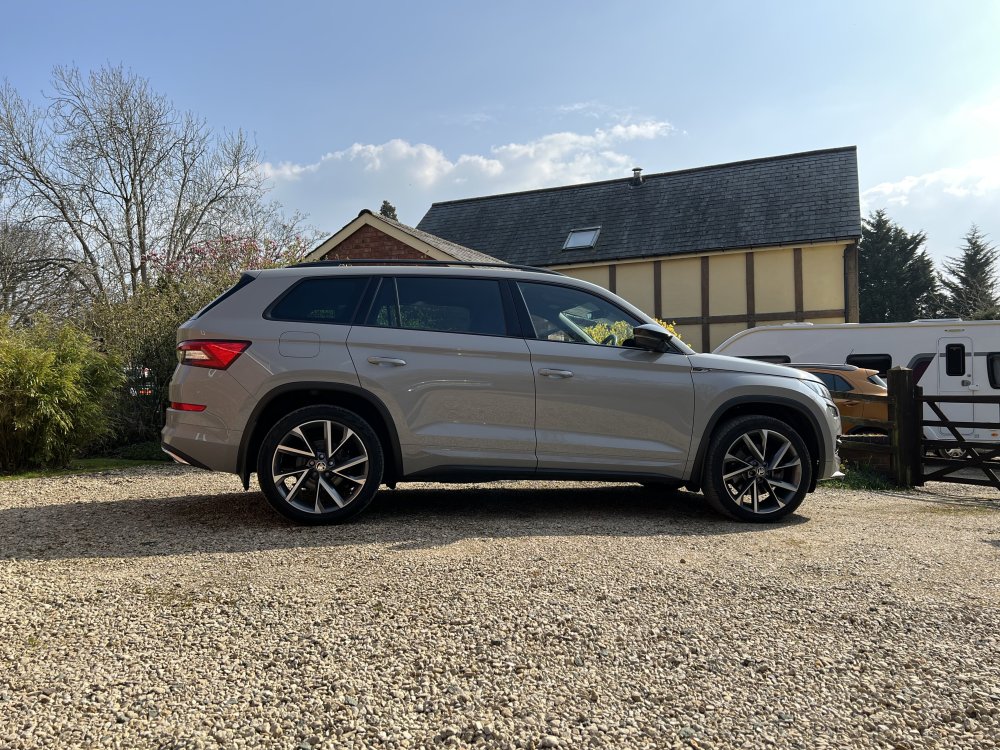
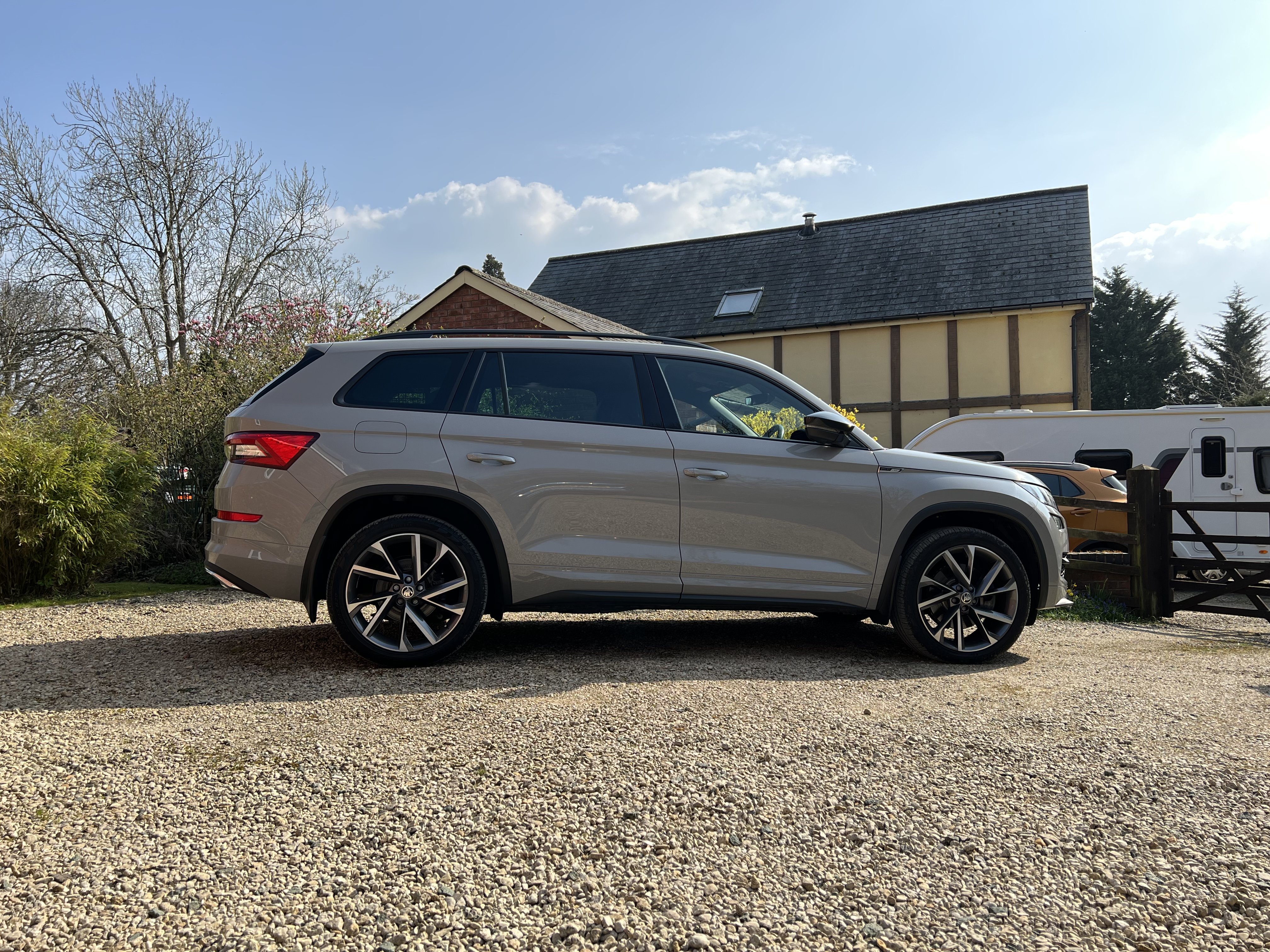
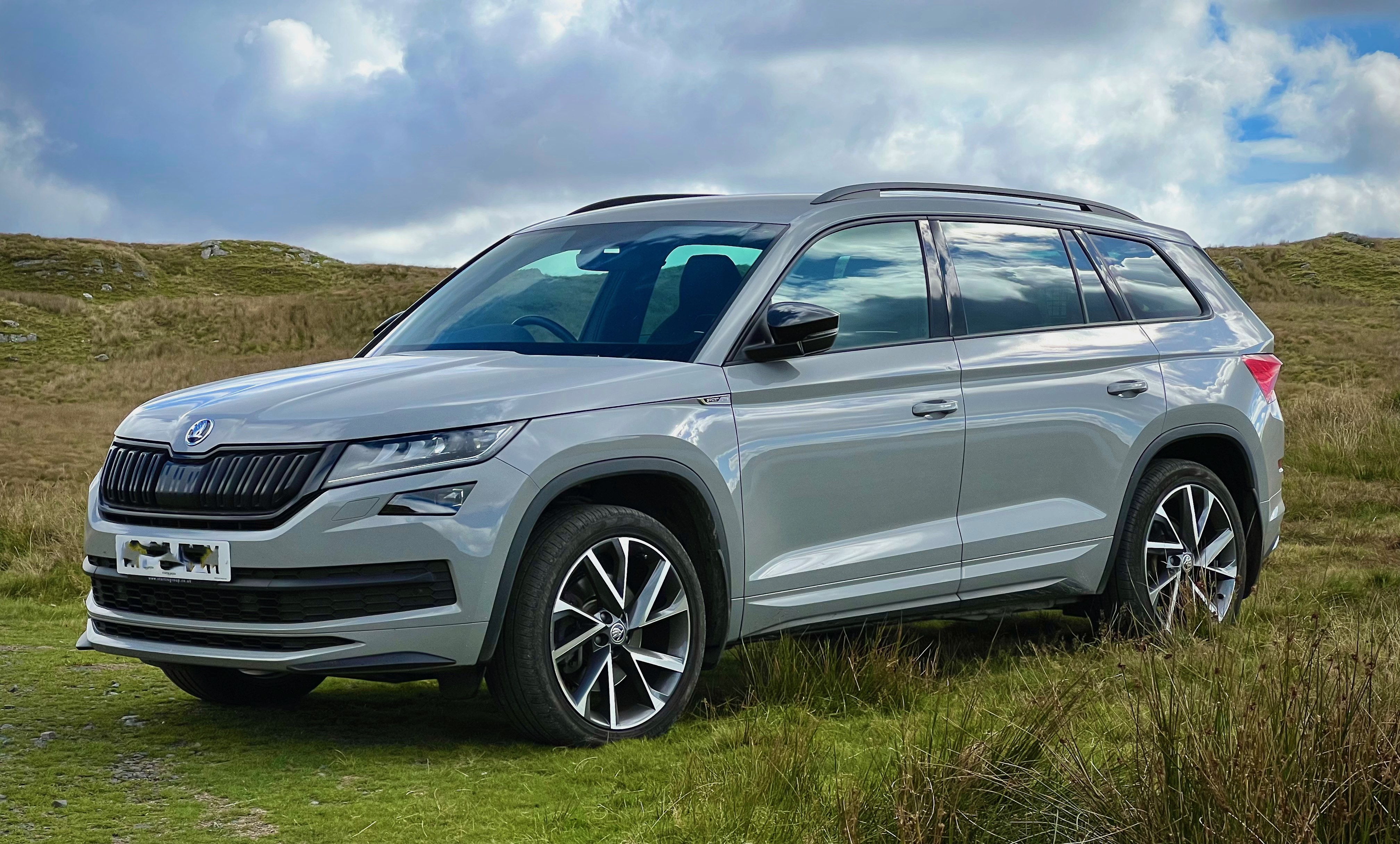
Just got a 2020 Kodiaq 2.0 TDI 190 Sport Line in Meteor Grey. Love it. Looks great. A few issues though: Reverse mirror dip refuses to work even though I’ve followed the manual to the letter, and I can’t activate the main beam assist (auto main beam dipping) that I thought was part of the file LED Adaptive Headlight System the Sportline comes with. Any tips on how to fix these?