




FabFabFabia
Members
-
Joined
-
Last visited
Everything posted by FabFabFabia
-
Thanks for the replies. I haven't accidentally turned the function off but if it doesn't reset itself after a long run this week I'll mention it to the dealer when I have the annual service later this summer.
-
A few weeks ago I started up my 2018 Karoq Edition DSG 1.5 TSI and while I was driving I heard the engine make the restart sound a couple of times which was strange as the engine was already running. Since then whenever I stop in traffic the engine no longer shuts down (and no longer starts up again when I press the throttle as it now stays running all the time). Any idea how to fix this please?
-
Thanks, my dealer is a few miles away so I bought this one for £2.50 which should do the job (if not I'll send it back): https://www.amazon.co.uk/DXIA-Covers-Universal-Hexagonal-Removal/dp/B08262X3M9
-
I checked and the bolt cover removal tool is missing. Is this the one I need to get for my Karoq Edition? https://www.amazon.co.uk/dp/B0BHP5PML9
-
I'll have another search in the boot and let you know if I find it 🙂
-
Great, thanks for your help!
-
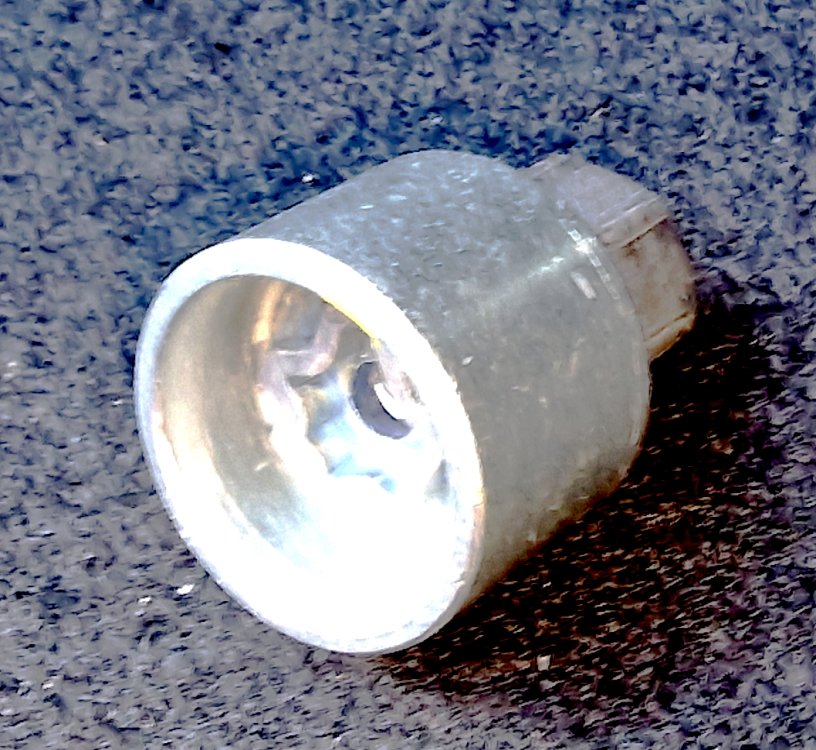
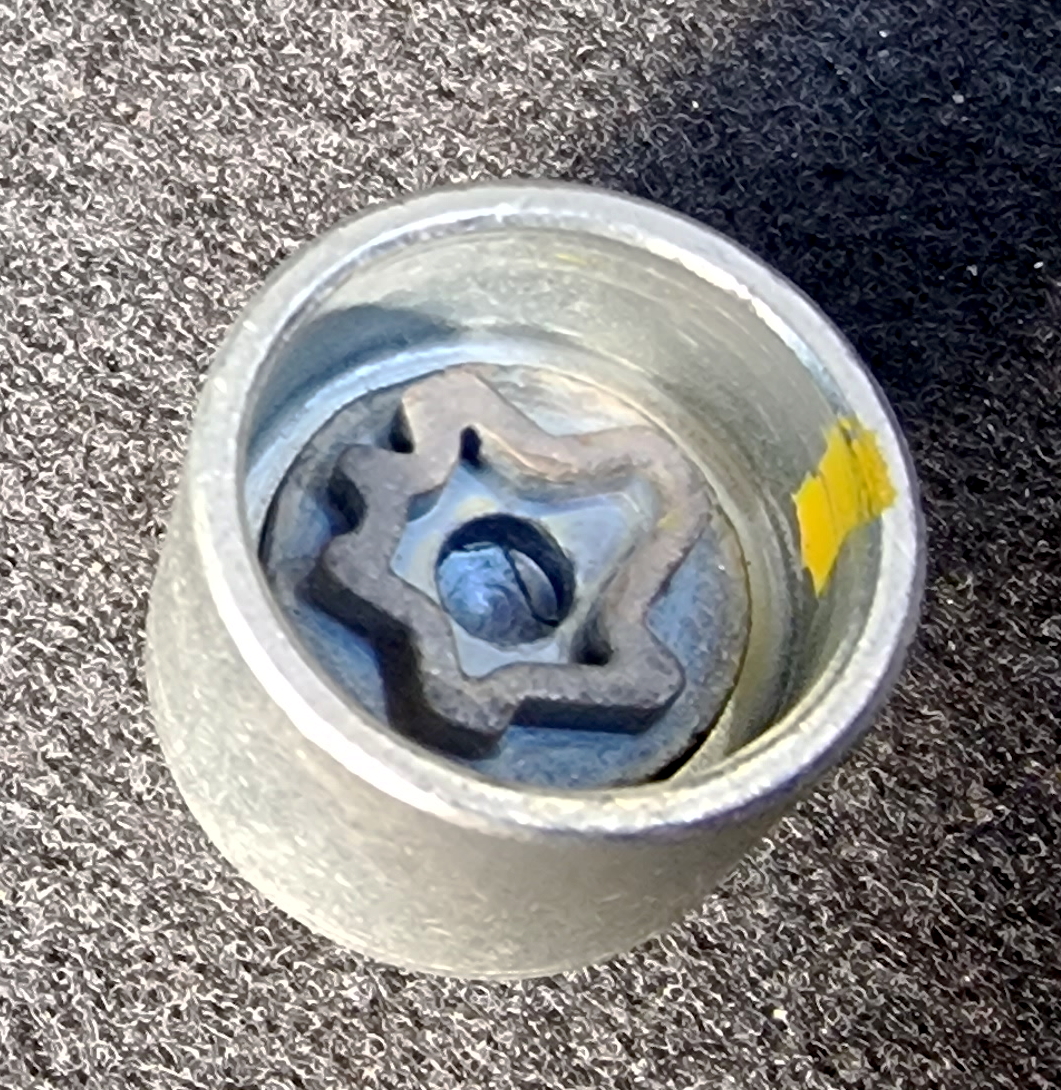
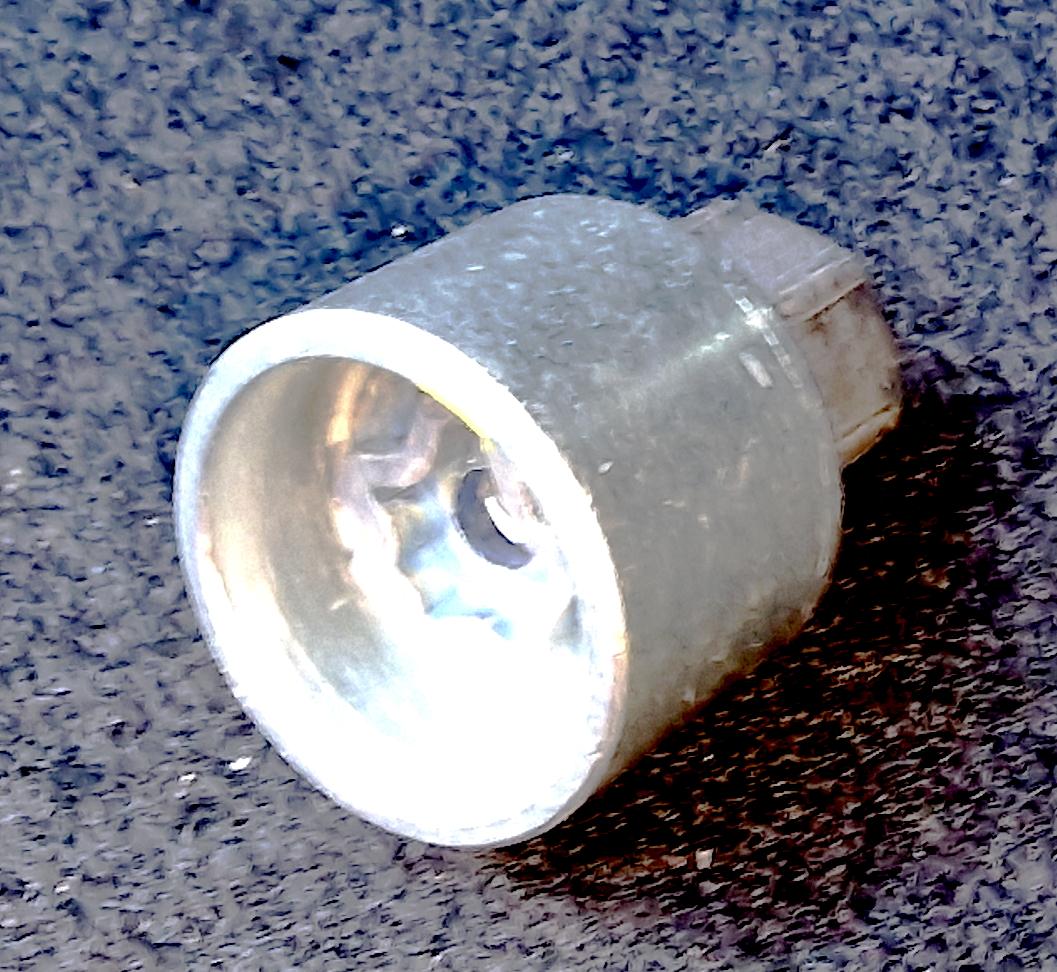
I just found this hiding under the spare wheel - is this the locking nut?

-
Oops, no I didn't, I'll check again. Thanks for the tip!
-
Thanks, everyone, for your replies and suggestions. I just checked the wheels on my 2018 Karoq Edition and all 5 locking nuts on each wheel look identical so I'm assuming that my car does not have locking nuts so I should be OK when getting 2 new tyres for the front. I'll ask the fitter to swap the two rear tyres for the front and put the new tyres on the back as recommended by those webpage links. I'll also get my tracking done, and I do try to keep my tyre pressures at the setting recommended on the plate inside the filler cap.
-
My 2018 Karoq petrol DSG 'Edition' needs a couple of new tyres on the front before the May MOT as both are worn on the edges (11,500 miles). Are my wheels fitted with a special locking nut? If so, where am I likely to find it? I actually don't recall ever seeing one. And if I don't have one will the tyre fitter still be able to fit me two new tyres on the front? Many thanks.
-
I thought my 19" wheels were a little firm when I picked up my Karoq Edition in 2018 but once I let some air out of the tyres to reach the correct pressure (as indicated under the fuel flap) then the ride has been fine.
-
The aircon in my 2019 Karoq Edition runs "cool" at best - yesterday it was 26 degrees in the UK and the cabin temperature was only just comfortable. Certainly not as cold an aircon as I would expect for a flagship car, it never has been.Is there any way for the dash display to let me know when the keyfob battery is low? My brother's Octavia tells him this so he replace the battery before it dies, but my keyfob battery just dies without any "low battery" warning. Thanks.I'm not aware of such a button..........Using the Carista app plugged into the port of my 2018 Karoq Edition 1.5 PSI DSG it tells me ASR is set to OFF. Is this right? Thanks.Using the Carista app plugged into the port of my 2018 Karoq Edition 1.5 PSI DSG it gives me the option of changing the power steering mode:- 1. Chosen By Profile Selection Button (do I have one of these buttons on my Edition?) 2. Comfort 3. Automatic 4. Dynamic 5. Default If I wanted to have more power assistance when parking or slowly manoeuvring is there a better setting to pick instead of "default"? I do prefer a lighter steering to a heavier one. Thanks.I recently had a towbar with 13-pin electrics installed and since then the 12-volt socket on the left-hand side of the boot (next to the removable torch light which does still work) is no longer working. I'm due for a Skoda service next week - should I ask the dealer to look at it? Has anyone else had this issue when fitting an aftermarket tow bar? Thanks.Do I have to use the Auto Climate Control to get any benefit from this "trick" ? I always just use the manual aircon/temperature control instead.I'd be interested to see if this method improves the aircon on the Karoq - hopefully someone braver than I will give it a try and post here what happens.... :-)What does this achieve?I was loaned a 1000cc 2020 Skoda Scala last summer when my £30k 2018 1500cc Karoq Edition went in for servicing and the aircon was absolutely freezing on the Scala. Loved it. When I collected my serviced Karoq later that day I put my aircon on and it was only slightly cool by comparison, even on maximum. I will never again buy a car without auditioning the air conditioning first.Where do I find this setting?When a flagship £30k Skoda Karoq Edition has poorer A/C than a £14k car of the same brand then I think it's reasonable to question and criticise the poor aircon of the Karoq. Whatever country one lives in.My 2018 Karoq Edition aircon has never got cold enough for me. Using the Carista app I was able to change the car's internal aircon setting to "for hotter countries" which "may" have cooled the interior down a bit more or I could have imagined it. When I hired a 2020 Skoda Kamiq last year the aircon on that was absolutely freezing as soon as I started up the ignition and stayed freezing throughout the journey. So it can't be EU restrictions on the coldness.I don't understand why the Kamiq aircon is so lukewarm in comparison. My 3-year service is due next month so I'll have the dealer service the aircon and check it over for me. But I've a feeling they will say "it's all working within specification".



Important Information
Welcome to BRISKODA. Please note the following important links Terms of Use. We have a comprehensive Privacy Policy. We have placed cookies on your device to help make this website better. You can adjust your cookie settings, otherwise we'll assume you're okay to continue.