
beneix
Members
-
Joined
-
Last visited
Everything posted by beneix
-
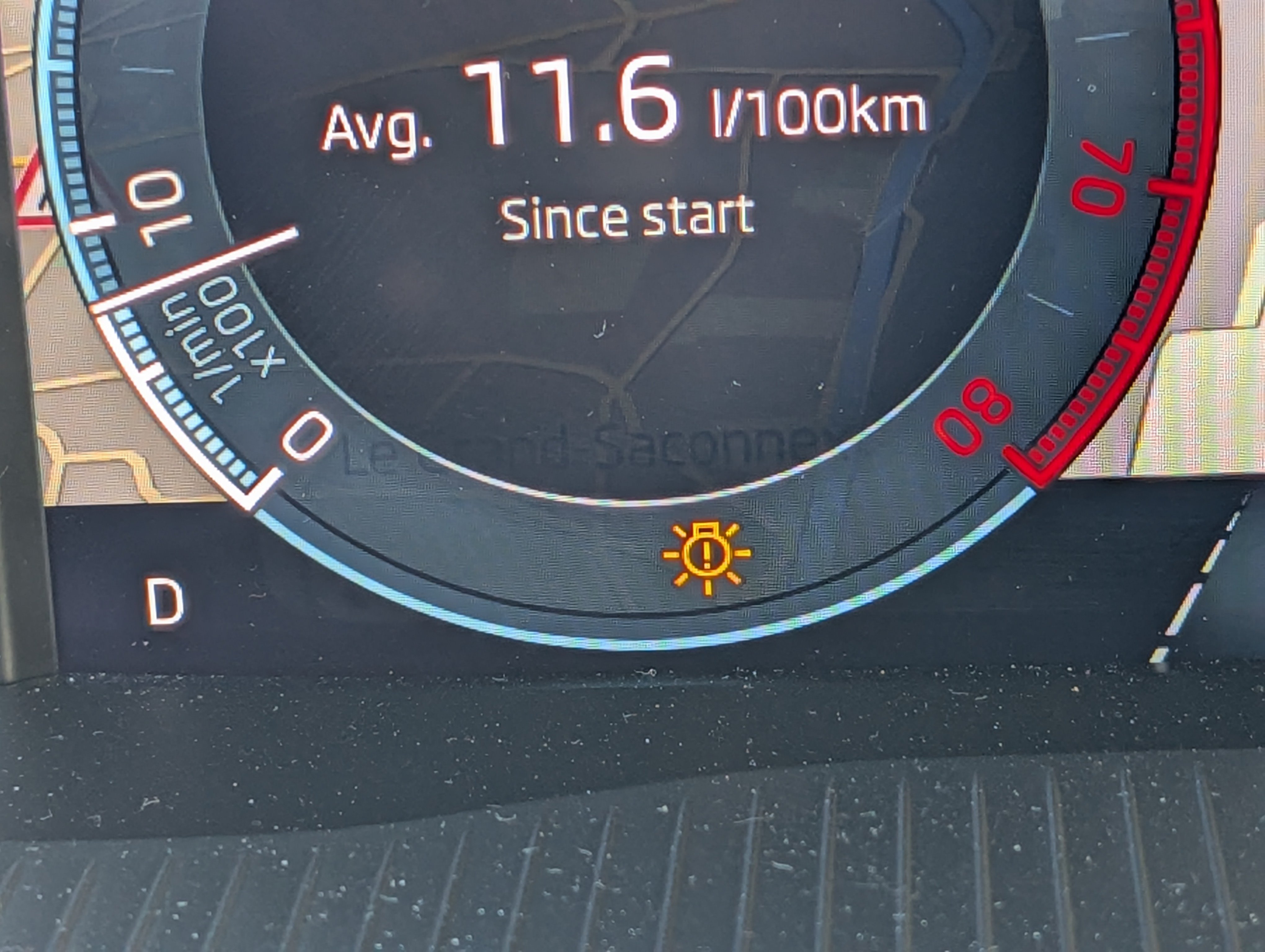
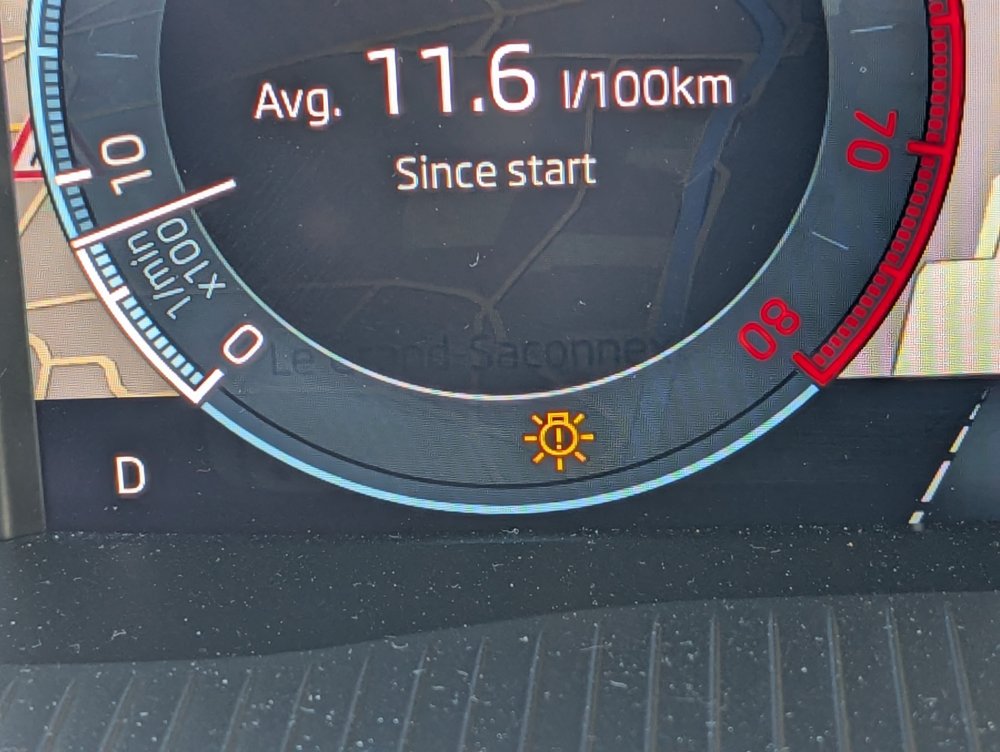
I've had a similar warning three times on my pre-FL 2024 Octy. Reset after ignition off/on.
-
Admittedly my car is pre-FL but it does not have any drive mode button. I think its inclusion depends on the market and equipment level.
-
@djmartzian I used a piggy-back cable so that I could put a fuse for the dashcam.
-
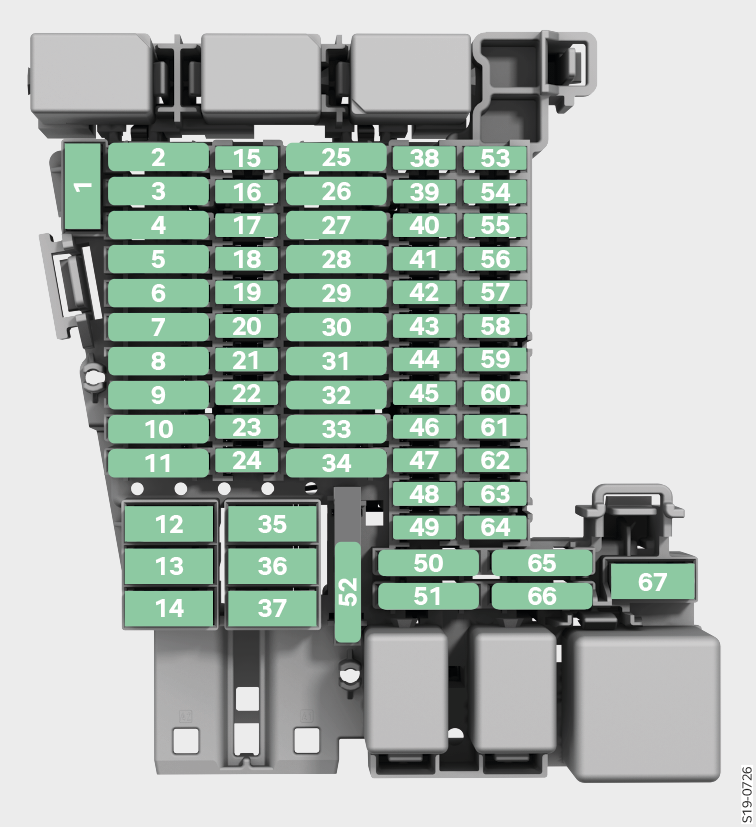
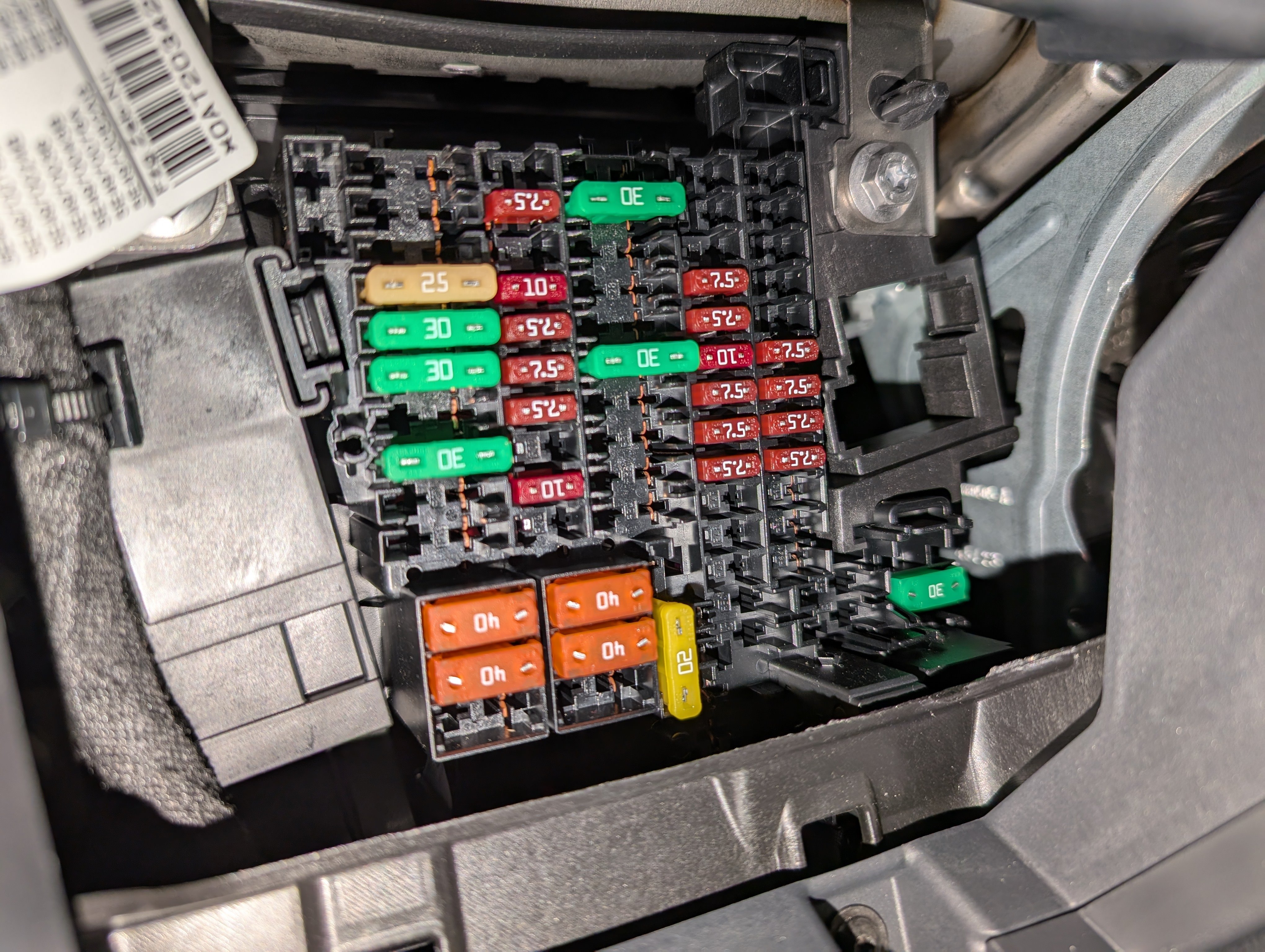
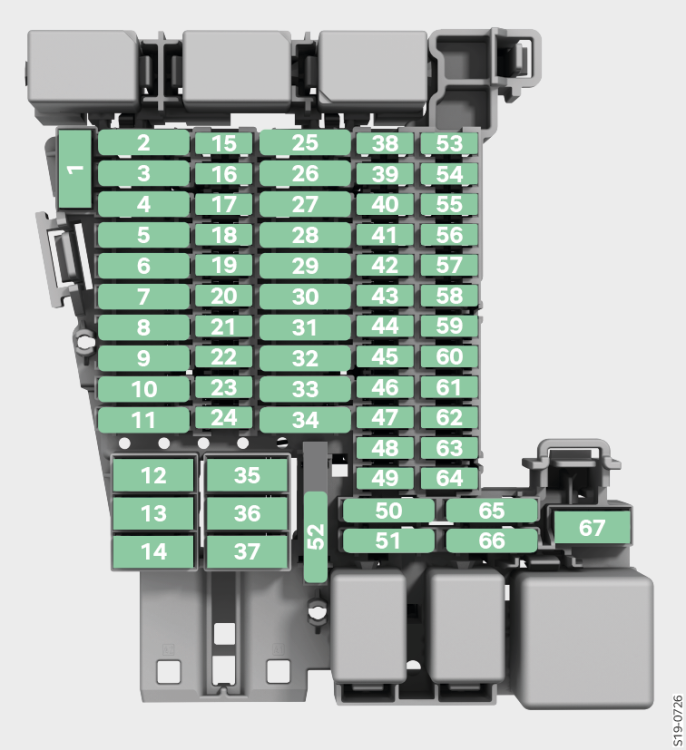
In case it can help someone in the future, I have identified an empty slot in my dash fuse box that is switched by ignition. I tested most of the empty slots (slots that in my vehicle do not have a fuse, see photo above) and almost all of them are permanently powered with 12V. However, slot number 49 in the diagram from the manual (see below) is only powered when ignition is on. I am now using this for my dashcam.
-
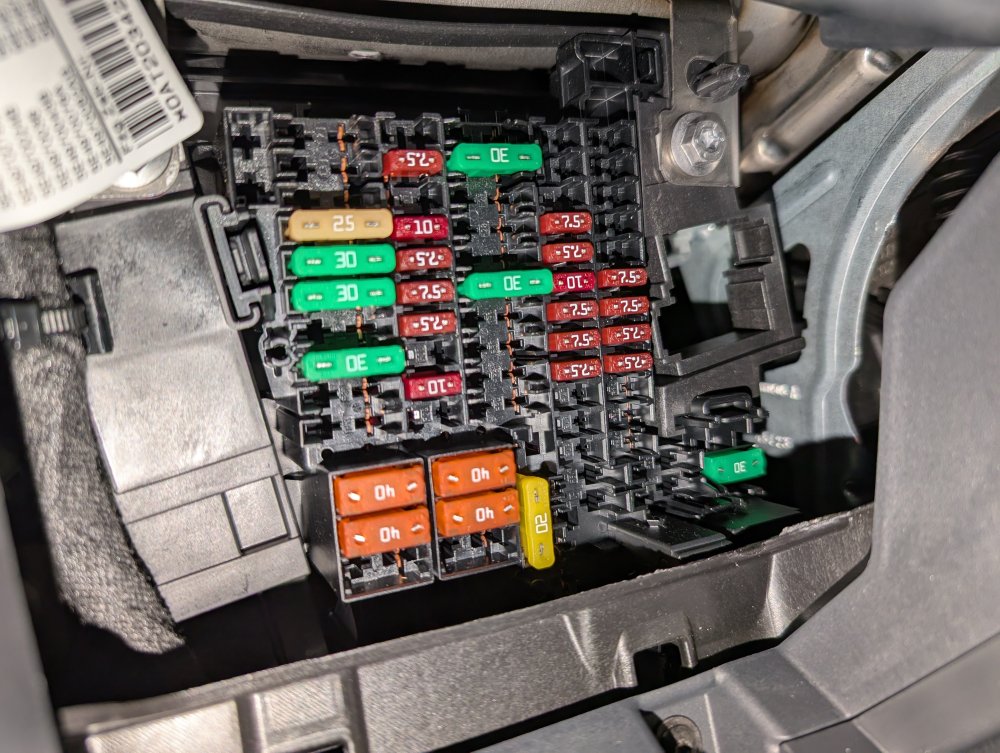
I'm going to wire my dashcam to the fuse box, since I have no USB-C out by the rear view mirror and wiring that up would be just as much work. This is what my fuse box looks like; has anyone else found a suitable socket that has 12V only when the ignition is on?
-
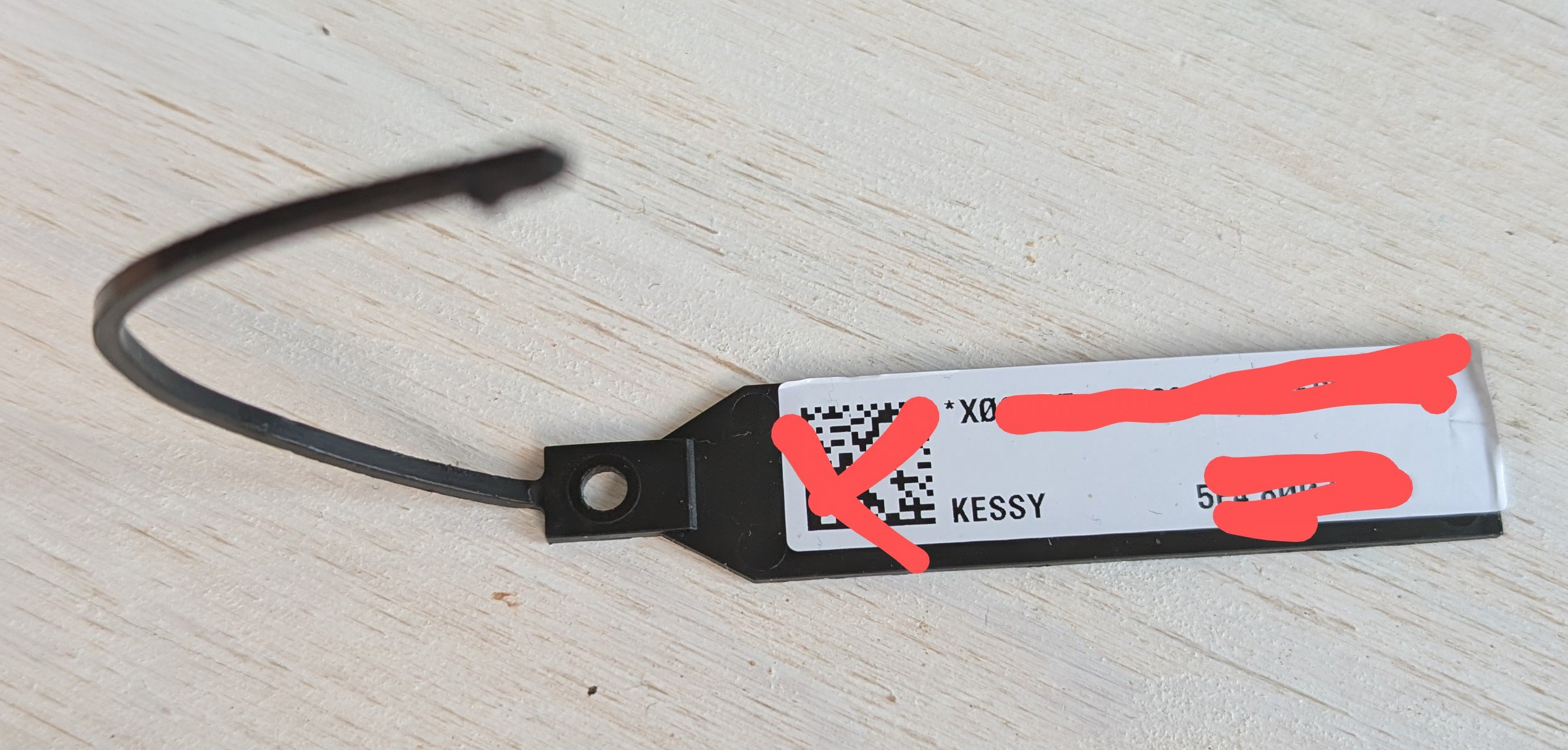
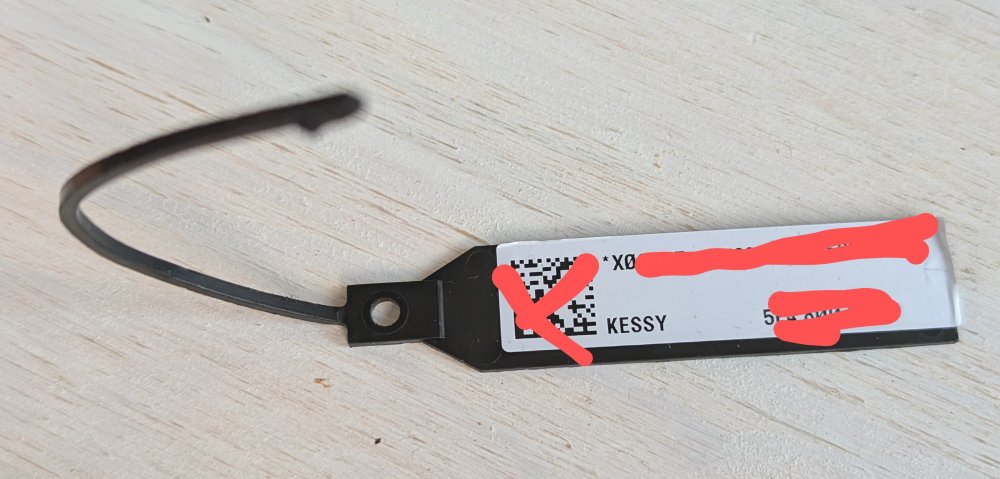
This plastic tag came with my vehicle. It has some codes and a QR code on it. Since it refers to KESSY, is it something I should hold on to? Would it assist with, or be required for, any future key-related issues?
-
The regular Octavia keys have CR2032 lithium batteries, but perhaps the iV's keys are rechargeable? We need an iV owner to confirm what the manual says.
-
Sounds like the same as mine - 0F/W5Q Lava Blue, right? I was a bit afraid it would be garish but now that I have it I think it's quite cool.
-
I did a thorough search of different keywords across the whole forum and found this post: This poster's problem was slightly different, but sufficiently related to mine that I decided to try the solution. I took all my music off the USB stick, formatted it as NTFS, put the music back and – fingers crossed – it now seems to work as it should! So, if anyone else is having strange issues with their music on a USB stick, it seems Škoda can't handle exFAT.
-
With standard cruise control, there is an option to use the set speed as a max limit instead of as a speed to maintain. However, each time you restart the car and engage cruise you need to go into the options to set this behaviour, since "cruise" is default rather than "speed limiter". Is there a long coding where this default can be changed?
-
@avi4tor Thanks, I realise that is a possibility - but it means that you lose all the convenient navigation using metadata. The metadata-based navigation is supposed to work, and I have not heard other people here say that they all use the basic navigation you describe; the metadata-based navigation seems to work for them.
-
Thanks - used your link and within two hours I had a 6-page report with every detail of the factory spec. Now I even know my car was made on 22 May 2024! 😊 I do wonder what some of the things mean, such as "0Y2 Tropical zones" and "8Z4 Moderate hot country"...
-
Of course, my car is virtually new. That would be great to see... Yes, I am and that is what I see in the app.
-
Did you open up the cover yet to see if there is 12V to tap into? I'm looking to do the same in my Octavia.
-
My digital certificate is one page only. There is no information about equipment. How can the Skoda app produce 5-page outputs for some users and only single page for some? This seems strange. I would also like to find a way to confirm the specification of the vehicle beyond the engine and gearbox.
-
That is exactly what I have done. The file structure on the stick is D:\Music\<aac, flac, mp3>\<artist>\<album>\<"01. Track1", "02. Track2", ...> and all files on the stick have been run through MP3Tag to make sure the metadata is correct.
-
No, like I wrote, shuffle is not activated. This is really weird - I have just spent some time in the car making notes of the playing order. It turns out that it plays one song, then skips three, then plays a song, skips three, etc. So on my Best of Blondie album, which contains: 01.Heart_of_Glass 02.Denis 03.The_Tide_Is_High 04.In_the_Flesh 05.Sunday_Girl 06.Dreaming 07.Hanging_On_the_Telephone 08.Rapture 09.Picture_This 10.Union_City_Blue 11.(Im_Always_Touched_by_Your)_Presence,_Dear 12.Call_Me 13.Atomic 14.Rip_Her_to_Shreds ...the Octavia plays Heart_of_Glass, then Sunday_Girl, then Picture_This, then Atomic - and then it goes to another album. These files are FLAC, so I also tried with a Hall & Oates album that is MP3. Exact same behaviour, every fourth song is played. When I play the same USB stick on anything else such as my PC, this does not happen. Any ideas, anyone? My System Information: Hardware H67 Software 1985 Display unit/control panel hardware H49 Display unit/control panel software 2103 Navigation database 25.1 Media Codec 3.1.4
-
😊 Thanks. I have a 12-to-5V transformer from my previous vehicle I might use if it fits inside the cover. Thanks @TheUltraRunner for the link!
-
Just took delivery of my pre-registered mk4 Octy and it turns out it has no USB port on the rearview mirror. I can see where it would go, but the hole has a plastic blind piece instead of a port. Is there any chance I will find a connecting wire inside if I take the plastic off, or will I have to route a new wire from the fuse box to put in my dashcam?
-
I am facing issues getting music to play in a reliable way from my USB stick. The car is recognising the files, it shows the artists and albums and I can start playing. However, it doesn't play the tracks in the expected order. It doesn't follow the embedded metadata field for track number. I thought it might be following the file name or file modification date, but that is not it either. Also, it doesn't play all tracks from an album, only 3-5 of them, and then stops. It is not set to shuffle play. When I have the list of albums on the screen, is there supposed to be a way to directly start playing all of the tracks on one of the listed albums? When I click on the album name, it opens the track list and I can then start playing one track by pressing it, but is this the only way? Is there a list of recommended USB sticks that work well? I am using a SanDisk Ultra Dual Drive Luxe – it has a USB-C plug so plugs directly in to the car without any adapter.
-
Great video. I suppose what will work depends on what the cause is. If the filter is blocked by algae, you need something that dissolves algae - for example something like Puriclean, designed for cleaning caravan water systems. For some other types of blockage, the acid and alcohol in vinegar might work. Pure ethanol or isopropanol might work for other stuff. And so on... As for only the front being affected, if you definitely only have one pump for both that would suggest it can't be the (common) filter.
-
How did you get rid of it?
-
Another thing to try before taking the tank out and apart would be warmed up cleaning vinegar. It has been known to work on other types of issues caused by "the wrong type of" screenwash.
-
For this reason, I bought a £25 portable, battery-powered inflator that can also be powered from the 12V cigarette lighter outlet – and when the cord is not long enough, you have the battery. It can be charged via USB-C. There is a plethora of these Chinese-made ones available under different brands.
-
I haven't taken delivery yet of my car so can't test anything...does the Connect app have any functionality for free? Is there any way of seeing the options and prices other than looking in the app (which I obviously can't activate until I get the vehicle)?