
chrisgreen
FREEDOM
-
Joined
-
Last visited
Everything posted by chrisgreen
-
I'm pretty sure the net doesn't have anything to do with the rear optional sunscreen? Two very separate options.
-
Mine is a 2023 facelift Superb hatchback, and doesn't have the net. Very inconsistent it seems.
-
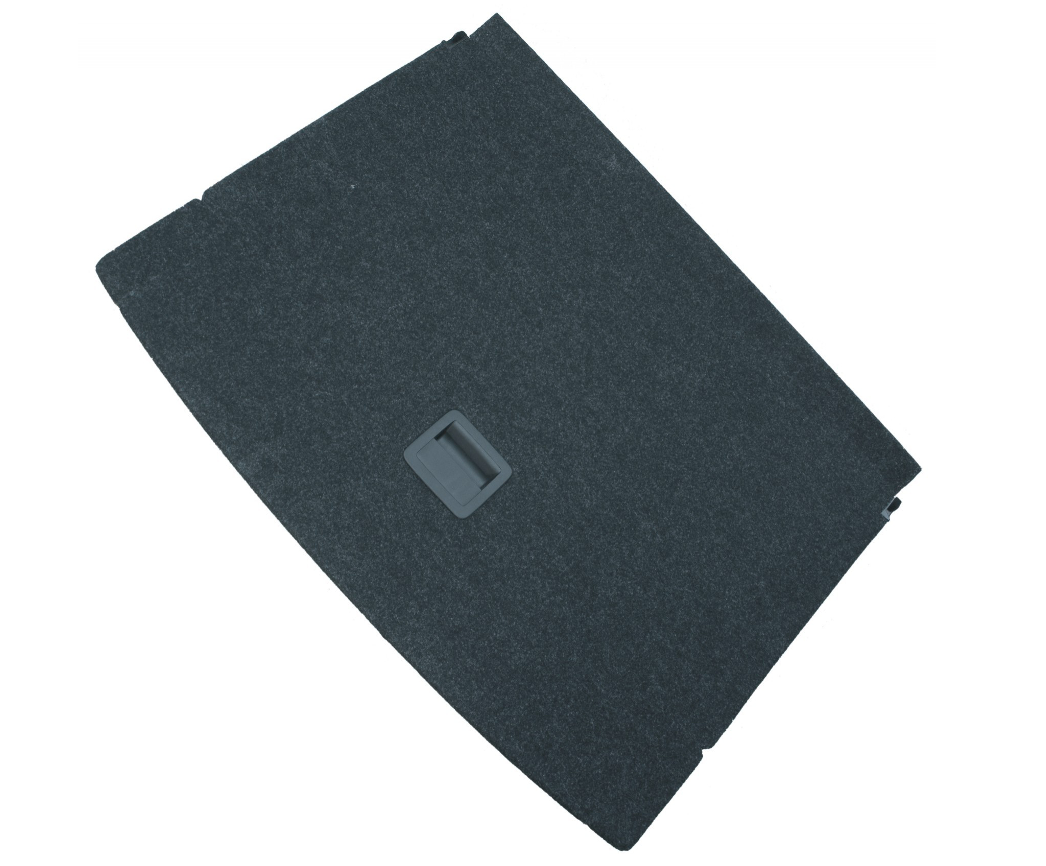
Wow, that Mk4 parcel shelf (apart from not being hinged in the middle) is a real basic design. Doesn't even have the hook to hold the boot floor out of the way when you lift it up.
-
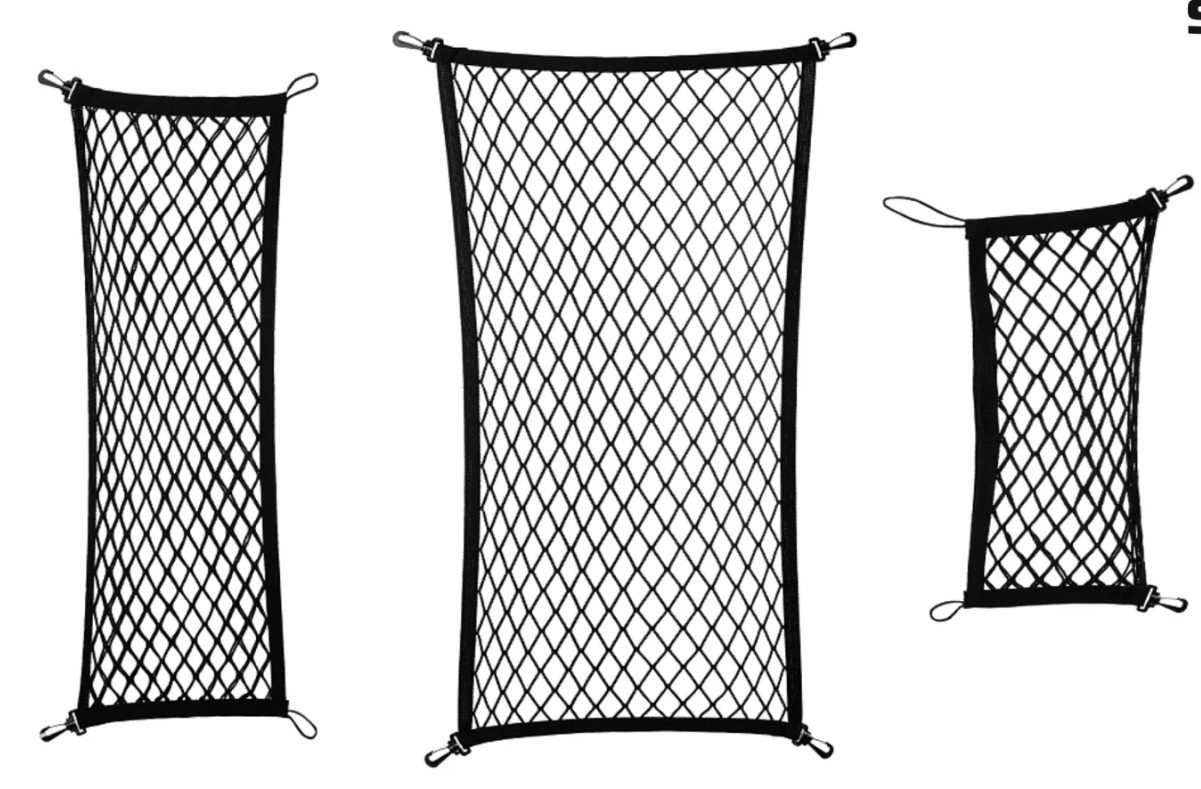
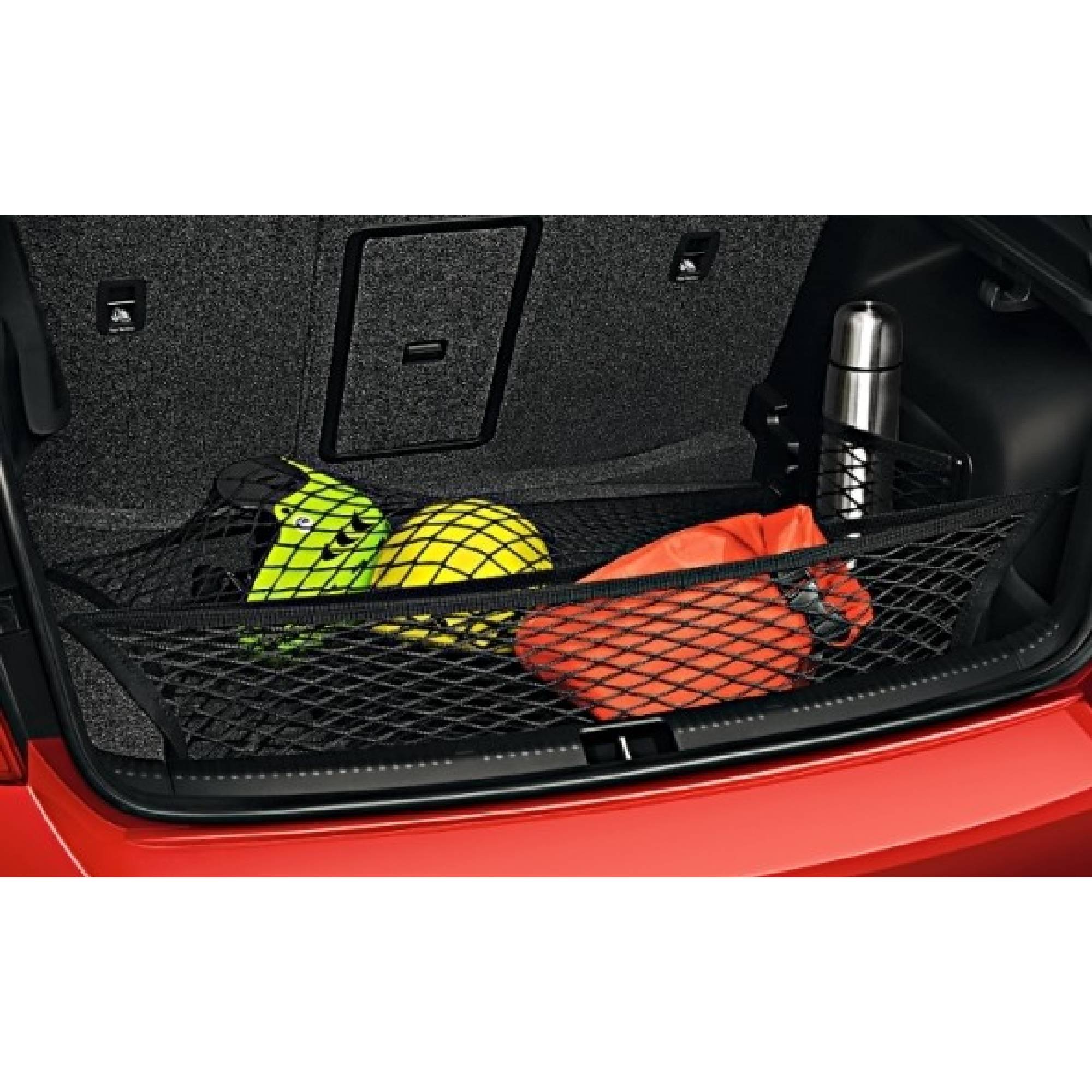
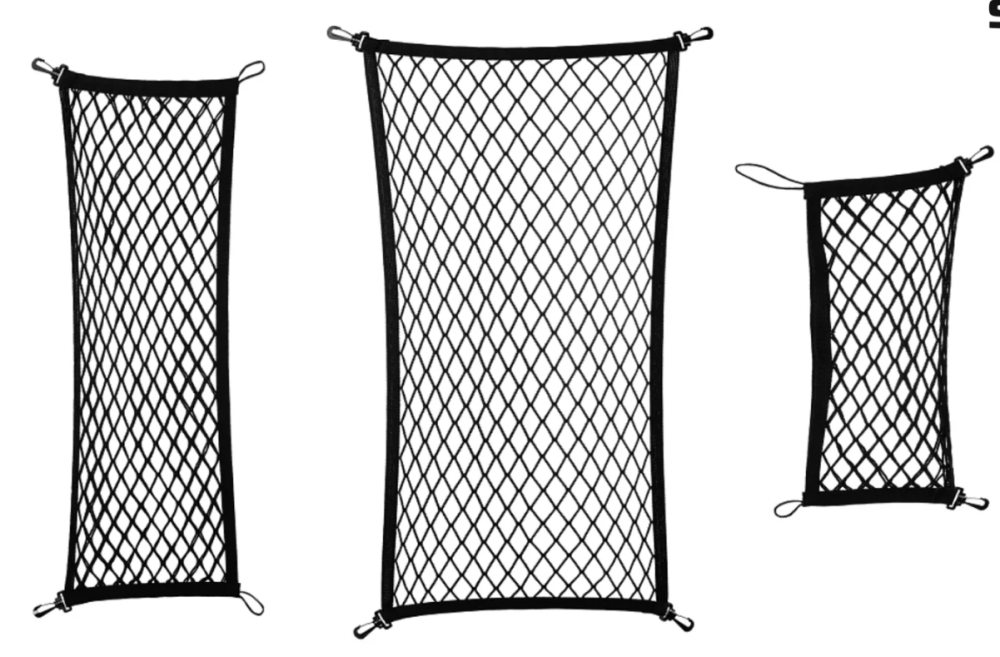
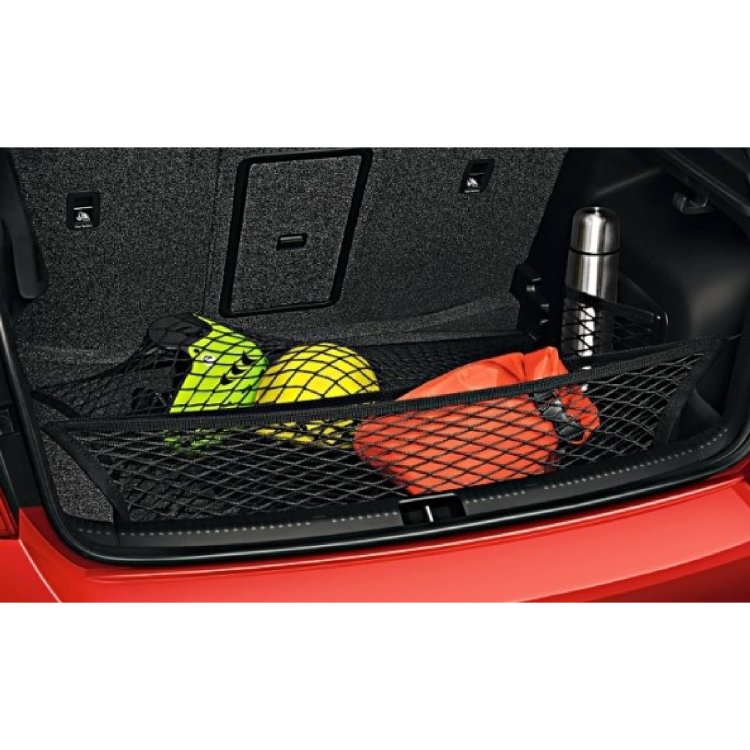
Škoda part number: 5JJ065110C This is the genuine three-piece black boot nets for the Rapid Spaceback, removed from my Spaceback before I traded it in. They are in perfect condition, so look like new. One goes on the boot floor, one goes across either the back or the front of the boot (can be used in either position) and the remaining smallest one goes on the side (again, can go on either side). £20 inc UK Postage. Collection also available from Ruislip (North West London). Can do a deal if bought together with the Rapid Floor Mats I am also selling.
-
No, clips are not present. With the previous genuine Skoda Net Under Shelf kits, they have included the net and the mounting clips (along with a template to drill the holes in the shelf to attach the clips.
-
At least I’m not going mad and you can see it is/was a thing.
-
Hello Does anyone know if Skoda every produced a "SKODA Net under the parcel shelf" retrofit for the Superb III? I fitted the kit they did for the Rapid Spaceback, and I see there's also one for the Octavia III (https://skodapartsdirect.co.uk/product/skoda-octavia-2013-2017-net-under-the-parcel-shelf/), but while I've seen some Superb III parcel shelves with one fitted, I can't find any evidence of a kit or a part number. Anyone know if there was one, and what the part number was please? Thanks Chris
-
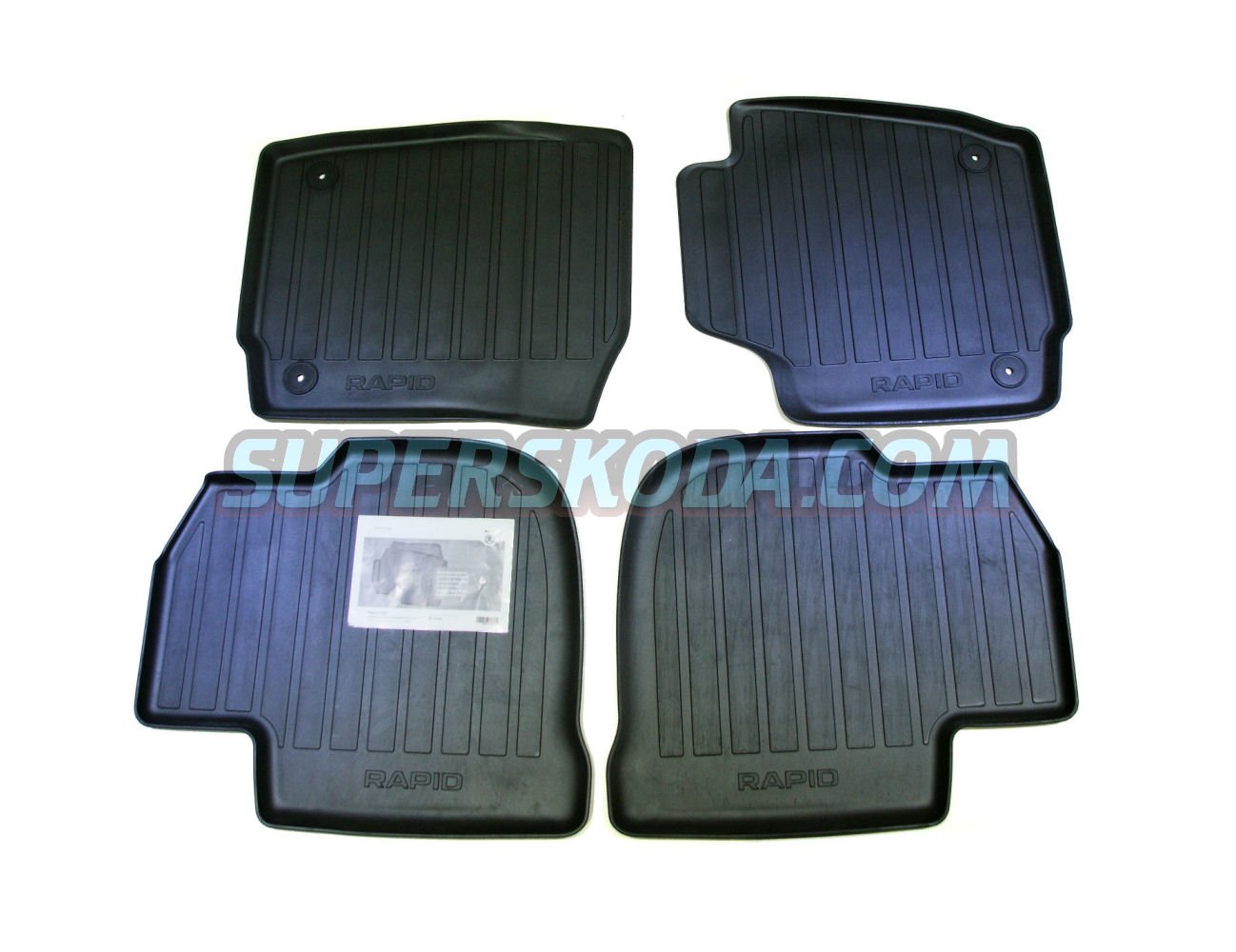
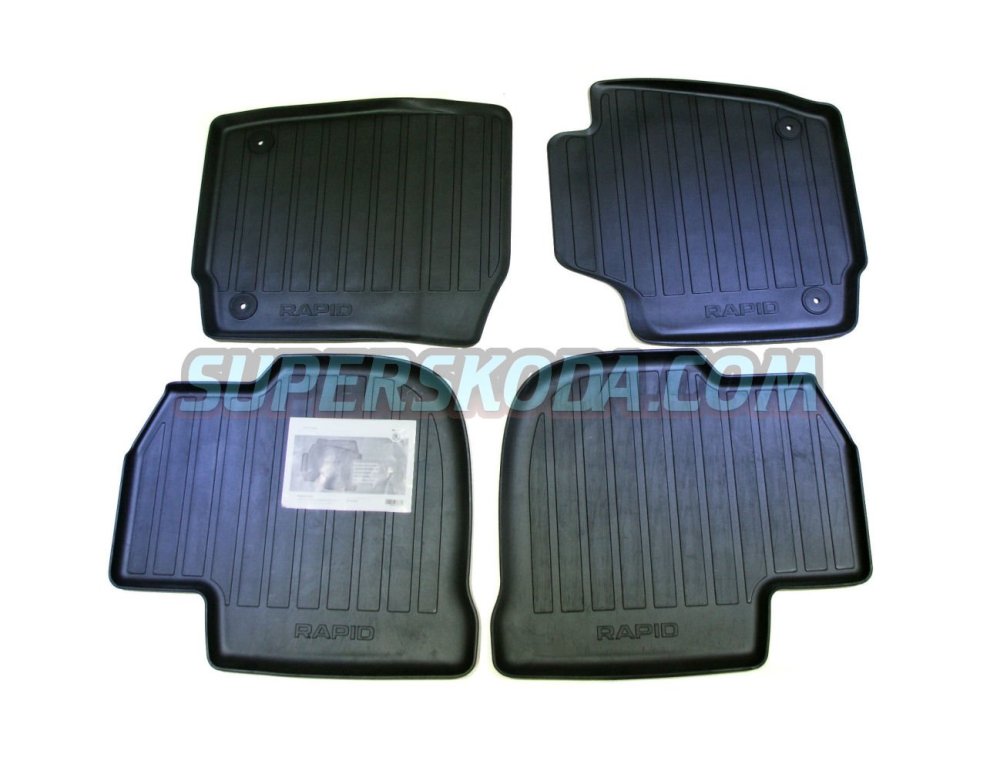
Škoda part number: 5JC061550 These are a set of genuine rubber floor mats for the Rapid and Rapid Spaceback, bought for my Spaceback but never used before I traded it in. In perfect condition, never used. £30 inc UK Postage. Collection also available from Ruislip (North West London). Can do a deal if bought together with the Rapid Spaceback genuine boot nets I am also selling.
-
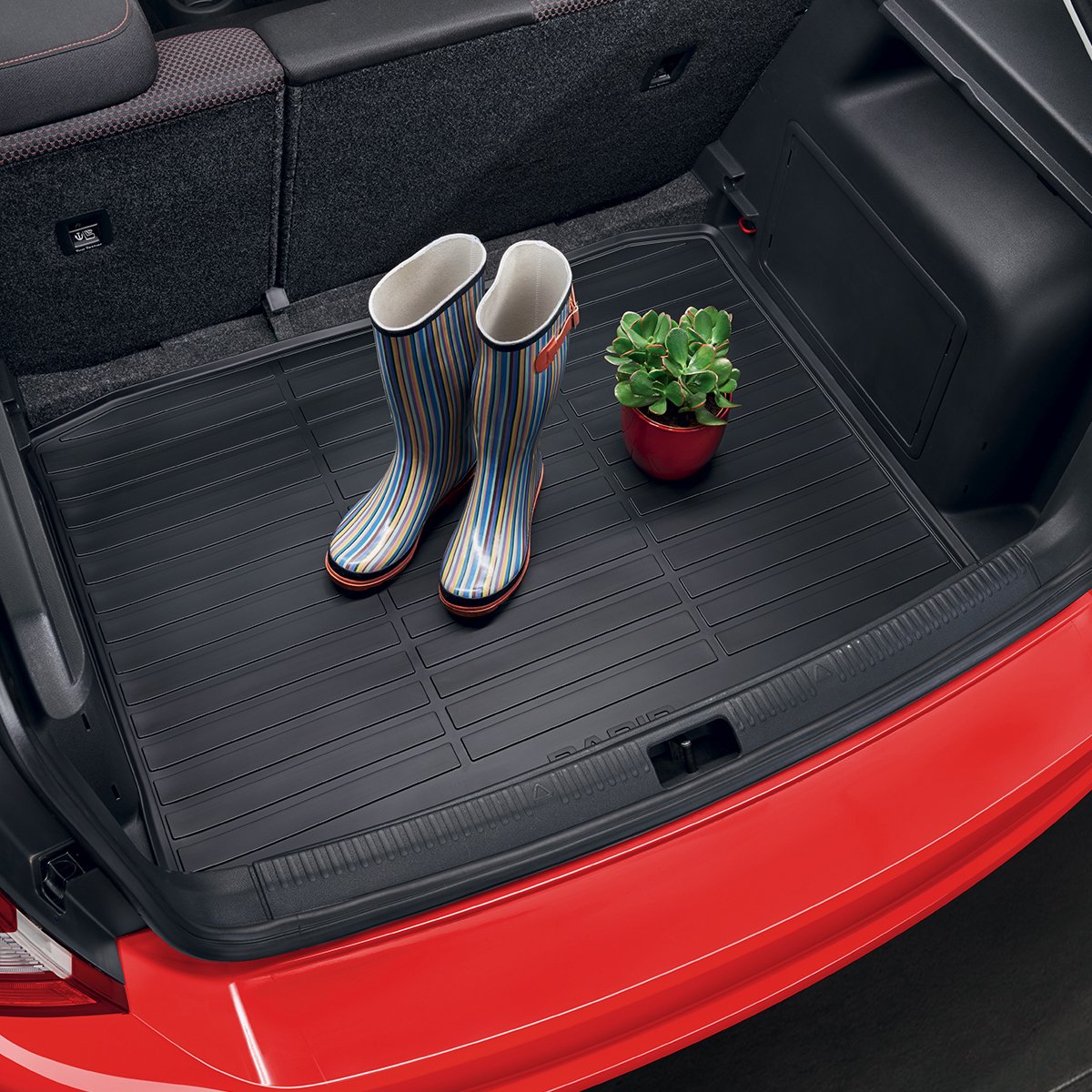
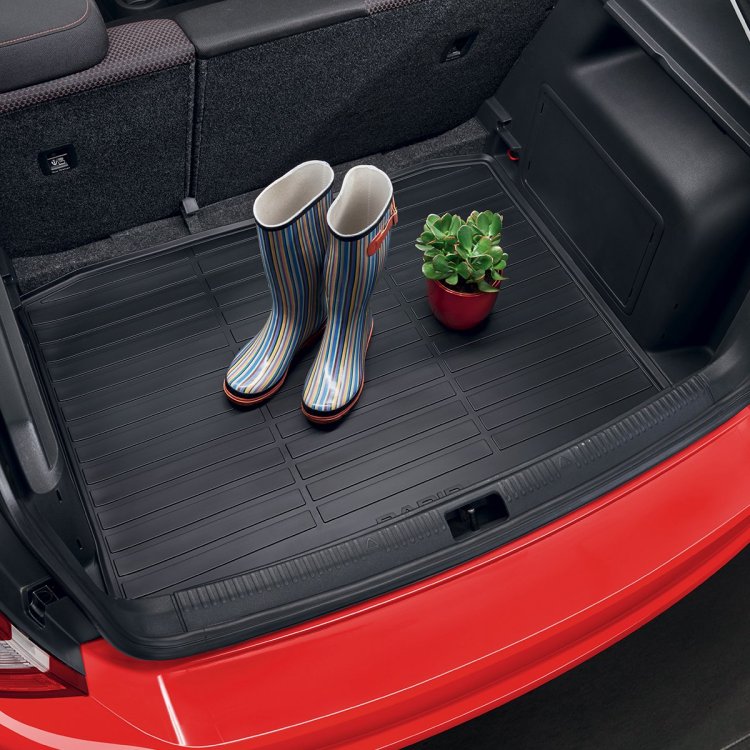
Škoda part number: 5JJ061190 This is the genuine rubber boot liner for the Rapid Spaceback, removed from my Spaceback before I traded it in. It's in perfect condition, so looks like new. £40 inc UK Postage. Collection also available from Ruislip (North West London). Can do a deal if bought together with the Rapid Spaceback Variable Boot Floor I'm also selling.
-
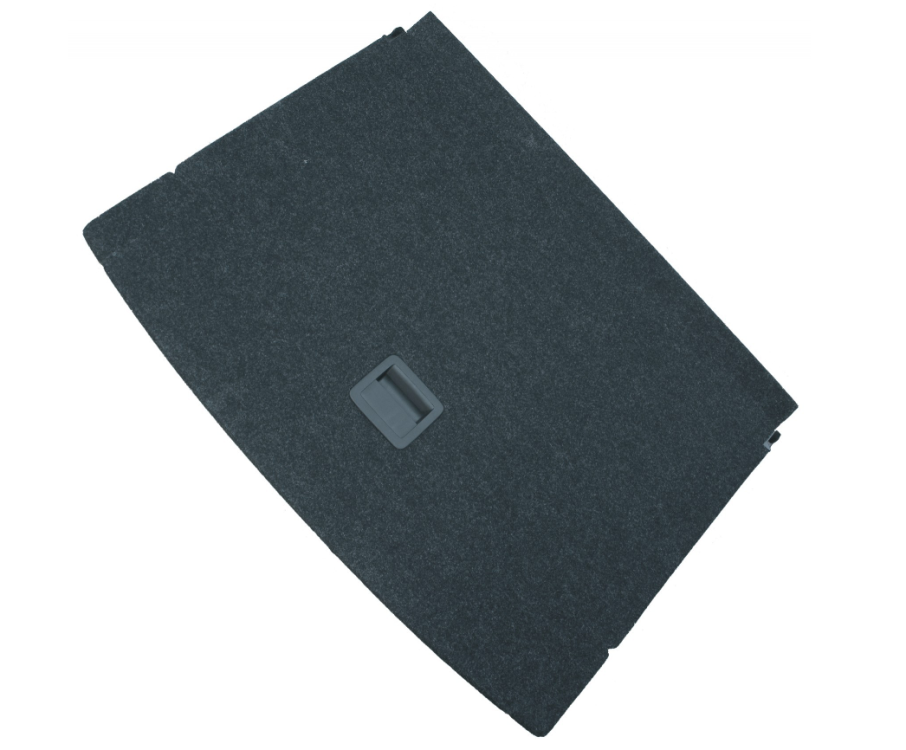
Škoda part number: 5JJ 061 103 A This is the genuine variable boot floor for the Rapid Spaceback, removed from my Spaceback before I traded it in. It's in perfect condition as it's had a rubber mat on top of it from day one, so looks like new. Slots straight into the variable boot floor mounts in the boot to raise the floor and create a hidden compartment below. £70 inc UK Postage. Collection also available from Ruislip (North West London).
-
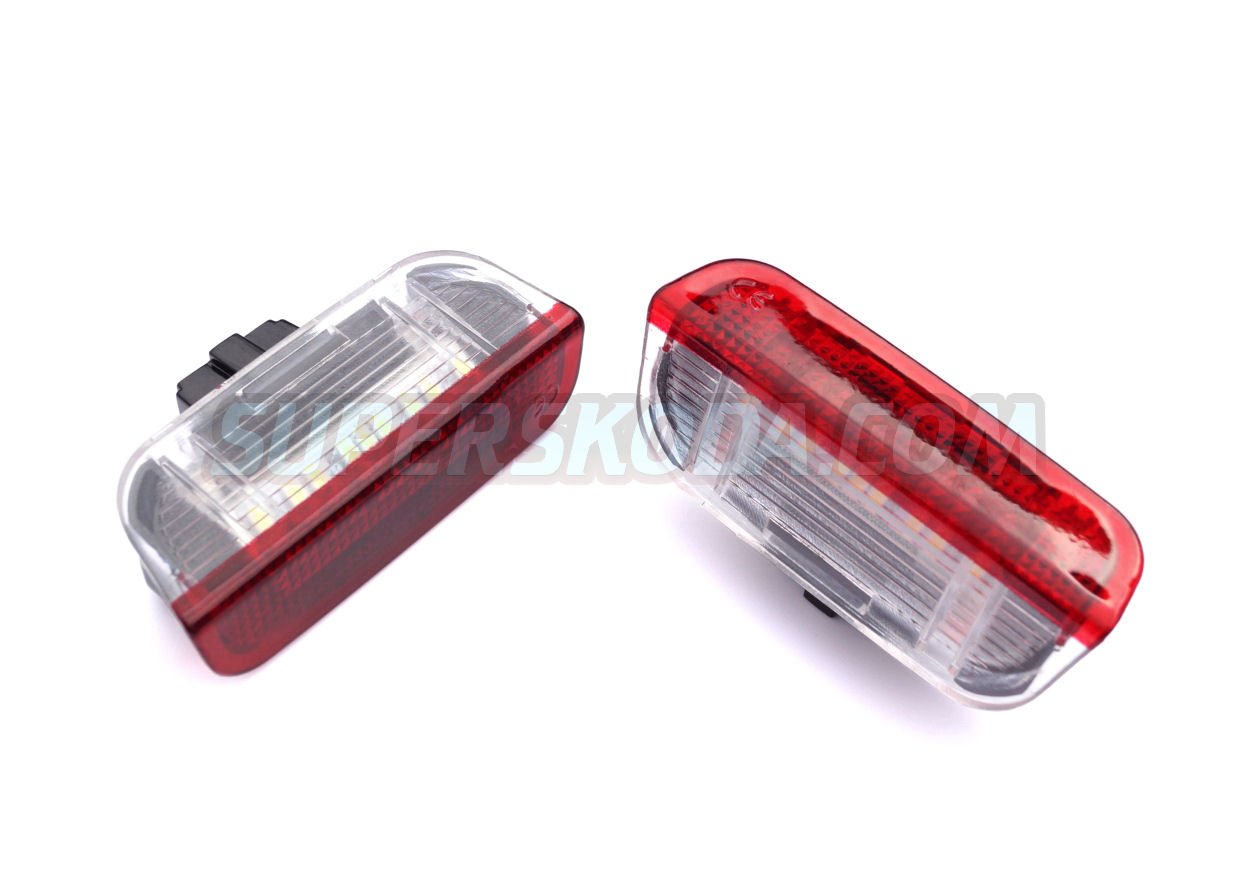
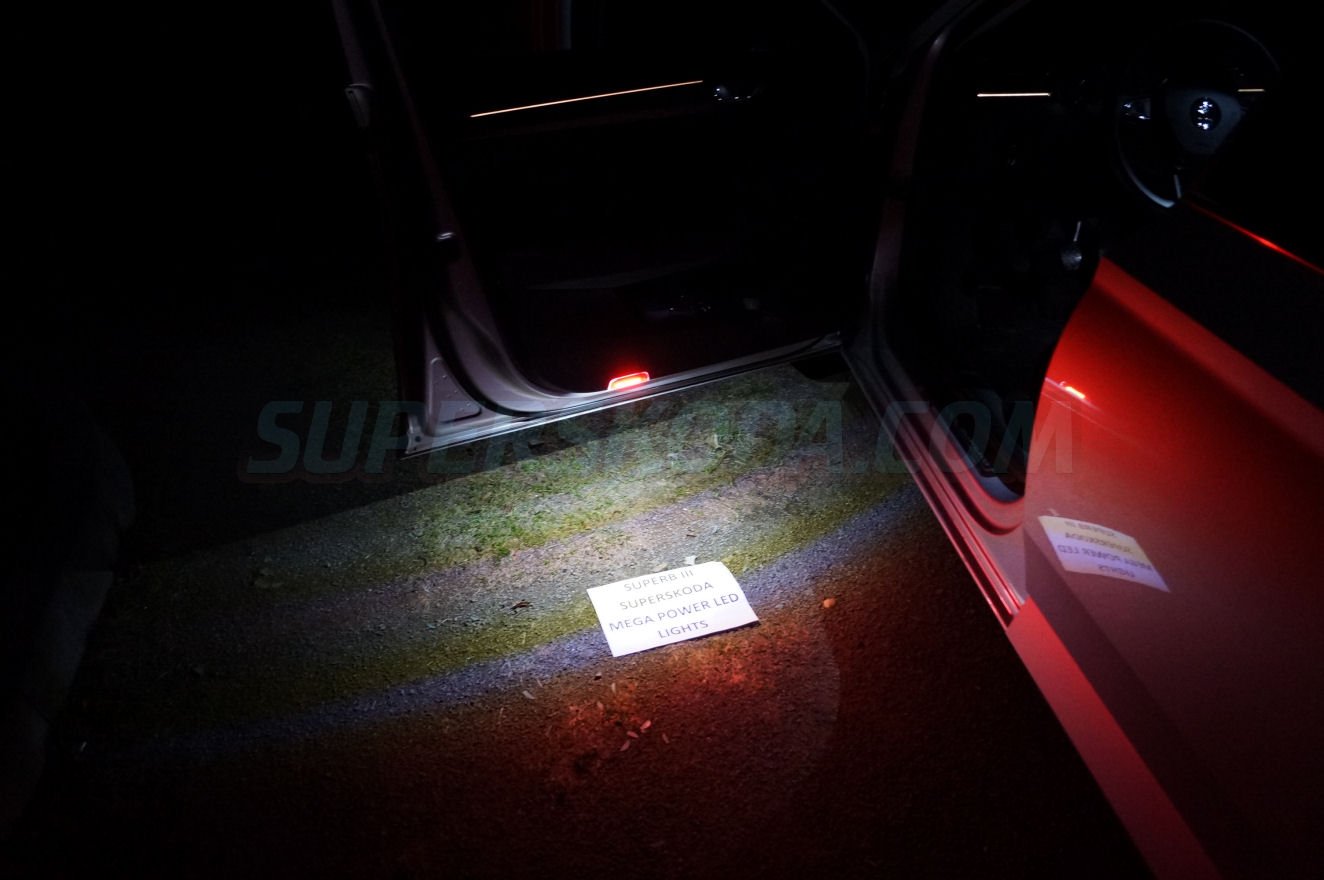
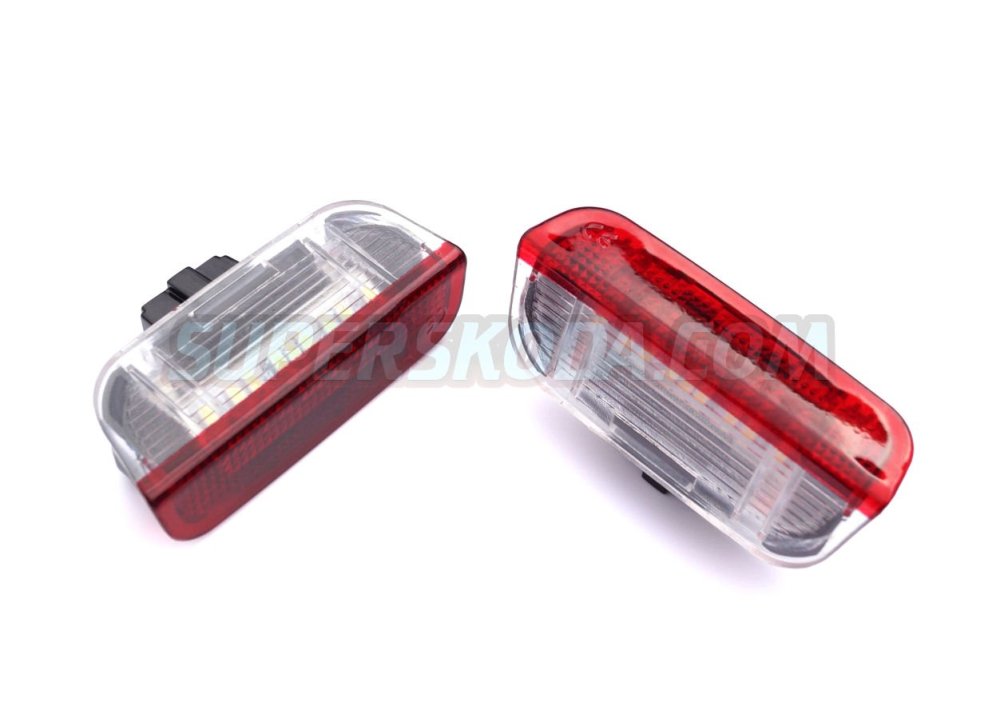
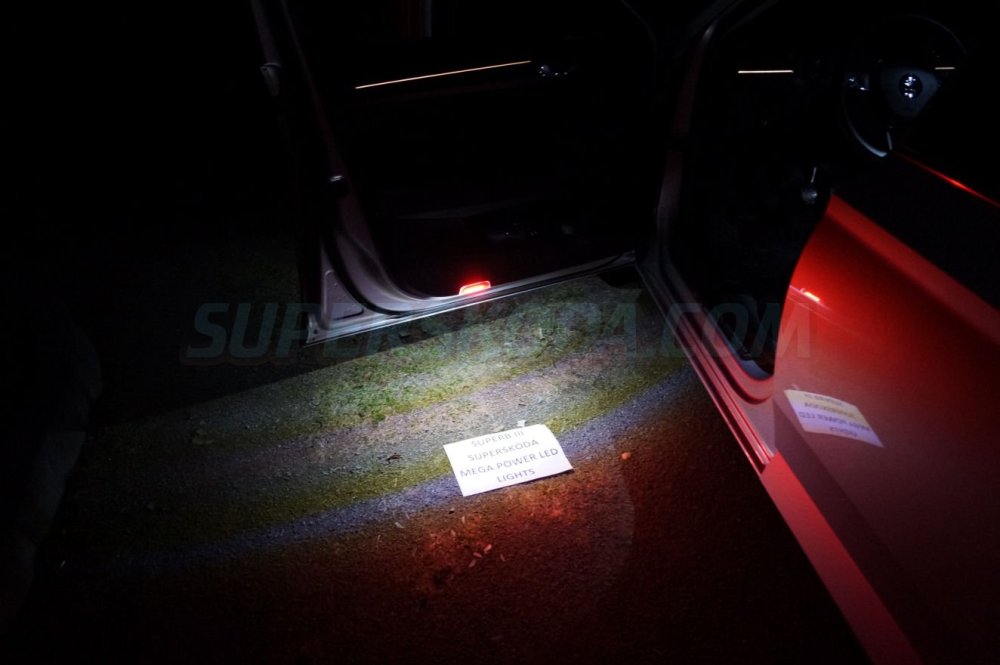
I have a set of these uprated LED door safety lights (puddle lights) that I bought in error (I didn't realise my doors only had the reflectors rather than the lights). These are a direct replacement for the underpowered factory version of these lights - they plug straight into the same connector and clip into the door. But they are a significant improvement over the VW ones. New, unused and boxed. Comes as a pack of two, fits front or rear doors. £30 inc UK postage. Collection also available in Ruislip (North West London).
-
Nice one. Thanks for that.
-
Hello Can anyone help me with the following questions about the Virtual Cockpit in the Superb III: 1) Is there any way to display the car's total mileage other than when the ignition is off? Or to toggle between mileage and trip? 2) Fuel consumption only ever displays as "since start of journey" in the virtual cockpit, any way to change it to show "since last refuel"? Thanks Chris
-
LOL - thankfully not. Good old fashioned black leather. Just a trick of the light shining through next door's hedge.
-
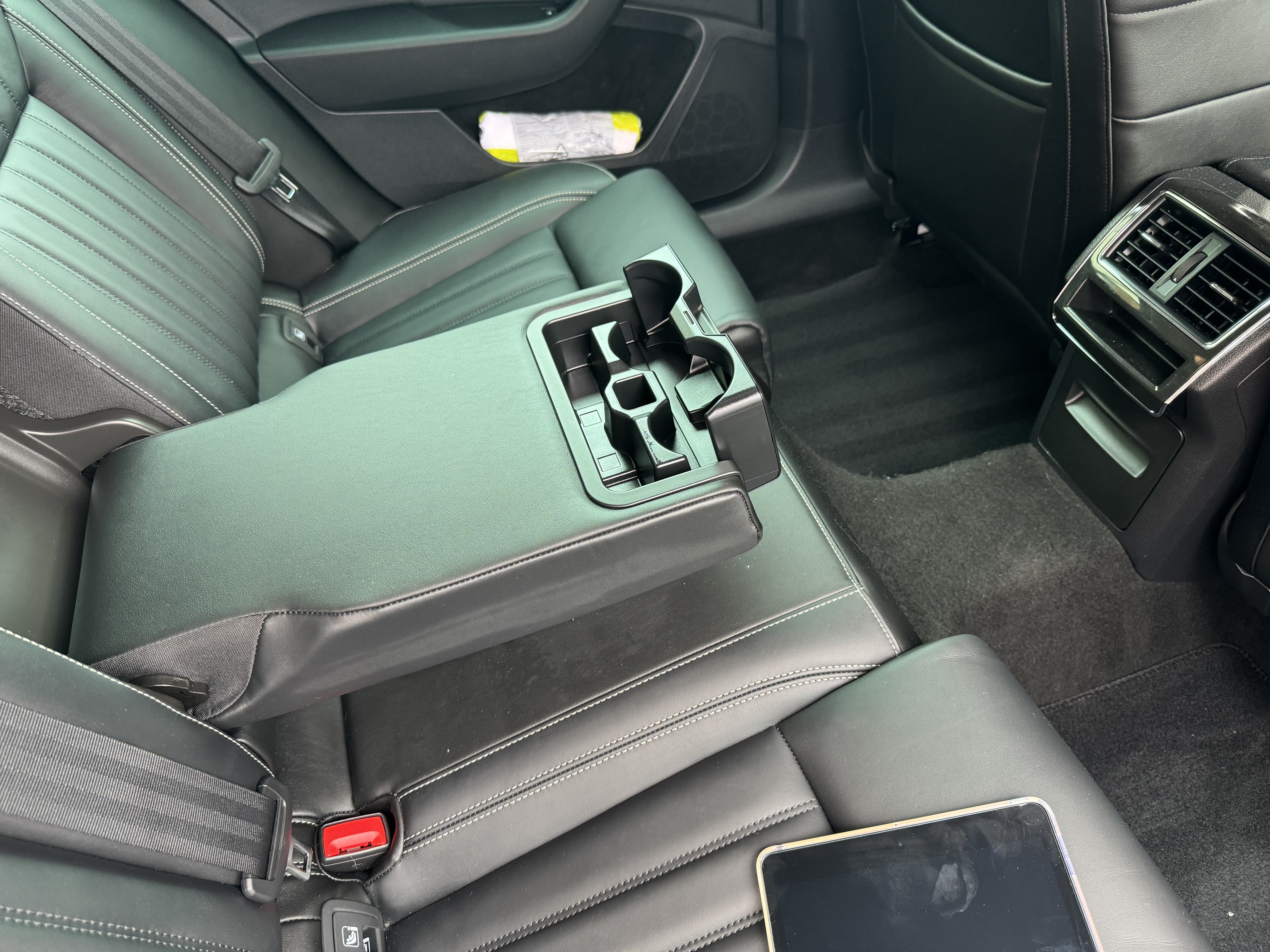
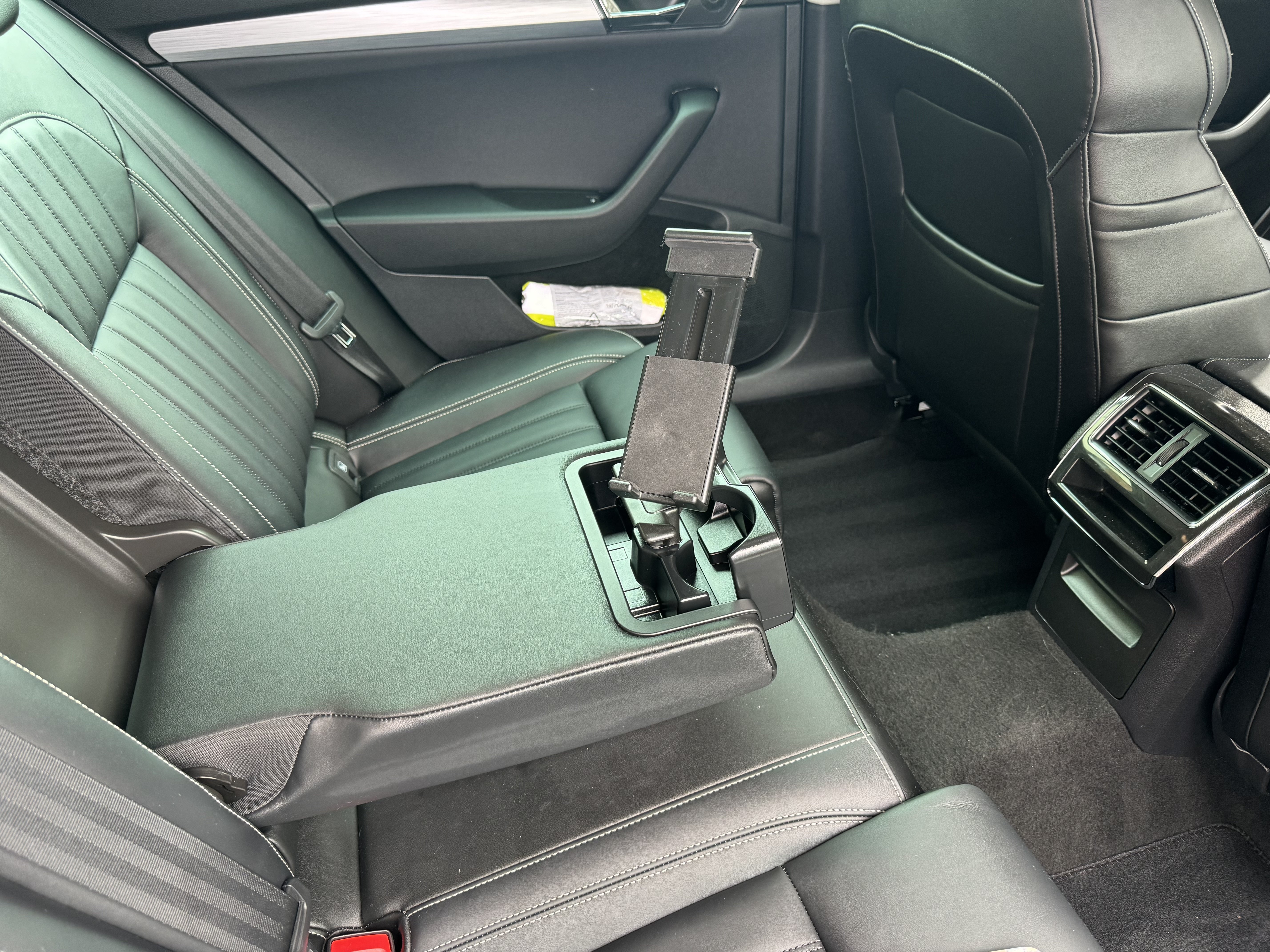
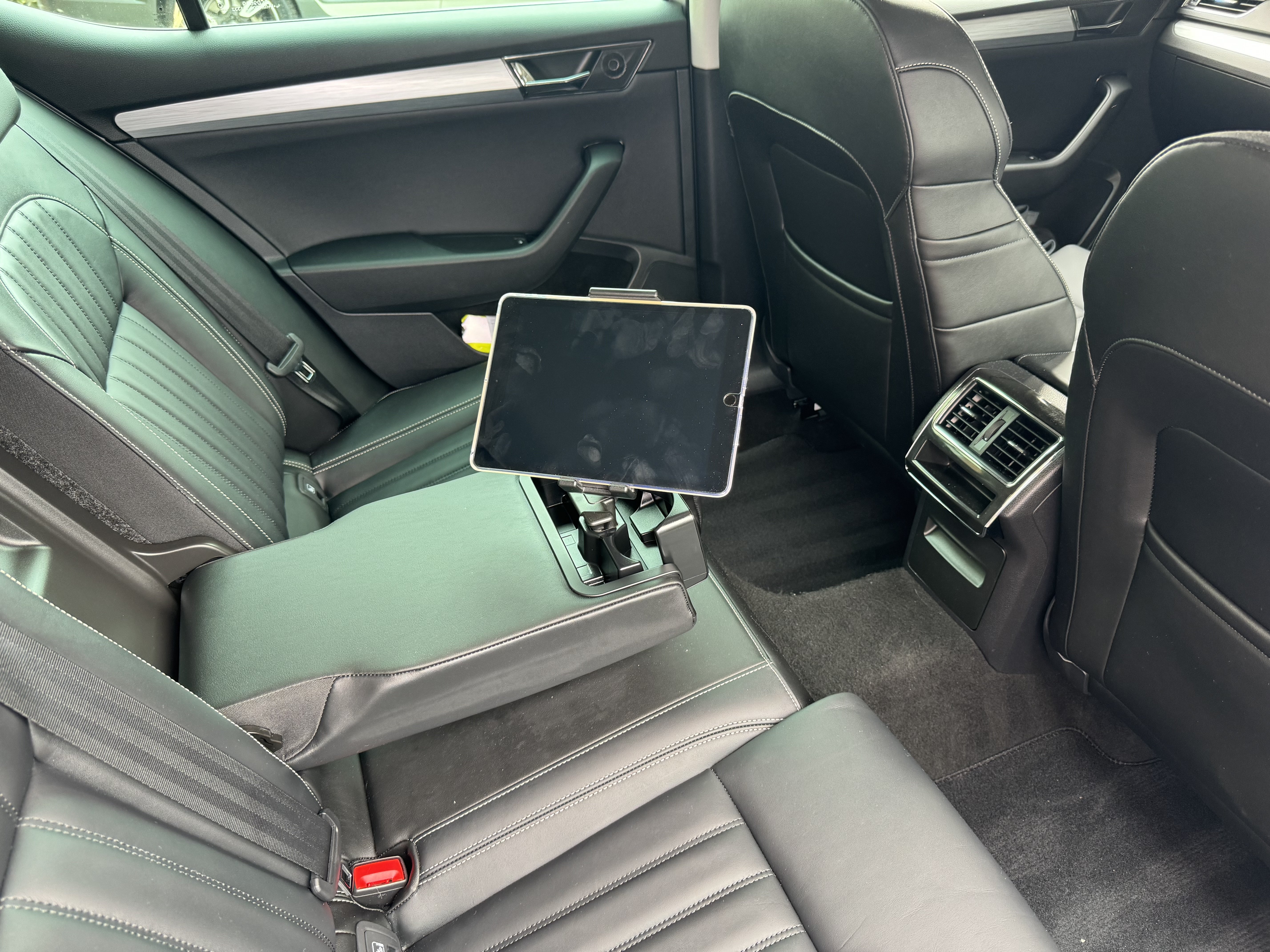
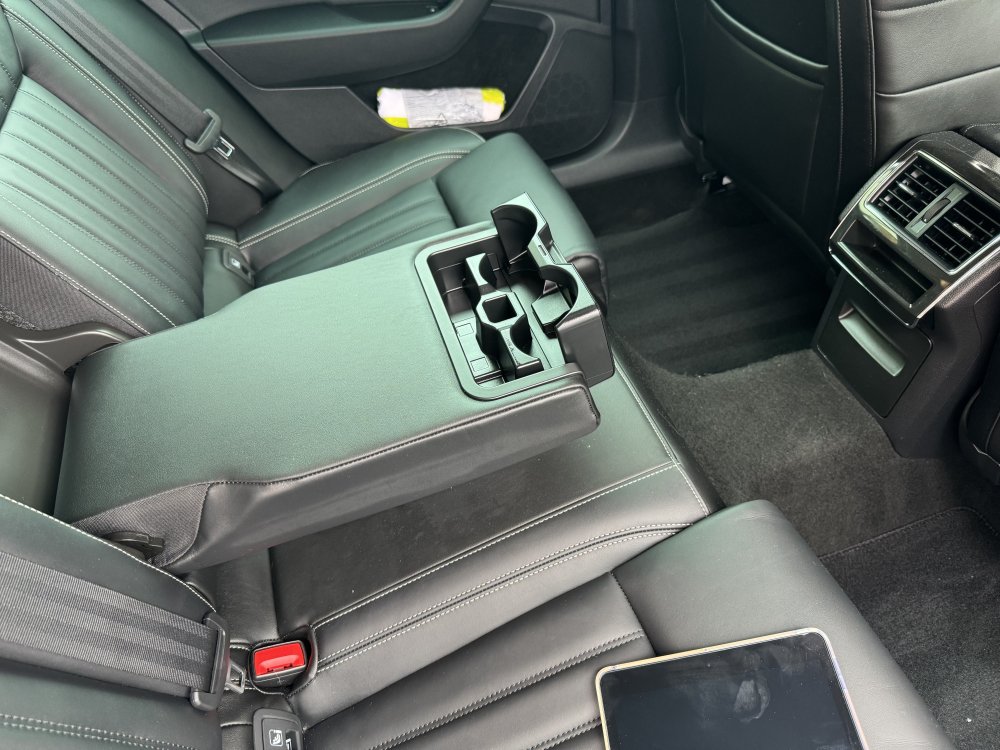
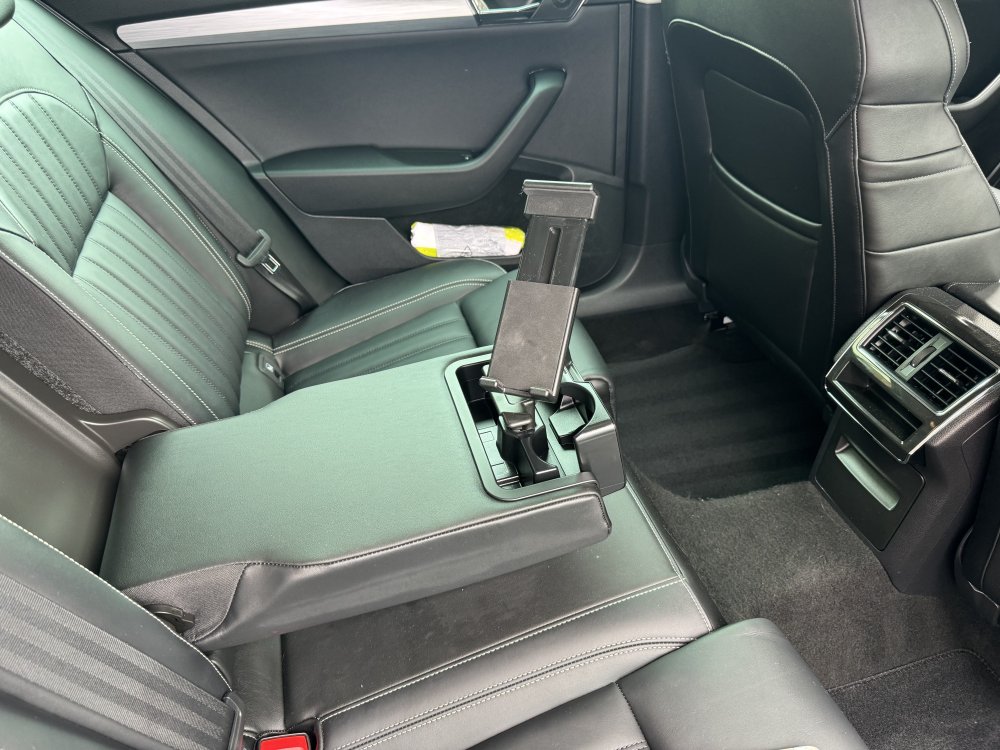
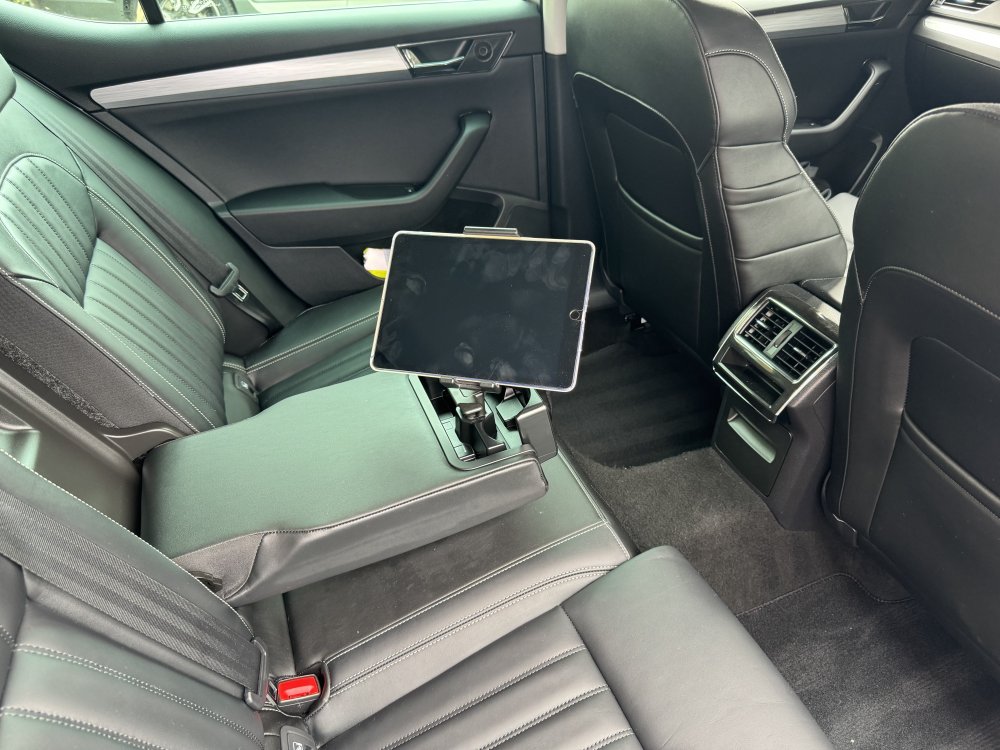
And here’s the iPad holder in place in the rear armrest.
-
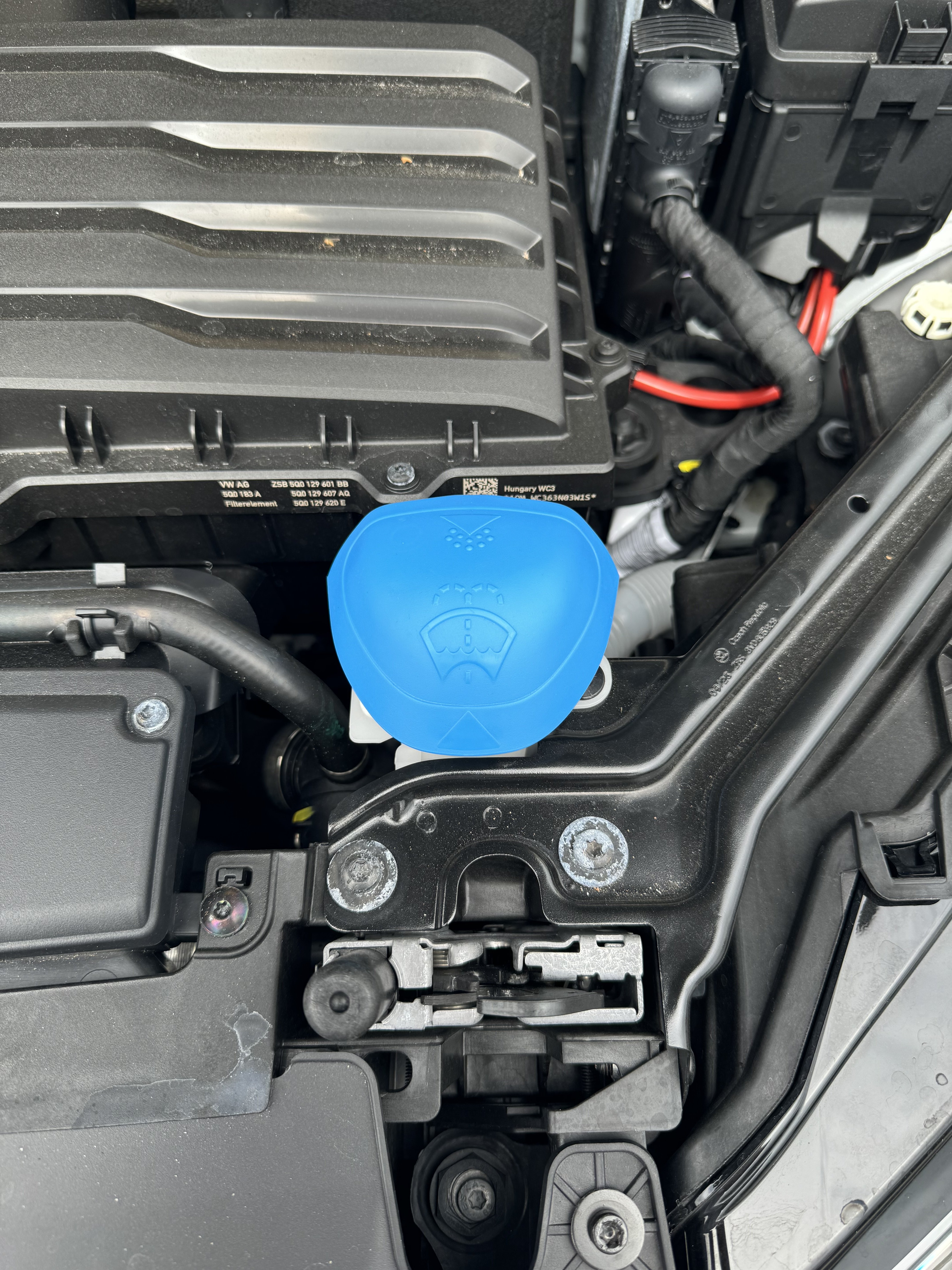
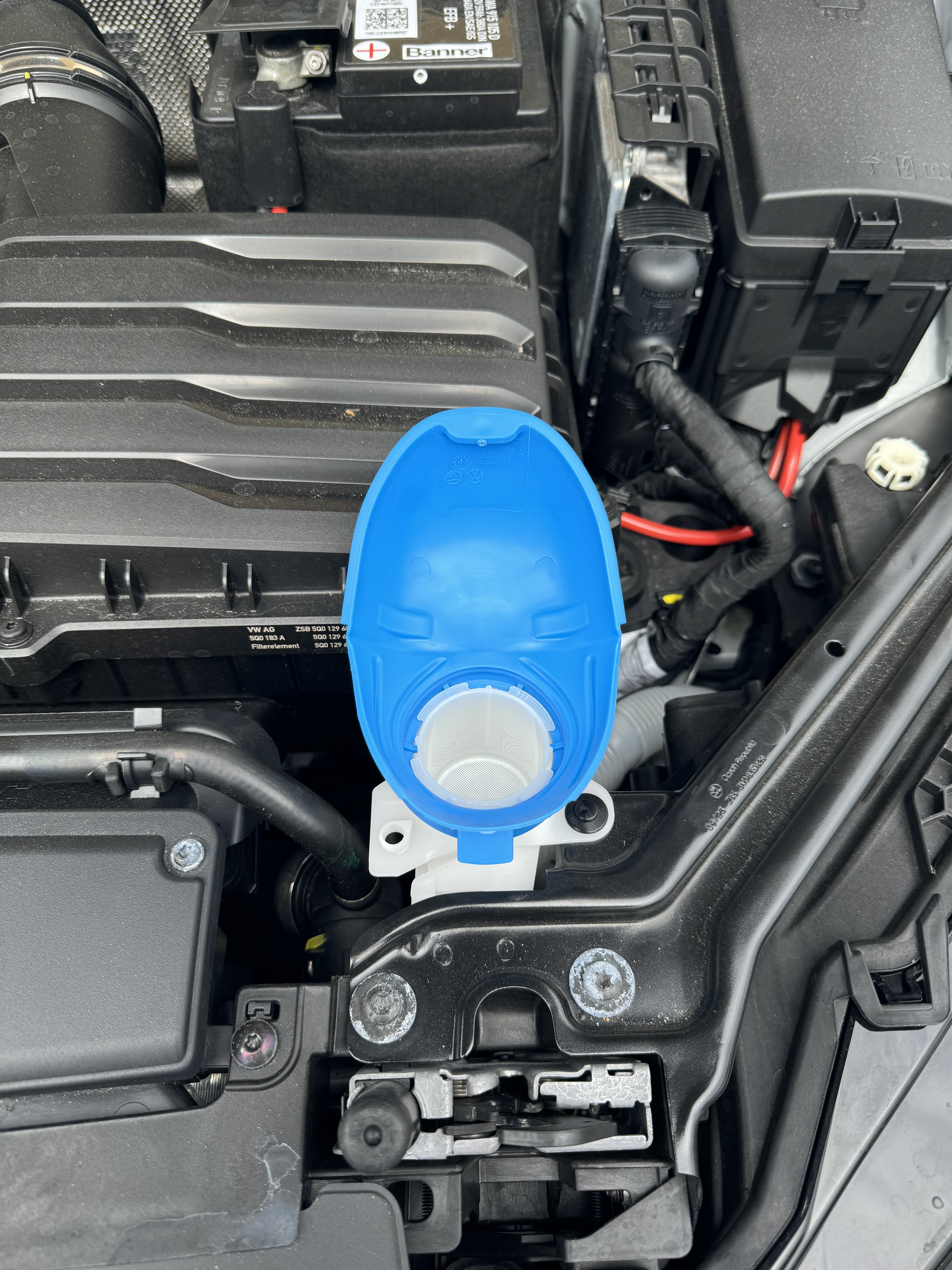
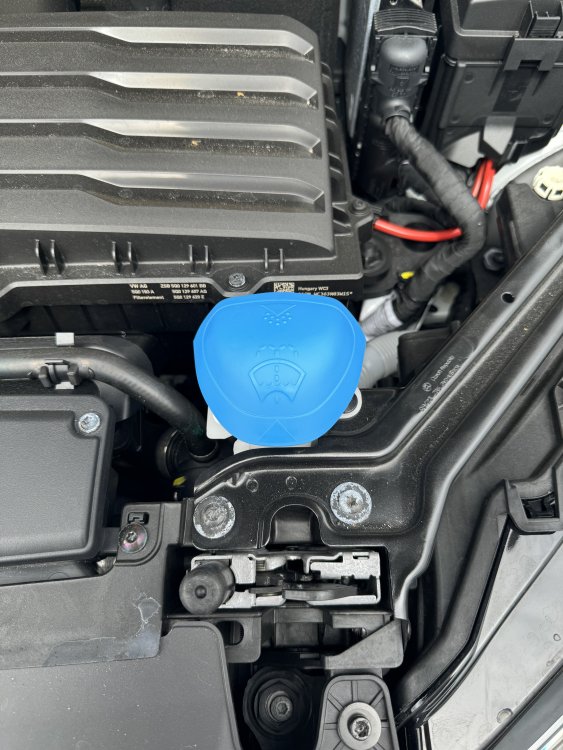
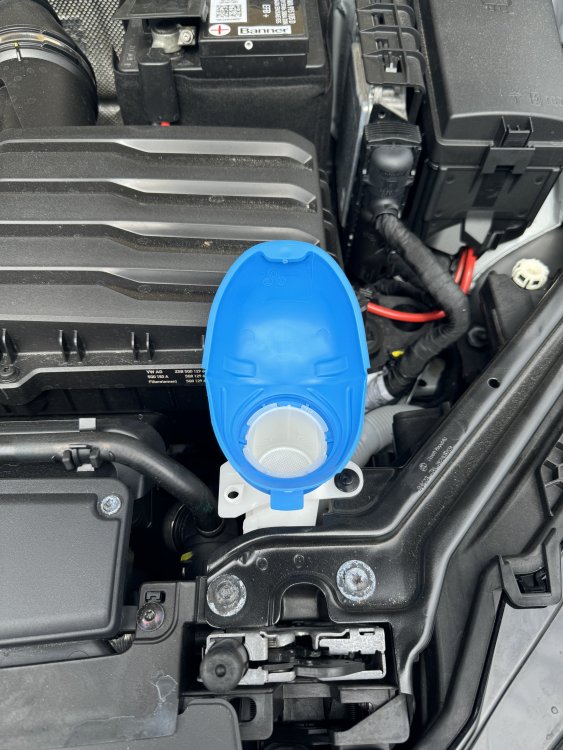
Here’s the lid funnel in place.
-
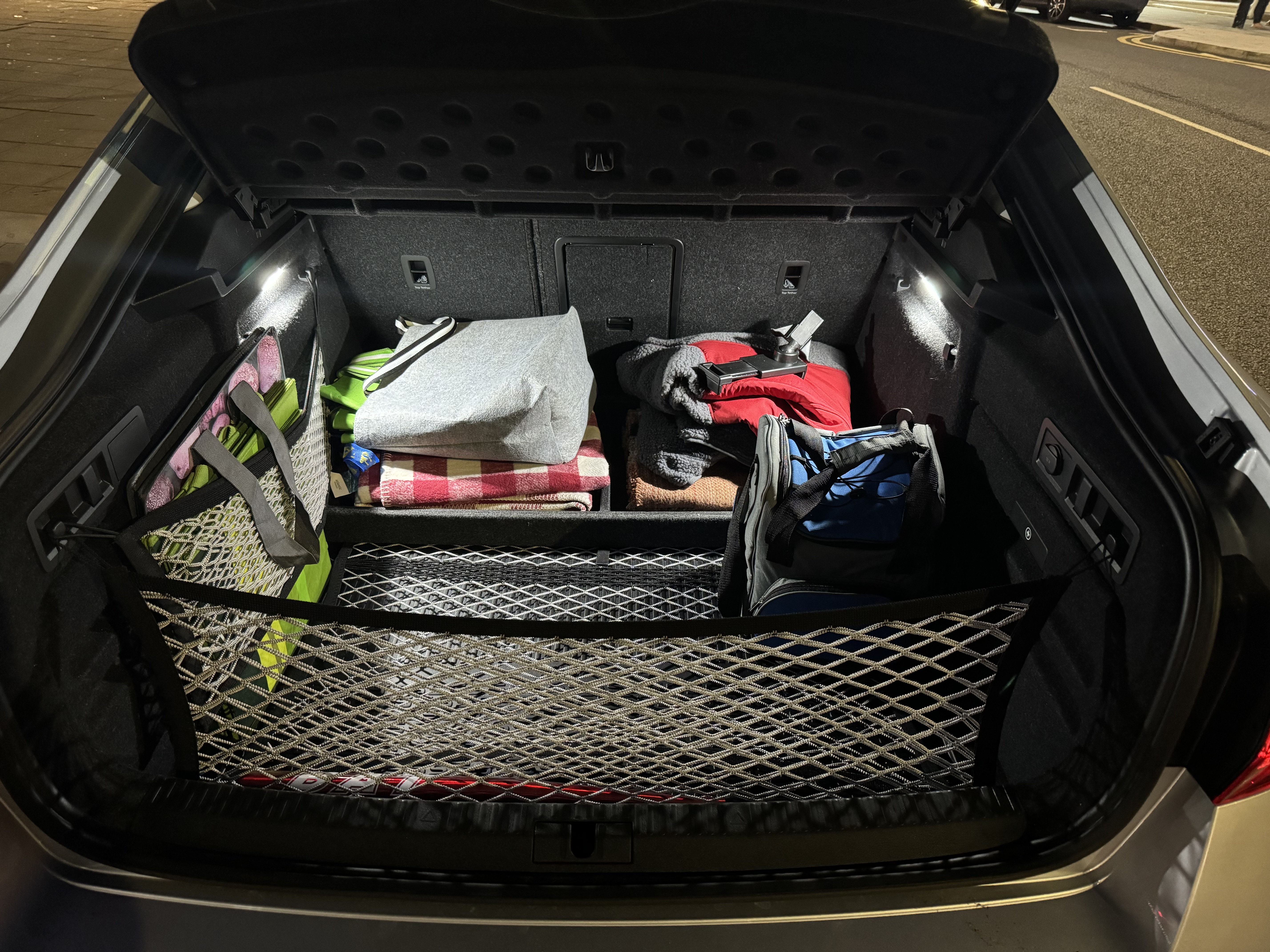
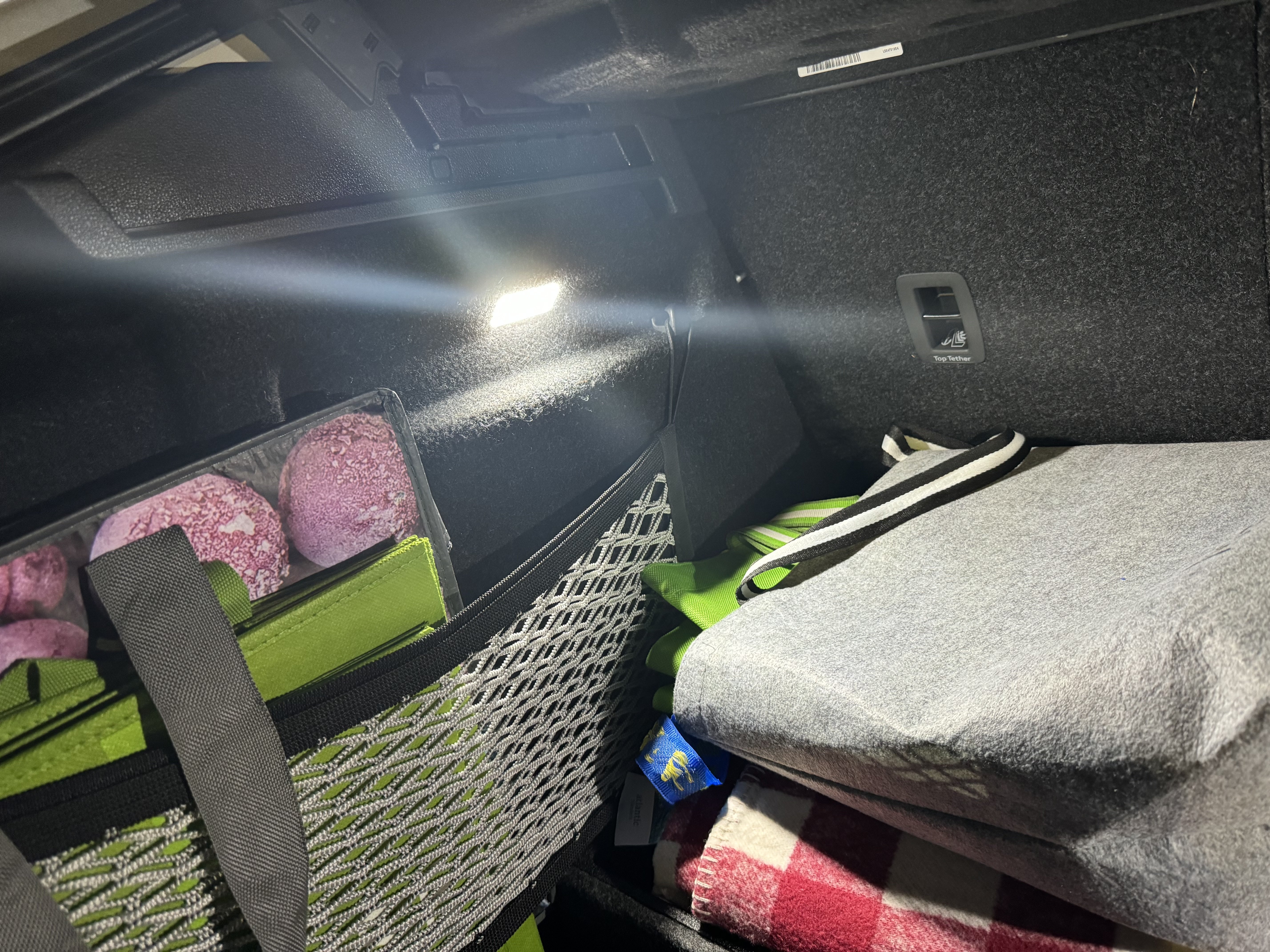
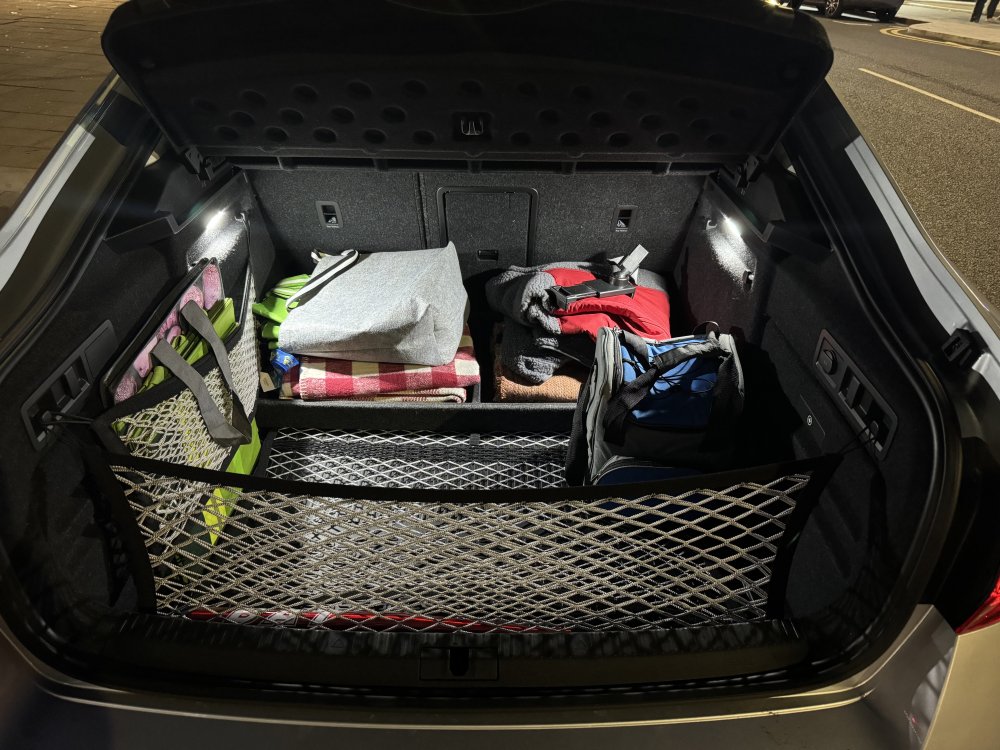
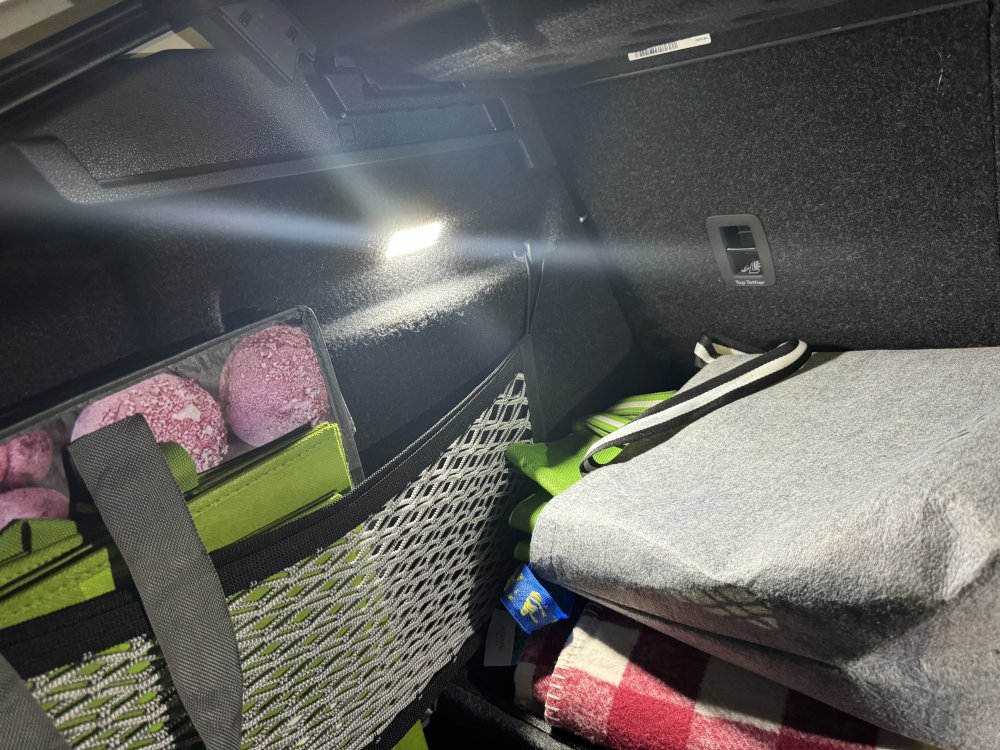
Grabbed some pics of the boot this evening with the new updated interior lights in place. A massive improvement.
-
I don't have it on the boot lip (I've just bought a black plastic one for my Superb III hatch) but I have the same plastic film on the lower bodywork edge between the rear wheels and the back doors - it's pretty much invisible and hard wearing (was a factory fit to protect from stone chips and road grime I believe). I went with the black plastic trim for the bumper lip as it seems they only do the film for the estate now.
-
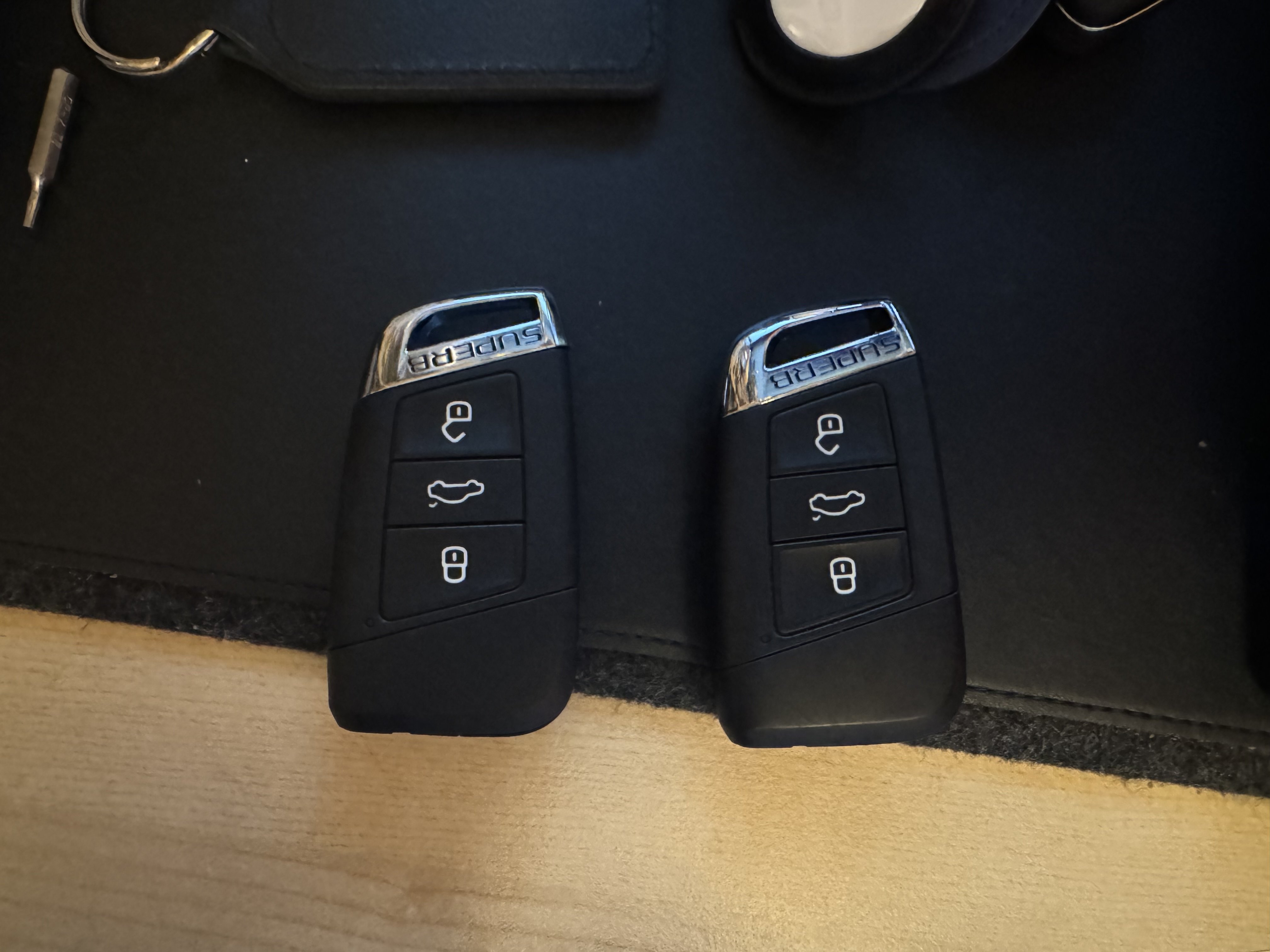
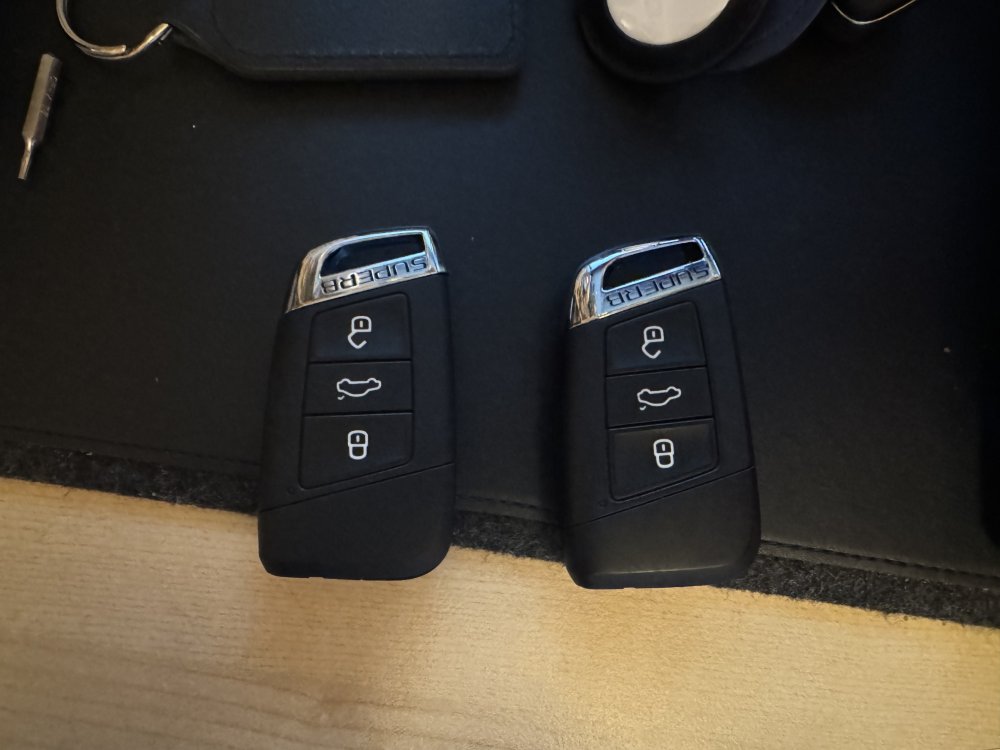
I have been doing a little upgrade shopping from Kopacek (the site formerly known as Superskoda). Not much that needs upgrading on a Superb III to be honest, but a few bits I’ve been able to improve, and one purchase that turned out to be unusable: - Lid funnel for the washer bottle (have done this upgrade on both the Fabia IIs in the family and my old Spaceback - it’s such a good idea it’s a no-brainer). - Mega LED lights for the boot - these are a complete sealed body replacement for the boot lights (left and right sides of the boot) with much more powerful LEDs. Makes a massive difference. I did the same update in my Spaceback, which also suffered from a boot light with poor light output. - Black plastic boot lip protector. Sticks onto the top of the rear bumper and takes the hit if you catch the bumper putting anything in or out of the boot - Tablet Smart Holder - so now anyone sat in the back can mount their tablet using the Smart Holder attached to the rear armrest - Superb branded chrome keyfob tips (did both keys) The one mistake Inmade was ordering enhanced reflector/puddle lights for the front doors, only to discover the ones on my car are just reflectors and there’s no wiring there. Oh well, never mind. To do: - Uprated LED puddle lights for the underside of the front mirrors (now more important given the door reflectors can’t be upgraded) - Genuine Skoda roof bars More pics to follow.
-
Ok, facelift model. What was the head unit it came with. Was it the Mk2 Swing or an Amundsen? Your previous Rapid was a mk1, and will have different radio wiring from your current car. If you can confirm what head unit the current car had I can tell you what, if anything, you can do.
-
Swing is the basic option. Lowest spec radio in the range.
-
Can you confirm if your Spaceback is a Mk1 or a mk2 (facelift)? If your side indicators are on the front wings, it’s a mk1, if they are built into your wing mirrors, it’s a mk2.
-
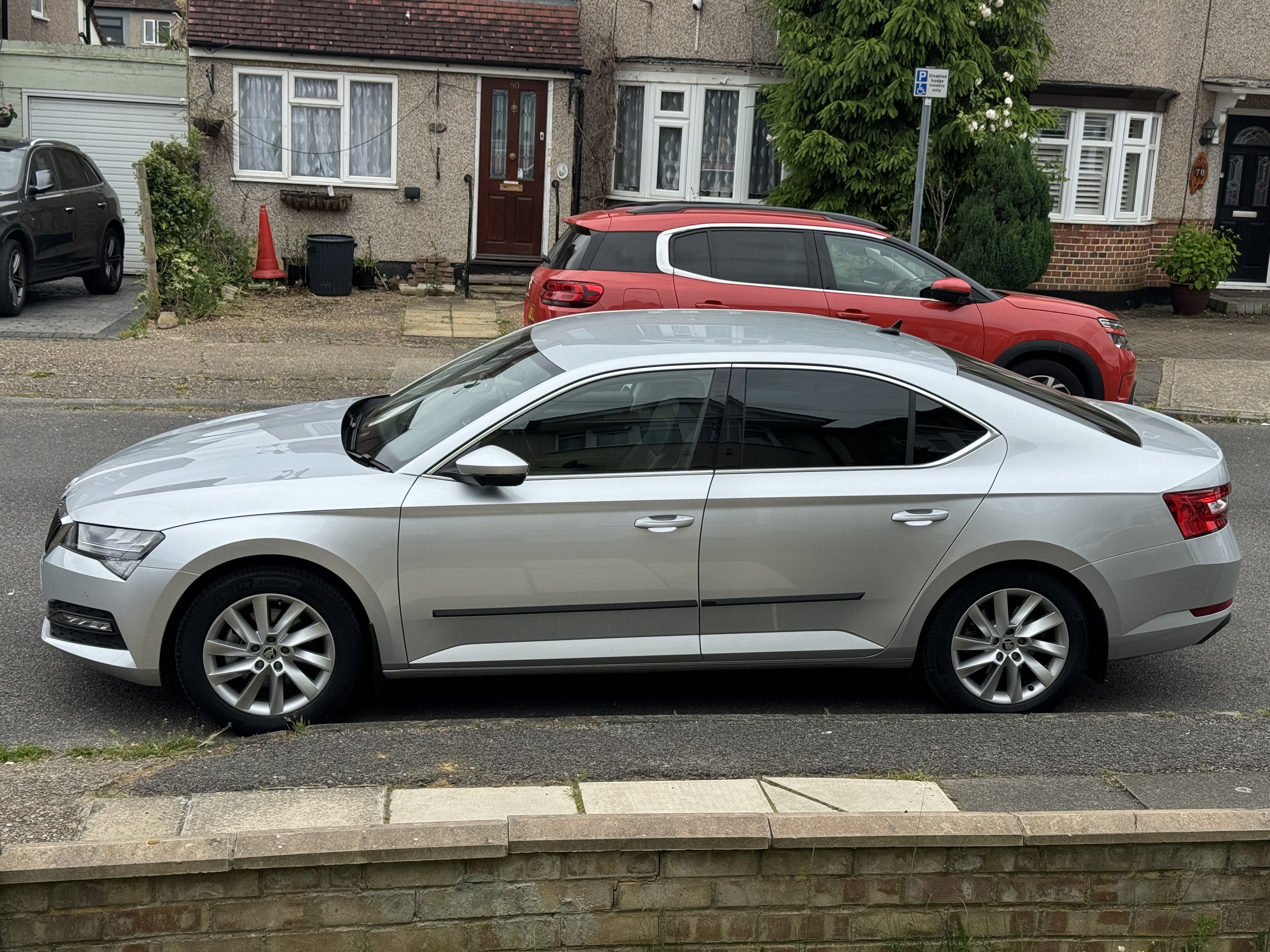
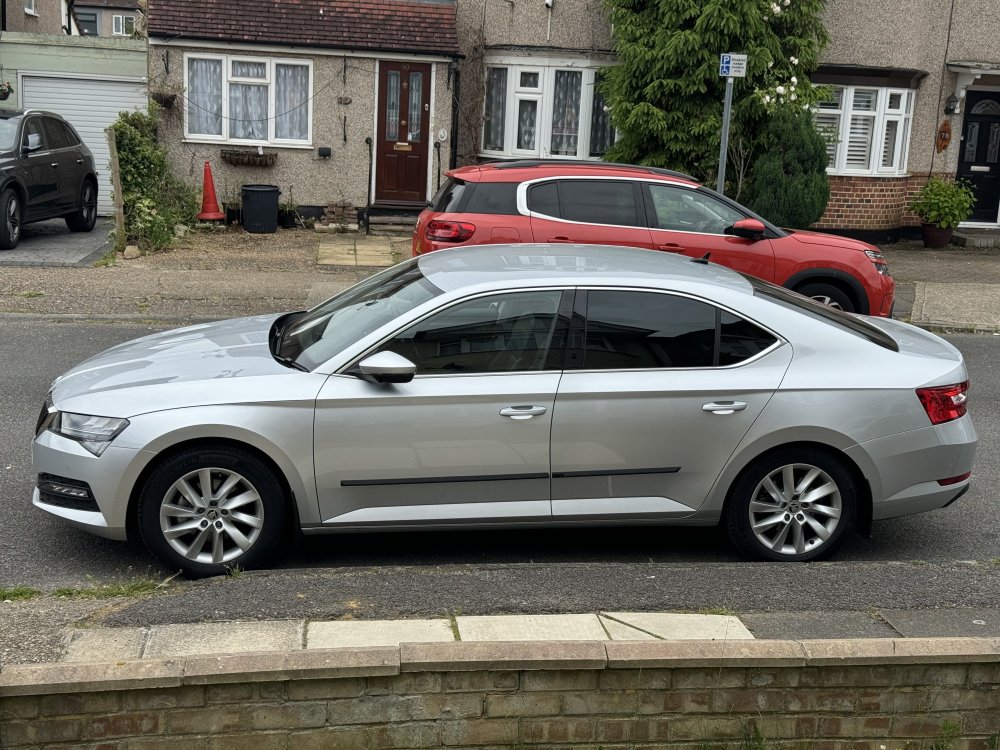
Back in a Škoda after a two year break with a petrol MG ZS (was a nice car, my one worked, but was increasingly feeling mine was the exception rather than the rule so moved it on while still worth something). Had one of the first Rapid Spacebacks in the UK and kept it for over 8 years before trading it in against the MG. Lured back to both Škoda and regular height cars by a 2023 Superb 1.5 TSI SE Technology. A Škoda UK management car and one of the last made before the new model took over the production line. Was 11 months old when I got it at the beginning of June. It’s a hell of a car.
-
Sadly, not designed to be repaired, but to rip and replace.
-
Exactly. I’m hoping that all I need is either 5E3035954 or 5E3035954E (haven’t worked out the difference in the parts yet) which appears to be the missing port, with a plug that either plugs onto the loom or into a power distribution box either behind the trim on the windscreen or behind the courtesy light. But this is why I was hoping someone had already attempted it and could share some guidance. I’m surprised I seem to be the first to want to do this.