




tich1958
Finding my way
-
Joined
-
Last visited
-
Mine does it too and according to my main stealer it’s because the car isn’t used enough to keep the battery fully charged. Bear in mind these days that even if the car isn’t used just sat there it will have something somewhere using a bit of power. I just give mine a 20 to 30 min run every couple of weeks
-
-
-
-
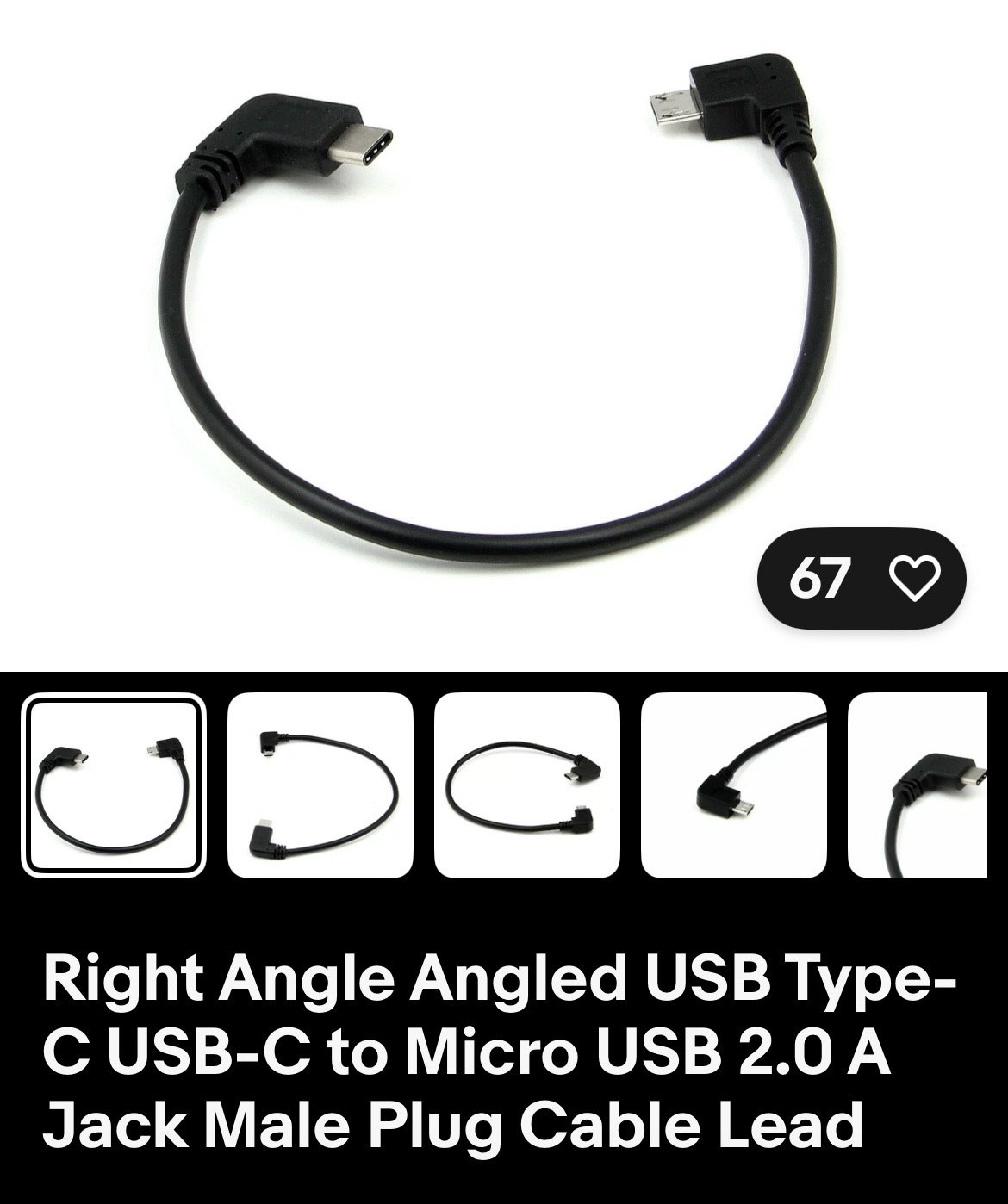
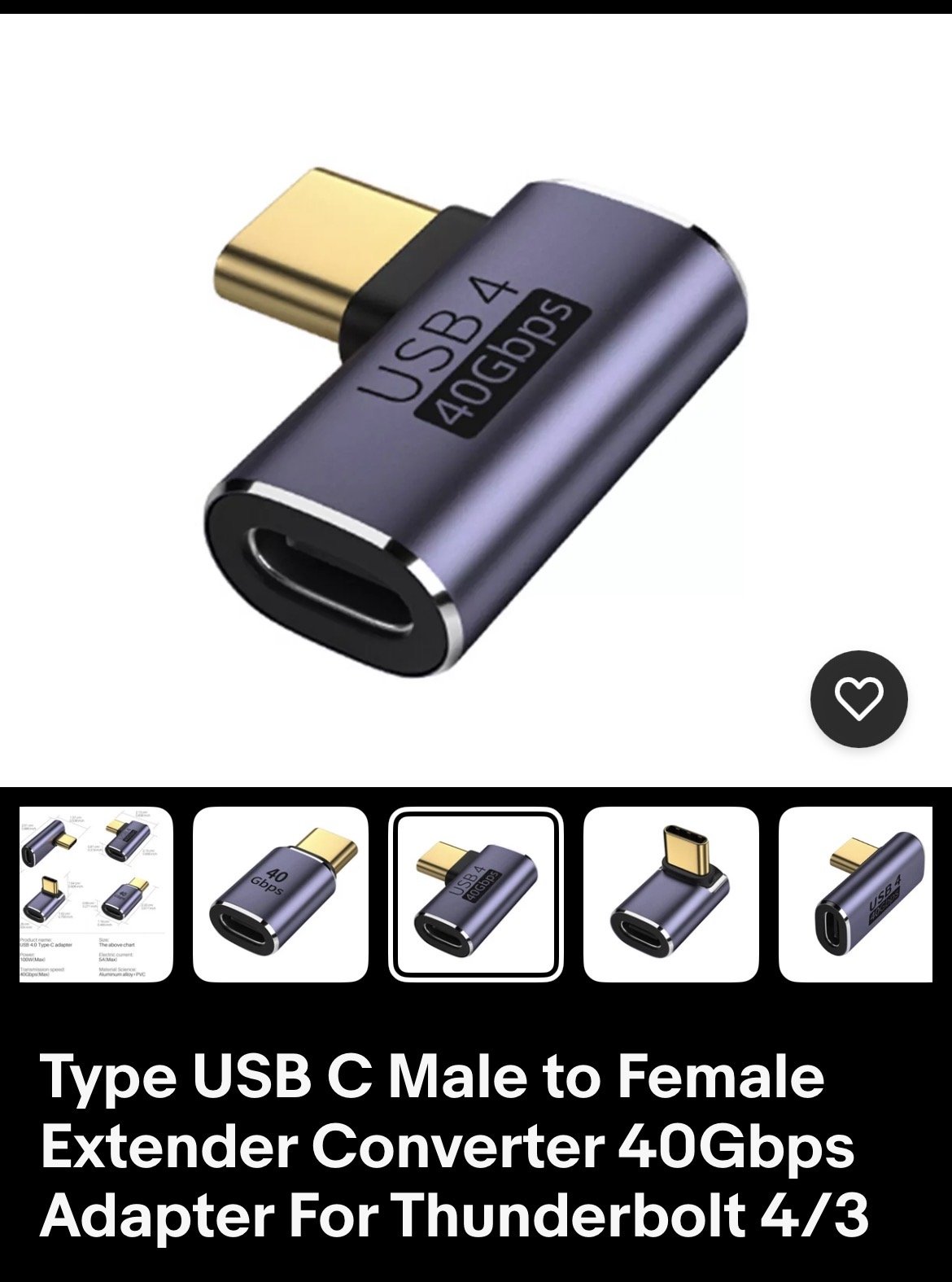
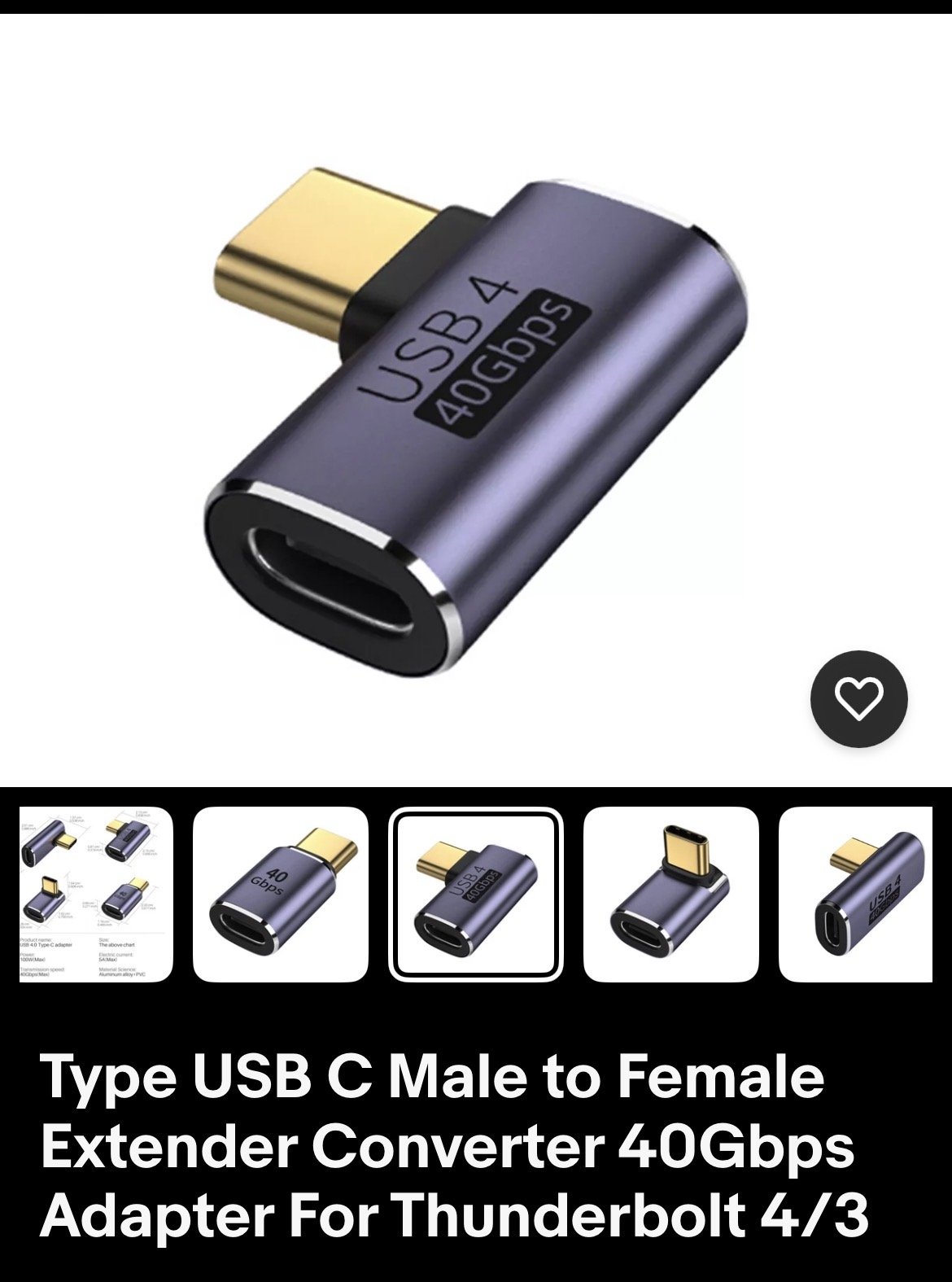
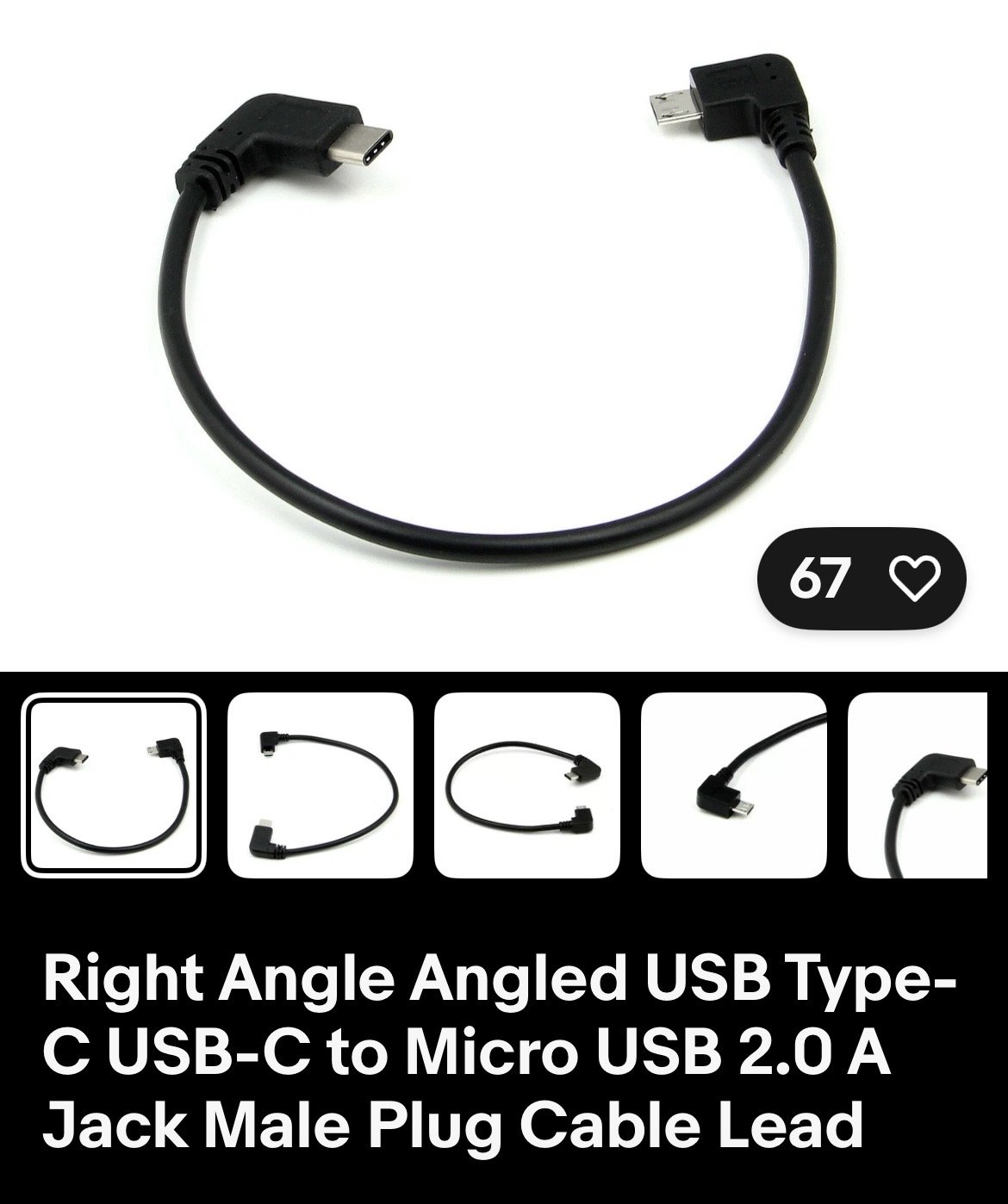
Hi, I have a Skoda Octy IV and a nextbase dashcam. I bought a short cable and adapter from eBay and it all works perfectly. Hope this helps
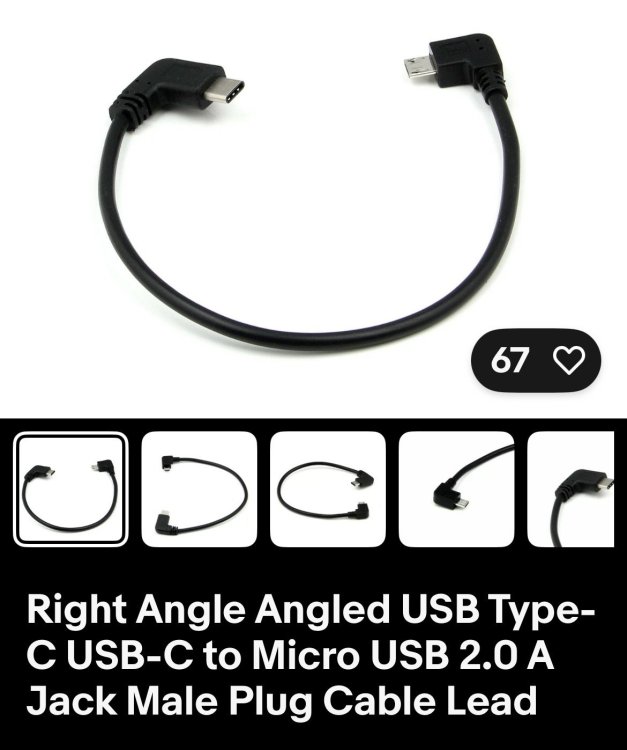
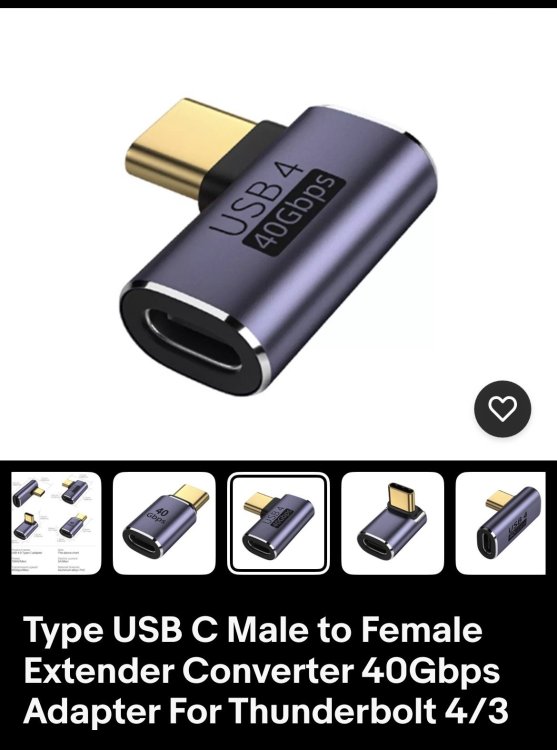
-
-
To turn off speed camera warnings on a 2026 Skoda Octavia vRS, access the infotainment screen, locate the Traffication app, and disable alerts within its settings, or delete the app. Speed limit warnings can be muted in navigation settings or disabled in the driving assistant settings, though these may reset per trip.
-
Fuel tank size is 45 litres
-
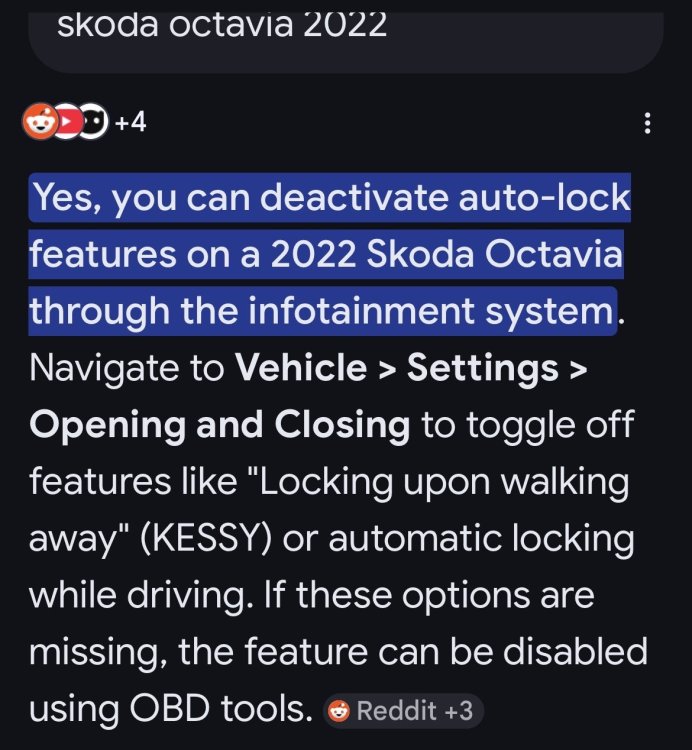
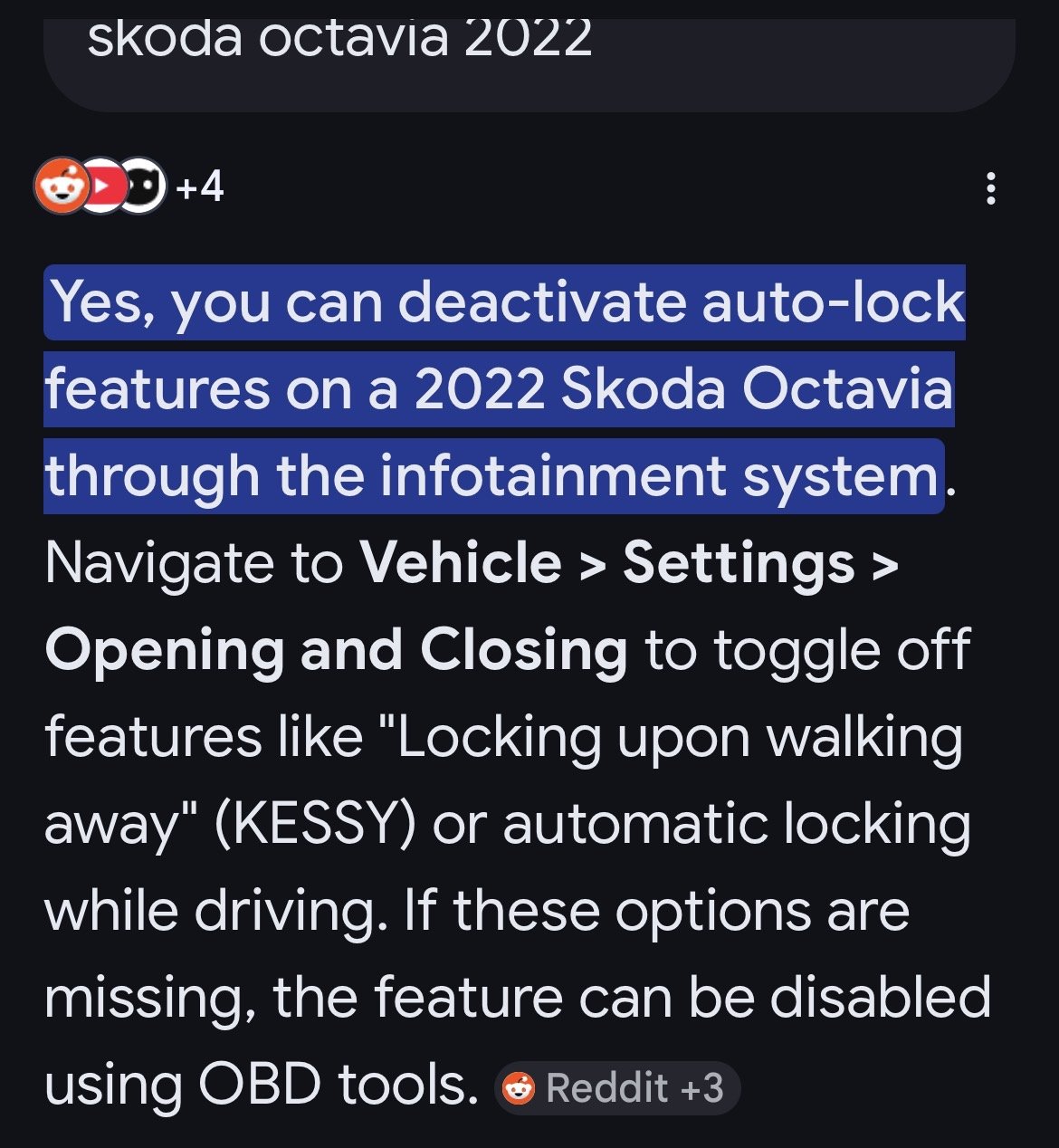
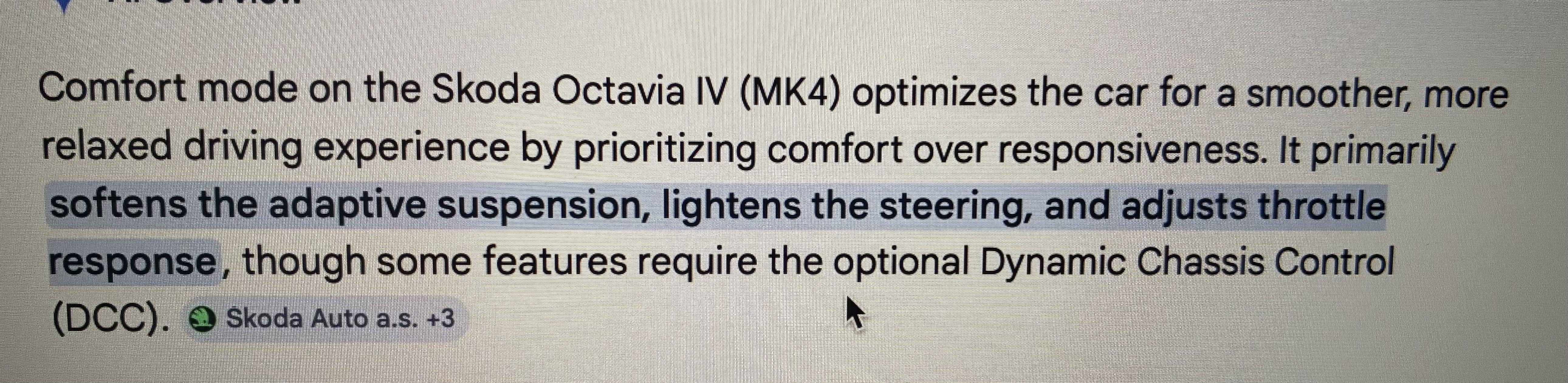
Found this on google, hope it helps
-
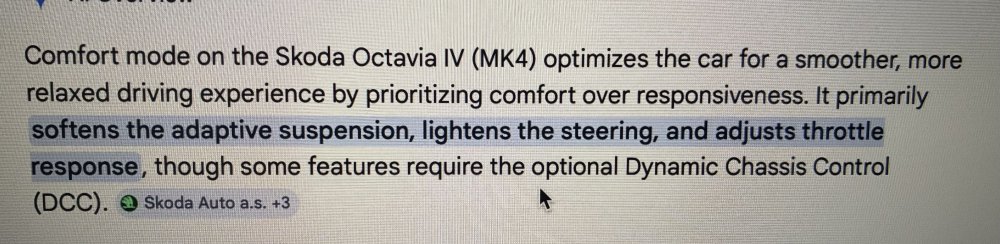
Hope this helps
-
-
-
Hi, had the very same thing happen to me. After a couple of visits to the dealer they replaced the head unit with a new one, under warranty of course. Been ok ever since
-
I’ve got my nextbase 322 connected via the socket on a short cable. Works very well

Important Information
Welcome to BRISKODA. Please note the following important links Terms of Use. We have a comprehensive Privacy Policy. We have placed cookies on your device to help make this website better. You can adjust your cookie settings, otherwise we'll assume you're okay to continue.