




tich1958
Finding my way
-
Joined
-
Last visited
Everything posted by tich1958
-
Mine does it too and according to my main stealer it’s because the car isn’t used enough to keep the battery fully charged. Bear in mind these days that even if the car isn’t used just sat there it will have something somewhere using a bit of power. I just give mine a 20 to 30 min run every couple of weeks
-
-
-
-
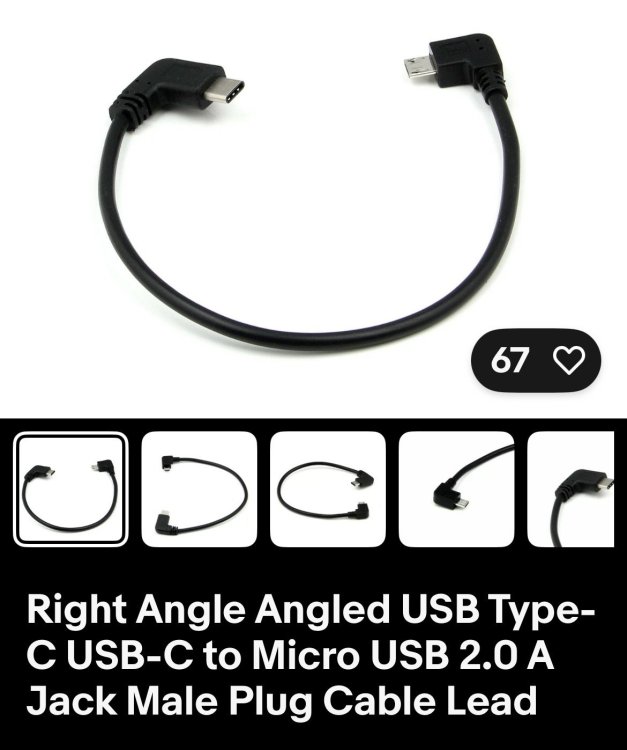
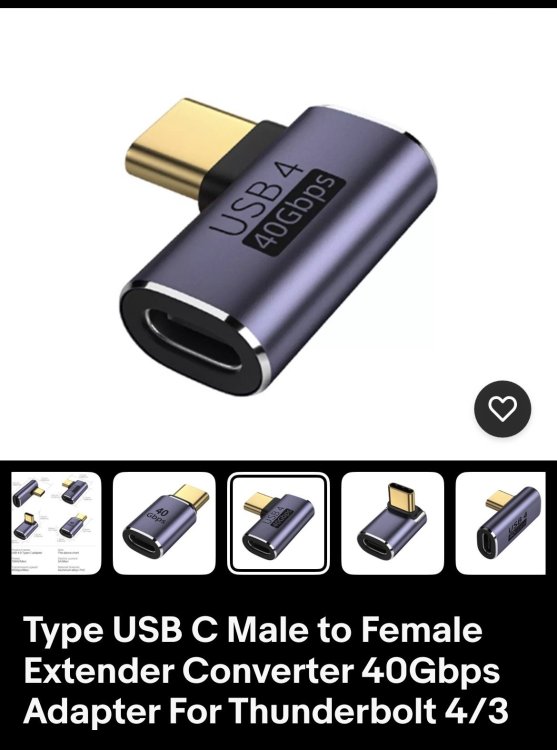
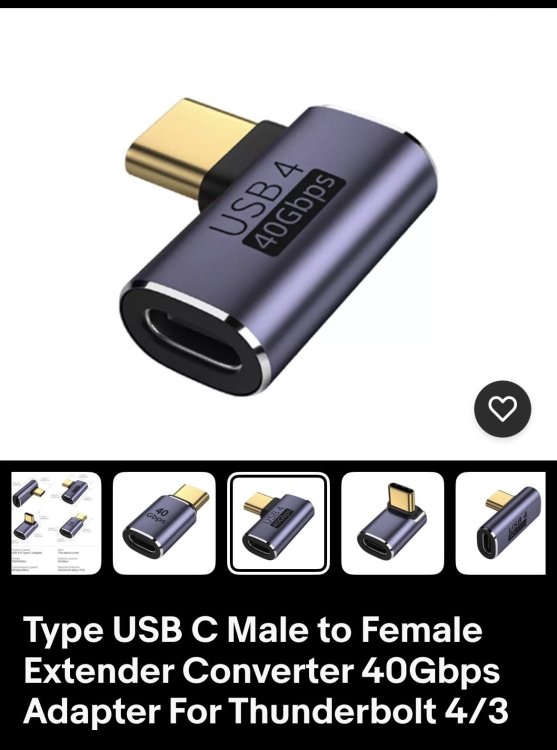
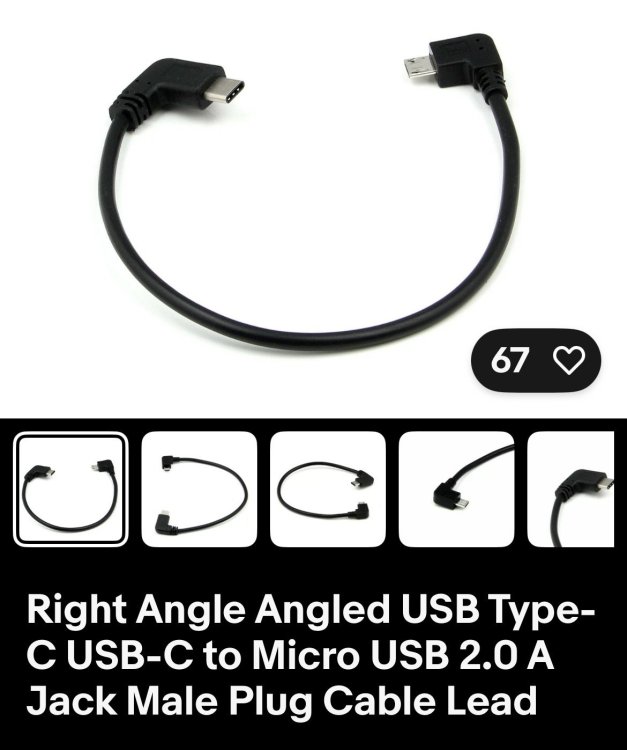
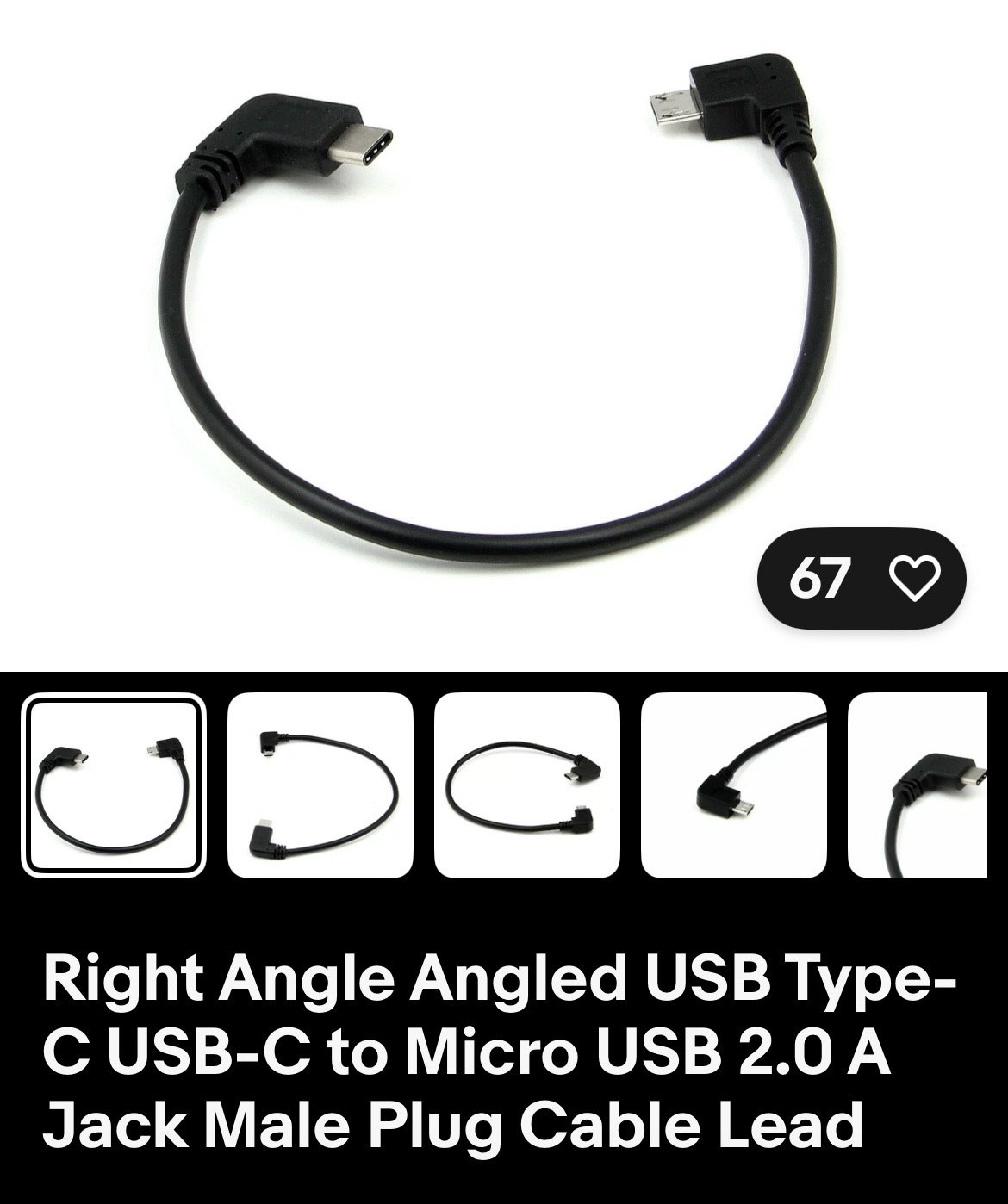
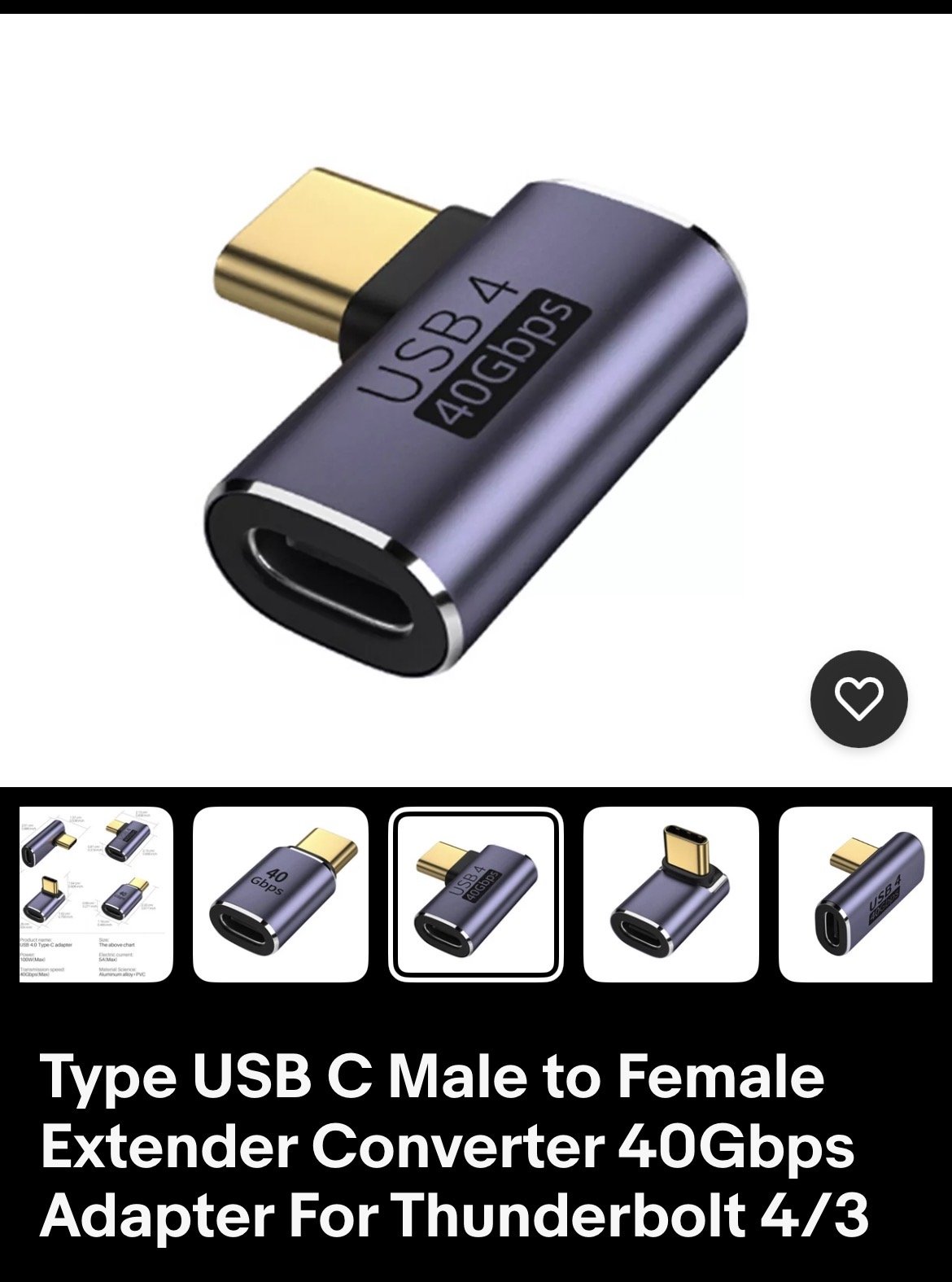
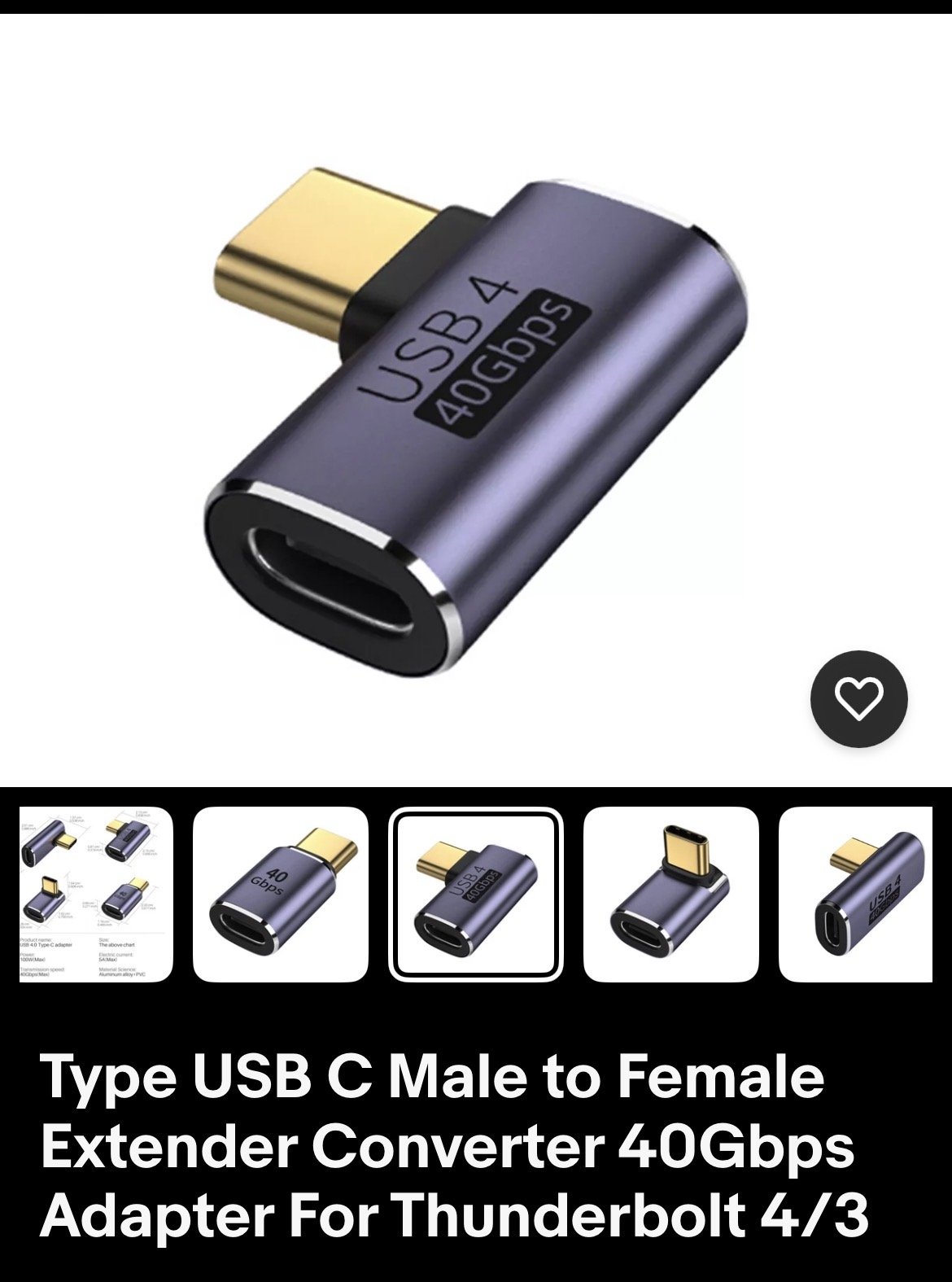
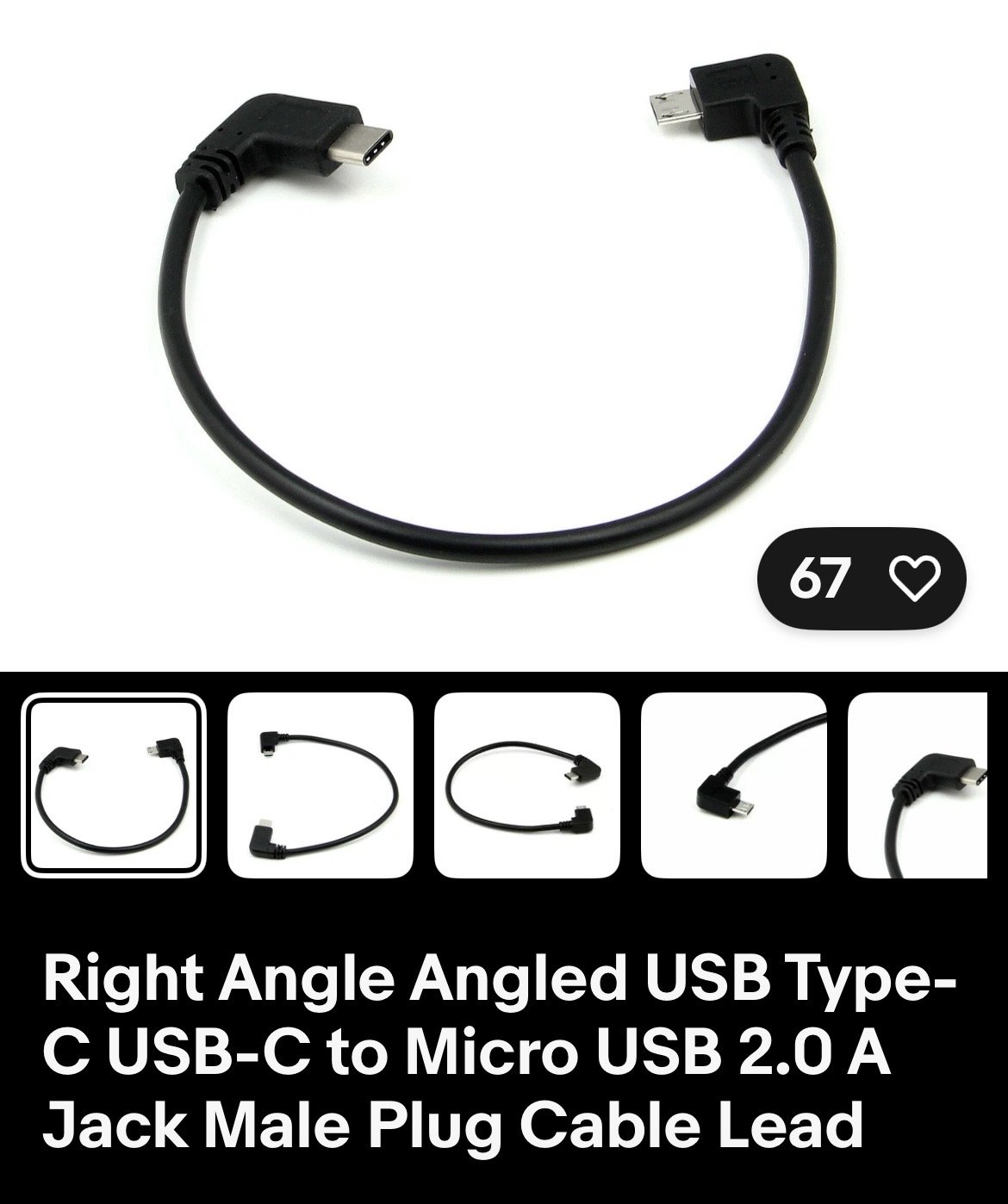
Hi, I have a Skoda Octy IV and a nextbase dashcam. I bought a short cable and adapter from eBay and it all works perfectly. Hope this helps
-
-
To turn off speed camera warnings on a 2026 Skoda Octavia vRS, access the infotainment screen, locate the Traffication app, and disable alerts within its settings, or delete the app. Speed limit warnings can be muted in navigation settings or disabled in the driving assistant settings, though these may reset per trip.
-
Fuel tank size is 45 litres
-
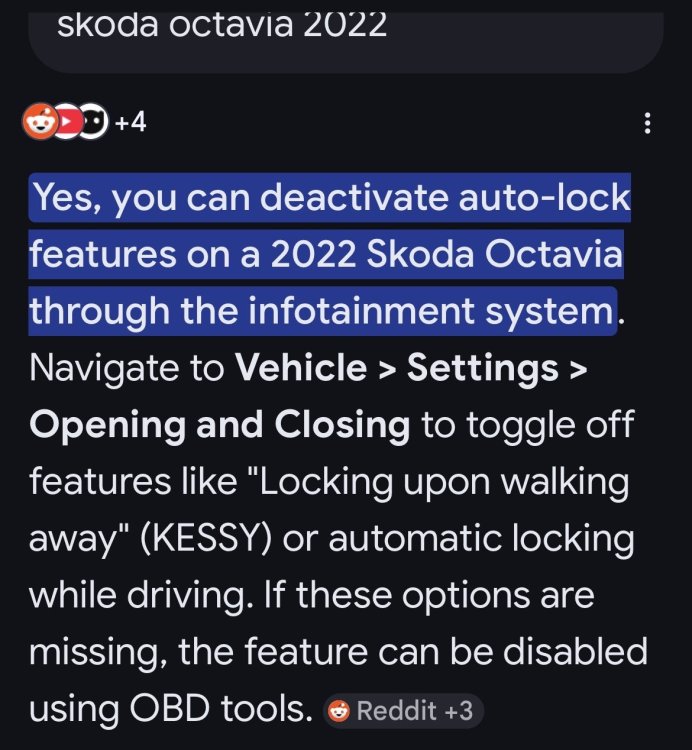
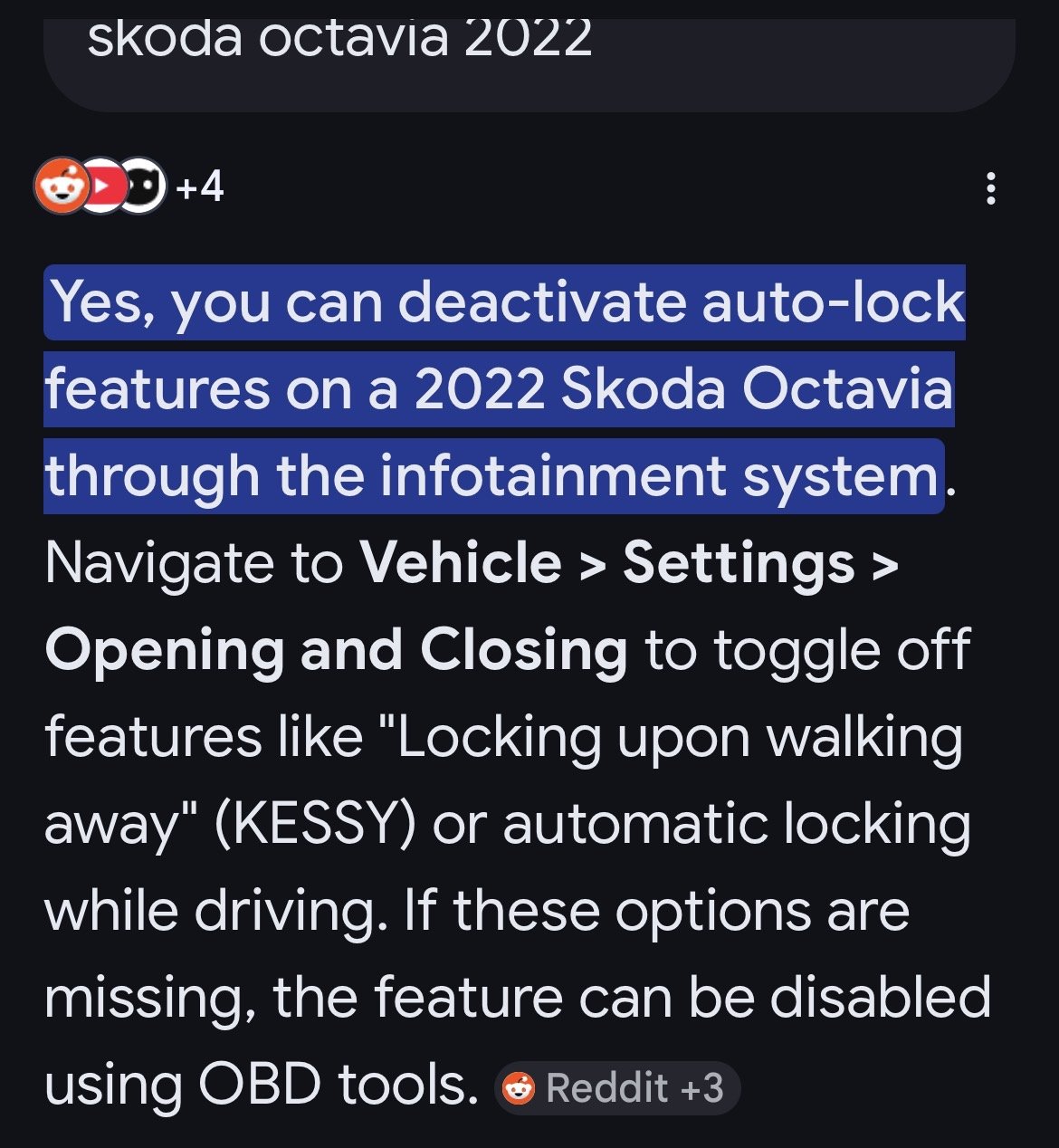
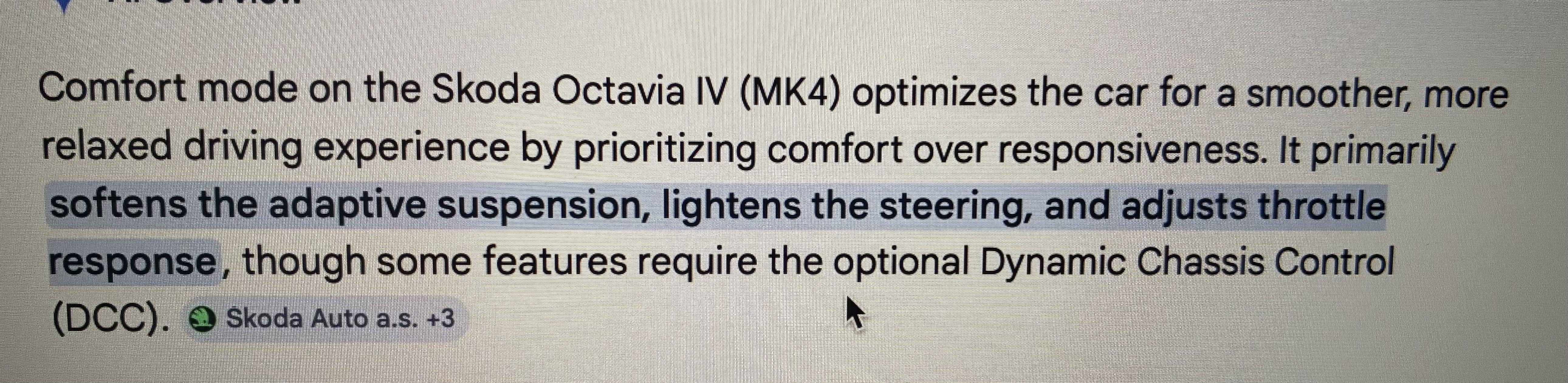
Found this on google, hope it helps
-
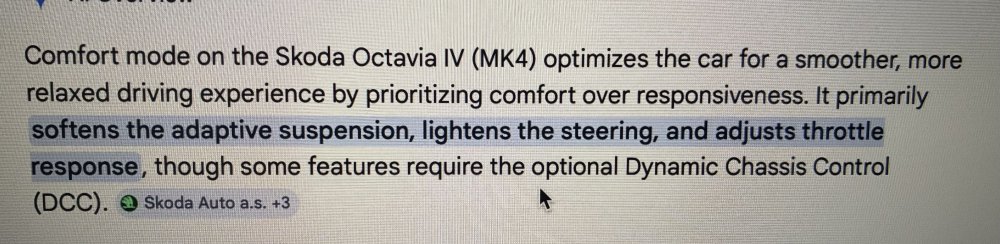
Hope this helps
-
-
-
Hi, had the very same thing happen to me. After a couple of visits to the dealer they replaced the head unit with a new one, under warranty of course. Been ok ever since
-
I’ve got my nextbase 322 connected via the socket on a short cable. Works very wellYes the very same on mine so could it be the radio stations themselves ?My Octy 2023 has a few logo badges like BBC and a couple of others but not Smooth radio. Tried the “install logo” button in settings but no joy.Could try getting into smart link and turn off notifications. Sorry don’t know much about smart link as I use apple car play but good luck. I’m sure someone on here has had the same and will adviseYes usb-c socket by the rear view mirror. Fitted a Nextbase in my Octy just need to buy a shorter power cable Bought these for a neat fit on EBay
 Got mine from carmats.co.ukI was told on Friday when I picked up my used October (2023) that I was covered until the warranty expires (2026) then I need to renew or find alternativeHi, I would assume that ringing ŠKODA Sasist with your reg number will identify the car as “ under warranty” and therefore has breakdown cover for that durationBattery checked all ok. Disconnected stop/start at negative terminal then put battery on my charger for a full charge, been ok sinceMy Fabia had this problem with the stop/start and msg on the info system saying battery was low. Disconnected the stop/start on the negative terminal of the battery and no more low battery warnings.


Important Information
Welcome to BRISKODA. Please note the following important links Terms of Use. We have a comprehensive Privacy Policy. We have placed cookies on your device to help make this website better. You can adjust your cookie settings, otherwise we'll assume you're okay to continue.