
Bertie90
Members
-
Joined
-
Last visited
Everything posted by Bertie90
-
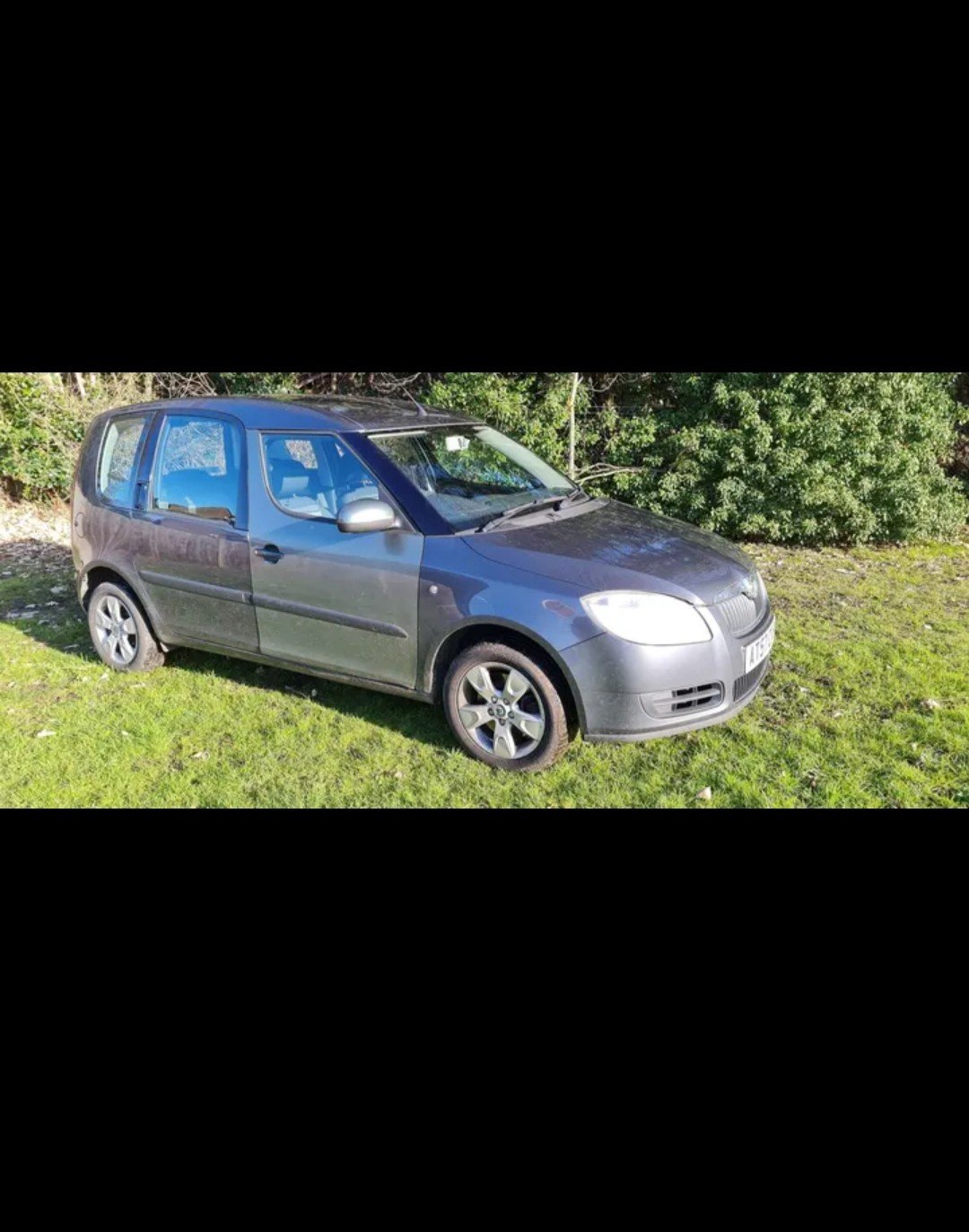
Yeah sorry, I keep forgeting that. Isn't it pretty much a fabia mk2? I got a 2013 Fabia and a 07 Roomster. Issue is with the roomster
-
It came to me in this state. I don't know if the garage used the original parts from the car or they just picked up a door and plugged it in. Btw this is a video I made when I was trying it all out. It's a random video as I expected the outcome to be different. https://youtu.be/3Mxy6RMpMDE
-
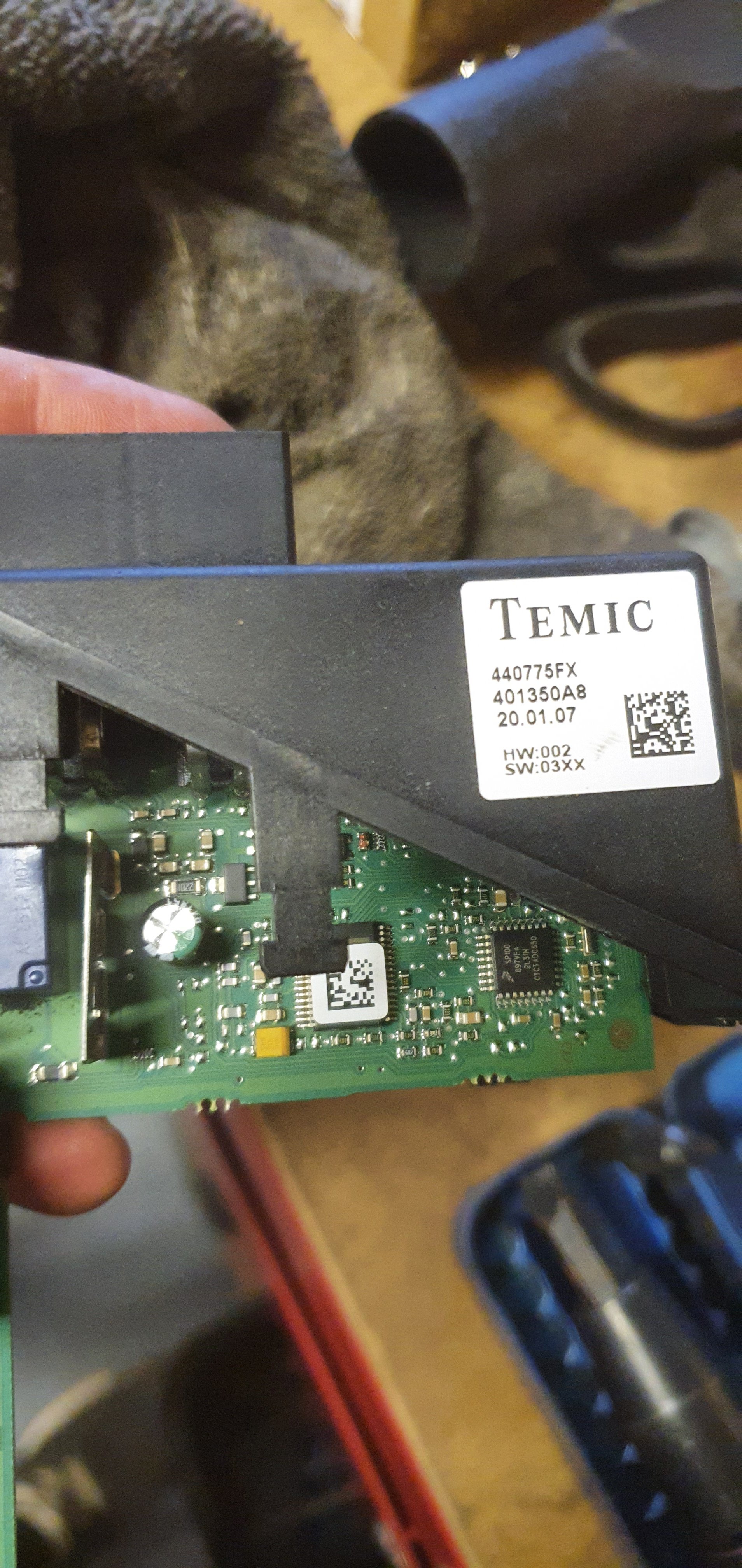
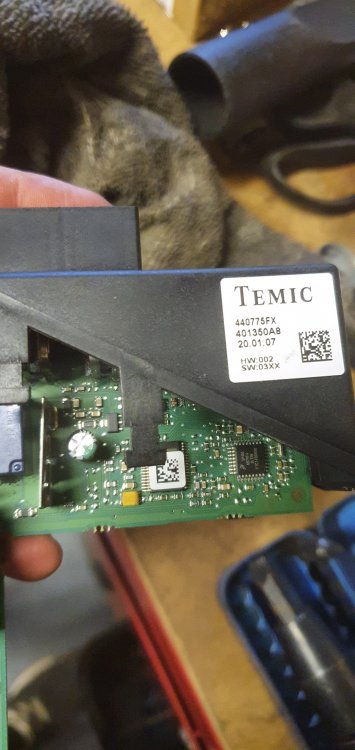
That is what it was inside when I bought the car. I did buy another one but....for someone reason it didn't work, and it looked different inside the PCB, yet the connectors plugged in fine and had the same part number. Now, when I was plugging back the original, then it worked for a few minutes. Basically the replacement never worked but it didn't something somewhere. I sold the replacement on eBay. So still have the "original"
-
No, but the motors work as I tested those as well and they do work when the gods allow it. Anyway, I bought a VCDS cable with unlimited VINs. I had enough, I need to know!!
-
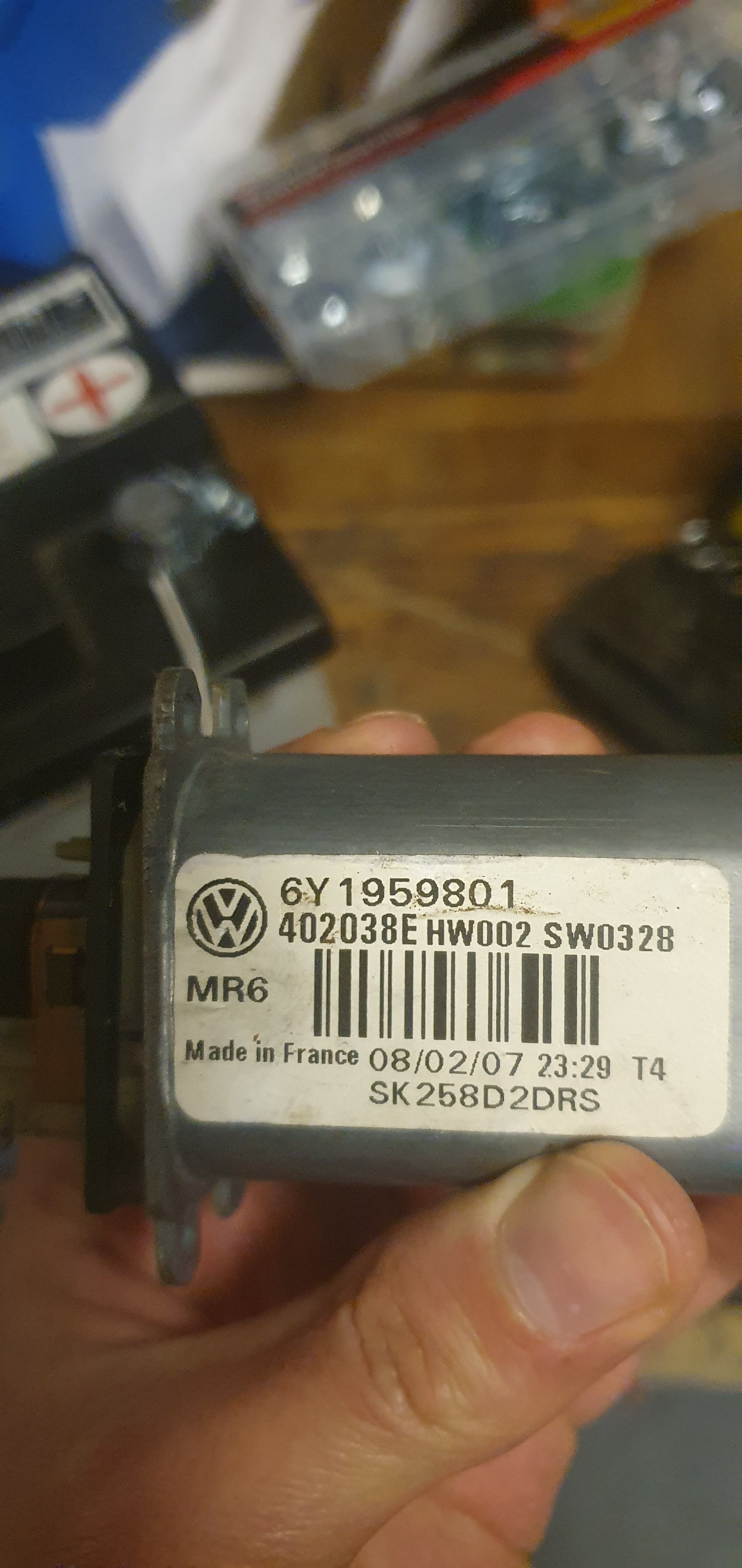
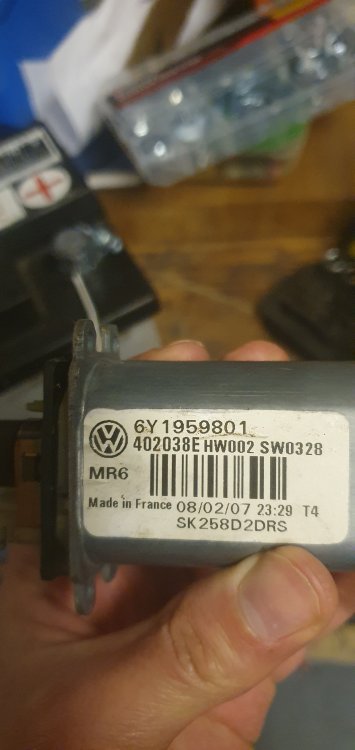
I don't remember the part number for passenger but I will check this evening. This is what's on the driver's side now. I have only front electric windows and manual rear.
-
My electric Windows are not working. They are intermittent when the battery or the harnes is disconnected. They will work for 5min then stop all together. Did fuses, check wiring + continuity. Swapped battery, swapped switches. No luck.
-
I don't know to be honest lol I see that is connected to one another so I thought why not swap it around since I have another never Fabia. I might be wrong but I guess I have to eliminate all possibilities
-
Thank you for the suggestions. The OBD 2 came to life and i don't know why. I will try and purchase a module but I find it difficult to find the part without going to a dealer. From the previous owner I understand the issue started when the garage changed the door after nthe accident. I can't even confirm if the module is the correct part or of they used the same module as the original car who knows. The passenger window does exactly what you said xman. So I will take readings as you suggested.
-
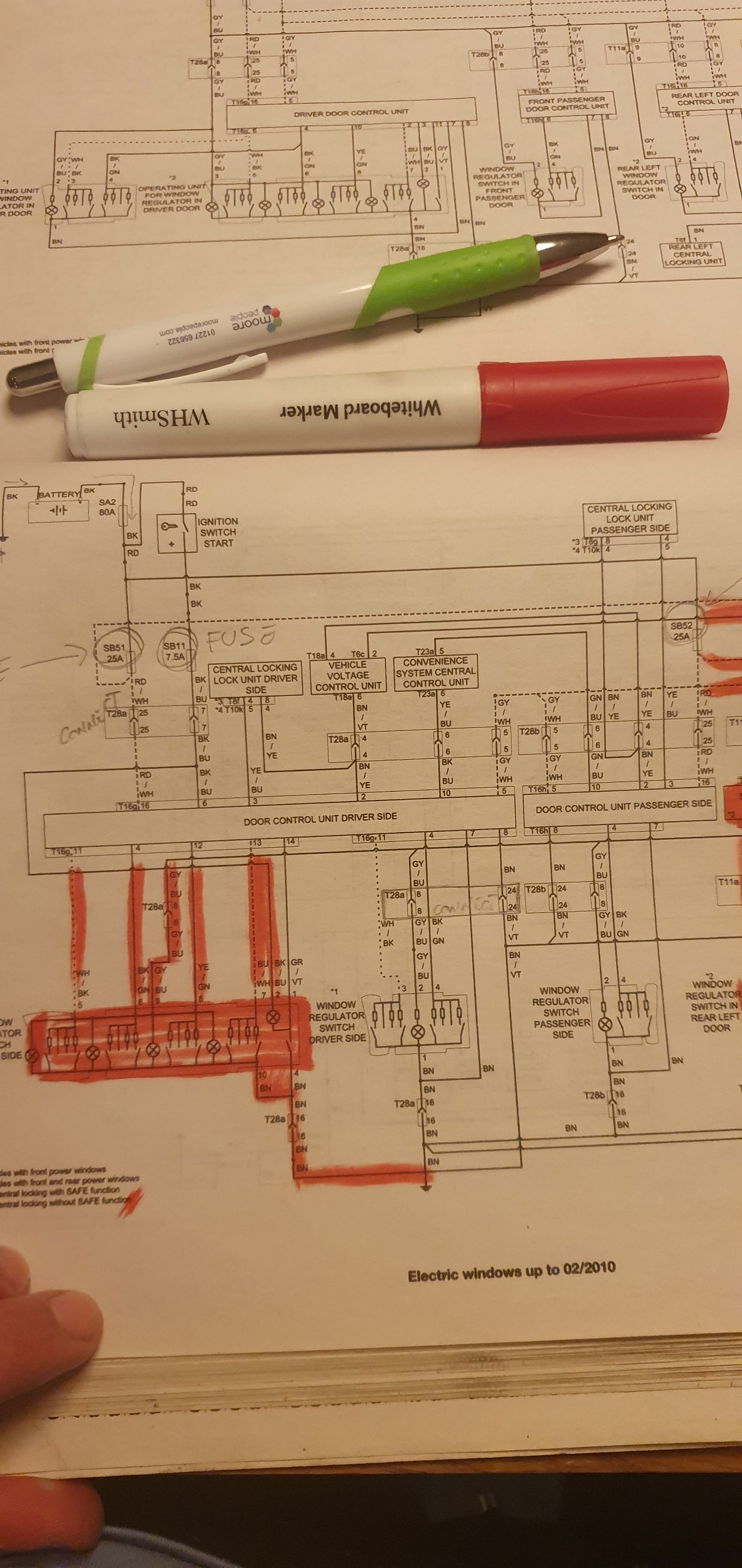
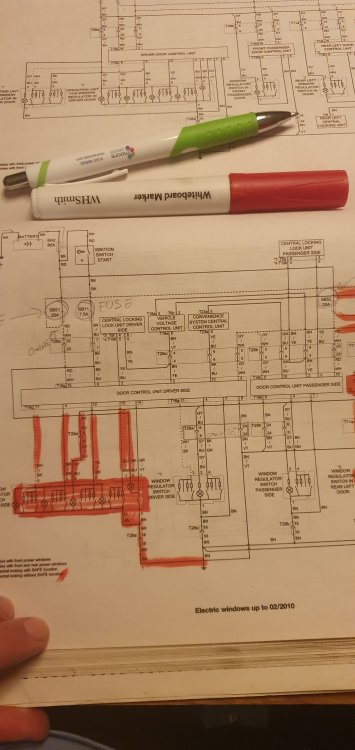
I see. I'm still trying to fix my windows 😞 I downloaded a wiring diagram and trying to go step by step on what my issue is. I'm contemplating to buy VCDS unlimited vins use it and then resell it, from what I understand, the unlimited VINs version holds its value.
-
Does a vehicle voltage control unit need to be programmed after replacing? I'm planning to do a swap test to see if the unit is faulty. I haven't got VCDS Thanks
-
I've put the door back together and back to square 1. 😔 I'm taking the evening off had enough.
-
Omg! It was fuse 11. Even if it's not blowen. I have swapped it anyway and it worked. Dude you're a genius
-
Hmmm, I don't know.... I'll test that.
-
But my mirrors work just fine. I'll put a new one in there. Can a fuse cause intermittent faults? The passenger side work yesterday for about 1h. This morning doesn't work at all again. I read on a forum that the relays can get stuck on one position. I took the whole harnes out again with the motors and I'll try to bench test into see if the issue is in that circuit. I'll hook the power wires to a battery and hope for the best.
-
I checked all of the fuses to be honest. Off the top of my head 51 and 52. But I took every single fuse out and checked. No11 is for the mirrors. I don't know about the battery, I'll have to check.
-
My next thing is to replace the relay and capacitor on the module.
-
I've done something to it and the passenger door works but only with its own switch. I left the harness unplugged for about 30 min.
-
Mine is VARTA which was the OEM on my 2013. I'll find a way to maybe test on one before buying it.
-
I don't know, I'm a bit reluctant to change an almost brand new battery. I don't know....
-
Yes I just bought one for my other Fabia and tried it. The current on on it is about 4months old. There's no way the brand can make a difference. I tried 2 batteries on it already.
-
I have already done that!
-
I don't know where to begin. I bought another module, with the same part number but somehow it had written 2001-2007 on it. Mine is a 2007. I guessed that they must have been using the same parts from previous models. Anyhow, the connectors look to fit but the module inside looks different. Plugged it in, and didn't work. I plugged the old unit and Voilà!! Both windows worked fine......for 10 seconds. Then none of the windows worked. I unplugged the harnes plugged it back in, it worked for another 10 seconds. I tried to make a video but could no longer replicate the scenerario so now I'm back as before. I don't know what to do anymore.
-
Does a different door module will need coding by any chance?
-
I've put a brand new 540Amps battery and I have the same issue. I checked fuses I changed the switch I tested the motor I tested power to the switch I tested continuity on the wires I left the car overnight with no battery Same result, passenger side works for 5 min then nothing Drivers side never works and switches don't do anything
-
Guys the wires work without a doubt. I have a continuity tester and went through all the wires. I checked and checked the fuses and they are fine. Again, if I unplug and plug the passenger side it works for like 5 min until the car locks and unlocks then back to 0. I read on the Haynes manual something about a BSI unit? Could that be faulty?