




nickytheshaft
Members
-
Joined
-
Last visited
Everything posted by nickytheshaft
-
I thin it depends if you change the battery type. When I went from EFB to AGM, I had to recode the battery type. If you stay on the same type, you should be good to go.
-
-
-
-
Well I need help again, when I factory reset my device, I also lost the app for apple play and Android auto. Wagster, could you provide me with the APK? Even better, can you provide me with all the side apps? Installed agama today and I noticed that for whatever reason, the volume control of agama changes the system volume and not the general volume.
-
-
-
-
-
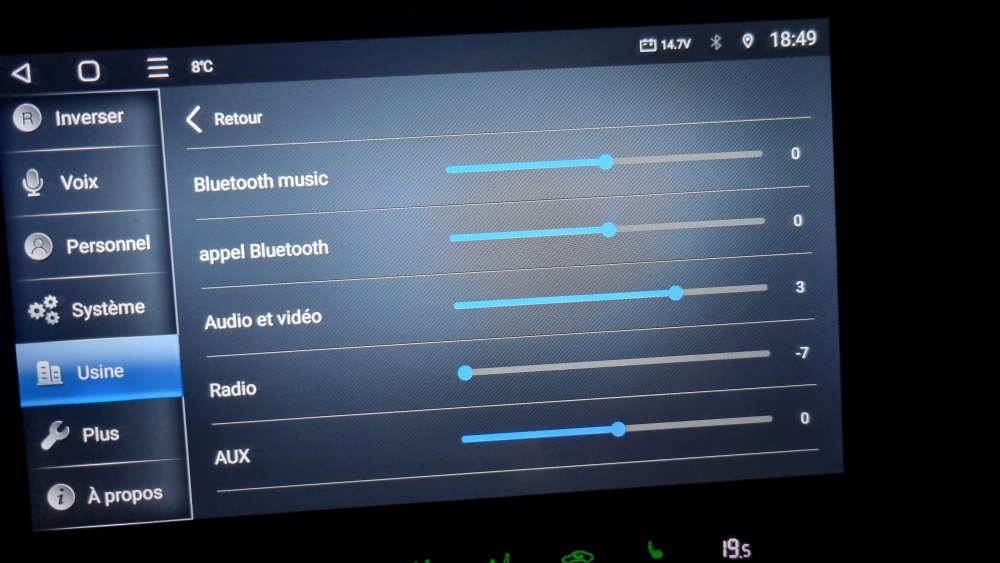
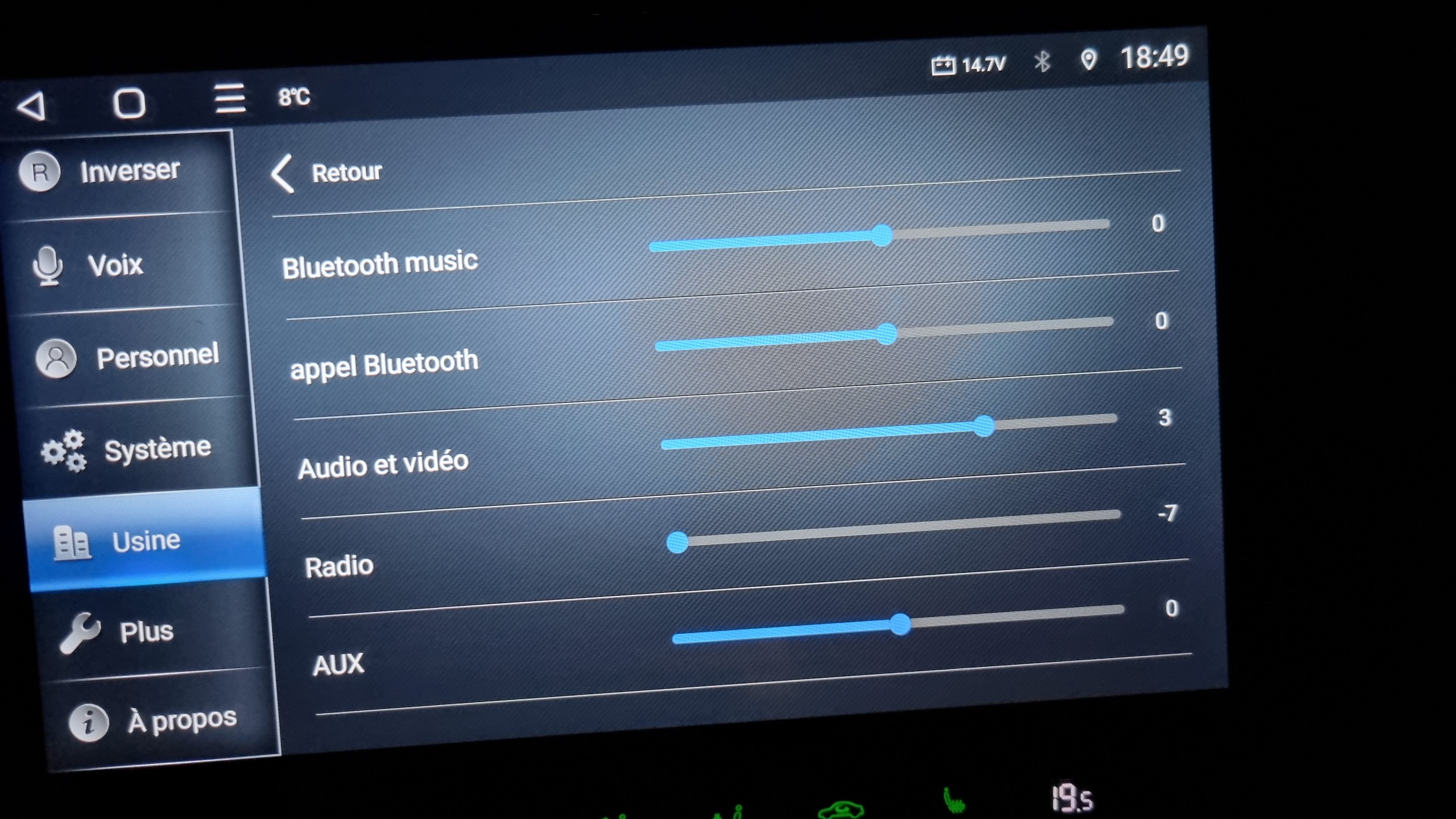
Here, you reduce the radio volume and increase the systeme volume (Audio et video in my case) the systeme volume is what is used for the different apps. Lowering the radio volume gives you a more precise settings, low is low and you can crank up the radio volume more precisely. Leaving the systeme volume higher means that navigation instructions will be louder than the radio. Then go to dab z audio settings and play around with the 2 volume settings, that will fortunately resolve your maps issue.
-
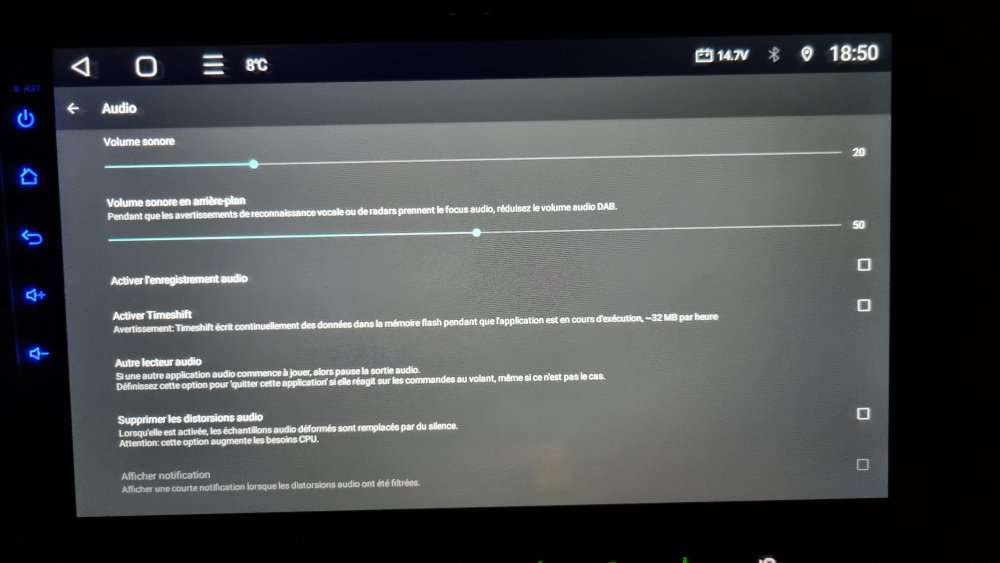
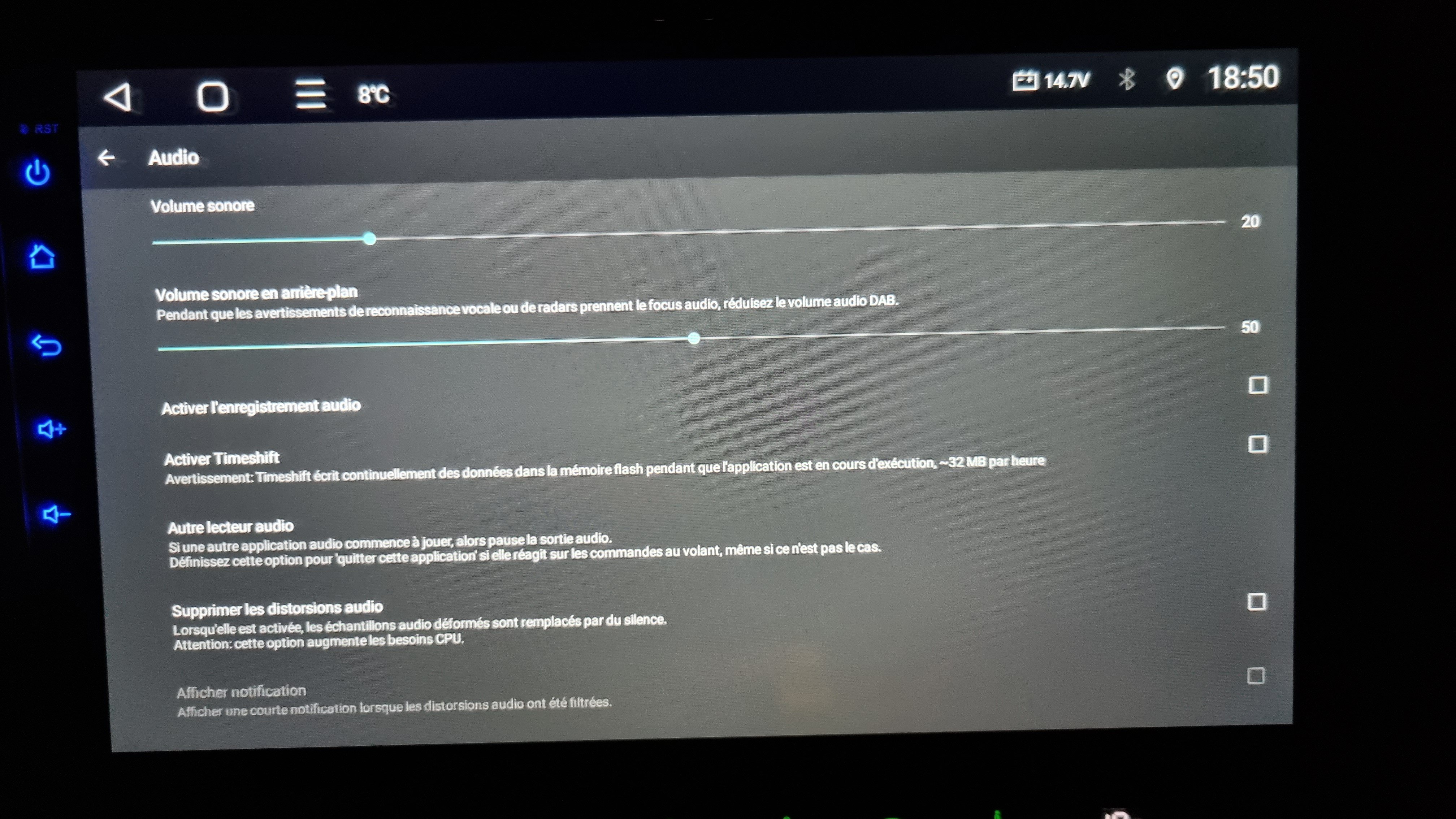
In the audio settings of dab z, you can set the app to reduce the volume when an alert comes up. The Google notification should be considered an alert. Try it, it may work. It is what I did with Sygic. The music doesn't completely cut of but the instructions are very audible (Sorry screenshot in French, I didn't think of changing the language but you will understand it)
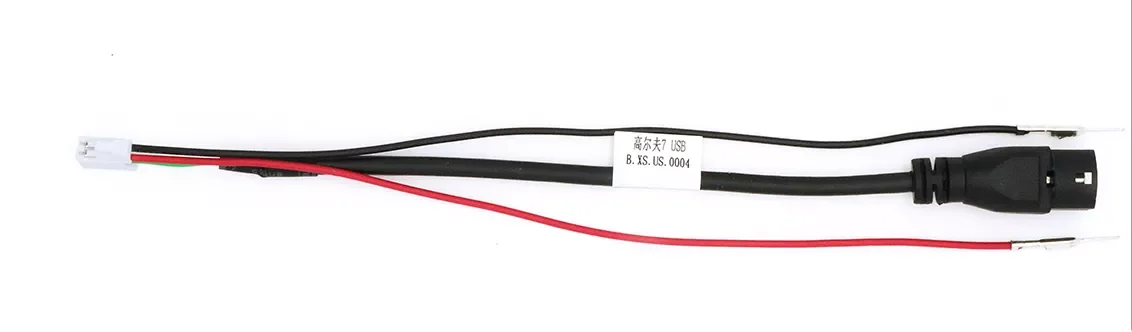
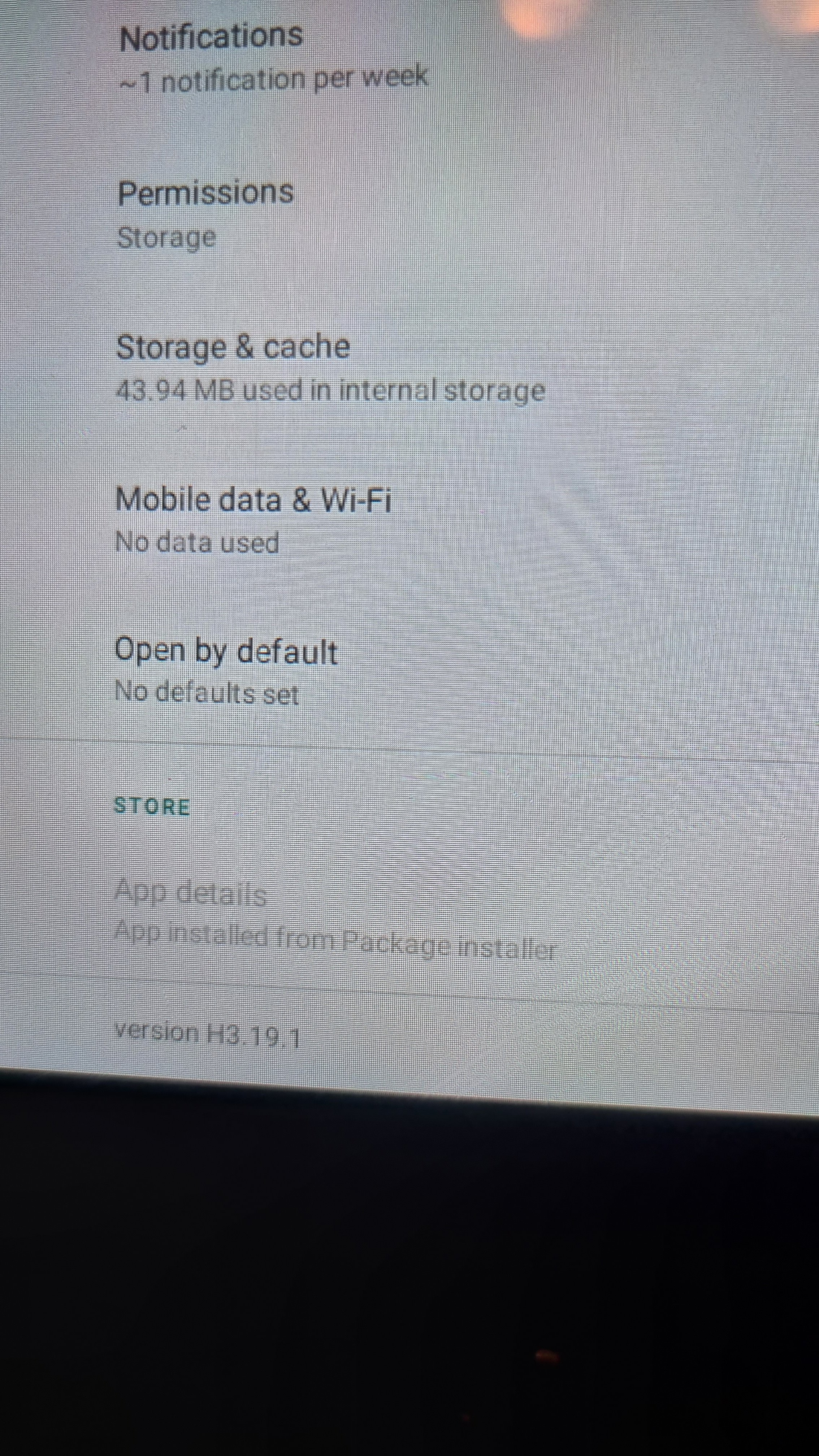
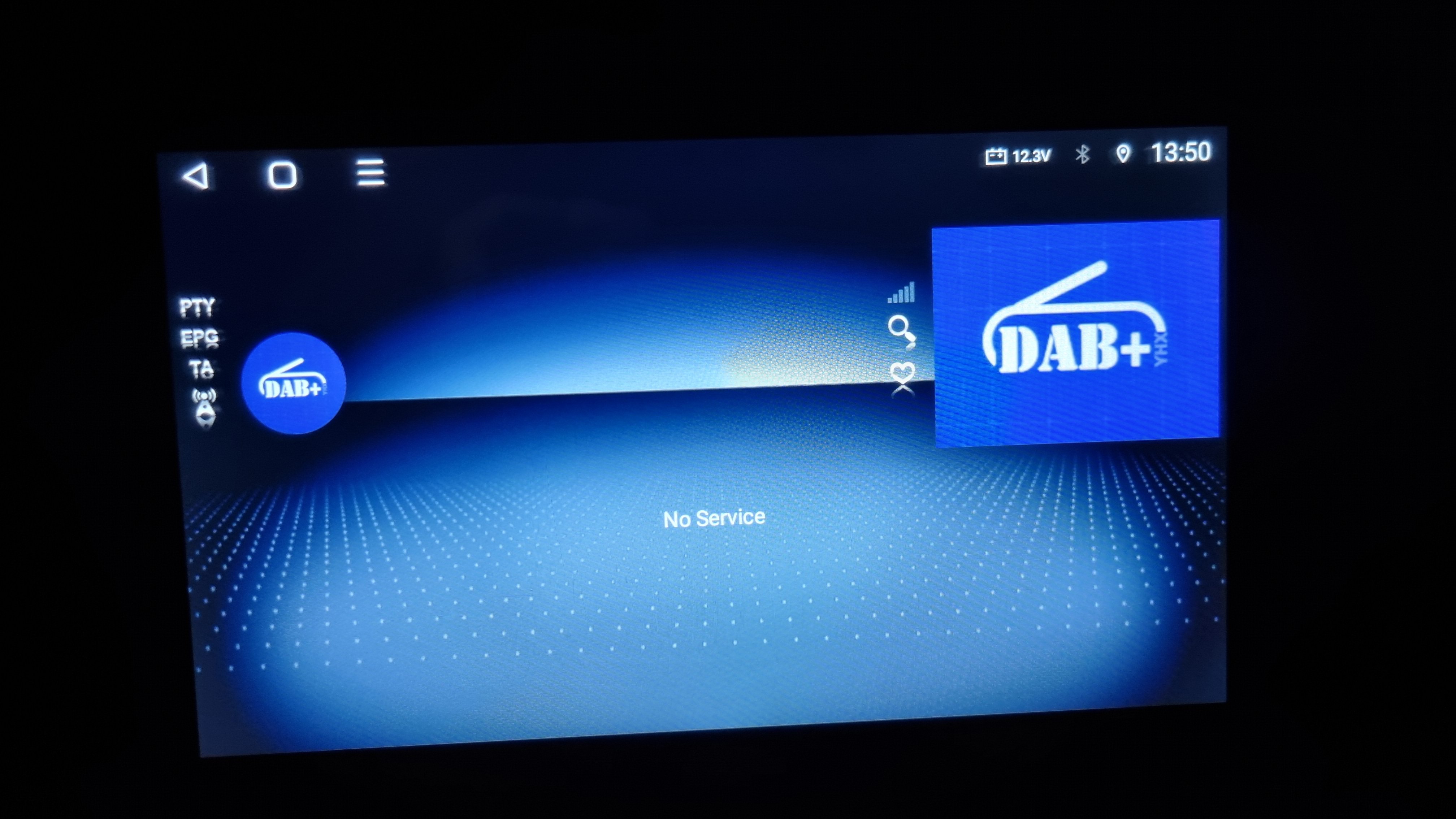
 Ok solved TTS issue. Install vocalizer Go to languages settings of the unit and select vocalizer as preferred engine (it seems to fix the issue) Install speech services by Google Return to TTS settings Select Google as preferred engine and Voila, TTS is working tried it in Sygic and had TTS Voices, I will navigate this afternoon and confirm this.Wow 2 passwords for a same menu.... I noticed something today, I had FM issues, so I decided to look around my connections. My dab dongle was hooked to the single usb cable..when I was mooving it around, the reception was getting better. I unplugged it and got perfect reception. I then hooked the dongle to the working plug of the double cable and again, perfect reception. I don't know why but it worked. How did you extract the dab+ APK? A friend of mine has a' android 11 unit and his fm app is so much better than ours, I would like to extract it. Also, I was thinking, the usb cable only giving power could be used to plug a tpms sensor module.


Important Information
Welcome to BRISKODA. Please note the following important links Terms of Use. We have a comprehensive Privacy Policy. We have placed cookies on your device to help make this website better. You can adjust your cookie settings, otherwise we'll assume you're okay to continue.