.png.739b6a3368a3b38b125c08fc3bbf43dc.png)
T00mm
Members
-
Joined
-
Last visited
-
I must say, never had a issue with the cup holders, works well with cardboard coffee mugs, works well with plastic soft drink bottles. Travel mugs look far too big nowadays
-
Easy peasey! pack of t10 501 LED bulbs from ebay for under £6 Just be gentle with the plastic clips
-
I think a lot of the issues with the fuel is down to price really. No MPG changes reported here. Price of fuel is silly currently. MPG can be effected by tyre pressure, outside temperature, weight, altitude change etc
-
Love it. Hard to install or was it a straight swap? cost much?
-
Love it! difficult to install?
-
Awesome, I miss my ambient lighting
-
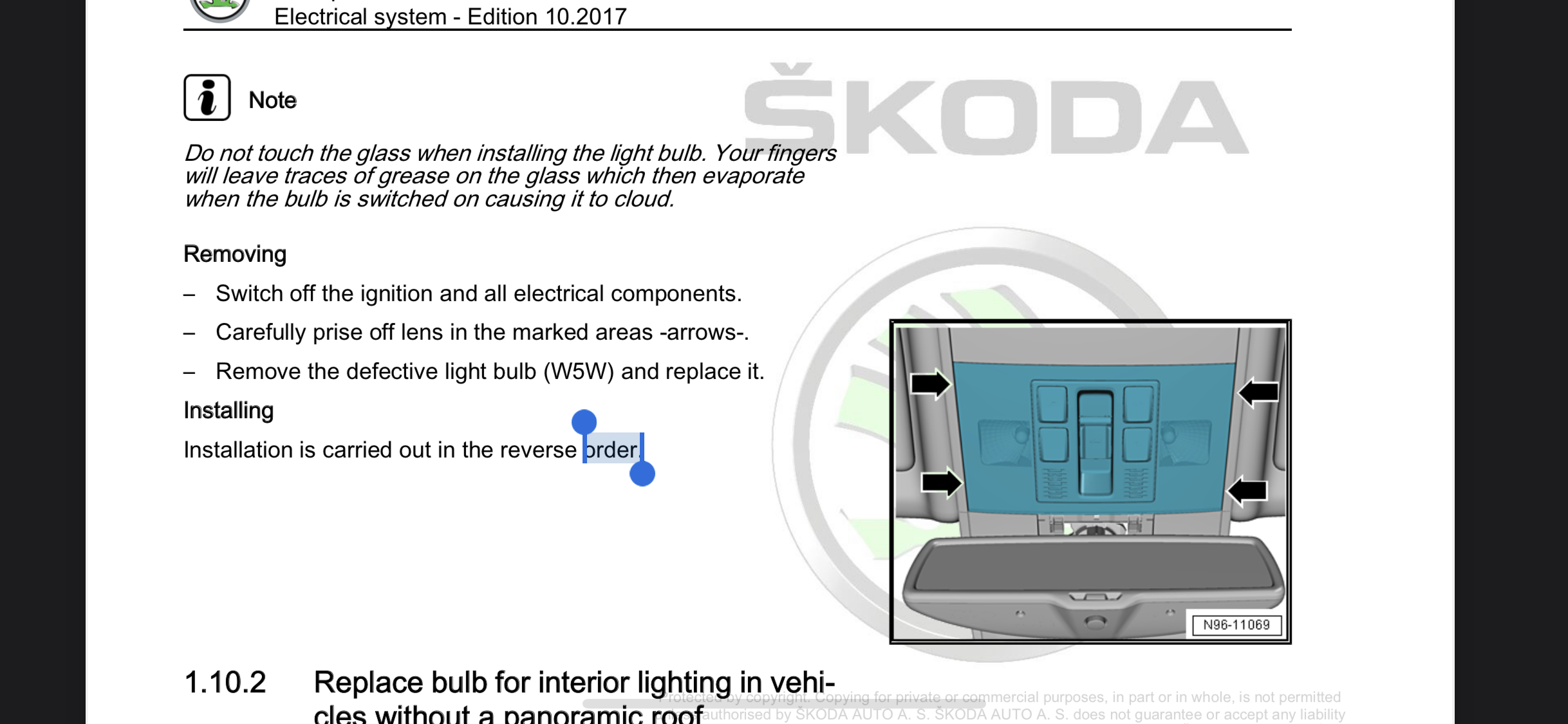
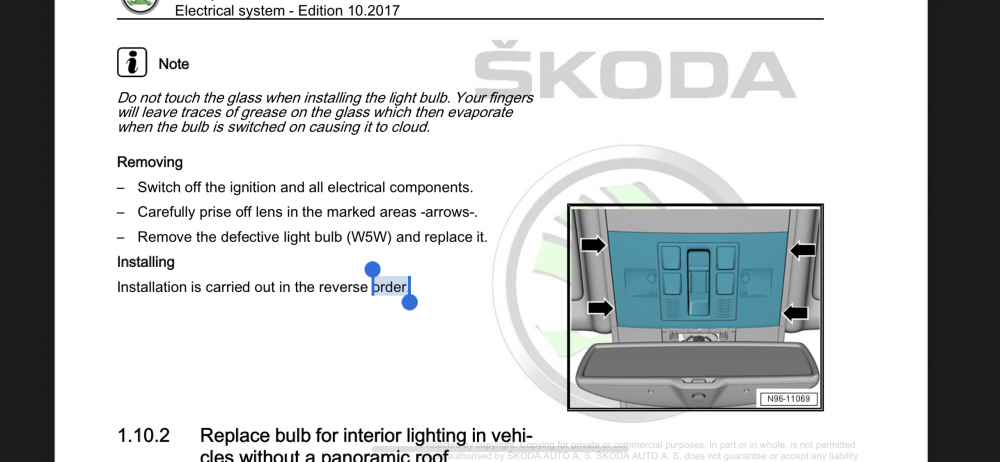
Found the answer myself.
-
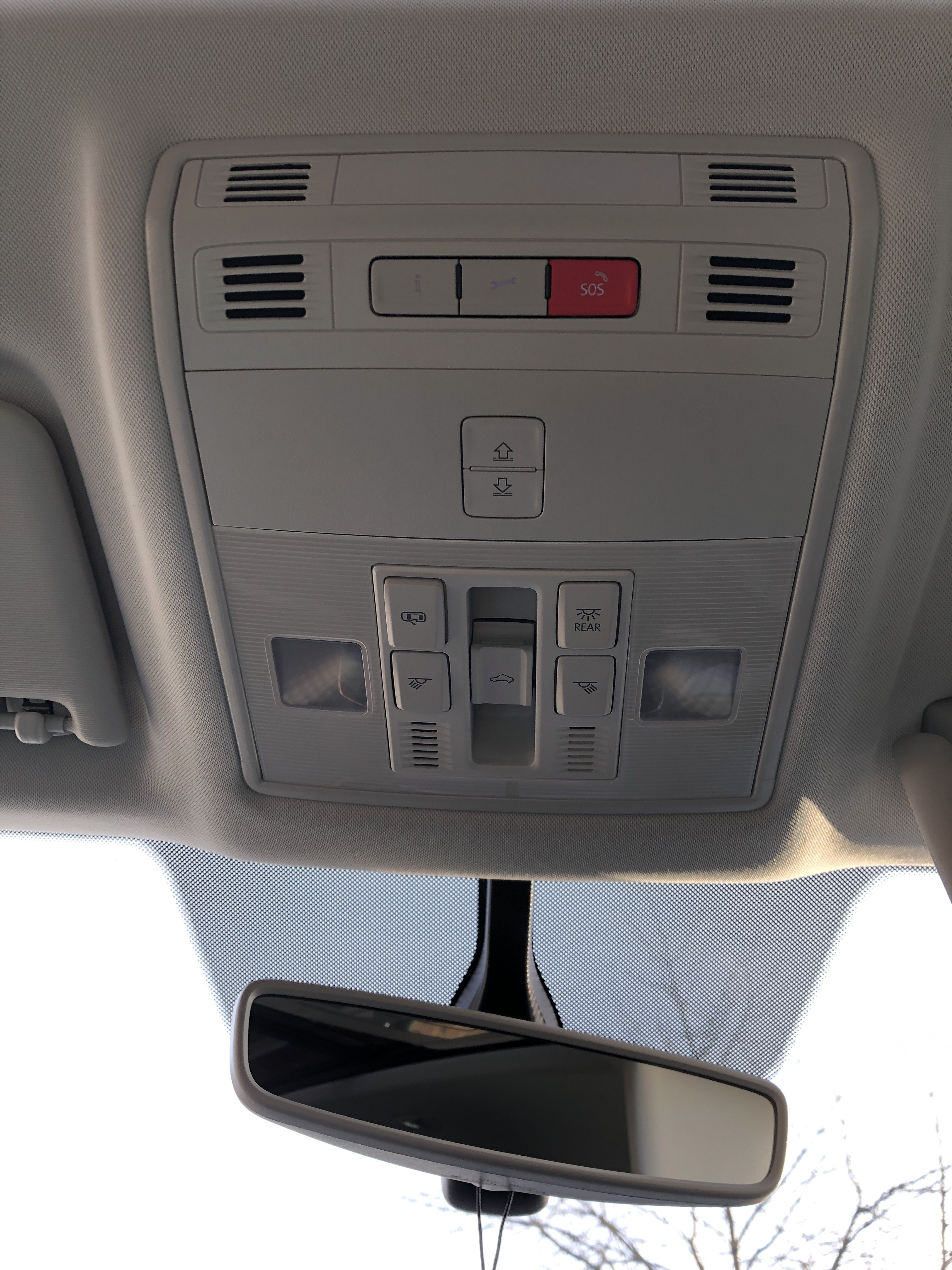
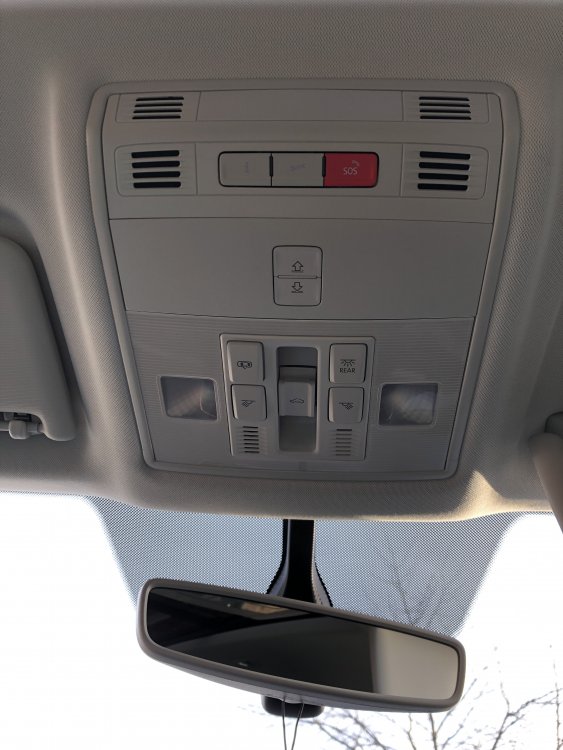
Afternoon knowledgeable people. Can you advise how I get into this location to change my reading / direction interior bulbs?
-
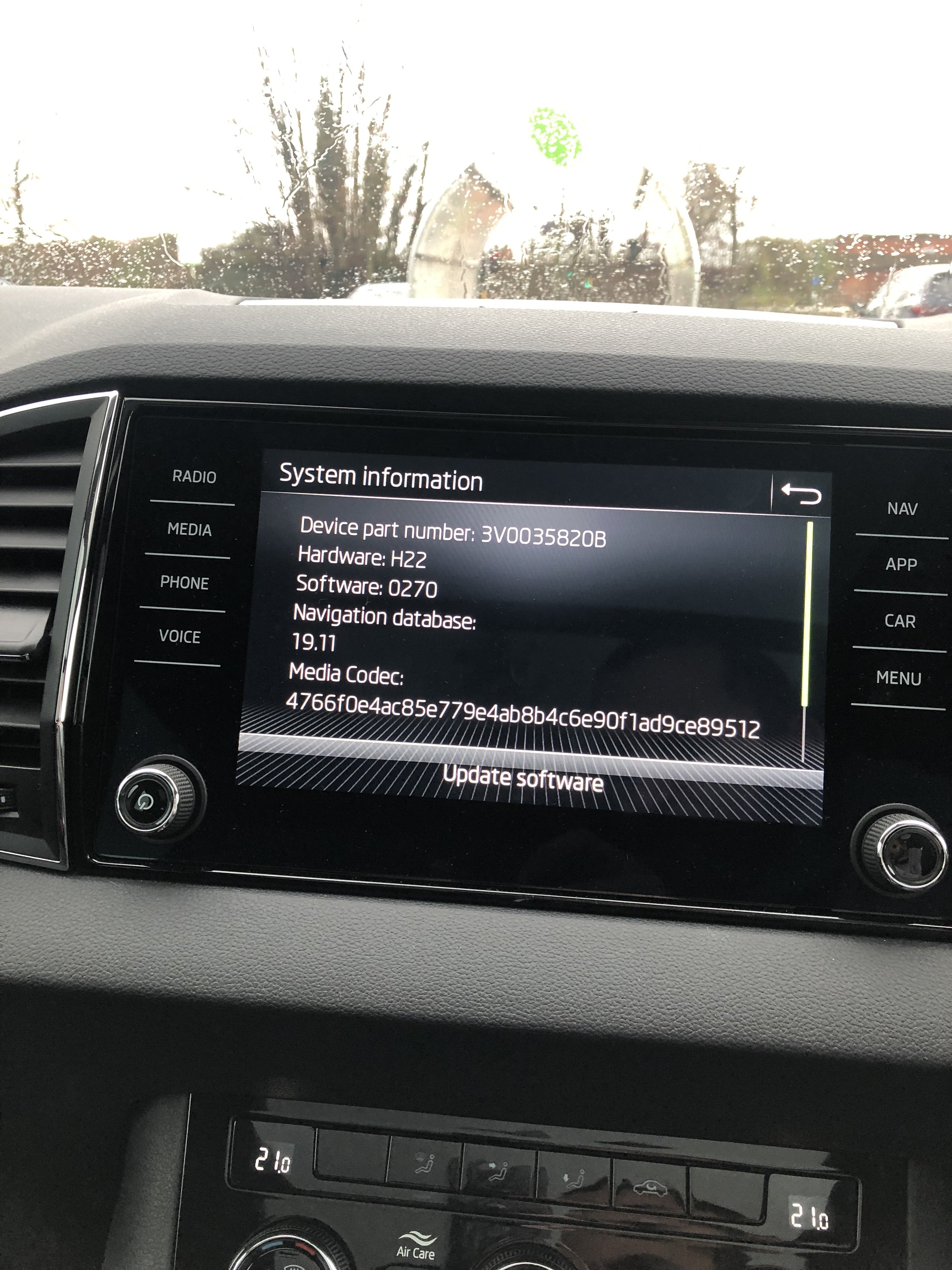
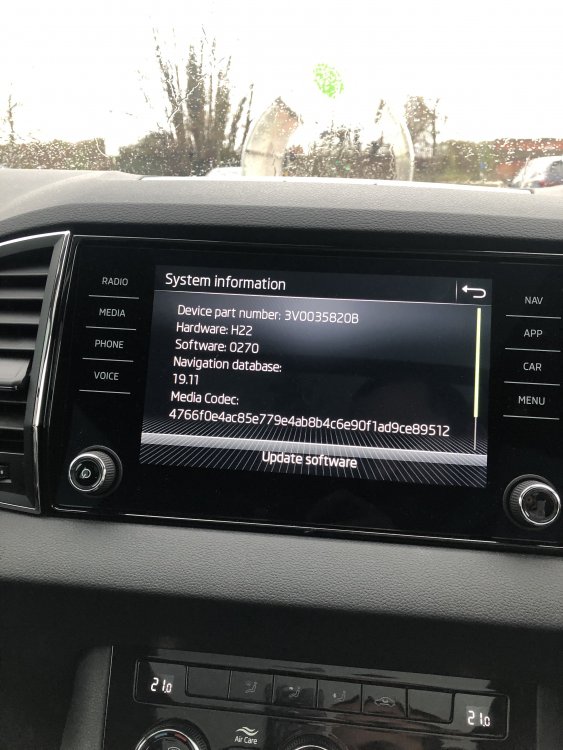
It's a MY21 Karoq! Thank you. Amundsen is useful to know. To get to the settings you need to press menu and then scroll to settings and then system information
-
With all the options Skoda do. can anyone tell me what radio I have? Thank you for your assistance
-
I like the look of it, very nice!
-
I believe all these ‘faults’ are more down to personal taste. Assists can be turned off. plus I’ve never had a issue with wheel spin pulling away in the 1.5tsi dsg, maybe being more gentle with the acceleration or check tyre tread?
-
Not a factory option, something I’ve done myself.
-
Is it new? my 21 plate Karoq doesn’t give me that option either.
-
What would you like to know? Just Satin Black Skoda wheels to begin with.
.thumb.png.b81e9193c06580786774189b0828cfbf.png)