bigade1
Members
-
Joined
-
Last visited
Everything posted by bigade1
-
Latest Updated Speedcams - May, 2021. My car has only just come back from a crash repair centre after two months of waiting so I've been unable to do any updates as I haven't had the ability to test them in a vehicle before posting them. So anyway, here's the latest update of my customised version of EUR Speedcams ( May, 2021). They consist of the full EUROPE speed cameras which I've split up into four consolidated poi categories i.e. Fixed Speedcams, Average Speedcams, Variable Speedcams and Redlight Speedcams. They come supplied with my own preferred personal choice of icons, shown below, to match each of the categories. Remember to Install them as I explained in the first post in this thread i.e. after extracting the zip file remember to open the newly extracted folder and place only the PersonalPOI folder and metainfo2.txt file onto your sd card ( Please Note: a usb stick will not work! ). Also, please remember to select/tick the relevant newly added poi categories and the poi audible warning alert in your infotainment map menu settings after performing the update or they will not display on your map or audibly alert you. Hope you all enjoy them! EUR Speedcams May, 2021.zip


-
Sorry - I can't think of anything else. Are you opening the extracted/unzipped folder and then copying the contents? If you are copying the main folder it won't work. You can try PoiBase or POInspect0r for free but with limitations.
-
@Rayhan Your unit is a slightly earlier model than mine but it's definitely an Amundsen so I don't see why they shouldn't work. From the display message on your screen it means that your unit hasn't recognised the files. Have you followed my update instructions properly? You must only use a SD card - a usb stick will not get recognised. And have you extracted/unzipped the downloaded folder? You could also try using a different SD card if the previous steps haven't worked.
-
I have the same year and model car and can confirm that my vehicle actually revs higher on cold mornings until about the same time as the engine reaches operating temperature. It may not do it for a few minutes after first starting the vehicle and it can easily be mistaken for a regen. I personally think it's just the load on the alternator as it's recharging the battery from overnight and getting the heaters to warm up the inside of the car. How I can tell it's not a regen is that the rev counter is slightly higher than that of the regen's. My mate's 16 plate 1.6 estate also displays the same behaviour.
-
With the Amundsen unit only an official Skoda card will work and it has to be left permanently in the SD1 or SD2 slot for the Amundsen to continually read the map from the card. On the other hand, things are completely different with the Columbus unit as any spare sd card can be used and the map is then uploaded and stored on the actual unit allowing you to remove the card as it is then not needed. So, as you have an Amundsen, you will have to use your original Skoda card. Copy everything off the card to your pc as a back up just in case anything goes wrong. Format your Skoda card to FAT32 go to http://updateportal.skoda-auto.com/?appVIN=&appLanguage=en-GB and enter your VIN and you will be offered map updates. Choose your map and download it to your pc. Once it has been downloaded you then extract ( unzip ) it. Open the newly extracted folder until you see a folder named " maps " and a text file. Copy the " maps " folder and text file onto your empty Skoda card and then place the Skoda card into your SD1 or SD2 slot. Job done.
-
At last and after a long break - here's the latest update of my customised version of EUR Speedcams ( February, 2021). They consist of the full EUROPE speed cameras which I've split up into four consolidated poi categories i.e. Fixed Speedcams, Average Speedcams, Variable Speedcams and Redlight Speedcams. They come supplied with my own preferred personal choice of icons, shown below, to match each of the categories. Remember to Install them as I explained in the first post in this thread i.e. after extracting the zip file remember to open the newly extracted folder and place only the PersonalPOI folder and metainfo2.txt file onto your sd card ( Please Note: a usb stick will not work! ). Also, please remember to select/tick the relevant newly added poi categories and the poi audible warning alert in your infotainment map menu settings after performing the update or they will not display on your map or audibly alert you. Hope you all enjoy them! EUR Speedcams February, 2021.zip
-
You haven't stated whether your vehicle is a hatch or estate but anyway here's a link to a parts catalogue which gives the part numbers for the arm, wiper etc. Click on the " electrics " category then scroll down to " wiper and washing system for rear window ". I have noticed that there's a changeover on the wiper arm part no. for the hatch on the 10th February, 2014. Hope you find it helpful. https://skoda.catalogs-parts.com/#{client:1;page:group;lang:en;region:cz;model:octavia;modification:oct;year:2016;modetype:753}
-
Your unit is a newer model than mine and has more up to date software. Yours is an Amundsen MIB2.5 while mine is an Amundsen MIB2 with the latest software available for my particular model. Device part number: 5Q0035874B Hardware: H30 Software: 0367
-
Unfortunately, it must be the app itself then. I don't know if it will make any difference but mine updated to 3.7.1 about twenty minutes ago. You could try uninstalling it and redownloading the newer version to see if it does. Bear in mind you'll need to re-enter your username and password from your Skoda account.
-
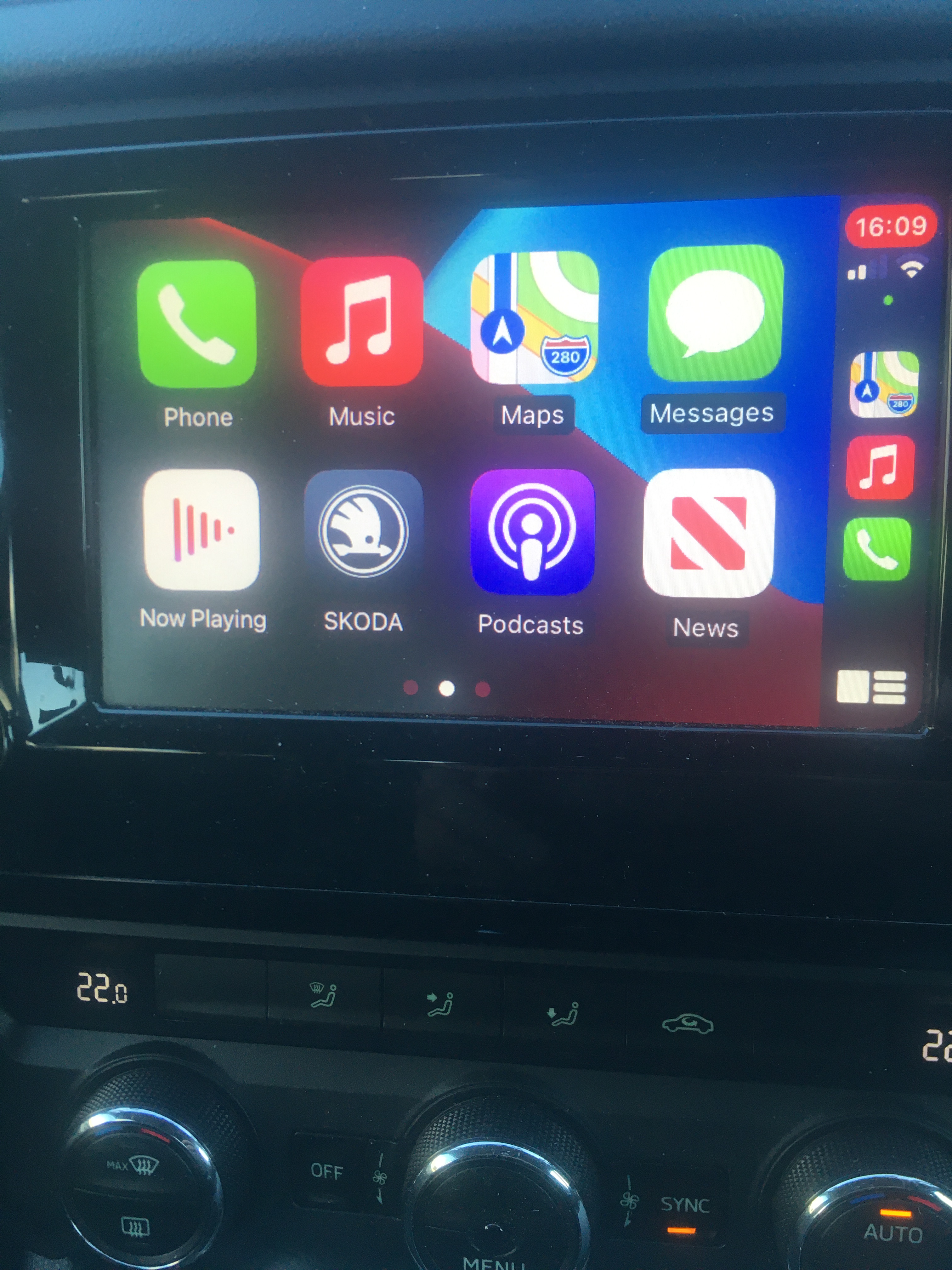
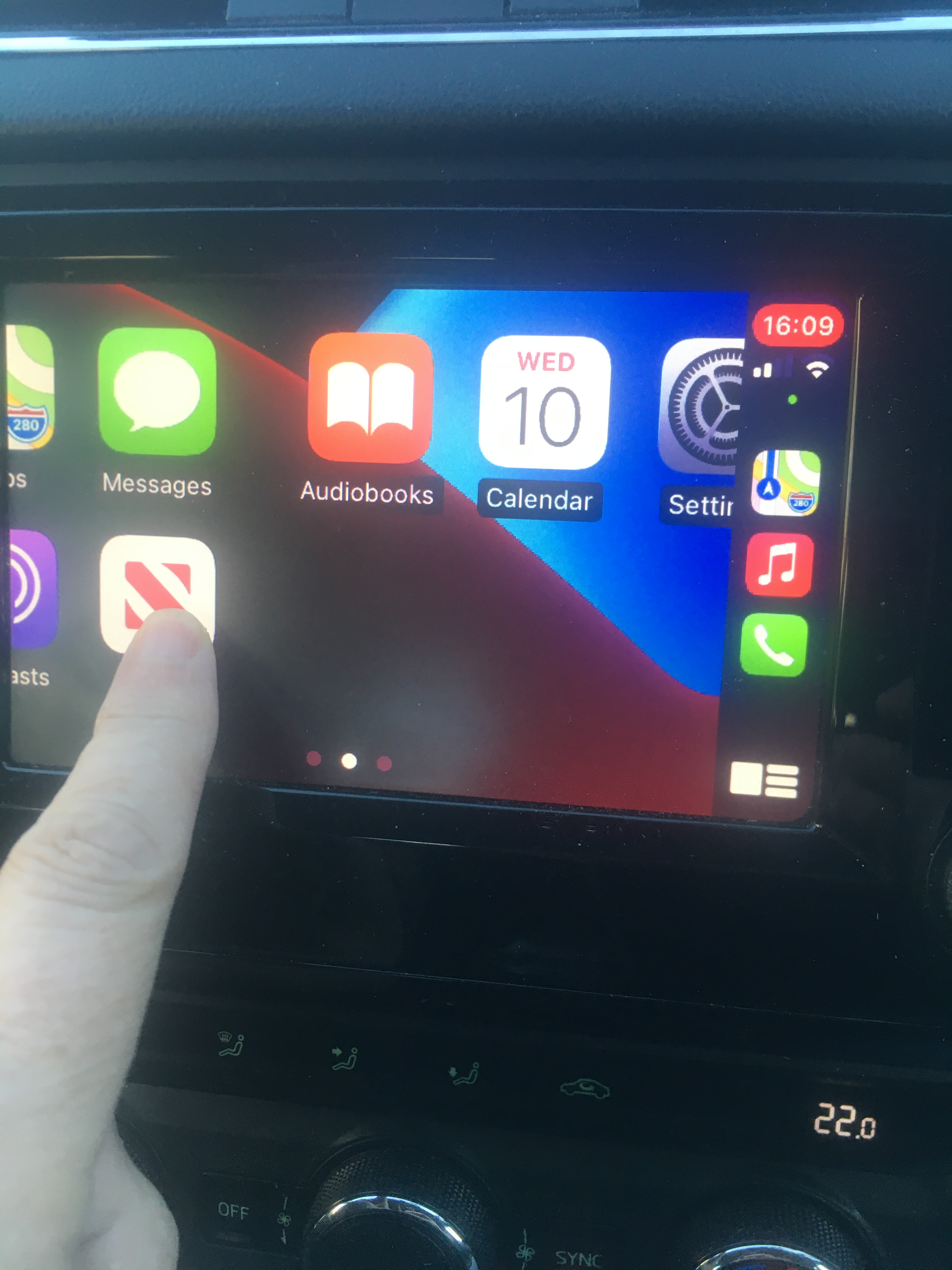
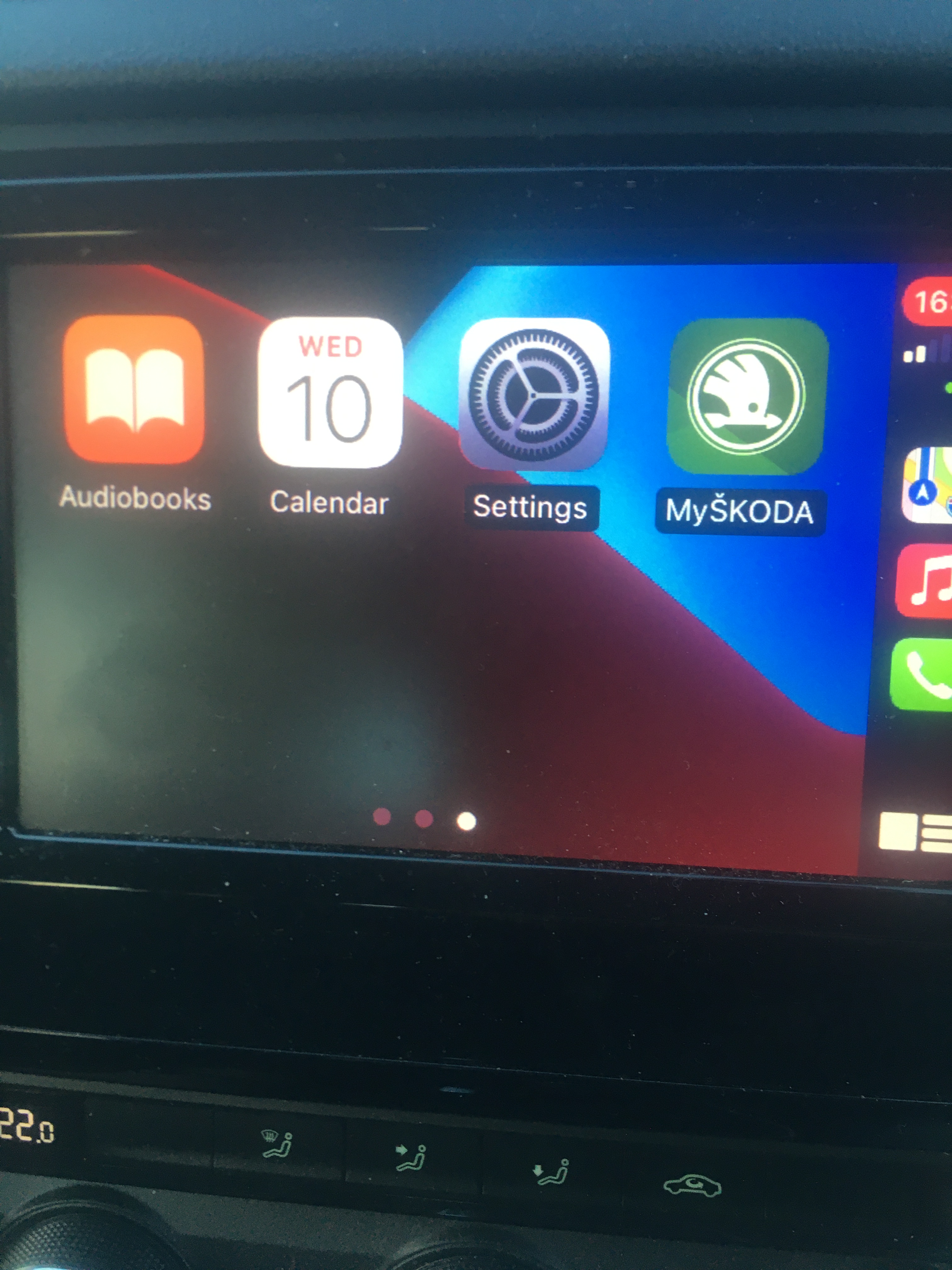
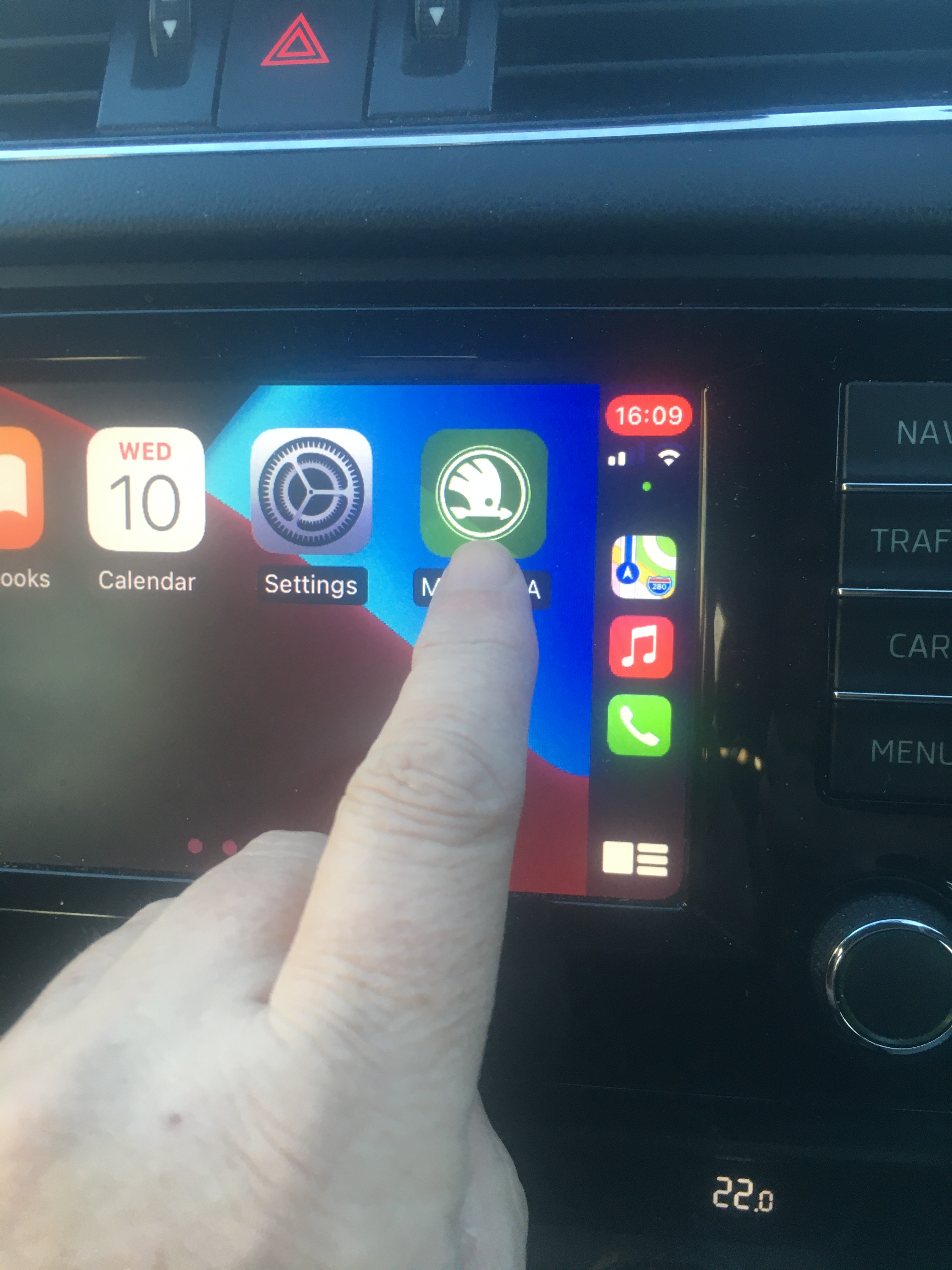
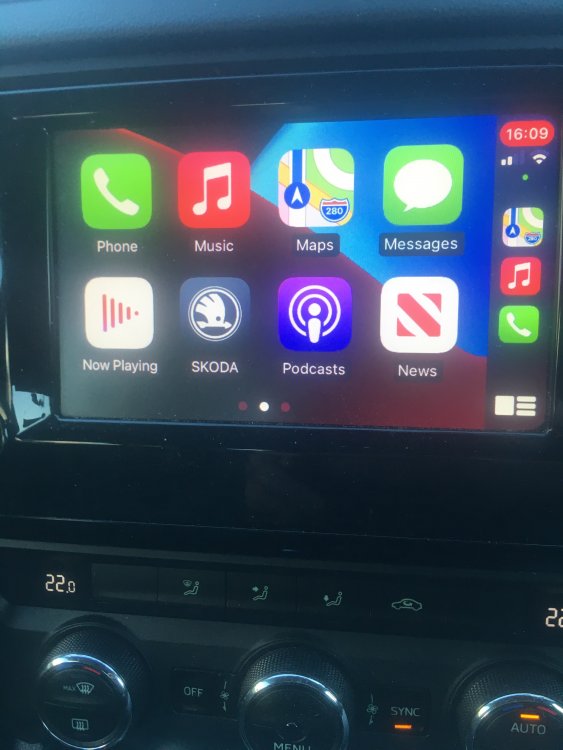
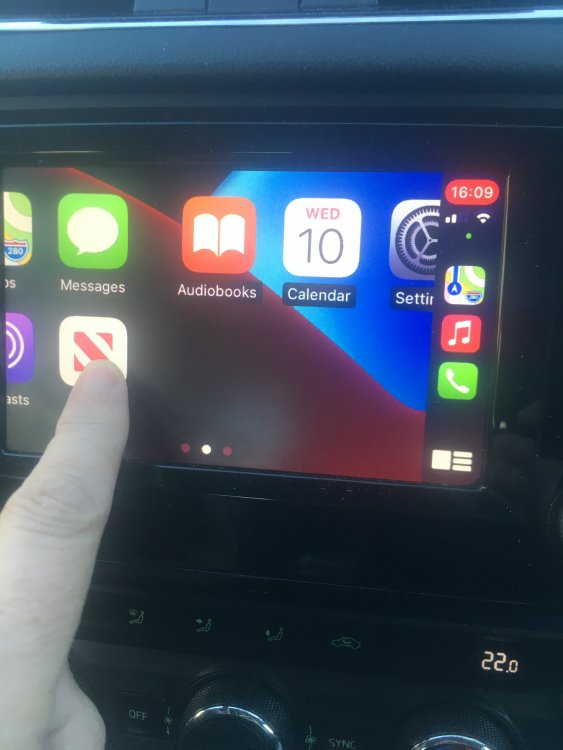
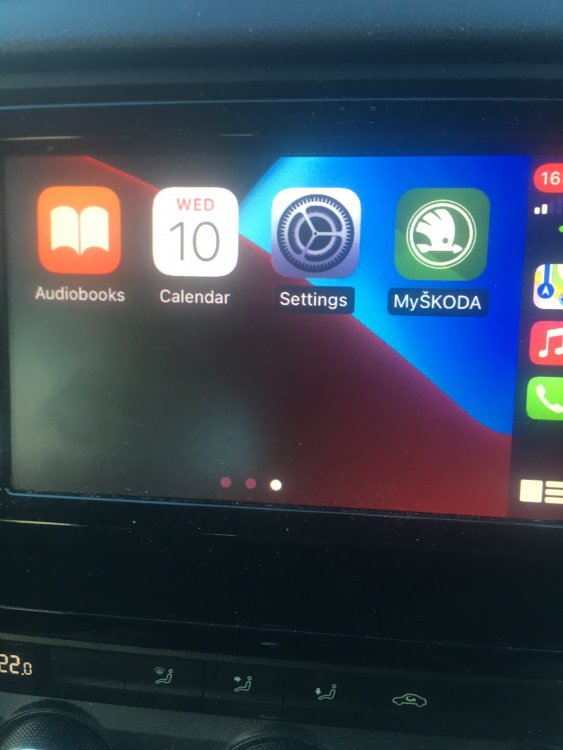
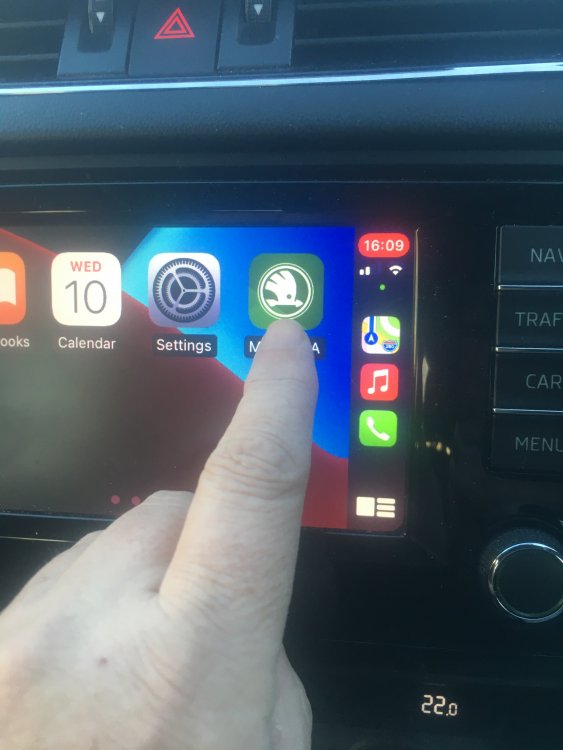
Looking at the bottom of your picture you have 4 small circles indicating how many screen pages you have. Place your finger on the screen and drag from right to left and your apps will be displayed from the next page. If the MySkoda app isn't on that page just drag/scroll to the next one. Alternatively, you can change the display layout of your apps by using the settings on your iphone. Settings - General - Carplay - Skoda - Customise - Then drag the MySkoda icon and put it in place of the grey Skoda icon. That way the MySkoda icon will show on your infotainment's screen's first page saving the need for you to scroll. Let me know how you get on. You'll get the knack eventually.
-
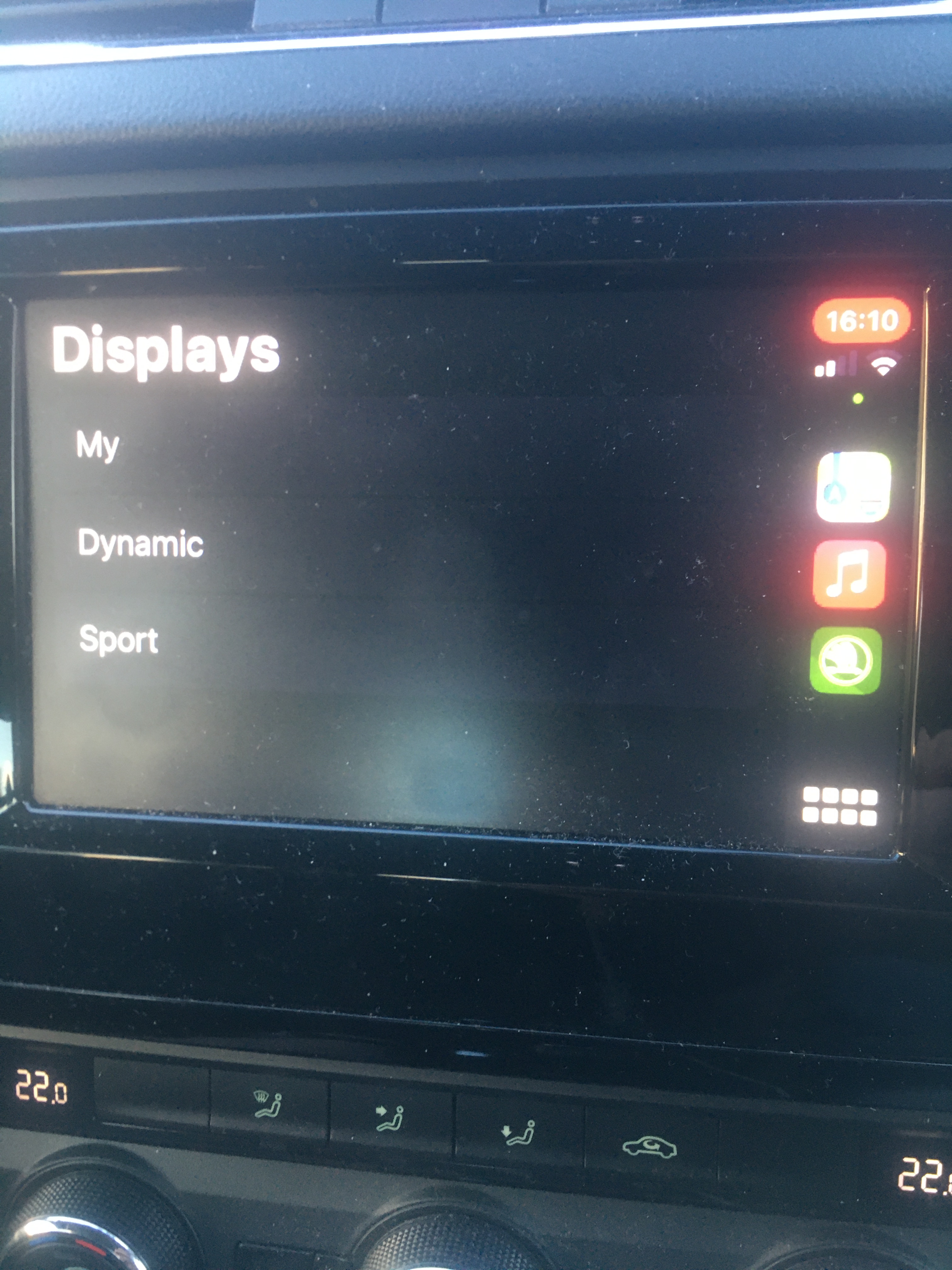
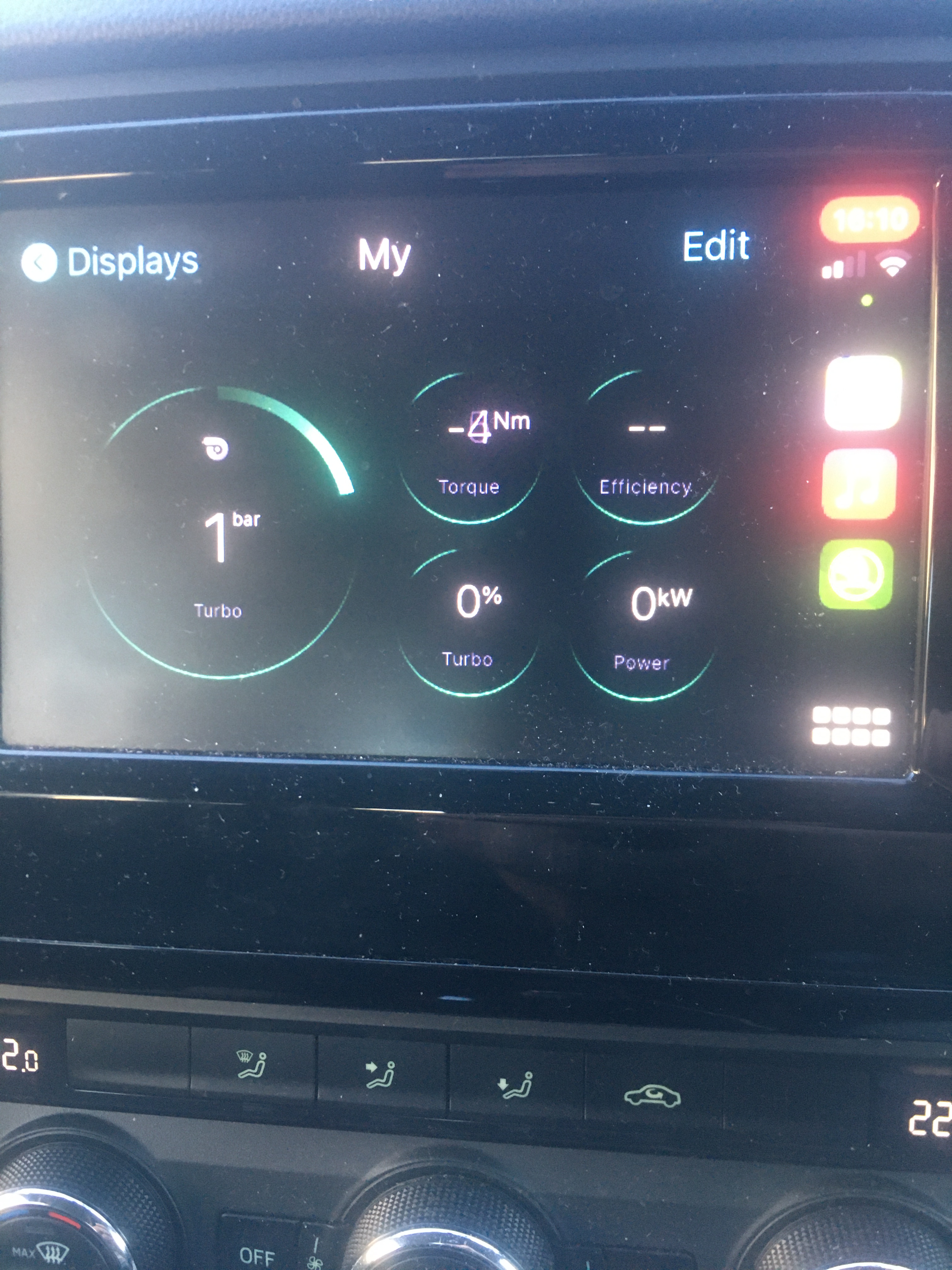
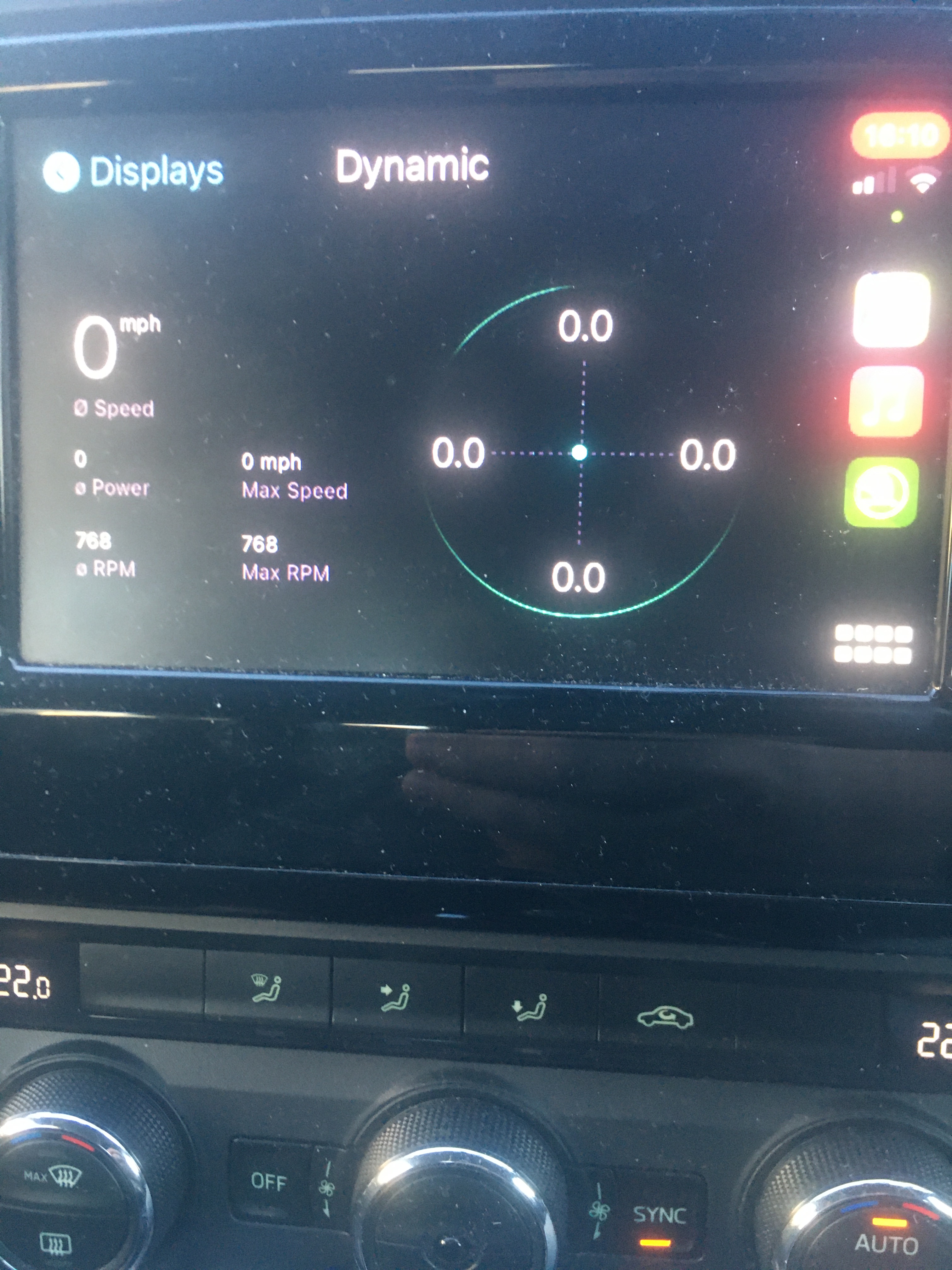
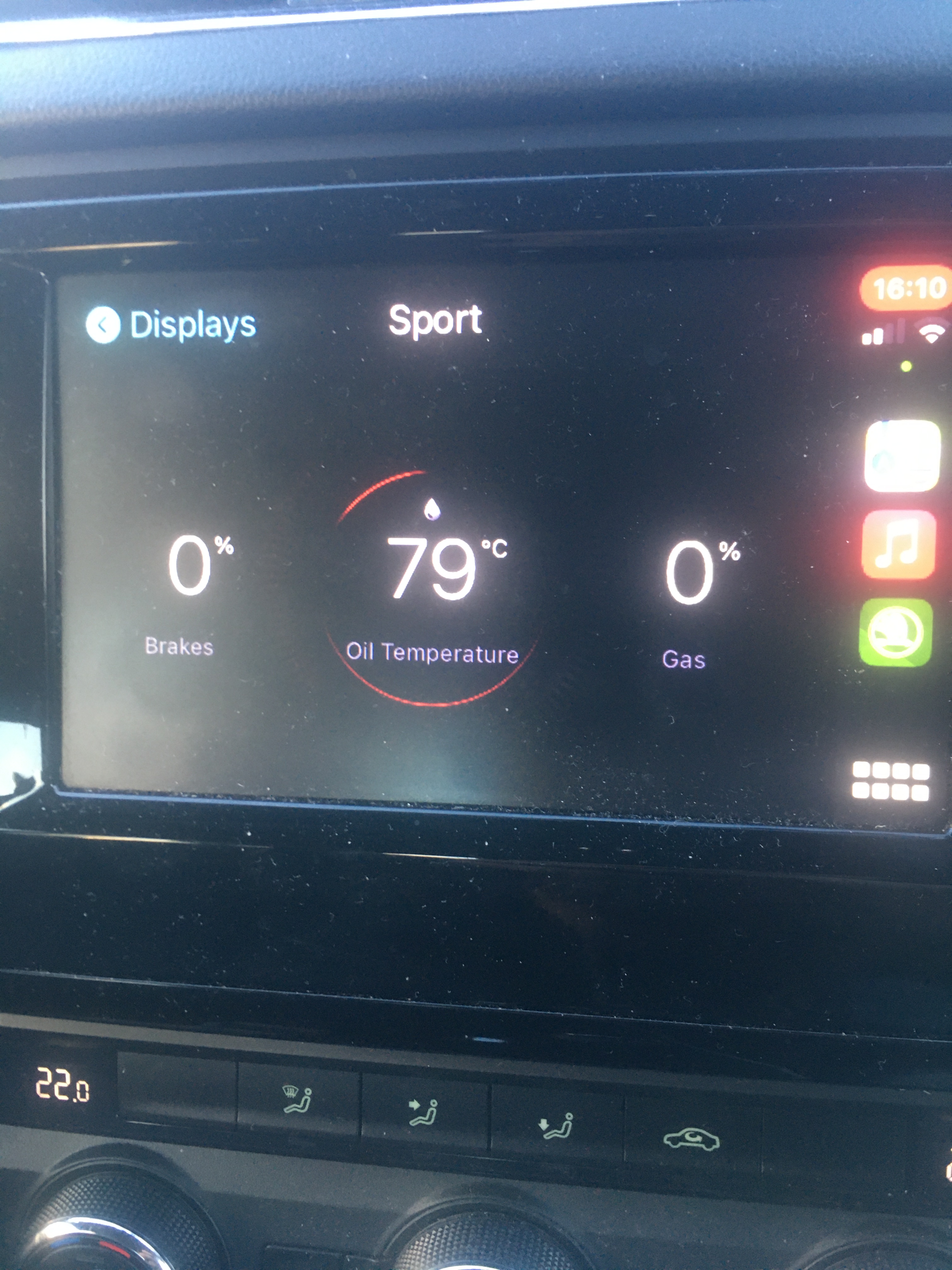
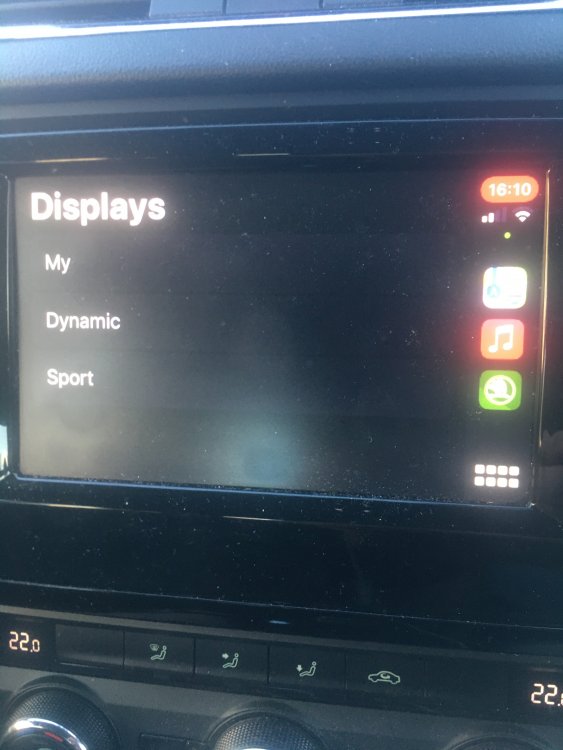
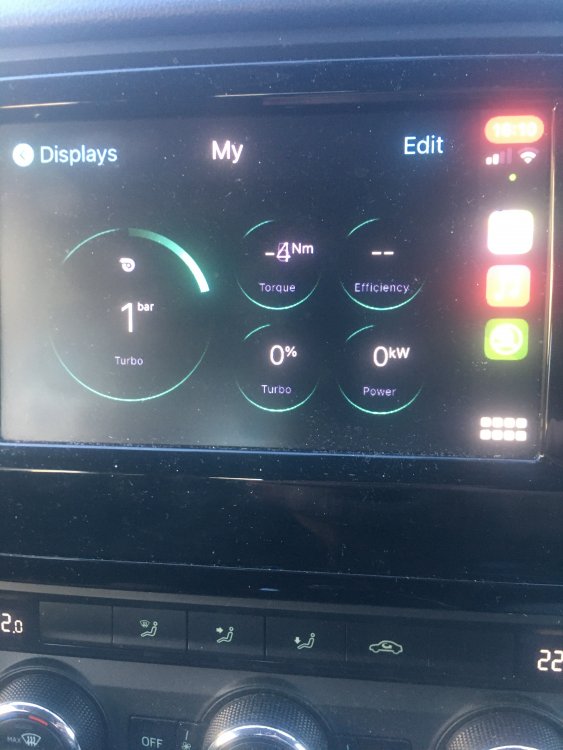
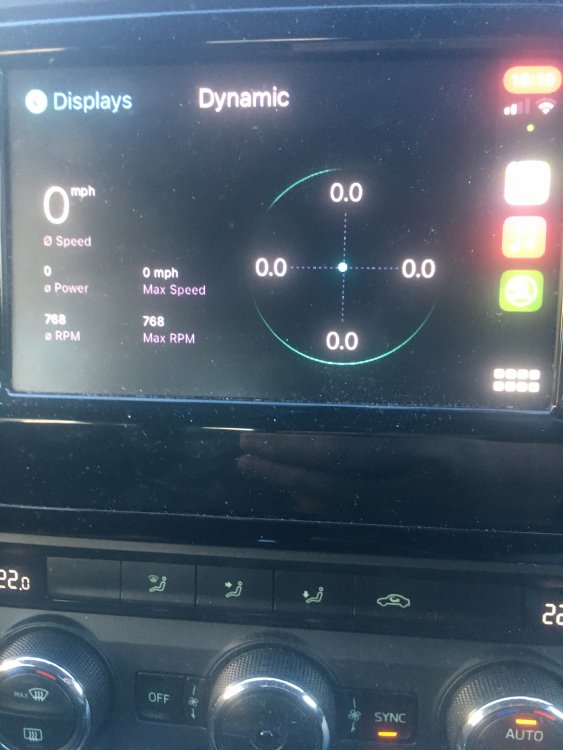
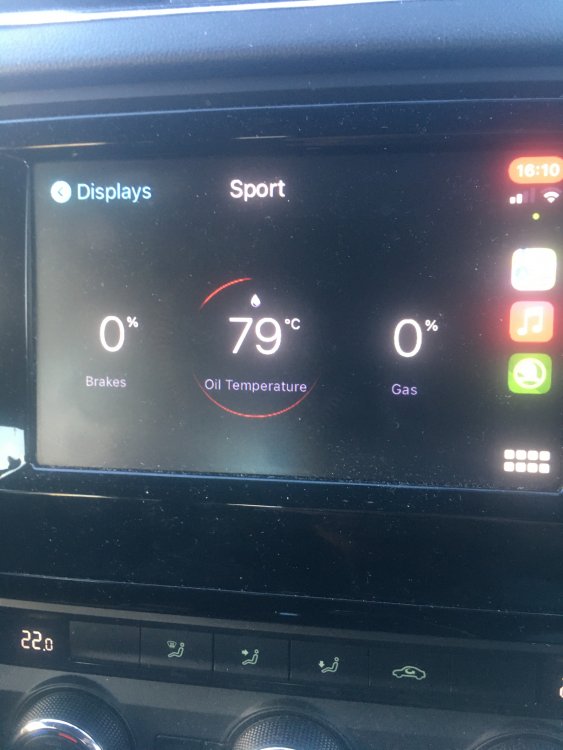
And some more
-
I've done some photos for you.
-
Yes I have the grey Skoda icon. When I press that it take me to the Carplay/Mirrorlink menu settings. When I slide my screen across I also get another Skoda Settings icon along with the MySkoda app icon and one or two other app icons.
-
Ah I've just noticed something on your photo. That's the wrong icon on your infotainment system. You need to slide the screen over on your unit using your finger ( similar to the iphone screen ) and then you should see a MySKODA app icon. That's the one you want. I will upload some pics later if you want.
-
I noticed that you stated you opened the app on the phone before you connected it to carplay. Can you try in this order. First connect the phone to carplay, then open the app on the phone and then while the app is showing on the phone open the app on the infotainment display. It took about two or three goes with mine but it did start working eventually. It seems strange that it won't work for you because I've got more or less the same model car as you but slightly older. 2017 plate 2.0L SEL with an Amundsen MIB2 unit.
-
Yes, I'm referring to the new MySKODA app ( version 3.70 - last update 16.12.2020 ) using IOS 14.4. Let us know if it works for you with the app on the phone already open first.
-
I've considered them in the past as I've heard good reports on the accuracy of their database but I've also read somewhere that they're pretty strict on the use of their content. Immediate ban and no refund if you're caught sharing it. Not sure how they pinpoint the guilty subscribers though. And I also think you have to take a subscription out first before you can submit a new camera. Then once it's been verified you'll qualify for a free subscription after your current one expires. But thanks for the suggestion.
-
I keep checking every day to see if anyone is sharing a database but no joy so far. As soon as I can get my hands on one I will update them.
-
What I discovered was this. When I first installed the app shortly after it was launched it would work in carplay straight away regardless of my phone status. That was until Skoda issued an update to the app. After this new update I then discovered the app wouldn't work in carplay unless I had opened the app on my phone and kept it open. As soon as you close the app on the iphone it closes in carplay as well. So next time when your phone is connected to carplay try opening the app on your phone first before opening it on carplay and then see if that works for you.
-
-
It's my understanding that it all depends on which infotainment is installed in your vehicle. If it's an Amundsen unit then it's essential that an official Skoda sd card is used and furthermore, the navigation map is continously read from the card so it won't work if the card is removed i.e. the card must be left in the unit continously. On the other hand, if it's a Colombus unit ( which it sounds as if yours is ) you can update the unit using any generic sd card and since the map is uploaded and saved on the actual unit itself it will then work without the sd card in place so you can therefore remove it. Hope this helps.
-
I suspect, but I may be wrong, that you've put the complete extracted folder onto your sd card instead of just the contents. If so, just reformat the card to FAT32 using a windows pc and only copy the folder named " maps " and the accompanying text file from inside your extracted folder onto your sd card and that should fix your issue.
-
Try a hard reset to see if that solves the issue. Just press the off button and keep holding it in till the infotainment restarts. About fifteen seconds.
-
If its any help Nik the clips are called insert nuts or speed nuts. According to this post you actually need 4 of them not 2. Part no. N0154672. https://www.briskoda.net/forums/topic/479581-umbrella-holder/?do=findComment&comment=5386258 There's a further link in the post from a Russian guy giving the parts list and installation instructions. I used Google Translate to read it and it looks pretty straight forward to do.
-
@NZ100 The Skoda maps are are more or less a rebrand of the VW ( parent company ) maps and are usually put on the Skoda Update portal website a few months after they've appeared on the VW website. For instance, the current Skoda maps ( titled 2020/2021 ) were actually available from VW in November, 2019. I expect it will be sometime next year when Skoda will put up the latest version ( titled 2021 ) which were released last month on the VW website. If, like me, you want the latest map and can't be bothered to wait months for Skoda to upload it here's the direct download link from the VW website for the Europe 2021 map for the Amundsen MIB2 ( aka Discover Media ). Once downloaded It needs to be extracted using 7z compatible software ( I use Winrar myself ). then just place the entire " Maps " named folder onto your formatted Skoda sd card. The file size of the extracted folder is 14.4GB so it should just fit although I haven't tried it myself as I've recently upgraded to a 32GB sd card. https://navigation-maps.volkswagen.com/vw-maps/DiscoverMedia2_EU-AS_1520_V13.7z