vran22
Members
-
Joined
-
Last visited
Everything posted by vran22
-
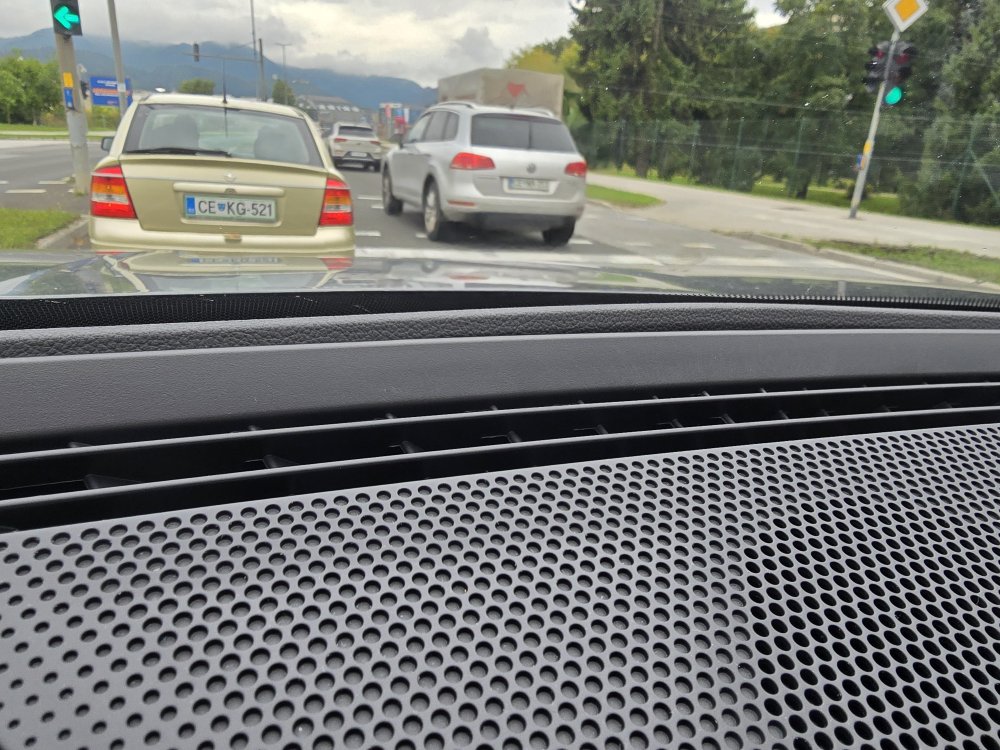
Today i noticed that in dashboard there is some not nice line fitting. Is this only on mine? Or all Kodiaq have this failure.. Because now when i saw it i cannot unseen it :(
-
I have done three time balancing wheels and it not fix issue..
-
Did you fix issue with steering wheel?
-
Its working compleatly normal for me (in Slovenia)
-
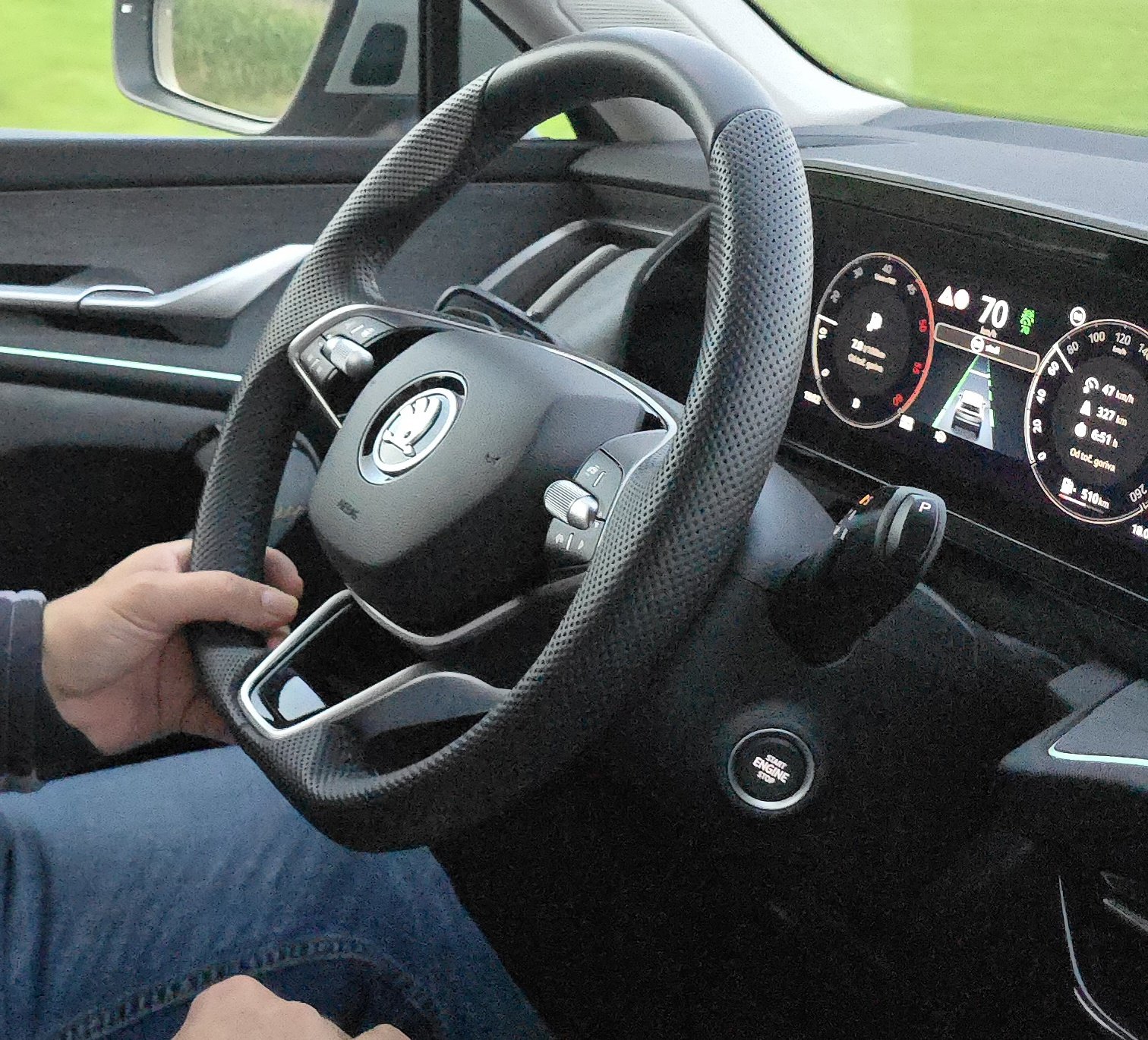
Is anyone experiencing steering wheel vibration while driving between 100–130 km/h? The issue occurs on both the 20-inch summer wheels and the 17-inch winter wheels. The 20-inch wheels have been checked for balancing and everything is fine. On SKODA service says that its normal for vibration 🤦 for my point it cannot be normaln that steering wheel is shaking on 2 different wheels. I hope that i am not only one, because they said that they checked suspension and all is OK, but i also see that od higway car is getting pulled always to the right. Car is Kodiaq 1.5 TSI mHEV DSG 2025
-
FL version, is having different software.. Not same as first edition of MK4 octavia.
-
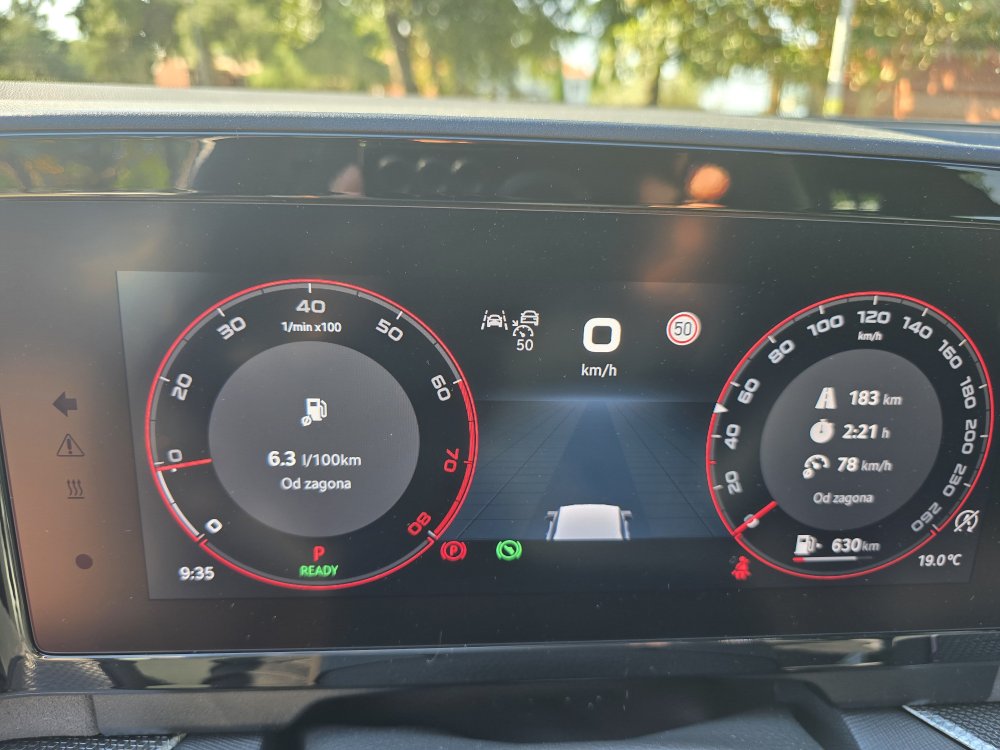
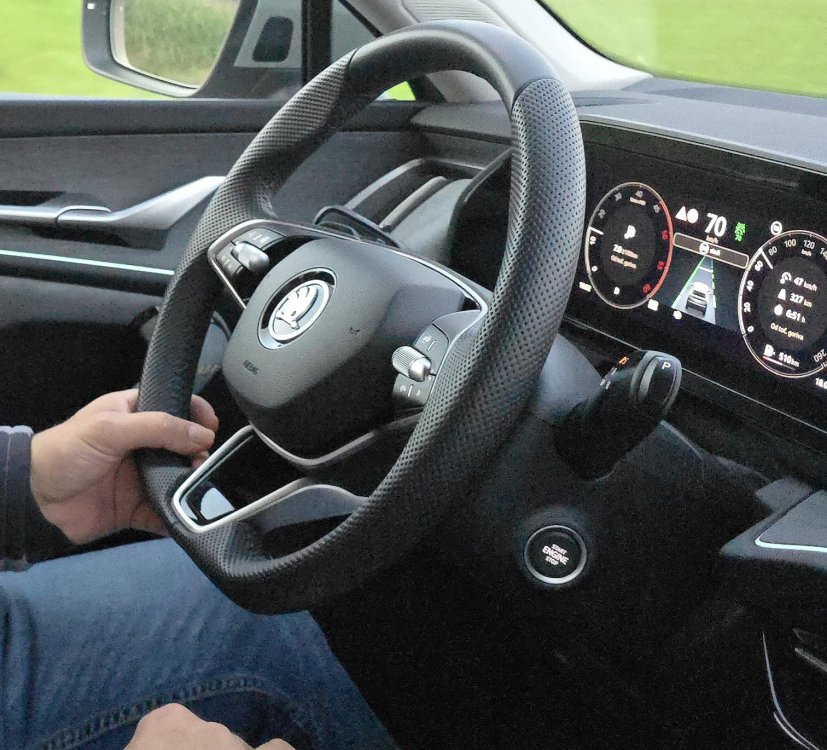
Hi, I have some issues on Kodiaq sportline. When i am driving it recognize speed limit for ex. 30km/h but when its over it dont read as end, but i am keep driving with 30km/h. When i was testing kodiaq selection it was working far better that on my sportline and i dont want to use ACC because its not reading end of signs. Also while checking selection it had speed sign on left side mine has on right side.
-
Screen replacement would be needed.. This was happening also on mine. Its not a software issue
-
Yes i took video of infotainment doing thoose.. So i had recorded issue of: Car beeing locked and radio was playing Infotainment doing black screen or shut off and turn on Infotainment sound going to max
-
On my skoda i attached also videos and they immediatly ordered new screen and replace it under warranty. No OTA or any other update will solve this issue, because its problem with hardware unit
-
You have it on kopacek site.
-
My father went to skoda dealer and they updated 2015 year skoda octavia for DSG for free, he asked how much to pay and they said skoda factory will pay for update.
-
Red trim comes with car if you select matrix led (full led).
-
Does anybody having similar issue while calling from car? Its happening only if call is done with iphone. YouCut_20250319_161145004.mp4
-
You need to go compleatly back.. Then you select usb stick and you can see folders.. And then you select your folder which you want to listen.
-
Is your Octavia already facelift? If yes, that this software is for Octavia before facelift.
-
Mine compleatly new is without engine cover. I saw only on 2.0 TDI is with cover.
-
Hi, I saw yesterday also that car goes off even if i have pressed start stop button to not do that.
-
On mine 2022 when display was replaced under warranty there is no any issue. An was on 1969. Now update 1985 via OTA. All okay.
-
I have Samsung S24 Ultra and 1969 version and AA always work without problems.
-
I dont know if anybody posted version 1896 for download. I know for 1941 and 1985.
-
Yes first you need to have at least 1896 before going to 1941 or 1969 or 1985..
-
First 1896 after that you can go to 1941 or to latest
-
No.
-
This is what i found on another topic 1. Download the compressed package from one of the two links below: Octavia Infotainment Update Version 1985 https://drive.usercontent.google.com/download?id=1SV2ZyzWSfl2-txiI-CagSGEnvhgOnPLd&export=download&authuser=0 https://e.pcloud.link/publink/show?code=XZSh8xZ7iUQu9K1u4uwTGbHqtxFE7m0OFtV