Tin82
Members
-
Joined
-
Last visited
Everything posted by Tin82
-
looks great! Is this the VC from ali? Was it an original part?
-
Thank you for your help RomanB. Updated this afternoon. All went well and smooth. For others: due to the size of my SD card i was unable to format it in FAT32. Used exFAT and all went well.
-
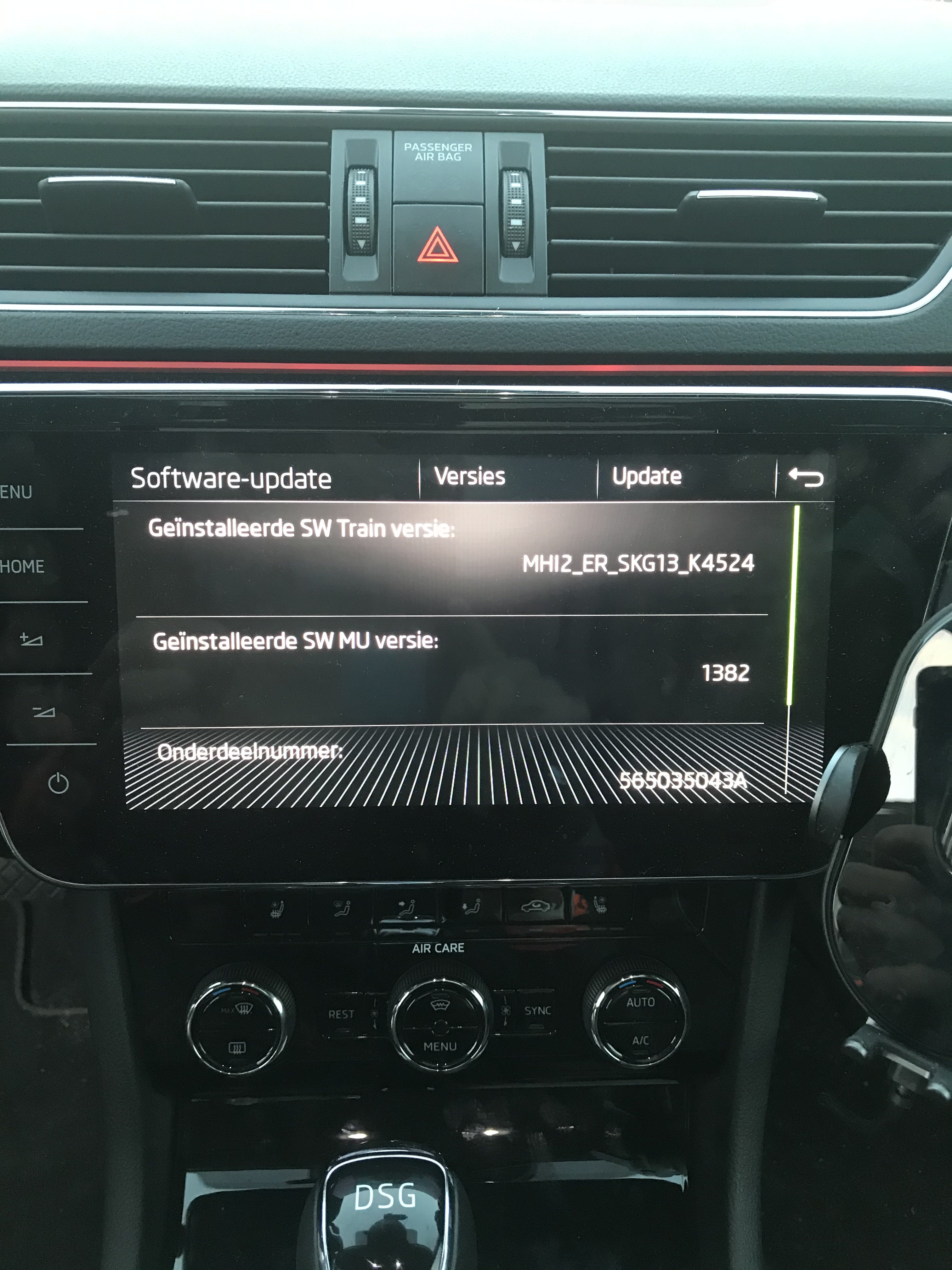
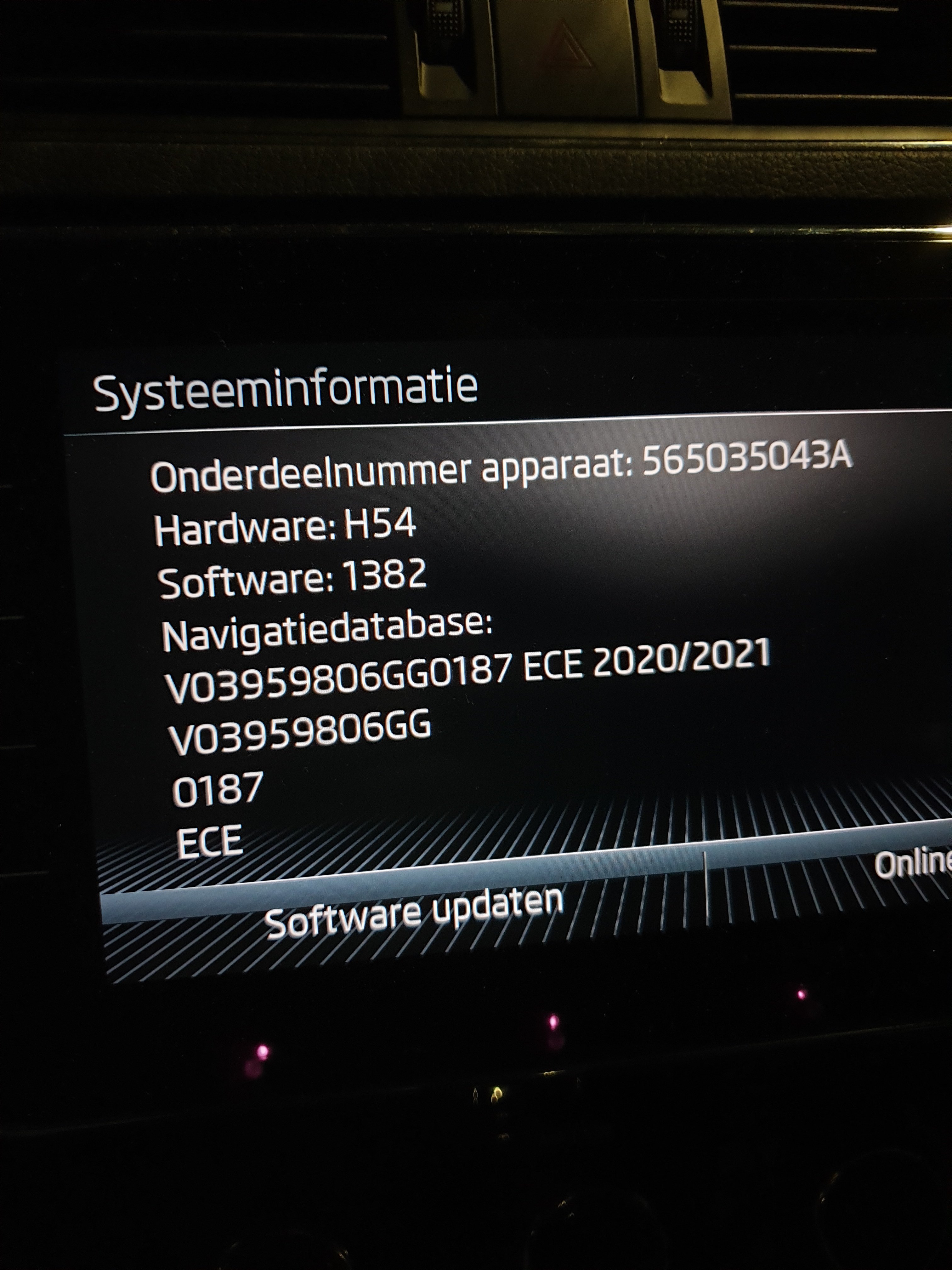
Thank you for your Reply RomanB. I will download that file. Thank you for the link. And yes, it is a mib 2.5. The software train:
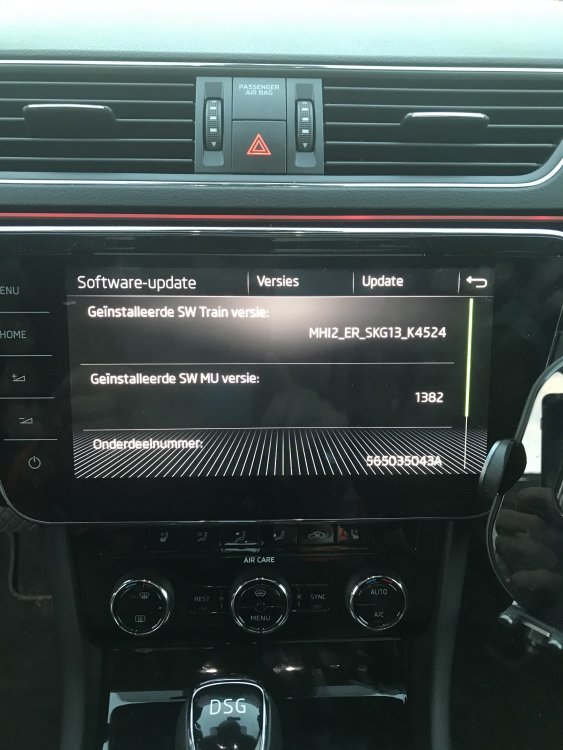
-
Can someone please tell me which file to use? The links seem to be down.
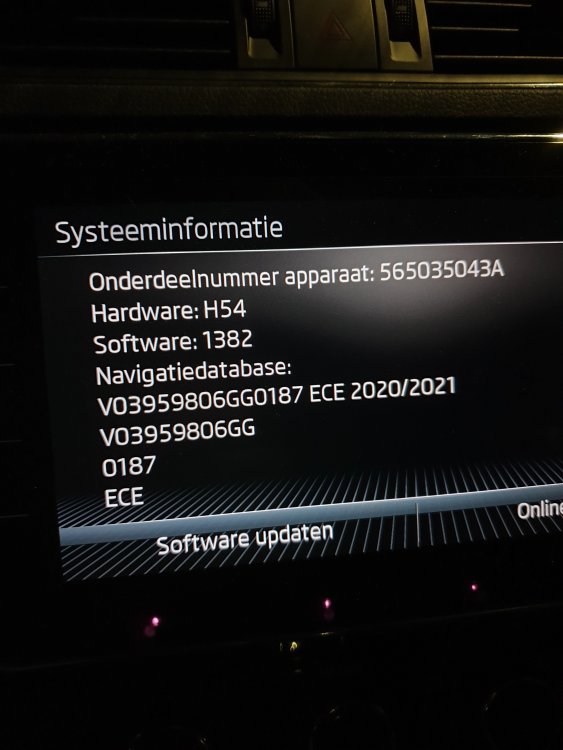
-
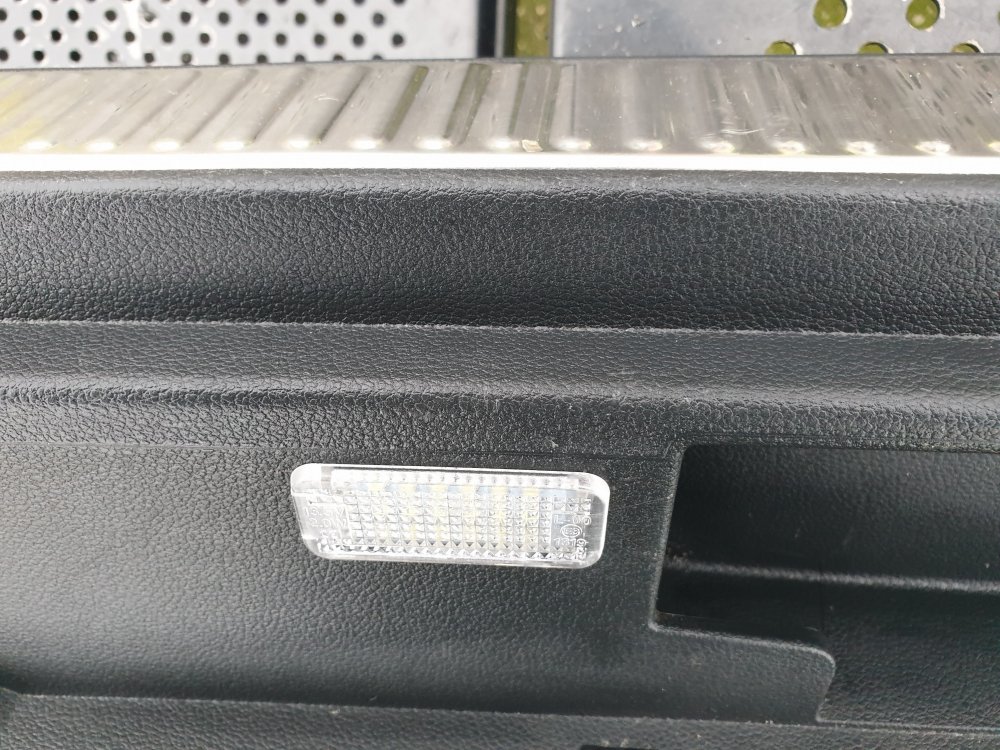
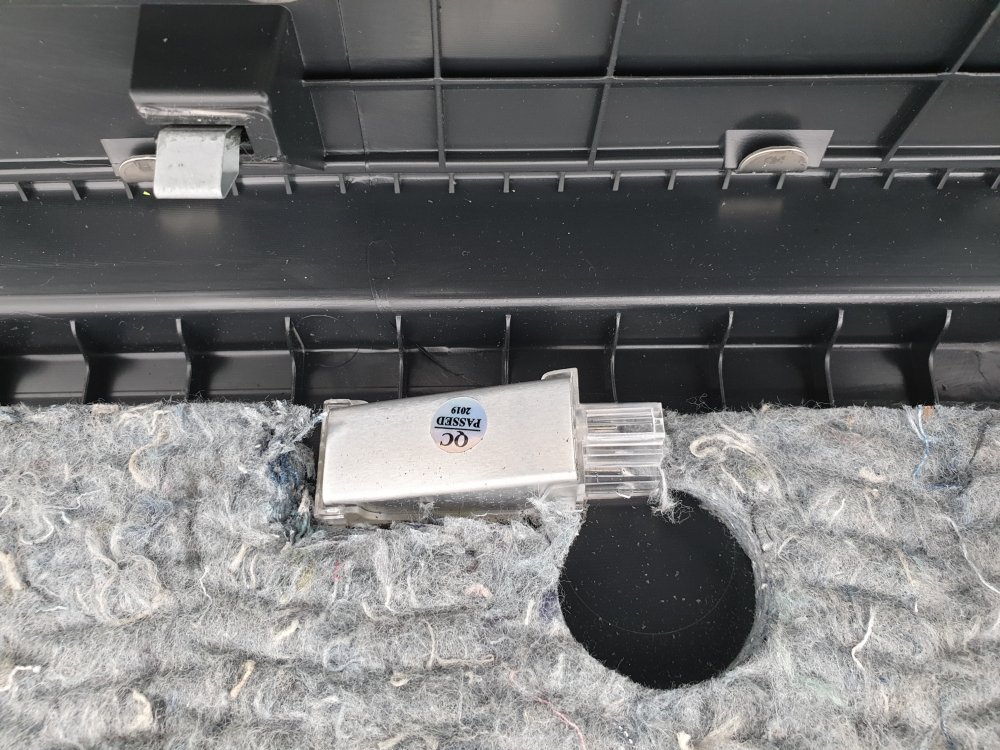
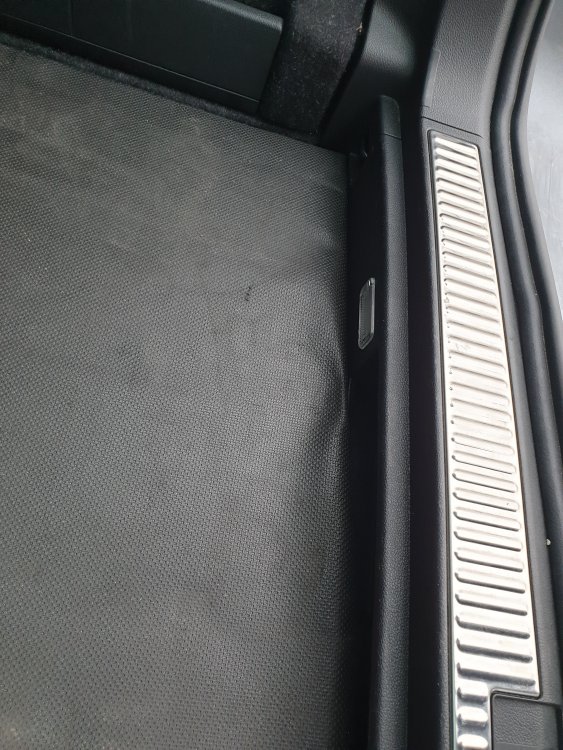
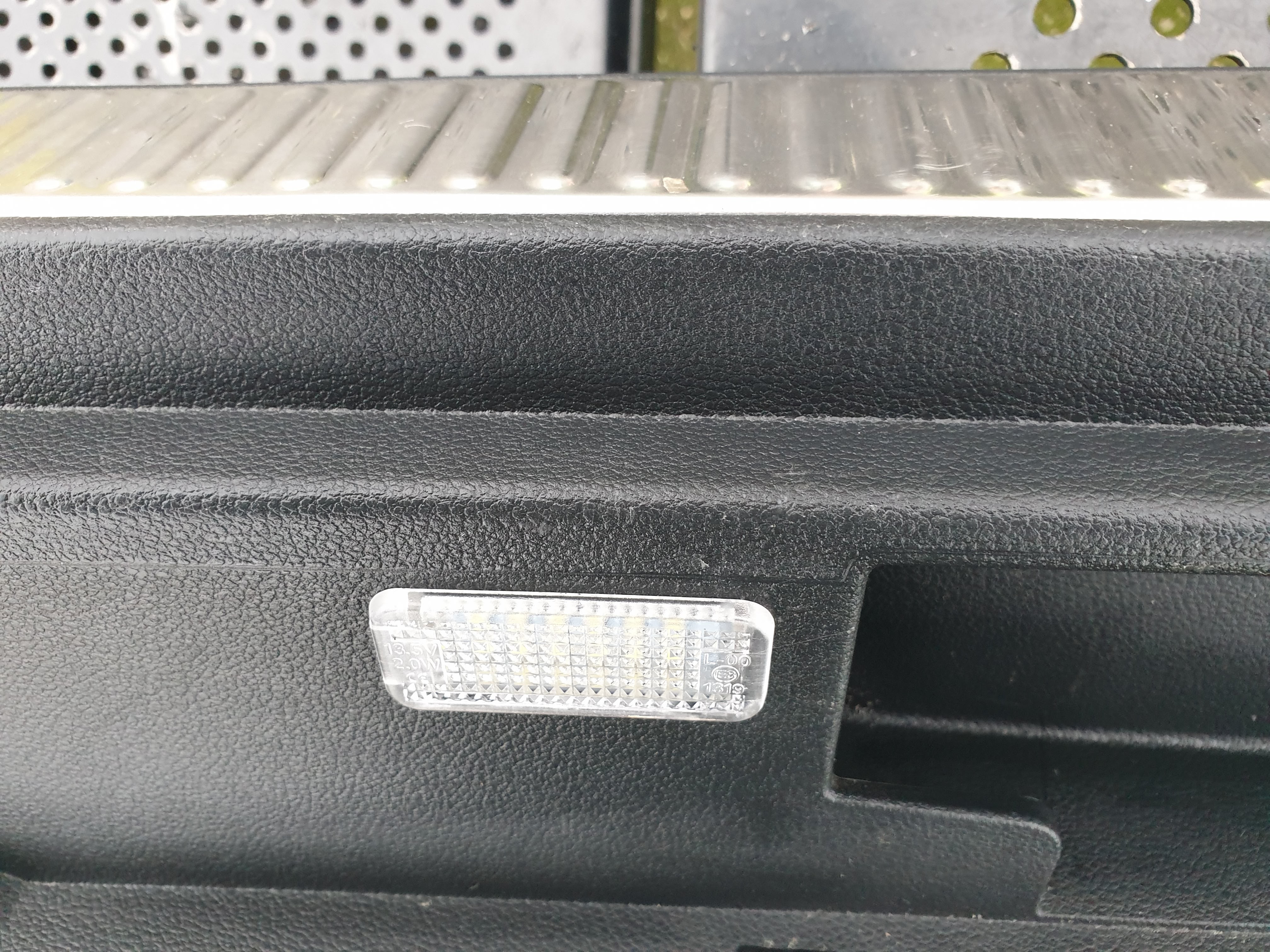
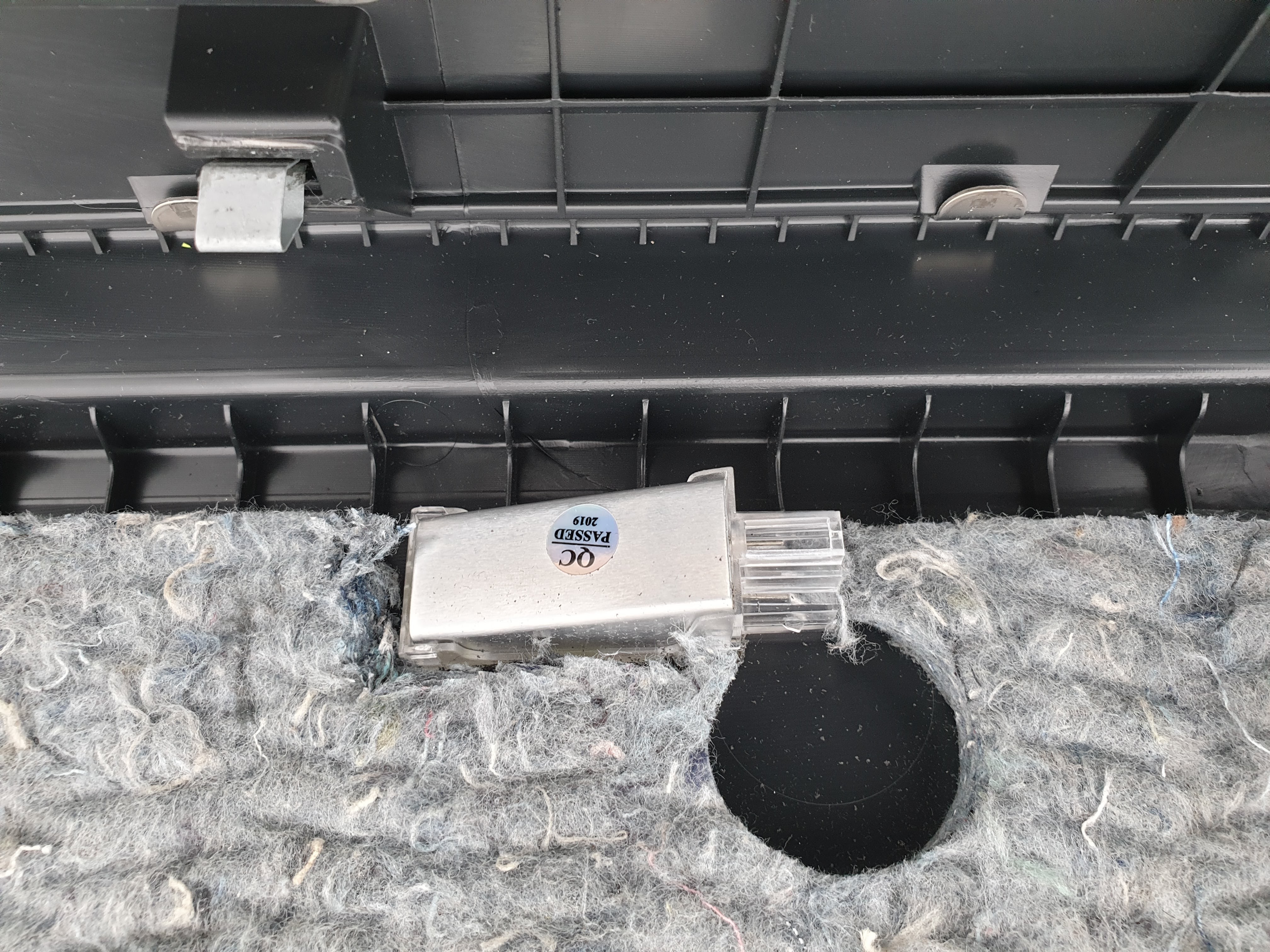
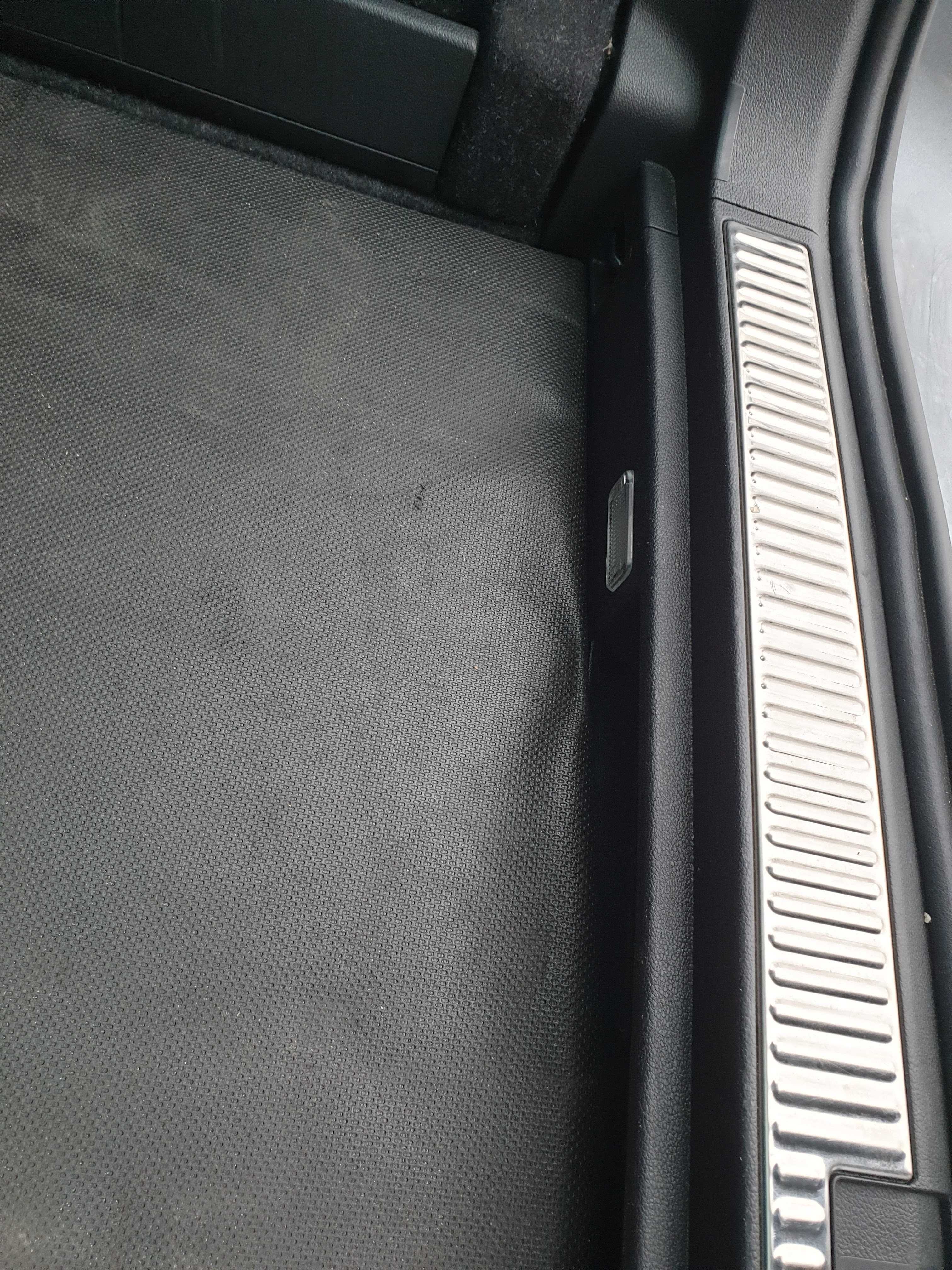
I’ve changed my estate’s boot lights to these 2 years ago: https://nl.aliexpress.com/item/32789695507.html?srcSns=sns_More&tid=white_backgroup_101&mb=91VWkdV99R4JNbX&businessType=ProductDetail&businessType=ProductDetail&spreadType=socialShare&platform=AE the change in light output was huge. But, as my car is a estate, it resulted in better illumination of my rear bumper. I wanted te light to shine into the boot. Now with the day’s getting darker i wanted more light. So i ordered 2 more lights and went to work. Now I am waiting to a loom connector and i need to find a place to tap into the existing wiring. Looking at the detachable flashlight..