Matmacka
Members
-
Joined
-
Last visited
Everything posted by Matmacka
-
yes my fabia also had them but now seems you get them other hooks that are a bit **** tbh
-
The hooks are underneath, can see them in ur pic
-
tbh theres mixed answered to your question as different dealers telling customers mixed answers so im not sure lol
-
no this is not a standard feature
-
most deffo do not hear these sounds on mine
-
mine was same from day of pick up, can be very noticeable :(
-
have you connected to car wifi?
-
sorry 😂😂
-
i dont understand this i have a manual and have the same issue so how would the dsg gear control lever fix this?
-
awesome
-
lucky you haha! Odd hows its only just started as dint do it before and seems when its colder outside
-
if you put the knob back to middle or right it will put it back or when u start driving off also auto puts it back, think its when u hit 10 MPH
-
So over the last few days ive got a new issue....when the car is cold the infotainment gets stuck on loading settings no music no nothing and have to reset infotainment then works fine and also the leaving home lights and interior lights do not come on until you press ignition when car has warmed up it works fine and all lights come on, like i say this has started the last 2 days, anyone else had this yet?
-
the mph/km is an ongoing issue with a lot of people, the dipped mirror it needs to be put to L as the handbook is for lefthand drive not sure why so only the left mirror dips, hope this helps
-
yes my dealer also told me the same and i tested this..... seems to be correct
-
Agreed! Lol
-
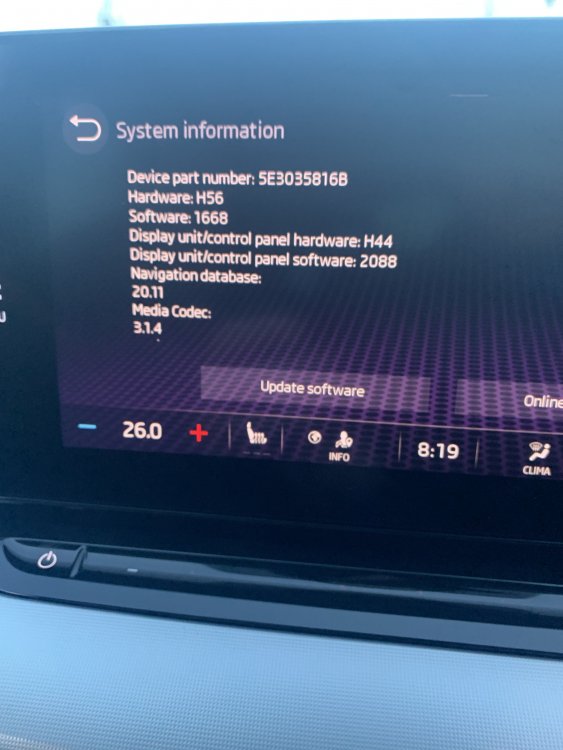
thats my info
-
Yes what ever i change my ambient lighting to changes the dash, but on the dash where you can change whats in different bits theres a backgrounds (if not there go on the settings and tick it on if you have it) then you can change to colour of ambient lighting , all black or black and white but i find anyone who does not have the clock is not able to this
-
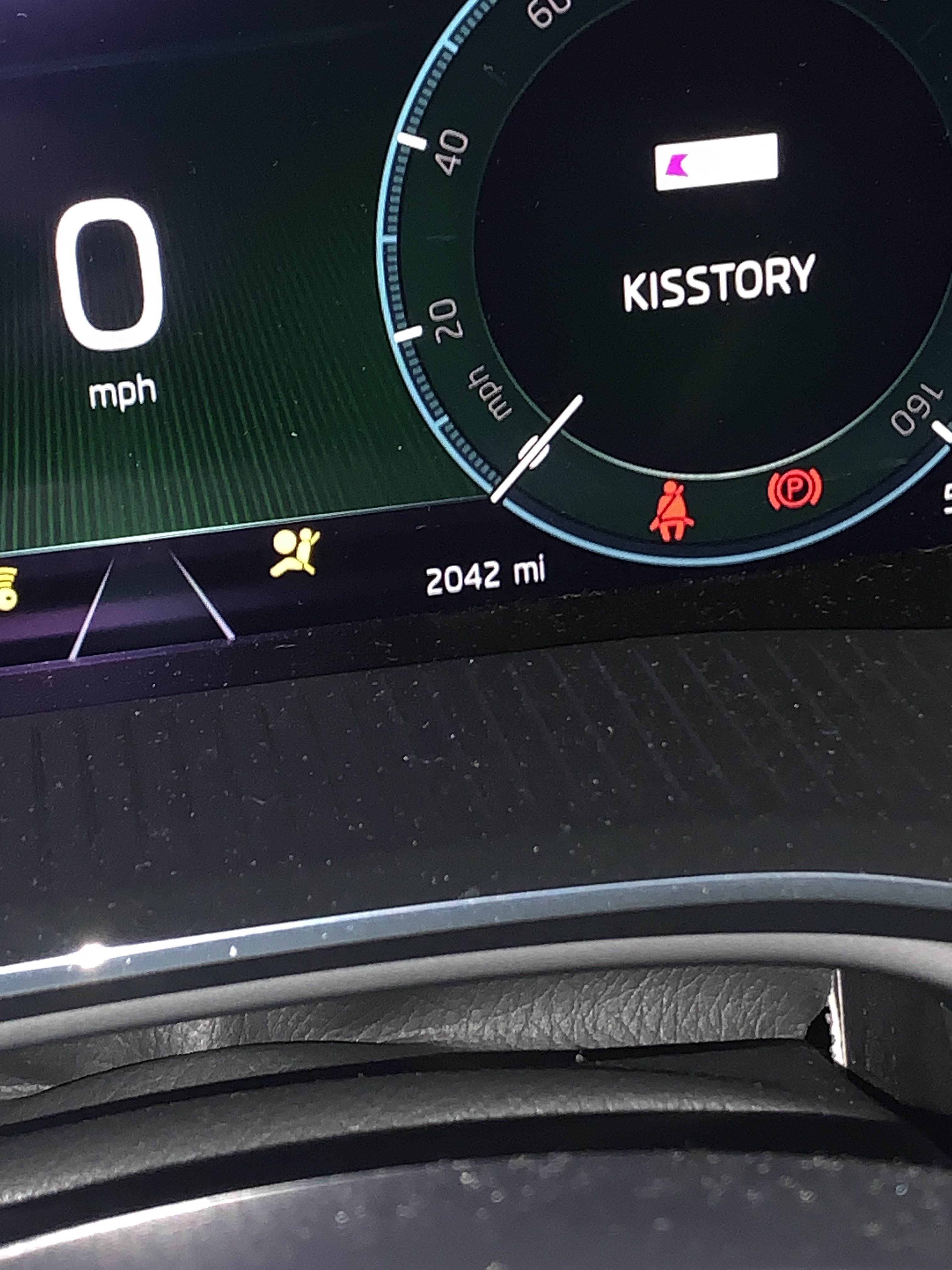
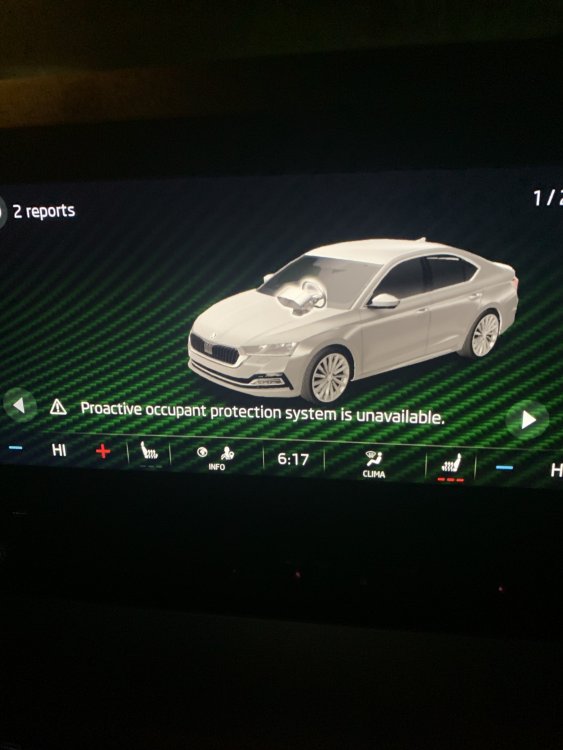
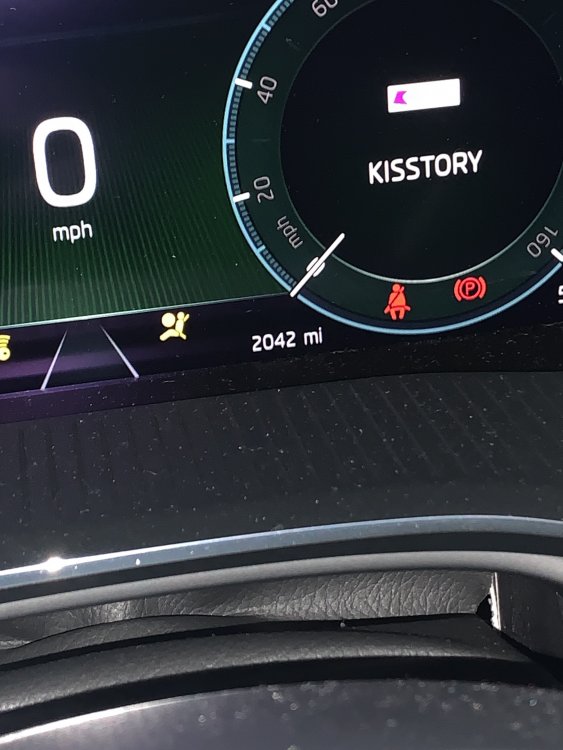
ahhh how odd, and i can confirm i do not have the issue with mph, ill look tomoz at what software and get back to you, and when mine first did it i checked air bag and mine was also off for the passenger, since turning on still does it, and does it when im on my own too, pic included...... and yes voice command is a nightmare now wernt as bad before the update
-
again, a lot of people dont, you must of had some kind of pack on yours as standard, as dealer told me some times this happens and its just pot luck who gets it
-
at the moment lane assist can only be turned off when u start car, when u turn off and back on it auto comes on, from what i hear not able to use VCDS on these atm as need a token for skoda server or something
-
also with your issue 8 its not a concept image most of us have it lmao, they talk out there arse dont they, i did notice the 20 plate dont have clock and 70 plate does not sure if thats 100% correct but just what ive noticed
-
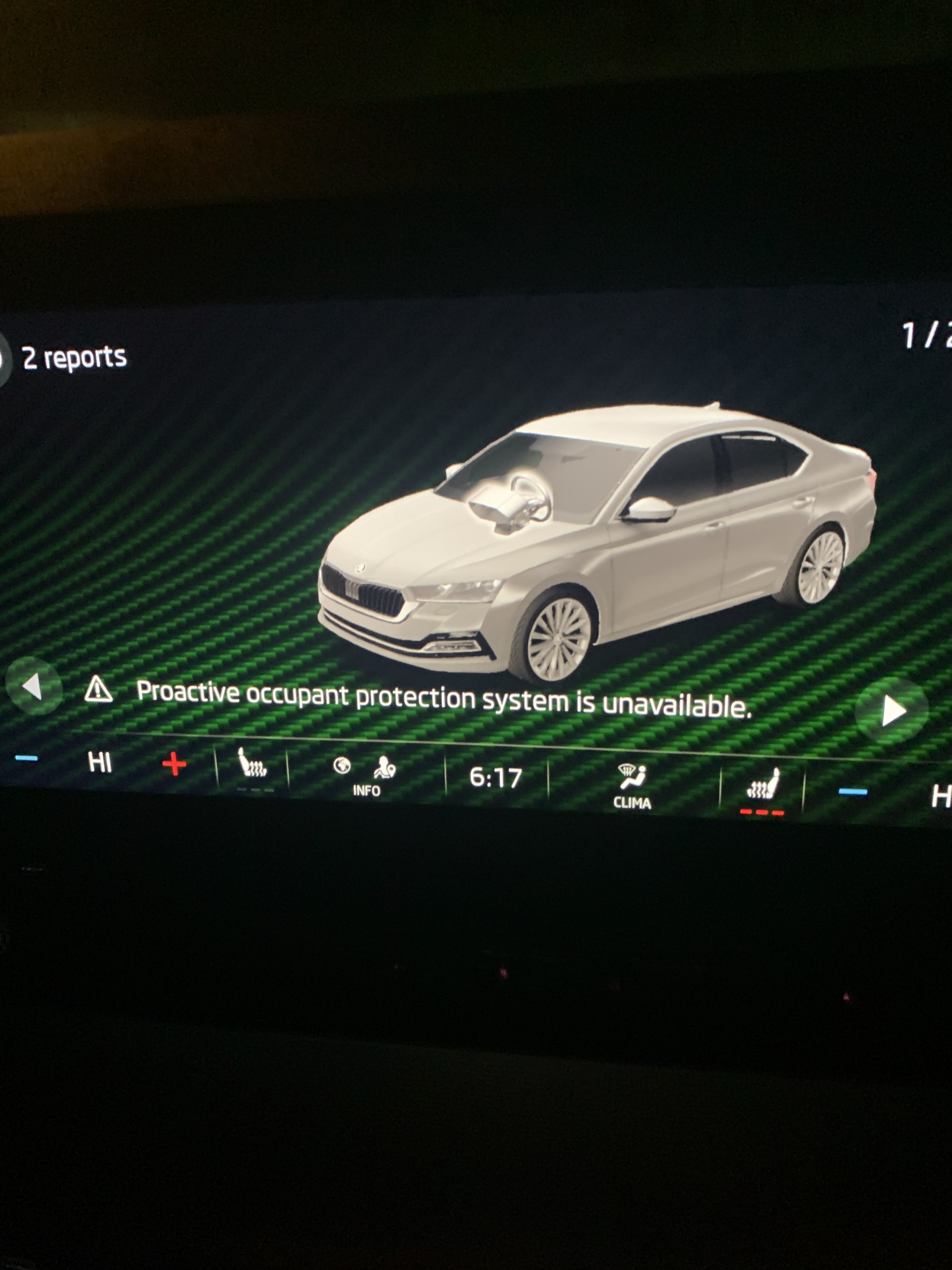
hmmm i have the limited availability on front assist most morning, had a new thin of airbag error and another saying proactive occupant protection system error ( when reported these did not show on system for dealer and also they not heard of it) i also dont have lock/unlock via app is that what ur issue was? Seems this magic selector may fix things, do we know what the selector is?? Thanks
-
electric boot botton was listed on the first edition as standard, turns out its part of a package
-
hi and welcome to skoda 😂😂 this is usually what happens tbh, i have first edition not the vrs so cant comment but my car was meant to come with some things that the demo car had but unfortunately it did not and was optional extras