Phil245
Members
-
Joined
-
Last visited
Everything posted by Phil245
-
Just to add my own experience to the comprehensive photo instructions above for anyone fitting a dash cam. Sitting in the front passenger seat, open the glovebox. On the right hand side of it the bottom of the damper is visible. The visible end of the damper is latched into the snowman shaped hole. Push the bottom of the damper away from you, towards the engine. It will click into the bigger hole and then can be pulled to the right to release it. The glovebox will then drop down to the bump stops. I found gently prising them to the side with flat blade screwdrivers was easiest. The glovebox drops down out of the way then giving you access to the fusebox to do your wiring........!
-
Just to round the story off..... Just had a phone call from the dealer, they have found the wheel nut, apparently they were removed for security over lock down, and they are going to post it out to me ( I live 50+ miles away otherwise I would go and get it!). Cheers all.... Phil
-
Ha, yes. I was getting ready to jack the car up and take the wheels off to paint the hubs in silver hammerite and had got two trolley jacks already, took the plastic bolt covers off, and it's definitely got locking wheel nuts !
-
Yes thanks, it seems to be just the locking wheel nut missing. Yeah...I will keep an eye on the oil....
-
Yep..! I guess for now it's call Skoda roadside assist, it's their problem ! Will just have to keep my fingers crossed for now until a replacement arrives...
-
Thanks ! I haven't yet checked the tyre pressures but whilst the car was on flat ground in my garage ( for fitting the dash cam), with warm engine, I dipped the oil, which was half way up the dipstick, so I've topped it up to the max mark..... I collected it on Wednesday and I suspect that Covid issues possibly distracted them from a less than perfect transaction..... But I am happy with the car, it is much better than I was expecting. I only swapped the Octy because I was bored in lockdown, but I am actually quite chuffed with this Karoq....! .
-
I've just taken delivery of a new Karoq Sportline 2.0 TDI on the 19" wheels. 1) There is no locking wheel nut and I've been back on to the dealer and he is going to try and find one for me. The car has the optional full size 16" metal rim spare wheel. If I had to use this do the wheel bolts from the alloys fit, or should there be a set of different wheel bolts does anyone know please..? 2) It came with two keys. My Octy had three. I didn't think much of it at the dealers but just read on here about a Karoq owner with three keys.. Should I have been given three keys ? Thanks in advance for any help !
-
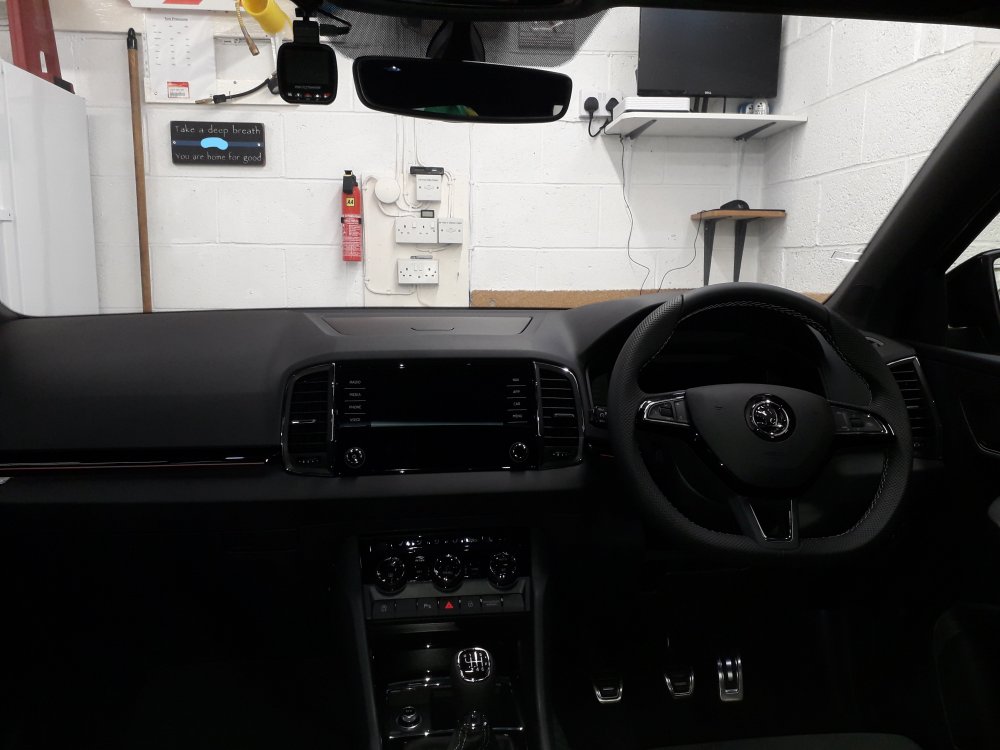
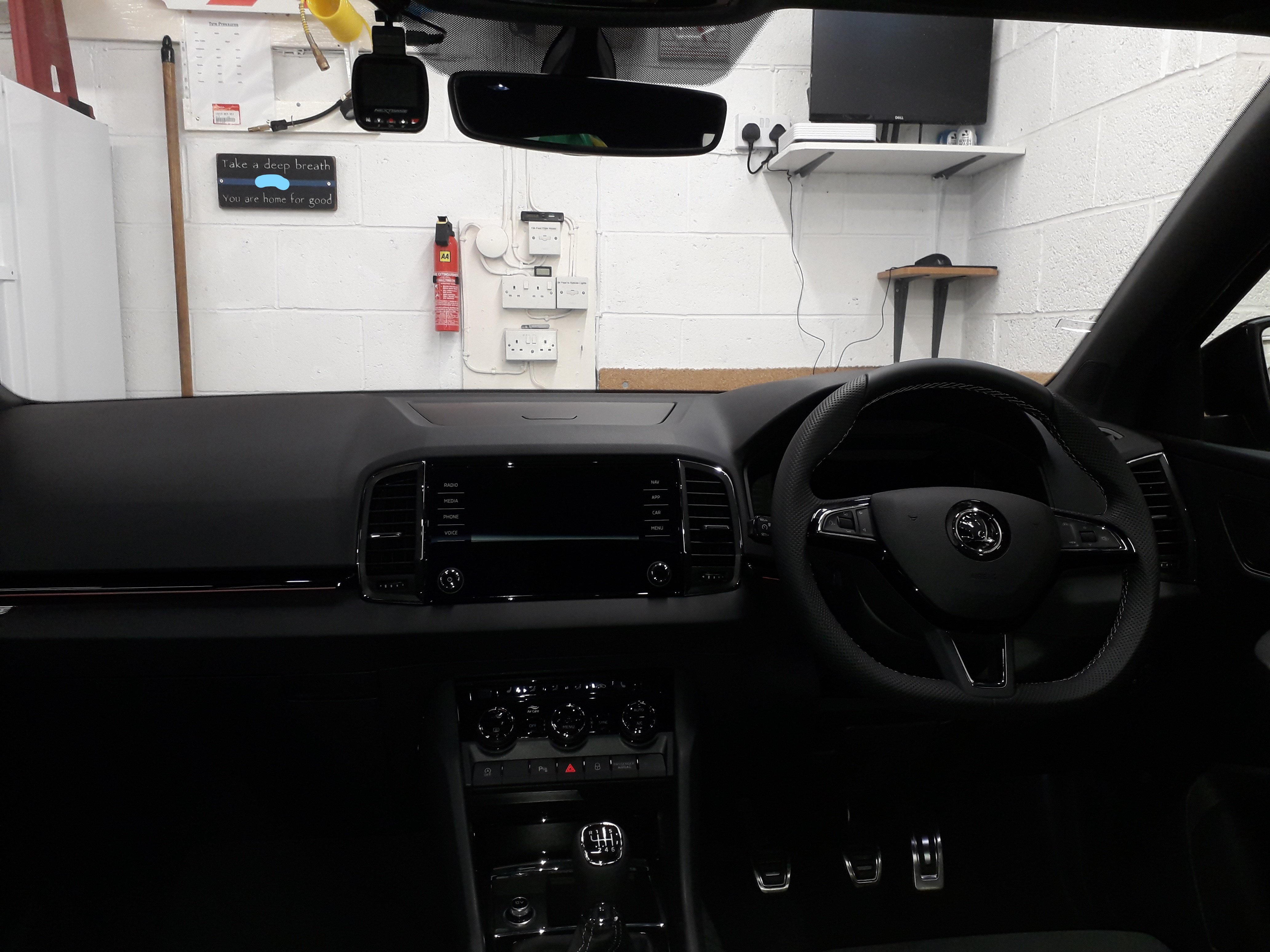
Ok, just fitted my dash cam with the help of all the great info on here.....! I've fitted my Nextbase cheapie model using the nextbase hardwire kit out of the Octy I've just sold. Like in the Octy I've used a piggyback fuse in the empty slot of fuse 48, which I believe is the blind spot monitoring, which I don't have. It is ignition switched. The glovebox was far easier to remove ( or at least drop out of the way) than the Octavia, the instructions on here and to be fair in the owners handbook are quite good. I found I could prise the bumpstops out of the way carefully with a couple of flat blade screwdrivers and the damper pops out as per the "snowman" suggestion above. Took the side panel with the passenger airbag switch in it off and routed up the door rubber. All in all about an hour or hour and a half. I've used a fixed mount to stop the sucker dropping off periodically !