Okedokey
Members
-
Joined
-
Last visited
Everything posted by Okedokey
-
180+K km, not issues.
-
Lubricate the guides on the calipers with good quality high temp silicone and lubricate the pads where they slide on the calipers with a very small amount of copper grease.
-
-
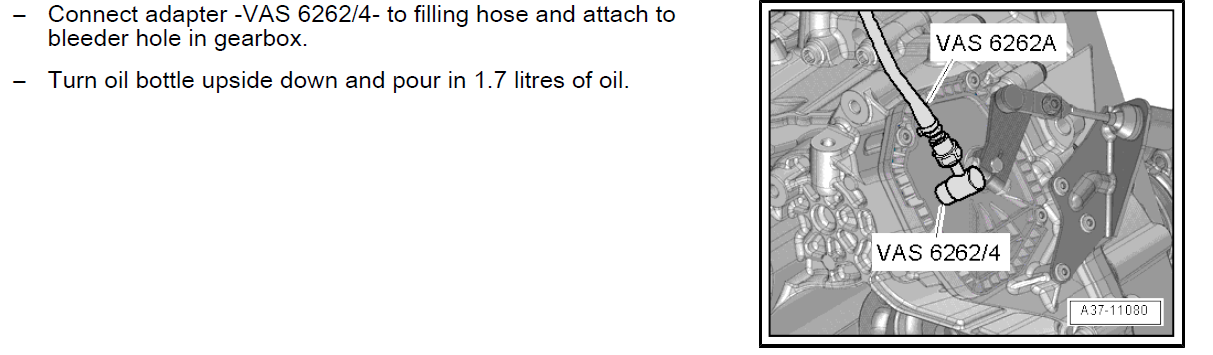
I have a similar car, with the CAXA engine (1.4TSI) currently at 180K km. No issues whatsoever (owned it since 56K km). Any questions let me know. Its a very pokey yet economical engine, loves 7,500km oil changes, i'd recommend a oil flush if its been sitting around doing little for 13 years. It probably has the OAM gearbox, which the mechatronic oil can be changed every 60K km (easy DIY, 1.7L of fluid - 15 mins). Replace the brake fluid if it hasn't been done. The timing chain is not an issue if the oil change intervals (thus the tensioner) has been kept good. I get no rattle, no issues. I have vcds and can measure any issues and there is none. Never had a single code. I get 5.3L/100km on average, 6.3 if i give it a bit. The 1.4TSI with the 7 speed DSG is a really good product IMHO. 30K km is brand new. But change all the fluids. Here is the service/maintenance manual mate. Skoda Octavia II – Maintenance.pdf
-
-
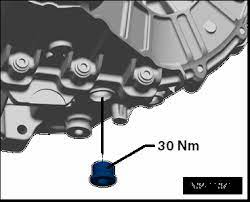
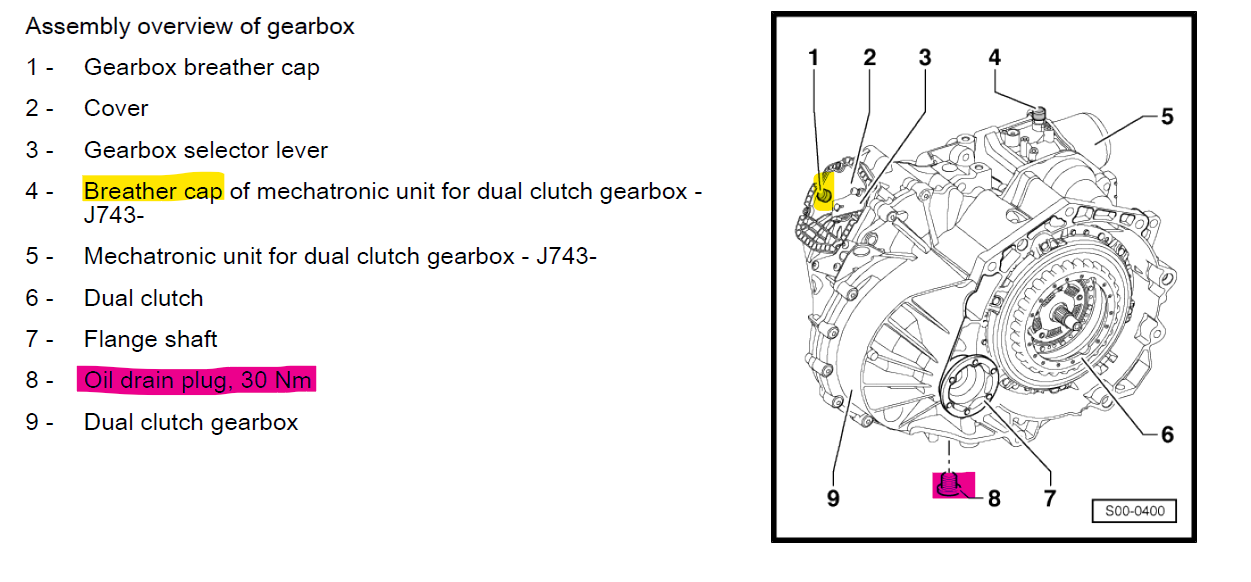
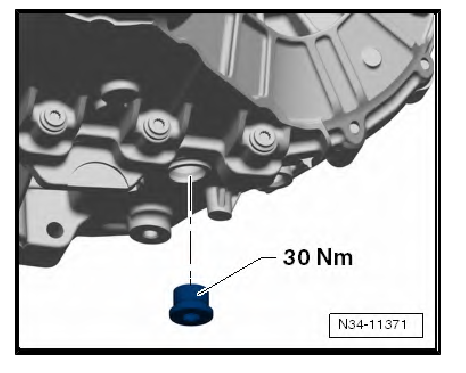
Not sure if this has been discussed, but the OAM gear box (7 speed DSG) should have a mechatronic oil change every 60K km. Easy to do, 1.7L of fluid, sump plug below tighten to 30Nm and the oil is refilled via breather plug behind battery tray. Takes 15 minutes. I'd recommend that is changed.
.jpeg.64f2e932665f5f92e12b668b2a23f92a.jpeg)
.jpeg.254ad199b7b3249229f139b6012399d3.jpeg)