FrankNicklin
FREEDOM
-
Joined
-
Last visited
Everything posted by FrankNicklin
-
Thanks for that, have now downloaded the 128x128 variants and they do display the large icons now, but I have to say the quality is pretty poor. I can only think that they required resolution is probably 256x256 or even greater. Another quick search turned this site up https://media.info/radio/how-to/radio-station-logos-for-your-volkswagen-or-skoda-radio, the icons there appear to be 300x156, but have to be downloaded separately and renamed. Might look to batch edit the 128x128 files to see if I can resize them.
-
Sadly a hard reset made no difference.
-
Nope childproof locks are not activated. Rear doors can be opened from the inside.
-
I cannot find a way to disable to rear window lock switch which is set to deactivate by default after leaving the car. When I turn it off but return to the car and start it, the switch is lit again and the rear windows cannot be opened by the rear passengers without me activating them each time. I cannot find a setting in the infotainment setting which is odd considering all the other options available for the windows.
-
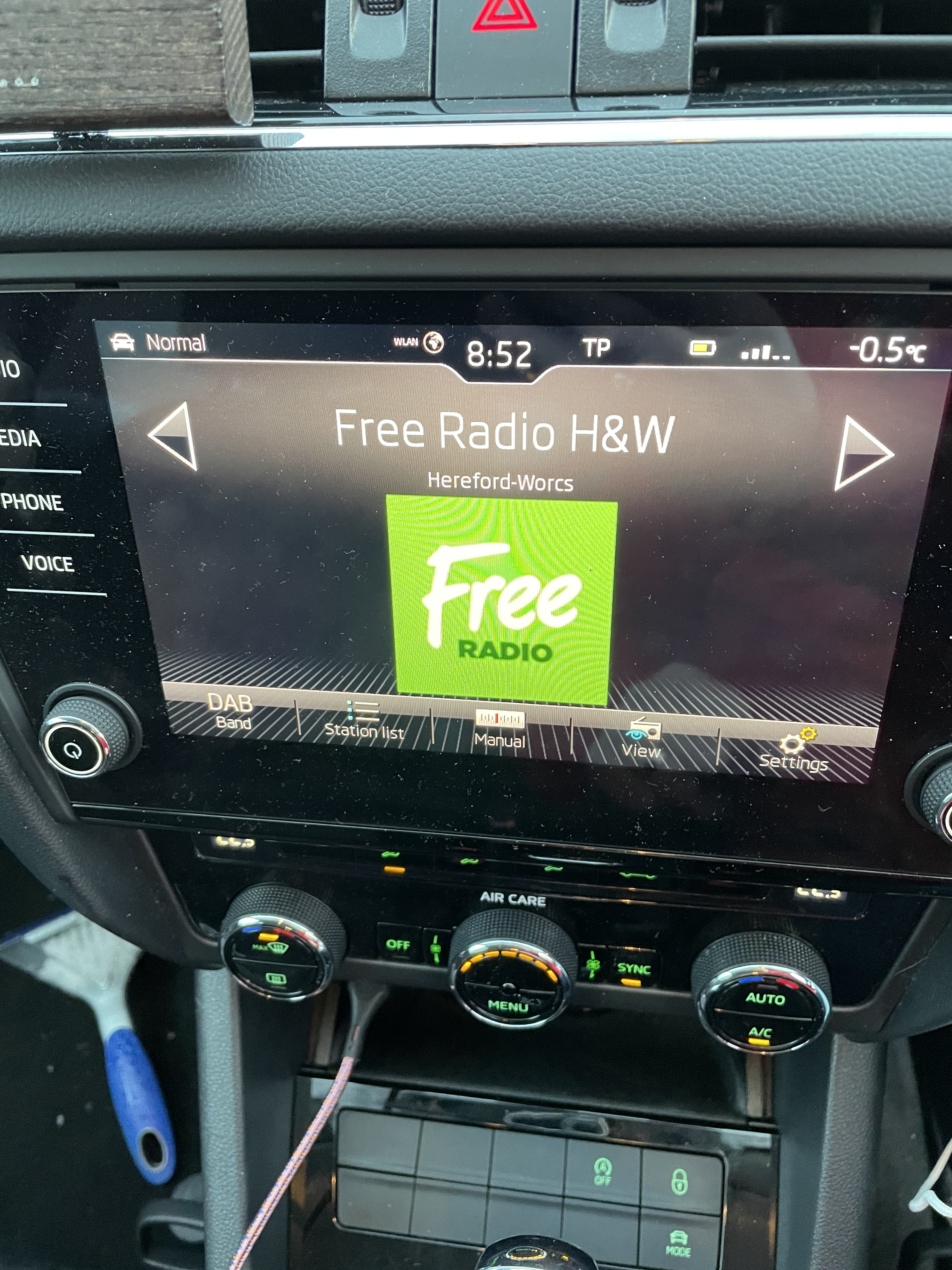
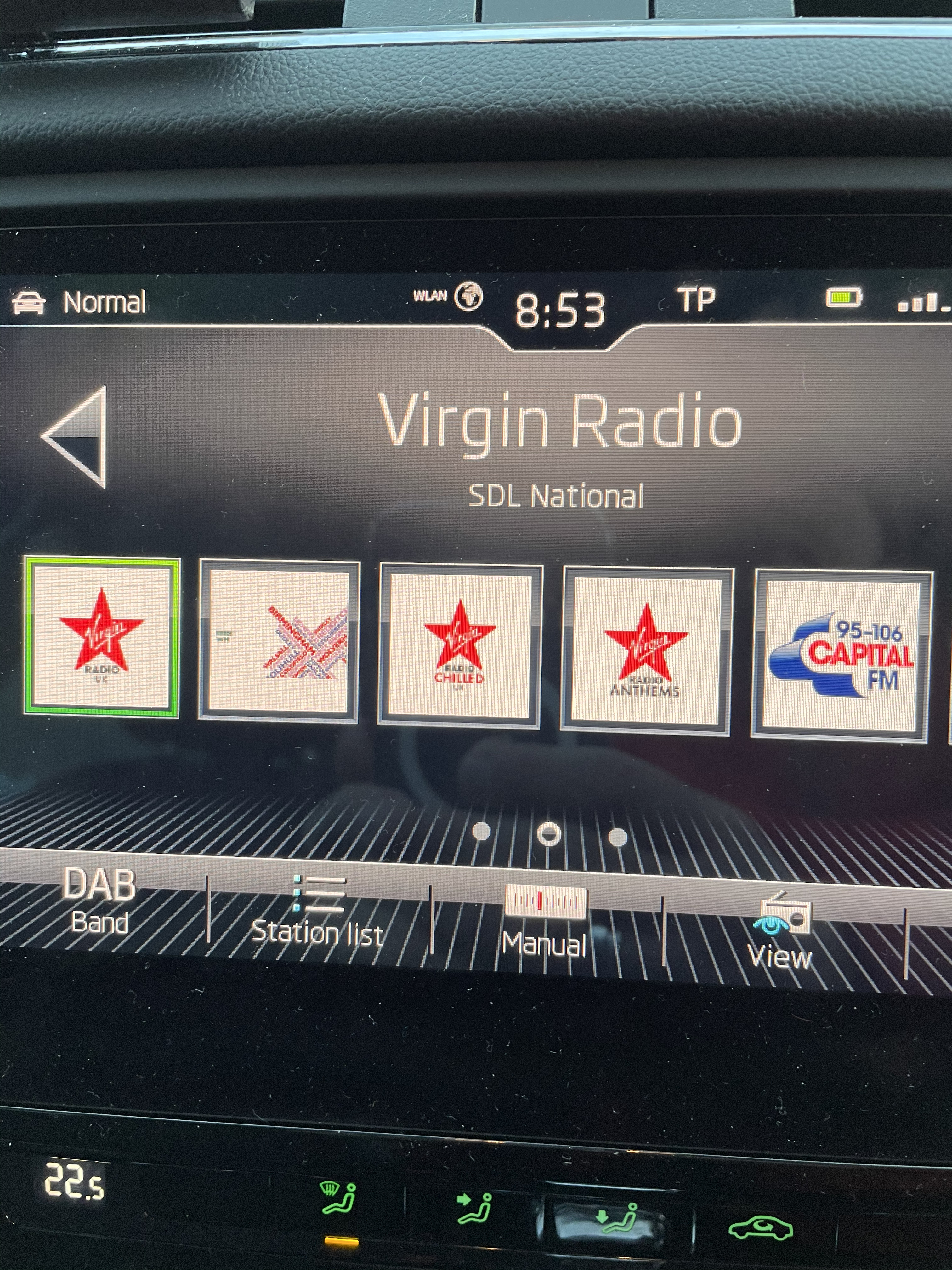
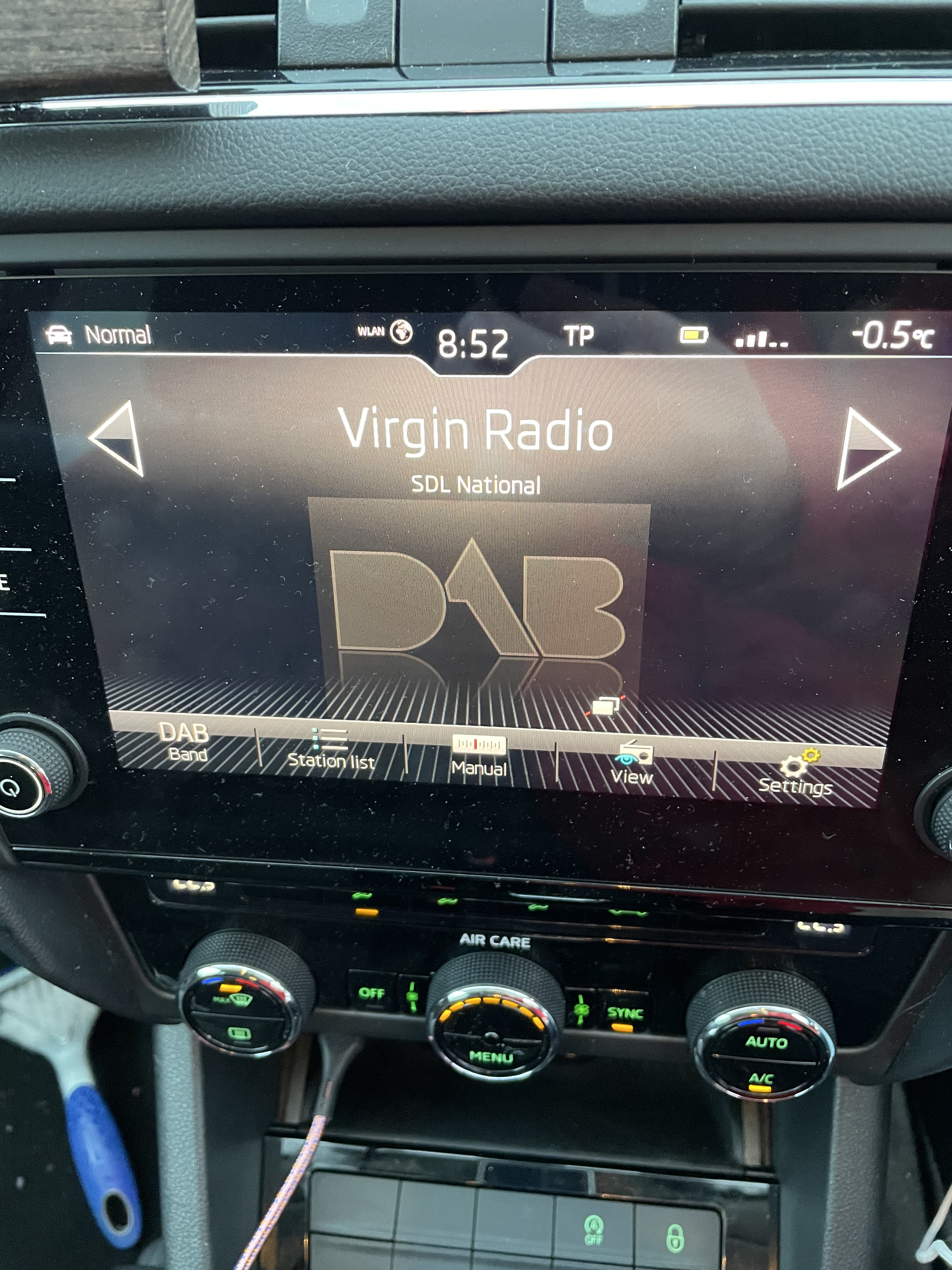
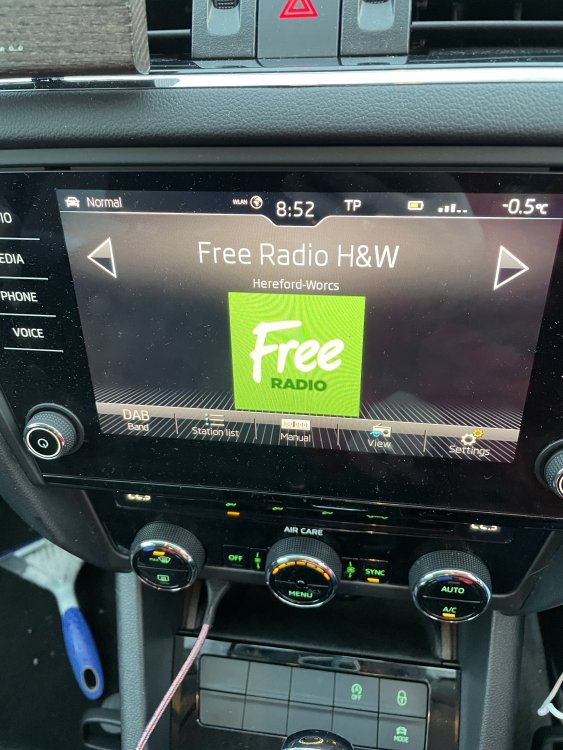
Yes they do, below is an example.
-
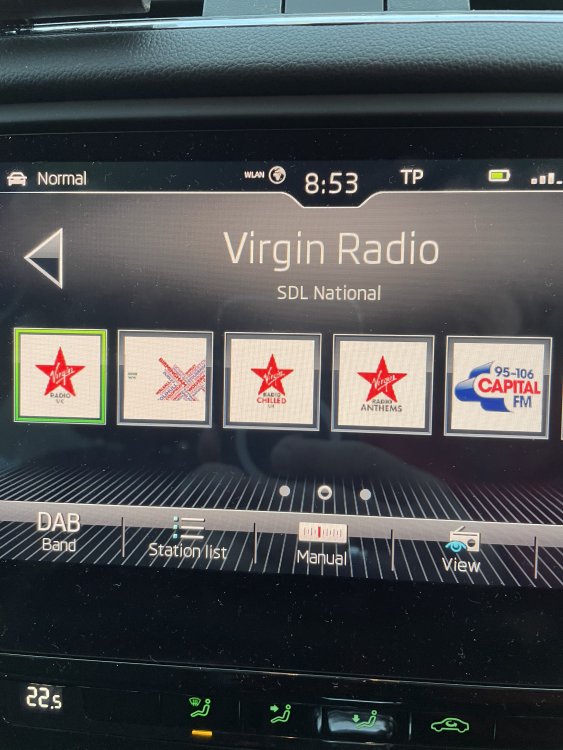
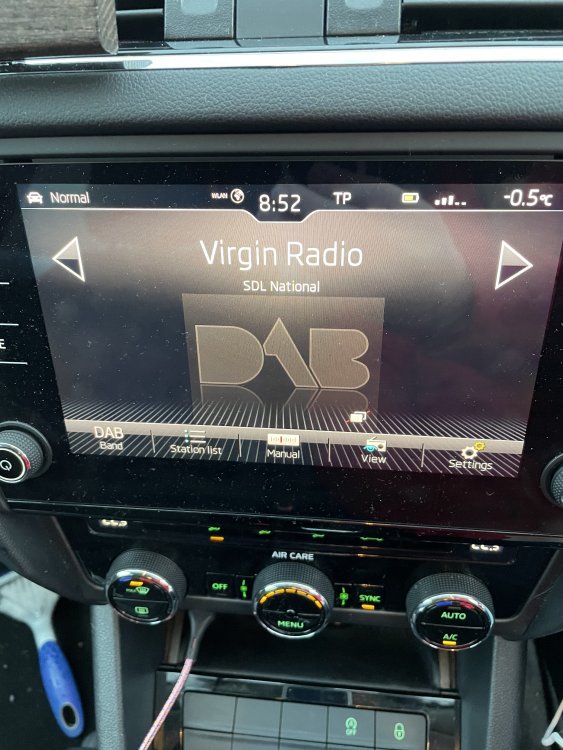
I have loaded an SD card with the icons dowloaded from the Skoda Update Portal. The icons display correctly when viewing the small list, but some stations do not display the large logo when changing the view settings. Below you can see Virgin Radio is displaying the correct icon, but not when I change the display to the large icon. Any thoughts please.
-
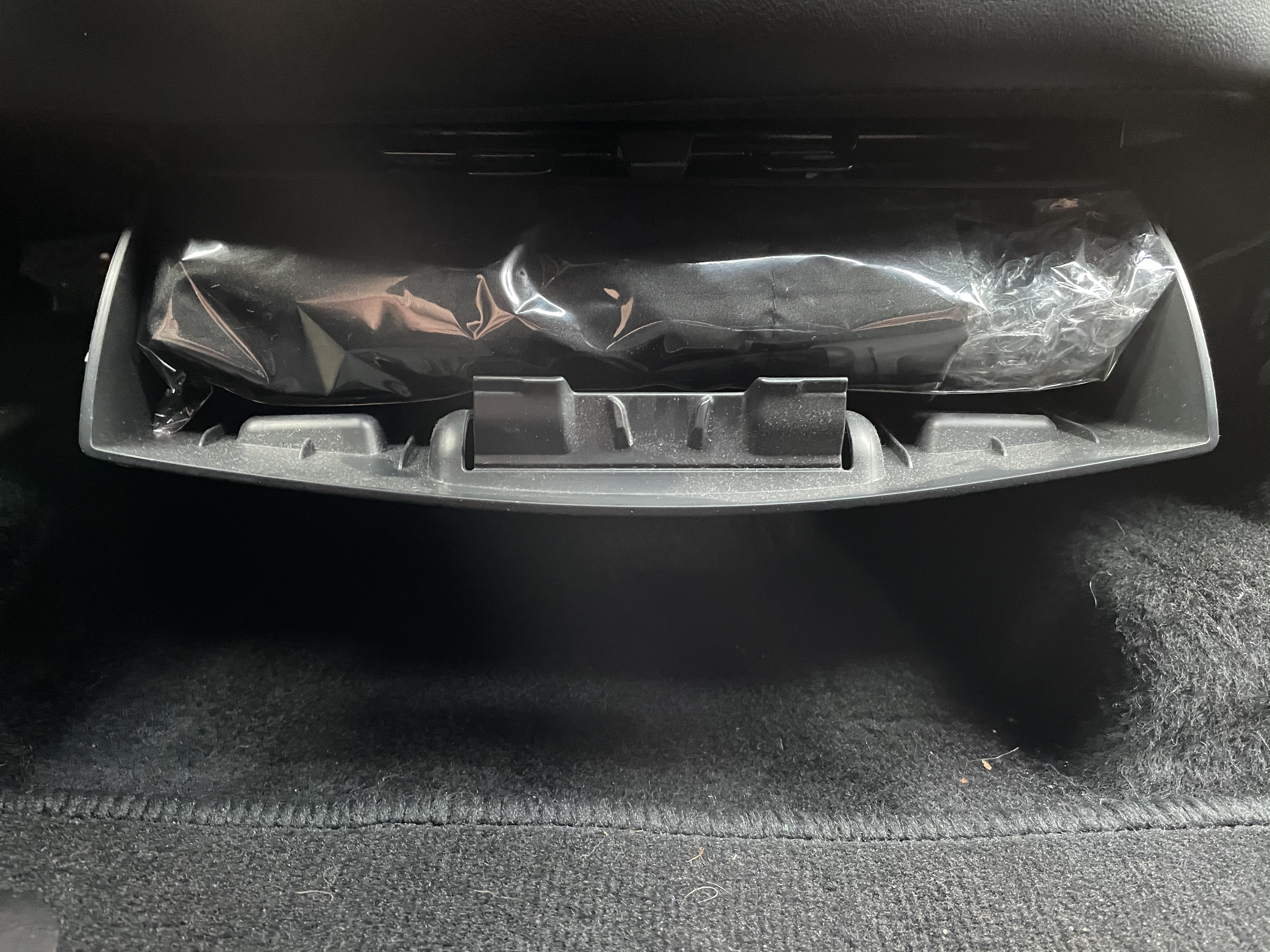
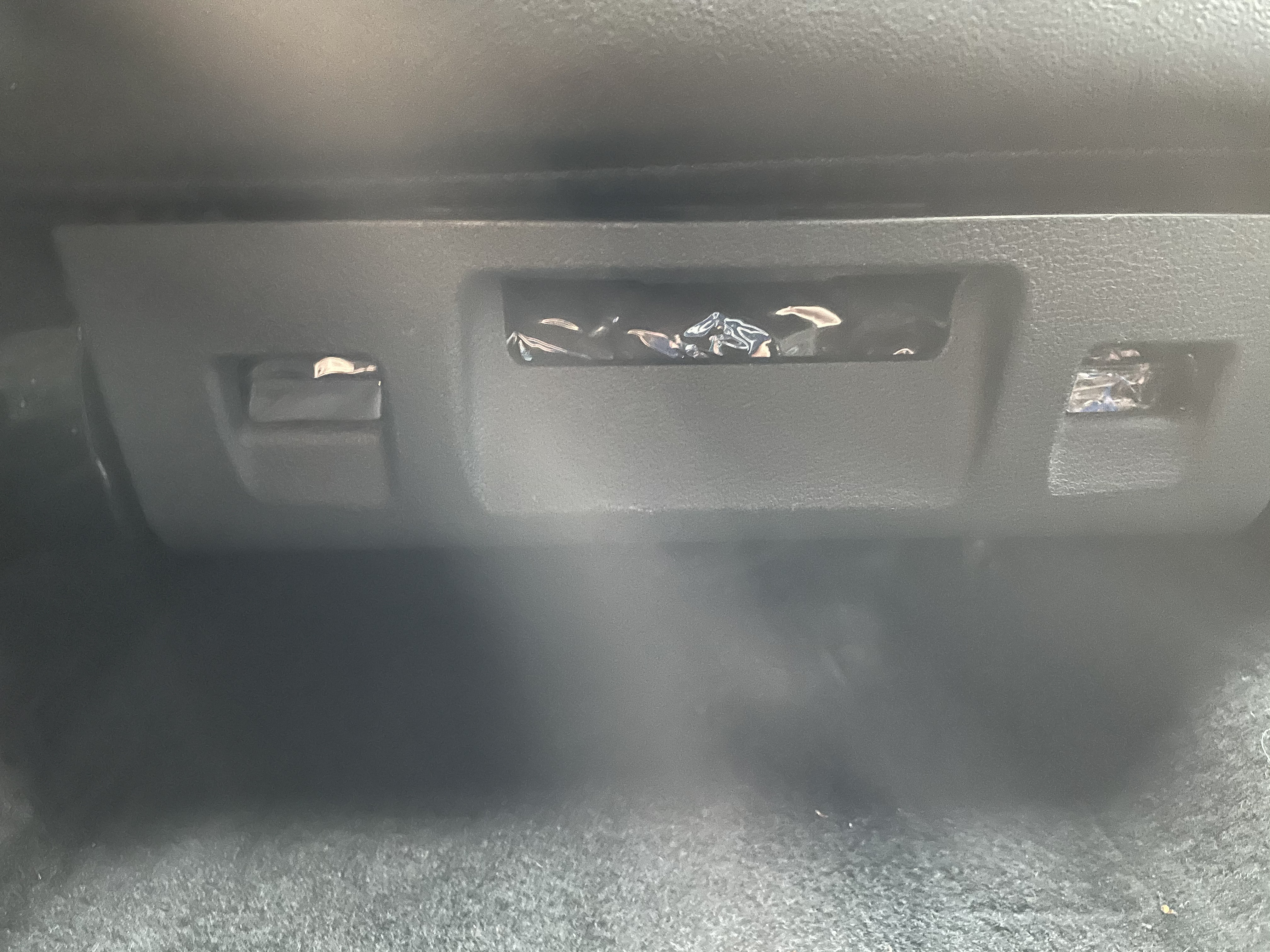
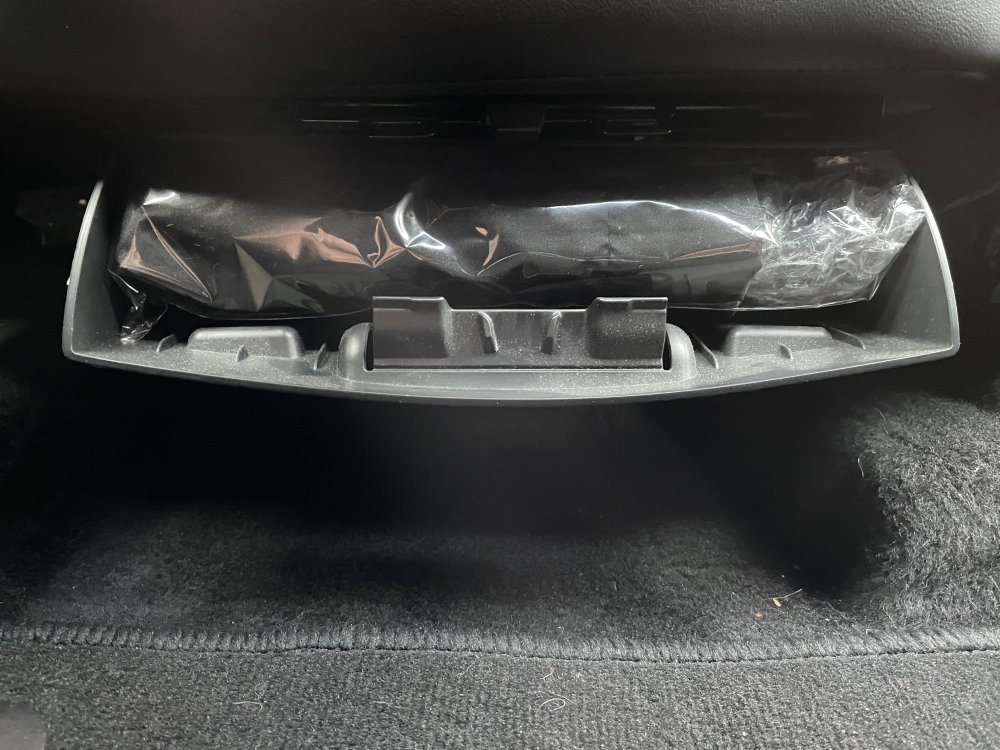
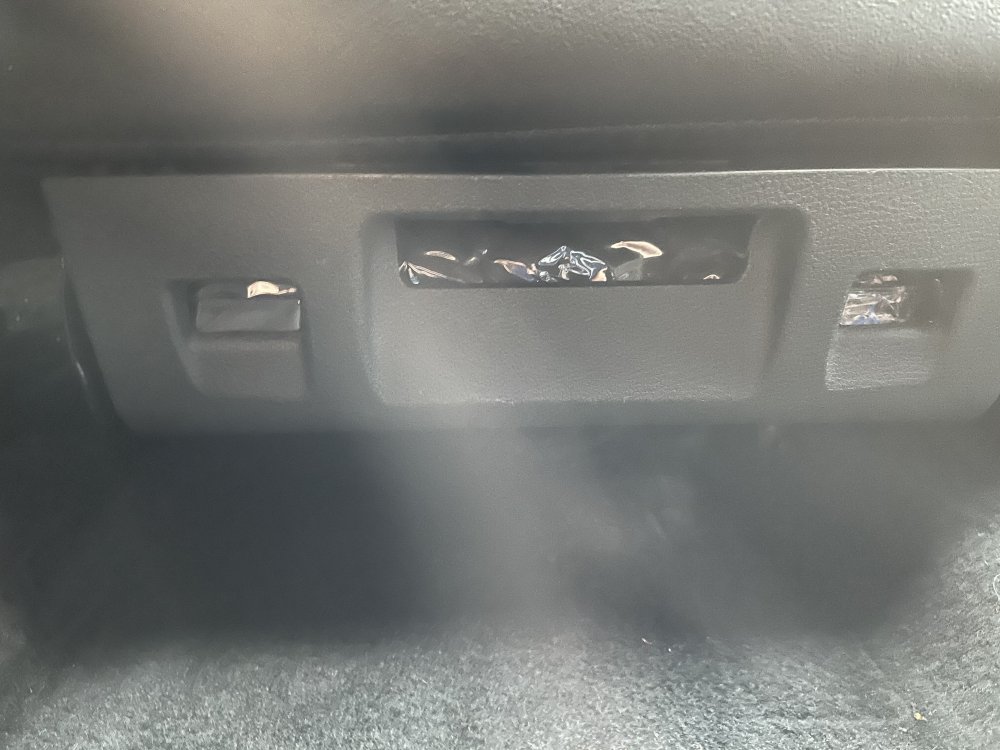
Well I’ve had a look and good luck fitting it. You might have to remove the seat to do it. Couldn’t really see the fittings behind the holder it’s very cramped. sorry about haze on 2nd photo.
-
I have one fitted already. It sits right at the front of the passenger seat. I’m not sure how it fits as it was standard. If it get chance I will drop some photos.
-
Yes found the free ones, but noticed that they are reliant on public feed back and rarely cover Europe. Thought £9.00 a year was good value.
-
OK just a quick update for €9.95 a year you can download the European Speed Camera database from this site and can add the POI's to your infotainment system. Covers Fix, Mobile and Traffic light cameras. Appears to be a very good deal.
-
It says a Navigation SD card from the Skoda Original Accessories, basically a Skoda SD card for the maps. POI and other updates do not require a Skoda SD card but are simply used to import the data to the infotainment system.
-
Has anyone tried the Speed Camera POI files from these guys. https://www.scdb.info/en/plugin-vw/. Appears good value at 9.95Euro per year and covers Europe.
-
Apparently someone has already tried dd and couldn’t copy the card So this does look like a custom firmware with protected content.
-
Has anyone tried to DD a card from the linux command line. Should be a way to image all partitions on a card using this method. Will have to experiment.
-
I have just copied the 20/21 Europe maps download on to my 16gb Škoda SD Card, tight fit but works fine. I work in IT and was looking for options to perhaps clone the Škoda SD Card to a big capacity card. If the card CID is mapped to the head unit them how come there are so many cards for sale on EBay. Surely none of these would work if the CID is different from the original card supplied with the car. Do we know that these cards work, if so then the CID of the SD card is irrelevant.
-
Thanks for the info, just seems odd that it appears to be a retrograde step from using the scroll wheel and the phone button just to be able to use CarPlay. Voice control will not be as effective or accurate as physical buttons so seems pointless having CarPlay on a car with SatNav and integrated Bluetooth. Would be great to be able to disable the phone element of CarPlay but that’s not an option.
-
iPhone 12 connects fine to my 67 plate Amunsden, but I cannot control the phone from the steering wheel. The phone button does nothing. As soon as CarPlay is disconnected I can control the phone via Bluetooth as normal. Is this correct.
-
Get a reflection of the chrome trim on the air vents on both side windows going across the door mirrors. Hasn't really bothered me, but can see it will annoy some owners.
-
Just replaced mine. Original was a Panasonic 2025. Bought a card of the same but some unknown manufacturer and worked a treat. Took all of 2 minutes to swap the battery. Car came with 3 sets of keys unusually, so will probably do them as well.
-
Picked up my 67 plate 1.4TSI SE L DSG Estate on Wednesday 9th, and guess what, an umbrella in the passenger under seat compartment and it still has the plastic wrapper on it. Bet the previous owners didn't even know it was there. No fluorescent vest under the drivers seat but soon rectified.
-
Thanks @pab567. Anything I need to know about running the update. Thanks received, just downloading now. Anything I need to know about running the update.
-
Yes going to do the maps tonight all being well. I've downloaded the 13GB Europe file, just need to copy it over to the SD card. Only had the car since last Wednesday 9th. Can I update the firmware myself. This is the new touch screen Amunsden unit with the all black facia, no physical buttons.
-
Picked up my 67 Plate SE L Estate 1.4TSI DSG, Race Blue. Loving it. First auto I've owned.
-
Had this happen on my Honda Civic. Turned out the car had been dinged and repaired/resprayed, but obviously not well. I actually blew the paint off the bumper with a jet wash.
-
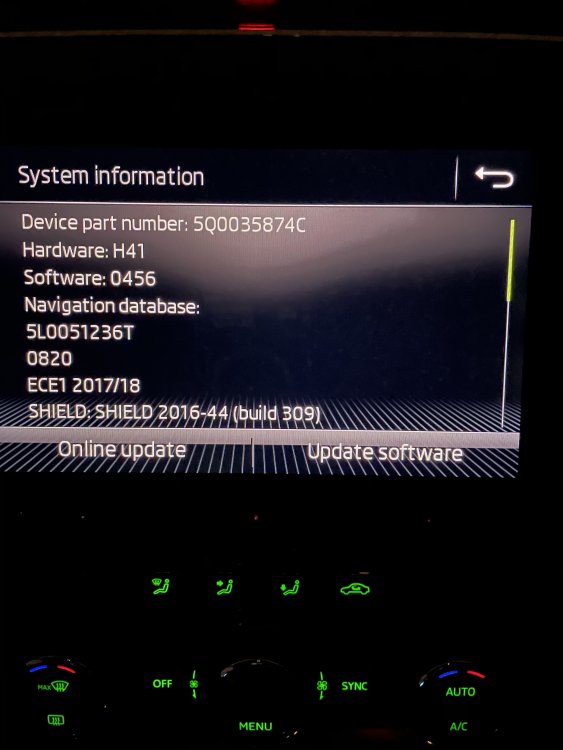
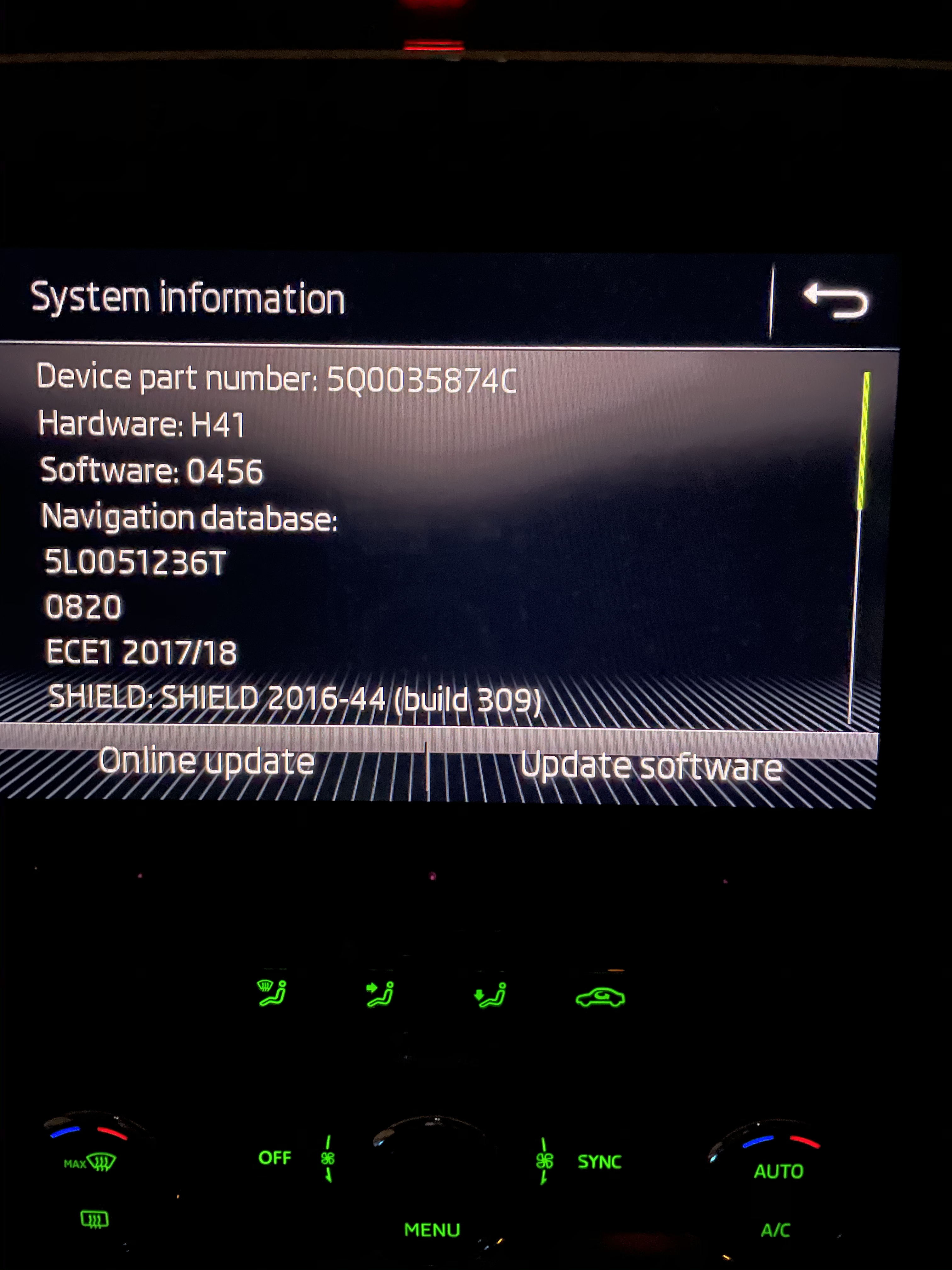
I have the Amunsden Head Unit. Version Info is