Ber31inger
Members
-
Joined
-
Last visited
Everything posted by Ber31inger
-
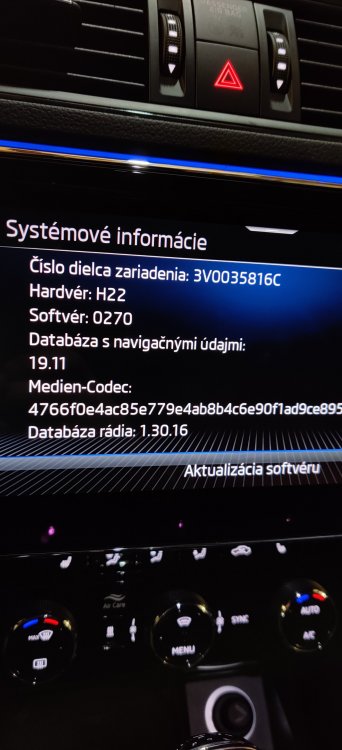
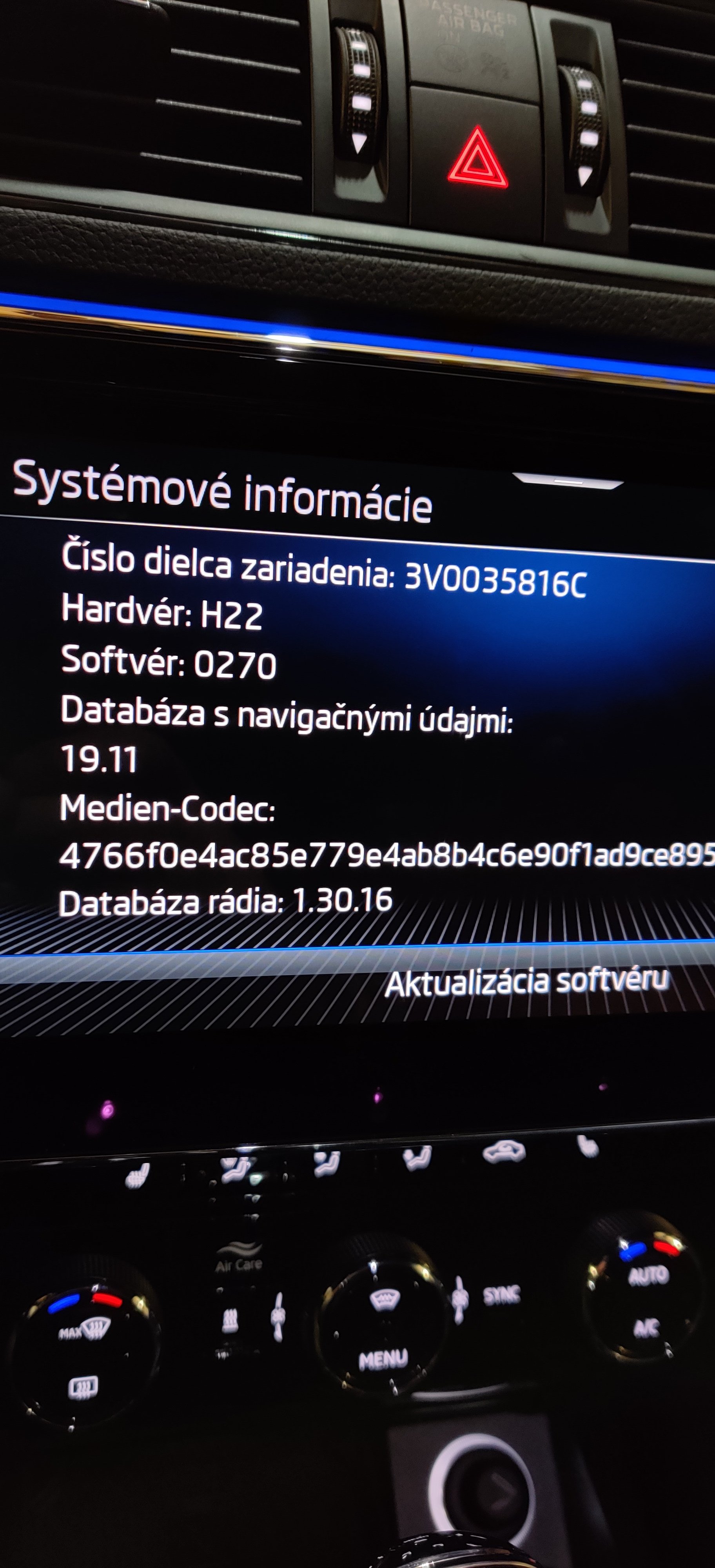
That is very interesting...can you take a picture of the SW version you have under Settings-System information? Or that is maybe a different SW?
-
That`s what we should maybe try...I will try during the weekend and will come back
-
Thank you MartiniB, will try...the user guide is telling that I should use the "front USB"...I have a USB-C and a USB-A as well so will try both and let you know
-
Hey team, anybody can help to check the SW version and navigation map version in a Superb iV? Thank you in advance
-
Thank you John, yeah I thought so it's an old one. When I go to the update portal, insert the VIN, it tells me there are map updates and I should download it onto an SD card to install...but the MIB3 does not have an SD card slot anymore so it's not a way to go.
-
Dear team, hope you can help me out. I just got my Superb iV and little bit struggling with the SW. During the registration the car showed there is a SW update, however when I go to Car settings - System information - SW update, it's just an empty black screen, completely empty. I am not sure it installed the latest SW available. Can somebody please post a picture about their SW version in their Superb IV? It's with the new Columbus MIB3, no physical buttons, just touchscreen, no SD, DVD, external sim slots anymore. I think its for all new Superb iV after July 2020 production. Thank you!