Bryfly
Members
-
Joined
-
Last visited
Everything posted by Bryfly
-
-
Makes me wonder if I had left my key in longer would I have updated to 0276 as well as my maps updating, instead of staying on 0270..maybe I should put the key back in for a couple of days?
-
Feel everyone's pain who cannot update, I cannot explain why mine updated when others will not, can confirm though that I am on 0270 software before and after update, I guess everybody formatted their key to exFAT as required on update instructions, before loading update to key, could it be that different parts of the country have larger / smaller updates, so therefore takes a different time to complete the update onto the system, who knows, obviously Skoda don't.
-
Just been through paperwork from dealer it says ...... 1x oil service/change and 1x oil and inspection service. By what you are saying it sounds like I should be changing it to variable service, not sure if I'm allowed to do that and if so how? Whoops it looks like xman has answered that ?
-
1500 miles Havant a clue, just purchased the 2 service special offer from Skoda, will see if I can find anything. Didn't ask for it to be one or the other, as was not aware there was any difference, so not really sure which it should be? Thanks for the info, it's my first Skoda, I'm used to Kia or Ford, didn't have any of this with them....
-
Purchased my Karoq 1st March 2021, so first service is due soon, in my Skoda app it says oil change due in 49 days and service inspection due in 426, I purchased the 2 service package with the vehicle, does that mean they will only change the oil in 49 days and that is all?
-
Yes you have read it right there was nothing on my screen to say anything was happening, agree that is poor from Skoda After driving for 45 minutes I'm not sure how long it took to get onto the sat nav, but it had updated next time I started car, one member here has had no luck updating by the same method though. Unfortunately I cannot check what was unzipped as I deleted the files after I installed but from memory I just unzipped the download with zip7 and copied all those files to my key....good luck Just found the key I used for my update, the first file listed is MIB31_EU.ROOT and the last is MIB31_EUWO.UR5001
-
Tend to agree, if you wanted to make anything complicated the VW group certainly know how, I was also told that the maps would update OTA when I picked up my Karoq from the dealer, then after several months of nothing it became available as a download on the portal with the instructions on how to do it, so maybe the Kamiq will go the same way eventually, I must admit with how long it took to download on my PC I could never see how it was going to download sensibly via a built in sim card...
-
Just a thought, from the instructions I'm wondering two things, does the USB Flash disc have to go into a particular connector of the two in the front and secondly does the vehicle have to be driven taken from below. Insert the USB Flash Disc into the proper connector in the front part of the car. The vehicle uses the data on the USB disc while driving to update the required map regions. For proper updating, we recommend to leave the USB Flash Disc plugged into the vehicle connector each time you drive.
-
Mean the flash drive key and yes Map update is retained by infotainment system
-
When I remove key they disappear..
-
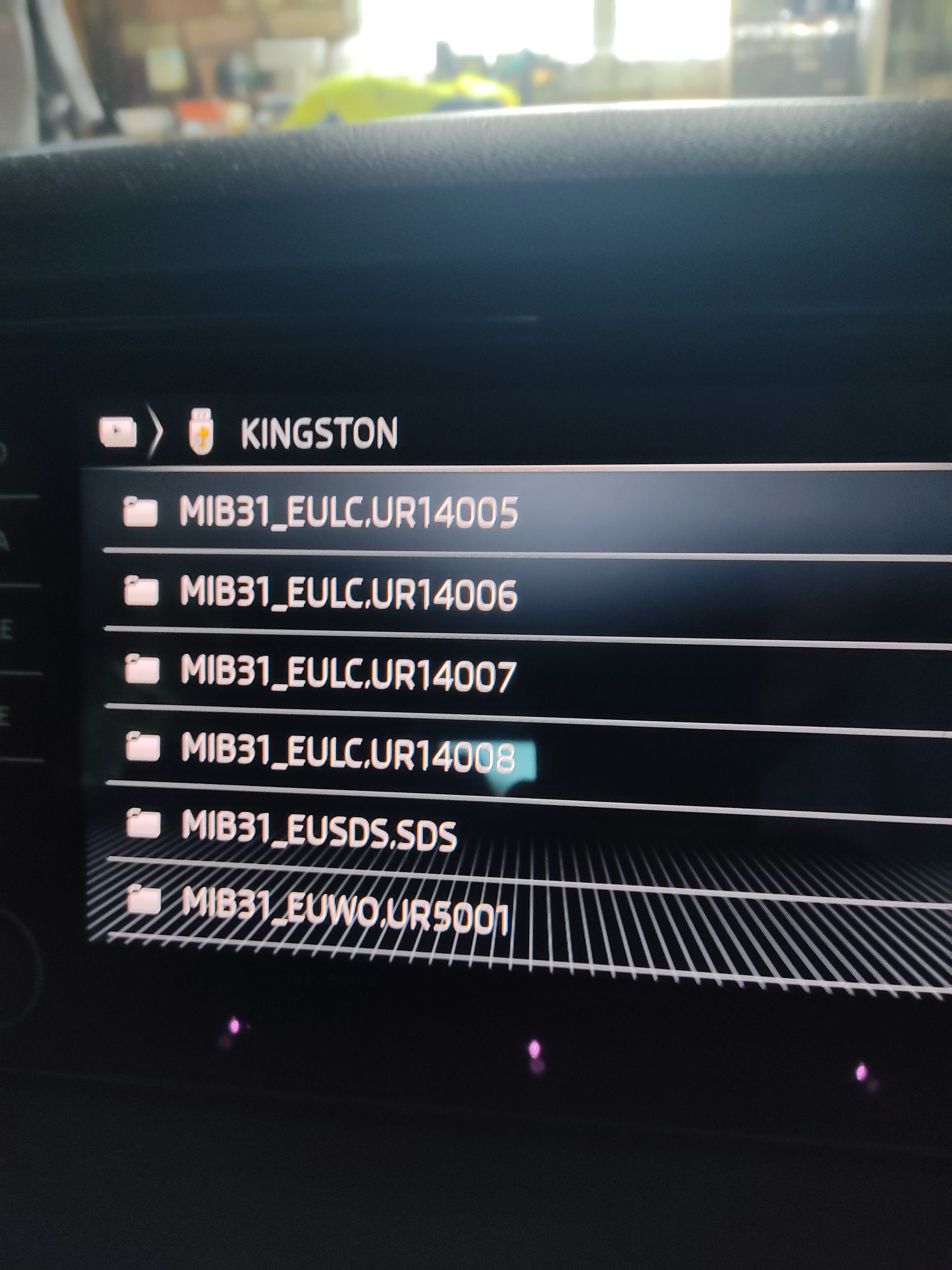
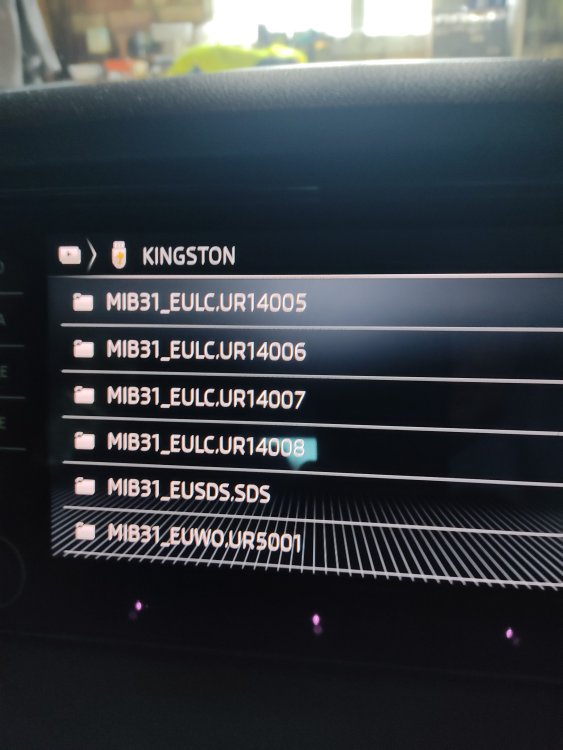
Hi, just put my usb into my car and checked and the files show up under media, as per pics below, I'm at a bit of a loss as to why it will not update in your vehicle, I guess you formatted usb key with exFAT first...
-
Sorry to hear updating hasn't worked for you I'm at a loss to explain why mine did and yours didn't, unless it was a corrupt download or corrupt unzipping or vehicle just not driven long enough etc etc...who knows, but for sure this is a VW / Skoda failure
-
Hi Chris , I copied everything that was there after I unzipped it, using "7 Zip", just checked and yes "Package.SList" is there.. I went from 19.11 to 21.7 on mapping
-
Hi .. Can confirm I did the procedure above and drove for around 45 mins and my maps updated, even though there was nothing in the display to say anything was going on, I have software version 0270 in my car..
-
Some drivers have had the brakes applied by this system, hence they set the sensativity to one of the three settings available, description below from Skoda... The Front Assist is a collision-alert safety system monitoring the situation in front of the vehicle via radar. ... It can also bring the car to a standstill if there is a danger of colliding with an oncoming vehicle when you are turning left (in a left-hand drive), for example when you are at a junction.
-
Found the instructions, what a palava, you have to do it individually for each station , don't think I will bother..
-
Just noticed Skoda update portal says I have a radio update, have downloaded it, is it the same as the map update, IE unzip on to usb key and plug into usb c on car?, When unzipped it appears to be just radio station logo's....
-
I highlighted them all and copied/pasted to my usb stick, as for the stick in the car I would suspect it has done nothing as it wasn't unzipped, but not a 100% on that..
-
If you Havant already done it go to the portal page below and scroll down and click on mib 3 this gives the instructions for installing https://updateportal.skoda-auto.com/ You have to unpack the zip file and transfer to your usb key all items as shown in Diagram 5 ...hope this helps
-
Not sure whether engine has to be running, but I went for a 45 min run, forgot to take the key out so it was in the usb overnight, next day when I checked it had updated, I know when I did it to a Ford Kuga the engine had to be running, not sure about Skoda, I guess you unzipped the download onto the key first?
-
On my Karoq. On infotainment screen go to main settings, assistants, assistant settings, Front assist, change setting to one of three
-
Will let you know tomorrow, got to go to car to remind myself..😉
-
Found it straight away today, must have been having a mental block yesterday...😉
-
Hi, tried to find in the forum's how to set the front assist sensitivity of Karoq 21 model, I believe there are 3 settings available but no luck finding where to set them, I can only find the setting to turn it on or off, can somebody advise me where to set the sensitivity ...cheers