




sdolenec
Members
-
Joined
-
Last visited
Everything posted by sdolenec
-
Regarding goodby text.. another glich
-
Or maybe try to login as guest and then back to your account..
-
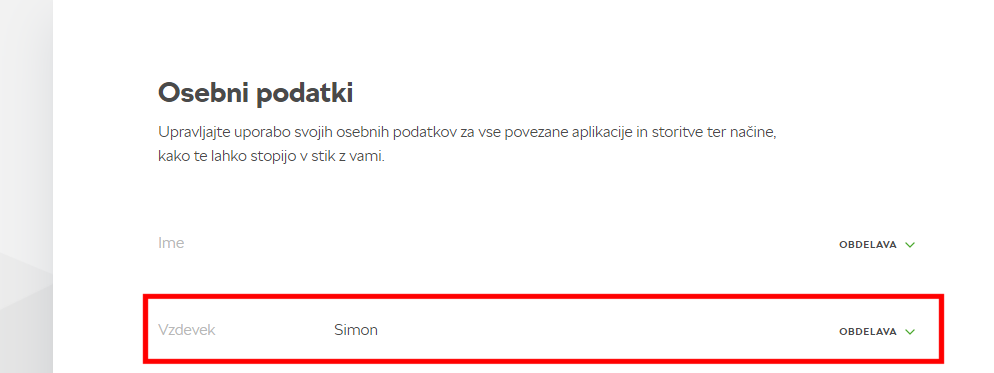
Intresting.. For me it was instant change. Car at home is connected to home WiFi.. if maybe this make some change.. Try to make shutdown and power on of int. system.. It should change - before I hade also lastname on nickname..
-
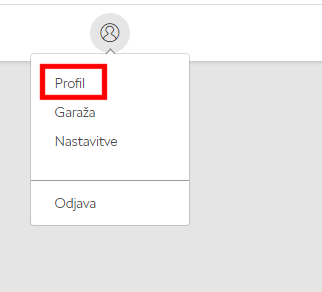
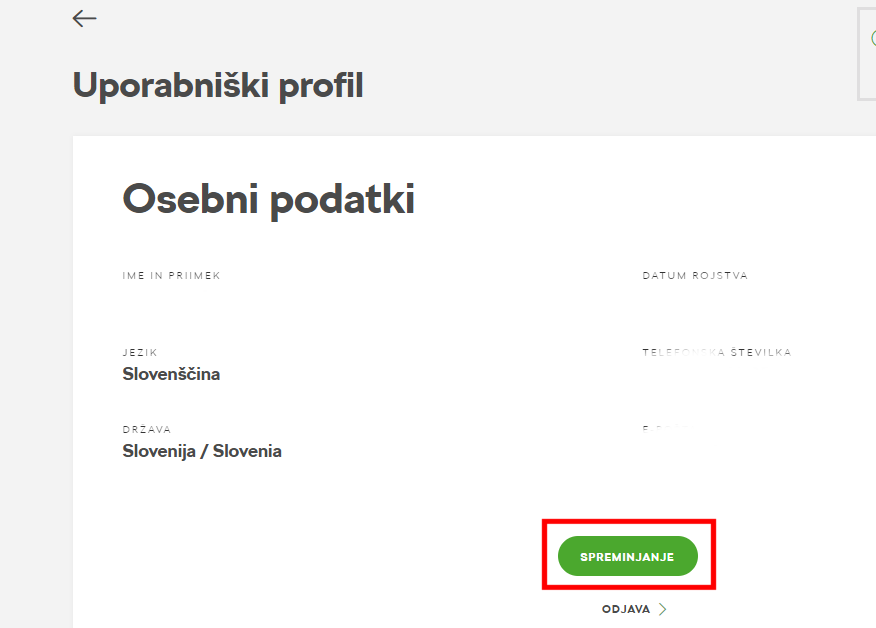
Škoda Connect: https://www.skoda-connect.com/ Direct link for Škoda ID: https://skodaid.vwgroup.io/account
-
It is.. but you must login to your Škoda Connect account via webpage.. I did change my name with no problem ..
-
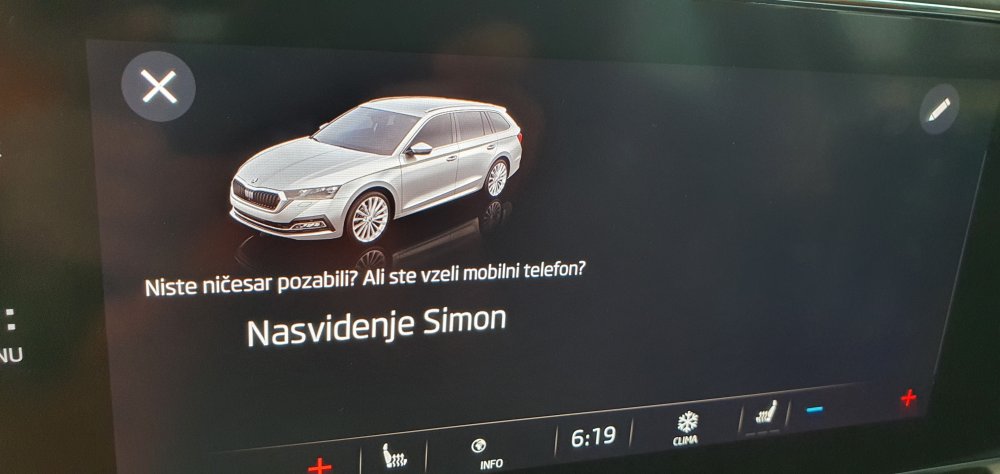
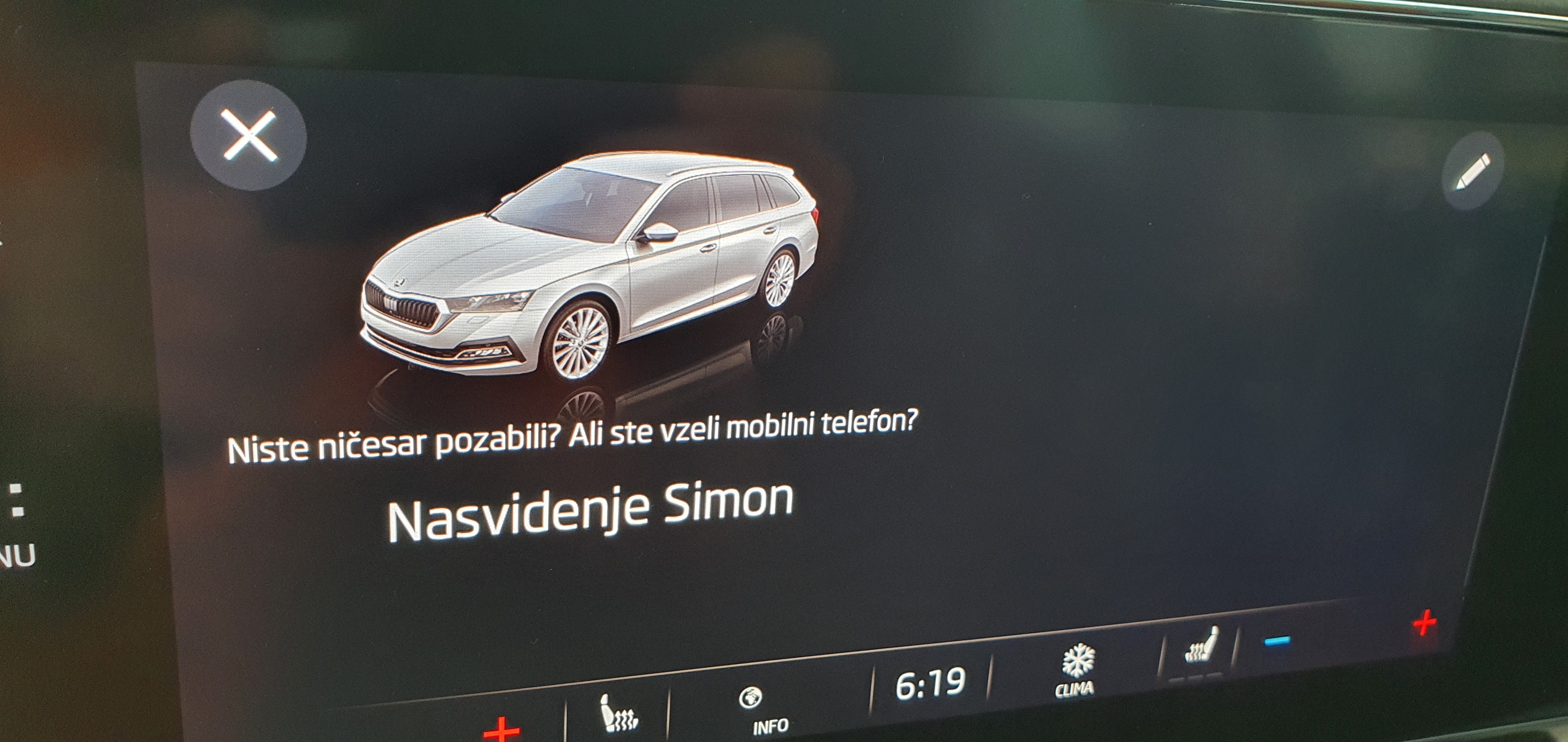
I mean screen when I turn car OFF.
-
Is it possible to change text at screen when you shutdown the car.. For me it's saying if you forget phone etc.. I would like change it to my personal moto.. I found that on right top there is edit icon, but I can not change anything even if I touch/enable this button.. Any idea?
-
Yes.. software fix.. firmware of module for eletronic brake.. now it's OK..
-
It's not so big problem.. minor glitches. When new SW will be ready they will contact me for SW update.. The big problem with auto hold was also resolved.. At the end I must say that car is great, has big SW potencial and easy to use.. so this minor problems will be resolved at end, also the many different modules problem (this will be packed in this so called big update for which there will be probably recall).. If I have correct information VAG group is rewriting complete backend program code - so that all cars will have the same SW for inf. system + modules with only different skin - because the current situation is that let's say in my case with auto hold problem that SW was writen not by VAG group but from manufacter of this electronic part (for auto hold there is 3 different manufacturers - this info is from Škoda service) and this can cause problem at the end and that will be resolved with one and same SW for all modules.. Finger crossed..
-
Regarding errors.. yes.. system has bugs, but they know for all this things - at service they show me the list - and yes - sorry to say but it is not so short - but I have faith that this is VAG's priority to be resolved..
-
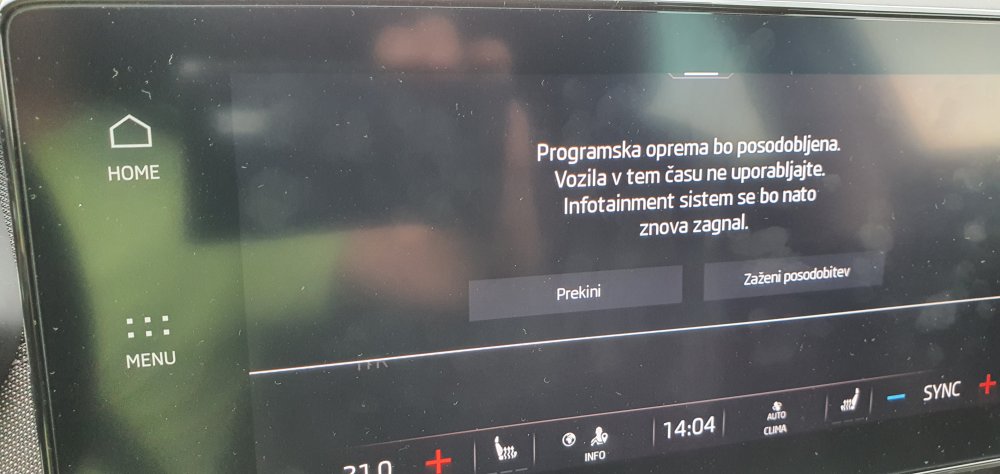
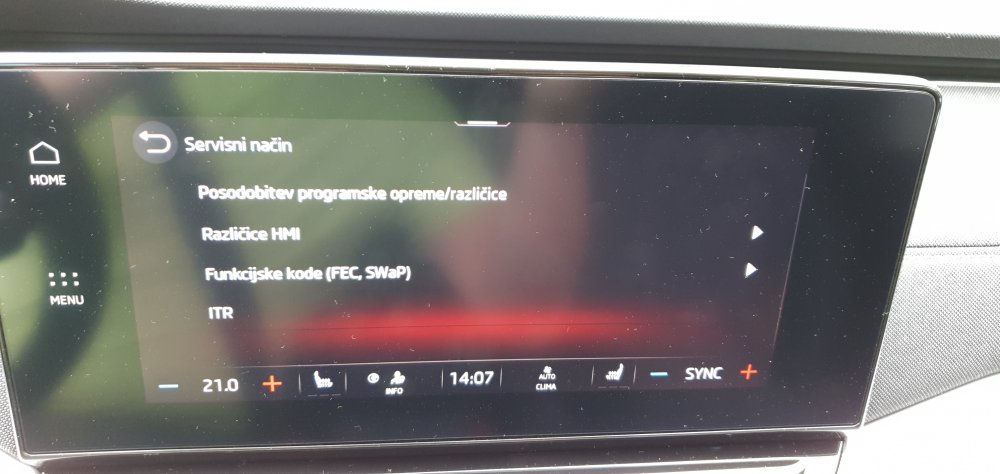
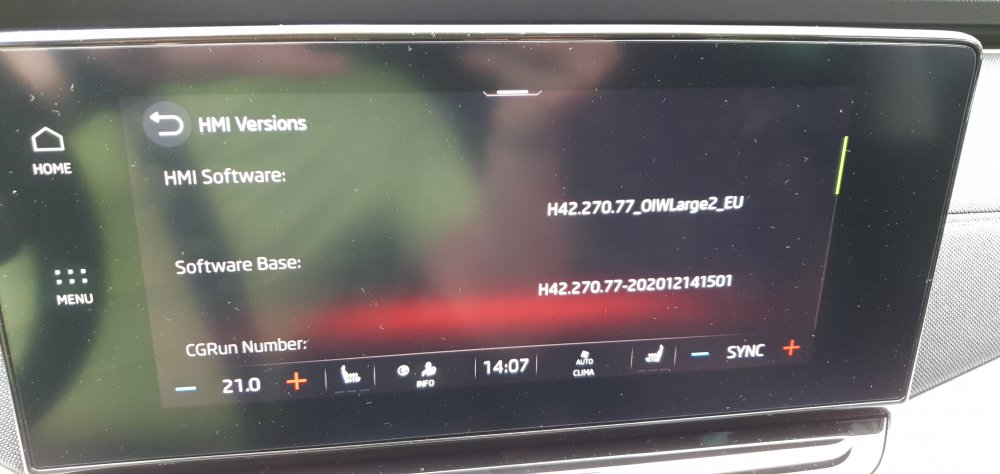
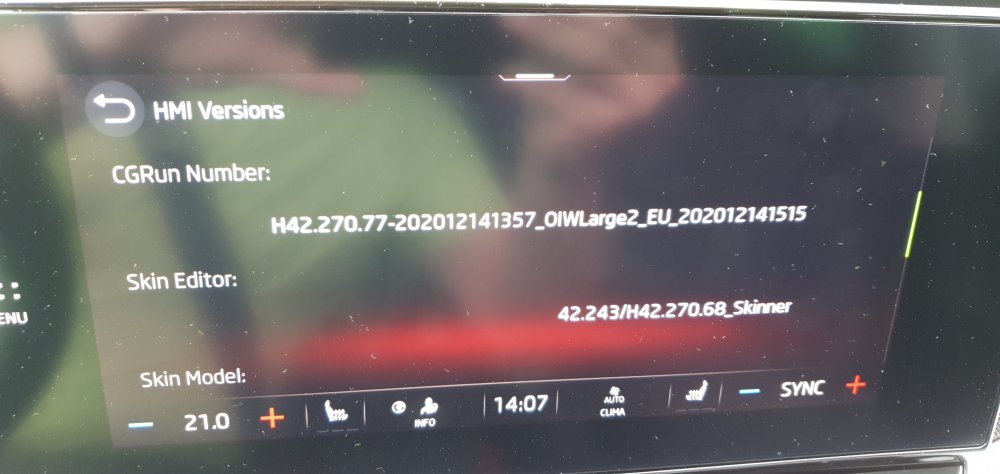
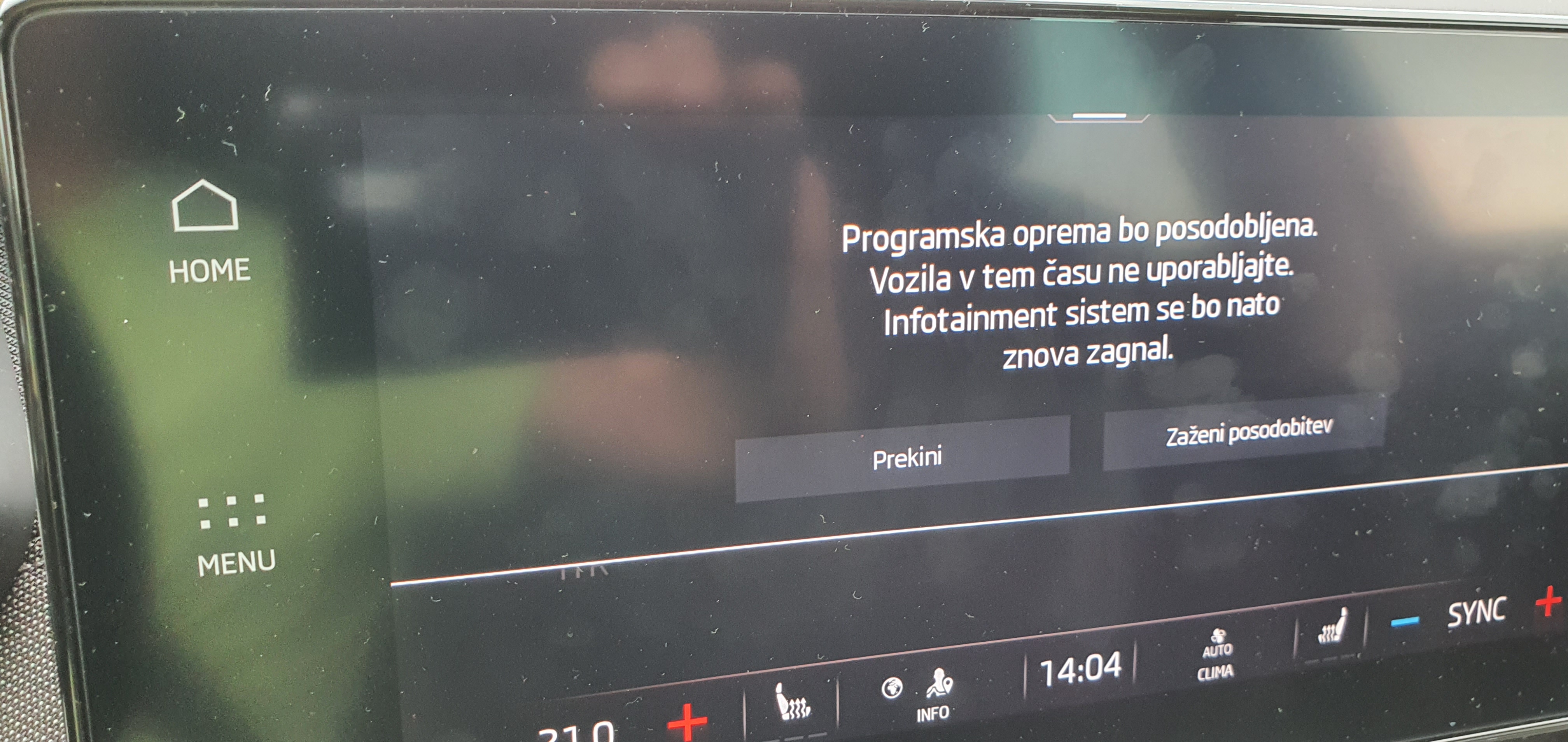
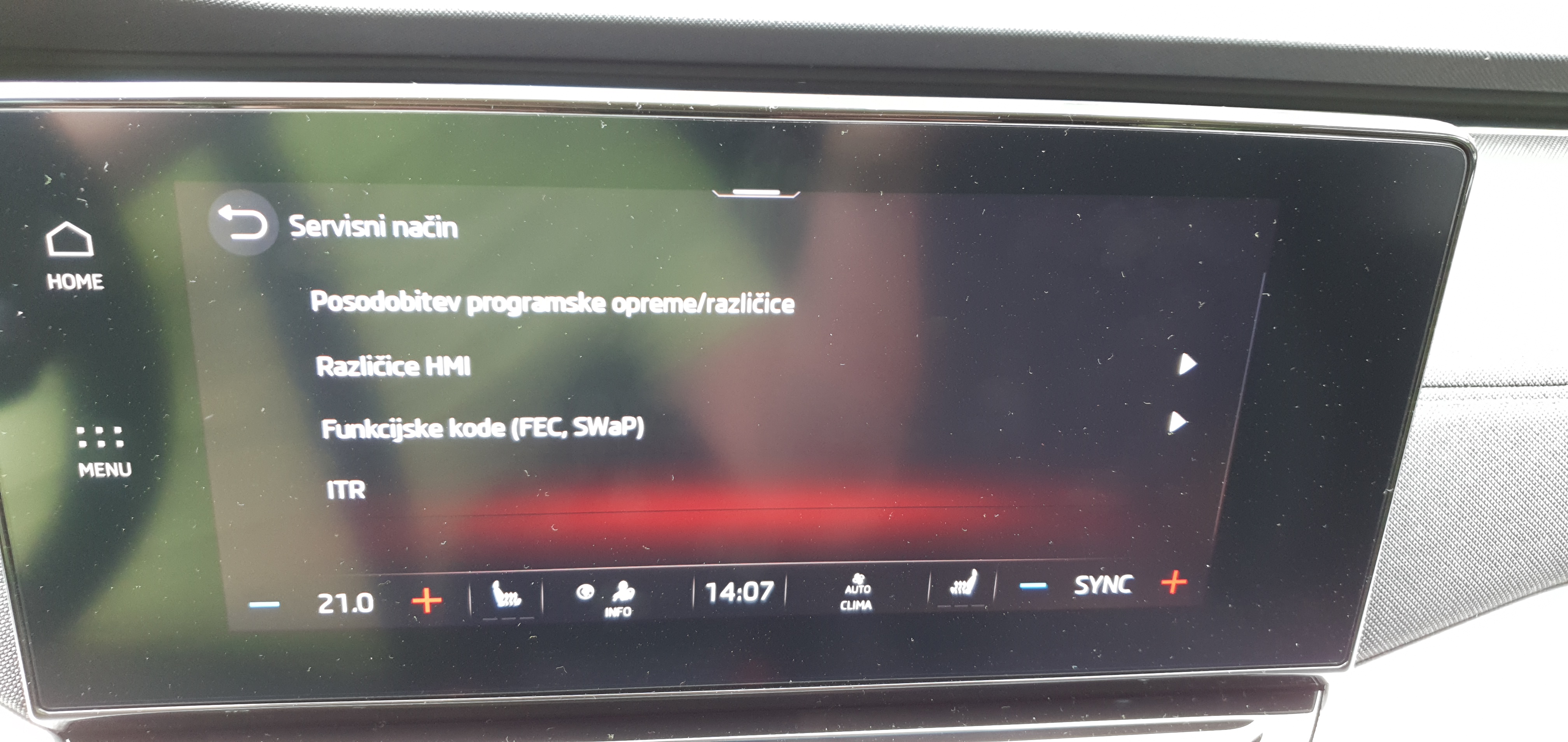
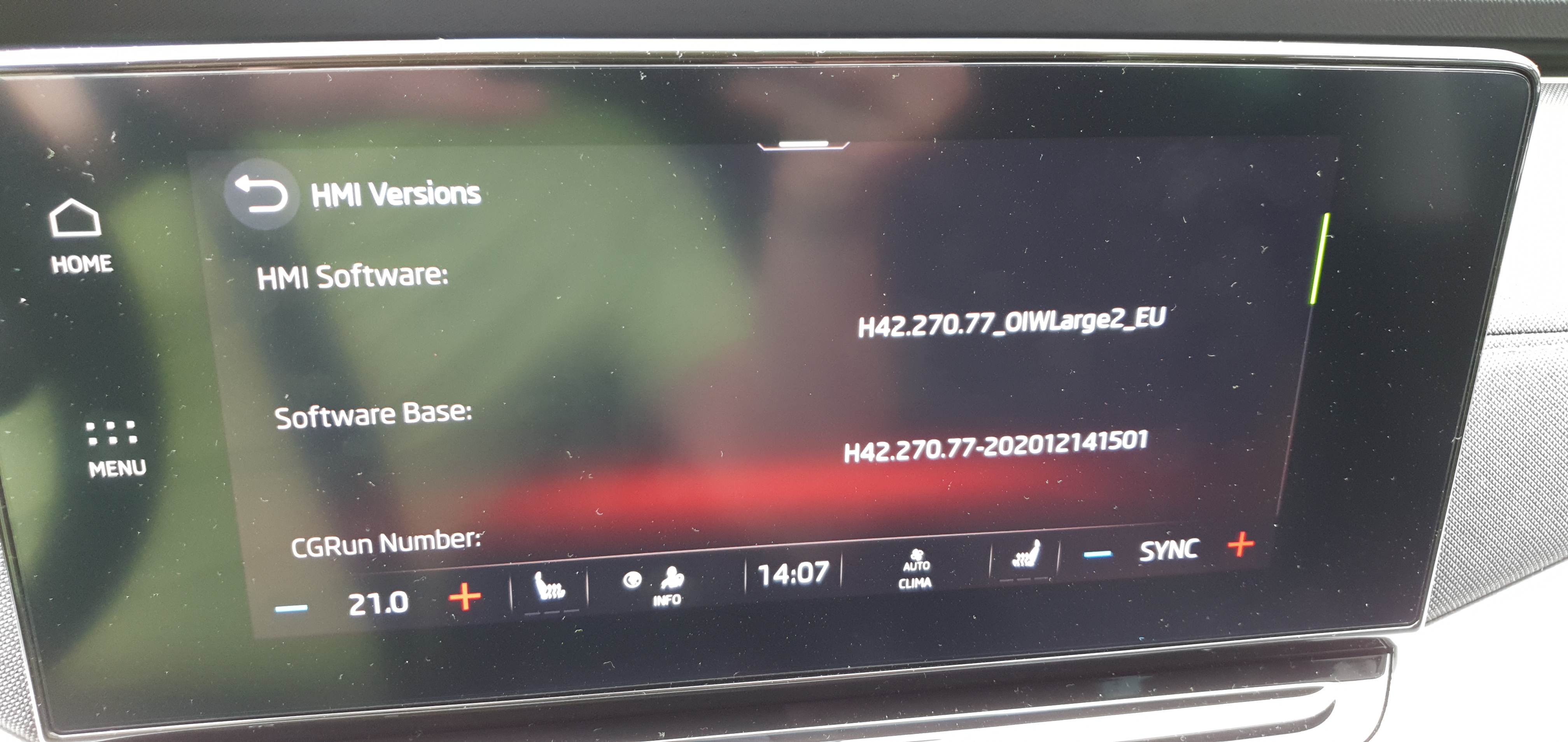
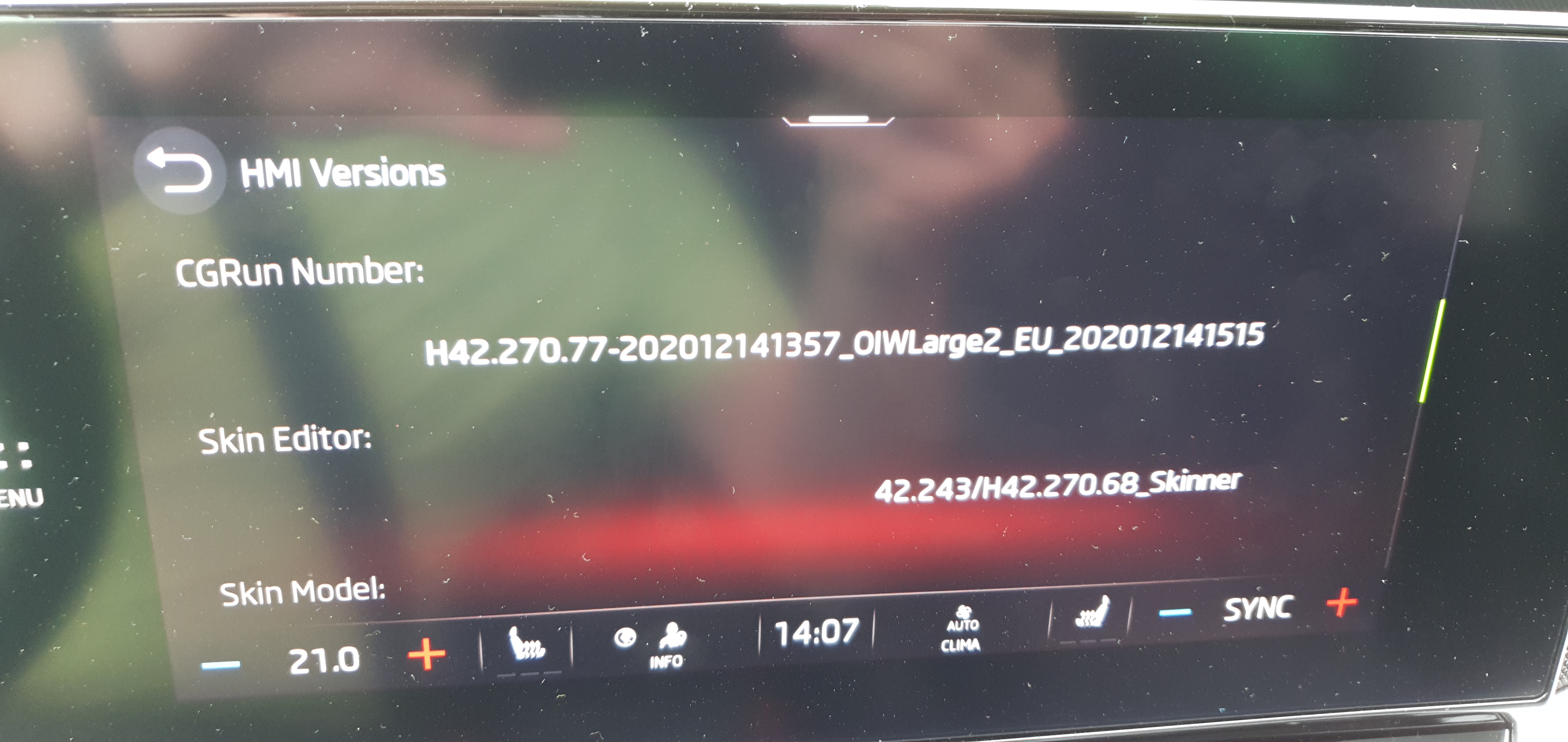
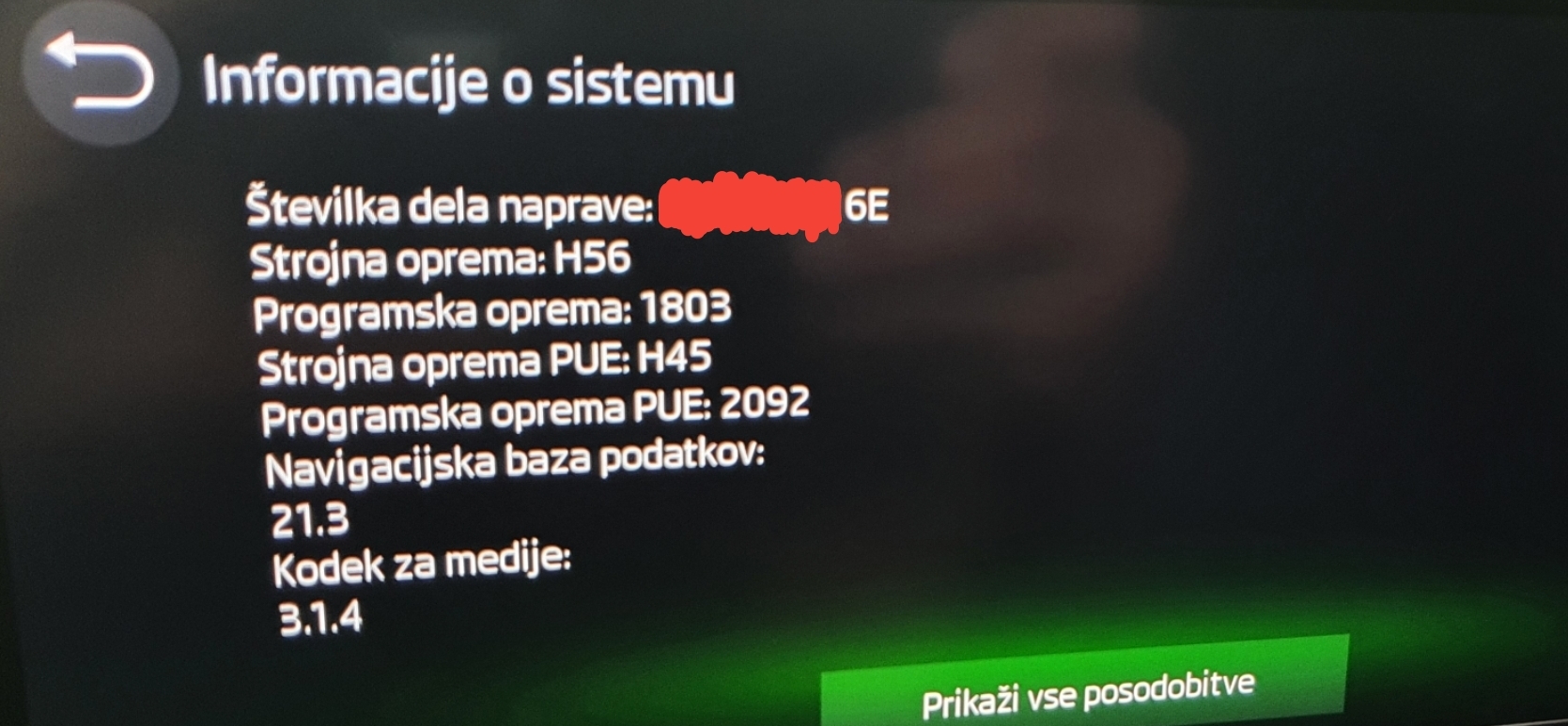
OK.. Firstly: Auto hold function stopped working - do not release.. Today they made SW update (SW0112), but problem still persist.. tommorow I will go there again.. Android Auto lossing audio connection, connected via WiFi - today they told me that new SW version is in preperation which will resolve this + that also new major SW is prepearing for which there will be probably recall for all VAG group cars of this generation. Also, today when they update SW I got newer navigation database = 21.5.. And in the middle of drive service menu loaded... I make some photos... maybe related to what they done at service - not sure - after I shutdown car this menu disapear.. I make picture also of secred codes.. must check something before publishing it..
-
Sorry to say but 1803 is way from being withouth bugs.. Probably next update will be much better as every update solve things.. And 1803 update is also installed on cars produced in May by fabric, what is normal that they upload latest SW version .. So my list of bugs is getting longer and longer every day..
-
Please report in forum (post to link up) so that we all will have correspondence what is the latest SW firmware version..
-
Please report which SW version of inf. system you have on:
-
Please report software version of inf. system after the update on this theme.. Thank you..
-
Agree, but how and where (if its even possible) to determine SW version of Matrix LED? Probably all modules should be visible in inf. system as everything is connected and can be controlled via inf. system and of course OBD .. Maybe (probably is) some secret service menu, or this can be visible only via OBD? Also, if he got 1688 SW of inf. system, it is probably logical that if they repair something on Matrix SW that if you got let's say 1788 or 1803 on new car that it should have newer Matrix SW version on production/fabric level..
-
Ok.. My car is production month May 2021.. will make video and we will see.. HW is E and FW is 1803.. newer know what this FW is..
-
What is your production Month? I am also from Slovenia and did not test Matrix lights (only once on local road for short time). In Saturday I will be on night drive - then we can compare it - having driving camera and we can compare video..
-
I agree.. I am also very happy with car even if I do not have VRS (estate with other additional gadgets..).. Problems which currently are is SW and only SW related and can all be solved via FW update - I do not see any HW issue at all.. I doubt that they would not resolve SW issues as this affect not only Škoda but complete VAG group brand of current car generation..
-
Directly to the oroginal Škoda service for replacement.. nothing else to do.. What was your HW version and build month date? Just for others info..
-
Currently on 1803, HW version E. Build month: May 2021. Bug (happened once): Once there was internet connection (WAN) error for 4 hours, resolved itself. Bug which I can reproduce: Using Android Auto via WiFi (Android 11, Galaxy Note 10+) and play music from YouTube music and if I drive car backward and camera and aprox. sensors are activated and then after going forward and aprox. sensors are shutdown then music is constantly up / down as it was losing signal. Solution: Disable Wifi and BT on inf. system and enable it back. But this do not happen everytime. I will report this to Škoda, but must make video so that there will be visual prof..
-
The only true benefit would be that we could see android / google maps on virtual cockpit.. for that I would pay.. all other inventions are completly usefull..
-
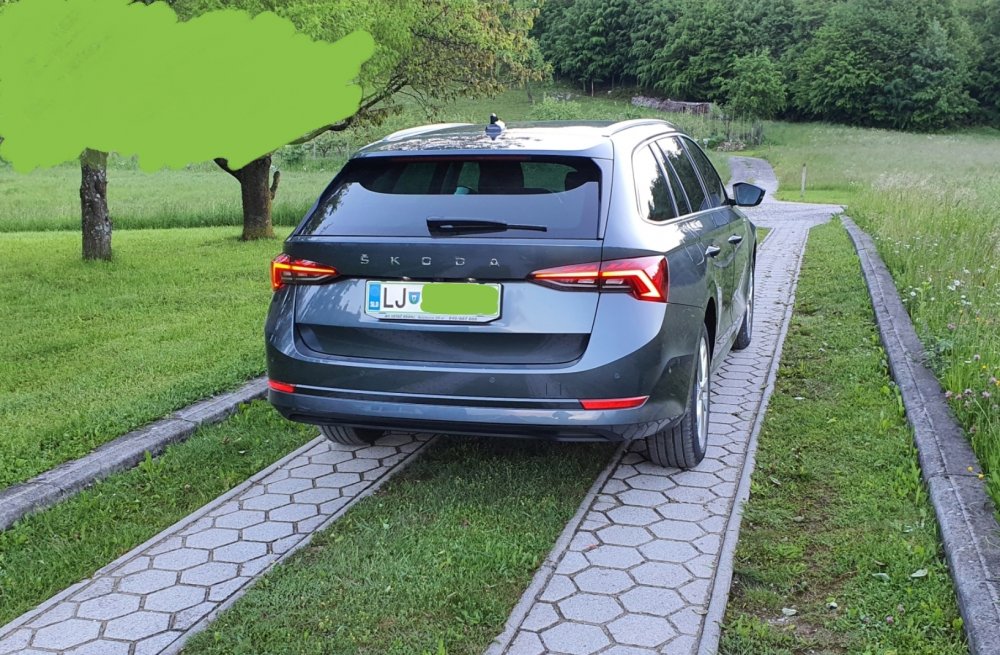
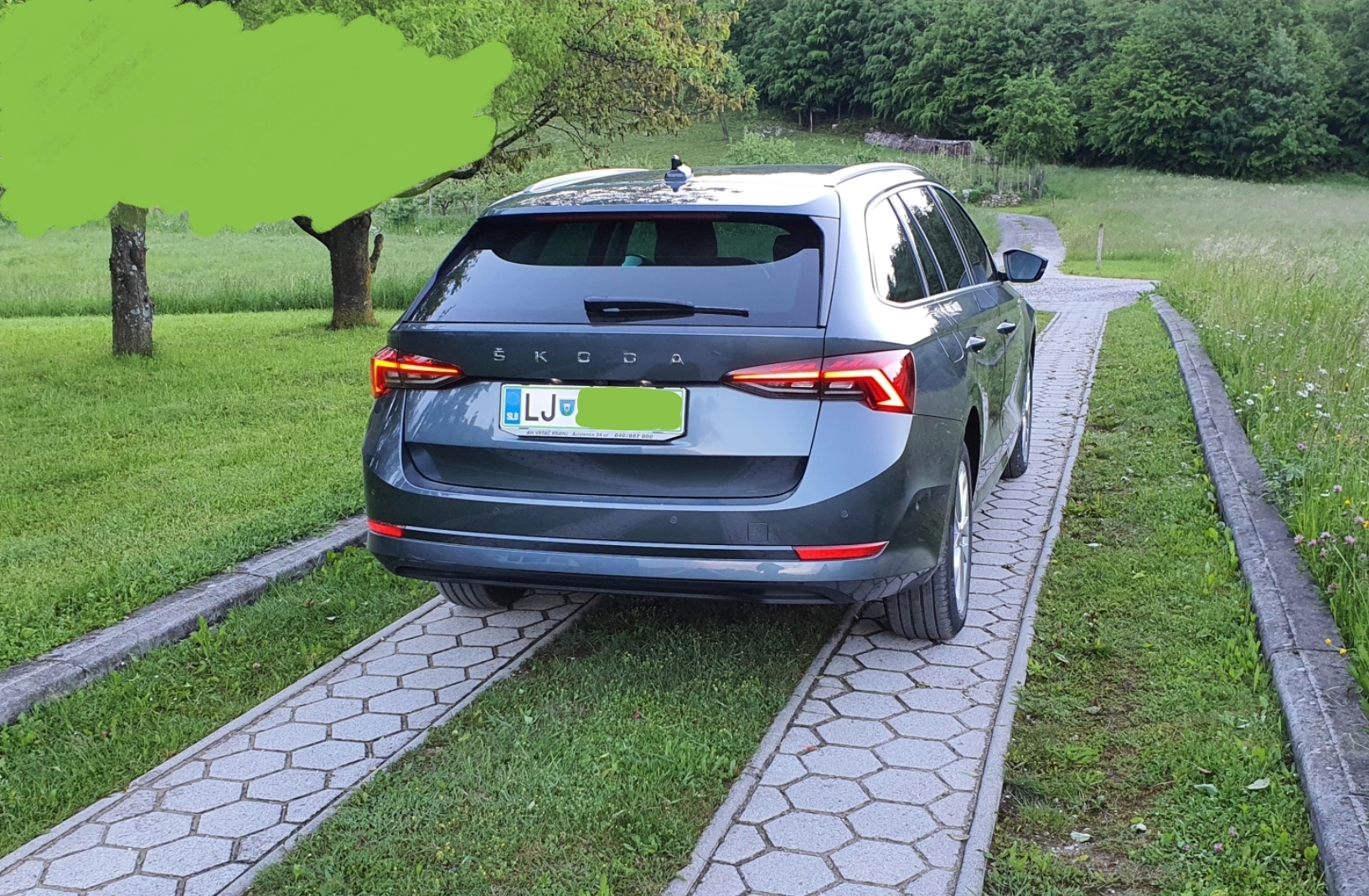
My new car..
-
My mistake.. have the same.. and have also ACC function..



Important Information
Welcome to BRISKODA. Please note the following important links Terms of Use. We have a comprehensive Privacy Policy. We have placed cookies on your device to help make this website better. You can adjust your cookie settings, otherwise we'll assume you're okay to continue.