sdolenec
Members
-
Joined
-
Last visited
Everything posted by sdolenec
-
Described problems would be resolved with main control unit replace with the latest FW and SW.. If you have problem on Apple, then there is the same problem on Android devices.
-
I have SW 1803 and at service they will replace the main controler which will have the latest SW + much more RAM inside / better CPU which is the solution for bluetooth problems and some other SW bugs. In Tuesday I will get replacement and I will report back.. They told me that this is the official solution for the SW problems and that only replacement of HW can help - based on VAG recomendation.
-
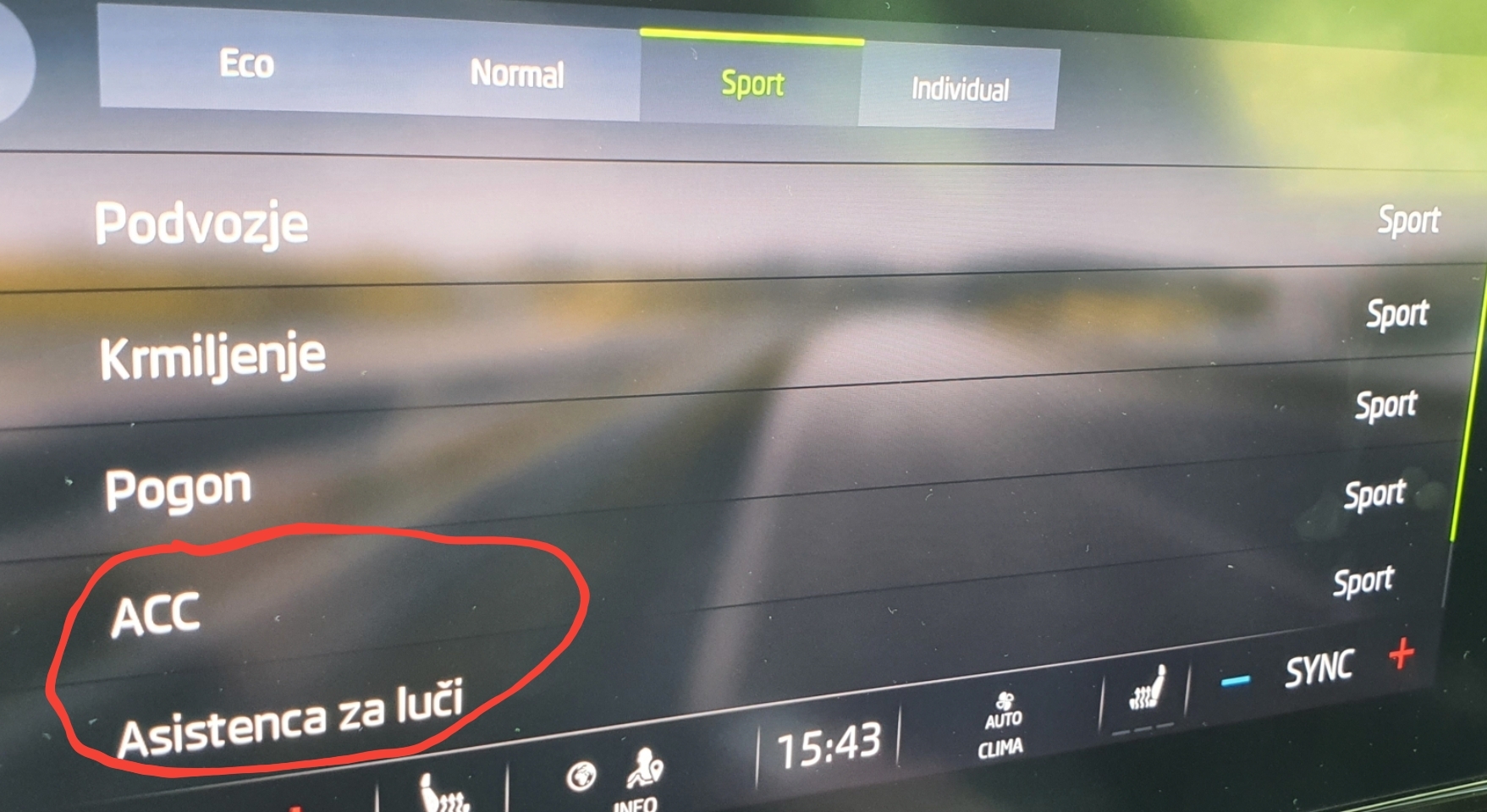
I checked user guide and did not find anything regarding Normal and Sport mode for this 2 functions.. Also I found that in instructions there is also "Offroad" mode, which is missing in my case - even if I have package for bad roads.. maybe reserved for scout version?
-
Do anybody know what is difference between Sport and Normal mode for: ACC Light Assistence Thank you for answer.
-
I do not need to reject car.. car has only small SW bugs which will be eventually fixed.. One HW problem which will be fixed in 14 days, but this is small glich from the factory - right light is not in correct position..
-
What was your current SW version and what is the new one?
-
So to be clarified.. is normal that matrix light left line is lower beam (auto mode vs. manual mode) or not? For me auto mode left beam is clearly shorter as manual mode..
-
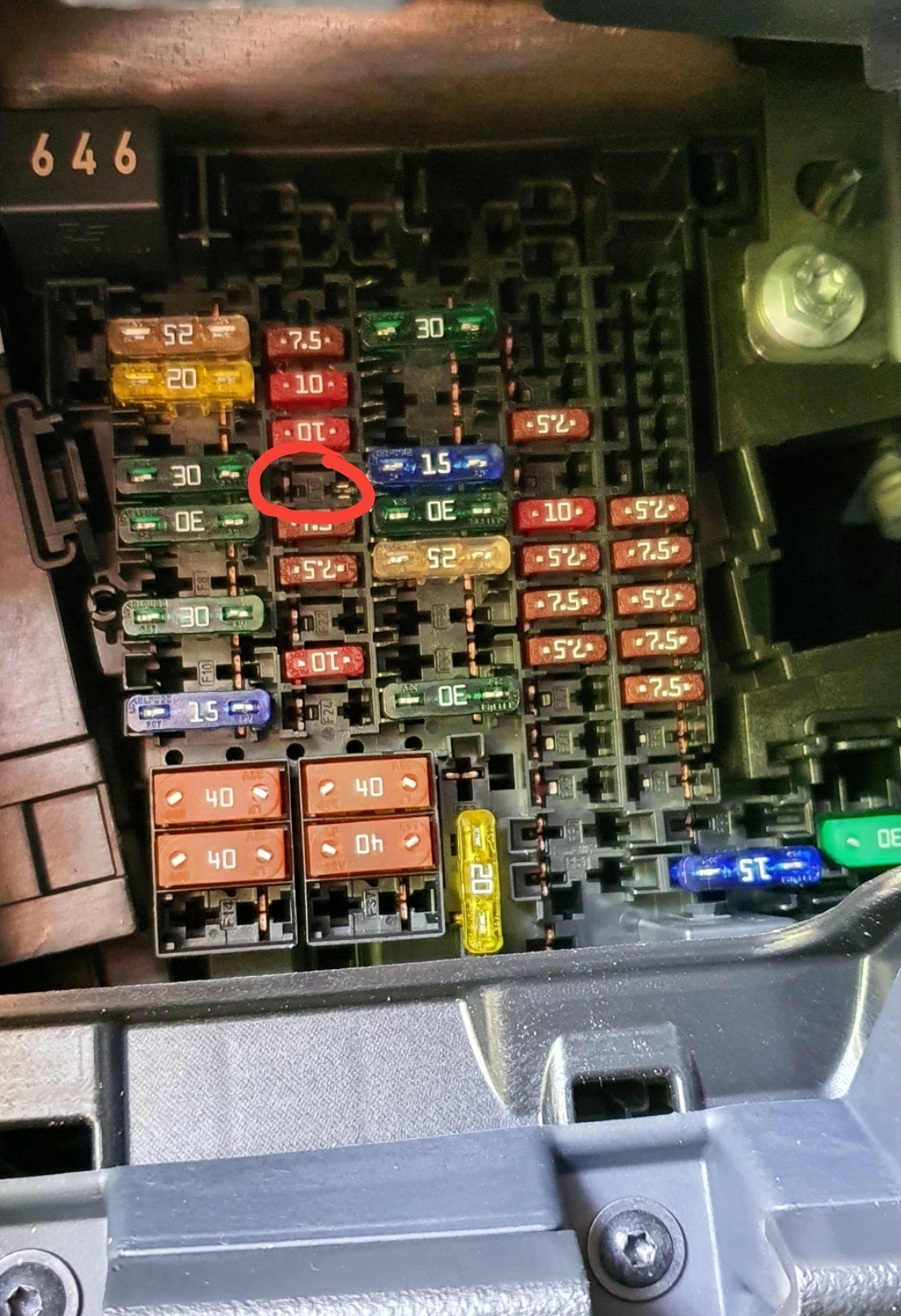
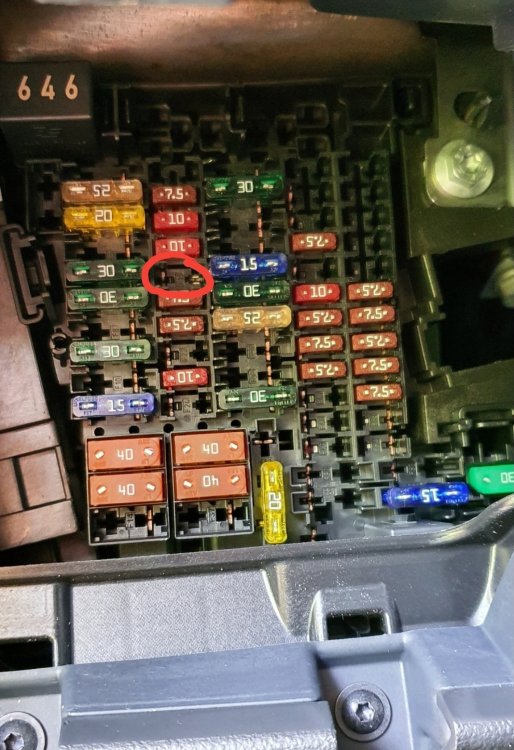
Had the same problem.. after 2 days I decided to remove fuse and re-atach back and problem is gone.. There is no need to wait for 10 minutes - I waited about 30 seconds.. SW version 1803.
-
tnx..
-
Can you make picture of SW version of inf. system with version 1806..
-
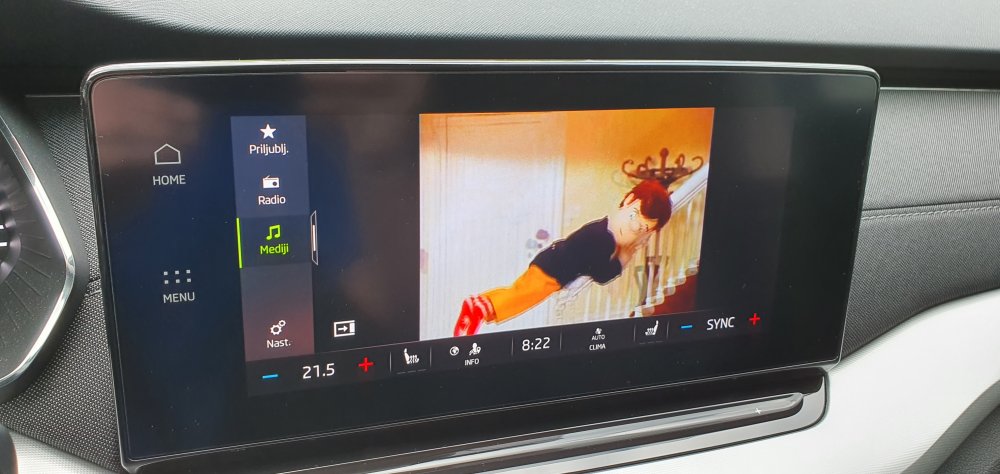
Thank you for the hint.. It is working for me..
-
Can you make me screenshot what settings exactly did you use..
-
Great... I will ask Igor from MTL next time and we will see if video in motion could be unlocked - my SW version is 1803. So, did you need to change files according to video from Igor (MTL) or the only requirement is x264 codecs?
-
So, accually the update is not yet made. Please make picture of inf. system SW version when update will be done..
-
Nobody played regarding this?
-
And also another question. Do you think that if I unlock video on motion that this would also mean that I could enter let's say address to google maps when driving the car.. Currently I need to stop the car to enter address in search bar.. I tried also as shown instruction on video: https://youtu.be/HjljksUlztw Could be this somehow connected / related settings..
-
I have question if anybody successffully played any kind video from USB-C stick on inf. system and what video format / resolution video was. For me "Video" is completly missing, have 1803 inf. system SW. Of course video would work only if car is not moving (for playing video on moving car it need to be unlock video on motion). I tried also as shown instruction on video: https://youtu.be/jIGkqmkI6fg
-
Updates are not so offten.. so this is nothing wrong if there is no update. For major update you will need to go to your dealer - they are not made via OTA.
-
Find answer to my question: The driving mode can be unlocked..
-
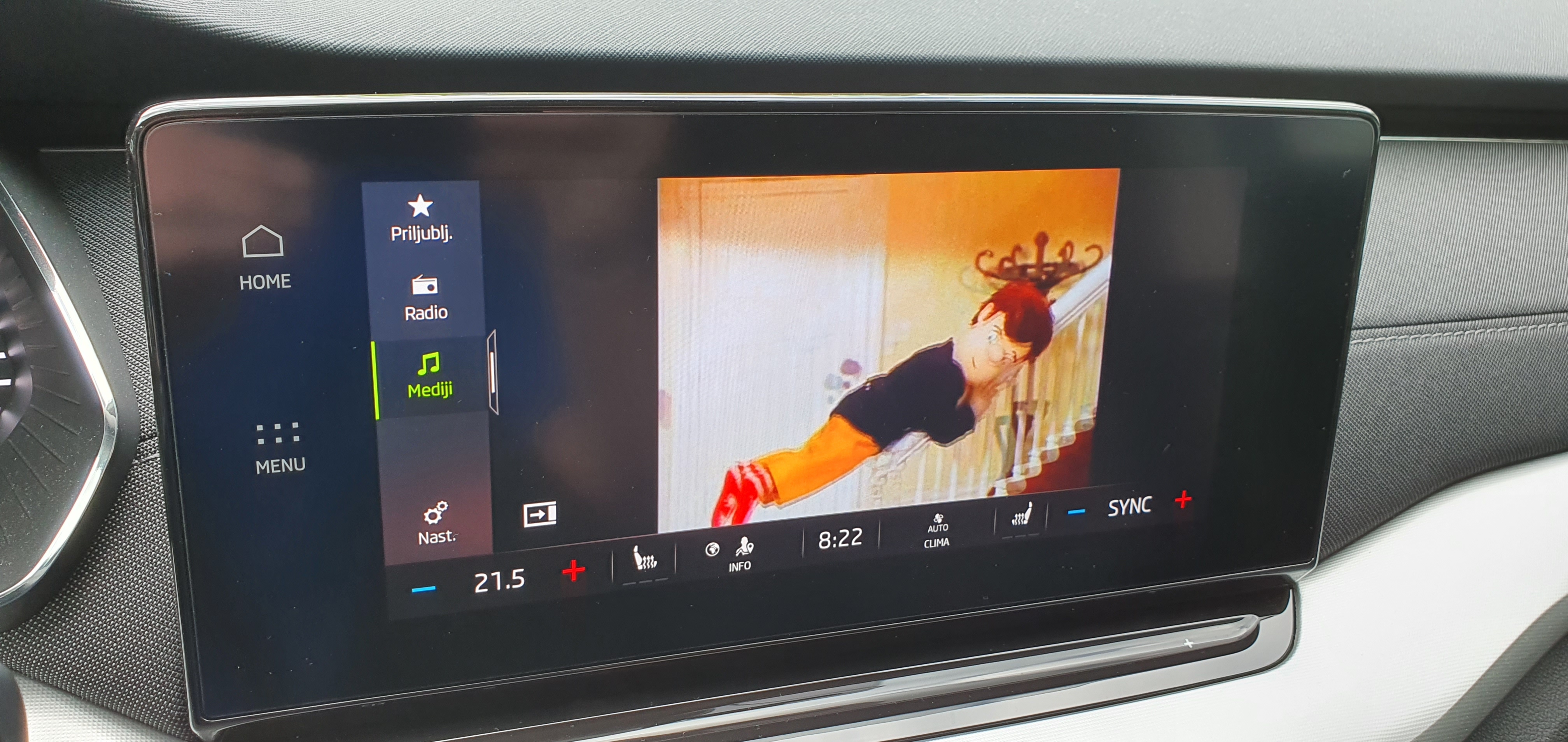
Do anybody know if video is playing if car is at hold.. for me it is just playing music but no video at all.. PS. In Golf 8 I saw that video is working.. for me "Video" tab is missing..
-
I agree.. and also.. it is stupid that inf. system do not contain/show this kind of information..
-
Try to open all holes.. it become loud when you have all vent holes closed.. the same happened for me when I got the car.. Maybe this is the problem..
-
I also tried and did upload own picture as user, which on web is changed, on car stayes the same grey boring one..
-
PS. I have 1803 inf. system version, maybe this is somehow related as I know that @TheUltraRunner has 1788 and also nickname do not change..
-
Don't know how to help, for me change was instant..