DManel
Finding my way
-
Joined
-
Last visited
-
That makes sense! Thank you for your clarification.
-
Got a call from Skoda today, to book it because of a fault that affects my iv regarding the "battery protection system". The person on the phone mentioned the 12v system.. and some firmware updates to the battery "command and control module"... Not sure if it's the same thing referred in this topic, or if it was not well explained.
-
They take CR2032 batteries.
-
Yes, in the car home menu, when you add a widget by pressing +, if you have a blank page with a lot of space free, a big symlink/carplay widget will appear as an option (I don't remember if is 3x3 or 4x4 or more).
-
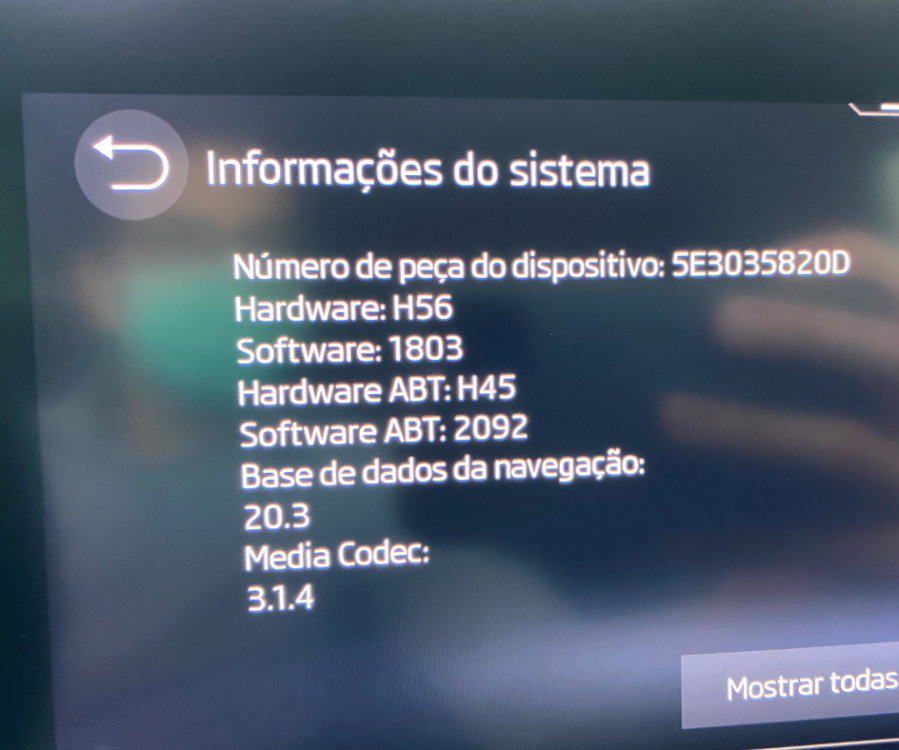
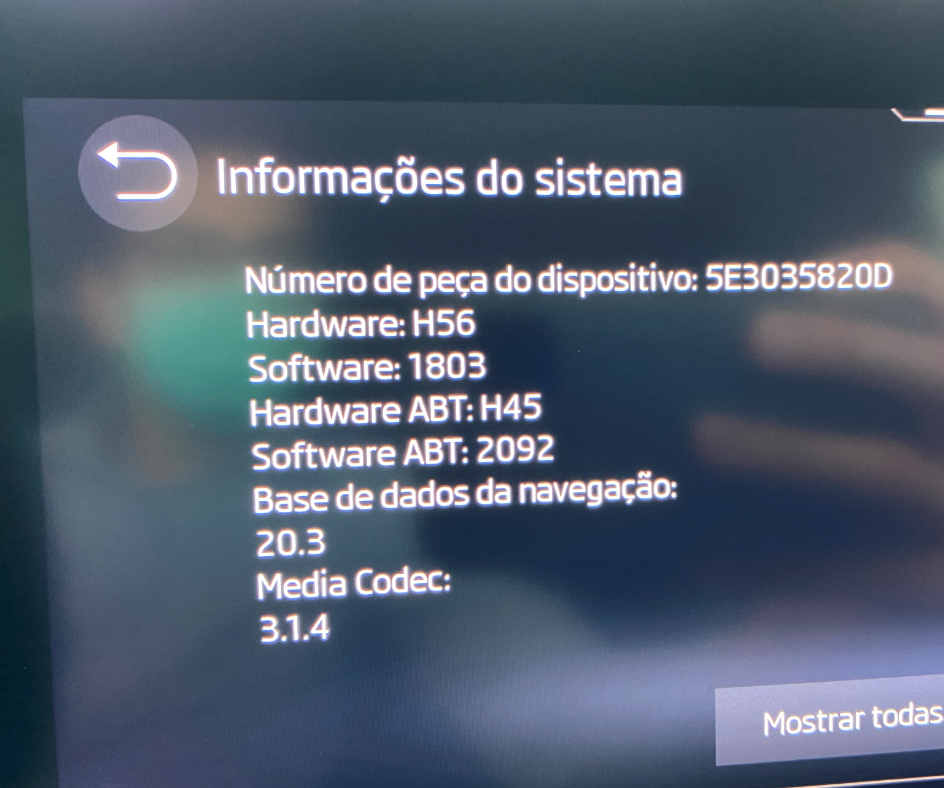
For me it appears between the speedo and rpm counter, in the upper middle, where the volume indicator also appears when you change radio volume. Turn by turn directions only appear when you are approaching the next "action" (when usually the assistant would speak). No need to select car play info inside either dial. Version 1803.
-
I'm using Apple CarPlay, and if I use Apple Maps (and only in Apple Maps), I have the turn by turn guidance in the middle dash as you say. I imagine that each vendor pushes you to their own stuff and blocks features from others? Google with Google Maps and Apple with Apple Maps.... Never tested with android though.
-
Well, I had the same happen with Apple CarPlay via wireless, while using Spotify and Waze! I was about to start my trip, and had spotify playing music, but while fiddling with waze the music was interrupted and I was not able to bring it back, not even the car radio! Audio was simply gone... Not sure what caused it. If it was the interruption of the music by waze, that never got "de-interrupted", or, my bet is that waze tried to access the microphone to dictate my destination but got stuck (audio stops when dictating). Since I was stationary, just rebooted infotainment and it never happened again since, even after repeating the same steps...
-
My car was produced in week 14, April 2021, and came with version 1803 (hardware D). 900km in, and no issues so far.
-
Well, I just had the same issue, with Car Play, not using the full screen, after I added a 3x3 view of car play to the main screen. The Car Play would always be "processed" in that size, no matter what. After I removed the "widget" from the home menus, it started to display in full screen again when I open the Car Play. Maybe that's the same with Android Auto...
-
After a few days with my iV I can confirm that the yellow warning light is on when the car is plugged in. No other warning messages are displayed. In my opinion it makes sense, because you cant drive while plugged in
-
Yes it sure helps! Just configured the scheduling on the app, and looks exactly what I need. Indeed it would be better to have the option on the car, since clearly it is capable of it… Many thanks
-
I'm always on the cautious side on these things... Shame there's no upper limit then! Oh well... I will have to manage manually when I can and try not to worry much when I leave it alone... About the warning light, yes, I did saw it on when I plugged in, and remembered your topic actually! But I want to test again, because I was with the door and windows opened, key inside, etc. Will try again in a controlled scenario and report back!
-
Well, I'm not sure if it helps long term or not, but I want to take care of the batteries as much as possible. I plan to keep it for a long term. Usually the recommendations that I've read say to not leave is discharged (to 0% or near 0%) and to not constantly charge to 100%. That's my concern, and I assume it is also applicable to smaller batteries from hybrid cars..
-
New Octavia PHEV arrived today, plugged it in my garage and left it charging. I want to stop charging after 80% for example, because I don't need all the range on my daily drives. But I could not find a setting to set a maximum charge limit! Does anyone know if there is a way to do this? I'm looking at the Skoda Connect app and I can manually stop the charge, but that's not ideal..
-
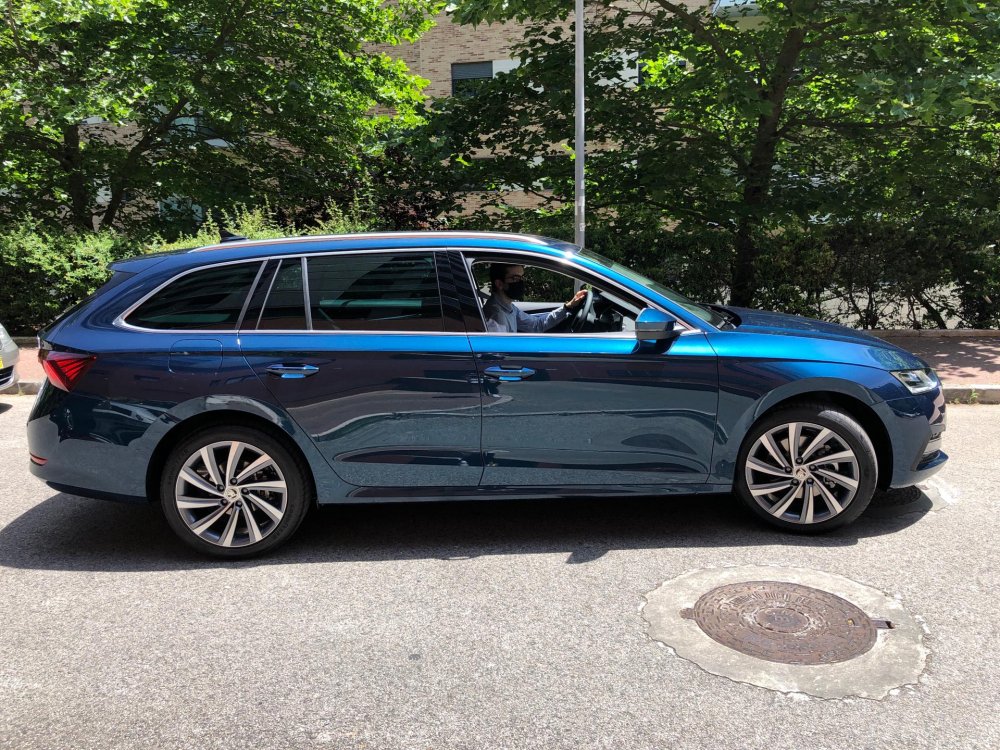
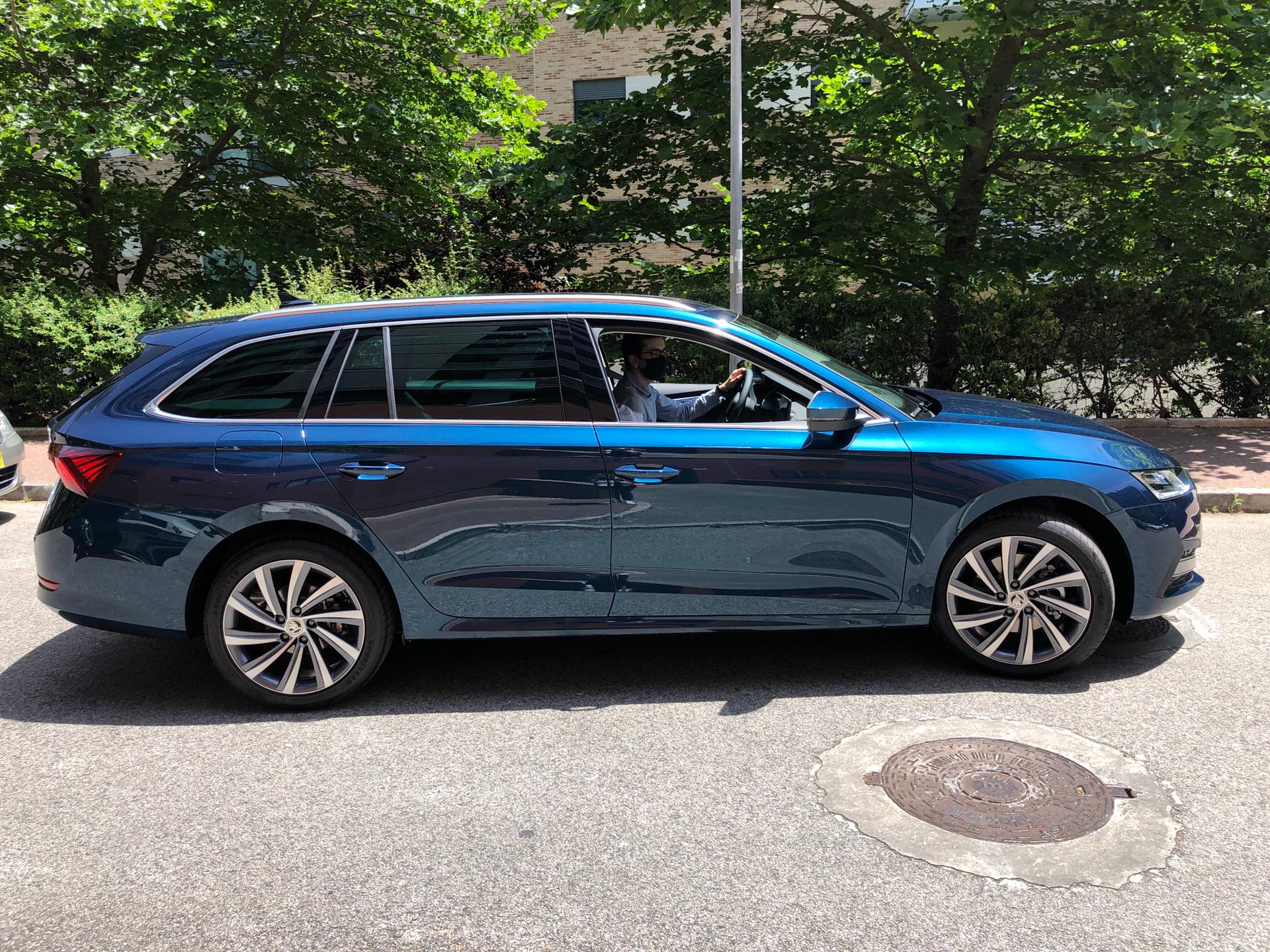
Just picked it up All good so far! Really liking it! Came with version 1803, and HW ending in letter D.