
petrolcan
FREEDOM
-
Joined
-
Last visited
-
Hah, thanks for letting me know how I inadvertently broke mine 😂
-
Any idea how yours cracked? Mine is cracked too, happened some time over the past six months but no idea how.
-
I have a nephew interested in this, can you PM me you number? Ta
-
As does mine.
-
-
<envy> I really must get my wheels powder coated!
-
I use one for the OH's car, bought it from Costco years back and it's branded 'Frostblocker' and it does what it says. Throw it over the windscreen and attach it to the mirrors with elastic straps, covers the wipers too. I've actually got two but I never use the other one because, well, heated windscreen
-
https://www.kwsuspensions.co.uk/shop/SKODA_SUPERB_III__3V3__03_2015-_3V3_2.0_TDI_Diesel_140KW_1968ccm_ZVoieejbB3OFgYHBspACFQ..
-
-
I'd be looking to see if the error was still there tomorrow and if it was, I'd be phoning the seller on Monday.
-
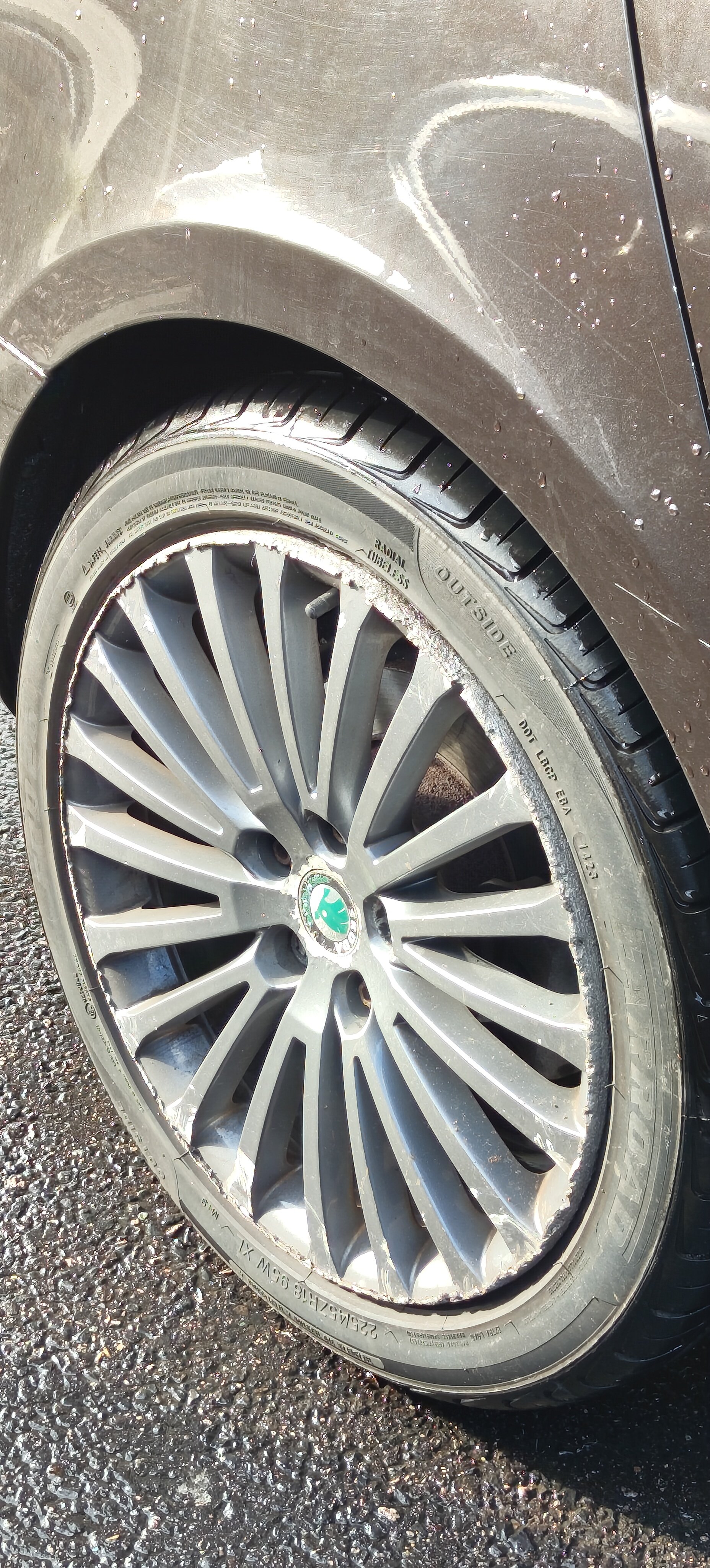
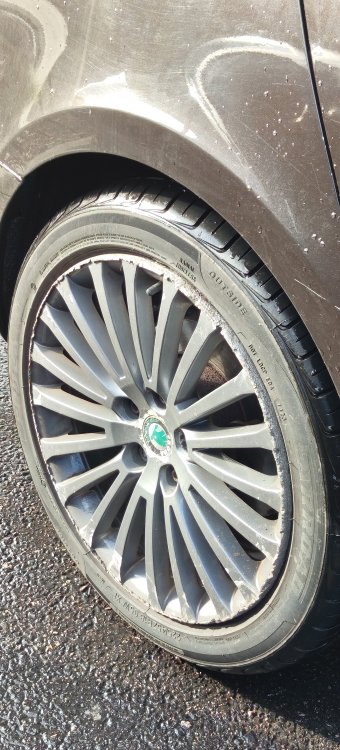
Personally, I'd like to speak to the tyre fitter that deemed this fine and maybe the owner to ask WTAF?
-
Threw in a Carsifi wireless Android Auto adapter. Works flawlessly
-
Stick your VIN into https://updateportal.skoda-auto.com/ and DIY it
-
MY = Model Year Your Nov 2020 is probably MY2021 but it really depends on when it was built. I believe the changeover is July(ish) for the next MY.
-
Normally fake news restricts itself to social media sites.