




Seba800
Members
-
Joined
-
Last visited
Everything posted by Seba800
-
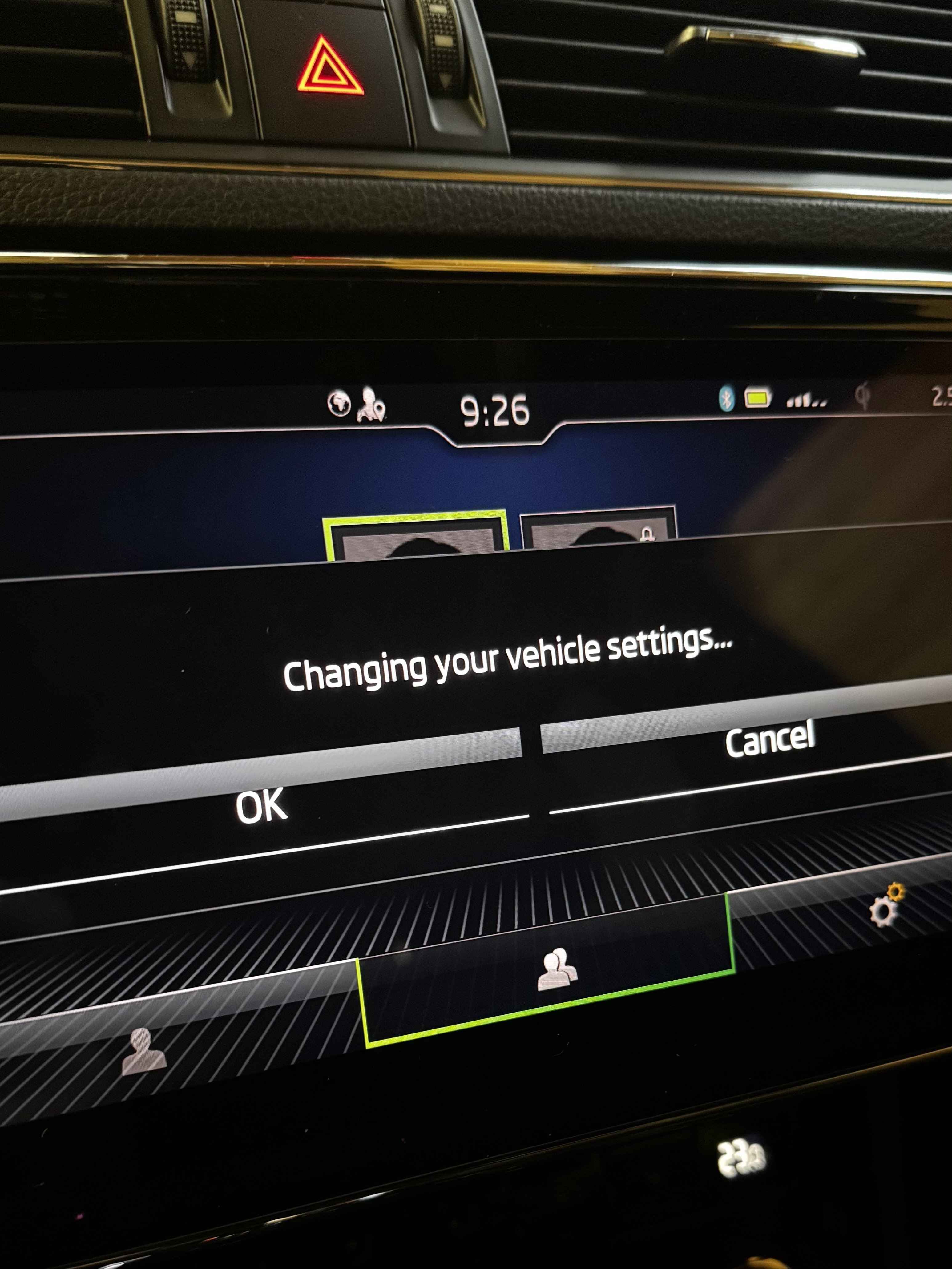
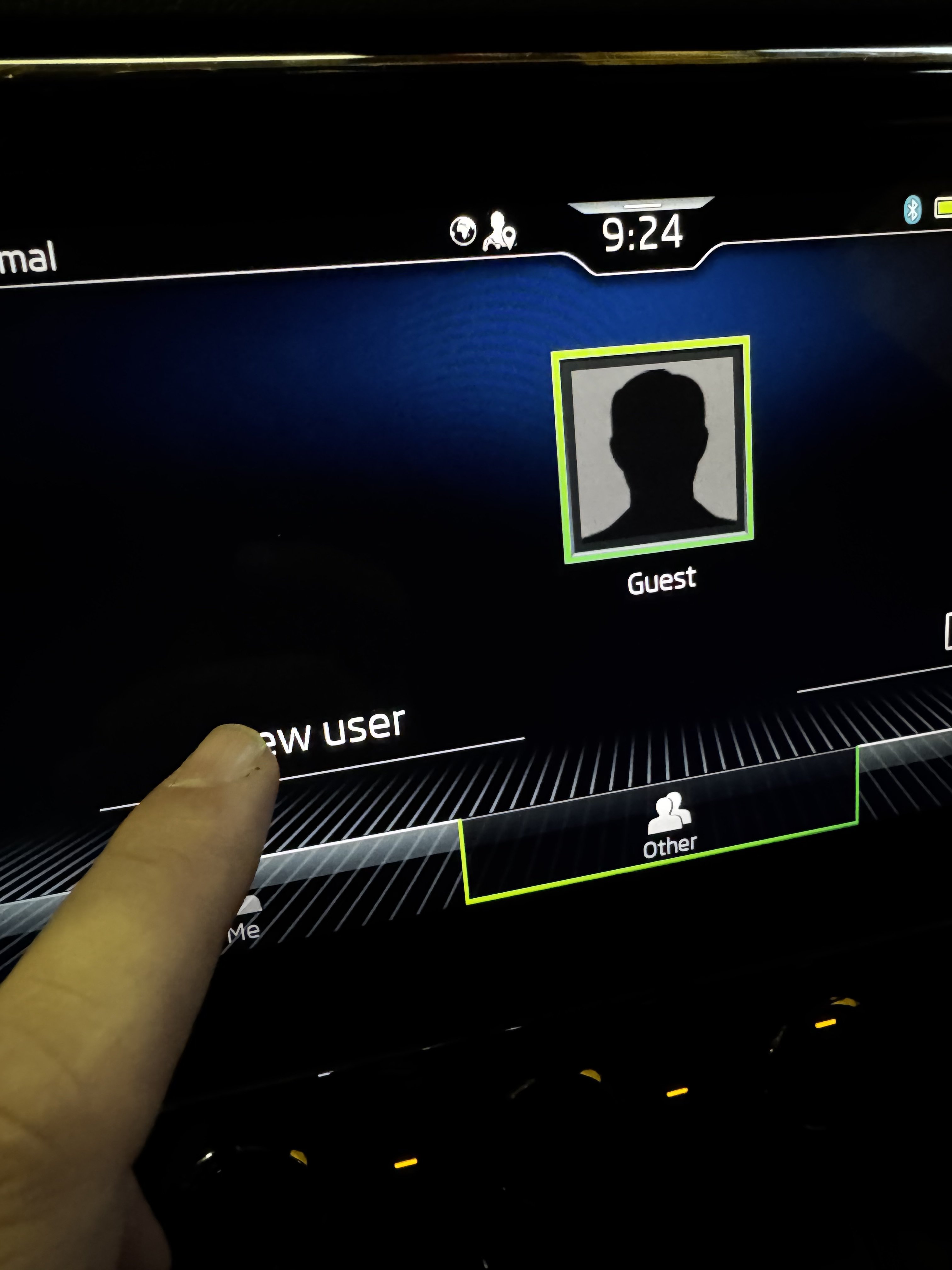
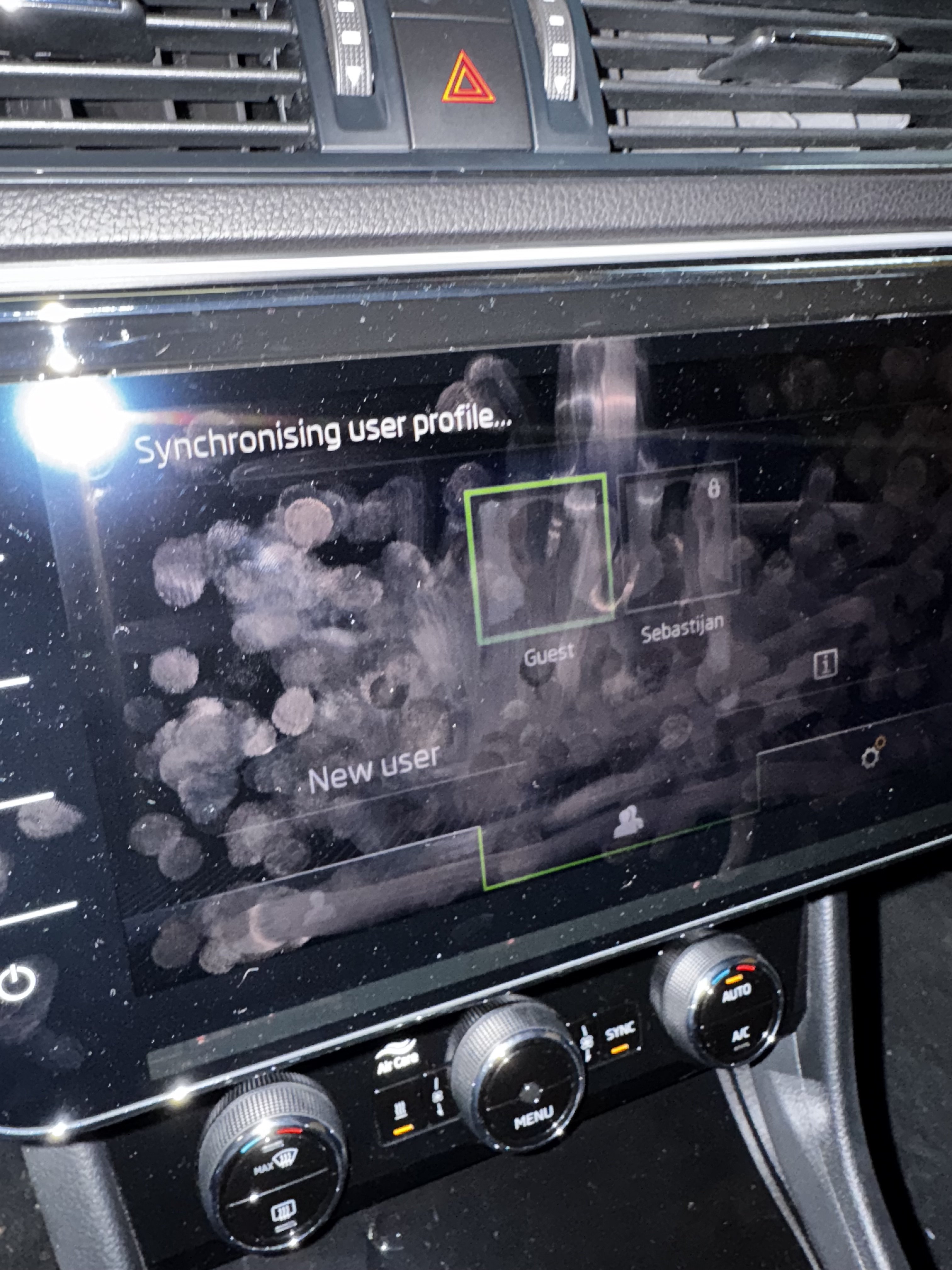
Cannot upload more photos… ?? max total size 1.14mb:/ And then shows up welcome Sebastjan. And afther that : This vehicle has no primary user. Would you like to become the primary user of this vehicle? And then i click yes and circle come in (loading) for more than 15-20 minutes. And then says error. and thats it
-
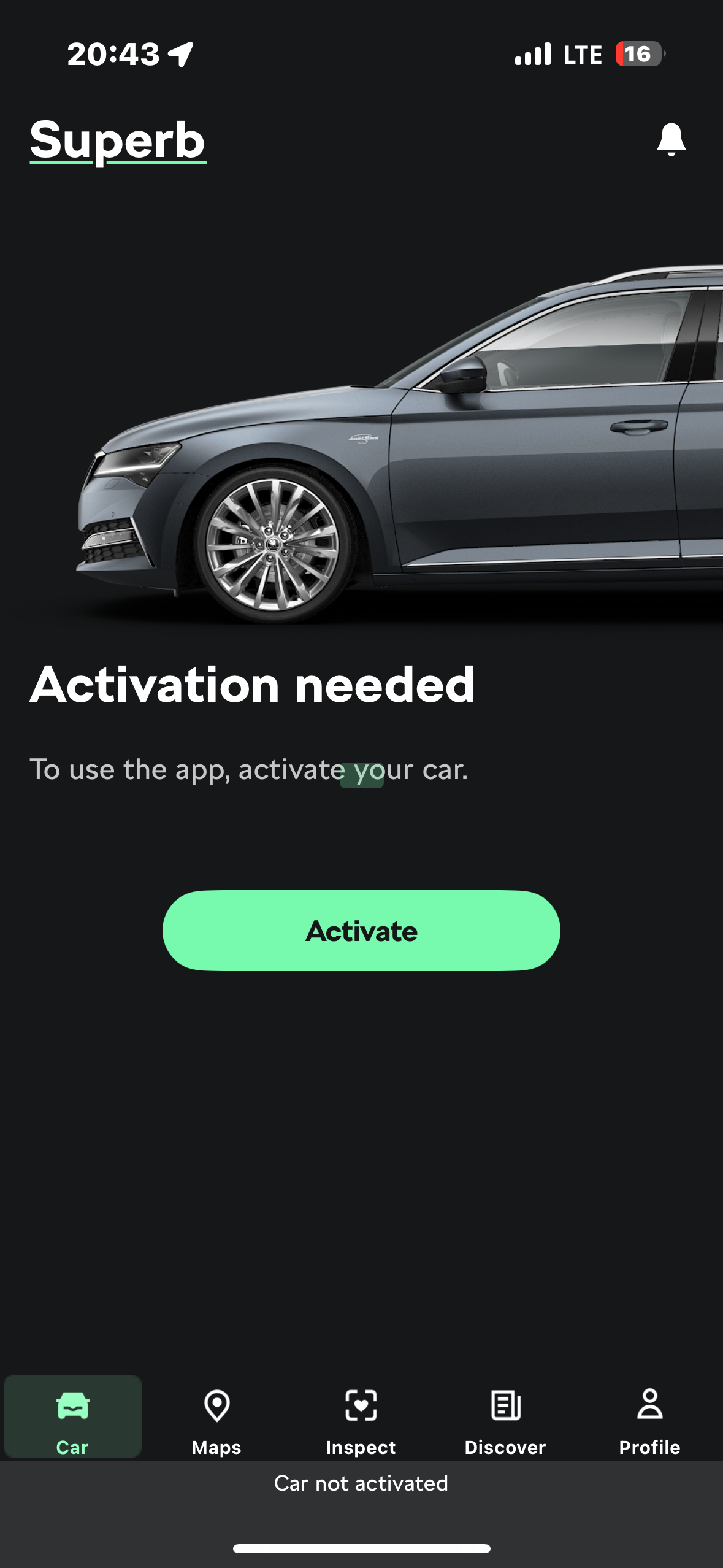
Will add pictures waitHey In this link i cannot login with myskoda email and password right? So no i cant acess this page…and there is no register option. On car screen i see Shop icon, but i cannot acess it. It does not open anything 😞Hey I dont get anny qr code… to scan. Wierd… What if there is old user still connected? But i think there is no lte connection anymore in car. Probably must go to the skoda dealer.Yes And i have no option to renew anything. When i click activate throws up that must become a master user. And i cannot become a master user. Idont know why. So i think thats the reason that i cant buy a subscription.
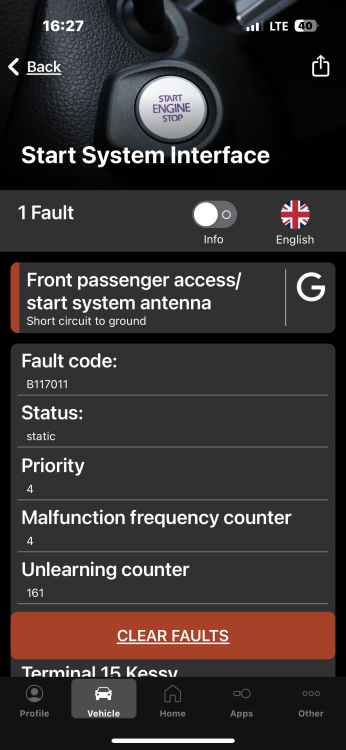
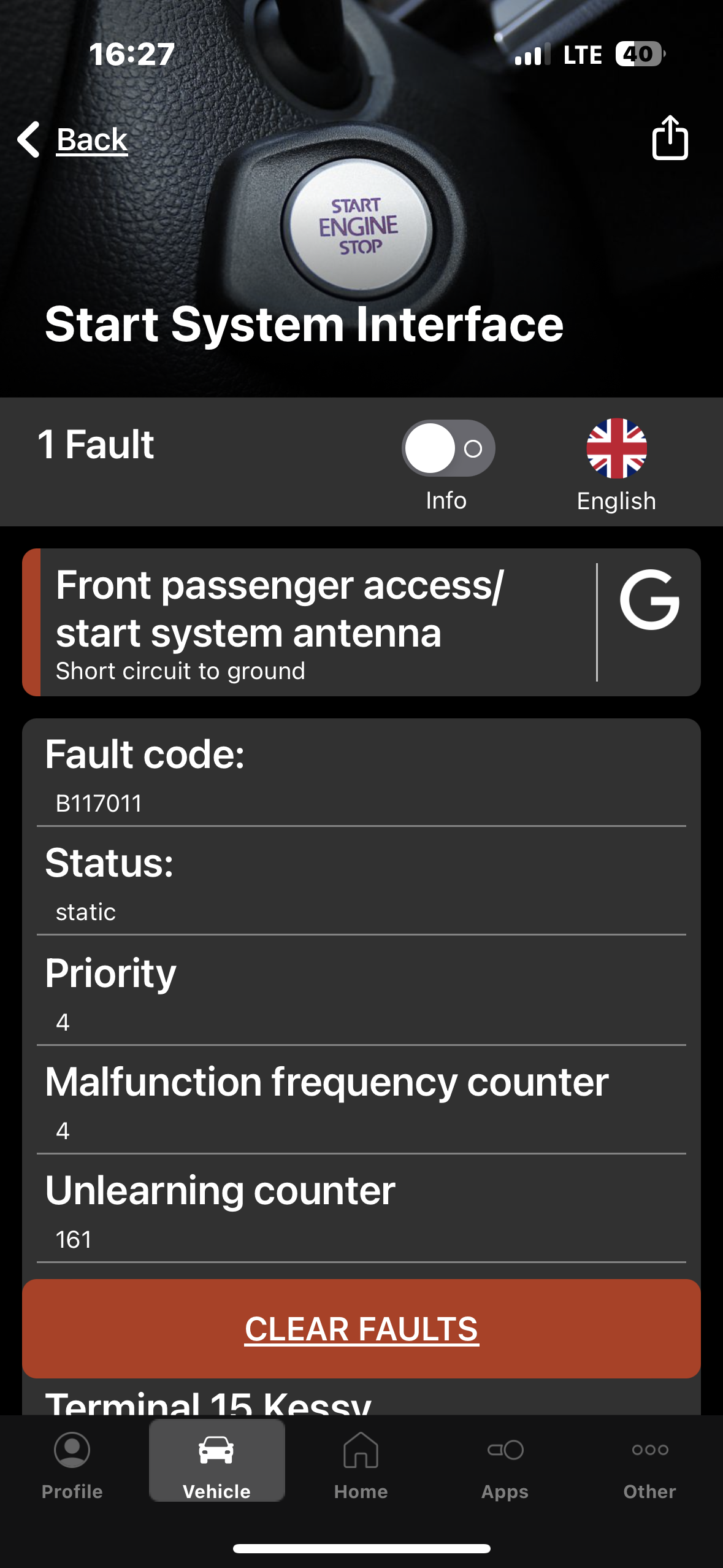
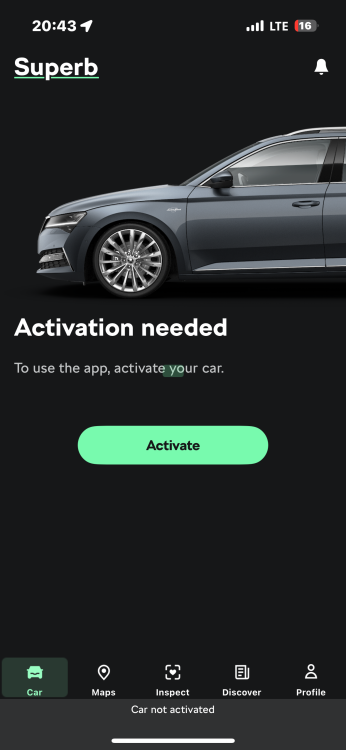 Thats it. I didnt pay. I cannot find where i can pay subscripsion. I just have not this option anywhere.Hello I have buy a superb 2021 Now i have problem with myskoda connection. I register car in app and now app show that there is needed activation. Procedure is now in the car…i have two keys in car as says app. I am logged in there. Then i must be the master user so i click on car screen /becom a master user/ And then there is an error. So i cant get to be a master user. And i cannot get myskoda to work. Can somebody help me?Hello Dsg DQ381 Dont have service intervals on 60000km? Its says 120000km?? Is this correct?Thank you What do you think? Good to buy? Dsg services has ben made At 60000 and at 120000km. And if i buy i must do a big service right? Becous stupid water pumpHello On website says 147kw 200hp. Original engine. Superb is 4x4. its is 6.2021 Thats all i know How are this dsg dq381? Safe to buy?Hello question I will buy a superb 2021 with 2.0 tdi 147kw/200hp engine. It has 147000km on cluster. Does this engines stil have problems with watter pumps? It says big service is on 210000 km… is this engine good or is there anny problems? Also how is DSG in this cars? manny thanxHello One question.. what is active suspension on superb is this- (Dcc)? Or mean this that there is air suspension? ThanksWhere is keyless antena in superb? In handle? Or behind the door panel?No other faults. Just this.So if i understand is this part that doing problems? https://www.cars-equipment.com/en/shop/gear-knobs-hand-brake-covers-door/oem-5g0837206q-keyless-kessy-door-handle/ Correct?Nobody?Hello today on my display come up -keyless error mind driving and beeping every 5 secounds. what is this now know somebody here? thank you
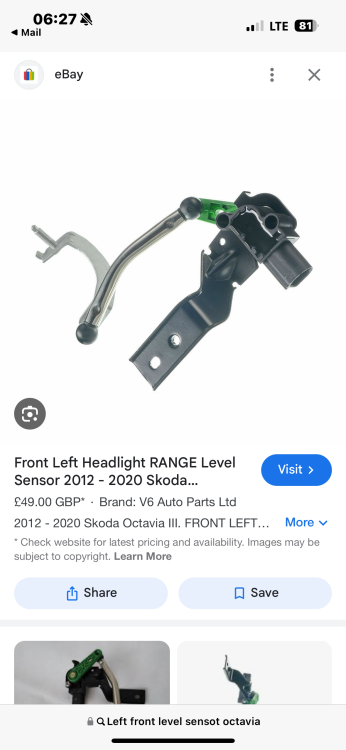
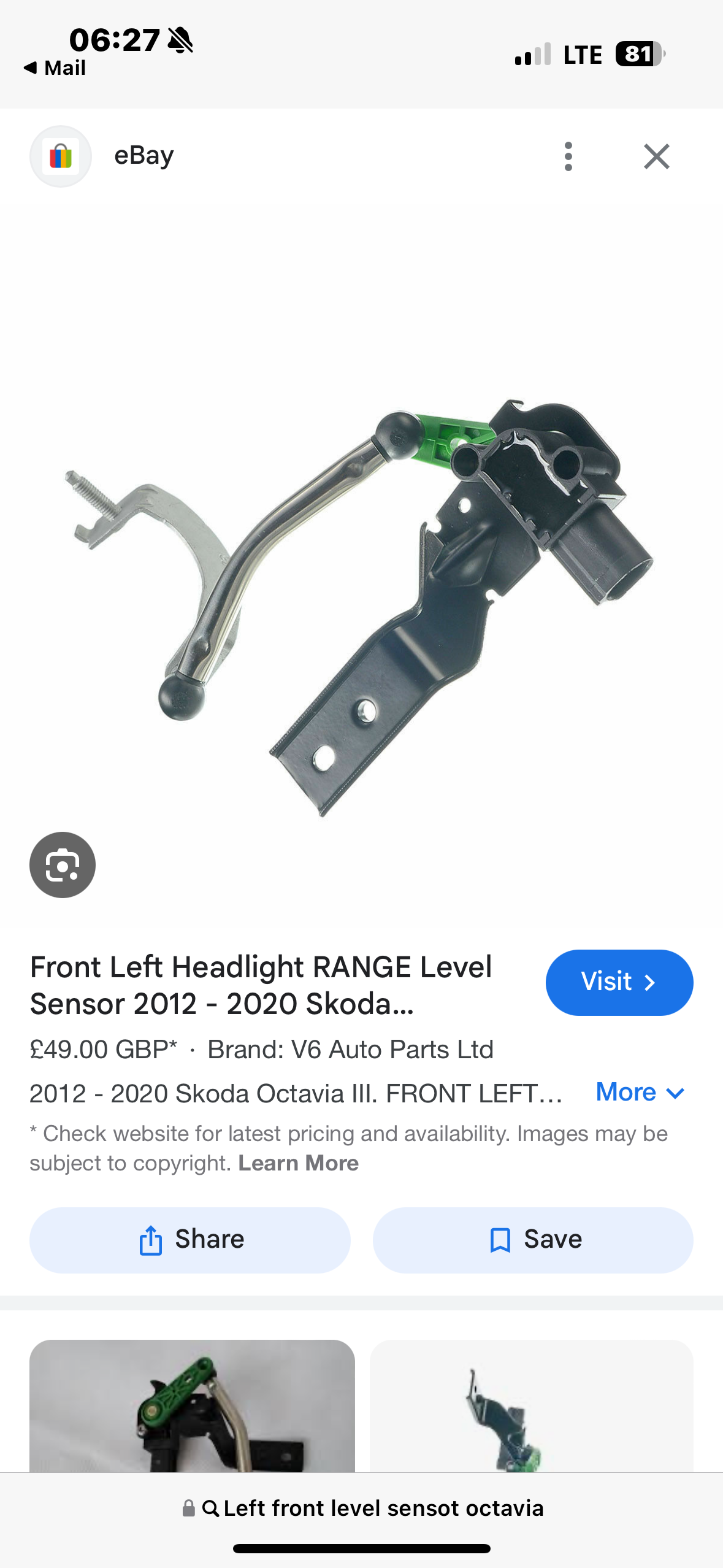
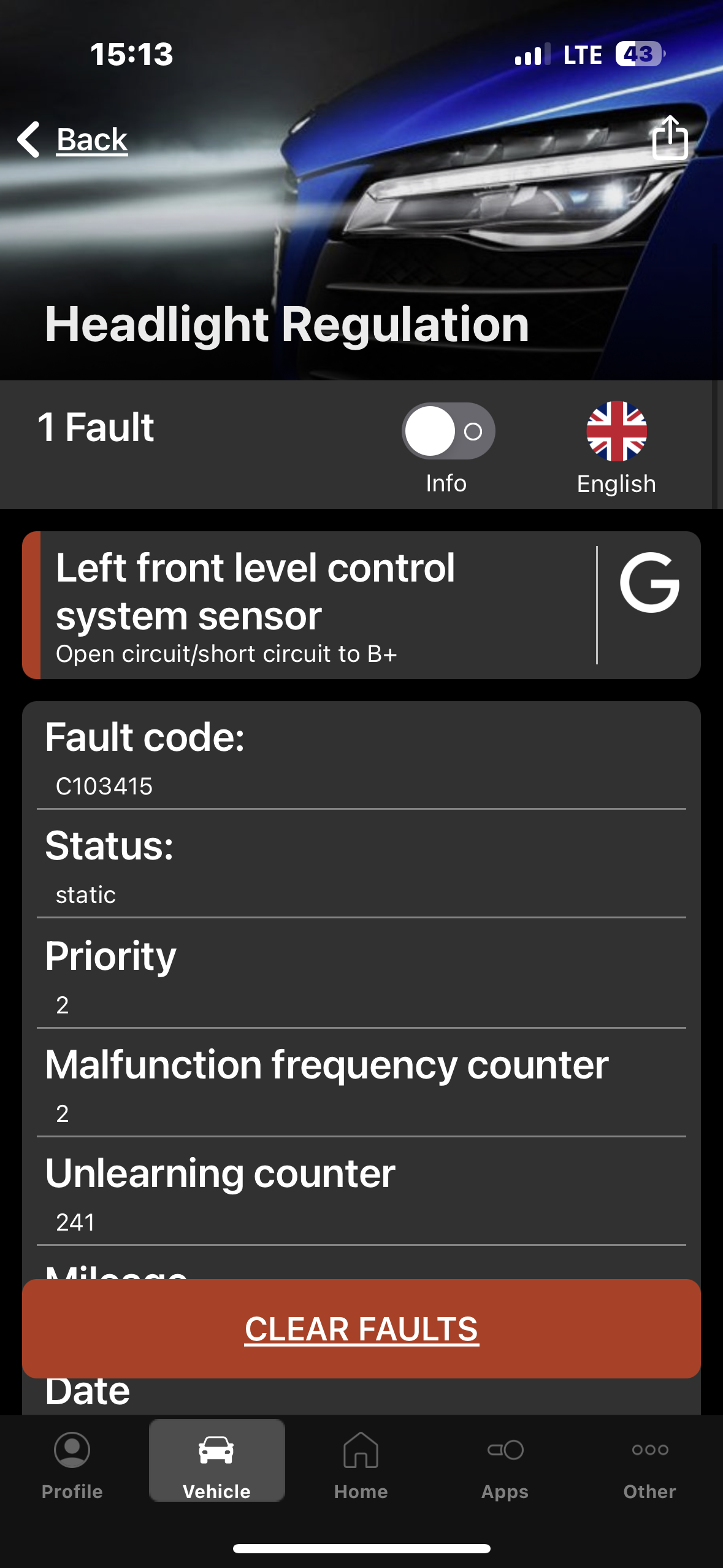
 Thank youThis thing? If wires are ok, then this sensor is for replacing? When i start the car, the lights go trough procedure…left,right,and down… then up does not go,and then error shows up. After this, lights start go slowly up.
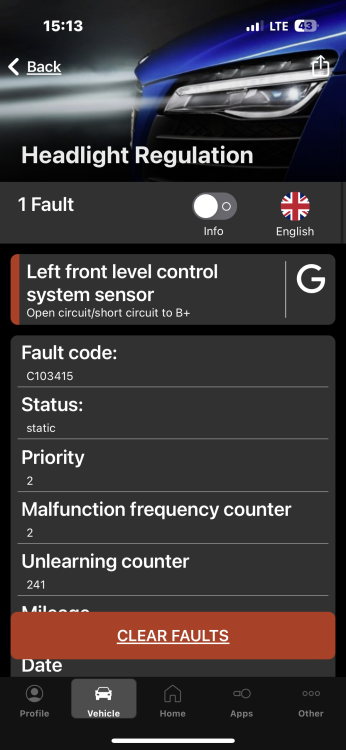
 Nobody?Hello i hawe octavia 3 2013. Today i start the car and get errors Error: cornering light (afs) Error: bend lighting (afs) When i parkt car a day before works all flyless. Know somebody what can be weong? I also hawe a scaning screenshot from obd. thanx
 Hm.. Fault code says left flap motor jamed…but on left side is cooling.Does anybody activated teardrop wiping on superb 3 2016?

Important Information
Welcome to BRISKODA. Please note the following important links Terms of Use. We have a comprehensive Privacy Policy. We have placed cookies on your device to help make this website better. You can adjust your cookie settings, otherwise we'll assume you're okay to continue.