




WicklowRs
Finding my way
-
Joined
-
Last visited
-
Bought my 23 Octavia RS here , great to deal with , couldn’t recommend enough . 👌🏻
-
First things I do when I get in mine …… start stop off , lane assist off . Bothe a pain and dangerous in my opinion
-
I went from a 2018 RS TDI TO A 2023 RS tdi and so far I have not had one single problem . And like you I was sceptical about the touchscreen interface, but to be honest once you get used to the change it’s pretty easy to use and user friendly
-
Thanks for the advice. I’ve ordered the 0w 30
-
Ok so, the sticker under the bonnet of my 2023 rs TDi says 0w 30 oil . How ever every where else I google for buying oil online is saying 5w 30 . what’s the difference , would it matter and what are people using on here ?
-
Just got my letter today . Better late than never I suppose 🙄
-
Didn’t think so . Strangely enough it hasn’t happened since. Despite plenty of rain and two washes .💁🏼♂️
-
Thanks for that . I thought as much . I will keep an eye on it
-
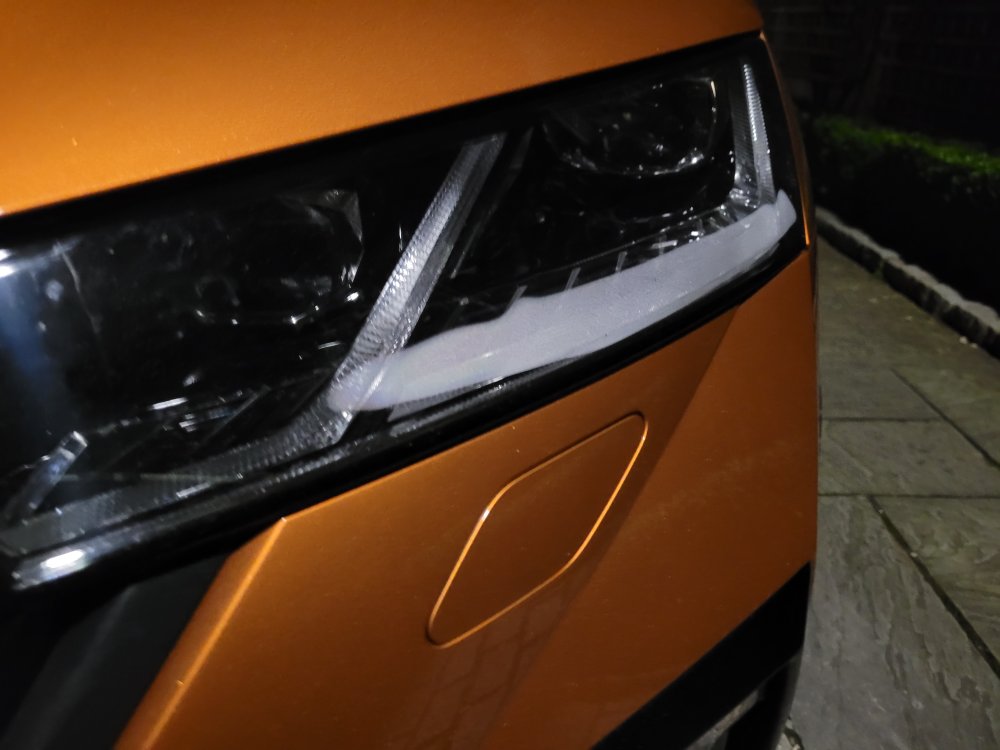
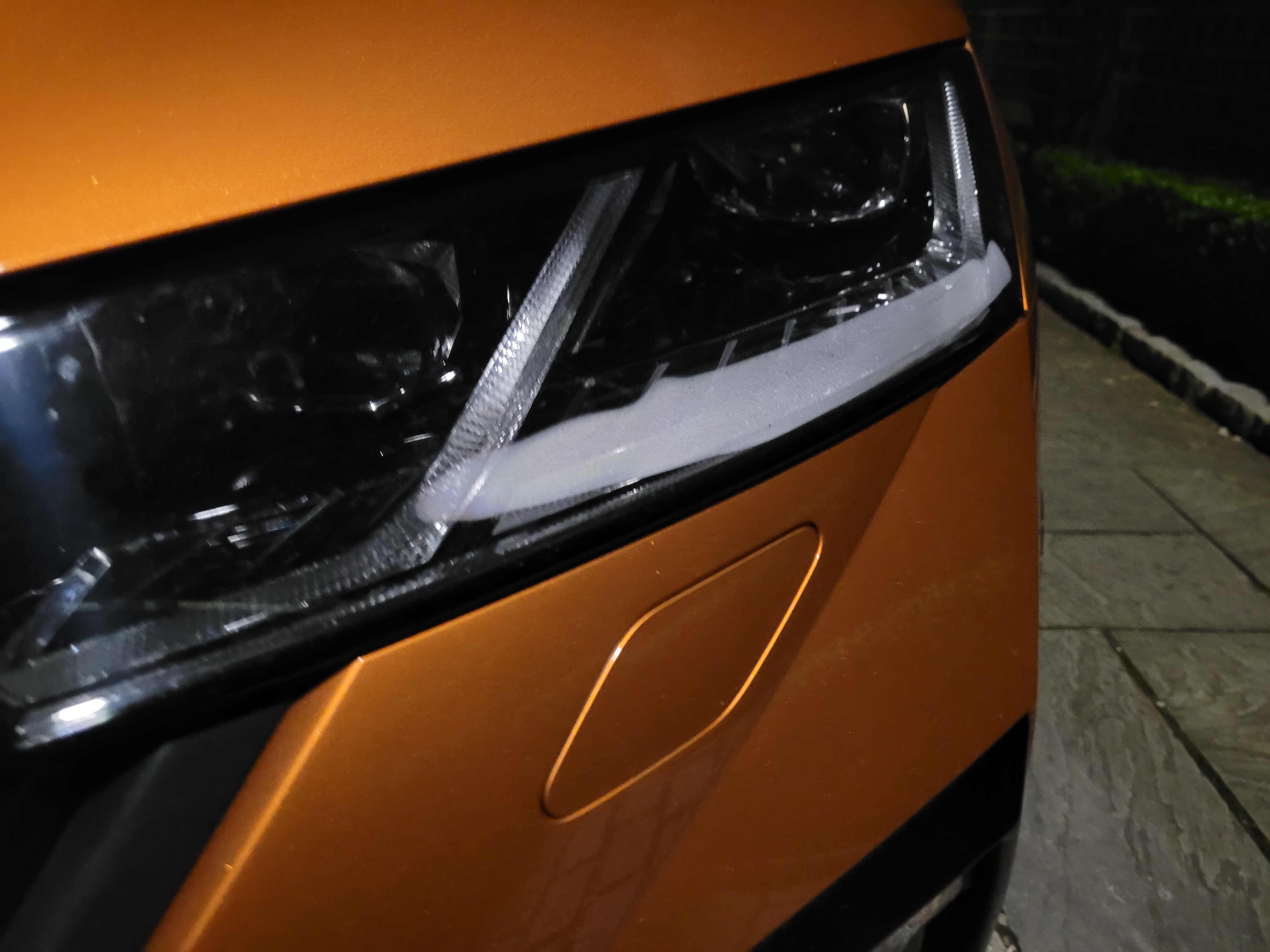
Anyone any ideas about the attached pic . Problem or natural phenomenon as the dealer might try spin 🤦
-
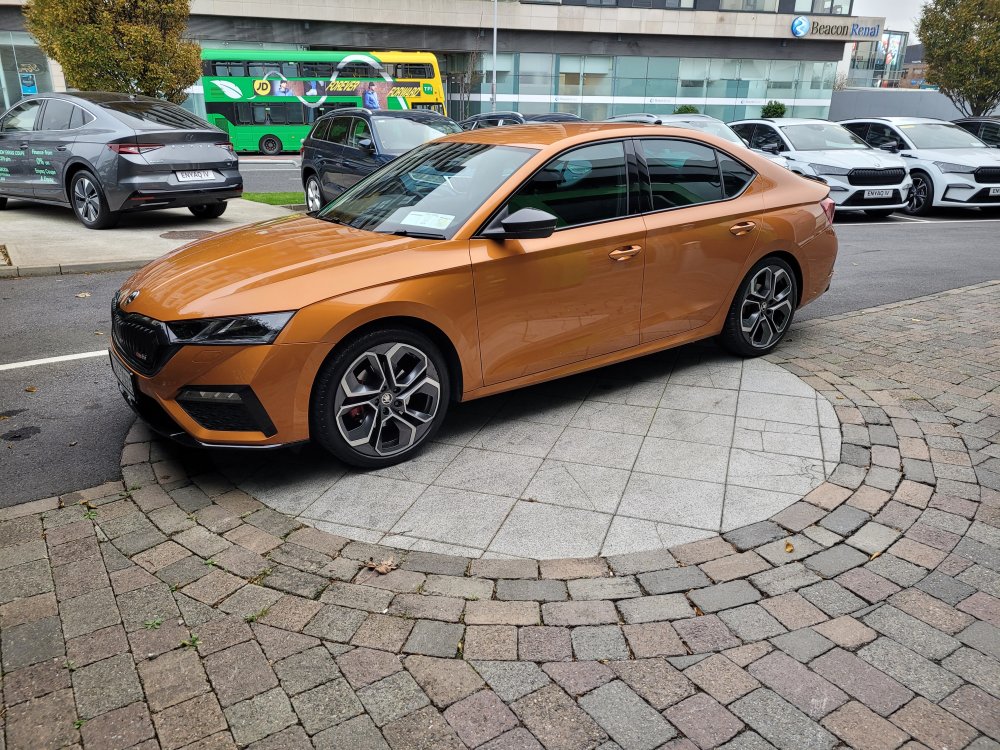
9 months old .Ex Skoda Ireland rep. Many many extras 😛
-
Totally agree, the black sets the orange off . First things to be done will be an all black number plate surround and a black front badge
-
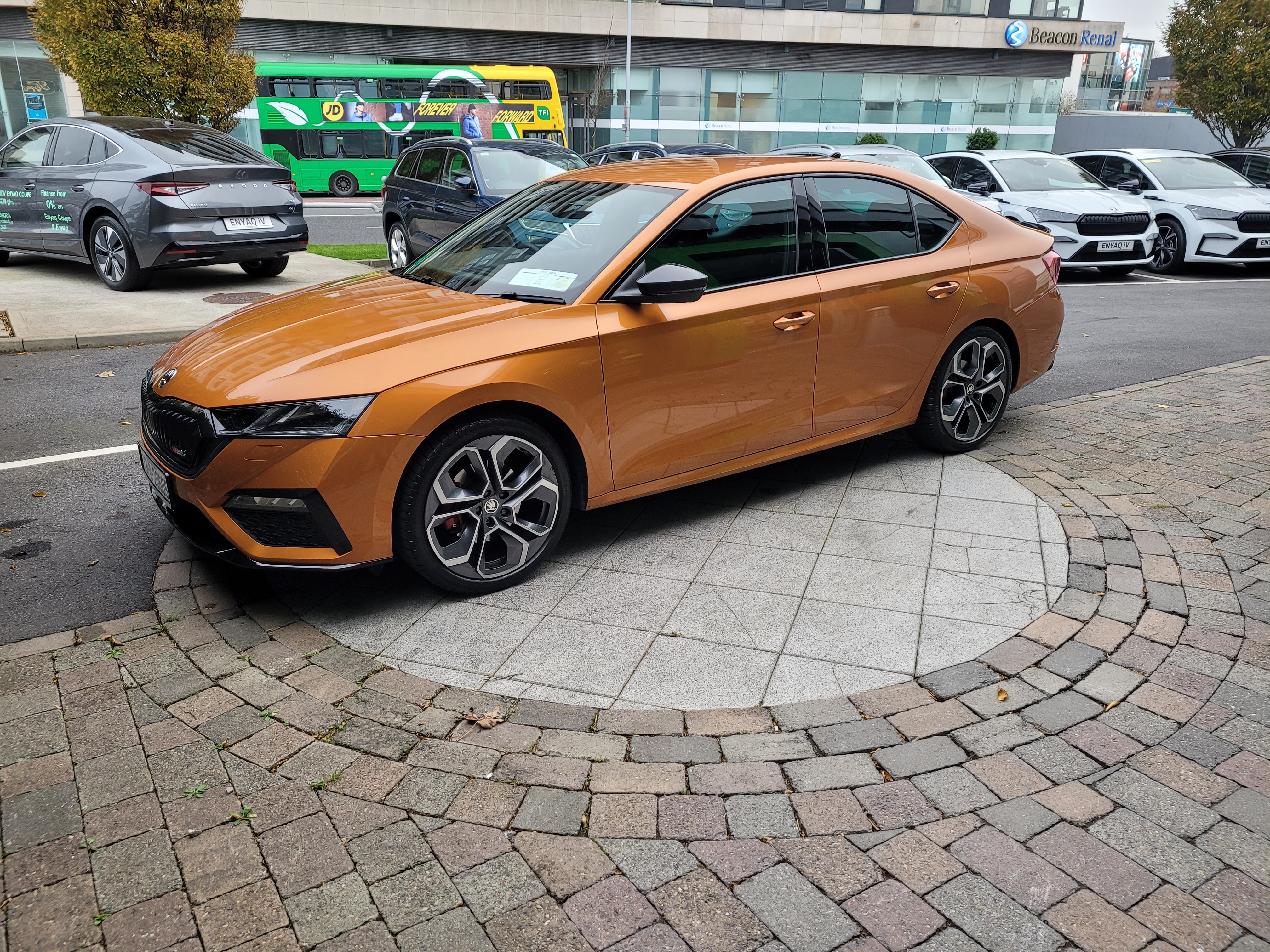
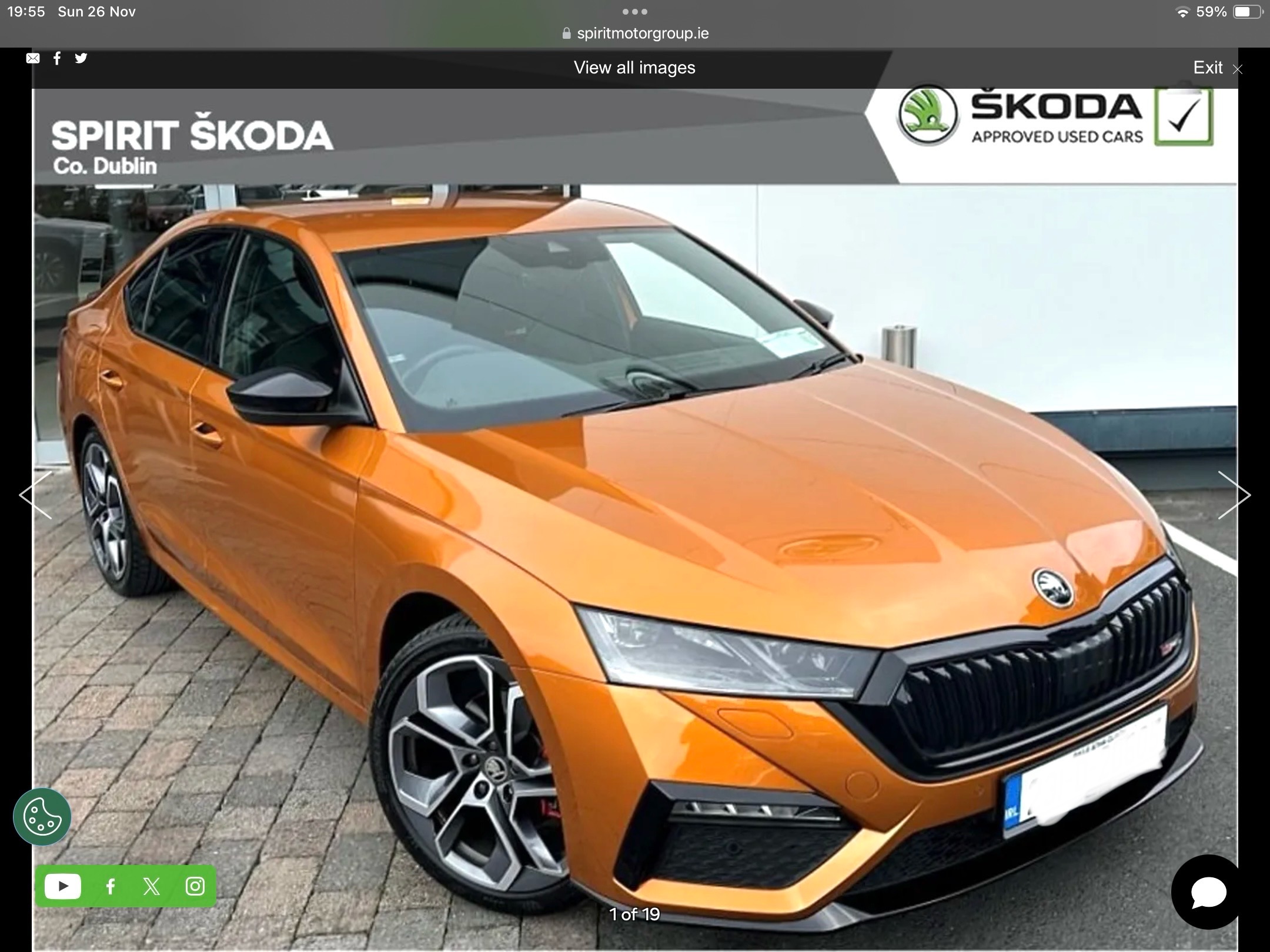
So I went to see the car today . And for me the orange with the black accents looks great . Coupled with the fact there is over two year’s manufactures warranty and has only 15k Kim’s on the clock ….. it’s my next purchase. will post pics when she arrives 🤟Hi all, I’m very very close to upgrading from a mk 3.5 RS TDi in black to a mk4 RS TDi in phoenix orange . Fully loaded as an ex demo …. Only problem is the colour 😔 what are people’s thoughts on it ? I’m 98% there . But do you spend that money on something you hope will be happy with 🤔


Important Information
Welcome to BRISKODA. Please note the following important links Terms of Use. We have a comprehensive Privacy Policy. We have placed cookies on your device to help make this website better. You can adjust your cookie settings, otherwise we'll assume you're okay to continue.