# dealer
-
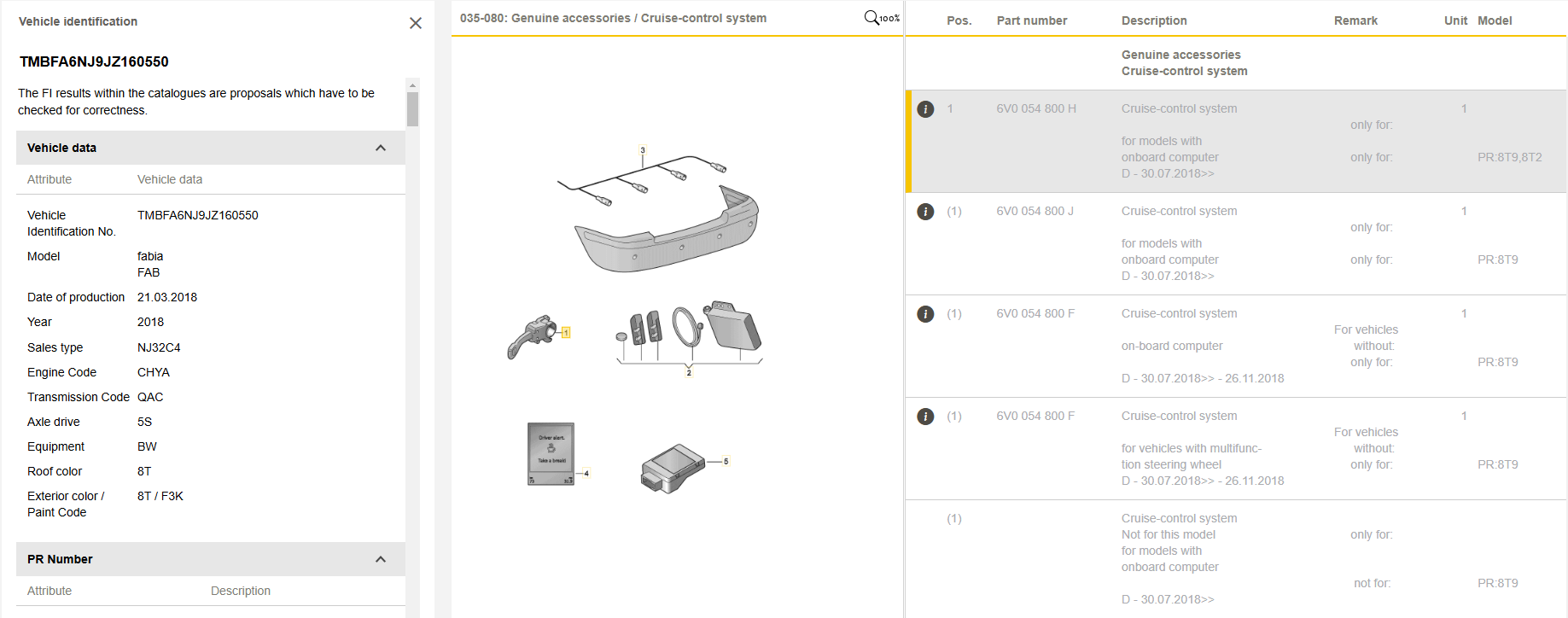
- speed limiter
- fabia
- fabia3
- vw
-
Tagged with:
- 16 comments
- 2,288 views
-
- help
- battery
- dealer
- independent
-
Tagged with:
- 26 comments
- 18,179 views
-
- 44 comments
- 35,145 views
-
- 165 comments
- 85,807 views
-
- mitchell
- chester
- dealer
- continuing
-
Tagged with:
- 4 comments
- 1,312 views
-
- 24 comments
- 7,696 views
-
- 43 comments
- 5,201 views
-
- 15 comments
- 5,961 views
-
- 19 comments
- 2,502 views
-
- 3 comments
- 3,502 views
-
- 3 comments
- 1,122 views
-
- 16 comments
- 2,188 views