Tintowellfan
Members
-
Joined
-
Last visited
Everything posted by Tintowellfan
-
Yep, thought that would be the case. I am quite happy with the wireless dongle I am using, managed to secrete it very well, but would have preferred factory option.
-
Contacted my dealer's service department this morning by email and got a reply from an aftersales manager, but he obviously did not read, or understand, my question as he advised me to "try connecting via bluetooth"! So that was a waste of time. Hopefully steveeeg you get a better response.
-
Any update on this? I see the wireless charging option was only 50 quid, wish I had noticed that when ordering. But wondering if all the hardware is already there and just needs activted, at a cost. I do have a wireless adapter plugged into the USB C slot, well hidden and works great, but would prefer a tidier finish in centre console.
-
I am planning on doing the free trial for a month to see if I can rid myself of this annoying message, and see what other features it has.
-
Okay, might give it a go. Me and the wife getting on a bit now, so might come in useful if either of us have a 'senior moment'. Haha.
-
I downloaded the Skoda app last week, the free version has nothing to recommend as it really tells you nothing other than VIN number! 54 quid for a year's subs, for something that i doubt I would ever use. Not for me.
-
Fingers crossed, good luck.
-
I have a Monte Carlo with 17" Procyon black painted diamond cut alloy wheels. Not sure why you have an issue as all Mk 4 wheels really should have same centre bore.
-
https://www.ebay.co.uk/itm/394454443515 https://www.ebay.co.uk/itm/254908894463 Perfect fit on my new Fabia.
-
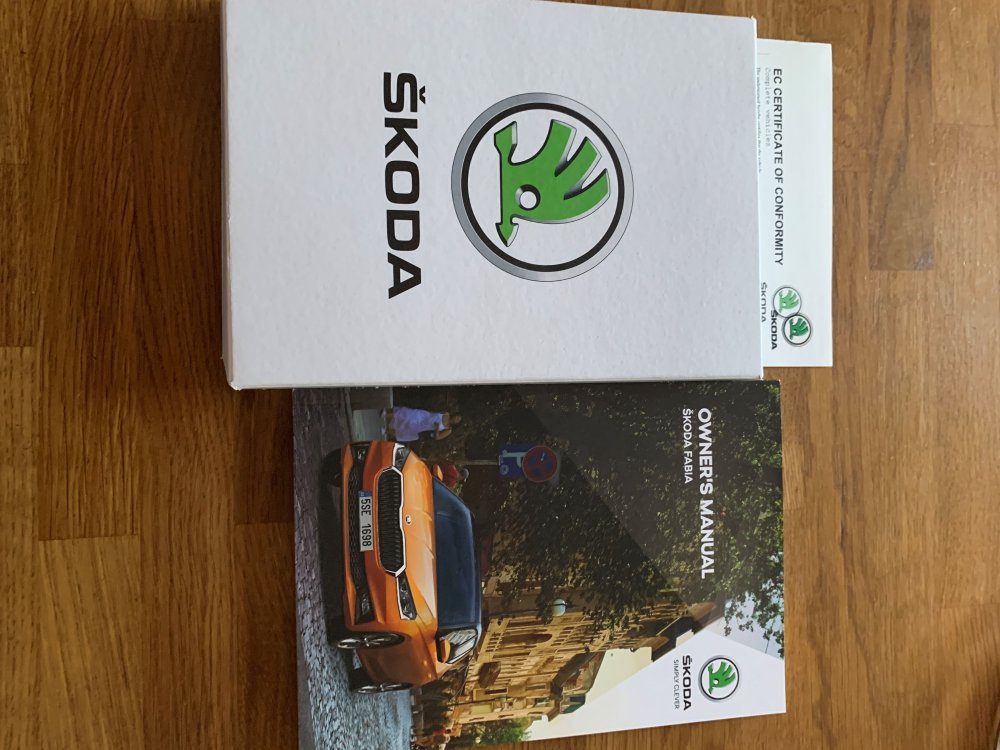
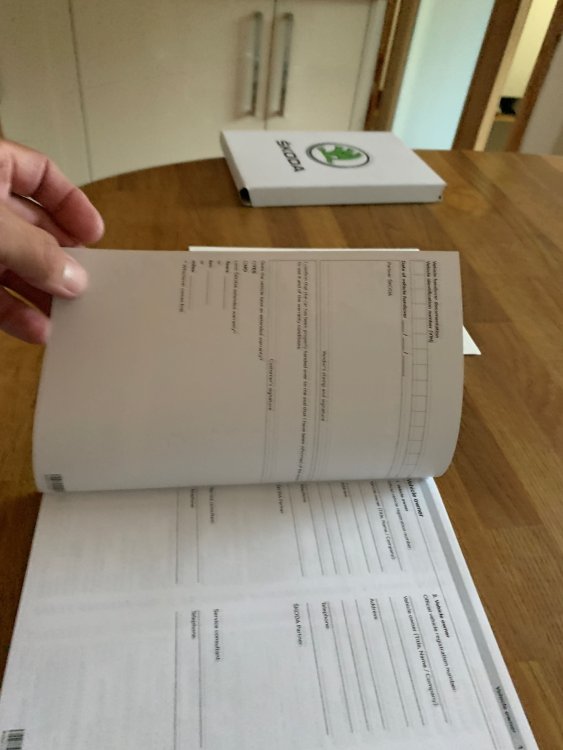
Just checking through glove box paperwork, and received very little, and not filled in and stamped. No information about Skoda Assist, just discovered online that car has three years cover. Also Skoda connect is active for 10 years, whatever that is. Still to connect to it when next in car. Just wondering what else others receieved with their new car.
-
No problem, glad to help. No surprise regarding dealership, I am at an age where years of bad experiences with dealerships, of any manufacturer, have left me totally cynical. Modern day car technicians are not old school mechanics, if the computer cannot diagnose the problem they have no clue. Old school mechanics use their brains and years of experience, but unfortunately modern cars now have so many computer controlled systems that even the best mechanics are now struggling, sadly.
-
My Monte Carlo does the same, apparently the TSI petrol engines have water and oil cooling on the turbo with run on after switch off. Read that elsewhere on Briskoda.
-
No glove box light in my new Monte Carlo!
-
My Monte Carlo, delivered a few weeks ago, came with 185/65R15 spare wheel. I opted for spare wheel and variable boot floor. That size tyre has almost exactly same size diameter as the 215/45R17 tyres fitted to the car, well 0.4% of a difference, so no real difference at all.
-
Just as update if anyone is interested, bought one of these when on offer for 44 quid, works perfectly. https://www.amazon.co.uk/dp/B0BX68HFYG?psc=1&ref=ppx_yo2ov_dt_b_product_details
-
Yep. I asked dealer to leave the trims in the boot and not to fit during PDI, now up in my loft in unopened wrapping bag. Whoever thought these were a good idea needs sacked, but probably something to do with improved aerodynamics! Cost me less than 20 quid for the centre caps and wheel bolt head covers.
-
Sorry if I am possibly hijacking this thread, just wondering if anyone has found a useful wireless Carplay adapter for the Mk IV. I have tried a few on other cars, but they were all very laggy and basically crap.