



ooctaviuss
Finding my way
-
Joined
-
Last visited
-
I have installed Varta Silver Dynamic AGM 60Ah 680A - L2 with very good result.
-
Hi guys, currently I have installed version of firmware 0324 on MIB3. I have stored version 0330 on usb stick. But first I want to be sure that update doesn’t break my coding in the car?? If it is safe I can do it…
-
Currently I have SW 0324. I have new soft 0330 on usb stick but I have one question if update of new soft do not break some coding functions on my kamiq? thx.
-
Today I got new maps database via OTA. Now I have 24.10 so paid service infotainment online does work.
-
I have never received any software update via OTA! 😞 I know that maps updates are sent once or twice a year. I currently have the last update of maps on USB, and I also have infotainment online paid, but I still have maps 23.12 and software version 0324. According to what key do they send software updates via OTA...?
-
Hello, I just wanted to ask if the software update to version 0330 (currently I have 0324) will cause any issues with the functionality of the coded features on the 2020 Kamiq model. Currently, I have map data from 23.12, even though I downloaded the latest version from the Škoda server a week ago. For some reason, the update via USB stopped working. As a test, I paid for the infotainment online service about 3 days ago, but the map data still hasn't updated. That's why I'm wondering if a software update might help. Many thanks 🙂
-
ooctaviuss changed their profile photo
-
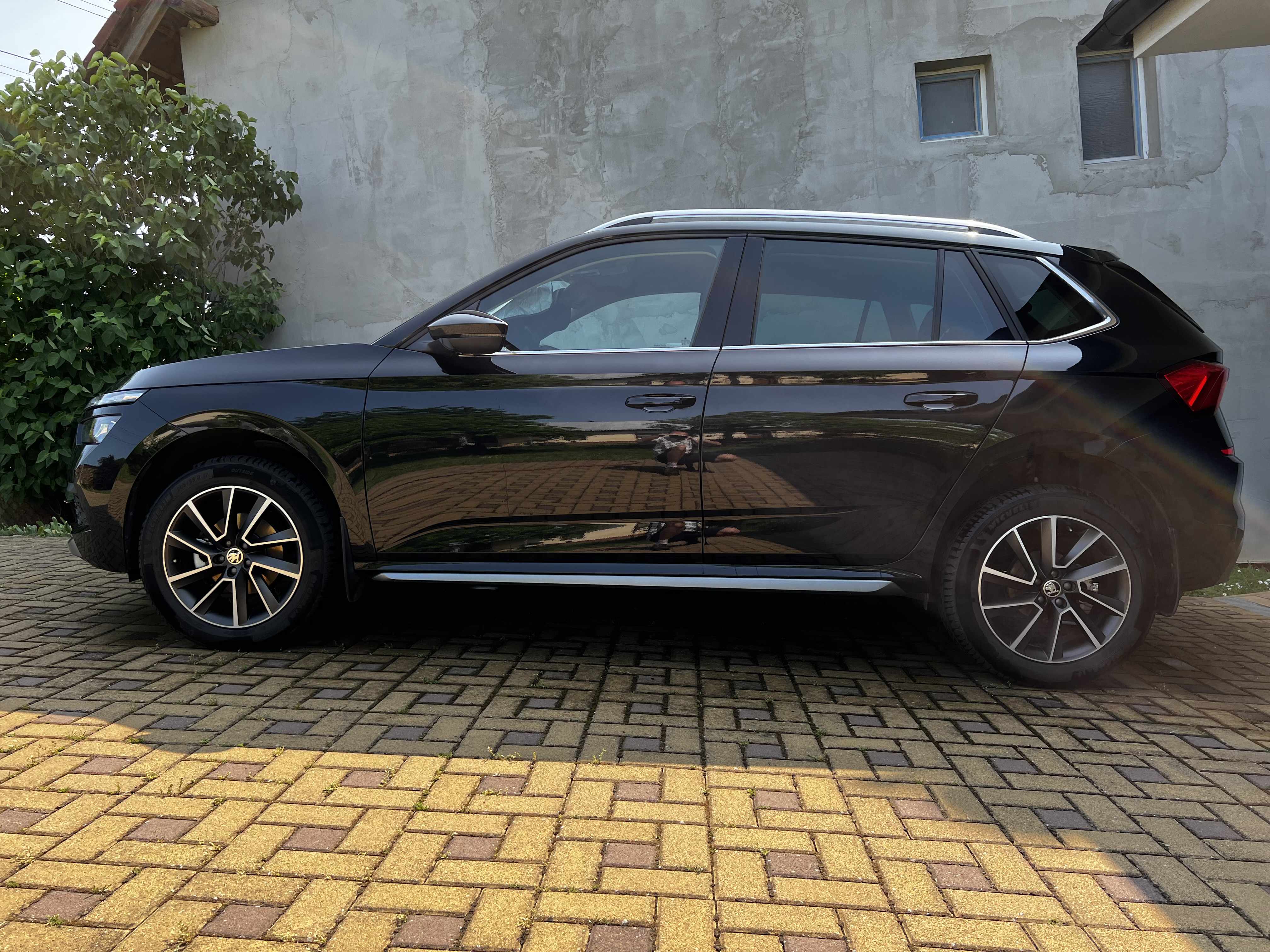
Just for information I´m ordered in the service with MIB3 Amundsen on my Kamiq. I bough this car as used but with missing Croatia map!! Navig database were never updated. I have still nav. database 20.11 Soft of MIB3 is actual 0324 Previous owner (my cousin) tried to solve this problem with Skoda but unfortunately with no success. I was more precise so I have deal with Skoda. They will change MIB 3 for a new one!! Finally I will have fully functional navigation with update possibility - maybe I will inform for two weeks.


