Headphones
Finding my way
-
Joined
-
Last visited
-
Ah interesting. When it first happened on the car I went into that menu and it would let me untick the lane assist but not the front assist. Then I read something that said you had to it in the infotainment menu, but the option wasn’t there. But I have just tried it now and it’s let me untick/deactivate it. I wonder if it will switch itself on as soon as I start driving ? the question now is, if I was to have an accident that wasn’t my fault, would the insurance company have an excuse not to pay out?
-
? It puts the brakes on so that anything behind could crash into me
-
Yes. The first time it happened a colleague said it might be that the sensor needed cleaning. It was clean though, but I still cleaned anyway. Still keeps happening. Someone that I know googled the problem and said it can be triggered by puddles and the car “seeing” its own reflection so braking?
-
Hi. It will only allow lane assist to be turned off. The only option with the front assist is the amount of warning time it gives you before it brakes. I have set it to the longest time, but can’t be switched off entirely.
-
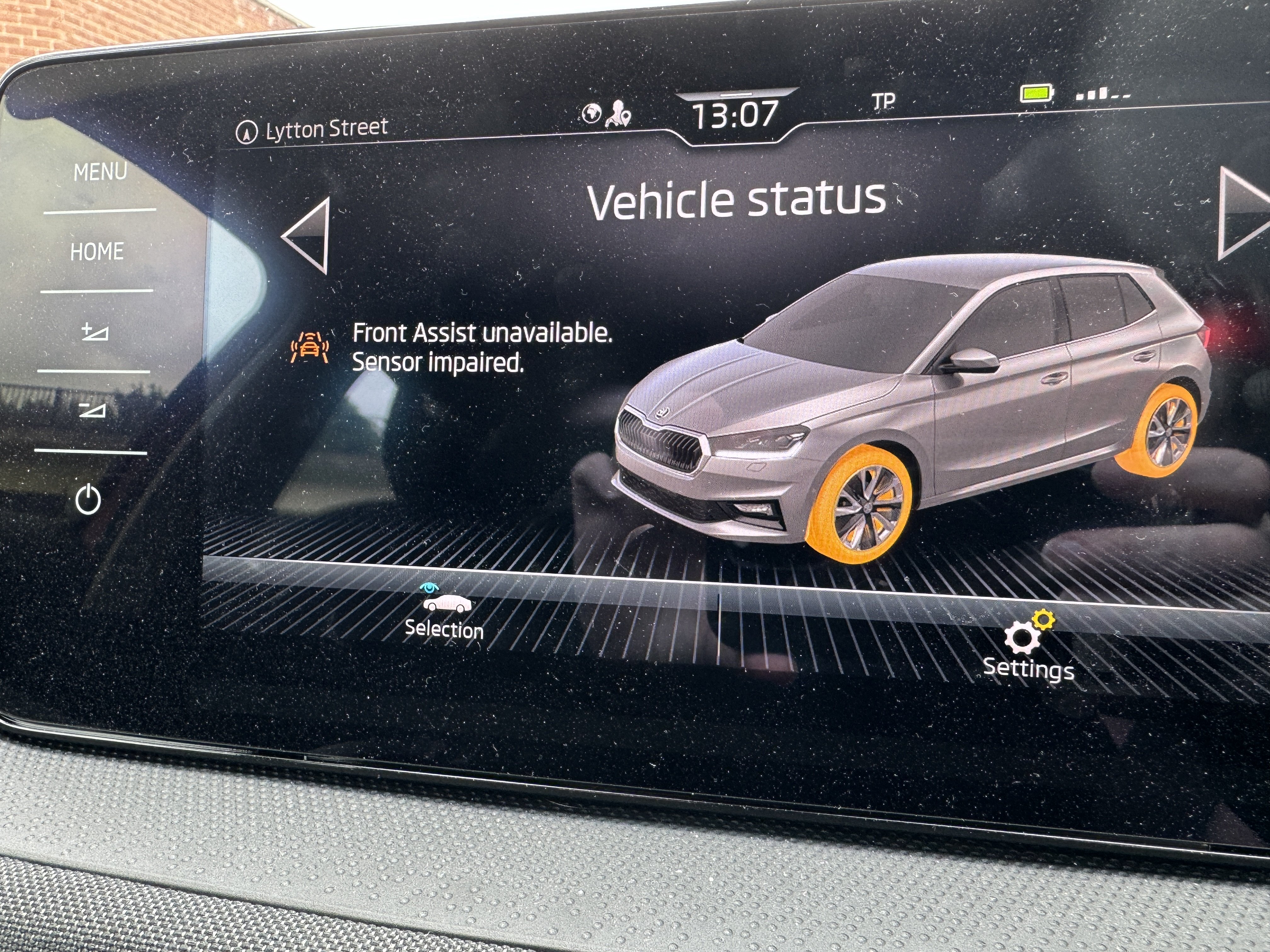
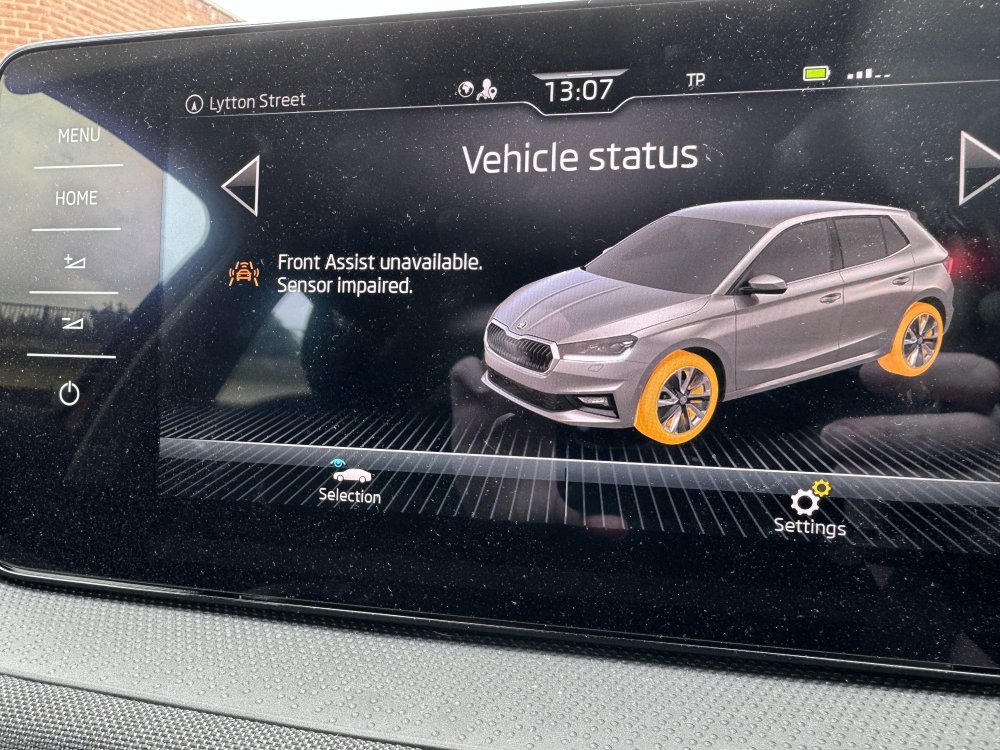
Driving today I had a bleeping noise and the usual car image in the dash this time saying front assist unavailable. It flashed off again and was left with a yellow triangle and exclamation mark. I took the photo as soon as I was able to pull over. However 15 minutes later the display said everything was ok and have a good journey!
-
It would have been interesting to know the outcome. When I’ve spoken to the dealership today, I’ve been told the first appointment is August 13th. I spoke to the only other dealership within a reasonable travelling distance and their earliest was 28th August. So now I’m wondering if they are inundated with this problem or just understaffed.
-
It would have been interesting to know the outcome. When I’ve spoken to the dealership today, I’ve been told the first appointment is August 13th. I spoke to the only other dealership within a reasonable travelling distance and their earliest was 28th August. So now I’m wondering if they are inundated with this problem or just understaffed.
-
Hi. I’ve seen the front assist mentioned on other cars in this forum for it going off for no reason. But can’t see any mention about a Fabia. i got mine in march and since then it’s gone off 5 times (once slamming the brakes on when someone was behind me). Each time there has been nothing in front of me. One time I was going round a roundabout. Another driving on a straight road. Another stood at traffic lights, another with only one car in the next lane to the right of me. I am bothered when it slammed the brakes on as someone could end up going into me. i rang the garage to try and book it in and was told it was a common fault and they’d fix it in a day? They said they couldn’t book it in for another month though. Has anyone else had this front assist problem? I don’t know if there’s any connection but my infotainment system keeps crashing too. Won’t let me access the heating/cooling controls, unless I turn the engine off and back on again?
-
Thanks. What I can see is an “advanced warning” which is set at medium. I’m assuming it means that it will just warn me earlier or later that it’s going to happen. Not a sensitivity setting as such?
-
I appreciate this is an old post. But this has just happened to me today. Absolutely no traffic in front. A car was waiting to come out of a side road much further ahead but they weren’t sticking out onto my road. It scared me as there was a car behind me. how do I turn the sensitivity down? I have a Skoda fabia
-
I’ve had a disclock for about 20 years, same one I’ve used on all the cars I’ve had over that time. It says in the instructions that if you lose the key/s the only way to remove it is to call the fire brigade/department. So that seems like it’s pretty secure. It is heavy and takes up a bit of room when not in use. I tend to put it in the passenger footwell if I’m on my own or in the boot if not. I did have a car broken into before I bought this. And a few weeks ago I had forgot to lock my car. Luckily my car was untouched (parked on the street) I don’t know if the steering lock put anyone off, as we’ve had a spate of someone trying car door handles on the off chance
-
I’ve never heard of that but like the sound of it! Although when I got my steering lock I was warned that if I lost the keys I would need to call out the Fire Brigade/Department to cut the steering lock off. So I think the car should be pretty safe.
-
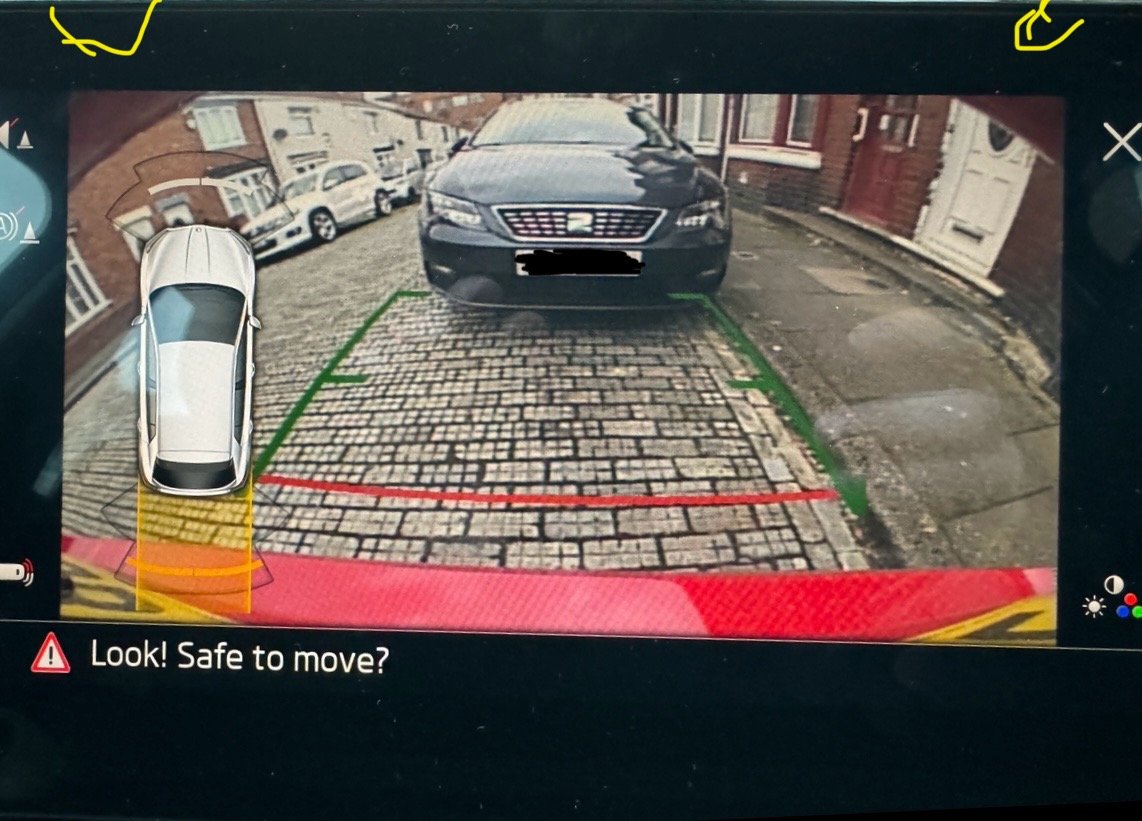
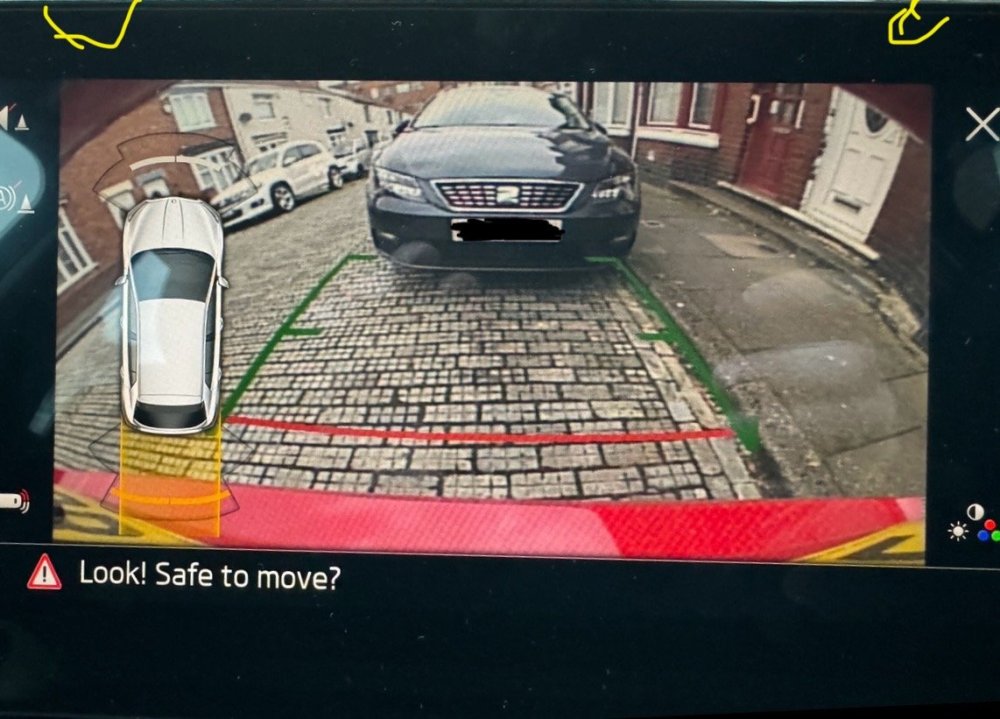
Hi I’ve only had my Shiny Fabia just over a week. It’s my first one, so things are still a bit strange. When I was reversing today, when I looked at the camera view I was certain it didn’t have the corners “cut off” from view (top left and right) of the camera view. It looks the the red metal colour of the car, but I’m sure I couldn’t see that before. I thought it was just the actual view. I’m not sure if I’m getting mixed up with my previous car. I’ve looked at the camera, and it’s not damaged. I have taken a photo of what I can see. (The yellow is what I’ve drawn to try and point to the parts I am talking about). Can anybody advise if this is correct or if there is a fault / misalignment? I don’t want to go back to the garage if my memory is playing tricks and look stupid. Sooner look stupid on here 🤣🤣🤣
-
If they still fit the same way as mine you have 3 settings, sort of like a belt where you can have it tighter or slacker etc. it’s a good choice and it will last for years. I was thinking of getting a tile or AirTag. So I could see where the car is if it was stolen. I know there’s a gps in the car, but it can be switched off in the menu.
-
I bought one and been using it for about 25 years now. Back then they only did one size. I have used it on several fiestas, corsas, minis and now my Fabia. I would measure your steering wheel and email diskloc. I wouldn’t be without mine, although it is heavy and takes up a fair bit of room when not in use.