Kgarv
Finding my way
-
Joined
-
Last visited
-
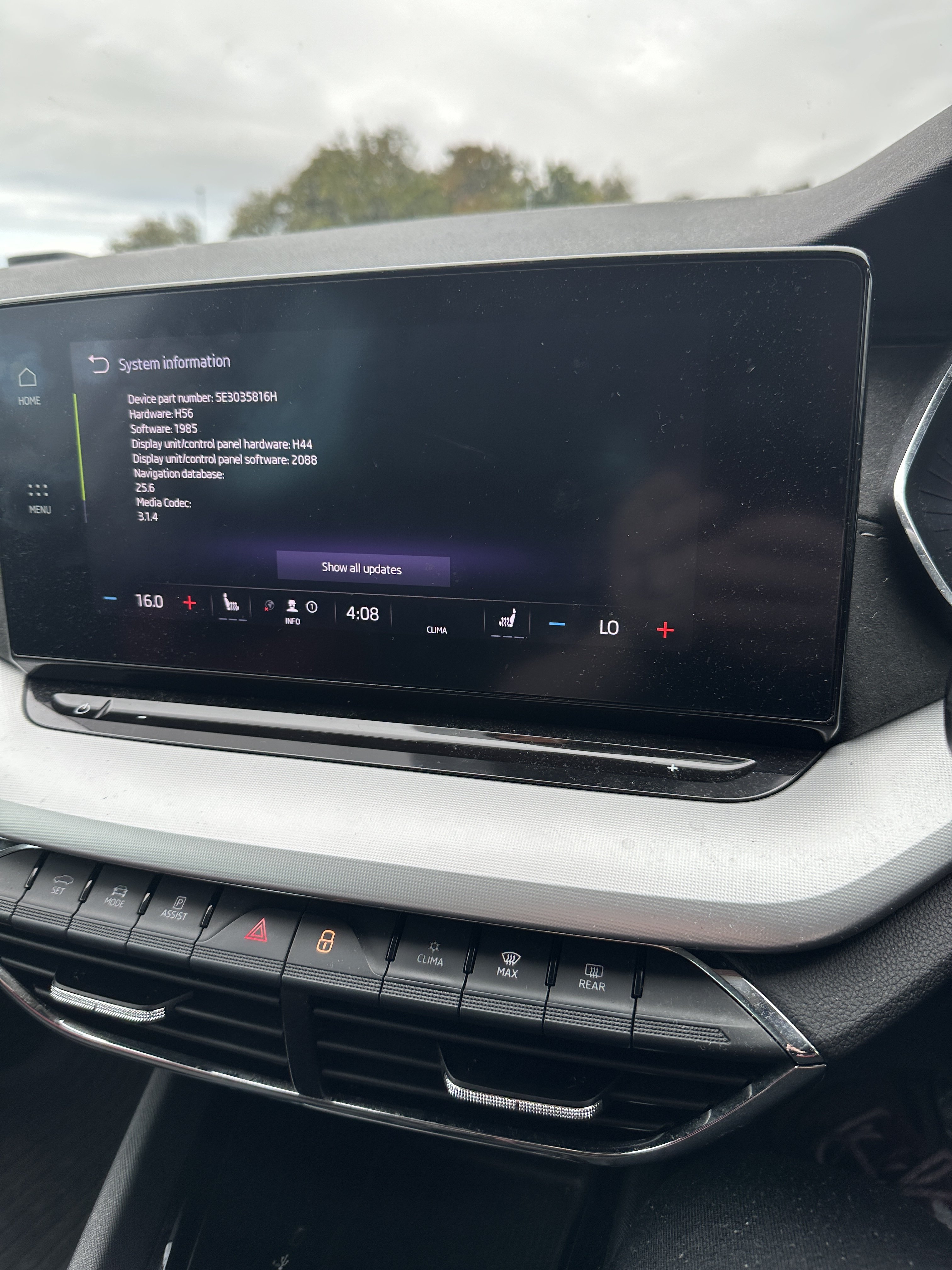
Is anyone having an issue with this software version where you press the HOME button and it freezes and then tries to reset the whole infotainment system? Even after rebooting it after holding the power button down for 10-15 seconds and it restarting, the problem still happens? Can you downgrade back to version 1985? That version was working better than 1989 for me?
-
Hello folks The engine start/stop button is cracked on my Octavia. Can it be replaced at home or is it a visit to the dealership to fix this? Thanks.
-
-
Does anyone know where I can download the latest radio logos package? I have a lot of radio stations with no logos at all even after updating to the latest software.
-
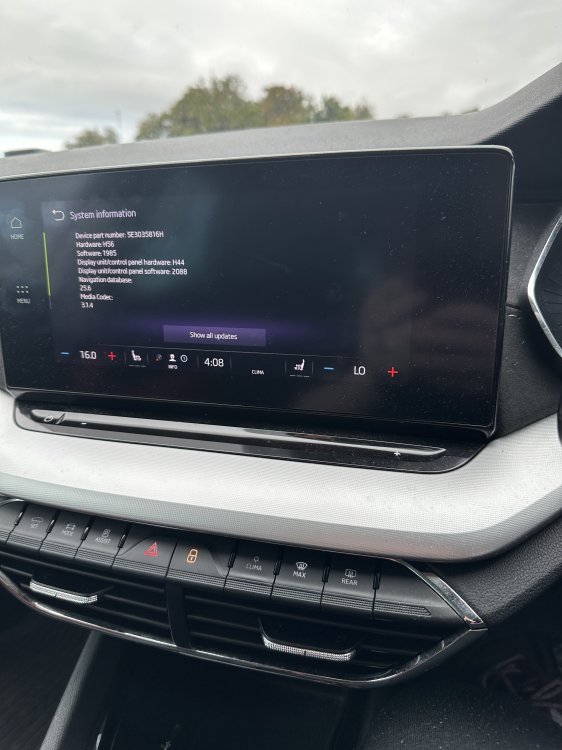
I managed to do it from 1896 straight to 1985 (with engine on) and had no issues. Took a good 25 minutes and was worried at the CPU update because it took ages but all okay! Let’s see how this version is compared to 1896.
-
I've got version 1941 downloaded as well as 1985 just now. I only have the 1985 update on my exFAT usb c flash drive. Should i be okay then to update straight to that? Also must the engine be off? I have seen some people update with the engine switched on.
-
is it possible to update from 1896 straight to 1985? or should i install an older update before jumping to 1985?
-
-
How is everyone getting this version of software in the UK? I am still stuck on version 1896! Rang Skoda dealership yesterday and they said i have "no outstanding updates" on my car... how bizzare? Hardware: H56 Software: 1896 Car: 2020 Octavia 1.5 TSI SE L first edition estate Any advice or help please? I really need an update to help with the numerous software glitches from sos errors to the infotainment rebooting time and time again. Only seems to temporarily stop if my car is in 'maximum privacy' settings.
-
Hardware: H56 Still on software 1896. Why am I not getting the more up to date software? My infotainment and safety systems are going crazy for months and I have had no major update for over a year. I don't want to try and update the system myself in case I break it altogether or is that my only option now? Anyone advise?
-
I have a 70 plate (late 2020) se l (I think first edition) estate and my software is still on version 1896. Can I install the latest software from this version in one go or should I start with version 1941 or 1969 just to be on the safe side? Also I don’t own a PC I have a MacBook. If I download onto my MacBook and unzip the files on that using something like 7zip, would it still install okay? My partner has a pc so if it’s safer to download via windows I can do that instead. Any help would be great because I’m fed up of nearly two years of very old buggy software on my Octavia. Thanks.
-
Mine is still stuck in the 1896 version for software and has been a disaster. Not getting any OTA updates nor via help with a Skoda dealership. What do I do? Car is very buggy and I’ve had this software for 18 months since I get the car used last year and having no luck with getting an update. 2020 (70 plate) 1.5 TSI SE L estate
-
Hello. long story short my infotainment is on version 1896 and I’m not near a Skoda dealership. Is there any way to update the software to 1941 or 1969 at home?
-
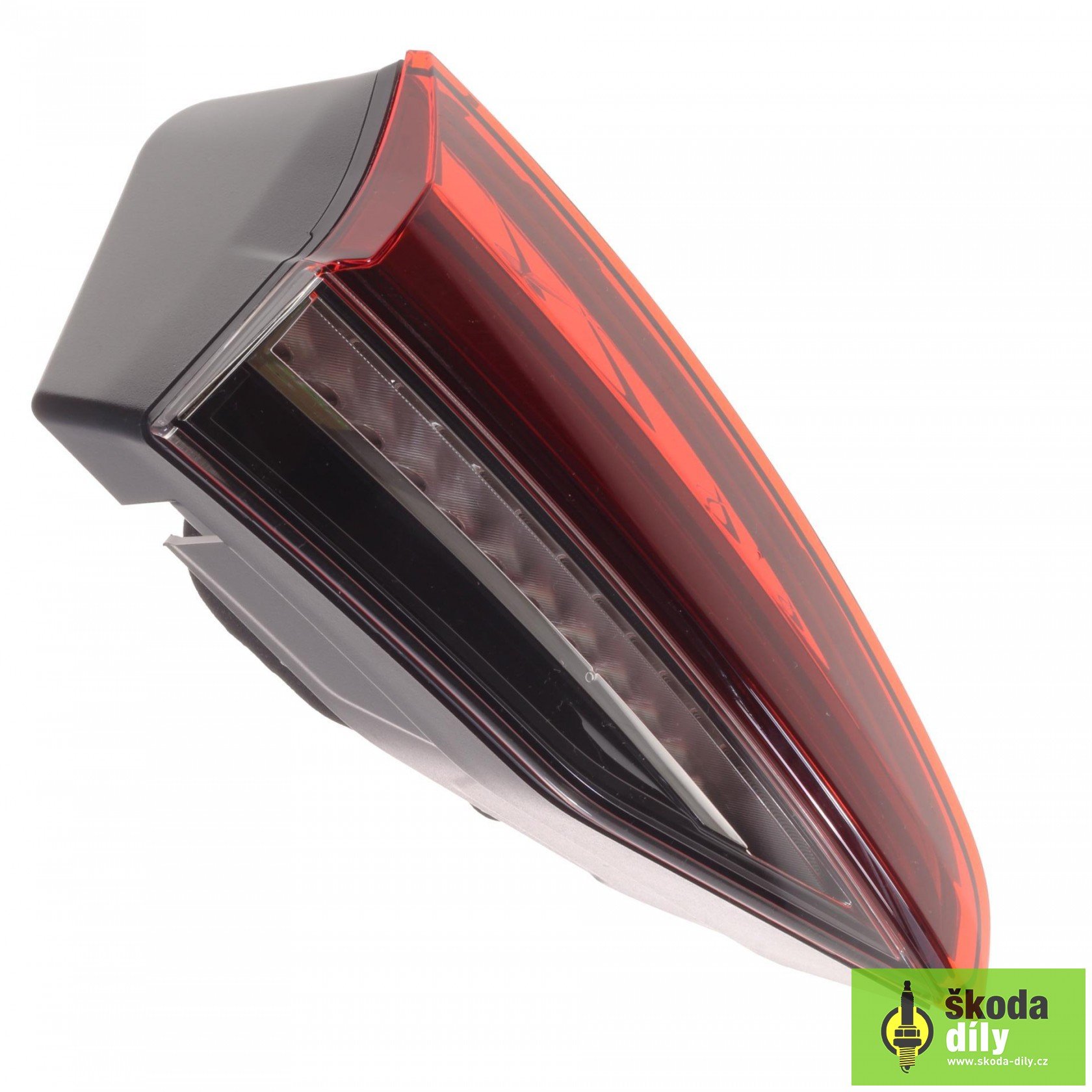
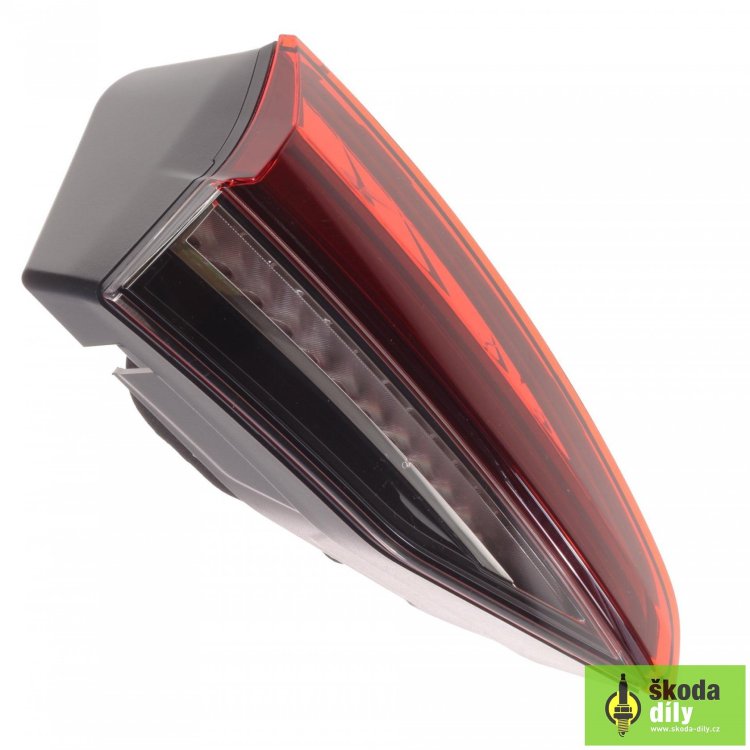
Anyone know how I can remove these lights from the rear tailgate off the Mark 4 Octavia estate? Need to out new ones in. Put a picture of the lights in question. Thanks.
-
Anyone know how to remove the inner rear tail lights on a Skoda Octavia mark 4 estate? Want to either replace them or try and get them off and remove the outer lense to clean paint overspray inside of them. Thanks.