bazy
Finding my way
-
Joined
-
Last visited
-
Only version which has dry clutch is 1.5tsi anyway any clutch is good if you care about it.
-
-
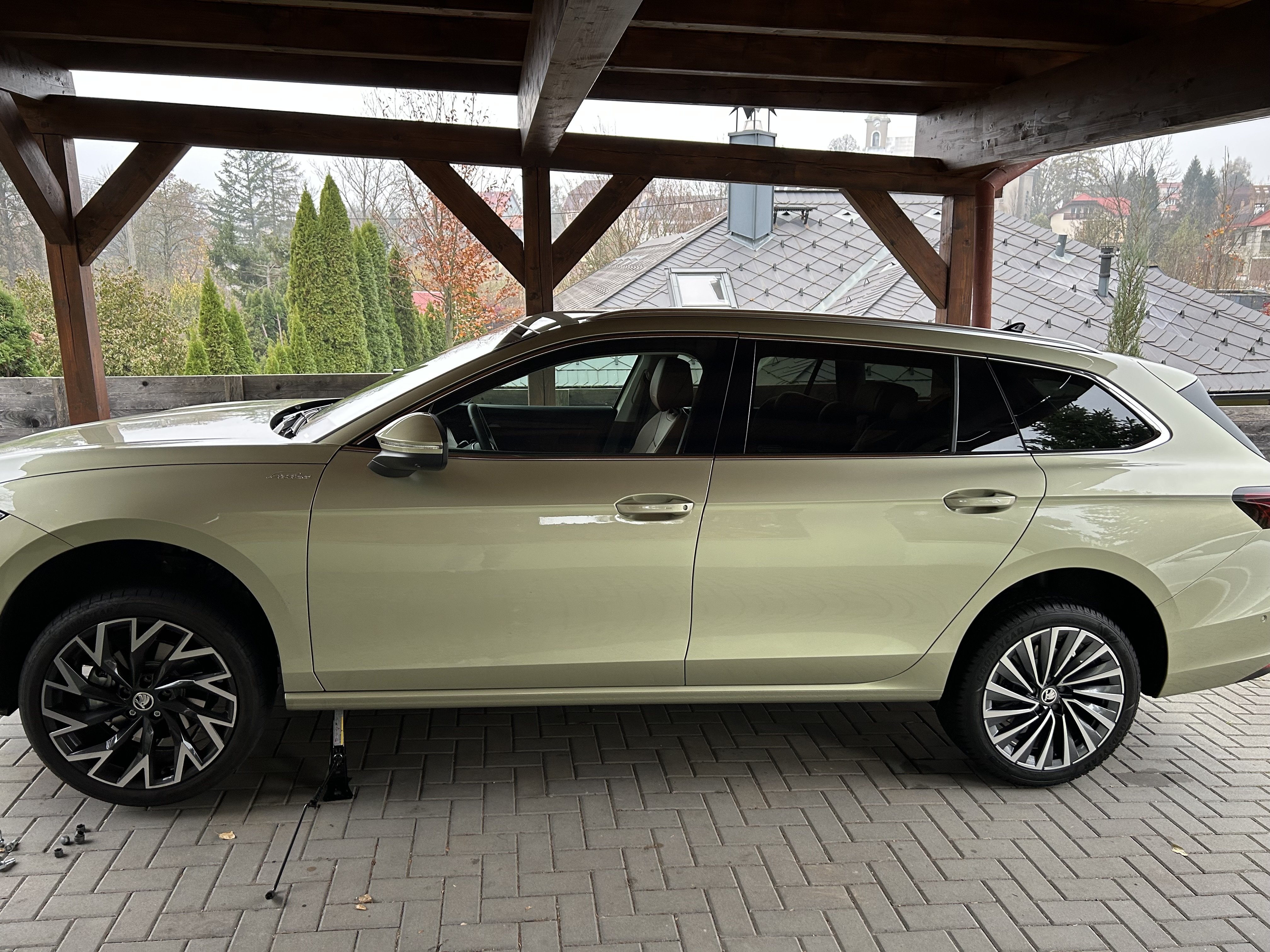
Why the **** woukd you put 65 kodiaq tires lol
-
Helix (19) belatrix (18)
-
Sorted it was faulty climacompresor they replace it and its all okay atm
-
Ill try to film it too when it happens im starting to thinking about wrapimg door handles
-
For me if i take some microfibre cloth and clean the handle out and inside helps. simple as that last time today- snow inside i took microfibre cleaned it and again it start working.
-
Well some cars just dont have new software available like mine too. I did call to service and they tole me there is no sw updste for my car yet. But i dont have problems yet. Only small eith parking assist and infotaiment restarts
-
Wherw u got it in the app?
-
Interesting got same version but dont have it. got l@k too
-
What version of app u got?
-
Thanks then from 9.month its 2025 model.
-
@Rigor i had similar problems with kessy,problem just come and go. One time it did not work but after couple of days it workes.dunno why i got radio problem with restarting too and last couple of days its happening on daily bases. I called to skoda but for my car (25.9.24) they dont have info for any sw update. But next week i set up an appoitment in service. i will try the same thing with apple car play and adjusting controls etc like you
-
Rigir is it somewhere to be find if i got my24/25?
-
Well radio its not the problem i think it happened like 2-3 times in 3 months. Its software like all the problems i guess