Skip to content

blackh0le

Members
  • Joined

  • Last visited

Everything posted by blackh0le

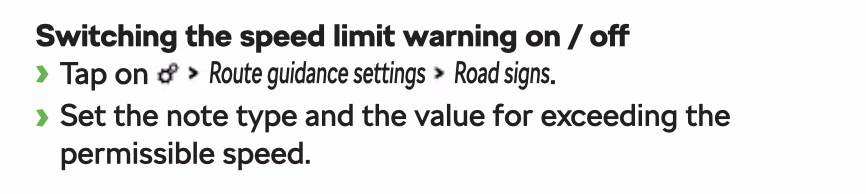
  1. In the Navi Options you can activate a "beep" if you go over 5 or 10, but it uses the speed limits in the navigation maps. the "Tone" comes out of the middle speaker, but I noticed with 1941 the first Tone sounded correct and all other after wheeler played through the speakers in the doors. The Volume of this notification is connected to the Navi, so maybe ist just to low?
  2. Same here. Problems manifests with no Album Cover and slow title actualization with Apple CarPlay in the Dashboard. OTA Update or with USB?
  3. So will they perform a firmware update?
  4. Thanks for the follow up. Maybe a bug in 1985? Or are only manual updates having this problem and OTA everything works? So you got the update to "3470" because of the flickering of the VC?
  5. Yes, when iPhone connected over Bluetooth the Album Cover and Titel gets displayed right and fast. The Radio Station Logos and item Infos is also no Problem.
  6. Thatโ€™s what I trying to find out, since this Problem appeared. Maybe someone with the same problem which got solved reads this and can tell us. Canโ€™t imagine this CarPlay album Cover problem is so minimal under users with the 1985 Update
  7. Yes U105400 - Information electronics control module 1 No Communication static Priority - 6 Malfunction frequency counter - 1 Unlearning counter - 235
  8. Ah, I meant with an OBD dongle like OBDeleven or VCDS So I think only the Dealer can tell you what's wrong
  9. Did you check for fault codes?
  10. Hi! Yes I have the same symptoms with my VC after the Update. Also no more Calls get displayed in the Cockpit Display, and you can't use the Cockpit screen to start calls, hang up.
  11. Is there a way for the Dealer to know if the update was installed OTA or with USB Stick ( of course with clearing of the โ€žConfirmation of installation changeโ€œ error with the new Hex Value written ) ?
  12. The solution I found, you have to activate the following go to 5F Multimedia Vehicle function list BAP driver_seat_0x10 set to activated driver_seat_0x10_msg_bus set to Comfort data bus After this the Buttons in the Infotainment started working
  13. Is it possible to get it to show up in the Infotainment Screen, after coding it in Unit 36?
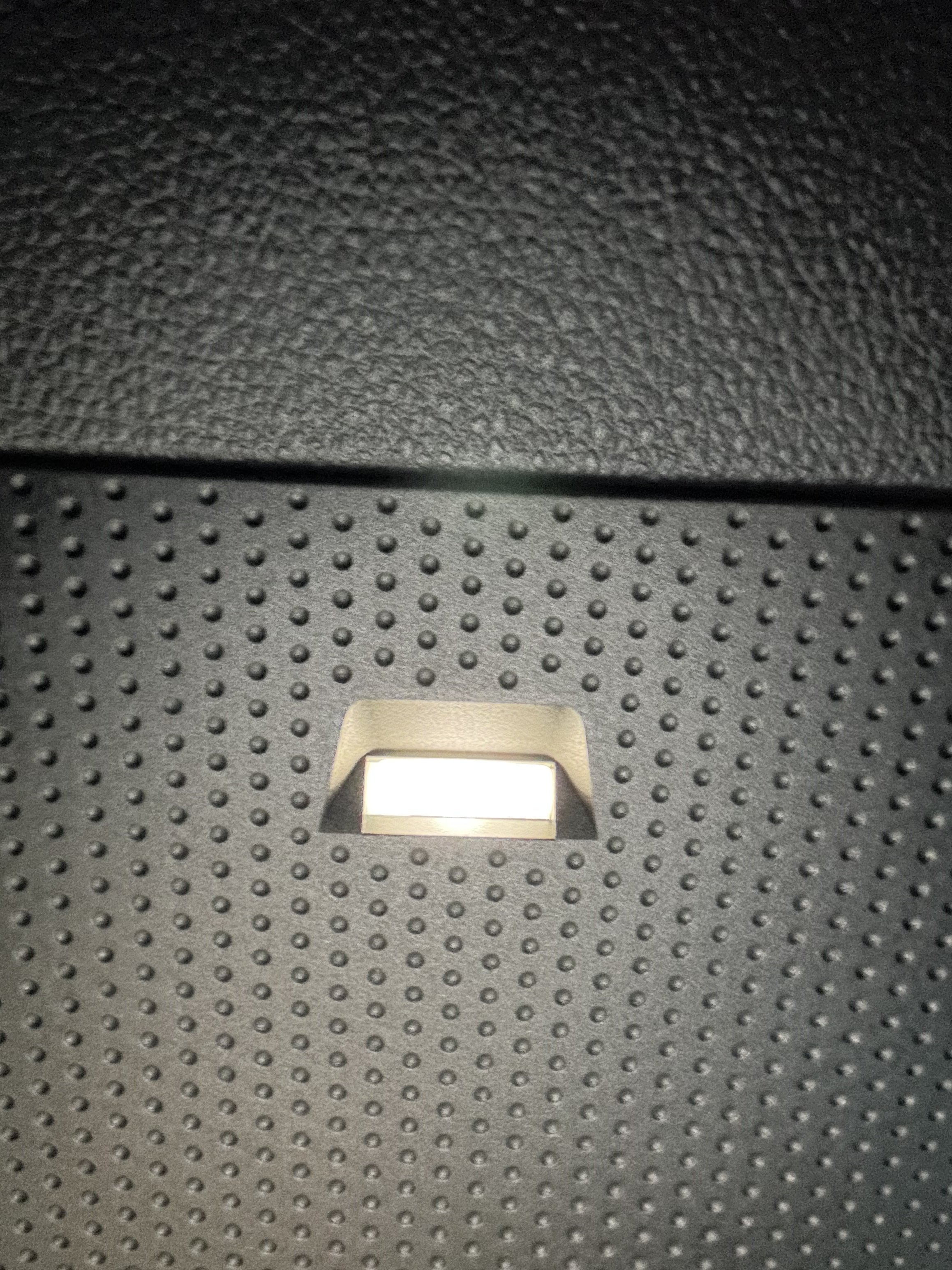
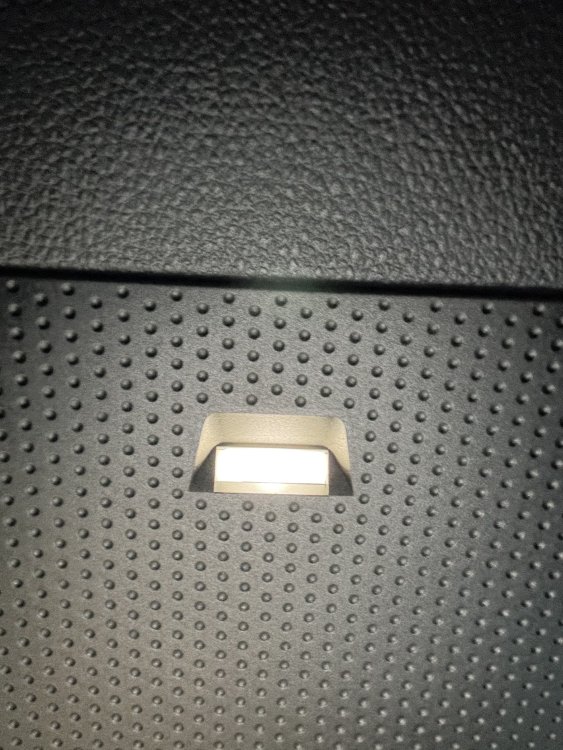
  14. In my European Octavia ( MY21 ) the spot is populated
  15. Try deactivating ECO-Assist on your next drive. Your Nav Data is up to date?
  16. I imagine that it is partly related to the ECO Assist and the Front Assist. The ECO Assist seems to rely on the navigation data (speed, road layout, gradients). I also have the impression that the Front Assist reacts proactively to traffic, such as slowing vehicles, etc. In some cases, the car interrupts coasting, restarts the engine, and you can clearly feel a delay.
  17. I think this is only for Models from 2023 and up. But I wouldnโ€™t mind for my 2021 Octavia. I canโ€™t see anything in the Shop

Important Information

Welcome to BRISKODA. Please note the following important links Terms of Use. We have a comprehensive Privacy Policy. We have placed cookies on your device to help make this website better. You can adjust your cookie settings, otherwise we'll assume you're okay to continue.

Account

Navigation

Configure browser push notifications

Chrome (Android)
  1. Tap the lock icon next to the address bar.
  2. Tap Permissions โ†’ Notifications.
  3. Adjust your preference.
Chrome (Desktop)
  1. Click the padlock icon in the address bar.
  2. Select Site settings.
  3. Find Notifications and adjust your preference.