ForbesAutomotive
Sponsor
-
Joined
-
Last visited
-
-
I reckon you'll be absolutely fine in that case.
-
If he's taxed it and it's still on the road then you definitely should've kept it! What trim did you have?
-
Hey @philw77 - certainly grabbed my attention with the MK4 - hope it's not in the graveyard now? Welcome to the forum. I've still got my trusty old MK4.. recently put a VR6T in it and done a 4mo shell swap. Then full paint.. then everything else. God, I do love a golf.
-
The interval did change on the later EA288 2.0 TDI's which is when VAG moved to the check at 140k miles guidance IIRC. I personally wouldn't leave it that long though. Most places will still recommend around 100-120k. Depending on the mileage you do per year, you're probably good for another year or two. I wouldn't worry too much about it yet, but it's worth planning for it.
-
Oh, 100%. I have a strong dislike for Vauxhall. I don't know what it is about that brand.. I just don't like anything that they produce. The VXR8 is different, but that's not really a Vauxhall in my eyes. Welcome to the VAG world, it's pretty nice over here.
-
Hello and welcome! The Superb is an awesome car, my business partner had one as a company car for a while before (downgrading, genuinely) to a 2026 VW Tiguan. The Superb (we called it the Super🐝) never had any issues at all, just got on with the job. The Tiguan has been riddled with faults since it was delivered on 9 miles. It's now done 10,000 and I don't think there's been any point in time that it hasn't had a warning light. Happy motoring!
-
Thank you! I found it fitting to add a list of currently compatible Skoda models to the OP, so that can be found at the bottom of the post. Gen5 Haldex introduces a lot more model variants like the Kodiaq and Karoq. Gen5 is still in development! We've got an Audi RS3 with Gen5 for a test car at the moment. Who said product development couldn't be fun? 😀
-
Thanks for the pin! Since originally posting this topic, we've updated the firmware to version 2.10.0 - I've added some preview pictures of the UI and our Expert mode editor. Hope some of you find this useful! We also do a lot more than just the Haldex Controller, so feel free to check out our website. Thanks, Callum
-
You'd think it would. Maybe they'll do an update at some point.
-
-
ForbesAutomotive changed their profile photo
-
Yeah, a bit of a downgrade from my actual car while it was away for repair (in terms of power). A 200 horsepower difference is quite noticeable!
-
What year is your vRS? I really love the look of the new ones. Skoda has done so well recently with brand image.
-
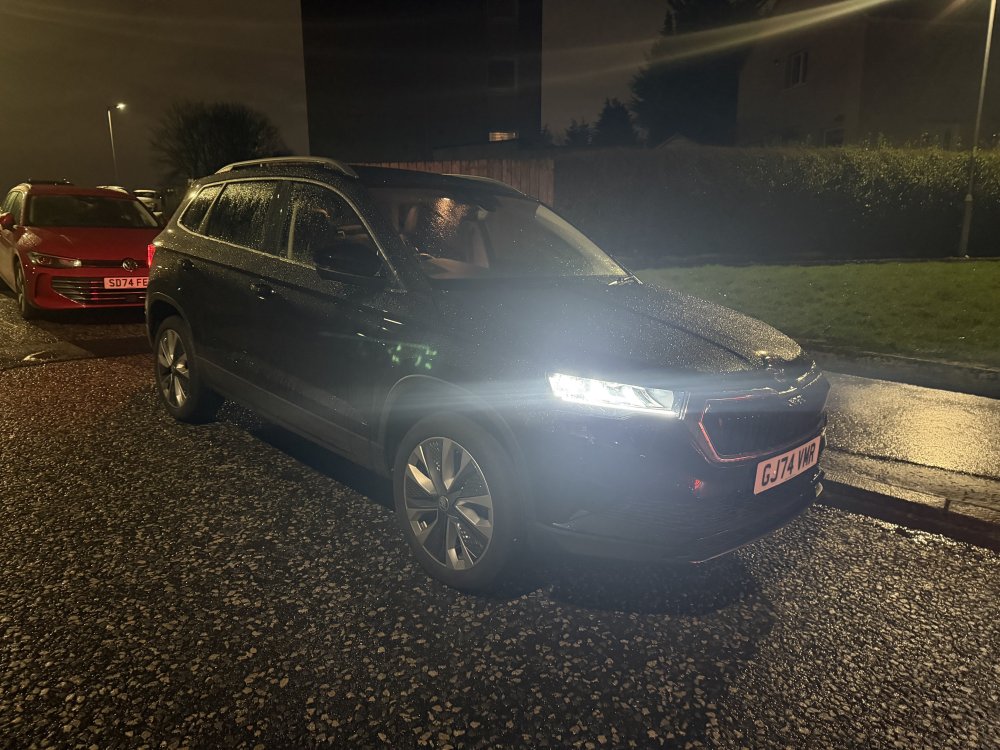
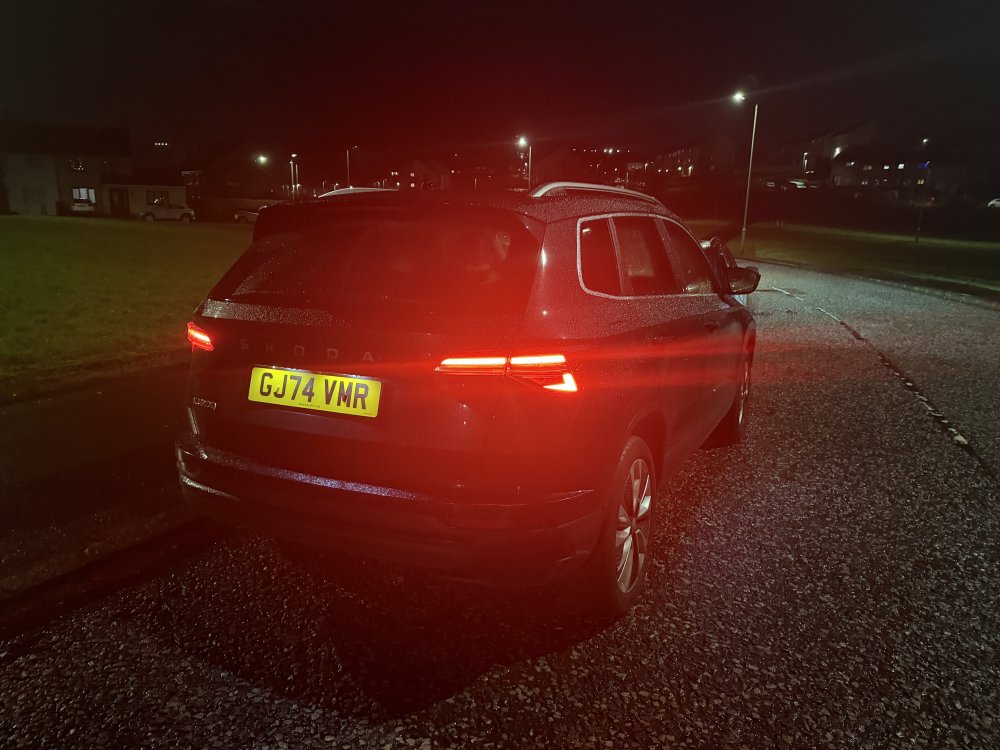
Had one of these recently as a courtesy car. I actually found it quite pleasant. I’m sure it was the 1 litre petrol that I got given. Found the speed warning being on by default very annoying - but otherwise a decent car to drive, really.
-
Hi all! I’m Callum from Forbes Automotive. We’ve developed an opensource Haldex Controller that offers the same functionality as the competitors, but only costs £200, not £1,000 like the others on the market. Alternatively… If you don’t want to buy one, then you can visit the GitHub repository - all of the gerbers etc are there to build your own! Forbes Automotive is for enthusiasts, by enthusiasts. We originally based our work off of the amazing Gen1 controller from A Banging Donk. Since then, we’ve managed to reverse engineer the data and get support for Gen1, Gen2 and Gen4 vehicles! We’re also currently developing support for Gen5. For those of you with Haldex equipped cars, if you don’t know how it works - Haldex waits to detect slip from the front wheels before it’ll send any power to the rear. With our controller, YOU decide when (and how much) power goes to the rear. For off roading, you can have it permanently 50/50. For the drag strip, you can put it in FWD mode for a burnout to warm up your tyres, and then switch back to 50/50 for the launch. You can even configure it so that at certain speeds, it gradually reduces what’s sent to the rear, reducing drivetrain drag to give you the best performance. OpenHaldex is being continually updated, and due to the opensource nature, you can help if you’d like to collaborate! You can find OpenHaldex here: https://forbes-automotive.com/products/openhaldex-controller You can also check out https://openhaldex.com to view more about the project and visit the repository on GitHub. You can also check compatibility with your car on the Documentation page where there is a link to a vehicle compatibility checker. Here's a preview of our brand new user interface with version 2.10.0: And a preview of the 'Expert' mode editor to tune your Haldex to just the way you want it: If you’d like to know more about the project - please check the links above or simply ask! You can also check out the Forbes Automotive social media pages - theres loads of posts on there detailing the project with millions of views! (It felt a bit cheeky posting this without making a contribution, so I’ve signed up for freedom and am a Site Sponsor on BRISKODA) I hope some Skoda owners find this useful. It’s a great tool for off roading, track use and at the drag strip. Thanks for taking the time to read and check out the project. I’m happy to answer any questions! List of Skoda vehicles that are currently compatible: Gen1 Haldex:Octavia MK1 (1U) - 4x4 - 1998, 1999, 2000, 2001, 2002, 2004 Gen2 HaldexAlhambra (7M facelift) - 2005, 2006, 2007, 2008, 2009, 2010 Gen4 HaldexYeti (pre facelift) - 2009, 2010, 2011, 2012, 2013, 2014 Octavia (1Z facelift) - 4x4, Scout, VRS 4x4 - 2009, 2010, 2011, 2012, 2013 Superb (B6 Type 3T) - 2008, 2009, 2010, 2011, 2012, 2013, 2014