FUBAR
Resident Member
-
Joined
-
Last visited
Everything posted by FUBAR
-
-
Inside Mahon it was like a movie set for Fast N Furious, the roads seemed lined with all their interceptor fleet when they first started it and seemed to have at least 2 of every nice car at the time.
-
WOW they still have that? Saw they just got a pile of Harley electric motorbikes all marked up lights sirens etc but as bike safe stand show pieces. Where does the Evo live now, used to be Mahon barracks last I saw (some some time ago). https://www.facebook.com/NIRoadPolicingandSafety/posts/4437799312984101
-
-
-
-
-
-
Have you tried going into the main android settings to set it in there (as in swipe down twice from top and settings cog symbol there, under default apps, then home)? I swapped mine back to default one today to get at the 'car info' app as I can't see it in the app drawer on agama for MPG screens etc. As long as I have launched it I can then change back and it's always there to select from the top if I want it in Agama unless i physically close it there.
-
-
-
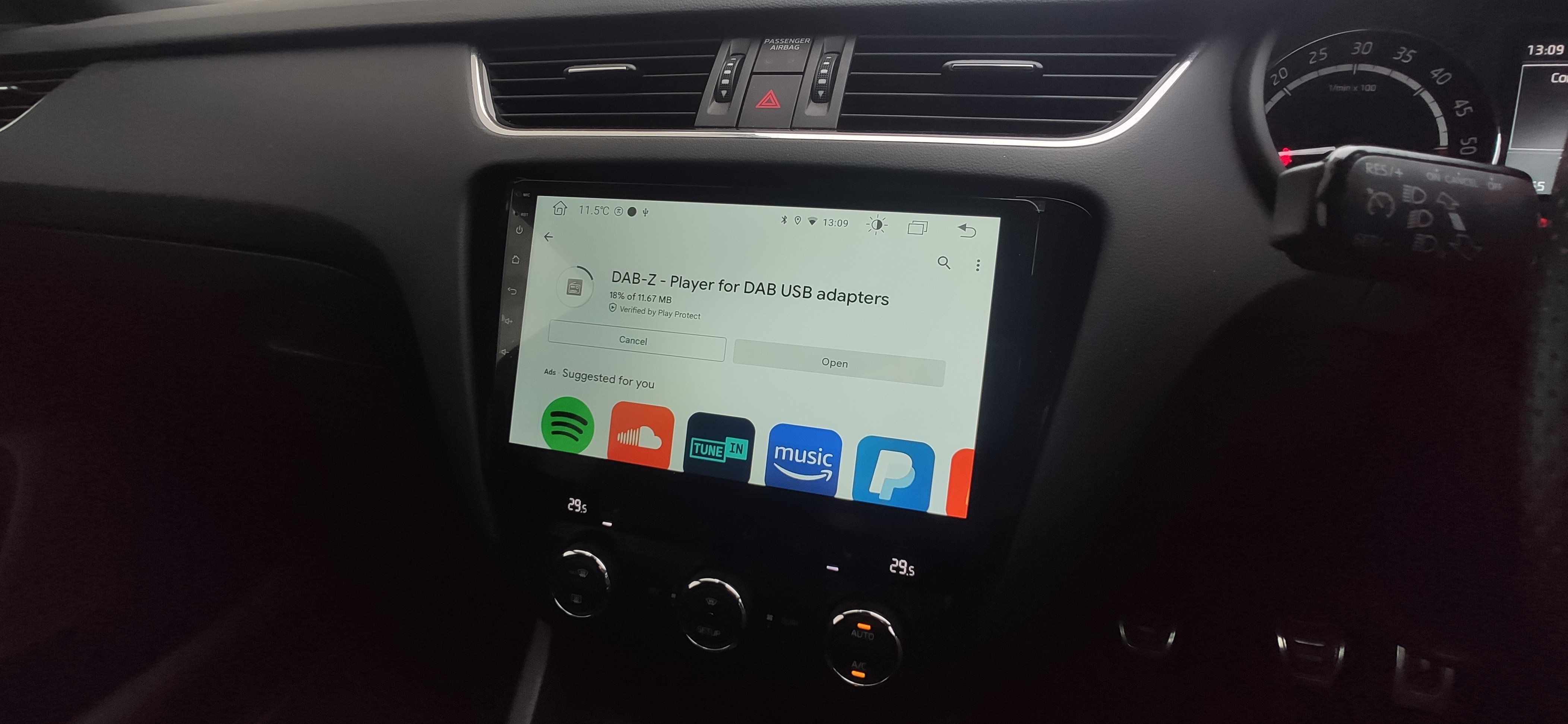
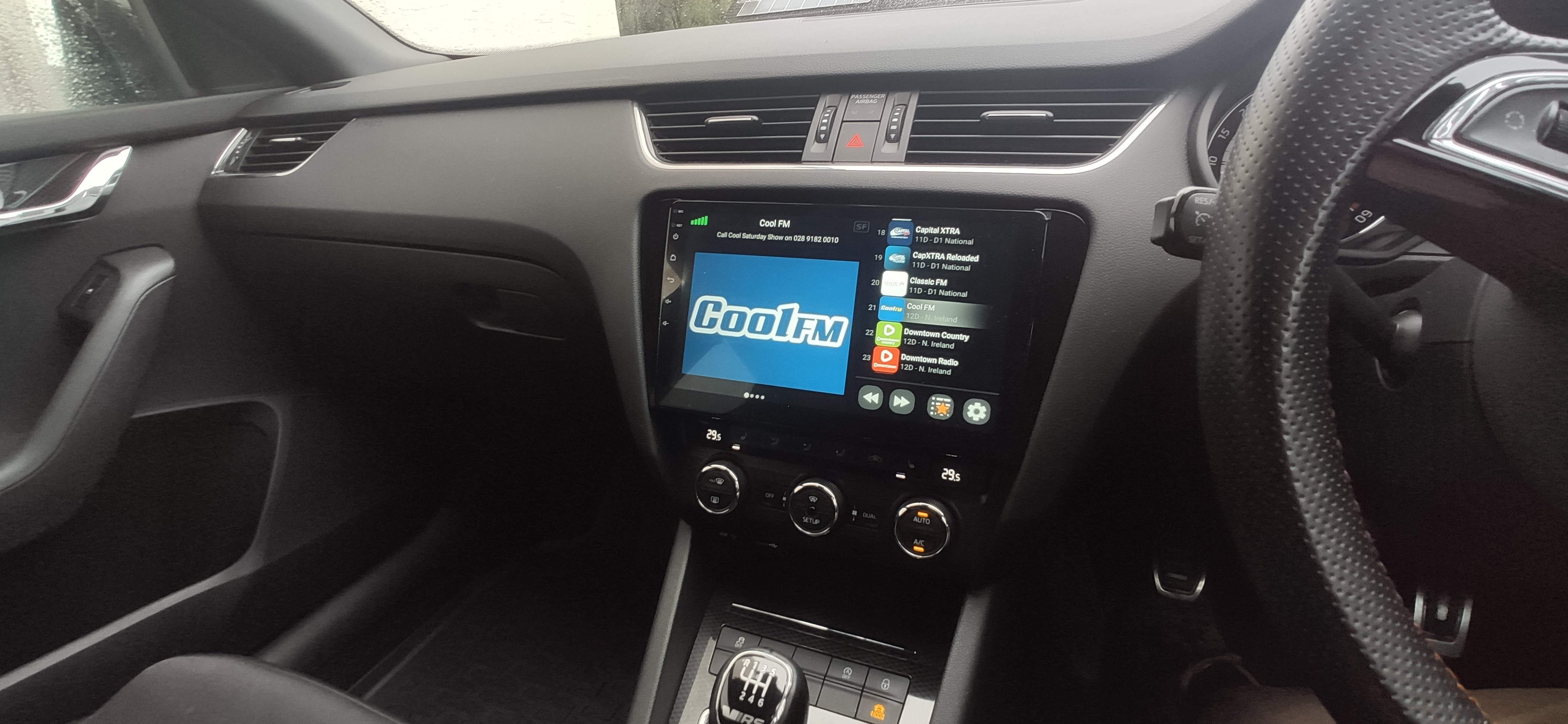
Tried the other one again today works fine, although didn't get the logos for all stations it found. Like the DAB-Z one more though, lots of options etc. Can set it to auto launch and play as soon as device boots and it detects the USB receiver etc. Be worth a try to see which you prefer
-
-
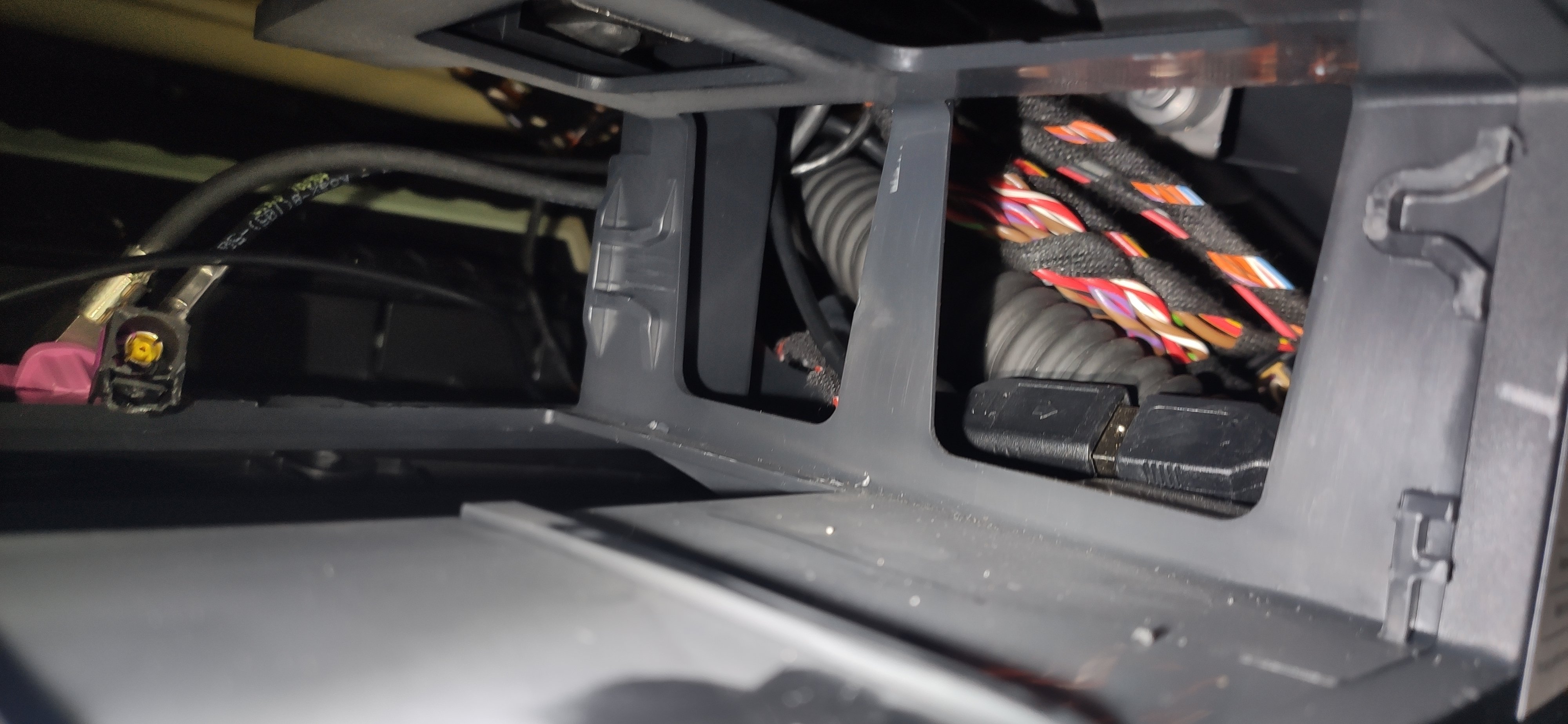
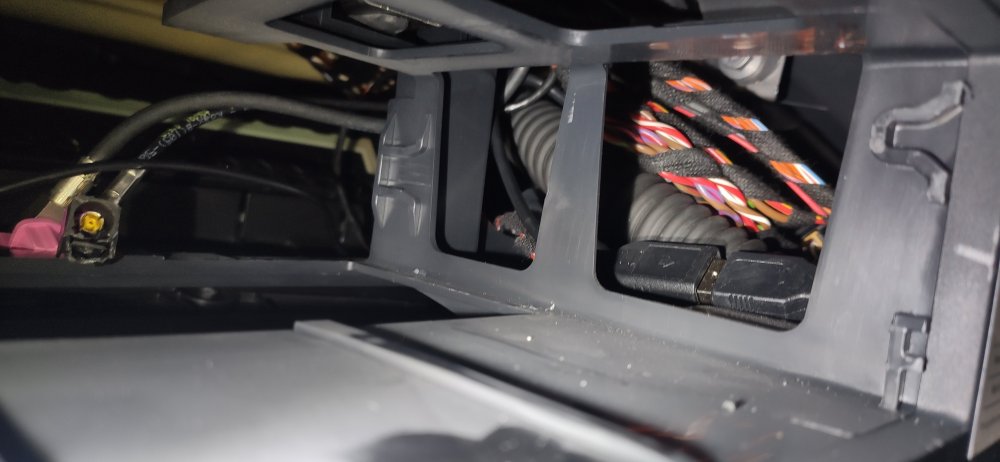
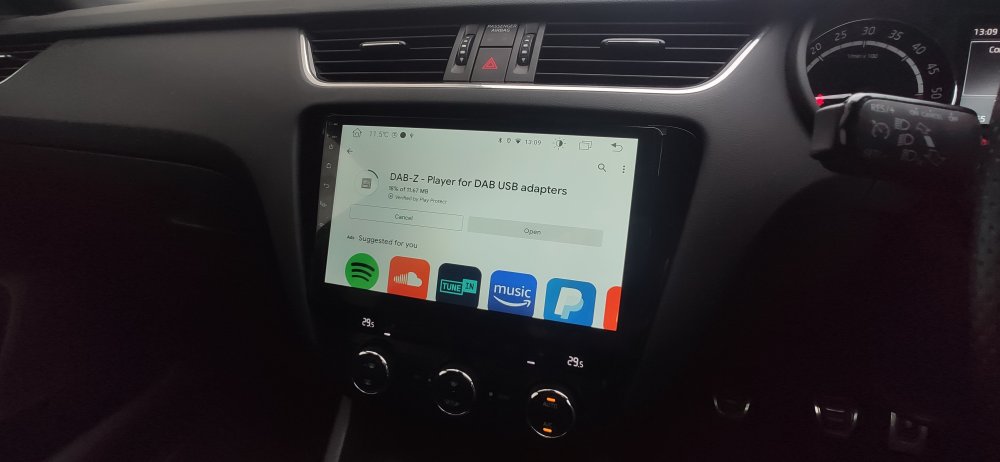
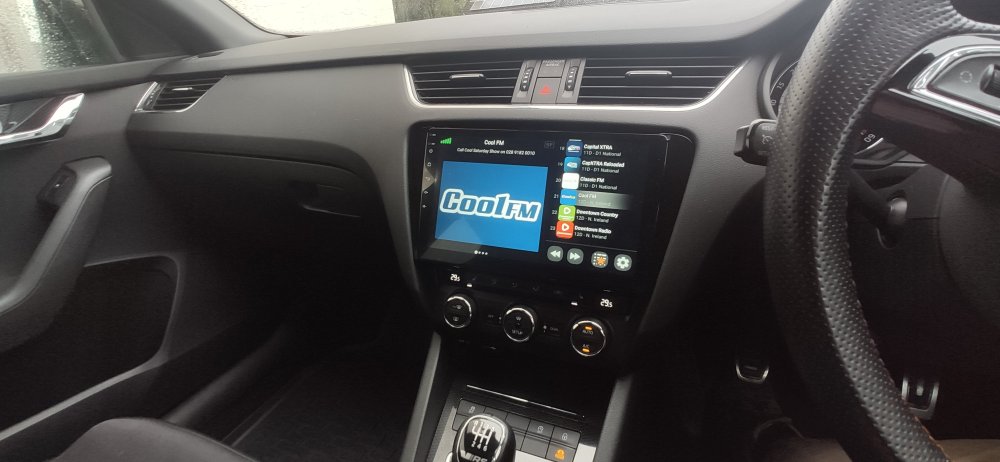
Fired in the DAB USB thing today, a very VERY quick and simple addition due to where I had put my other 'single' usb plug meant to the factory port. Was looking for it with a torch for a few min then remembered what I did lol. Used that DAB-Z app, is that what all are using?? Only pick up 45 stations this far from civilisation still bahhhhh
-
-
-
Left mine in place as I will likely return it to stock when I sell (I only have most basic MIB1 with no nav etc) Blanking plate or a tray are the obvious options if removing the old. Here is a much cheaper route: https://www.ebay.co.uk/itm/402466295845 This one has a door, prob need to take some of side bits off it https://www.aliexpress.com/item/4000097426871.html
-
Octy and Scouts as a lot of marked and some vRS unmarked, then a big fleet of armoured Superbs. Still a lot of Mondeo estates doing mainly community policing it seems, then a fair whack of BMW's still coming in, Audi's seem to be almost gone filtering out slowly. Insignias which were useless of course have been replaced fully now with Superb. Can't forget some load of armoured Discovery's and a big load of less discrete Landrovers lol. What else, Roads Policing ones have a Fast N Furious type of line up with Golf R's being popular and Cupra now too.
-
As I have a memory stick plugged into the extra USB in glovebox and mine is same as pics in listing no double USB one just 2 singles one on a 4 pin block and other on a 6 pin, I will use the one intended for factory USB port to try the DAB thing. I never use the factory one as I hate wires on show, so will do nicely! 🤞 That said I live at the very edge of the UK and have only a handful of DAB stations available which is pretty crap and poor signal, but will finish it off nicely for if I ever want to listen to DAB and I am closer to civilisation where I can actually get a good reception.
-
-
Yea got an email from aliexpress earlier with one I had saved at £17.05 on offer but after VAT etc its £20.79, then I saw this on ebay and thought might as well try and get it all quicker. Seller listed as in China but feedback seems to suggest they are being shipped from within UK storage. https://www.ebay.co.uk/itm/384103936534
-
-
-
My 6 pin and 4 pin were both to single female USB plugs, no double in my lot. For anyone looking at sim stuff, there are lots of deals on preloaded data sims that last for long periods to be used, THREE does a 24 month one EE does 12 month etc. I've seen places selling them very cheap with large data caps on them but can't find anywhere 😞 Used to keep getting them in fb ads for months. One extra gadget benefit of having a sim in, you could have a tracking app so anytime ignition is on car would be trackable. https://www.amazon.co.uk/EE-PAYG-card-preloaded-120GB/dp/B09BFXRM4C Some good monthly paid cheap sim deals on here too £4 a month for 12gb etc https://www.moneysupermarket.com/mobile-phones/sim-only/data-only-sims/
-
You should have 2X cables that go into back of head unit that have a female USB plug on end. That one goes into one of those then other is your extra one you can route to glovebox or wherever in car. One of the two female USB cables has a 4 pin block connector on end the other a 6 I think? I assumed the 6pin one was for the factory USB port and AUX together and used it on that one. Never tried it though.