
Simon TDI Sport
FREEDOM
-
Joined
-
Last visited
Everything posted by Simon TDI Sport
-
If you don't find one see if there is a single sportline alloy for sale.
-
Have a look at eBay.
-
Apparently VW group have a factory in Ukraine making wiring looms and it's been destroyed by the Russian's. VW trying to set up another factory in Germany.
-
Another one for Bosch. Never had any problems using https://www.wiperblades.co.uk/
-
Bought my 2016 SEL Executive Last year, and it has Android Auto BUT wired NOT Wireless. Check what stereo they have. Mine has a Columbus but there is also Amudsen unit and Bolero unit aswell.
-
Welcome to the forum. I picked up an SEL Executive 150 tdi dsg hatch in October, which is massive in the back. Had a mk2 Octavia in the past.
-
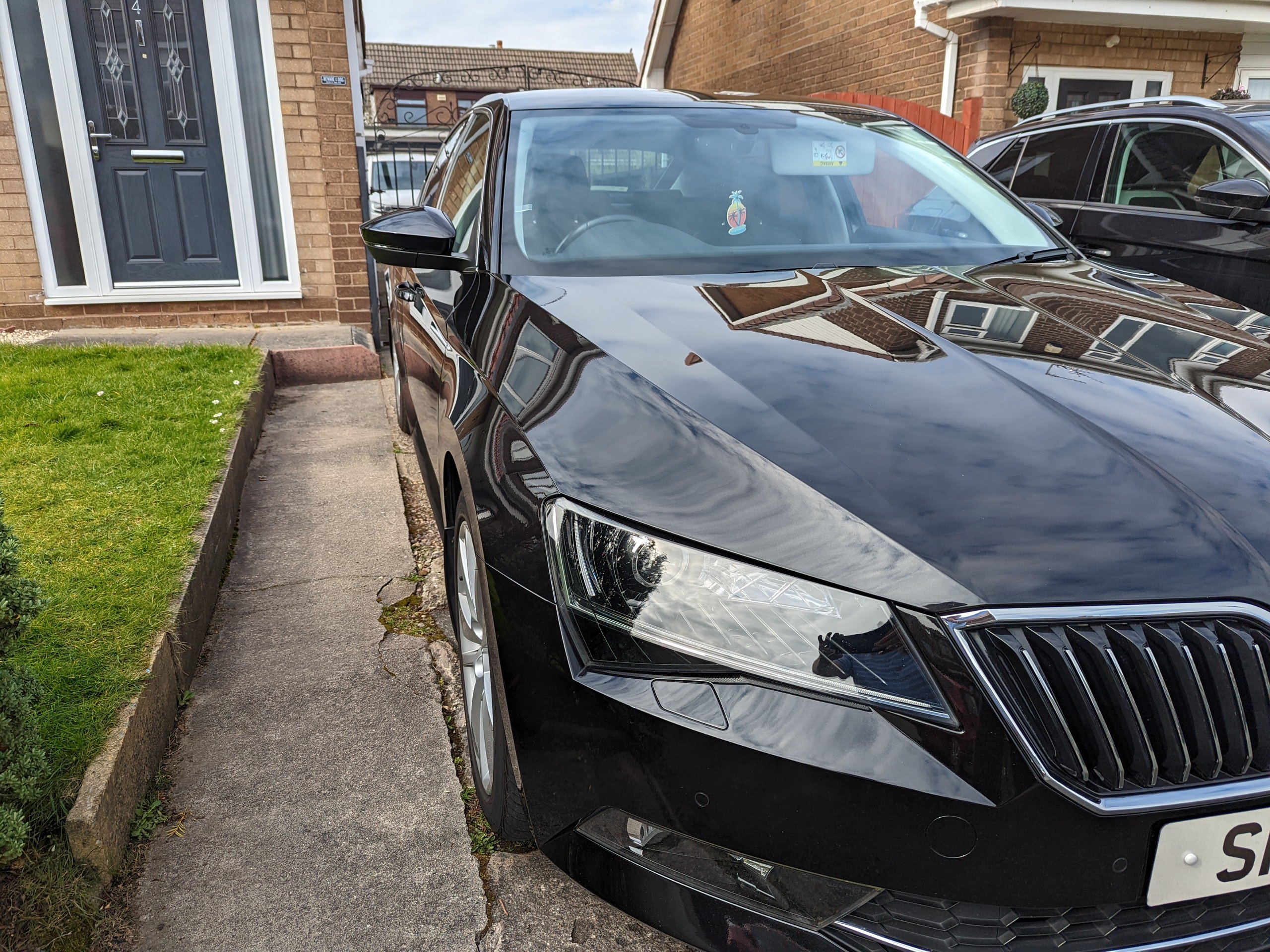
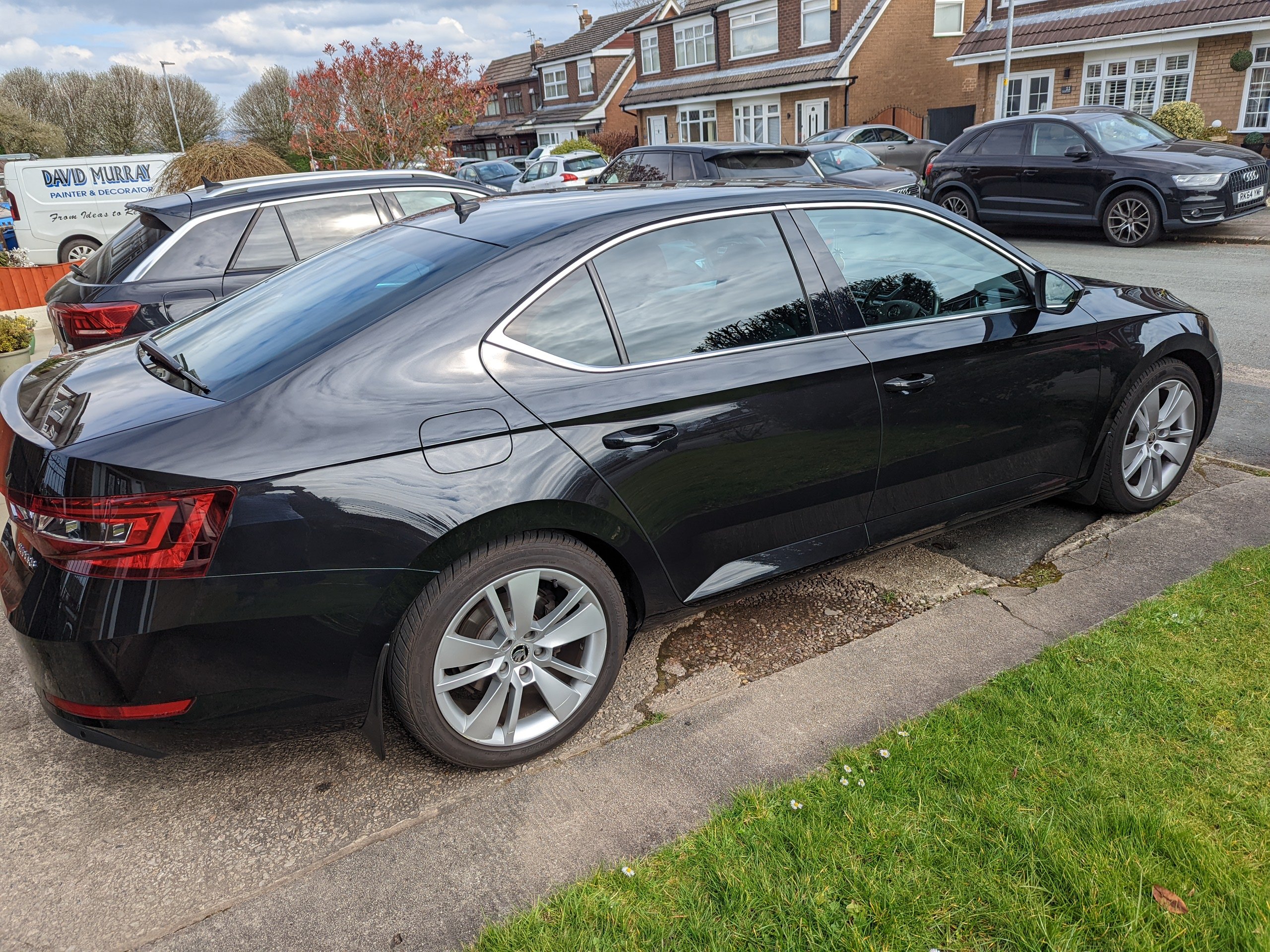
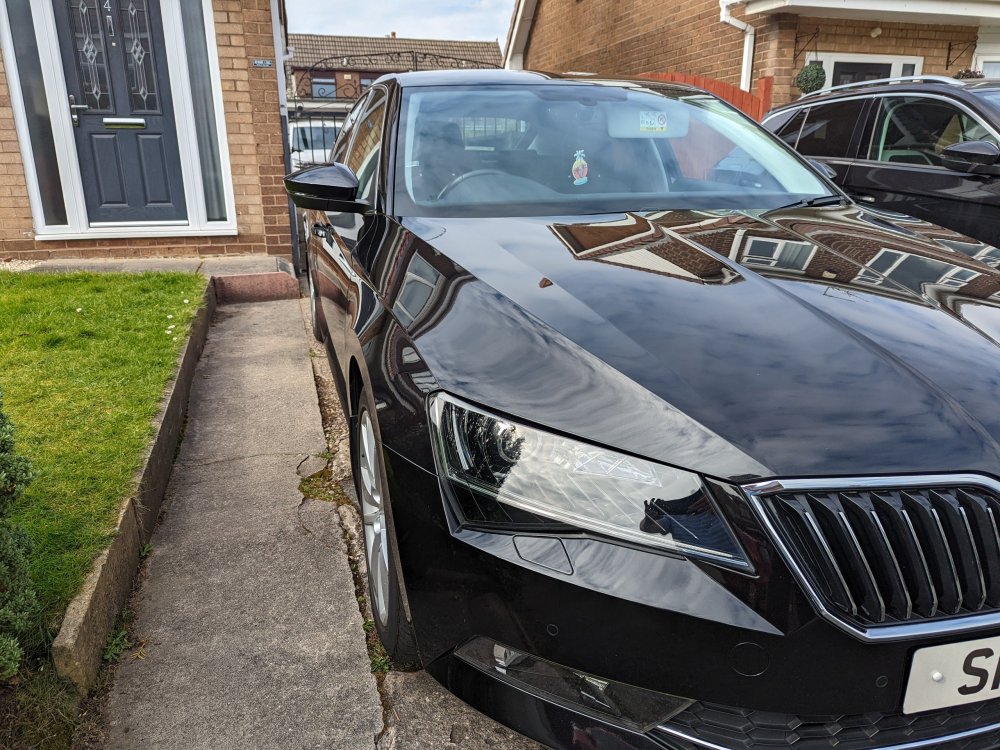
2016 Superb SEL Executive diesel DSG in Black. Loving it so far.
-
You can dim them down. Can't remember off top of my head which menu it is but can be done.
-
You need to message rustynuts. He's the man when it comes to Columbus sat nav units.
-
From the first post I would fit either no 9 or 10 not both? 9 being for the standard manifold and 10 for the scorpion manifold.
-
The Columbus has a multichanger built in that's why it won't recognise the external one.
-
Running Uniroyal rainsport 5 on my Mercedes e class. Will be putting them on the superb when the time comes.
-
-
I'd say silver metallic brushed.
-
Try https://www.iceboxauto.com/filterSearch?q=Skoda+&cid=0&mid=0&pf=&pt=&adv=false&isc=false&sid=false
-
I had a similar issue on my old Audi a4 b7 turned out to be the brake pedal switch. Changed it, no more limp mode and coil light flashing.
-
Try looking here. https://www.iceboxauto.com/filterSearch?q=Skoda fabia&adv=false&cid=0&isc=false&pf=&pt=&sid=false
-
Picking up a Superb SEL Executive diesel dsg next saturday.