varooom
Resident Member
-
Joined
-
Last visited
Everything posted by varooom
-
I was also beginning to think it's a hardware fault also seeing as you was able to get recovery emergency mode started.
-
Can you show screenshot of SD Card files and folders. From what I can see you are doing it correctly, quadlock out, USB communication thing plugged in, and RX is connected to TX to enable two way Comms. Then you short out the two pads on motherboard and push in quadlock, and in the terminal screen you select 2 for emergency recovery. Then remove quadlock. With SD Card in slot one only, you then insert quadlock and see the red EM screen, that then fails with above screenshot?
-
It does not appear to be, it's a whole part only job.
-
@MichaelThomson Sorry you was missed out, did you still need update? @elpolako7 Yes there's update to 8755 available via PM
-
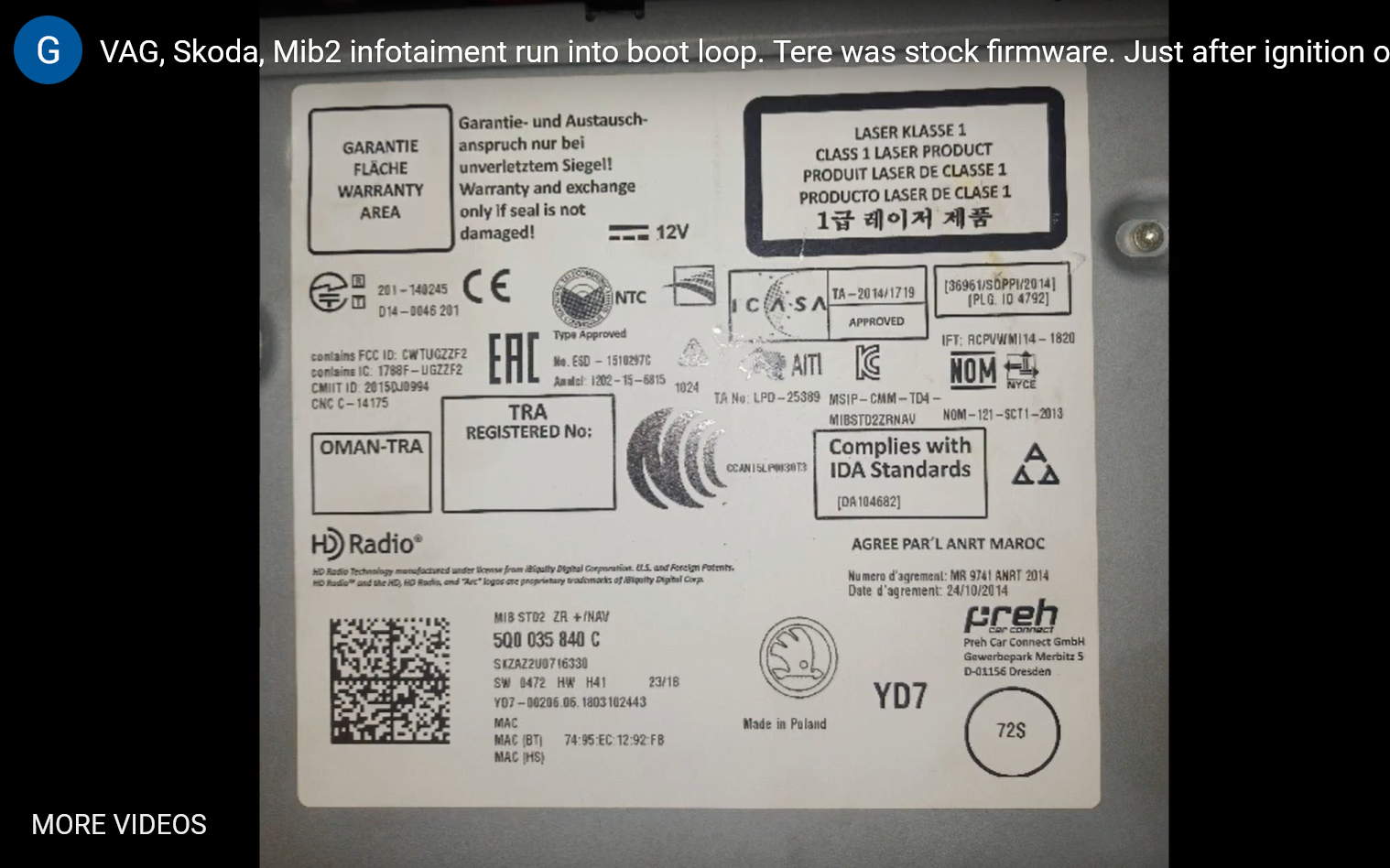
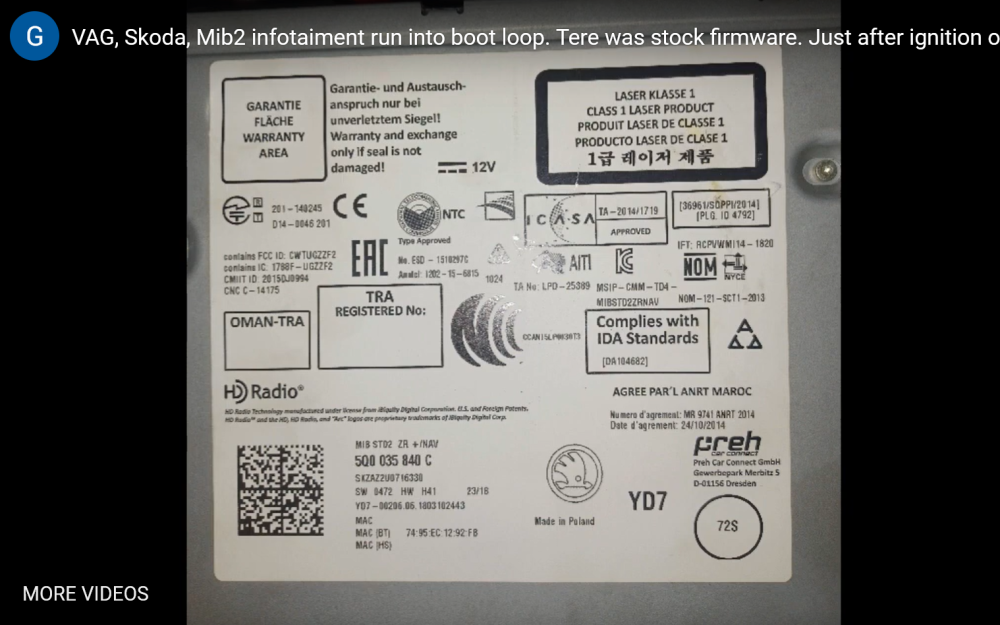
Here is screengrab from his video if this helps, thanks once again for your input.
-
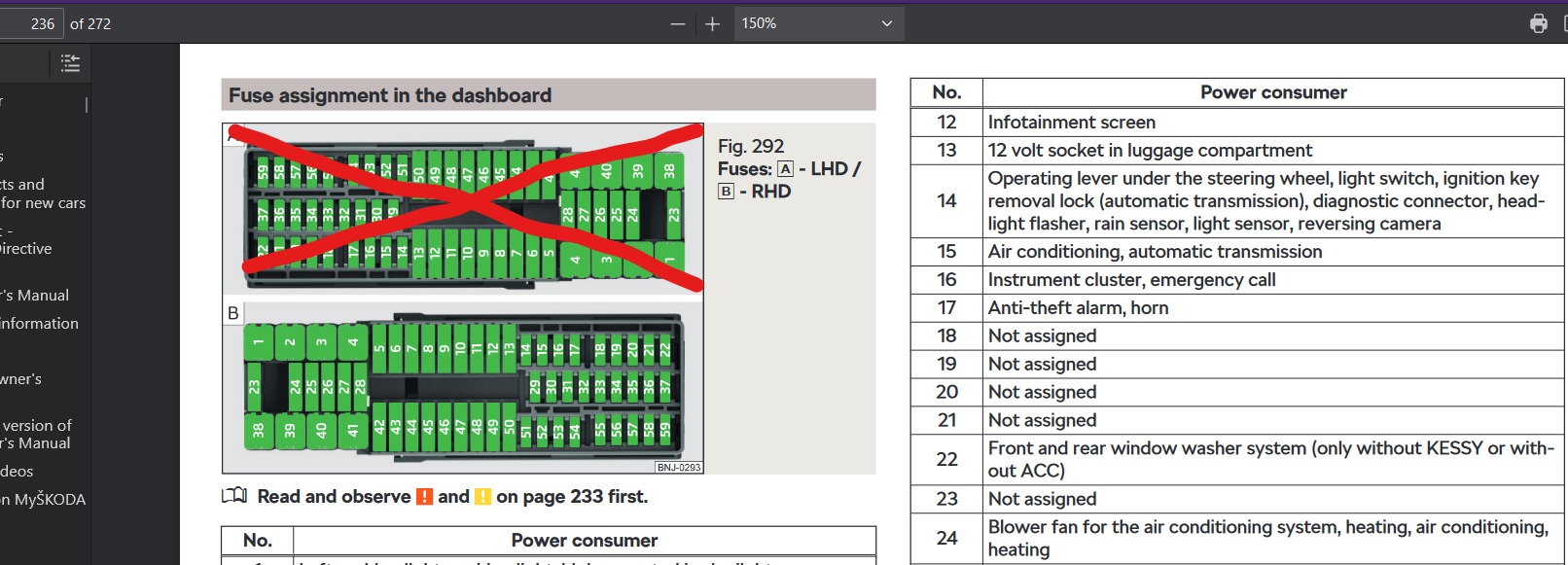
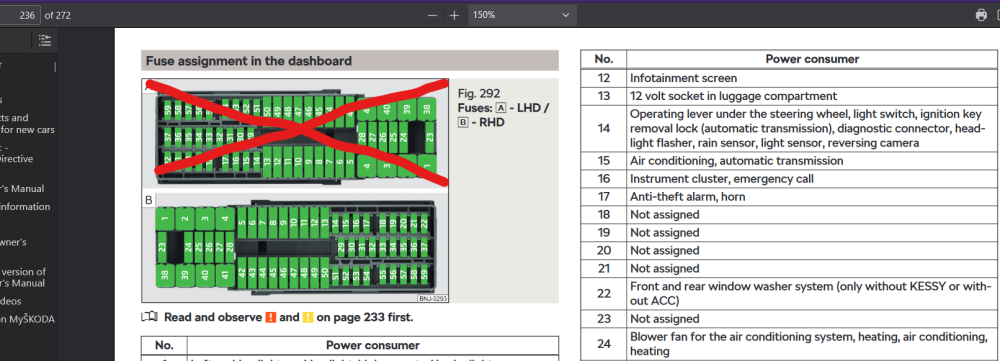
https://ownersmanuals.blob.core.windows.net/ownersmanuals/en/Fabia_NJ/11-2017/OwnersManual.pdf Page 236 snip
-
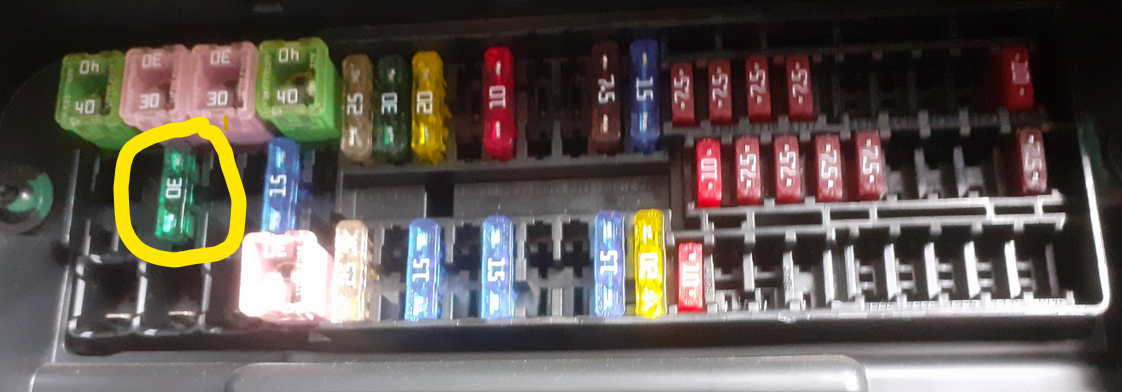
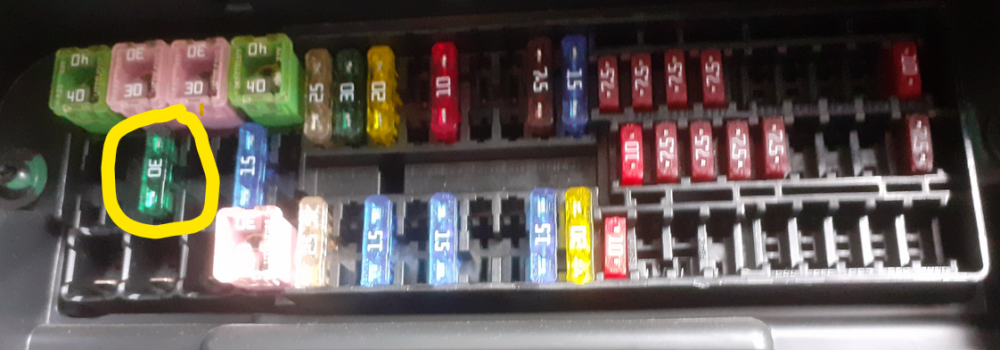
Fuse 24 is in right place... Green and 30 Amp
-
Firmware is stock, just 0480 version, you might have been running 0472 version as seen in last few seconds of your video. But the firmware 0472 or 0480 both contain emergency recovery. Was the files unpacked to root folder of SD Card? Maybe @pab567you have seen these errors before? Perhaps he needs to post off for a fix to you?
-
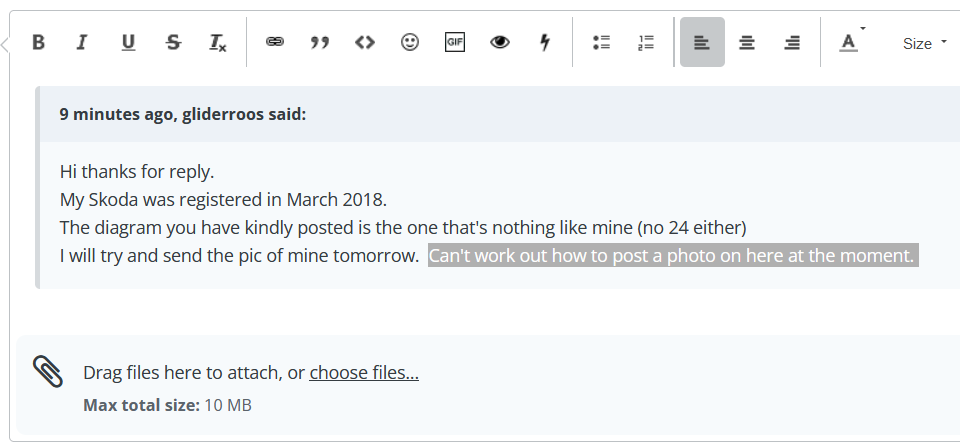
Have the photo saved, and then press choose files Then you should be able to attach/insert picture Example here
-
Welcome, glad you made the change then by the sounds of it 🤝
-
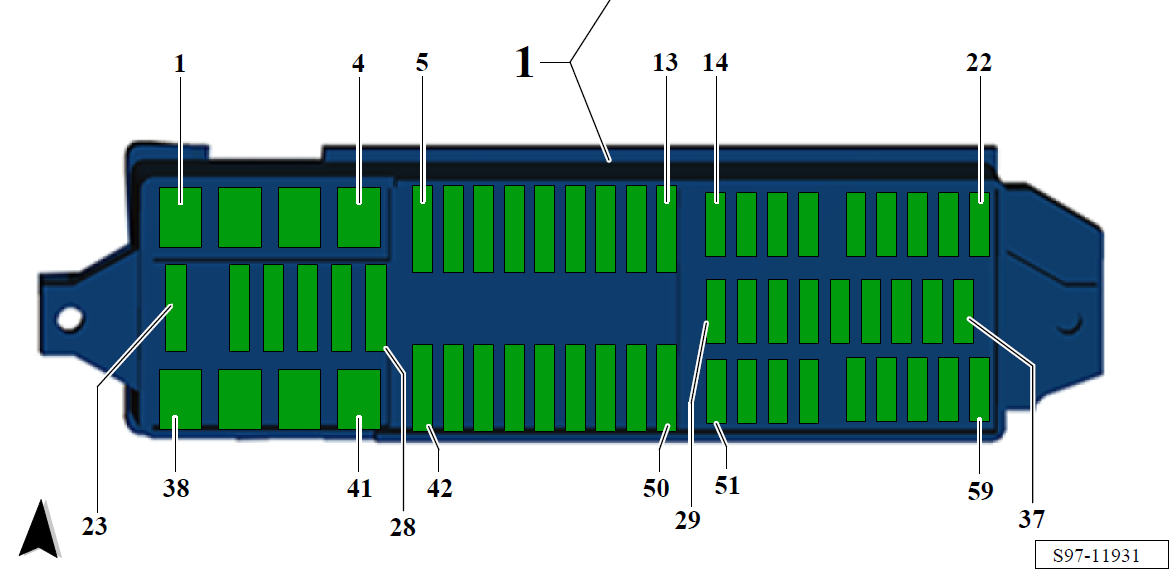
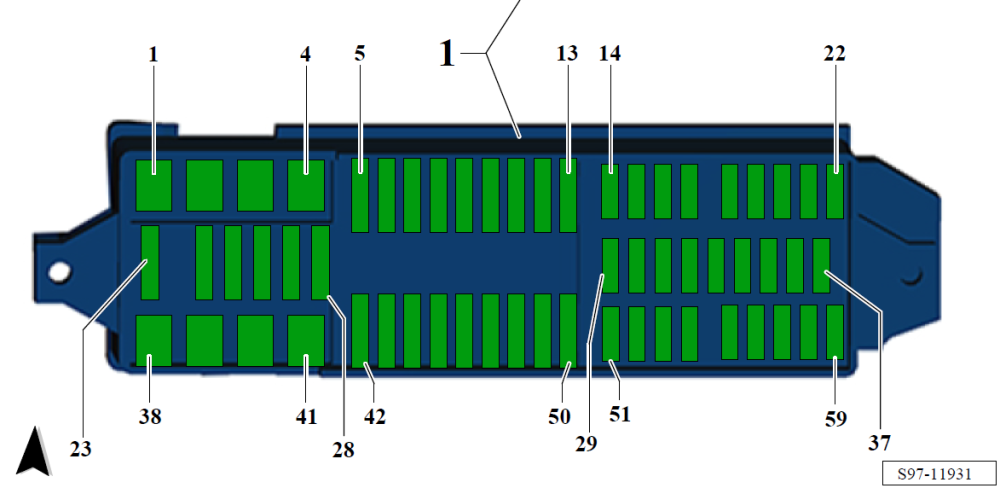
I have looked through several manufacturer years (MY) from 2014-2020 and cannot see any changes from F24 a Green 30 Amp fuse is still assigned as Fresh air blower switch -E9-, Fresh air blower -V2-, Fresh air blower control unit -J126- So it should be 2nd row, 2nd fuse from the Left to Right direction
-
In July 2018 there was a change in the wiring diagrams, so yours will be either before July or after, and we had this the other day where someone's manual in the car didn't match reality. Do you have a picture of your fuse board please, so I can compare workshop manuals?
-
Yes, that eBay link should be ok that you sent in PM, or wherever you wish to buy it from.
-
Welcome to the forum, might be best to make your post in the Fabia Mk III forum. https://www.briskoda.net/forums/forum/298-skoda-fabia-mk-iii/
-
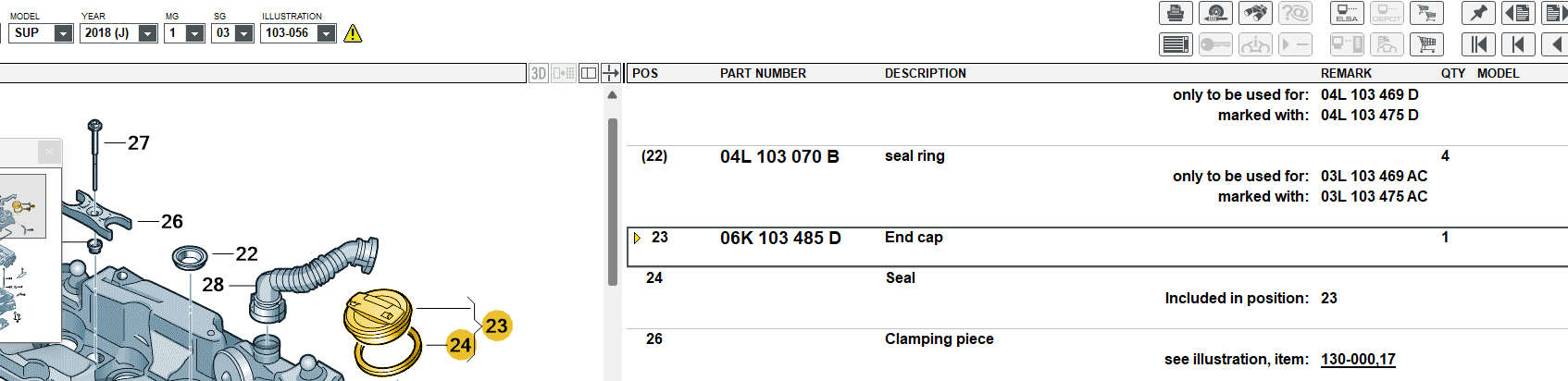
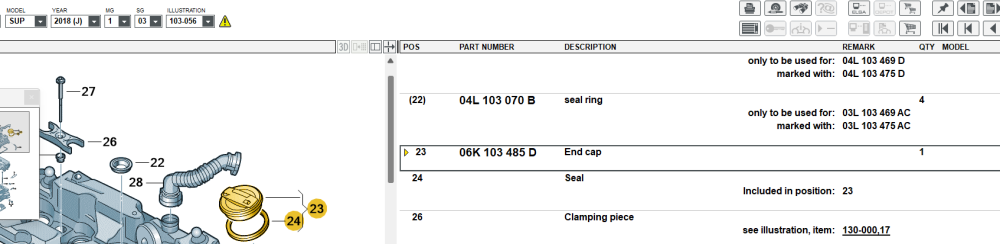
Engine code as mentioned in PM is DFGA Here is the part number for that engine code 06K 103 485 D
-
Send private message with your VIN please, I can get very basic information like engine code and gearbox for you.
-
Find your engine code off your V5 to allow me to check, or similar documents if in another country.
-
-
Yes there's update to 0253, I will send in 15 minutes roughly
-
I've never pulled one apart like this before, I am still wondering what was reason yours was pulled apart. So I can only assume you was trying to do something?
-
Not sure what you have done yet, but in theory it has a recovery process. It happens when the SD Card is corrupted, it ends in red emergency screen.
-
Be gentle when you do relay the information, as it sucks sometimes being told how to do your job 🤝 p.s. I am ex taxi driver, so can speak truth there, best of luck with the car.
-
@sykora & @smipx I shall send you firmware in a few moments.
-
I shall send this via Private Message MHIG_EU_SK_K1552 MU Version 0411
-
I will help you out, if you wish to tag a member for attention, write @ then type in their name. So @ApertureS he will now see this message and hopefully respond when not too busy.