
SashaGrace
Resident Member
-
Joined
-
Last visited
Everything posted by SashaGrace
-
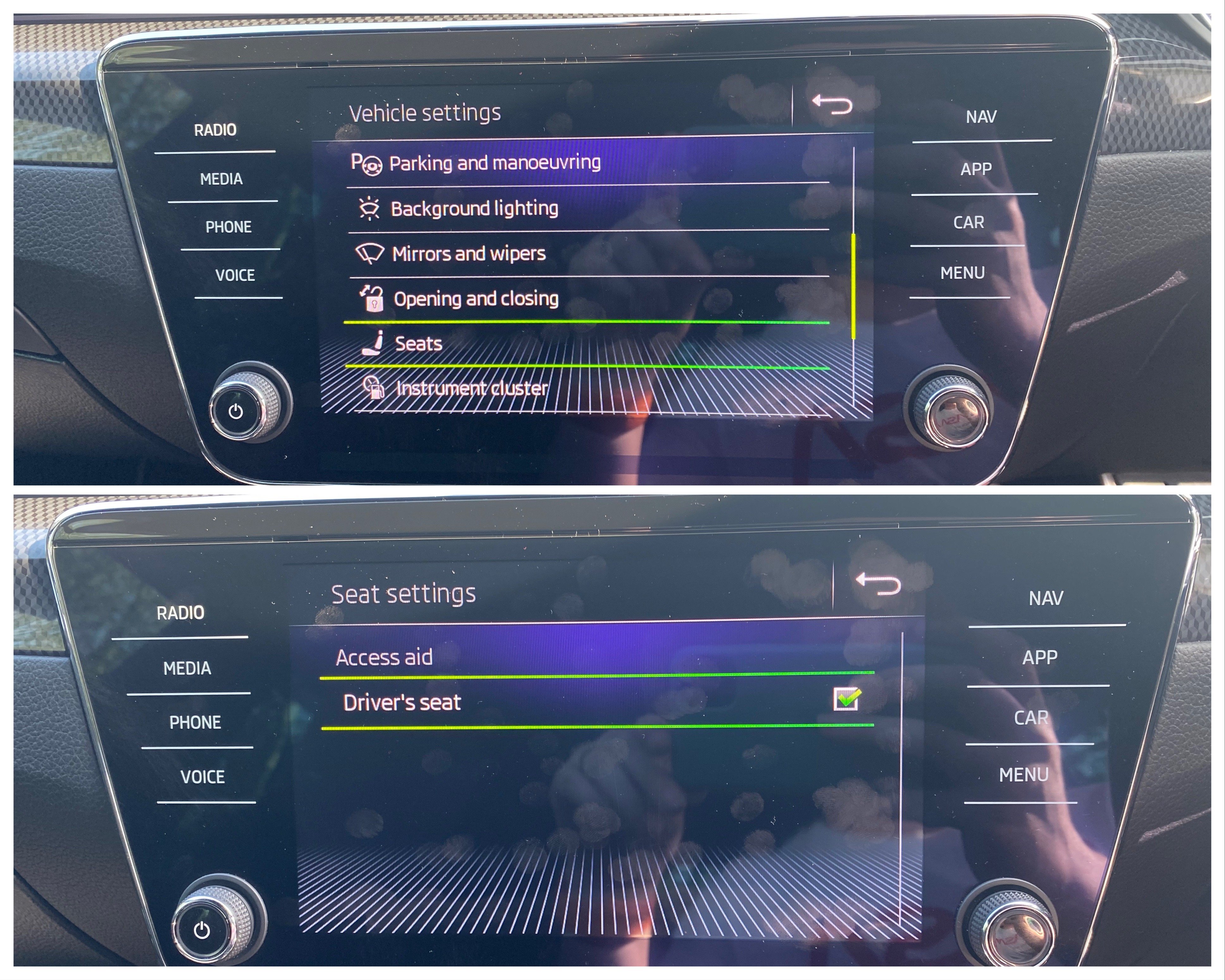
Yeah it is, Go to 36 Drivers seat Long Coding and activate ‘Easy entry over MMI’ and then 5F Infotainment Adaptations in Car_Function_Adaptaions_Gen 2 and activate menu_display_drivers_seat Hasn’t worked on every firmware I’ve done it on though.
-
They give you way too much cable, always loads left over.
-
I think 0468
-
This car was set to Version 8 and it was just the normal Welcome to Skoda display. With OBDEleven I altered the Version to 13 and that worked for me.
-
Right oh. If you get something that can take a scan of the adaptations/coding on the instruments I’d love to see it as I couldn’t get the SportLine screen on the Maxidot on the car I had in.
-
For instrument cluster is that under 17, Display depiction?
-
I don’t have ACC on my car so I couldn’t say unfortunately. In 5F? What radio is fitted and what CAN Gateway do you have?
-
To change the 5F to get the digi instrument panel tab you need to change menu_display_Display_Configuration: active menu_display_Display_Configuration_over_threshold_high: active [LO] display_configuration_0x45: active [LO] display_configuration_0x45_msg_bus: Clamp 15 As long as you have 3Q0 Gateway.
-
From factory the screen and radio are separate units. Some of these aftermarket screens have a bridge between the old radio and the screen, some plug direct into the old radio loom and the radio you have now is just in the glovebox as a placeholder and isn’t connected to anything. The screen you have is an Android based one so I would suggest that you try to get a cheap Bolero screen, plug your old radio back in abs see what you have, isolate the issue to the Skoda stuff or the aftermarket stuff. Looks like the aftermarket radio has just given up.
-
If you can type 13 in there that’ll do it. Why it’s in the firmware and not used is a mystery! Someone made that image and they just decided not to use it!!
-
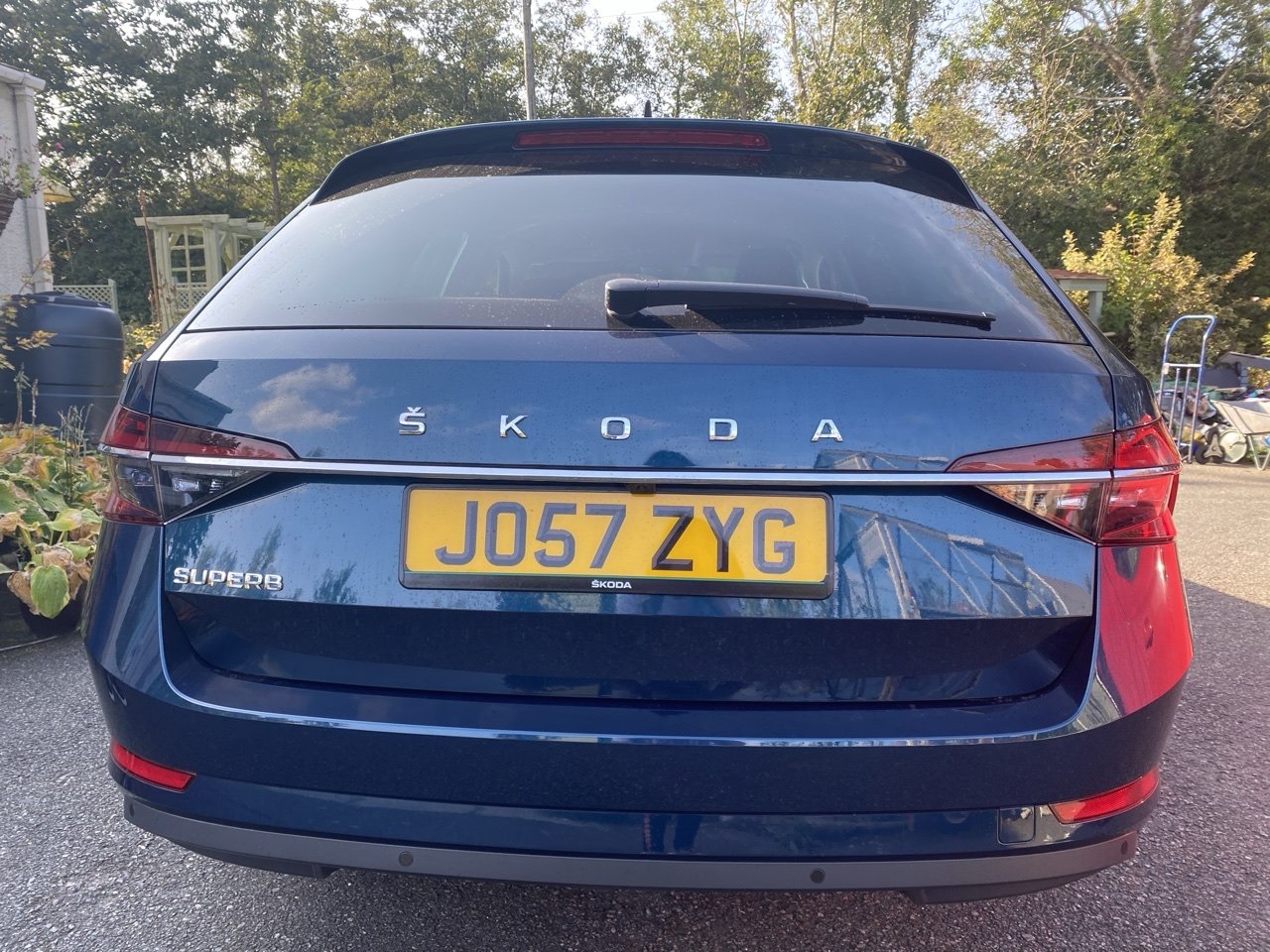
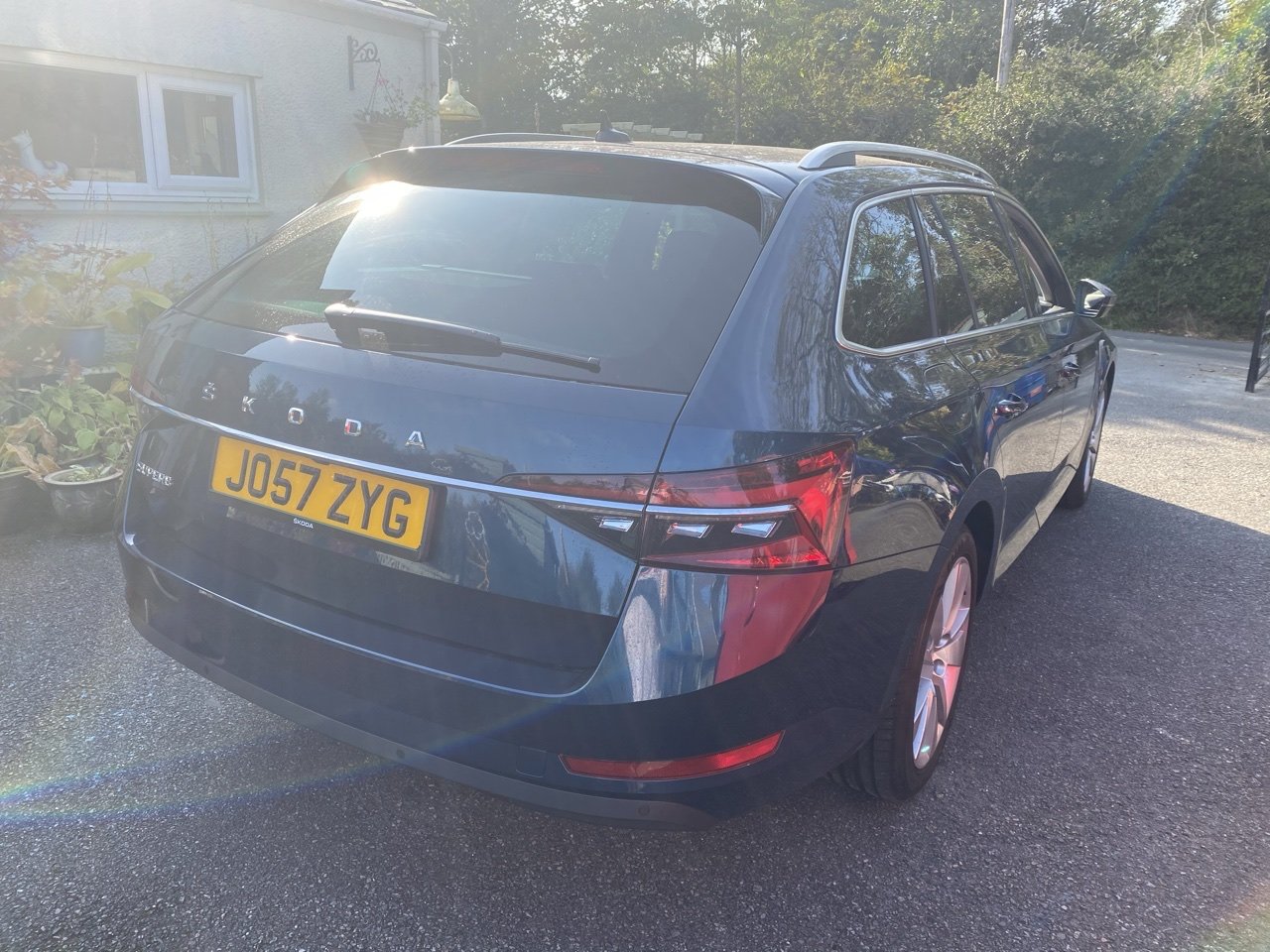
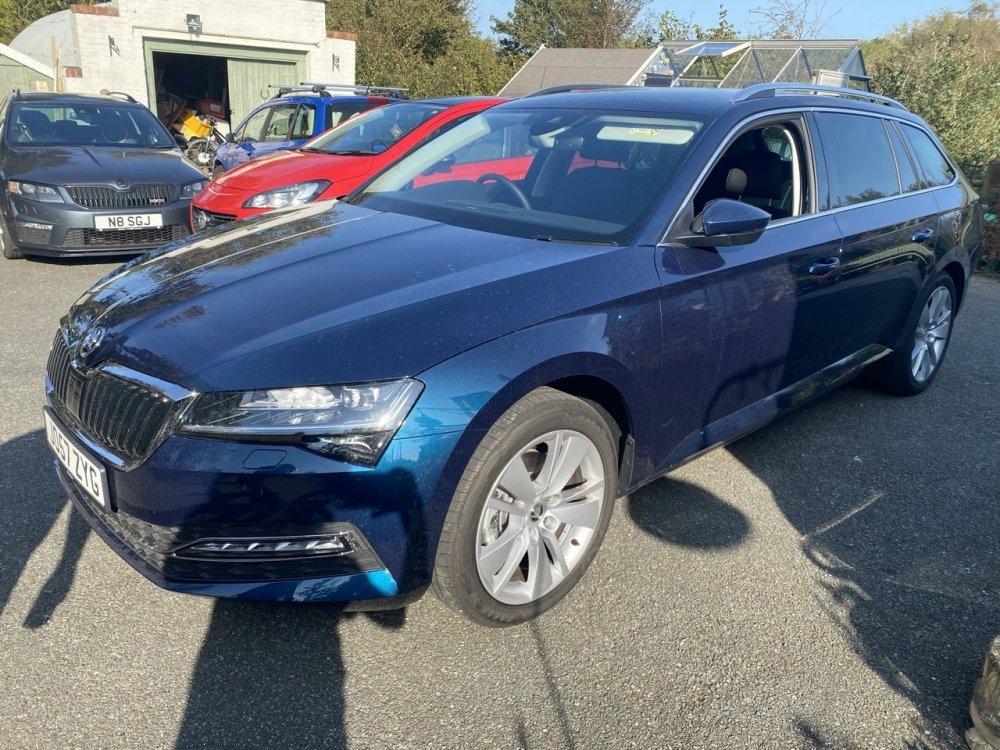
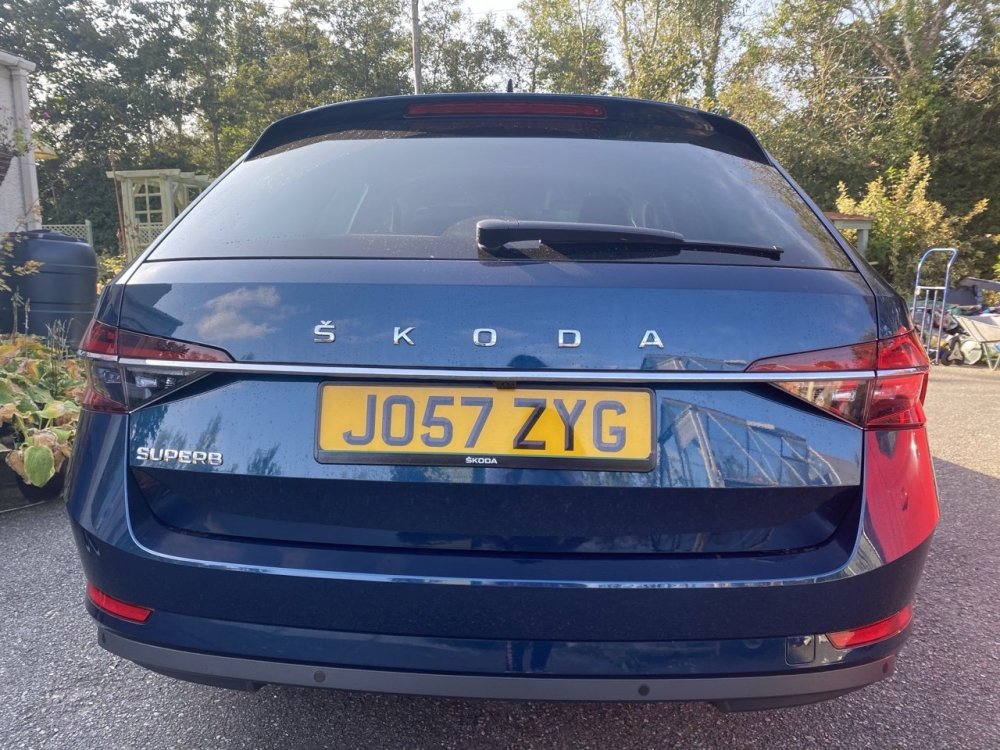
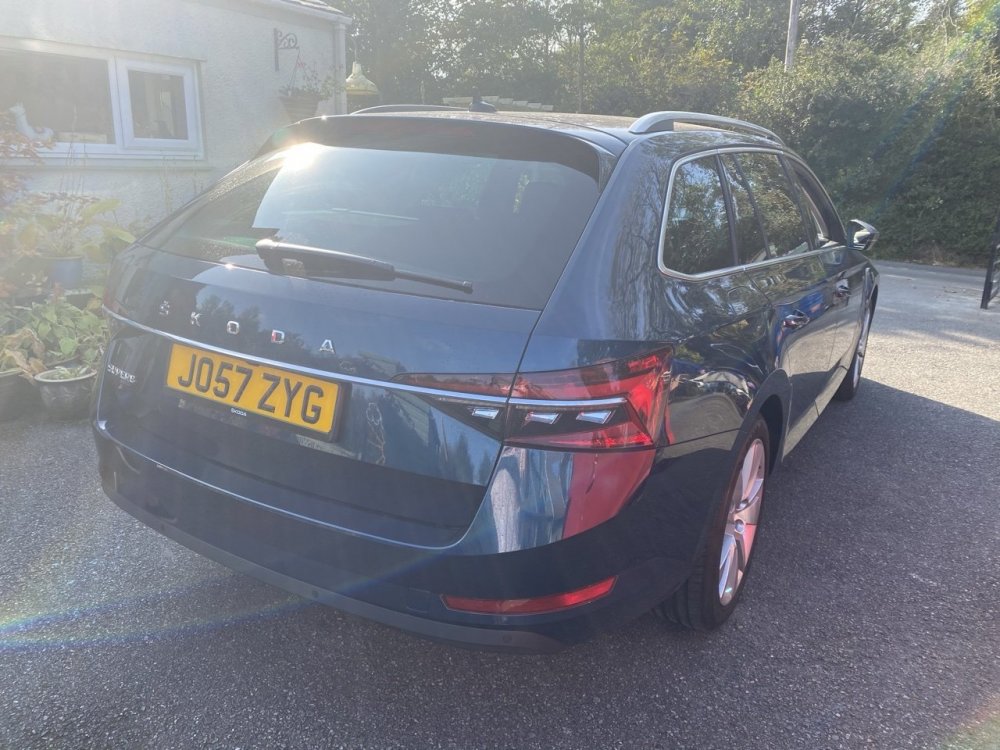
Chrome strip on the boot gives it away. It’s wonky on the left in my pics there, that was sorted before the owner left. Car is just a couple of weeks old.
-
You’ll need something a bit more powerful than Carista to do this. OBDEleven PRO as a minimum.
-
That’s a MIB1 Bolero in the glovebox. Screen is aftermarket so I couldn’t say what’s up. Take the screen out and see what’s what. Is the ‘screen’ a standalone unit or is there some connection to the radio?
-
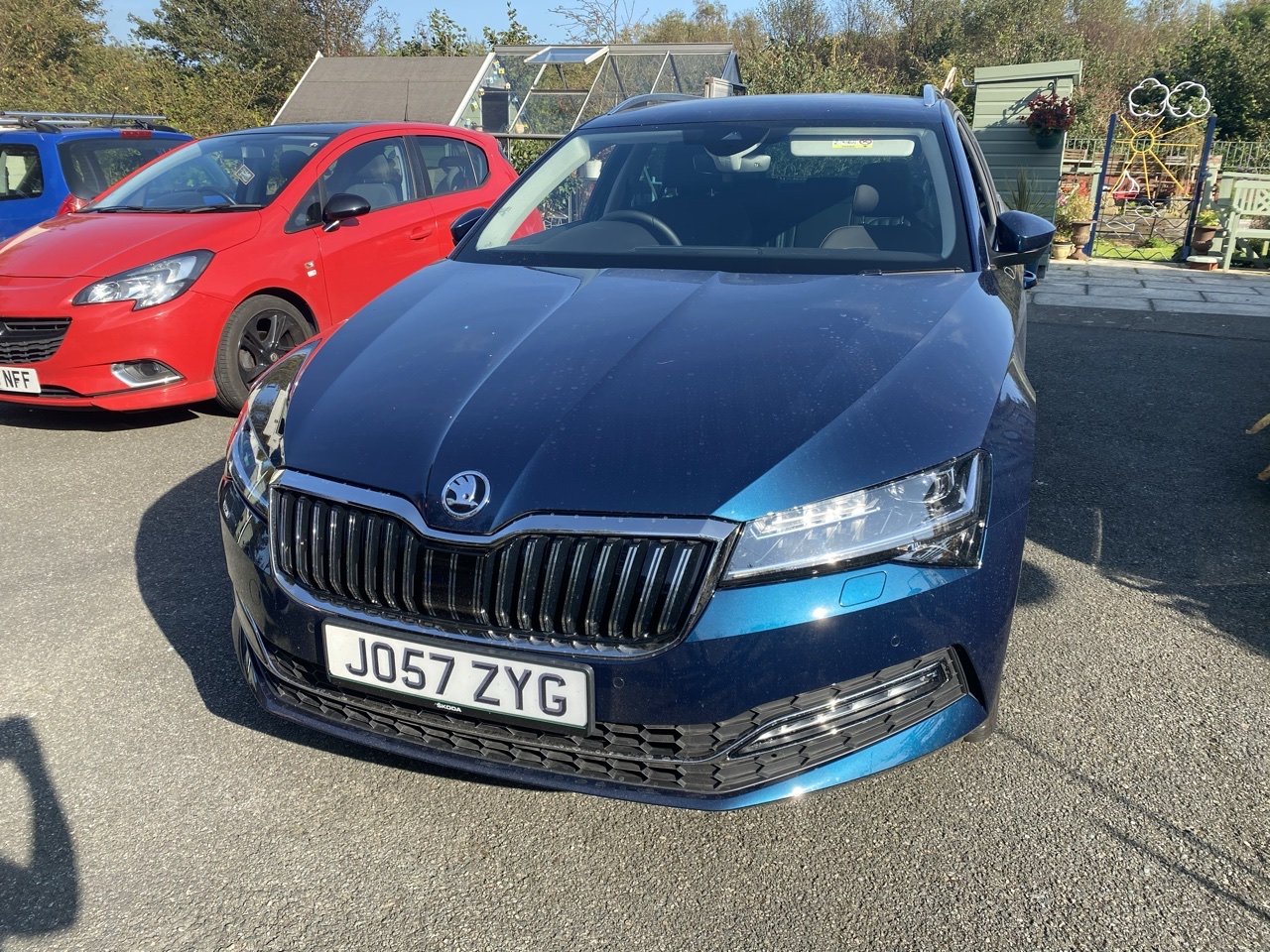
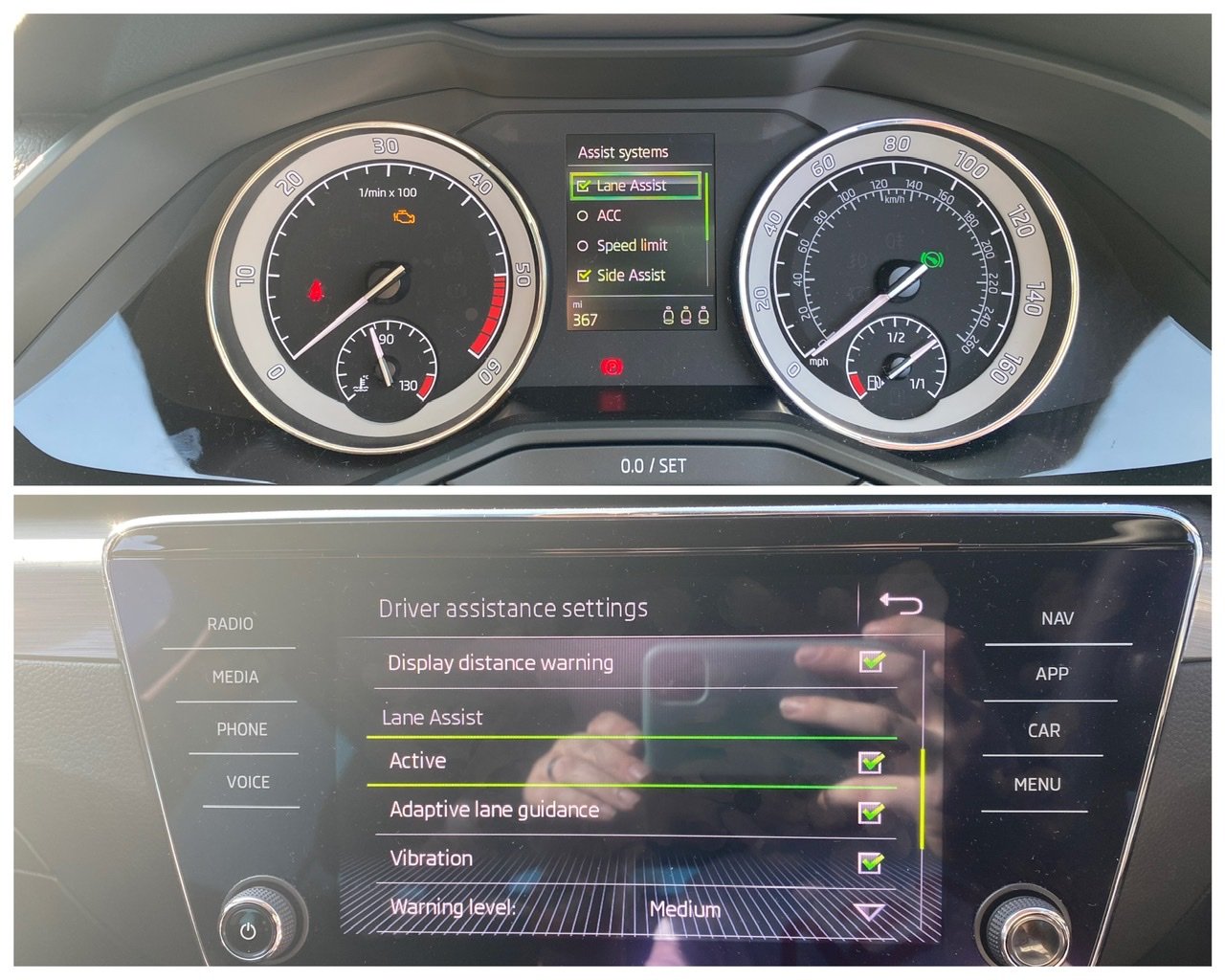
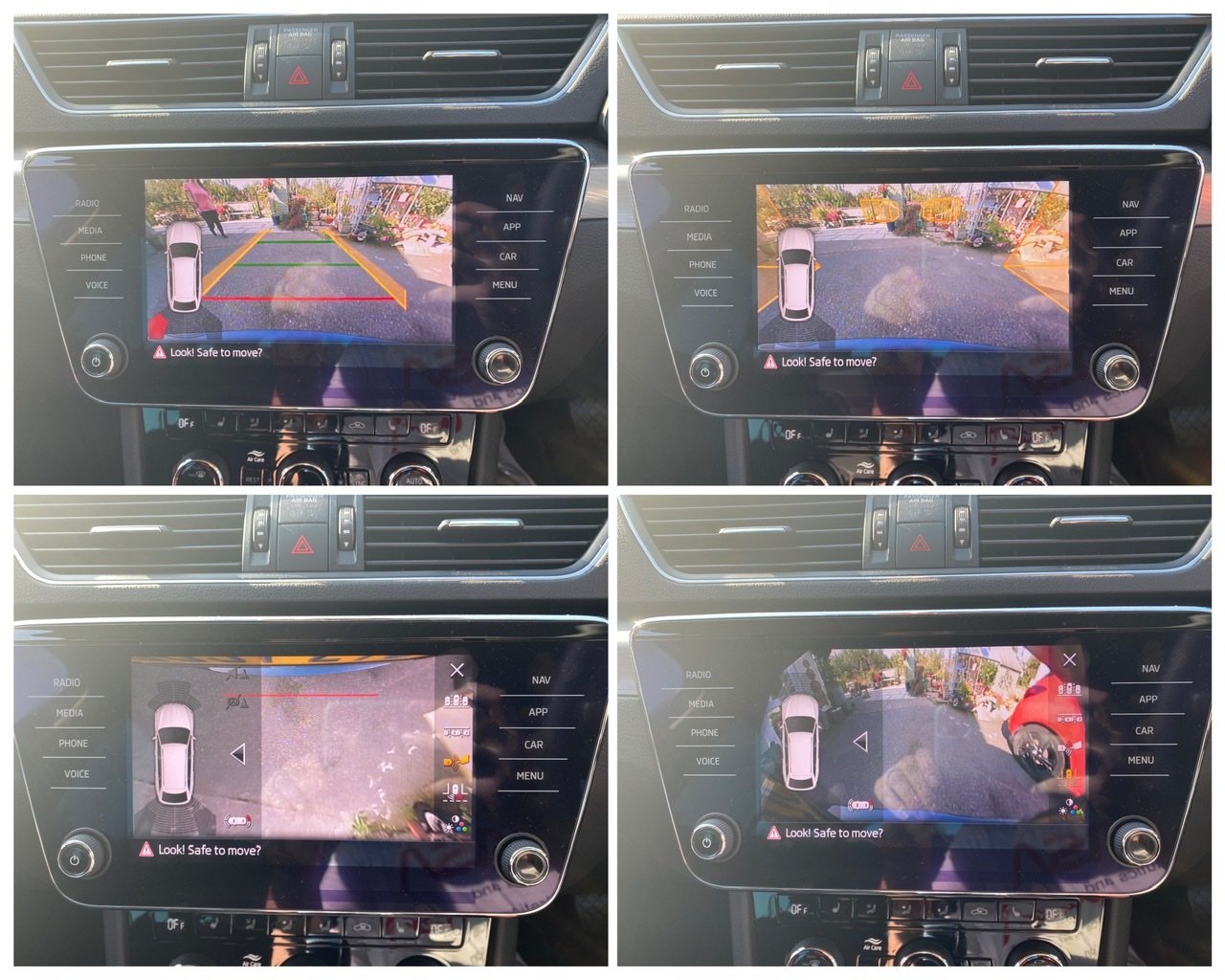
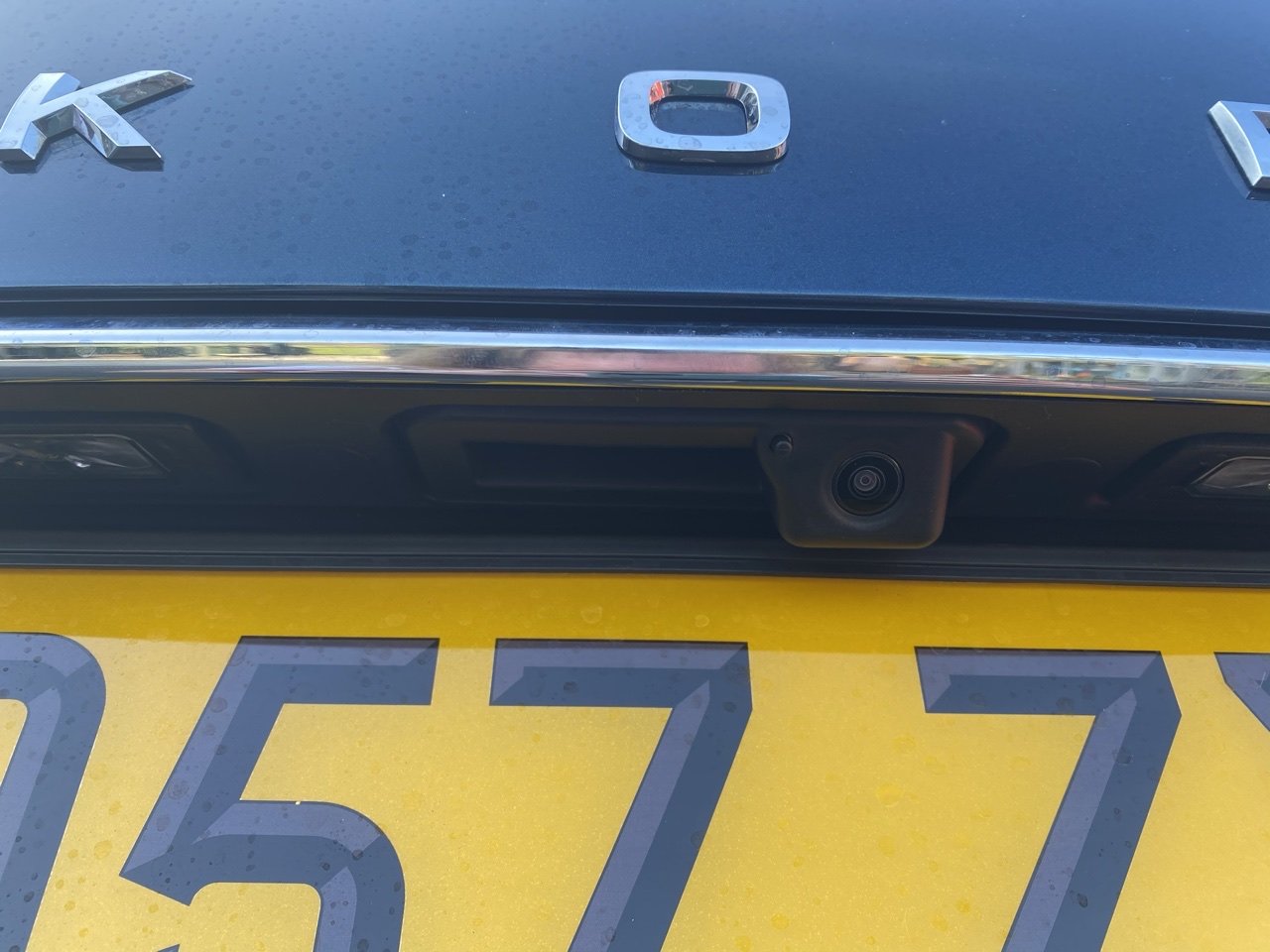
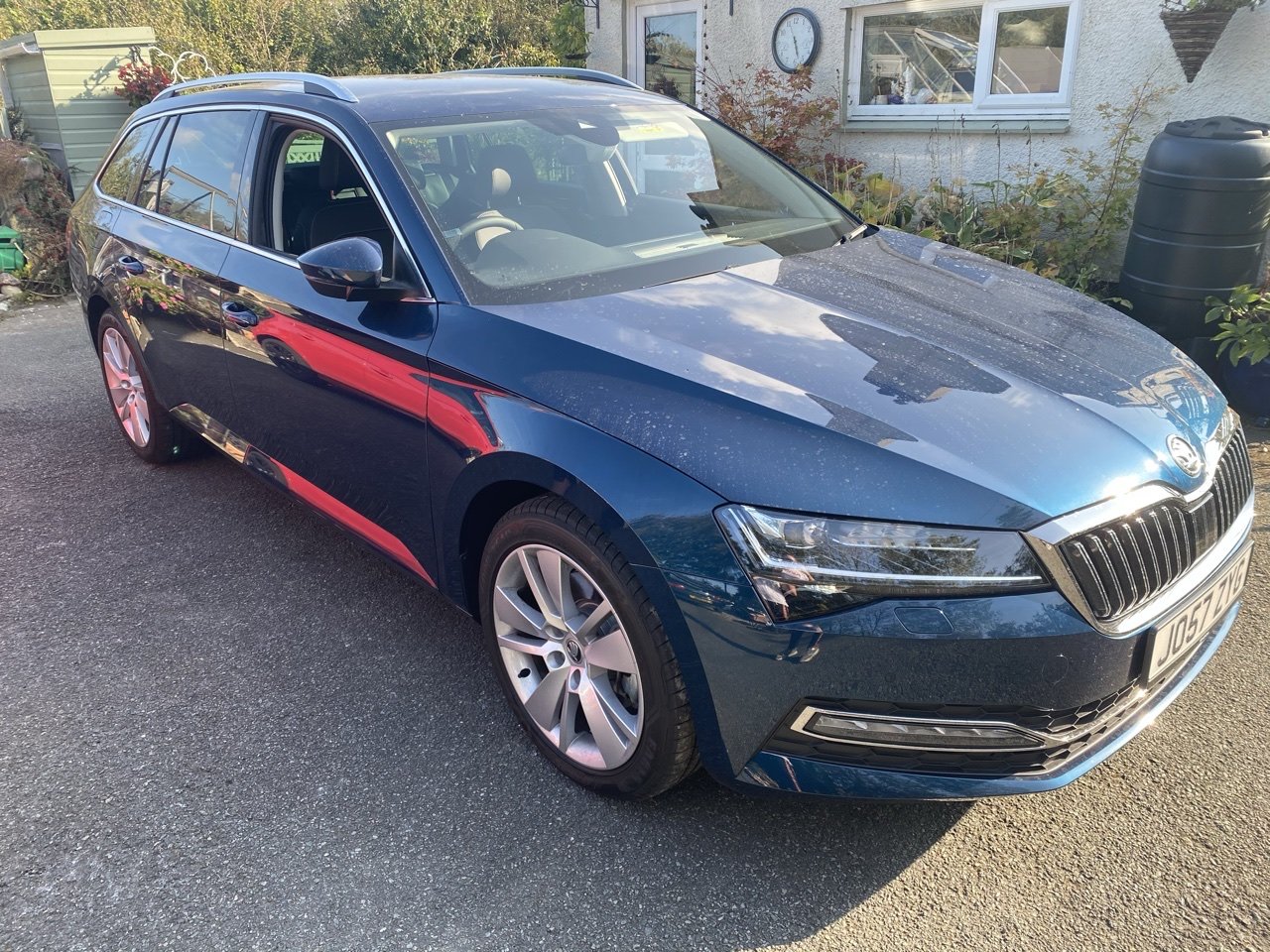
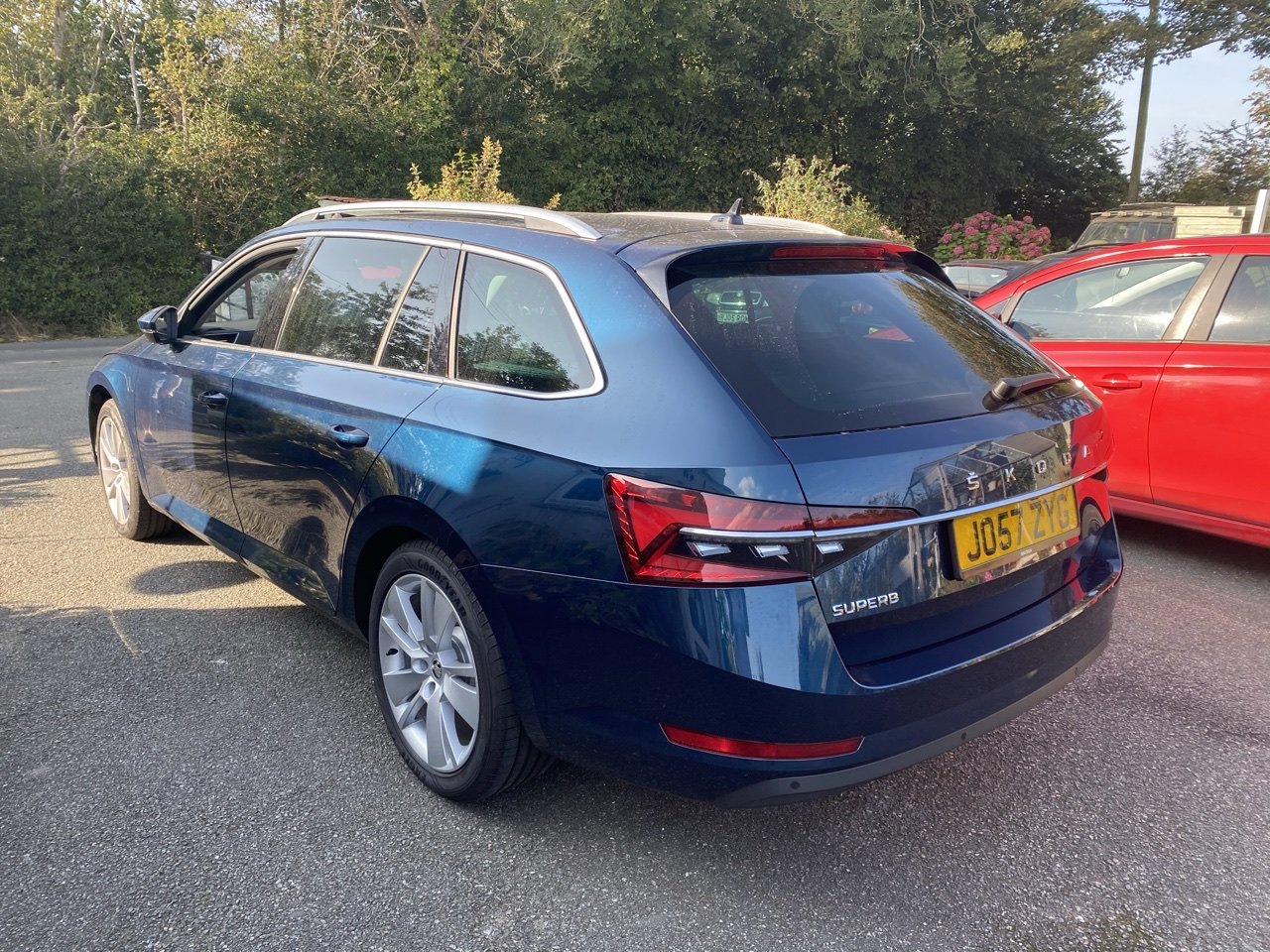
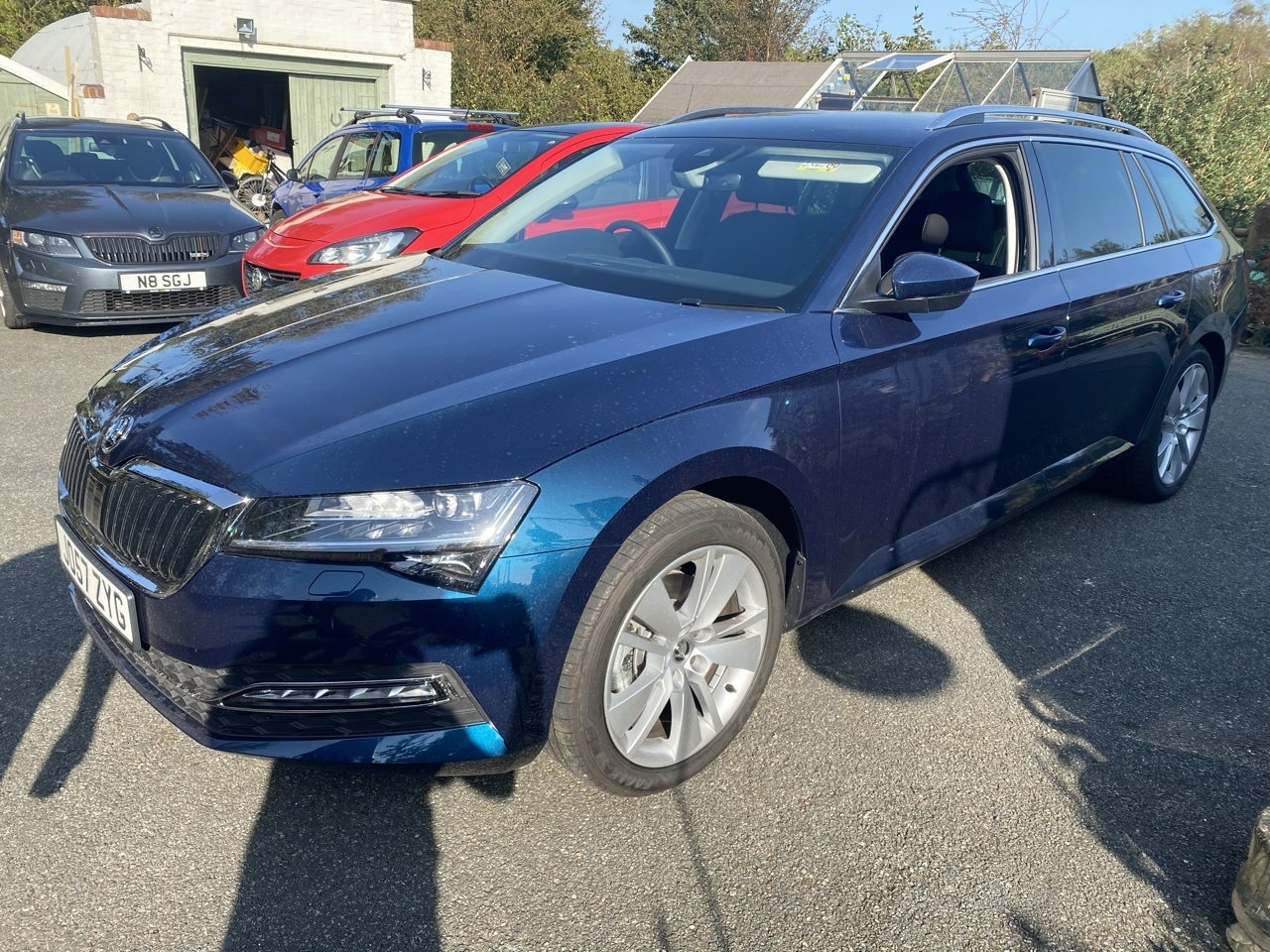
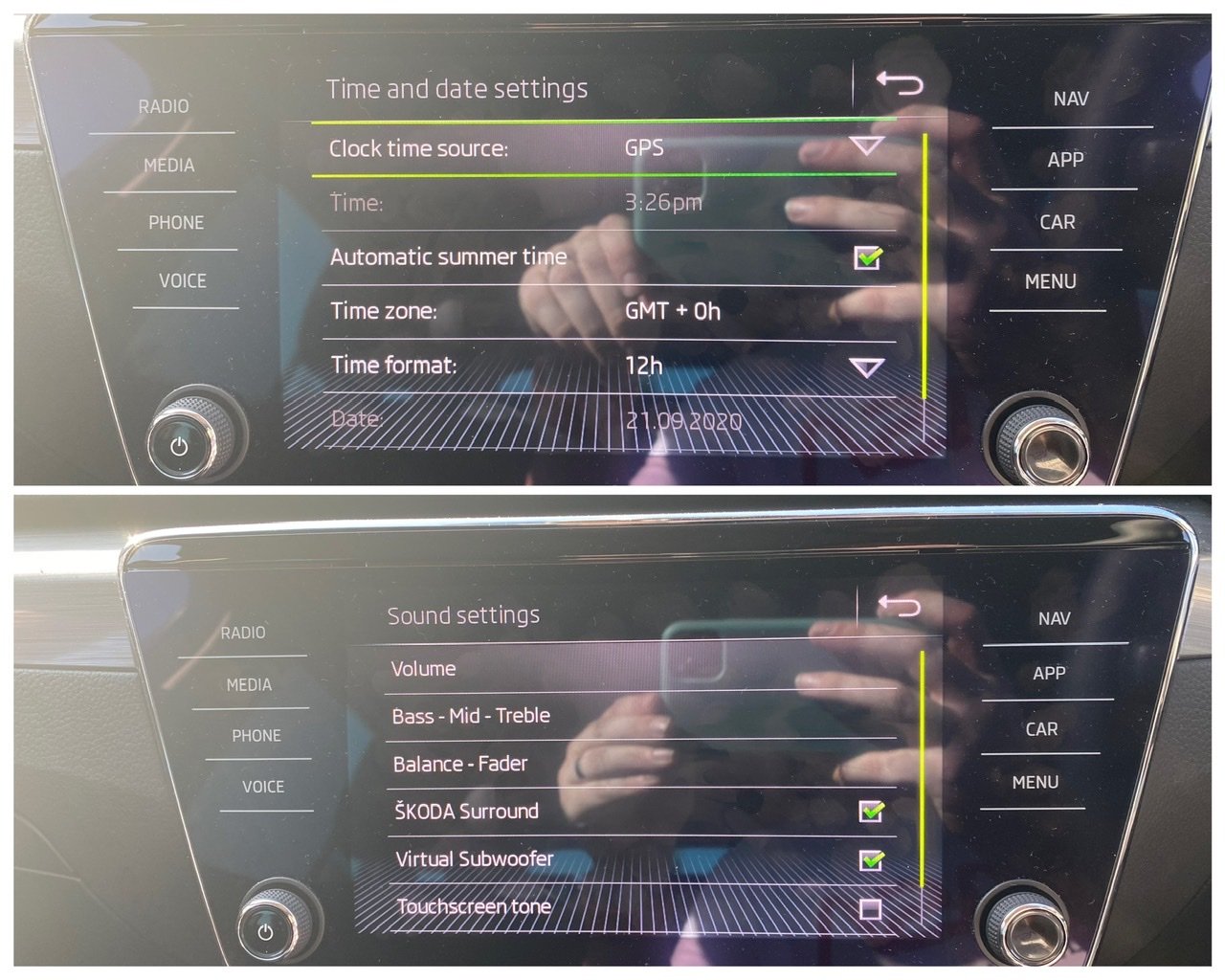
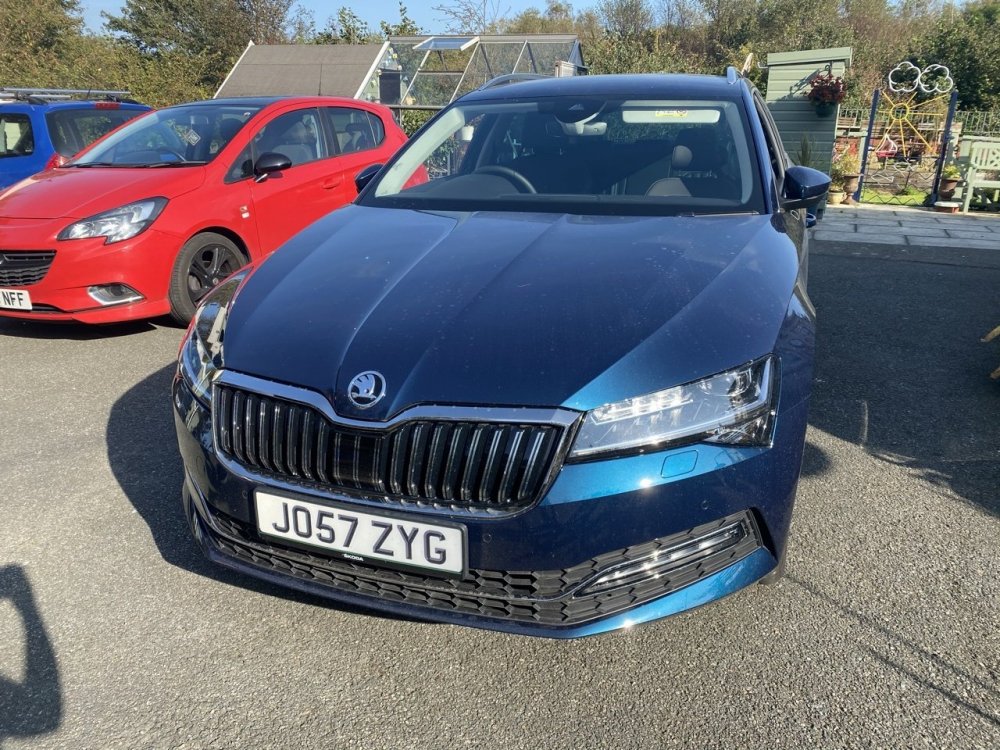
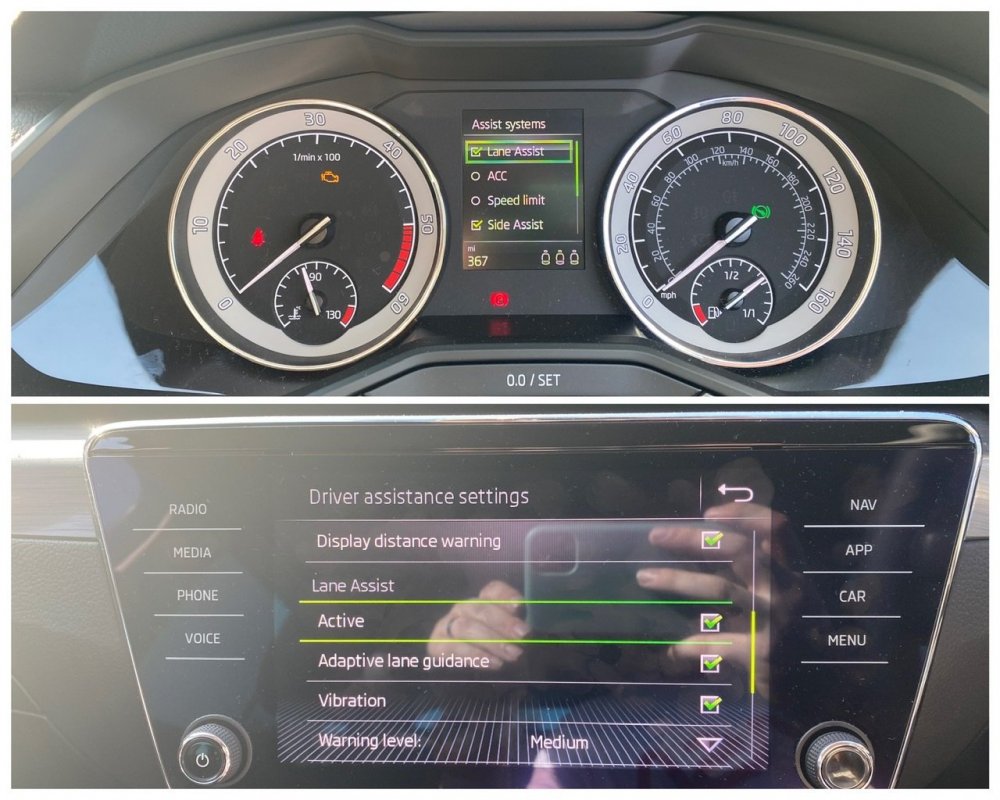
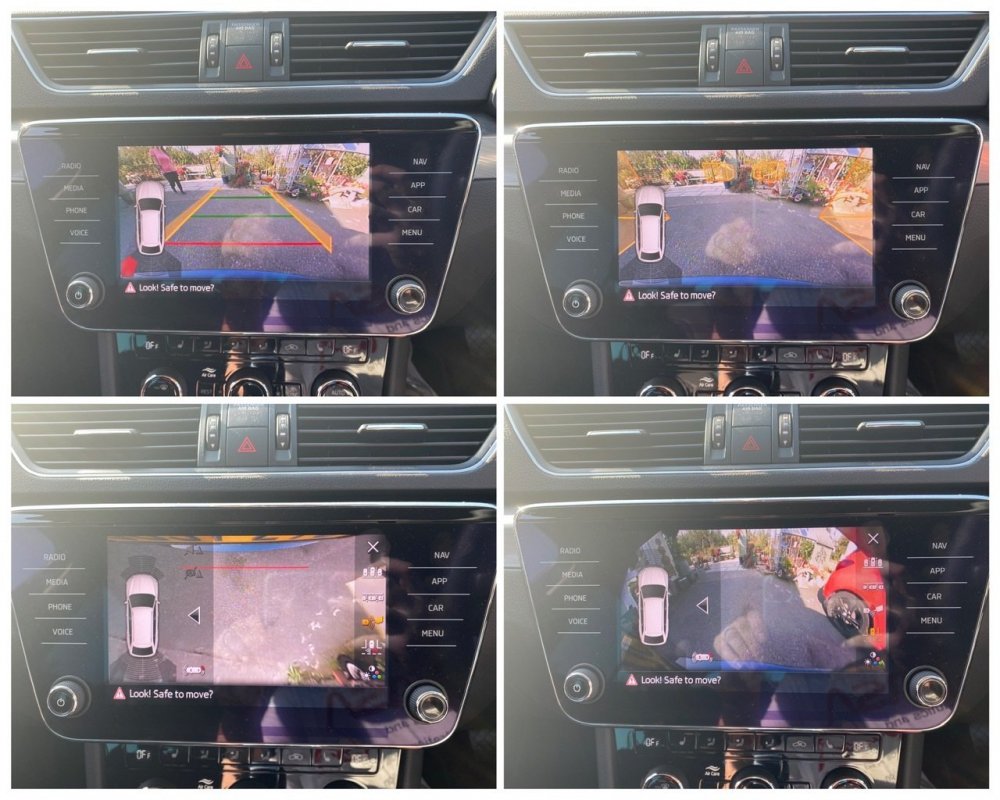
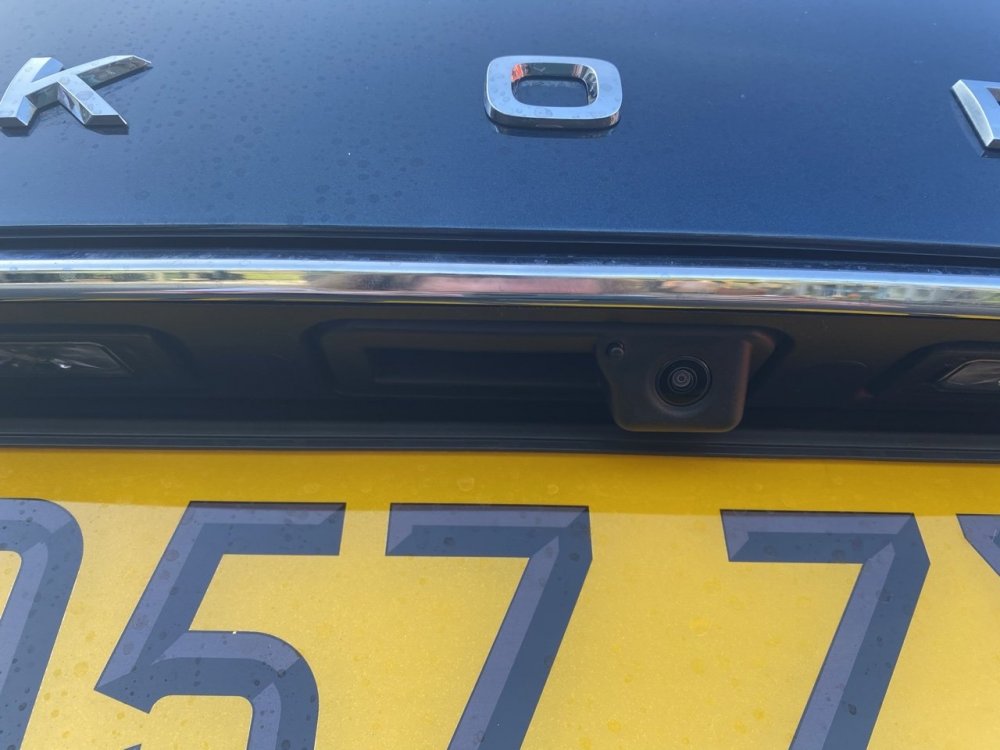
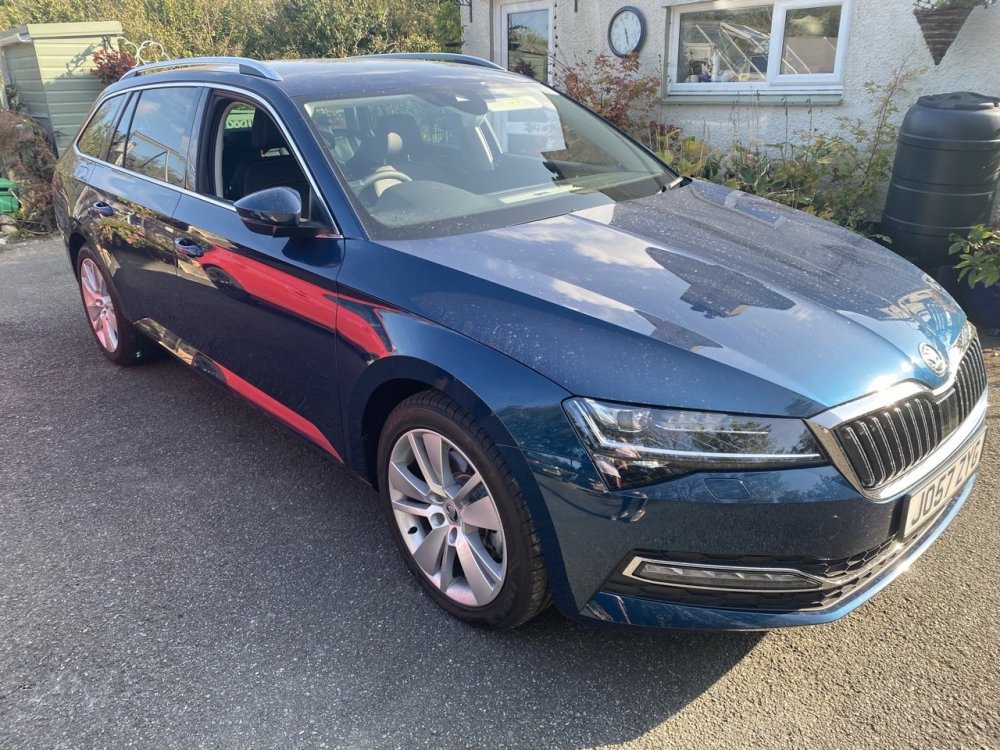
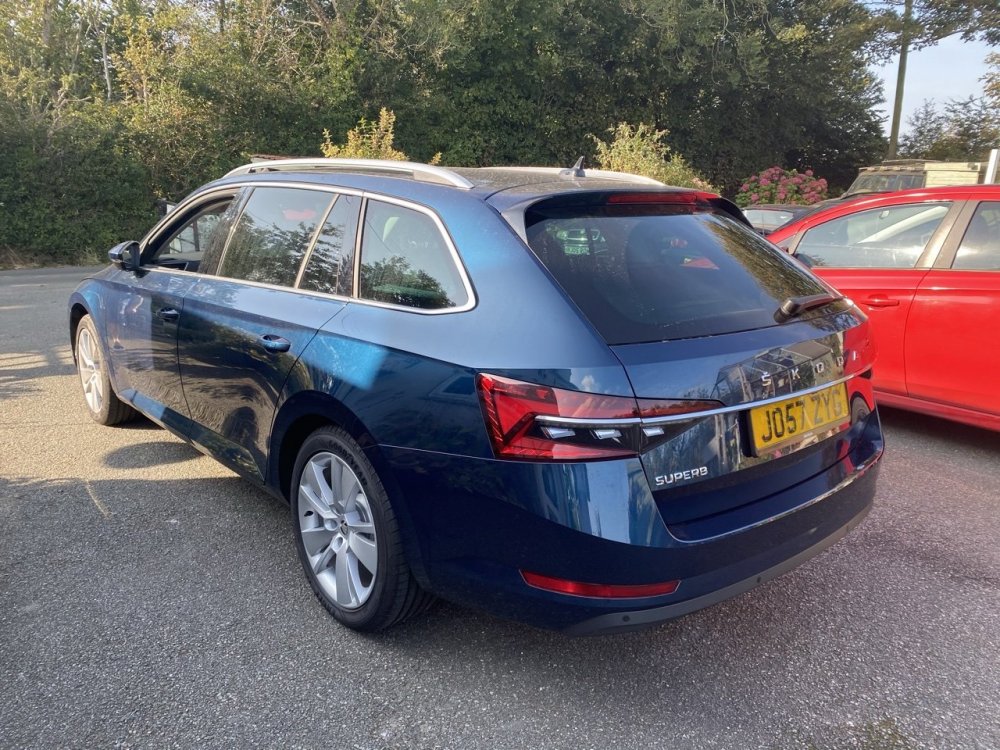
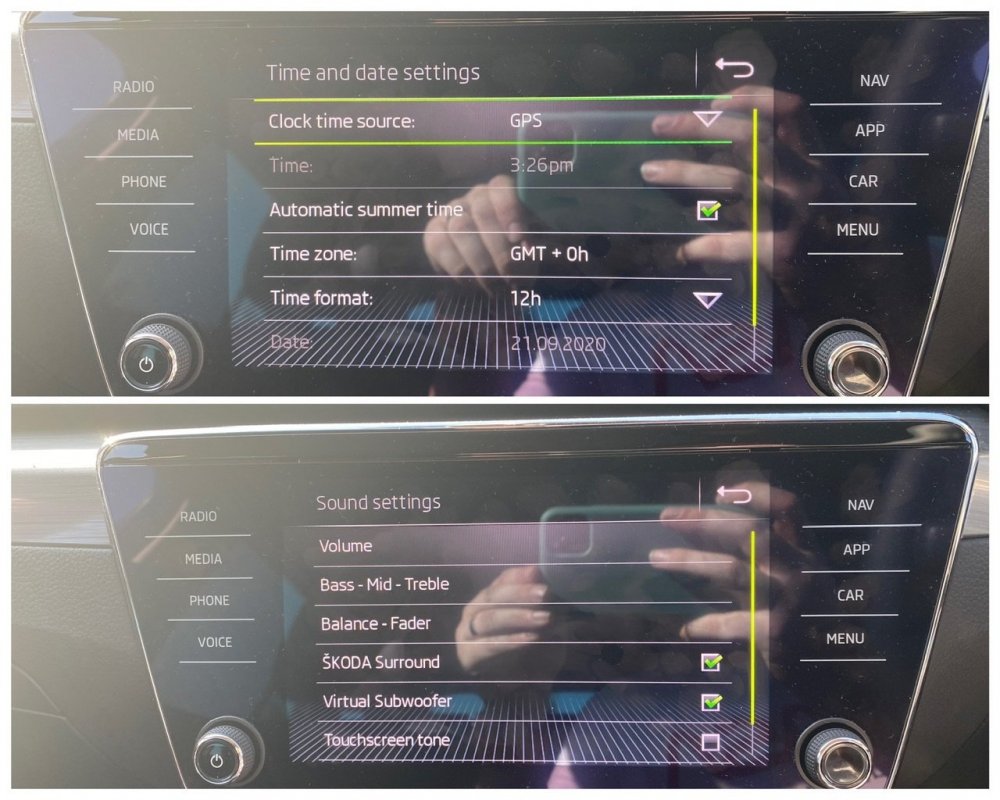
Another day, another reverse camera and I’m very proud to say that I can confirm the reverse camera can be fitted to the 2020 model year Facelift Superb. The camera fitting on these is a bit different with the new rear plinth but that actually makes it easier to fit. I am super pleased I could confirm this works on the FL Superb. Additionally, as this car is an SE-L with the A5 camera as standard for Dynamic Light Assist, I was able to code Lane Assist for the owner, a £535 option from Skoda, coded in 20 mins! Annoying the TSR is now an FeC on the 2Q0 A5 camera so I don’t have the option to code that unfortunately. Other options coded include Comfort entry on the drivers seat Skoda Surround and Virtual Sub DLA always active Fan speed lights in Auto climate and AirCare always active Automatic Summertime for clock Refuel quantity in Maxidot Lock/Unlock Chirp
-
Slides the seat back when you leave the car and forward again when you get back in.
-
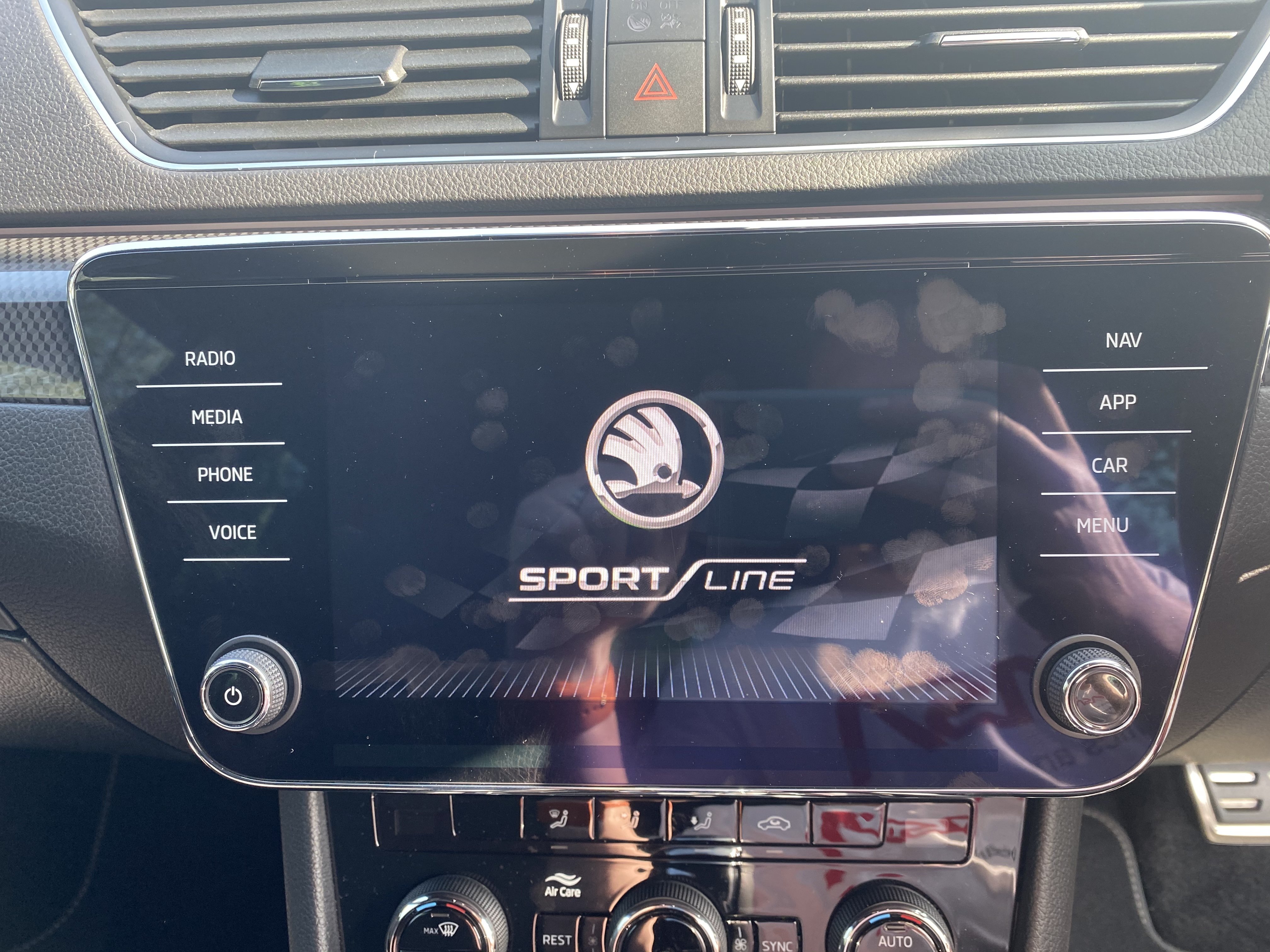
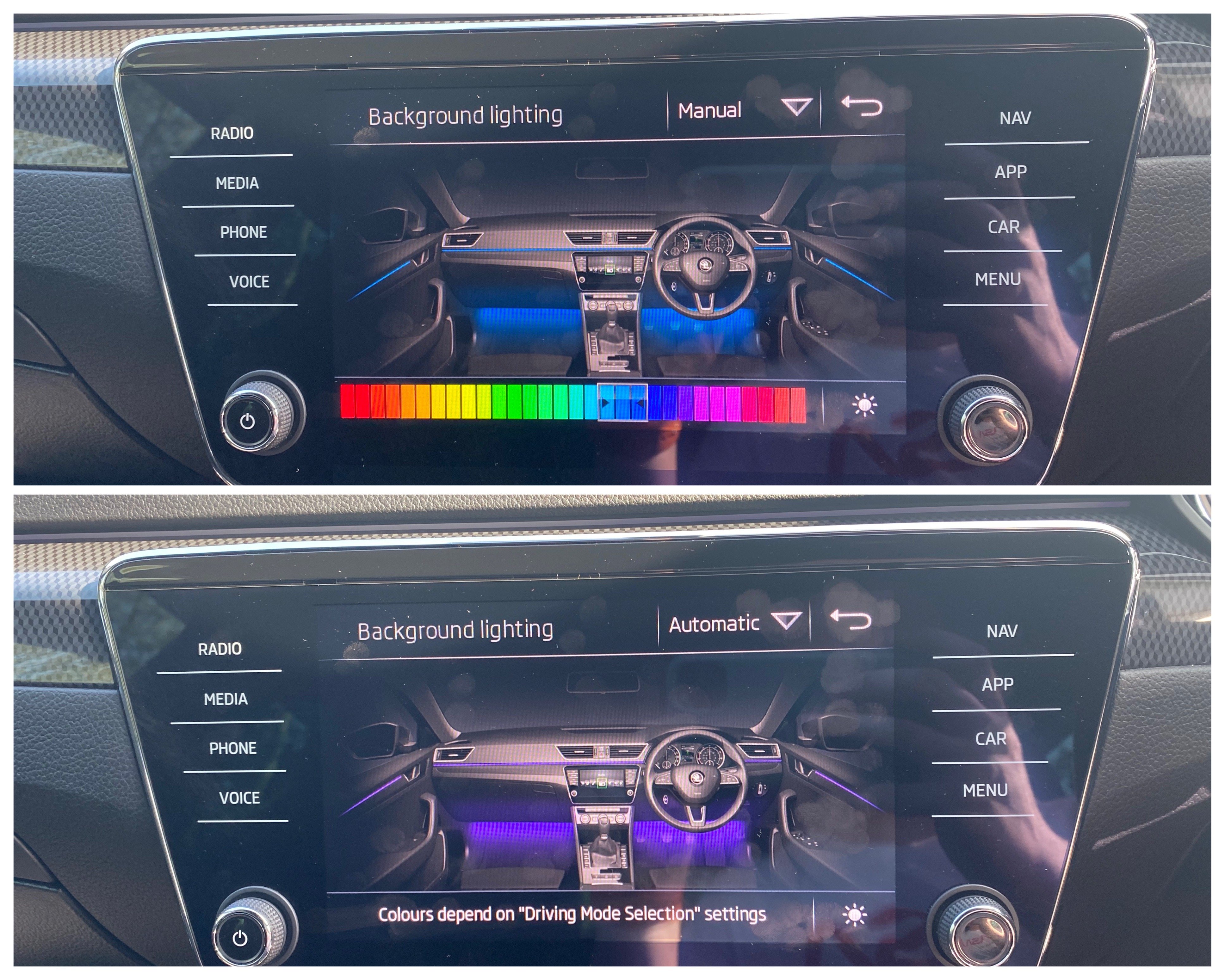
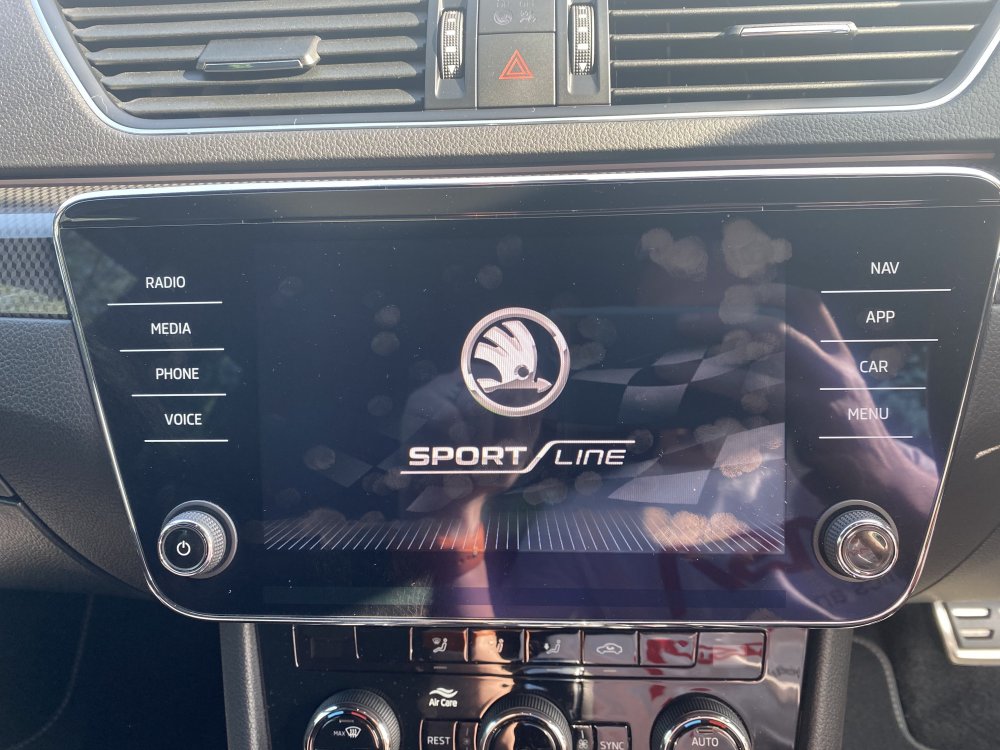
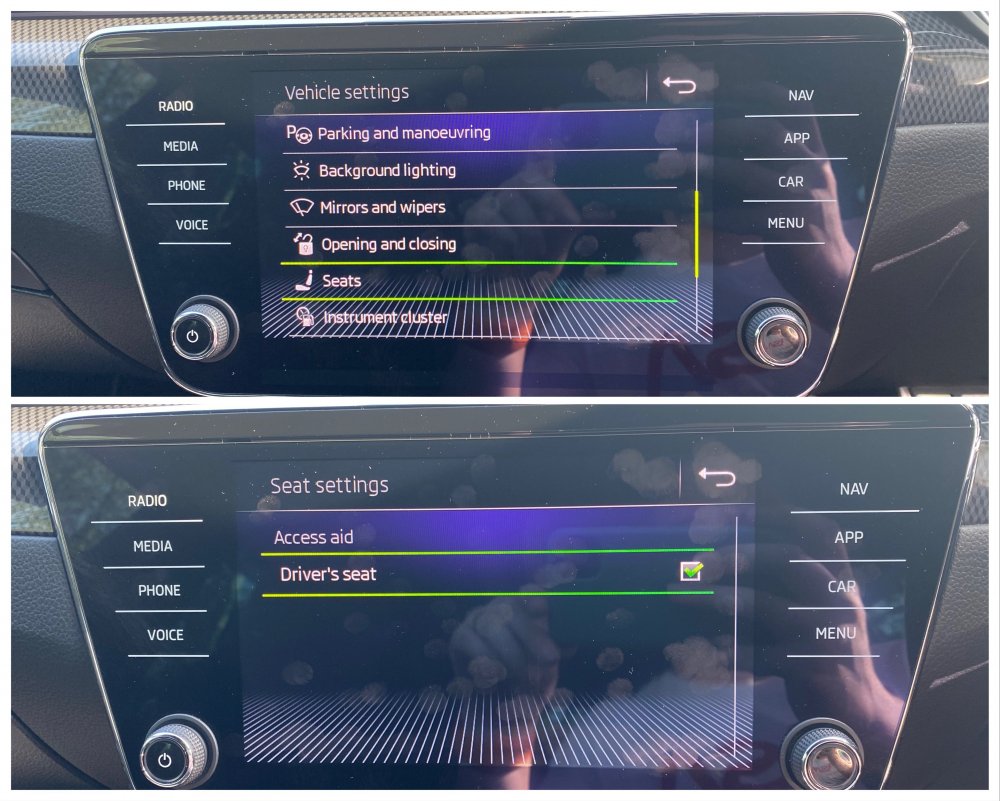
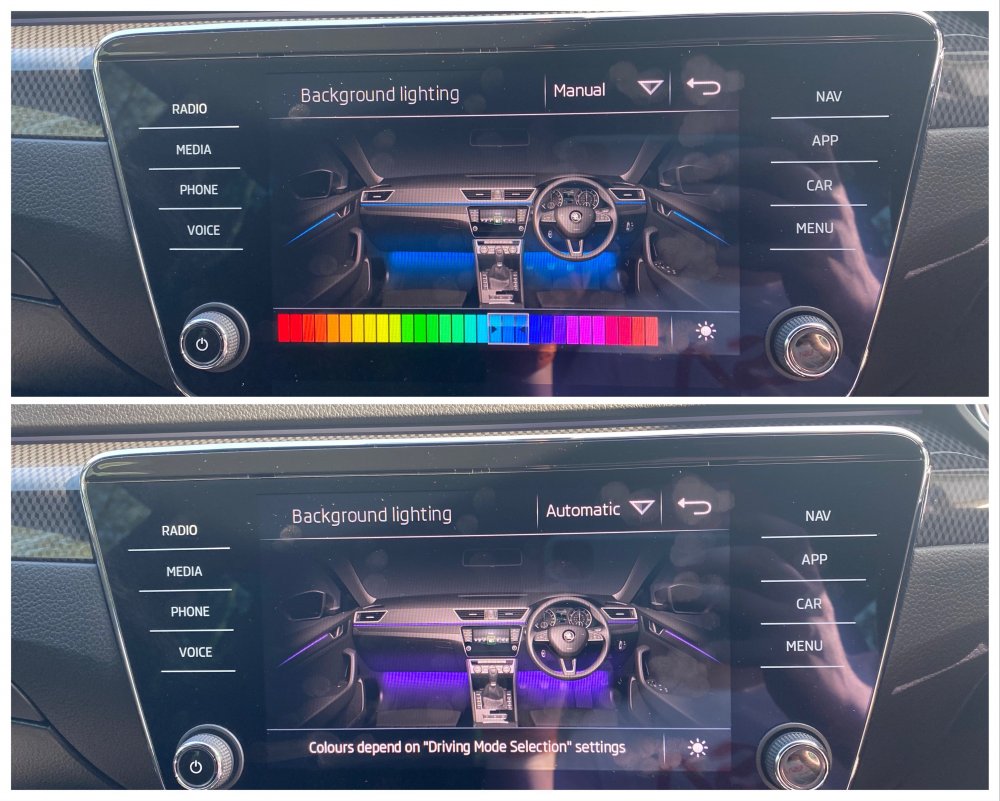
So I could have sworn the SportLine I had in a few weeks ago had a radio splash screen that said SportLine. That car was a 2017 with MIB2 Columbus. Not sure if this only affects the cars with Amundsen but apparently there are people out there who have SportLine Superb’s and the radio splash screen just has the normal ‘Welcome to Skoda’ screen like the late 2018 (MY19) car I had in yesterday. So if this affects you, coding is 5F Byte 18 and you change the value from 8 to 13 in text mode, reset the radio and boom! SportLine splash screen. You’re welcome 😁 Also coded other goodies like the seat comfort access with working radio toggle And 30 colour lighting with pre coding for RGB footwell lighting which is a retrofit that is coming soon!!
-
Ahh I see, are to saying you don’t have the cable set from the camera to the radio? If so, pm me. I have a spare one.
-
They all look present to me, power, ground and CAN HI/LO all present.
-
-
Roof lining comes out super easy, just pry it out with your fingers. It’s very thin. I can get them out easy. The boot conduit is the hardest bit but I have got my OEM camera wiring and all the retrofitted power boot wiring through mine so it is possible, just fiddly until you get the knack. If you want me to fit it I can price up for supply and fit if needed.
-
No. I start from the back and work forward. Cable management is easier that way. Can get the install into the boot cavities and that makes it neater all over
-
Honesty it’s really self explanatory when it’s in front of you. 8 push fit clips and a T25 Torx to remove for the rubber handle and you can start to pull the carpet away. There’s a lot of nuances that I can’t really explain to get it all off and back without any evidence but that comes from having fitted over 35 cameras to these cars now.
-
It’s really easy. With aftermarket installs I tuck the cable under the headliner as it’s so much quicker and easier. Then the only trim you need to remove is the boot lid trim and the glovebox, glovebox trim with radio still in it and dash end panel. I can get them in and working in an hour now as I’ve done so many lol.
-
Have you coded Rearview camera in the Park Pilot module?
-
Could be a camera or radio firmware thing. Mine only goes off in Park, the rest of the time it stays on for a bit but then I’ve observed this behaviour in every car I’ve done with various radios and camera firmwares.