
SashaGrace
Resident Member
-
Joined
-
Last visited
Everything posted by SashaGrace
-
Coding as the older cars in 46 but in 09, so Adaptation channel one, enter one and save and hit the open button on the key.
-
Hi everyone, so you may have seen the Octavia family has grown by 1 and it’s a very basic one with no remote locking. It’s a late 2011 with a BCM 1K0 937 085 L and 46 CCM shows no communication. So my question is, how do you retrofit remote locking to a car with a BCM? I understand on older cars you change the CCM for one with RCL support and code the keys but is this the case with the BCM? Is this BCM capable of RCL support? If so, how does the coding differ from older cars? All advice is greatly appreciated. Thanks
-
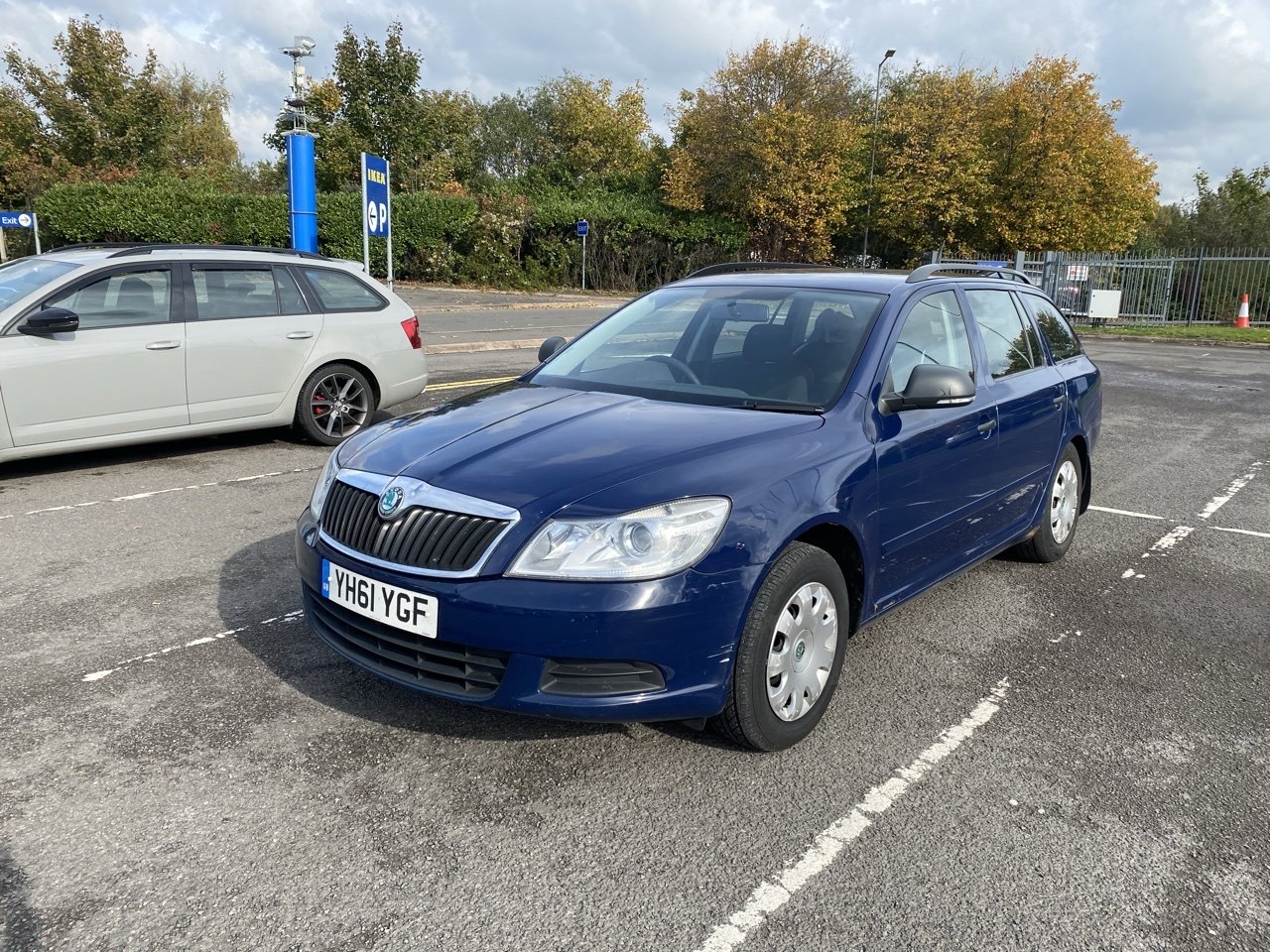
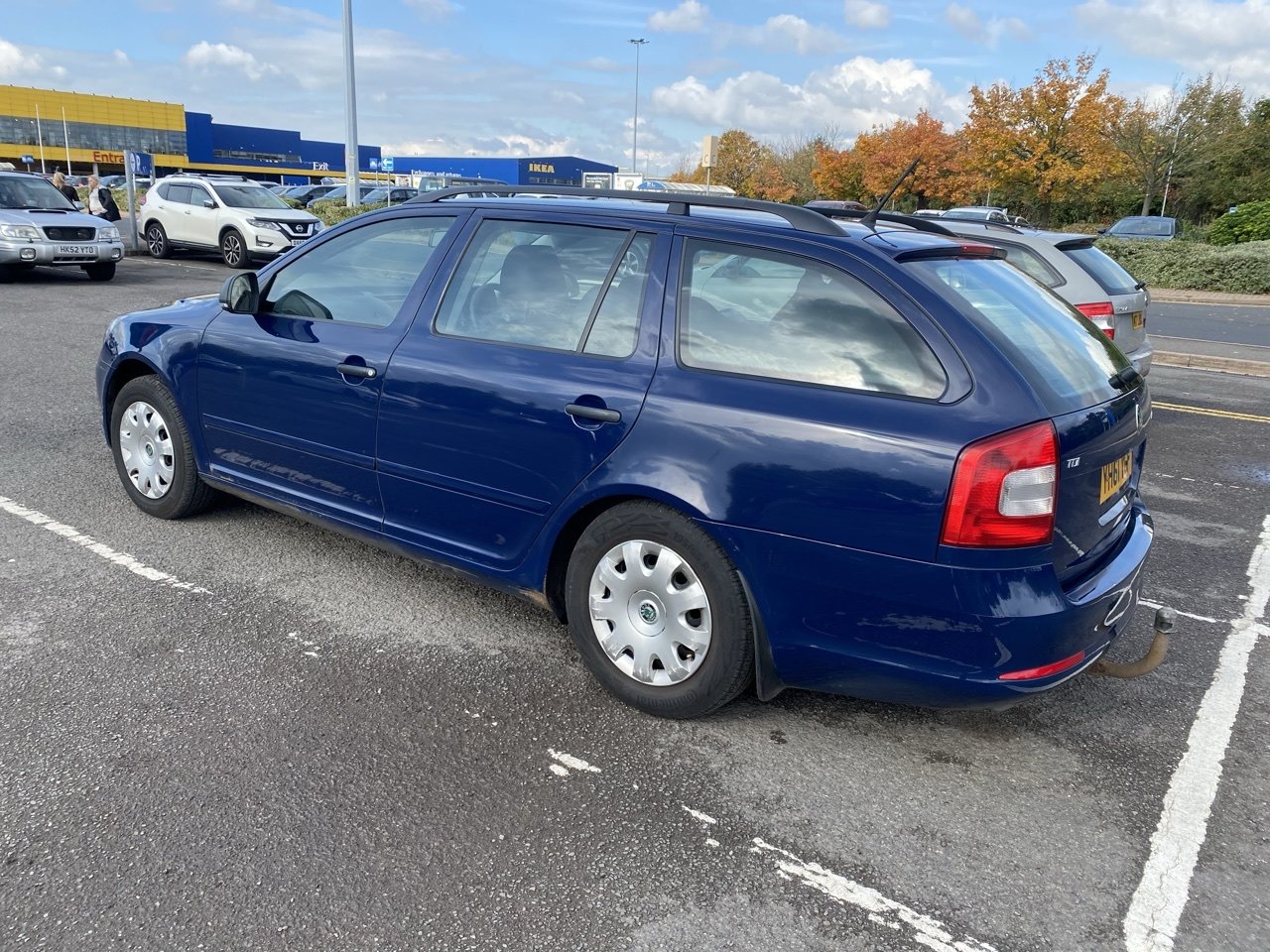
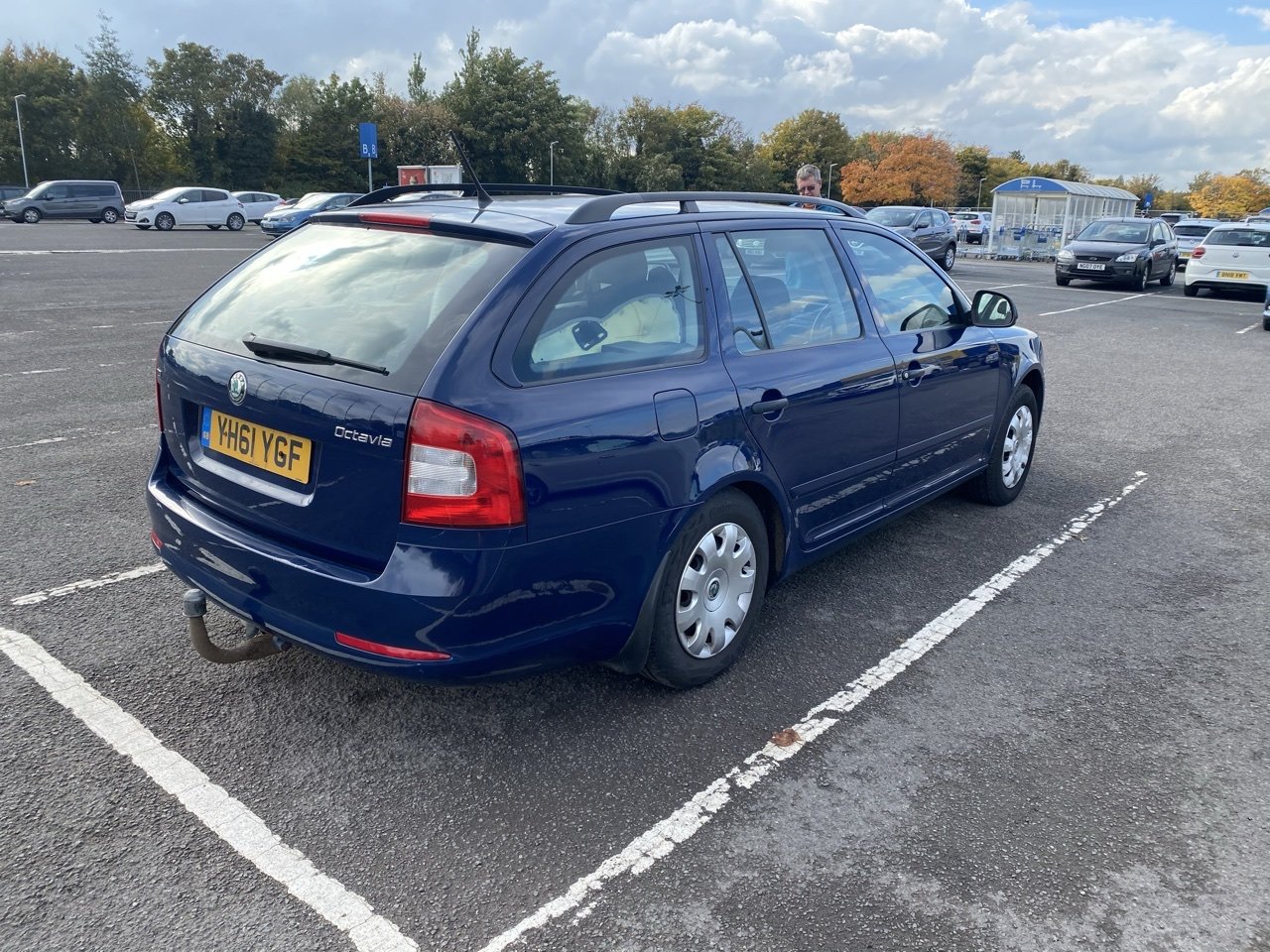
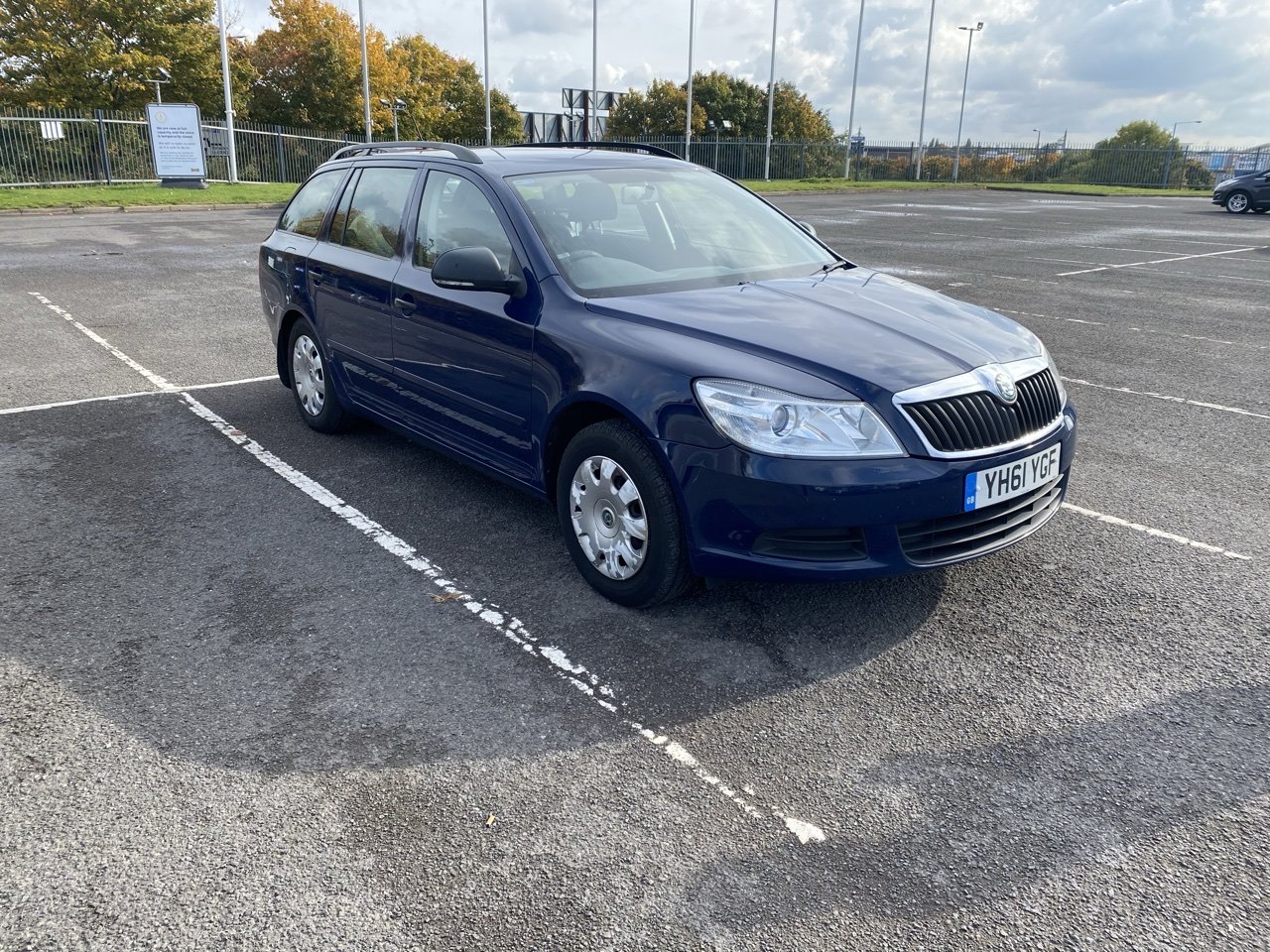
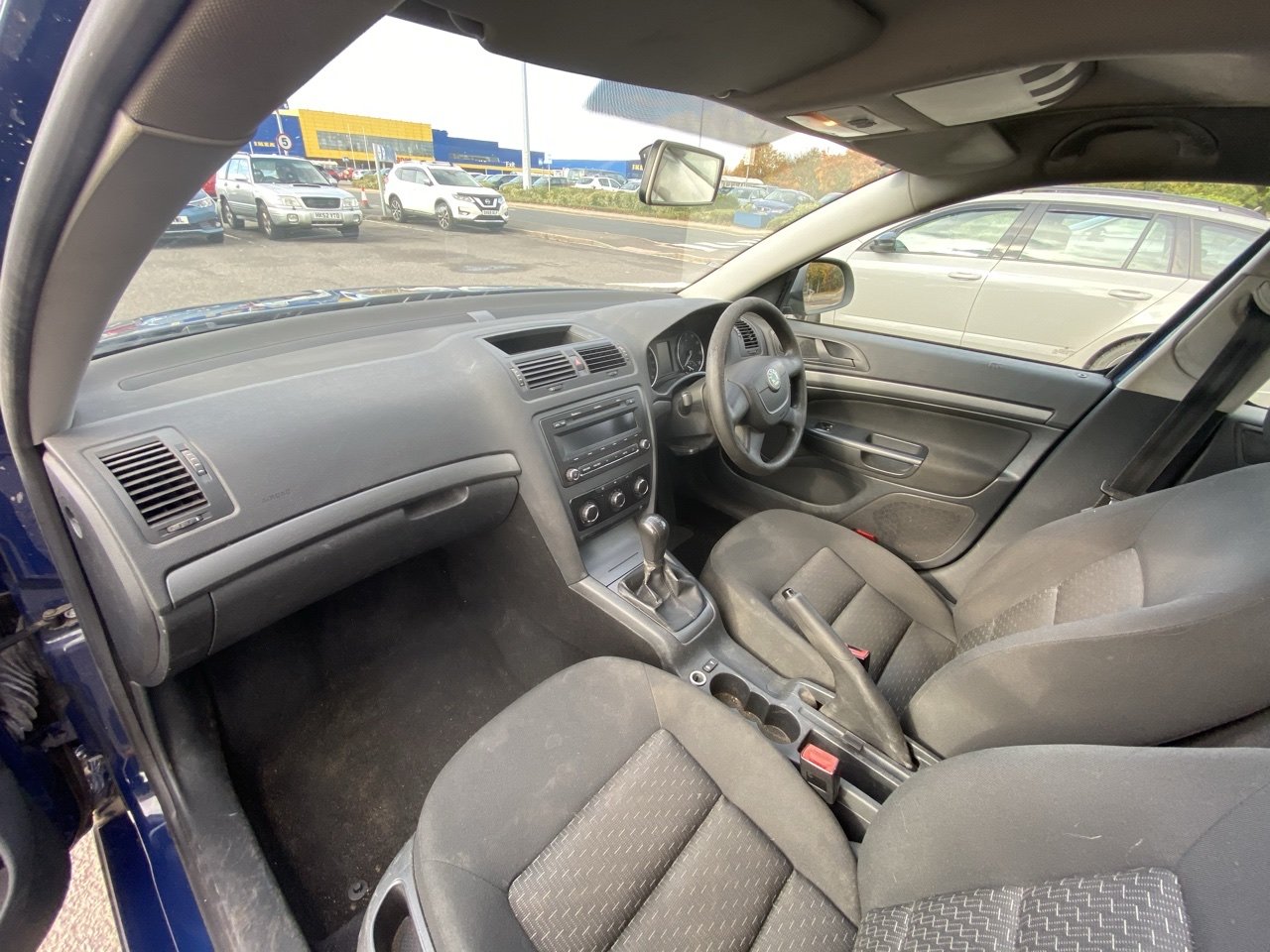
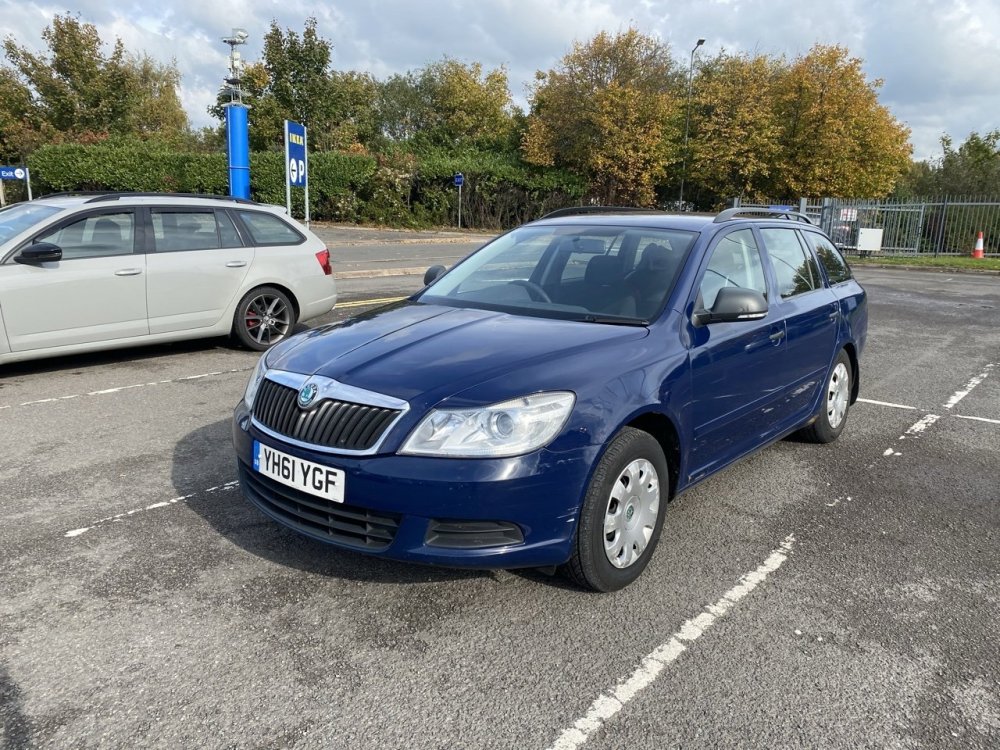
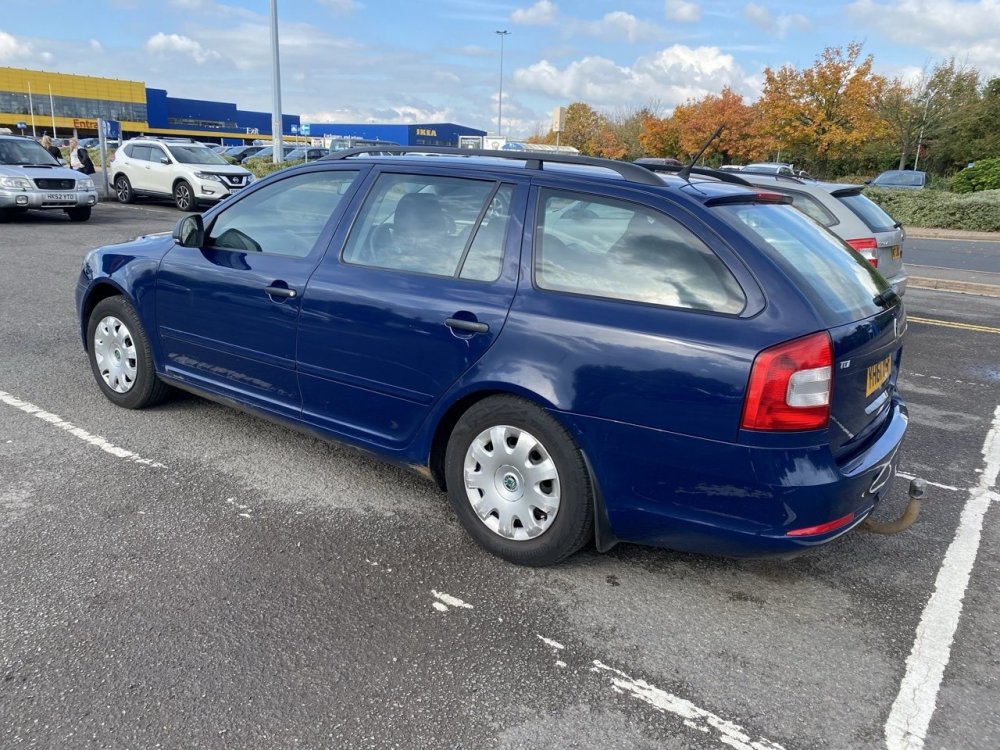
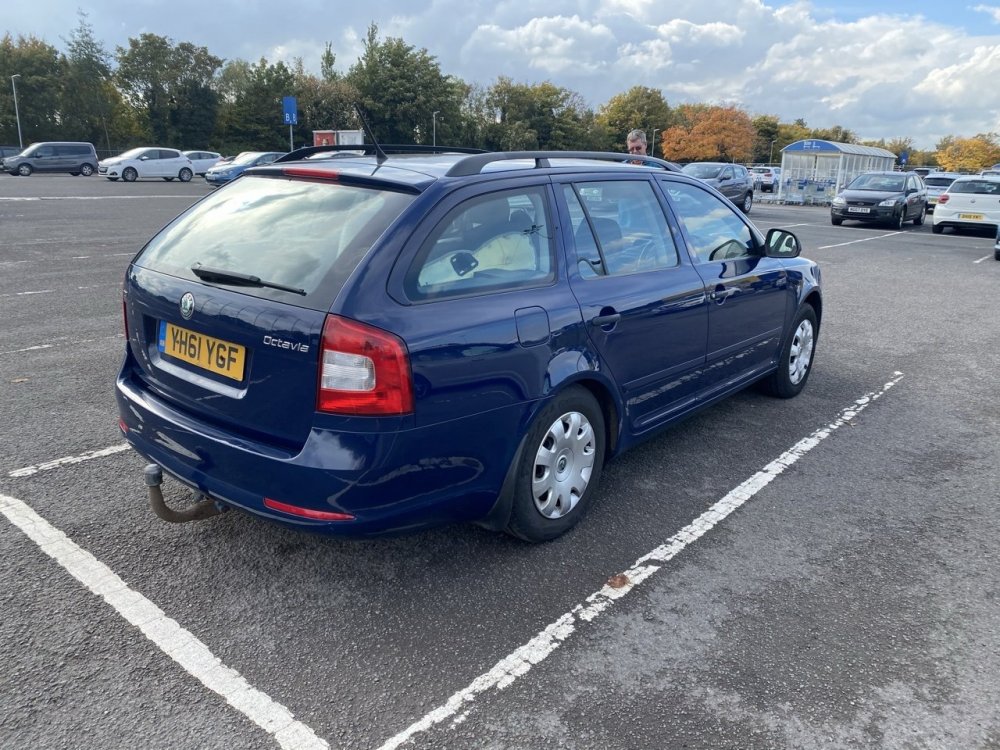
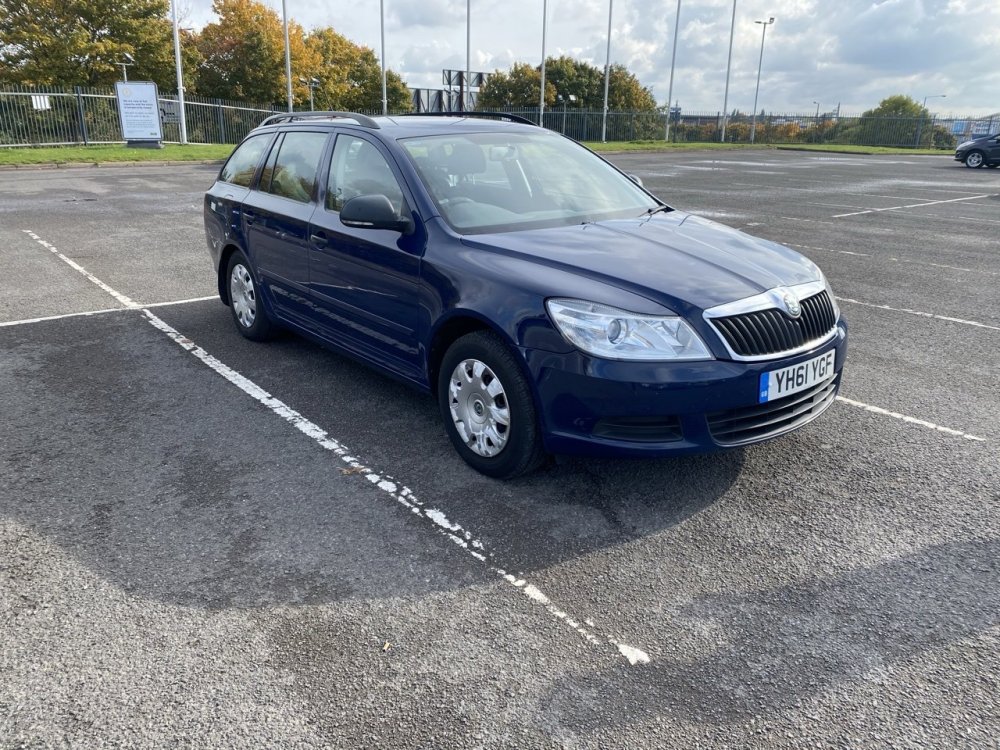
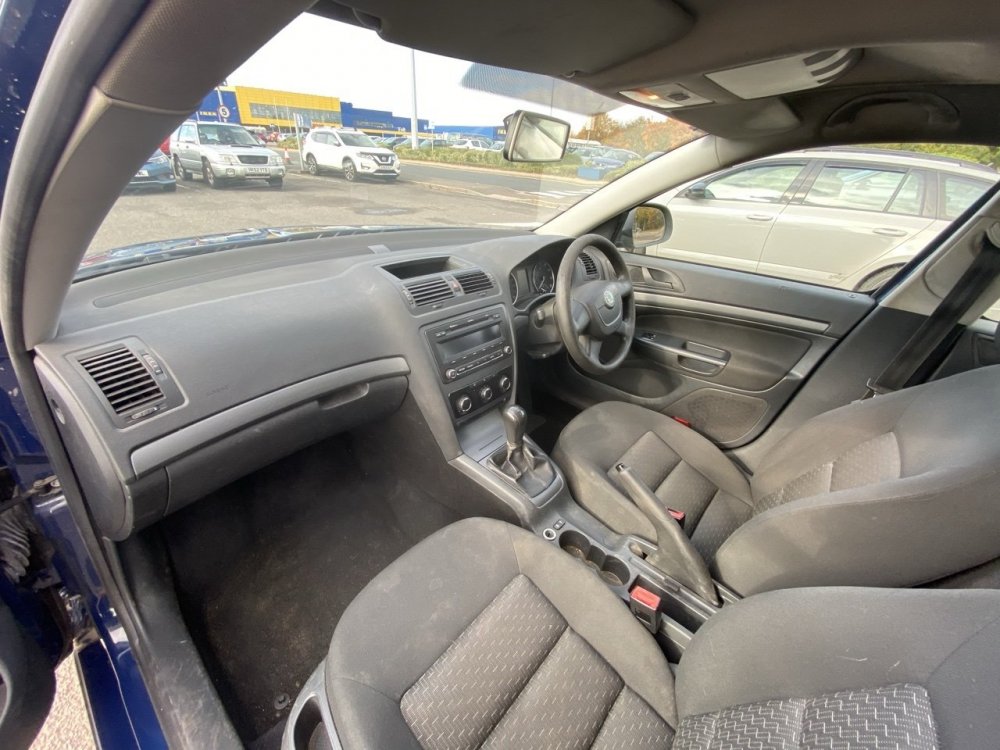
Welcome everyone to my Dad’s new workhorse, this 2011 61 Octavia 1.6 TDI S. It’s very very basic (no remote locking basic) and it’s sitting down at the rear as it’s full of my new seats lol but yeah, other than some general detritus, bit of surface rust in places and a flashing glow plug light as the brake pedal switch is faulty (love the OBDEleven for convenient fault finding on the spot) which I negotiated down on and it’s impressive 202,500 miles I’m extremely impressed with it. Some tidy up, some mods and some retrofits are coming and with some shrewd negotiating we stole it with MoT till November 2021 and £30 annual road tax at £1200 😀 Things that have already been ordered: Leather steering wheel Leather gearknob and gaiter Cruise control and trip computer stalks (it already has a cruise control ready clock spring) Jumbo box, armrest, leather handbrake with the Aux port Brake pedal switch Full service gear Right indicator in the mirror as it doesn’t work Things I need to work out and would appreciate help with as I’m new to the 1Z platform Remote locking - super surprised it doesn’t have this as I’d have thought by 2011 even the S would but hey ho, is it a case of a new CCM with remote function, take the transponder from a key, do the coding to match and a remote and an extra wire for signal boost? Can I use the blade from one of the keys here or will I have to get a new one cut? Also, how do you get into the non remote keys? Rear speakers? Is the wiring there for these or does it have to be added if we want them? Can’t wait to learn more about the Mk2, super impressed with it already!
-
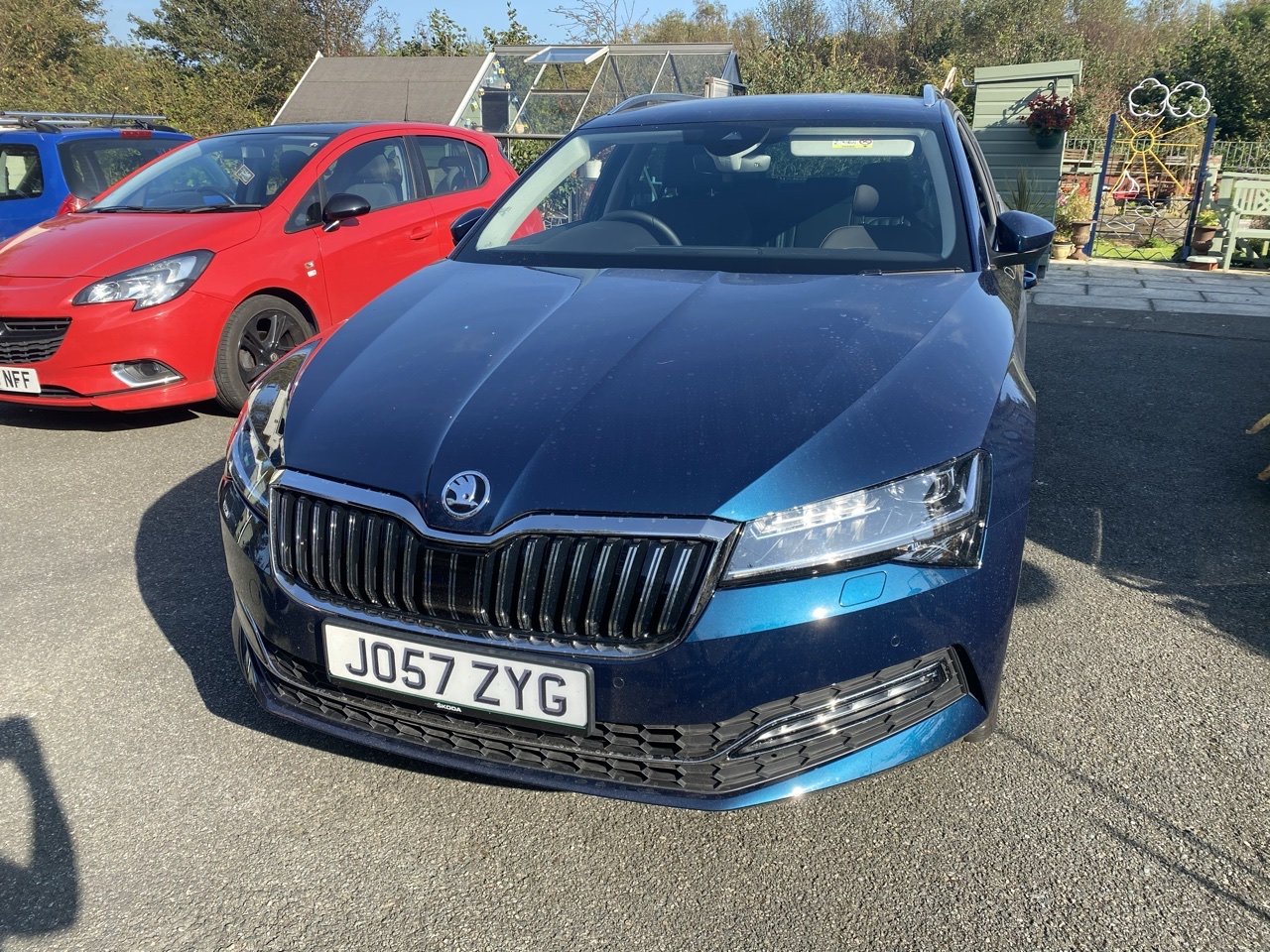
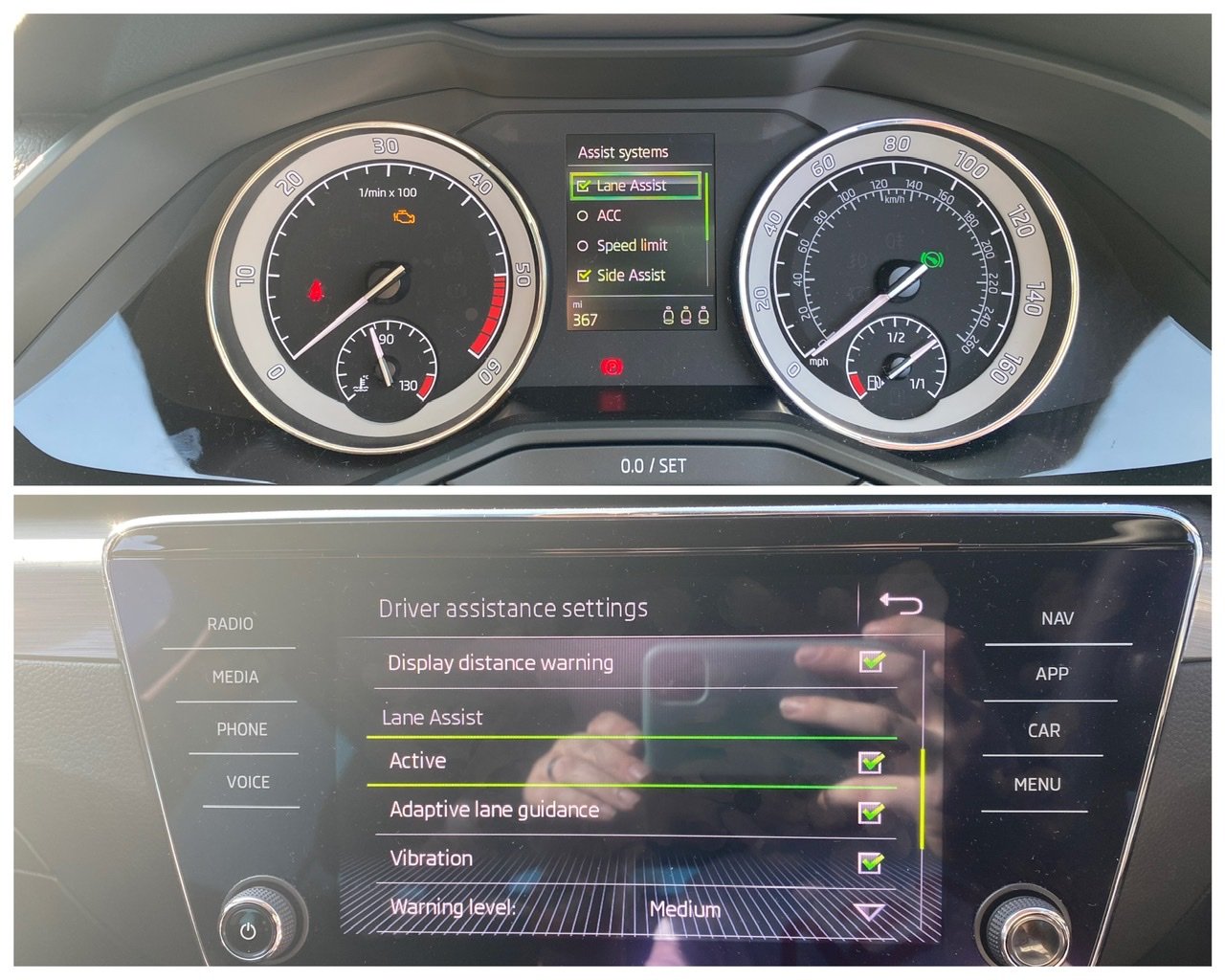
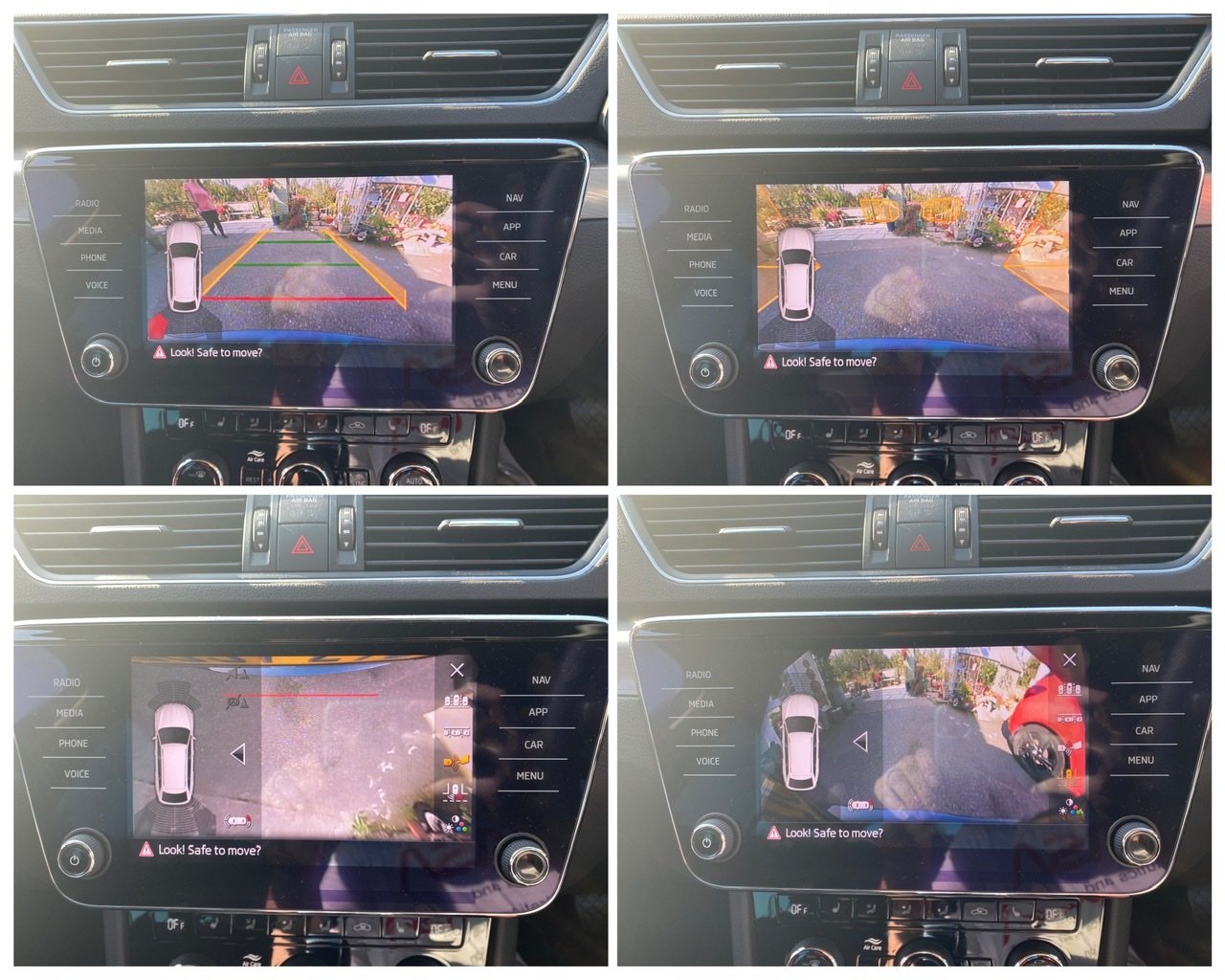
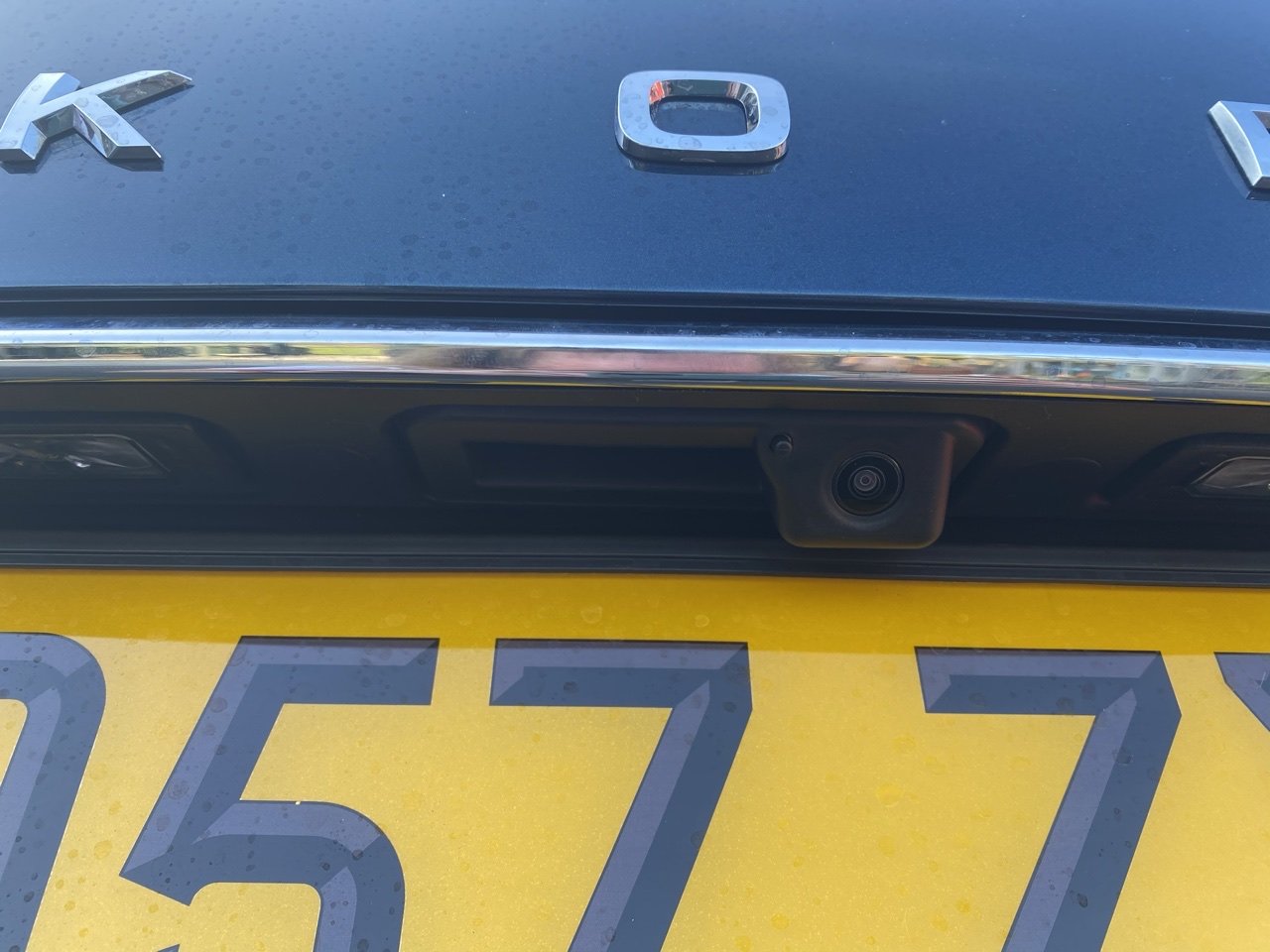
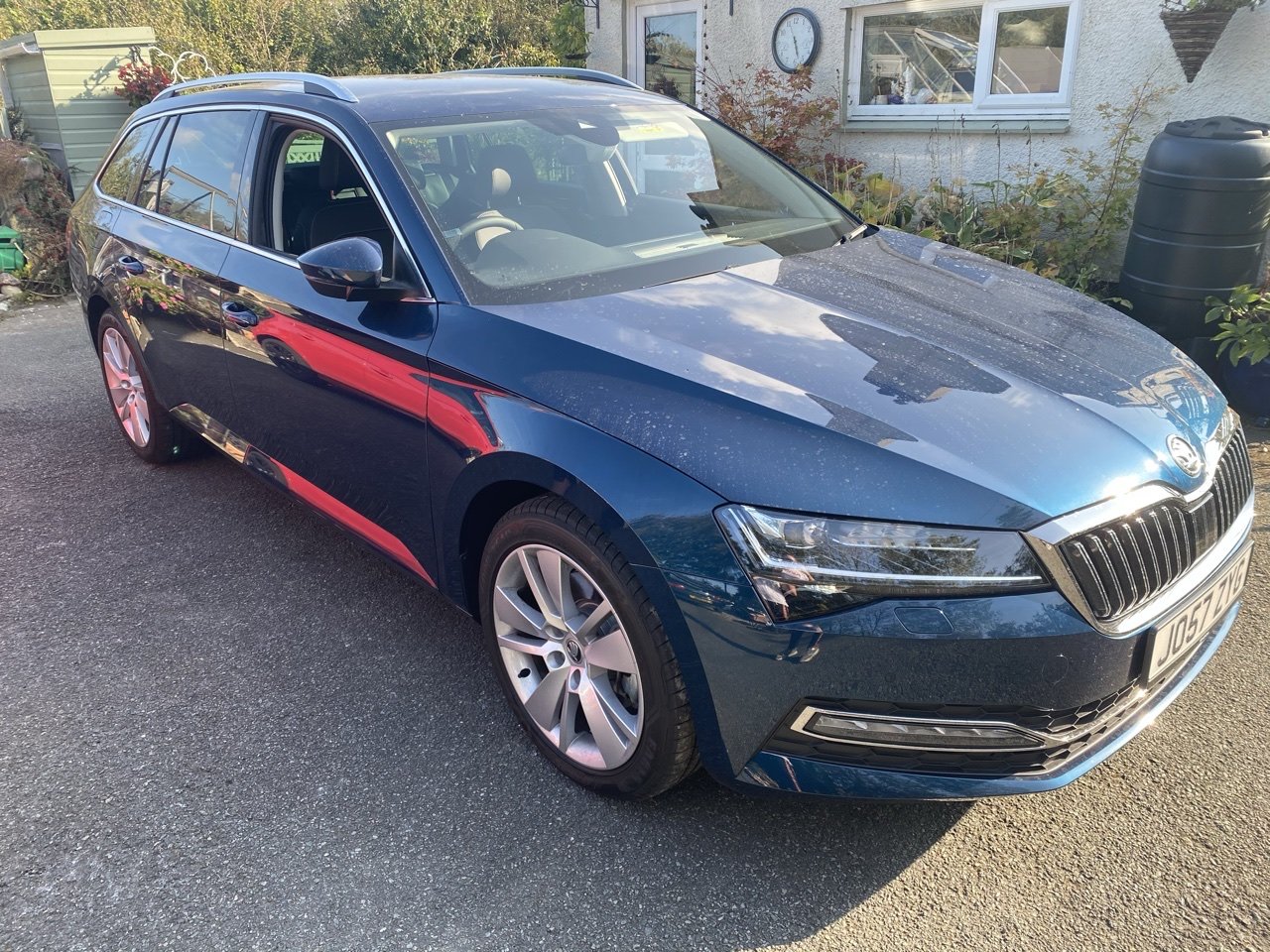
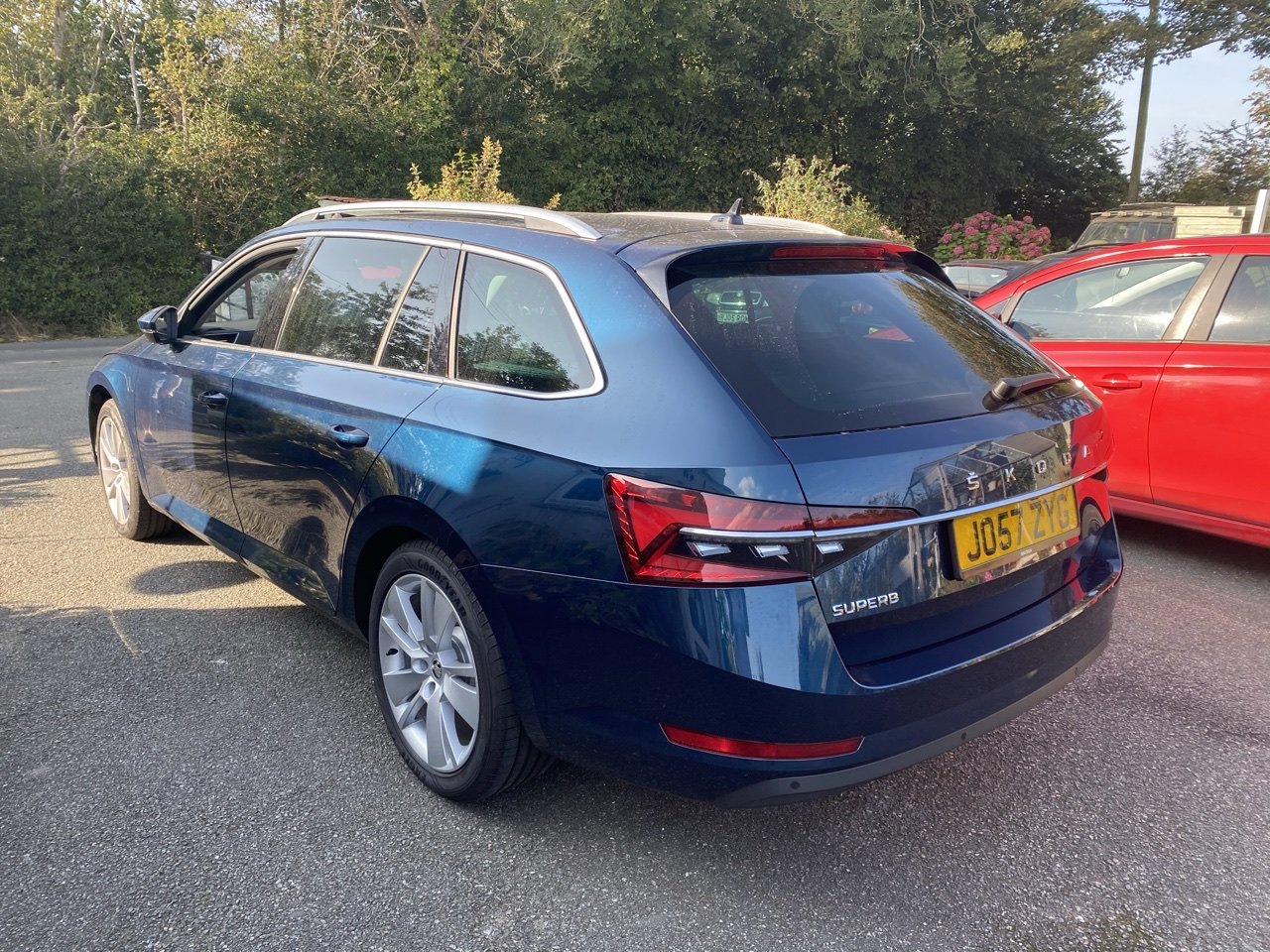
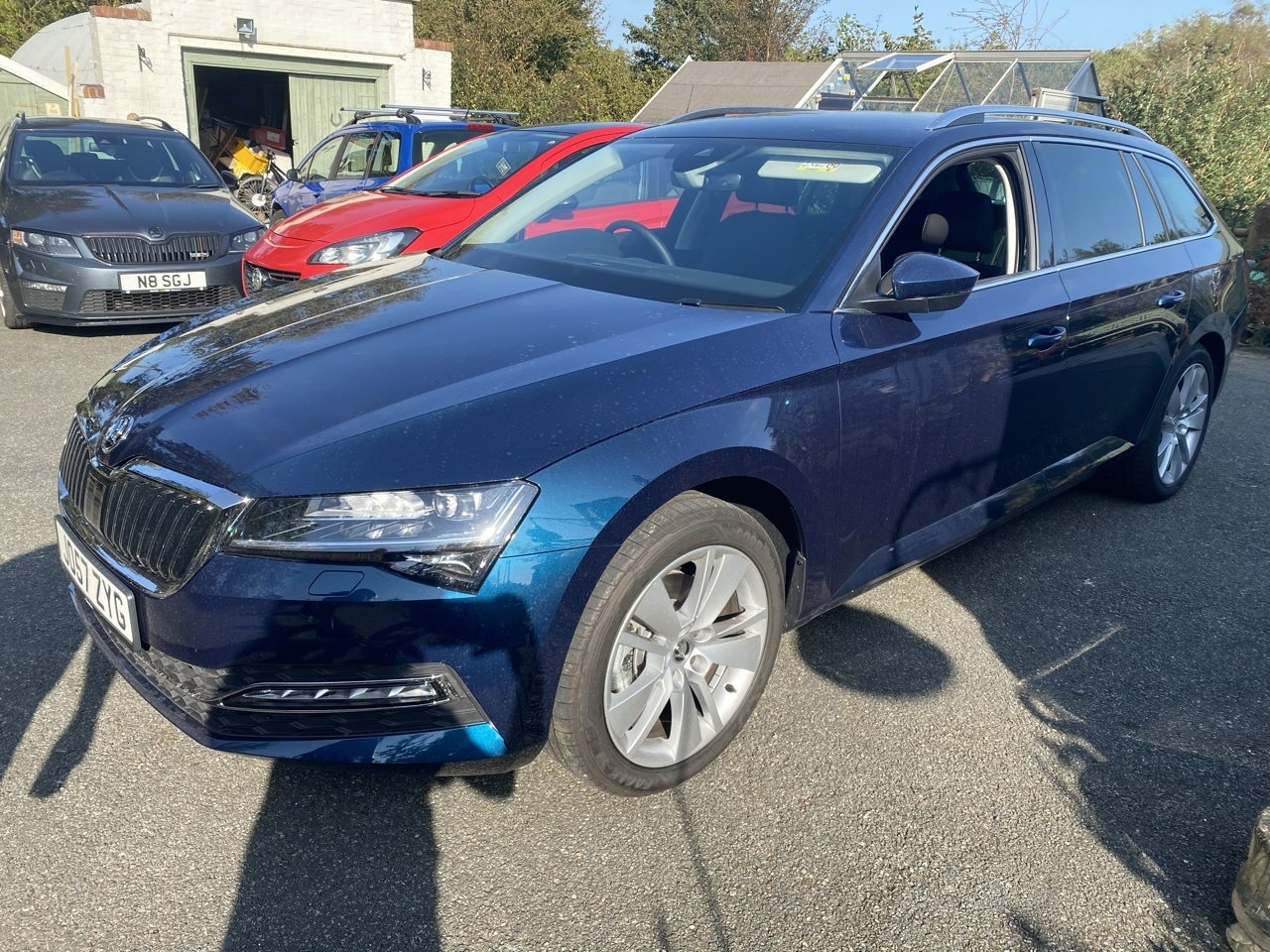
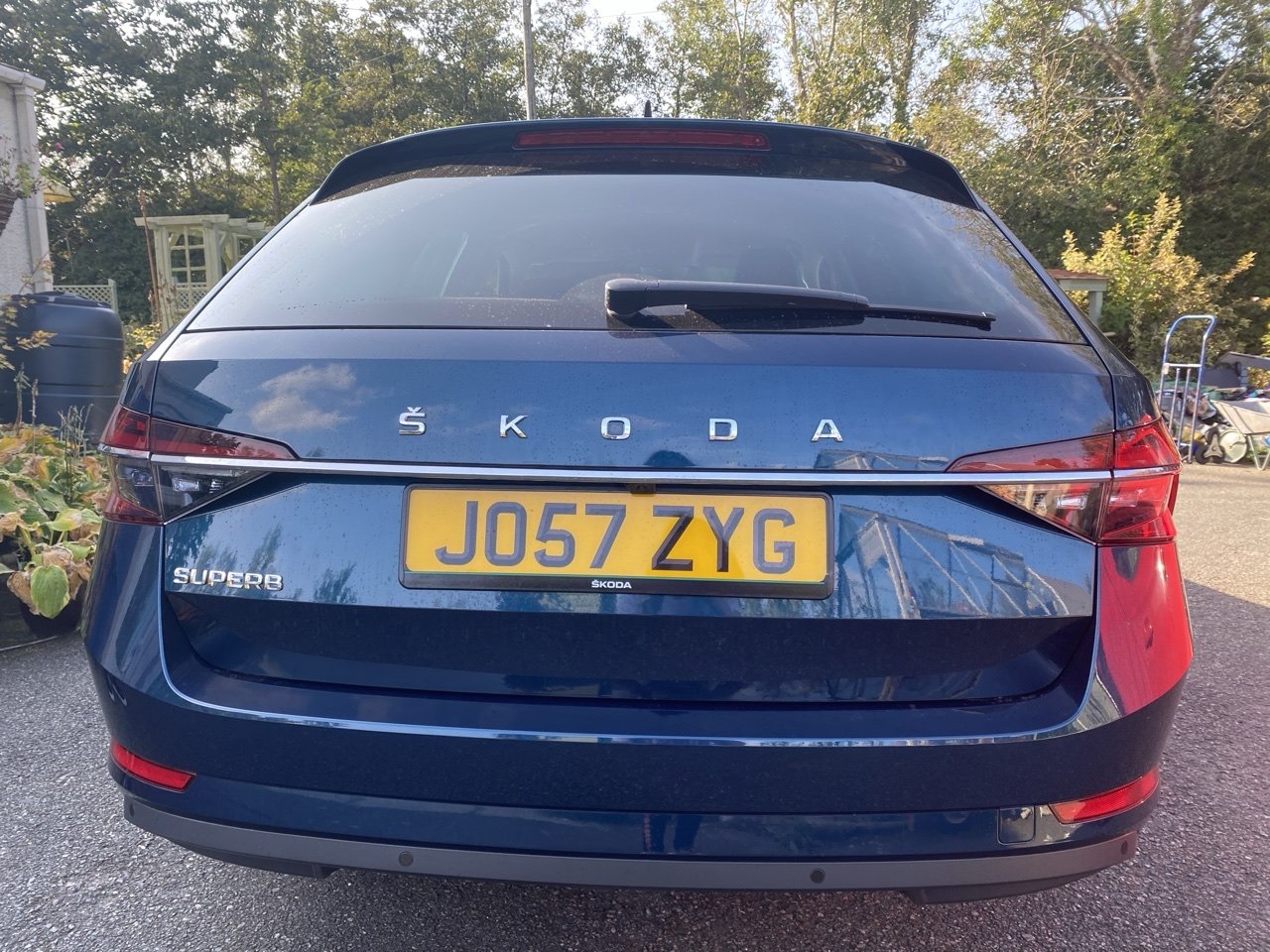
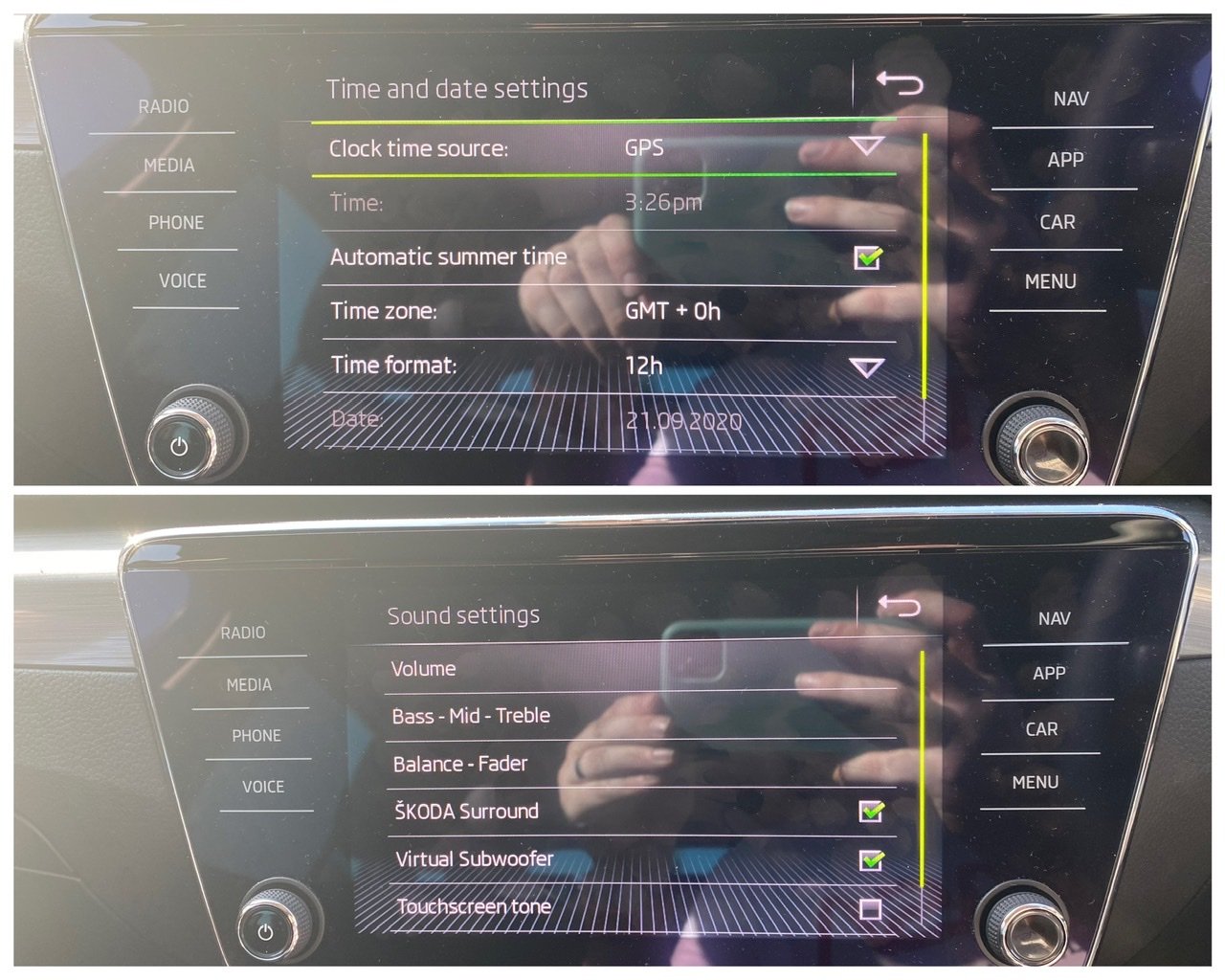
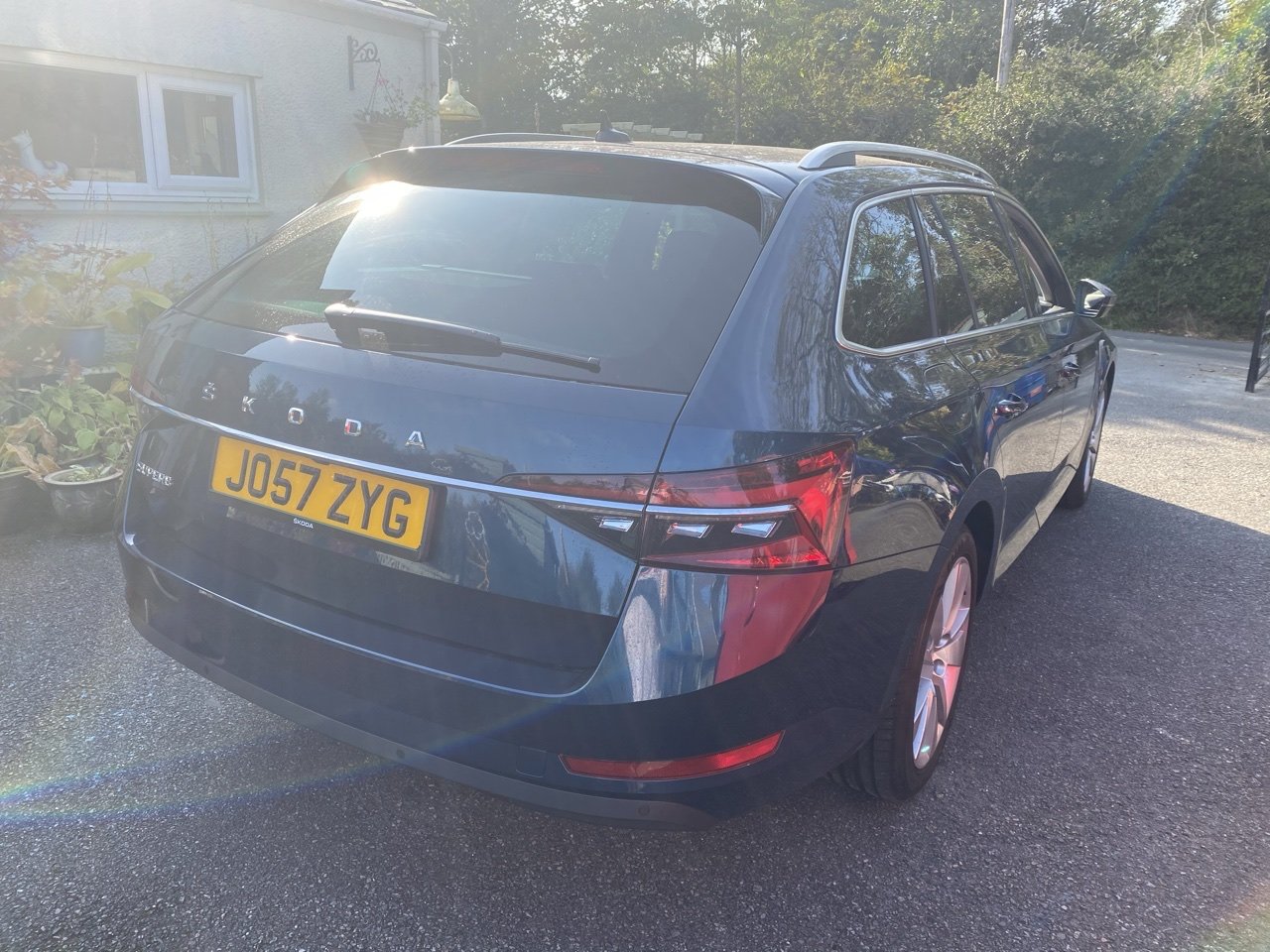
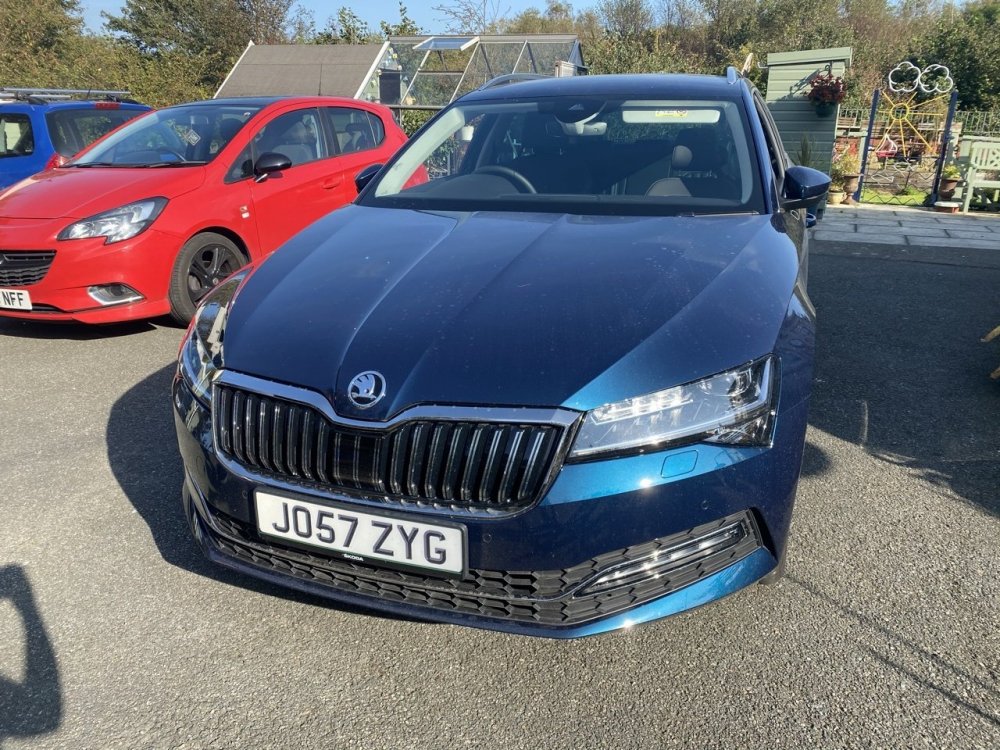
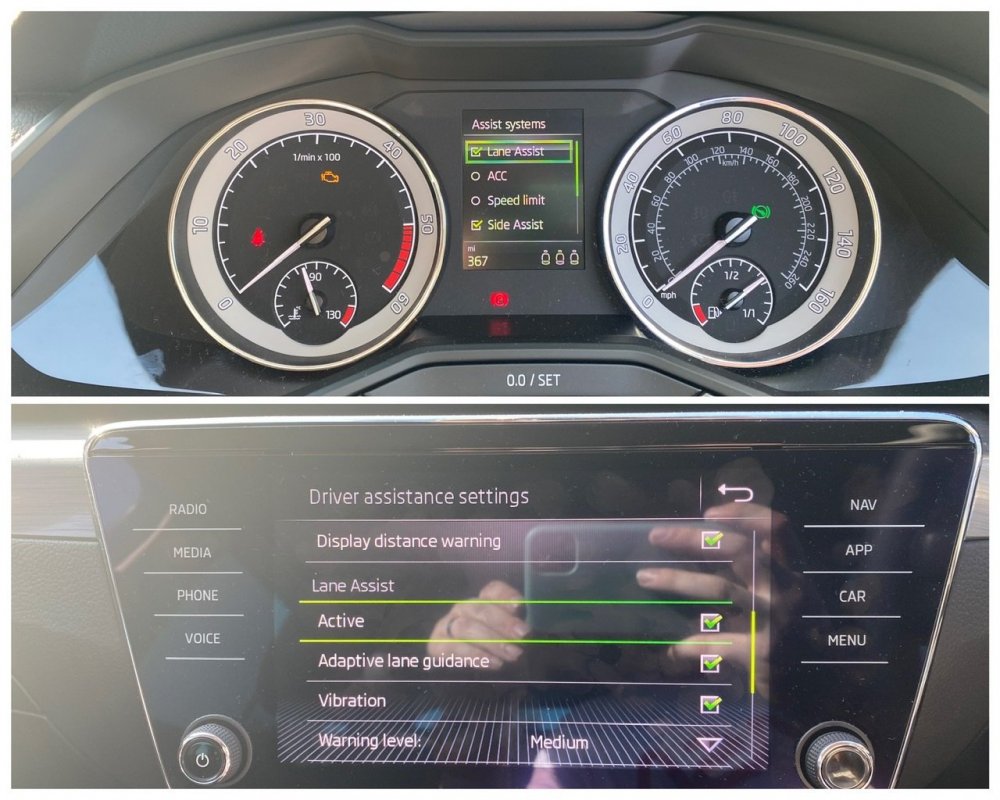
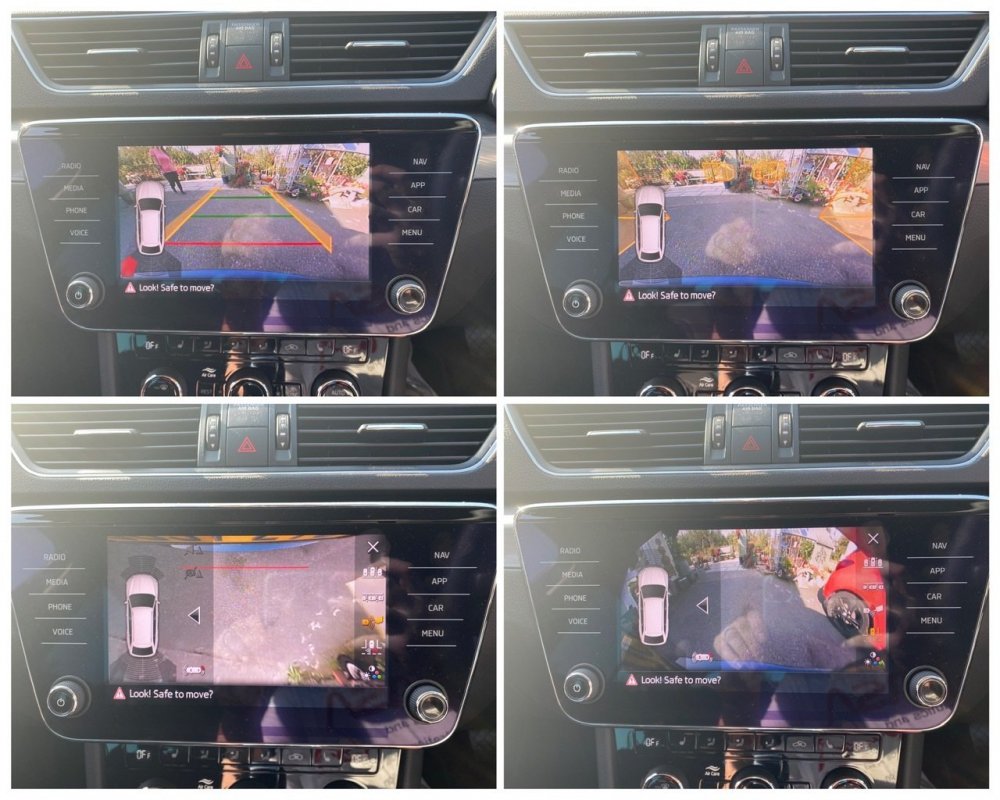
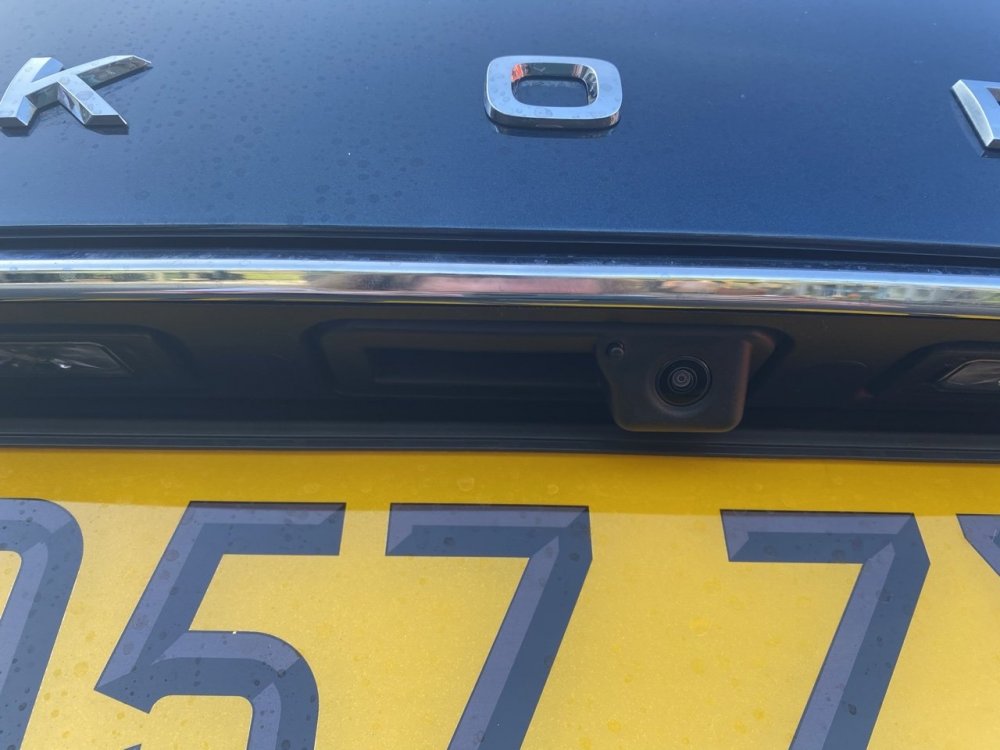
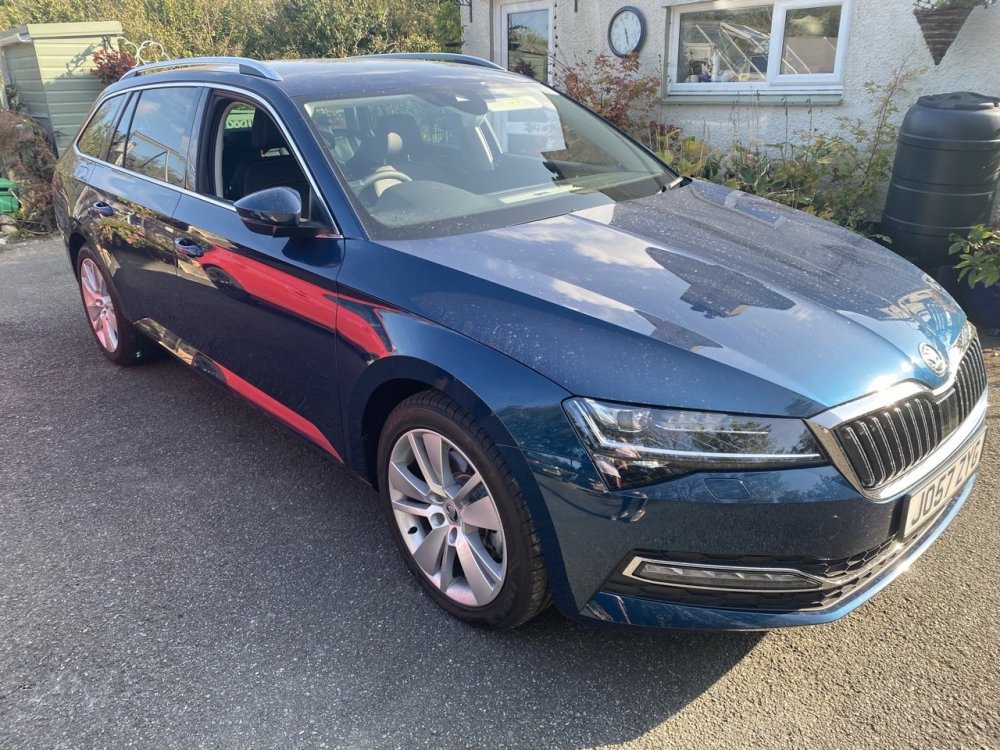
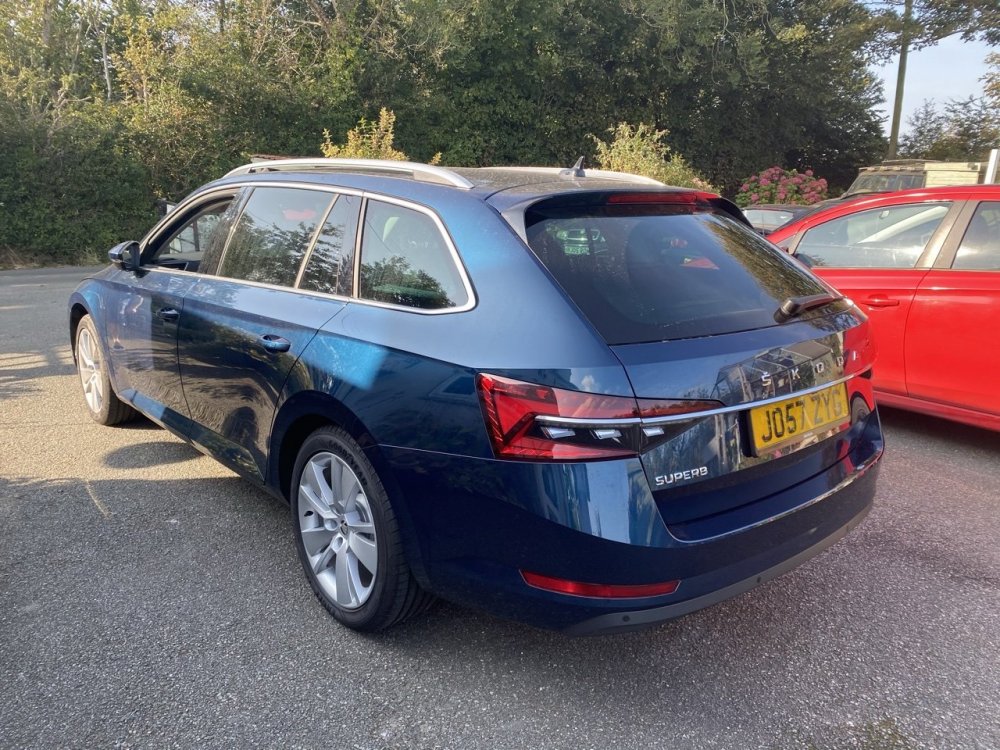
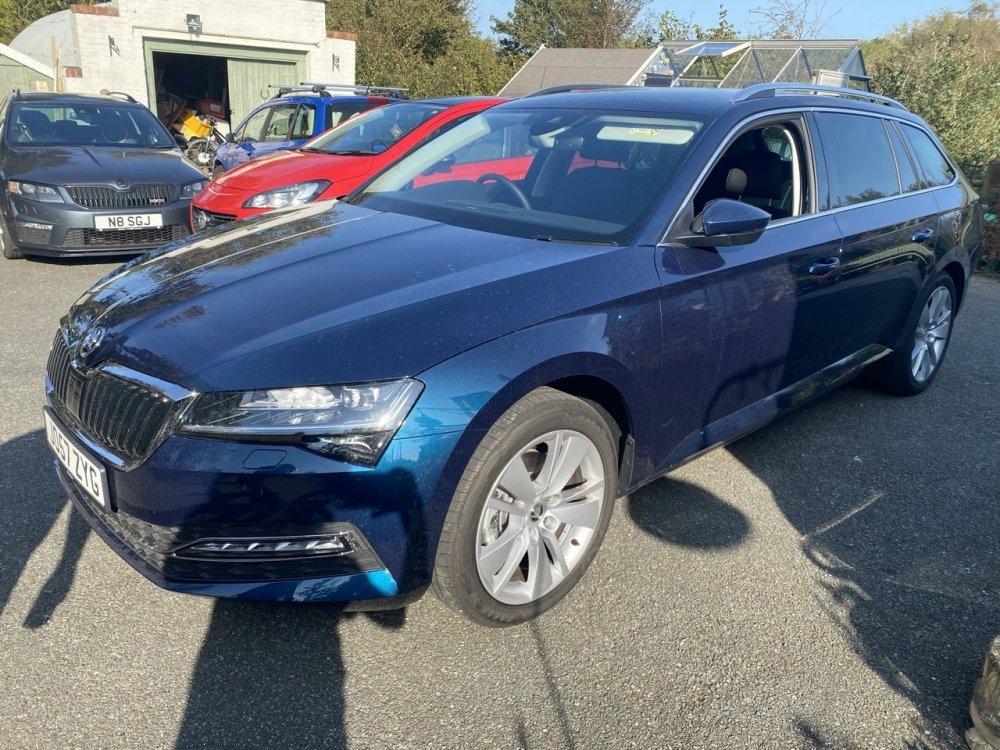
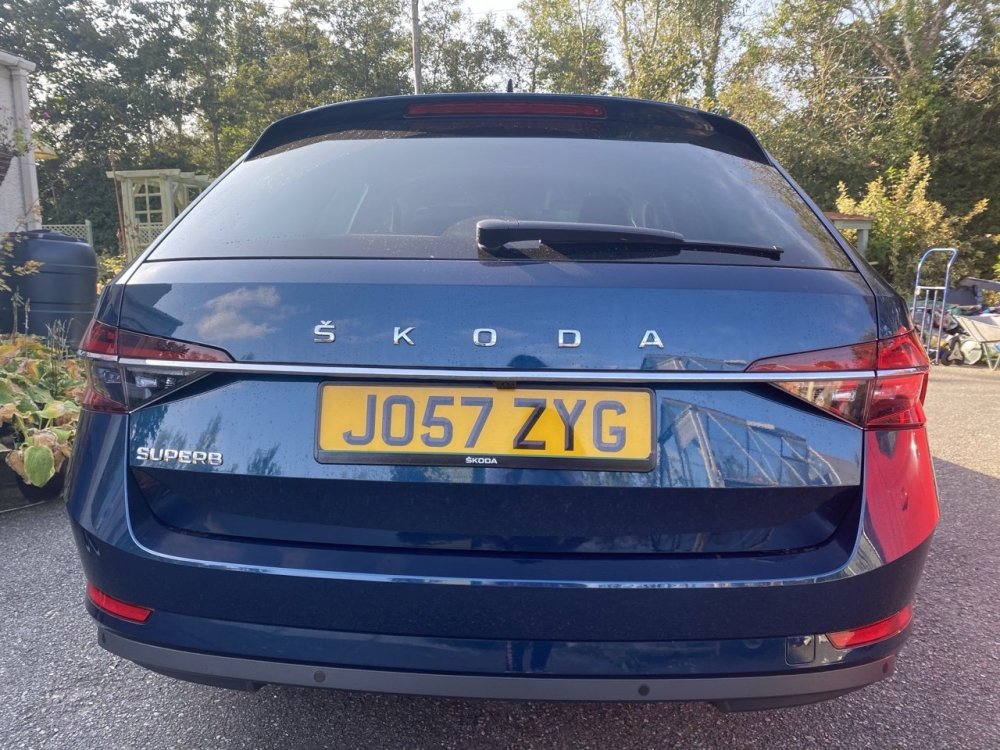
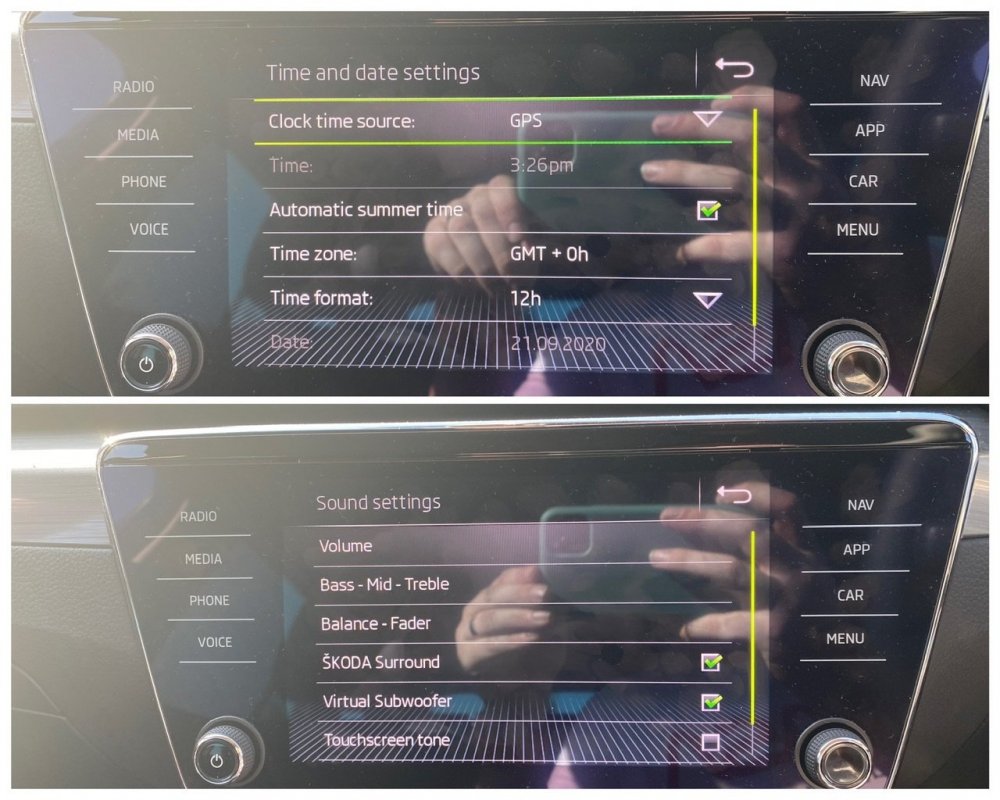
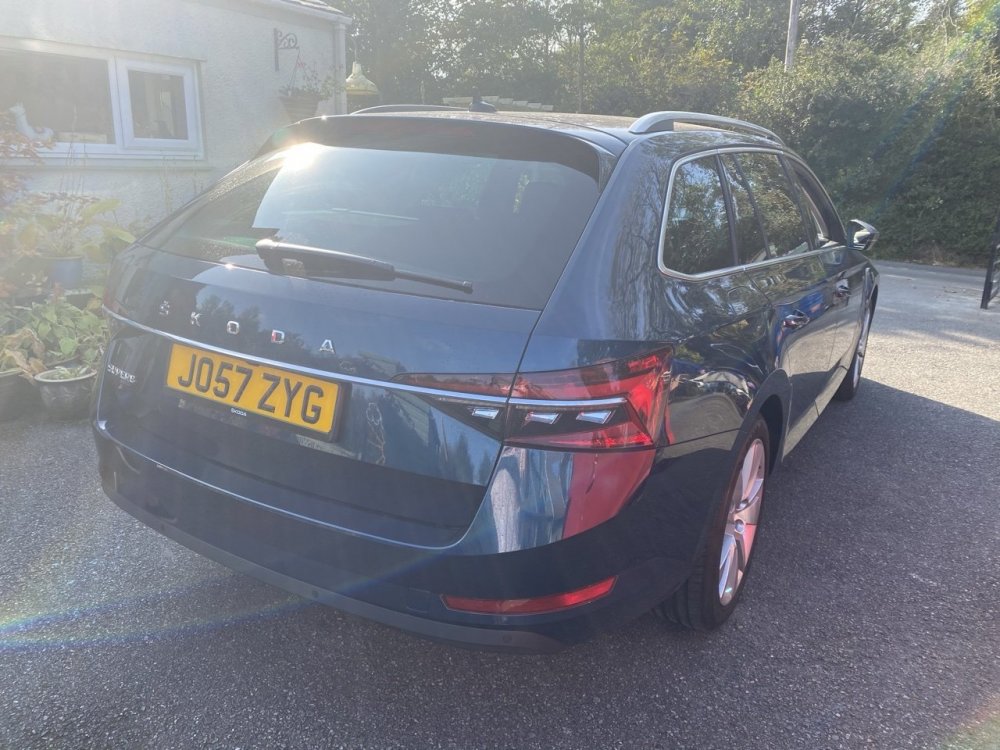
Another day, another reverse camera and I’m very proud to say that I can confirm the reverse camera can be fitted to the 2020 model year Facelift Superb. The camera fitting on these is a bit different with the new rear plinth but that actually makes it easier to fit. I am super pleased I could confirm this works on the FL Superb. Additionally, as this car is an SE-L with the A5 camera as standard for Dynamic Light Assist, I was able to code Lane Assist for the owner, a £535 option from Skoda, coded in 20 mins! Annoying the TSR is now an FeC on the 2Q0 A5 camera so I don’t have the option to code that unfortunately. Other options coded include Comfort entry on the drivers seat Skoda Surround and Virtual Sub DLA always active Fan speed lights in Auto climate and AirCare always active Automatic Summertime for clock Refuel quantity in Maxidot Lock/Unlock Chirp
-
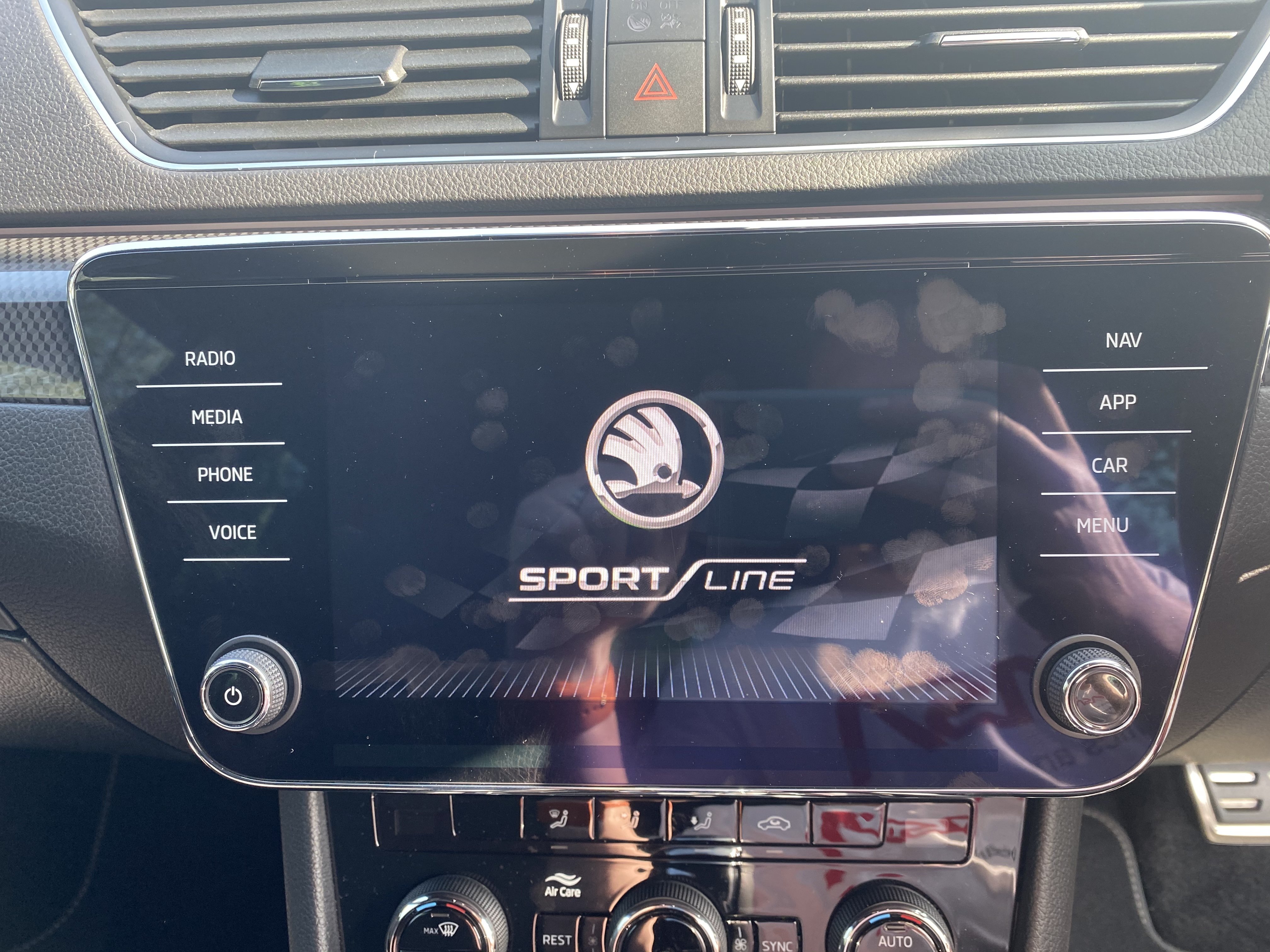
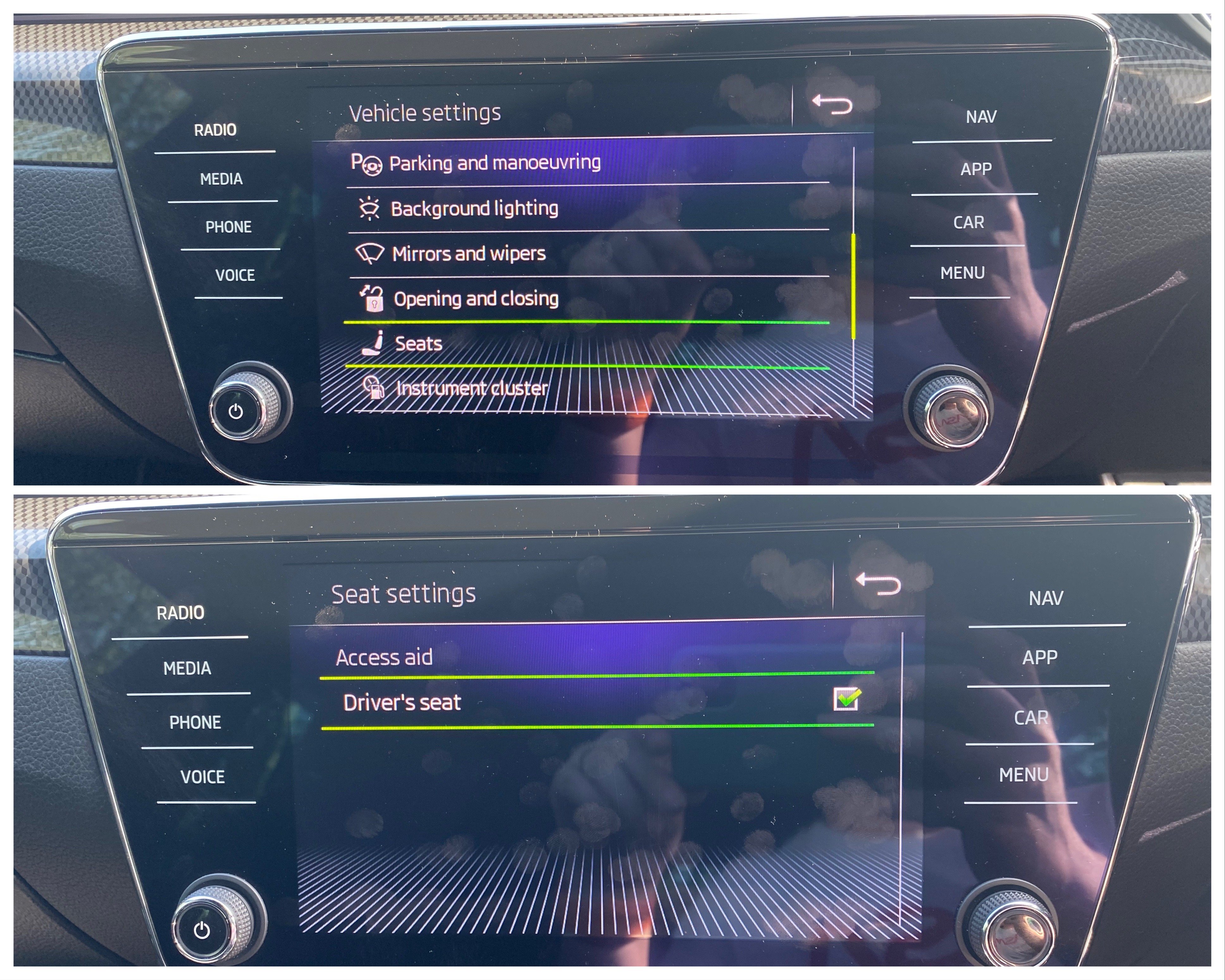
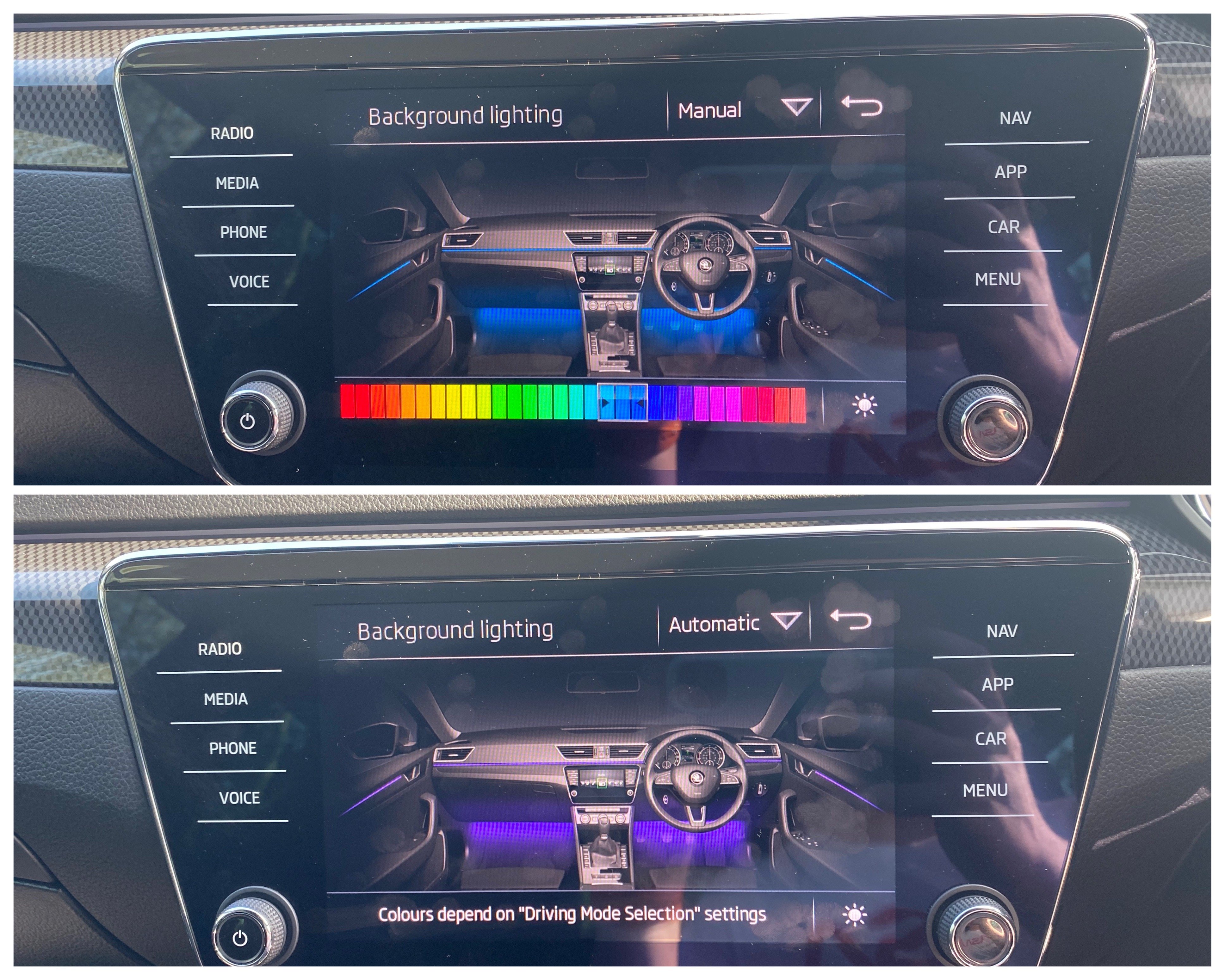
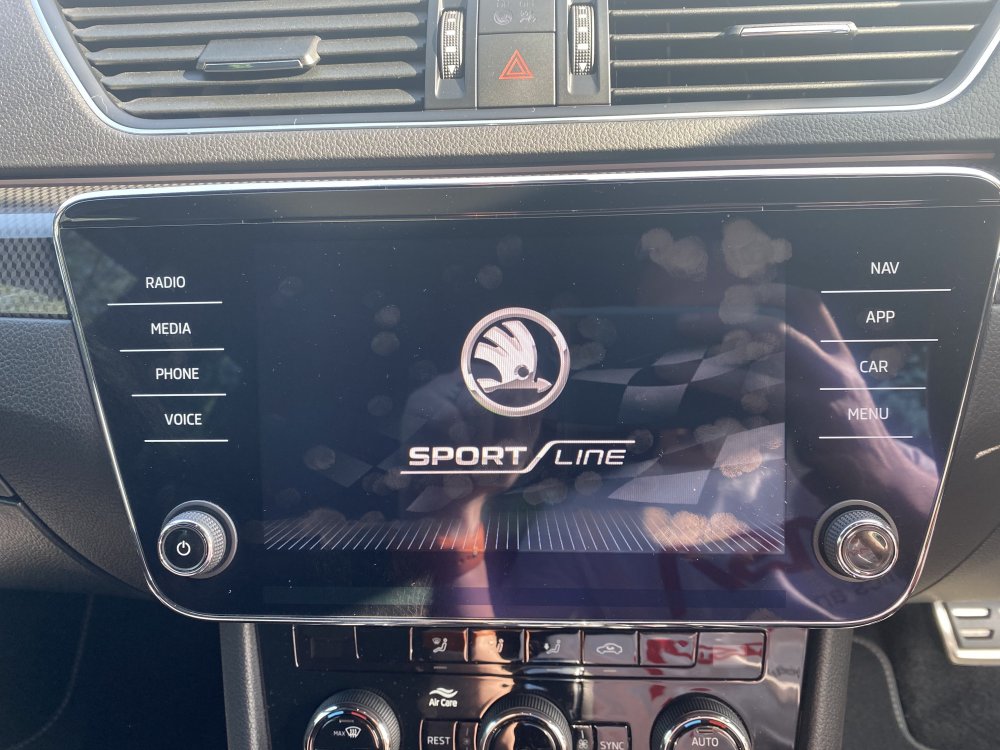
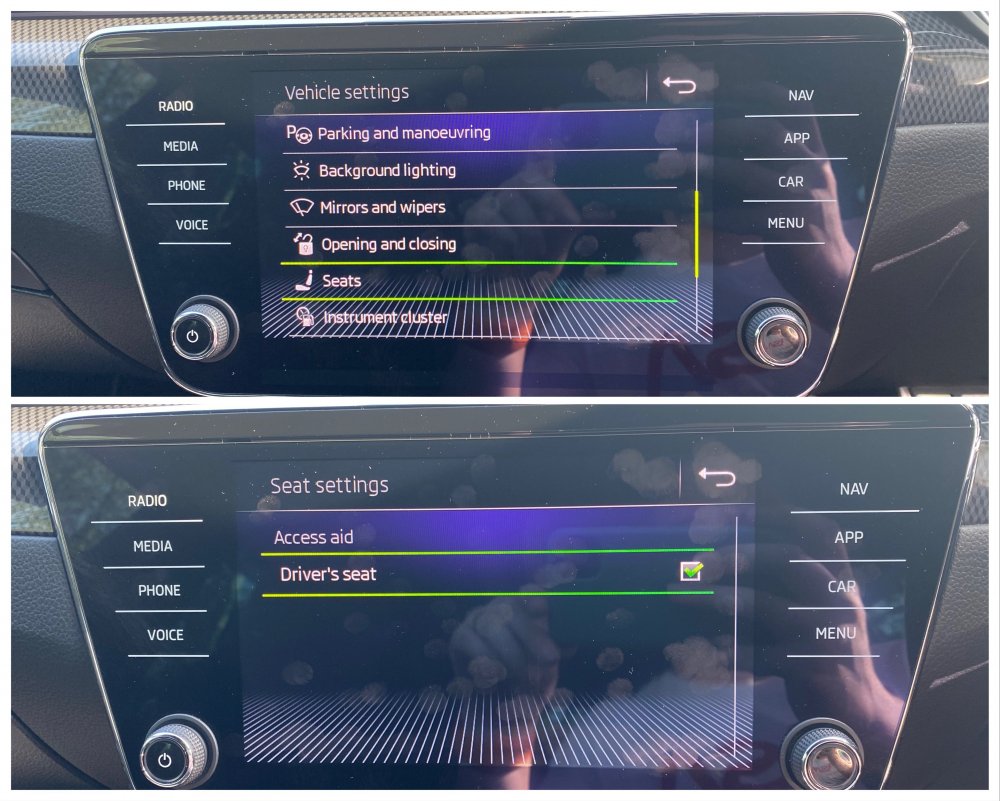
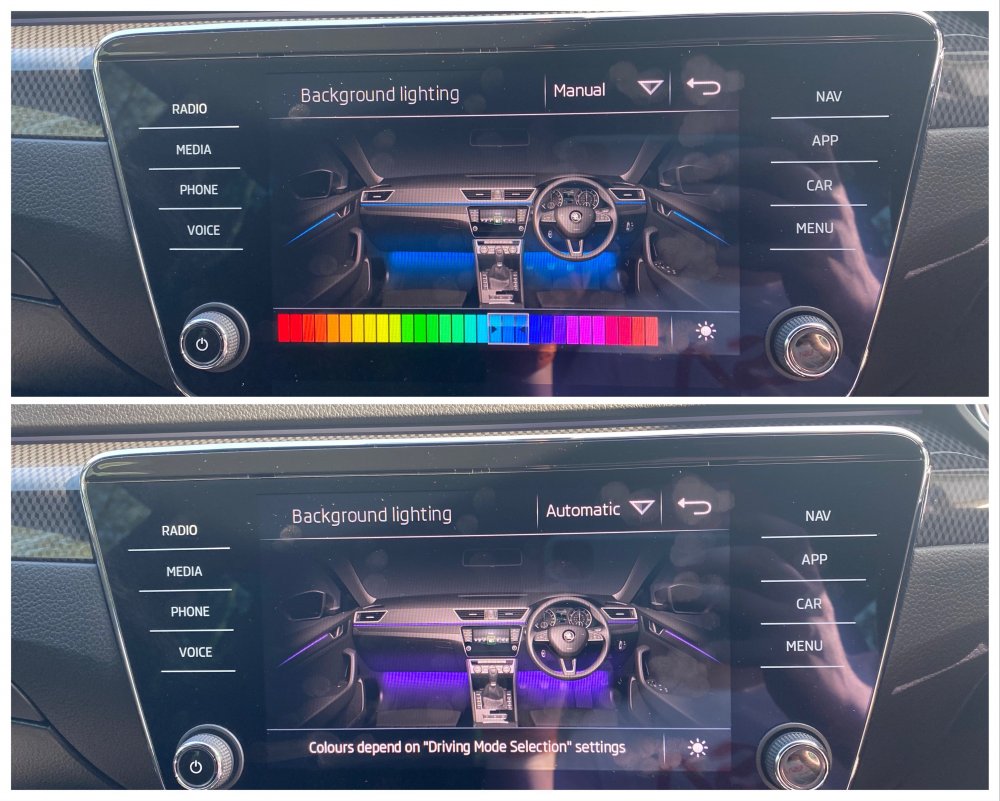
So I could have sworn the SportLine I had in a few weeks ago had a radio splash screen that said SportLine. That car was a 2017 with MIB2 Columbus. Not sure if this only affects the cars with Amundsen but apparently there are people out there who have SportLine Superb’s and the radio splash screen just has the normal ‘Welcome to Skoda’ screen like the late 2018 (MY19) car I had in yesterday. So if this affects you, coding is 5F Byte 18 and you change the value from 8 to 13 in text mode, reset the radio and boom! SportLine splash screen. You’re welcome 😁 Also coded other goodies like the seat comfort access with working radio toggle And 30 colour lighting with pre coding for RGB footwell lighting which is a retrofit that is coming soon!!
-
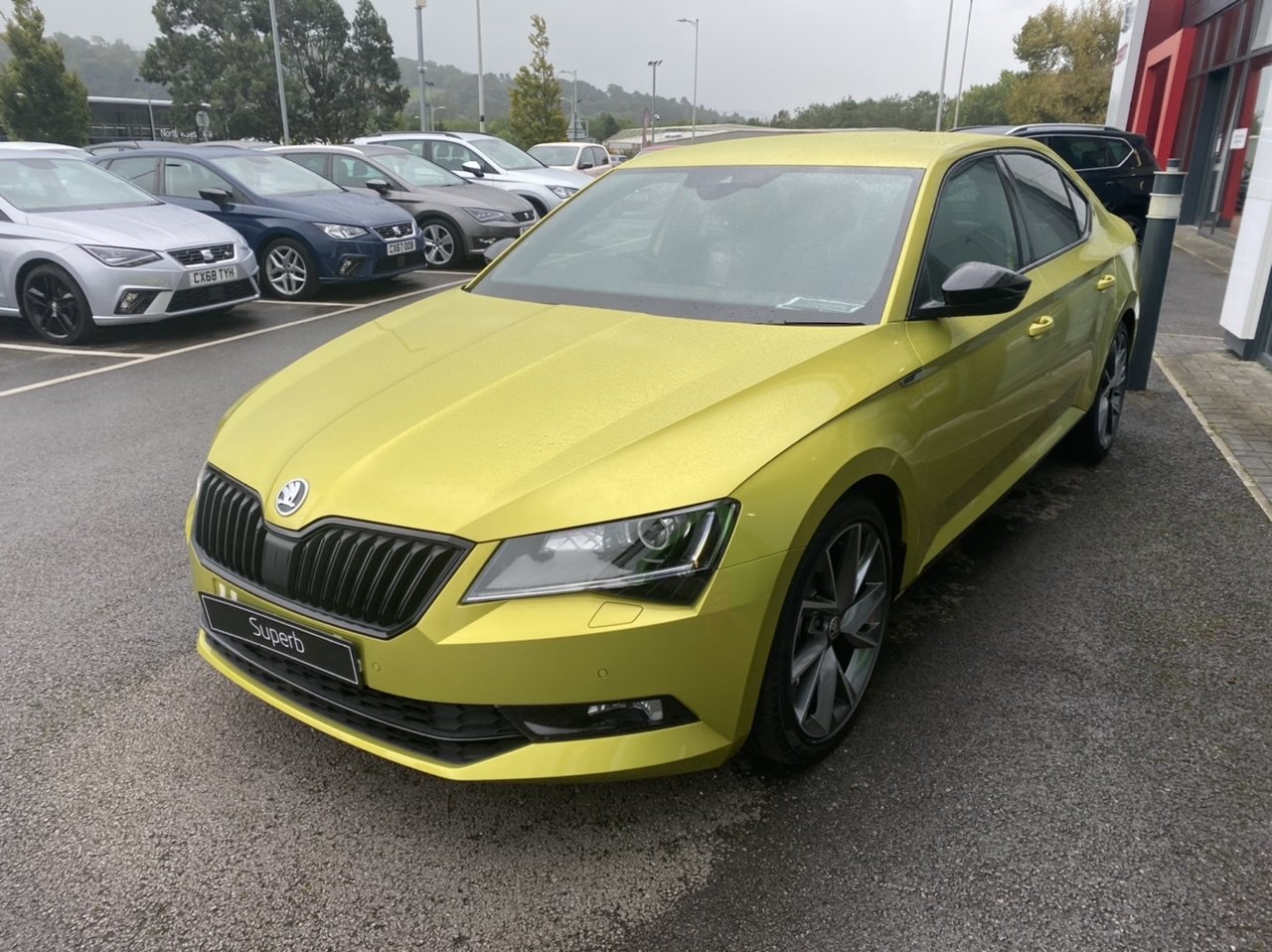
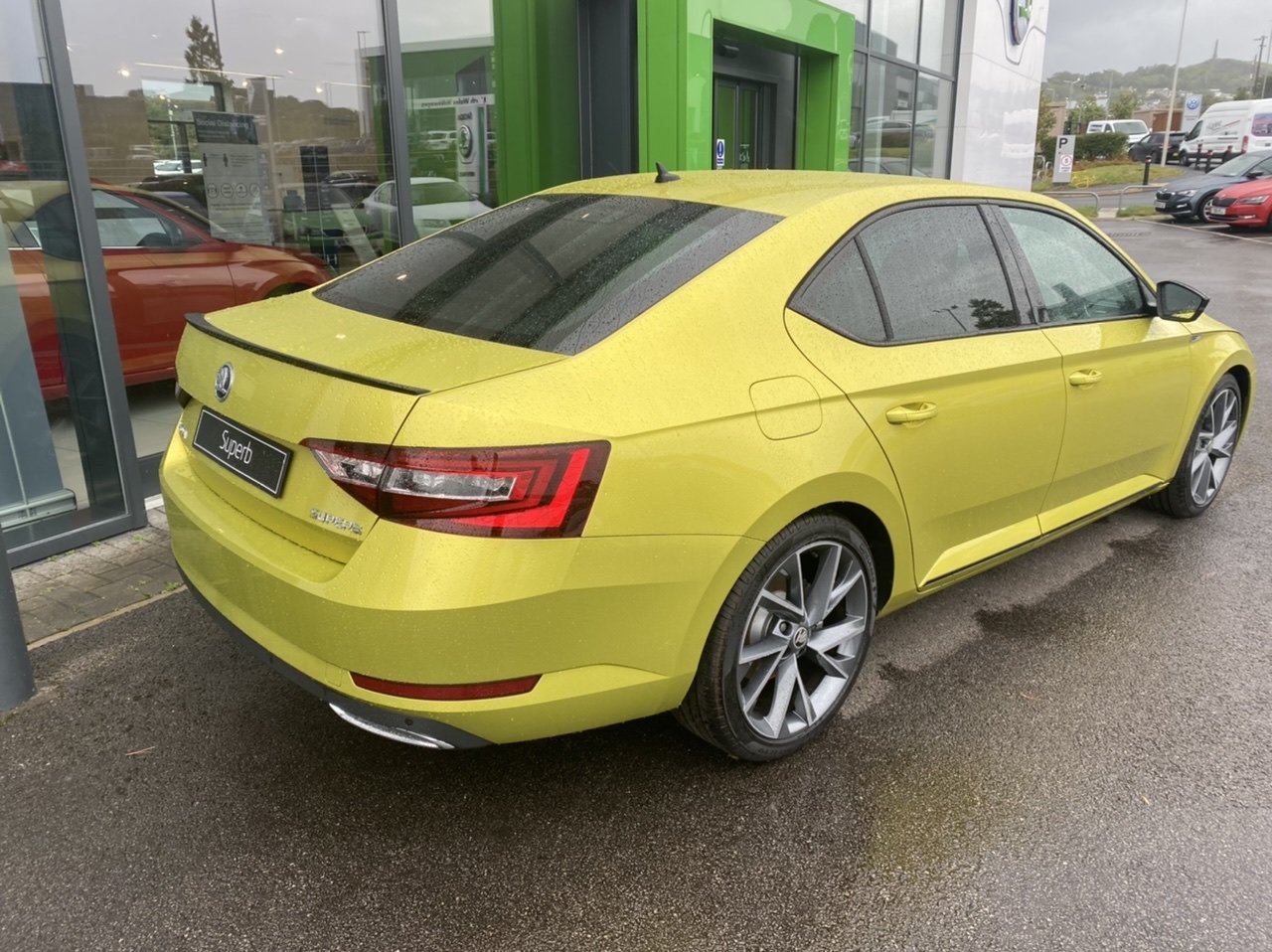
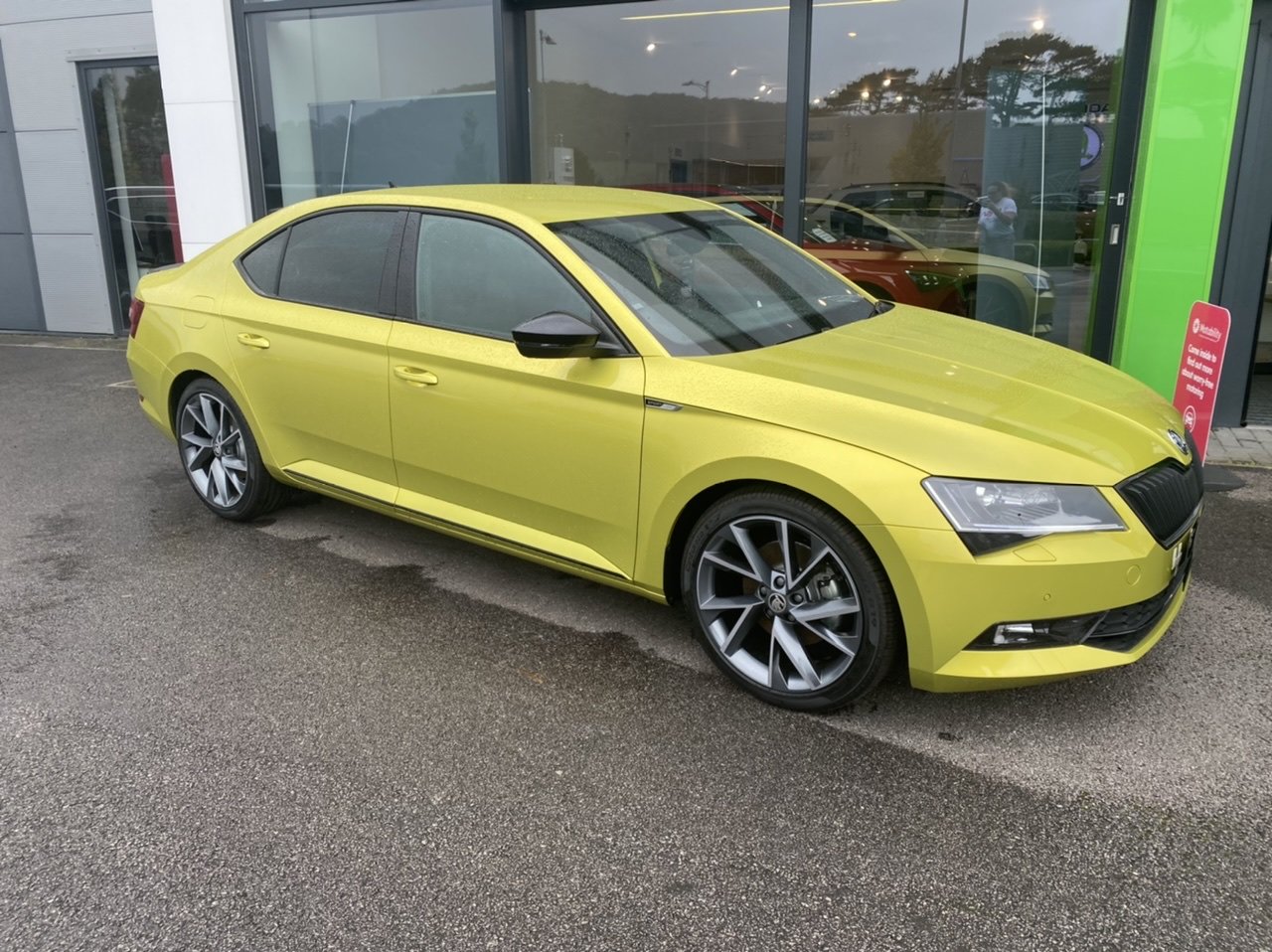
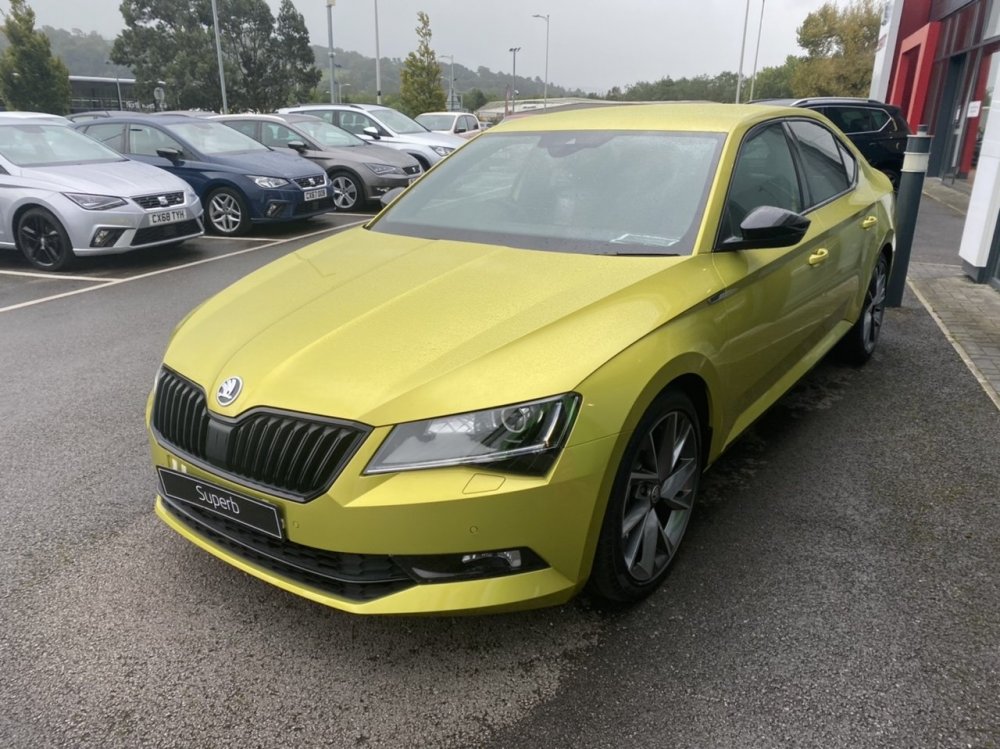
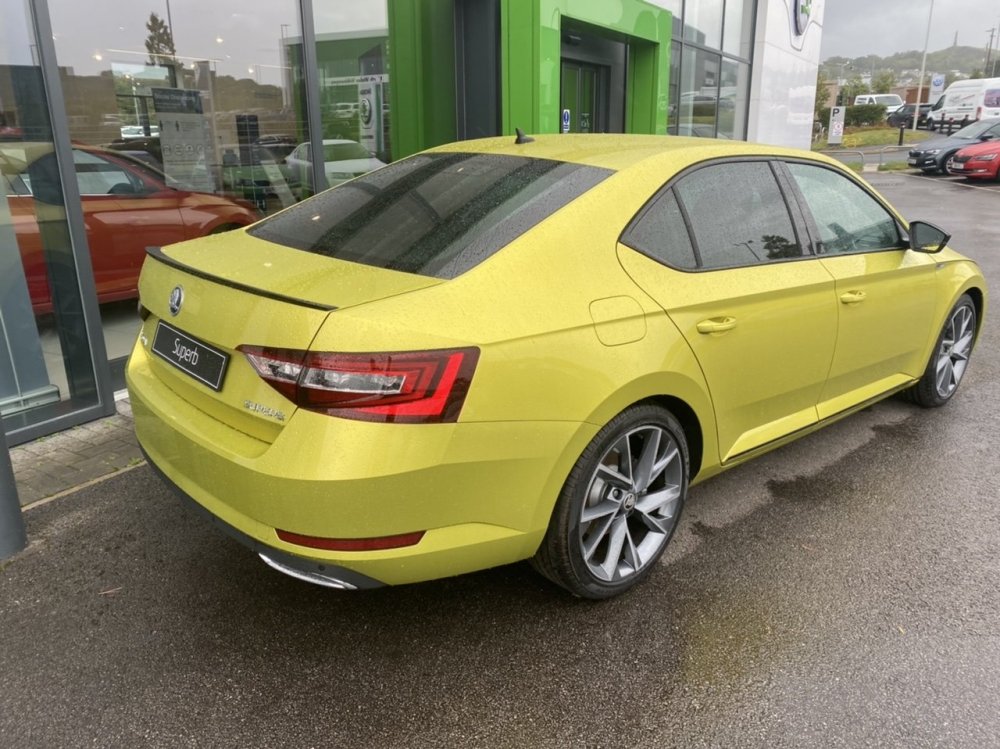
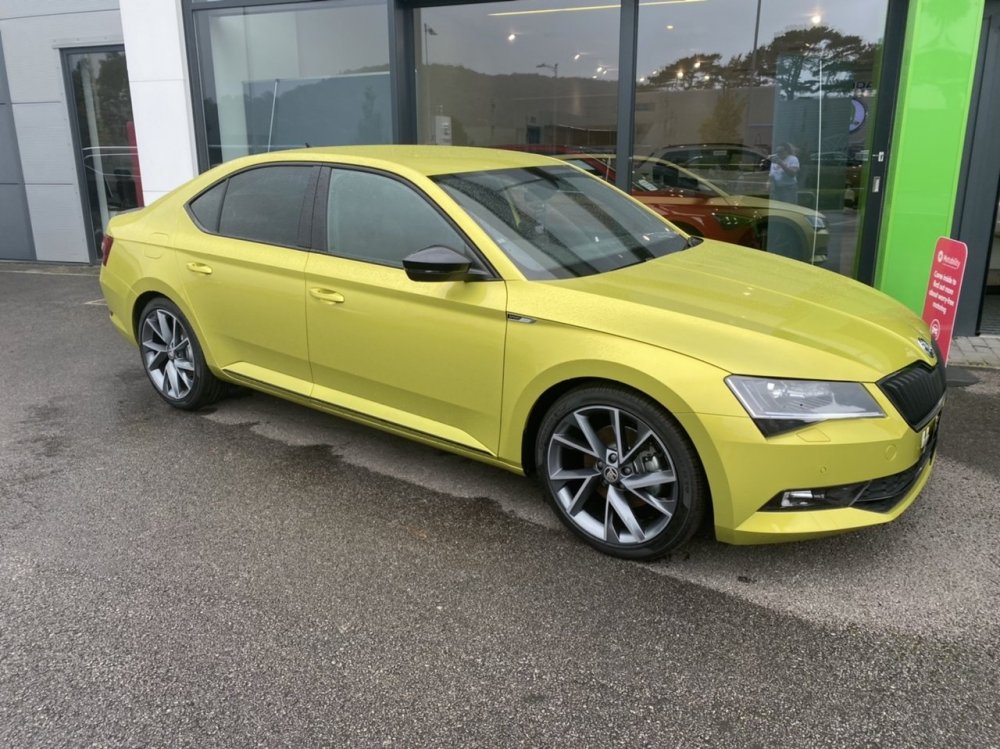
So the time has come to seriously consider moving the Octy on and I have my heart set on a Dragon Green Superb SportLine Plus just like this one I drove at my local dealer... But this one is just too expensive for what it is and I don’t really want a new car, used is better for me as I void warranties. I can find 7 Dragon Green Superb’s for sale in the UK right now A 2017 1.4 TSI DSG SportLine which is a good contender but it’s missing the lane assist and heated screen (can retrofit those but £££) and it’s a MY17 so MIB2 Columbus not MIB2.5 so more £ in retrofits but it’s now £16,500 and I’d be after taking more off that. A 2017 2.0 TSI 280 DSG 4x4 which is a private sale and missing a lot of spec (but has loads of options, just not the ones I want) which I’ve written off for both the reasons above at £16,995 A 2017 2.0 TDI 150 DSG SportLine which has no spec so that’s been written off already and is £17,500. A 2020 1.5 TSI DSG SportLine which also has no spec but it does have a VC, written off at £22,500. The one in the pictures, a brand new, unregistered MY19 2.0 TSI 220 SportLine Plus with CANTON, Lane Assist and BLIS and the price is £30,000 but it’s eligible for £4000 deposit contribution etc as it’s unregistered but only until end of the day tomorrow. A 2020 FL 2.0 TDI 190 DSG 4x4 Estate (which I would sort of prefer) which is perfect spec wise, has the heated screen, all the options I want and is £33,500. A 2020 FL 2.0 272 TSI DSG 4x4 Estate which is also perfect option wise and some but is a whopping £40,500. I have found past adverts from the start of the year for cars much cheaper than these so I’m just wondering what the hell is up with them?? I’d have thought now would be a great time to bag a deal but I’m just not finding any really good deals. I quite like the 1.4 as it has the best spec and price all round and room to retrofit items but it’s only a 1.4. If it was a 2.0 I’d be much more interested. I think another £1000 off and I’d be there. Can’t see that happening though. Can anyone else find one? SportLine Plus ideally or older SportLine with Columbus, heated seats and power boot as a bare minimum, the rest I can retrofit but I am willing to pay more for a car with heated screen and lane assist. I don’t mind hatch or estate and mileage doesn’t bother me either nor does location, petrol or diesel doesn’t really matter but I would pay more for a petrol. I don’t really want to spend more than £20,000 if I can but I don’t really have a fixed budget if a nice one came up a bit over that I might stretch. Or just tell me why you love your Superb haha, get me in the mood to be a Superb owner lol. If you know of a car that could tick my boxes please let me know, would be very grateful!!
-
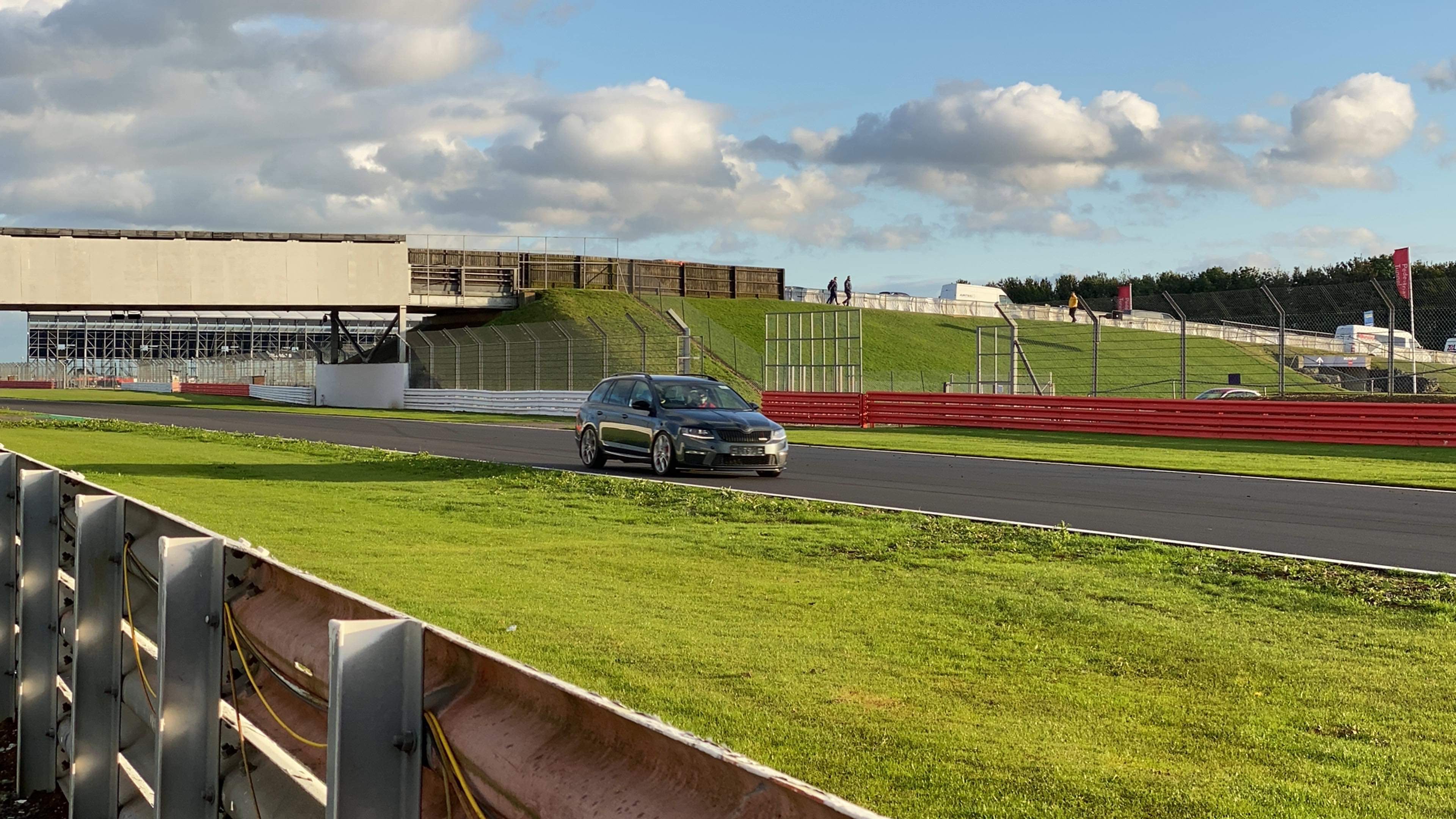
Seeing as the Citigo has its own thread, seems rude not to give the Octavia one too. The reasons for buying this came about because of a new job, the need for more space inside and with the job, a longer commute. While I love the little Citigo, and am genuinely glad I still get to keep it (kind of), I am very happy to be in a ‘grown up’ car again. Also, my 2 year old is loving all the space in the back that he doesn’t have in either the Citigo nor the Mercedes. The Citigo thread started with pics of the car in the showroom but as this one is used, may as well start with how it looks today!! Octavia vRS by SashaGrace, on Flickr Octavia vRS by SashaGrace, on Flickr Octavia vRS by SashaGrace, on Flickr Octavia vRS by SashaGrace, on Flickr Octavia vRS by SashaGrace, on Flickr Was freshly cleaned when I collected it, that's not even 200 miles worth haha! The spec, so far as I can tell is pretty decent, I think it’s Quartz Grey with winter pack, full leather, black pack (this really completes the car IMO and I love it on my Citigo MC so it was one of the stand out reasons I wanted this car), and is a 2.0 184 TDi partnered with the DSG box. Observations after 300 miles; it’s quick! Thinking back to my Mercedes which is a 400bhp AMG V8 missile it doesn’t disgrace itself in daily driving, even in eco mode (shamefully, that the mode the car will probably live in) the car is plenty quick enough for me. It’s also huge inside, I see now why people rave about the cabin because it is so spacious and the boot is palatial. The Sport mode I’m not sure about; the sound symposer isn’t as naff as I thought it’d be but it seems to hold onto gears a lot longer than I’d like and doesn’t get the message when to change up, though thankfully the paddle shifters can deal with that. The headlights are amazing, I though the Merc bi-xenons were good, the aren’t as good as these! Also worthy of note is the driving position and my worries of interior quality are gone, simply gone, as the car has done 75k and it simply doesn’t show inside, it even smells as good as new. Already I have sourced some chrome key ends, silicone key covers and a whole host of other stuff from eBay and I’ve ordered in some new rubber mats from the dealers, though I’m on the hunt for a drivers carpet mat with the silver piping, just in case one appears to give me a set of each. Also needed was a radio antenna. This follows my tradition of buying used cars and them breaking instantly! The radio was working fine yesterday on DAB, FM & AM but today wouldn’t find a single station. As work shut early I went to the local dealer and hooked the car on the scanner where the antenna was deemed the culprit! Never mind, what’s a £40 part in terms of an £11k car? Just hope that’s the only thing that goes wrong lol. On the mod list so far:- VCDS adaptations, it has lane assist so I believe that auto high beam and traffic sign recognition are features I can install so I’d like to do that, along with some other tweaks, though the car already has the needle sweep, auto rain close windows and some other stuff working. LED lighting, rear plate and interior upgrade and rear footwell light install. That’s about it really, just run it and see from there really. Gotta get it all cleaned up before I get too excited though haha! It’s a busy beaver this week though, off to Wrexham tomorrow and Liverpool Wednesday, then my regular 40 mile round commute Thursday and I’ll be off work Friday (hopefully fitting that antenna!). If there are any good mods I’ve missed, do let me know!!