




andreiro221
Members
-
Joined
-
Last visited
Everything posted by andreiro221
-
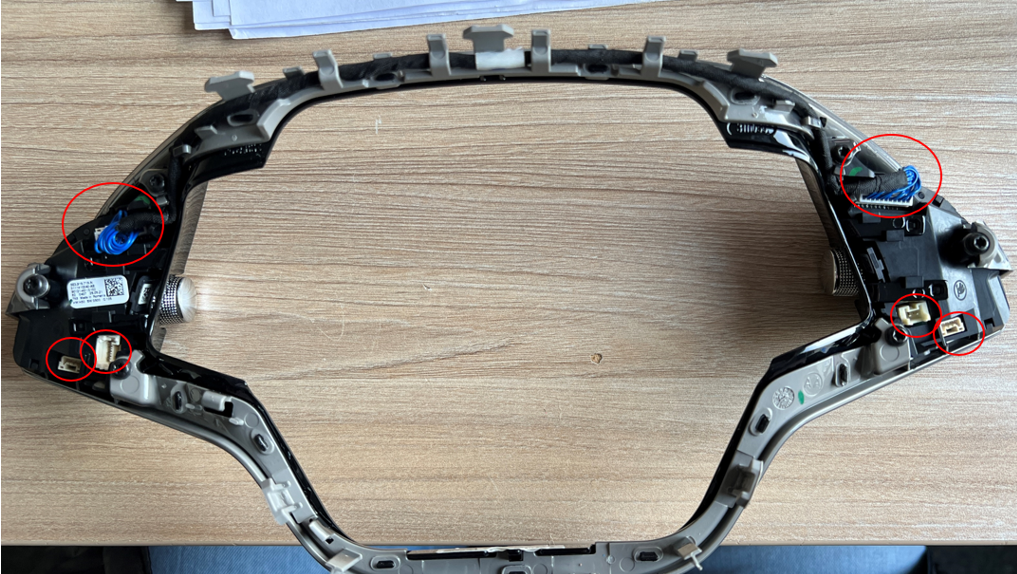
the white connectors are the ones that connect the buttons to the slip ring the problems are more common than you think. from mid 2021 to late 2023. Apparentely, the workers at steering wheel factory did not connect properly those plugs my dealer said they have some info from factory to check the connectors AND to unplug, clean and plug again all the connectors. if the problems apears after that, they need to change the buttons.
-
Octavia 4 and Golf 8 will always have SW problems because of the integration they did with all the commands from all the systems on the touchscreen. VW said that it will return to separate buttons for in car functions in the future models...
-
it is common for a new model to have problems in the first 1-2 years. believe me, modern Alfas are a nightmare to own and repair. all major car brands have a lot of problems with software and electronics, even Mercedes, BMW, etc, and if you search on theirs forums you will see.
-
did you scan the vehicle for fault codes ?yes you are right. you have MIB3... maps will update online.... you buy them from store If you register as main user, then the maps will be available for download, free only for 2 years i think...why does everybody thinks that MIB SW (1941) will solve all the problems? 😁 you need to update the PDC unit or replace it. I.ve seen a lot of O4 with this problemin the same location, put in the new code - e16f, and save. After that you can delete the SVM error. the is a newer SW for your MIB, SW480. the dealer can do it. for the maps - you need to use the original SD card that came woth the car, delete old maps, put new maps on it.send PM with VIN, so i can check somethingonly with diagnostic tool (odis, vcds, obd11, etc) by entering 09-Central electronicsif the BCM has SW 0158 or 0159, it must be updated to SW 0161, that is the issue that makes rear light activate.take it to the dealer to verify the connections in the steering wheel.that error is from the last update. After each update, you must recalculate the checksum for the new software . So your checksum is not yet calculated. but there is no problem from that SVM monitoring error. Connect with module 5F, go to adaptation, check channel "confirmation of installation change". There's a 4-digit key over there. give me the 4 digit code and i will calculate the new code. to become first user you need both keys. download the new maps in SD or USB .... Wireless Smartlink is only available after buying. what is your VIN, and your actual SW in MIB ?what was the part number you used for the foot rest? Scala/Kamiq does not have a factory option for footrest, it.s just the carpet...OTA update works only for some modules, not all of them, like infotainment, emergency call unit. Because if an update fails on the main modules, the car dies. The Gateway and Central electronics can be update only at dealer.updates are requierd only when something is not working correct. do you have any problems with your Amundsen?you have to buy activation code from dealer and have it installed by the dealer. aprox 300 Euro
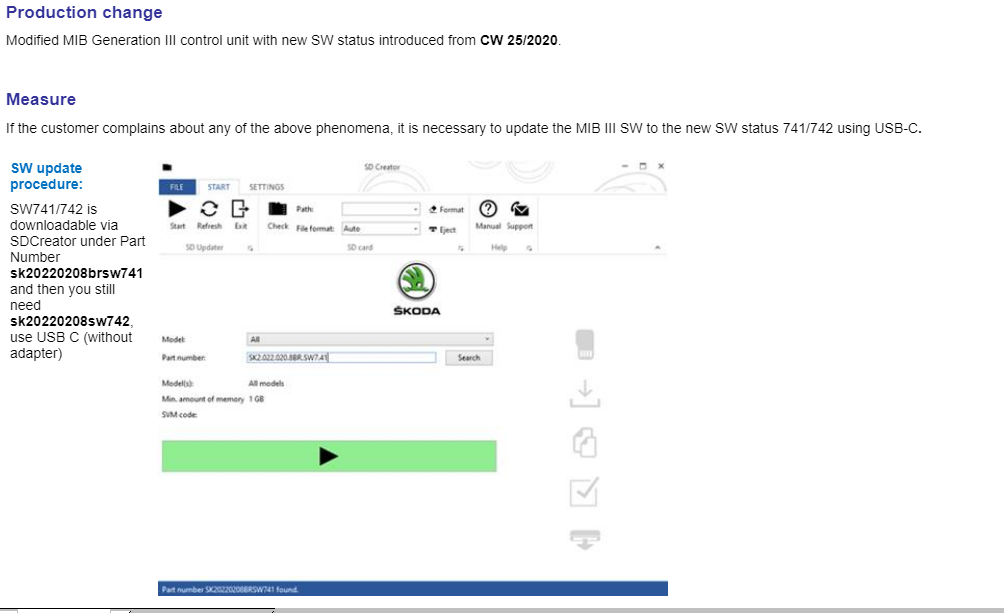
 you have to install 741 + 742 741 is intermediar SW and you need to install 742 in the same stepSame issue with Kamiq TSI and the dealer replaced the clutch master cylinder. All good after that, the car behaves like it should. It starts very smooth now.yes, you did not know that Sw741 is an incomplete / transition SW .... and that you should have installed SW742 after 741... try to install again 1800, but skip the DAB. Anyway you have a brick MIB...i believe you have to update the gateway and the central electronics.please post the SW741 and 742 that you have i want to see if they are correct.is the unit working?nope, no downgrade option that i know ....you have to try to update first to sw741 AND then to SW742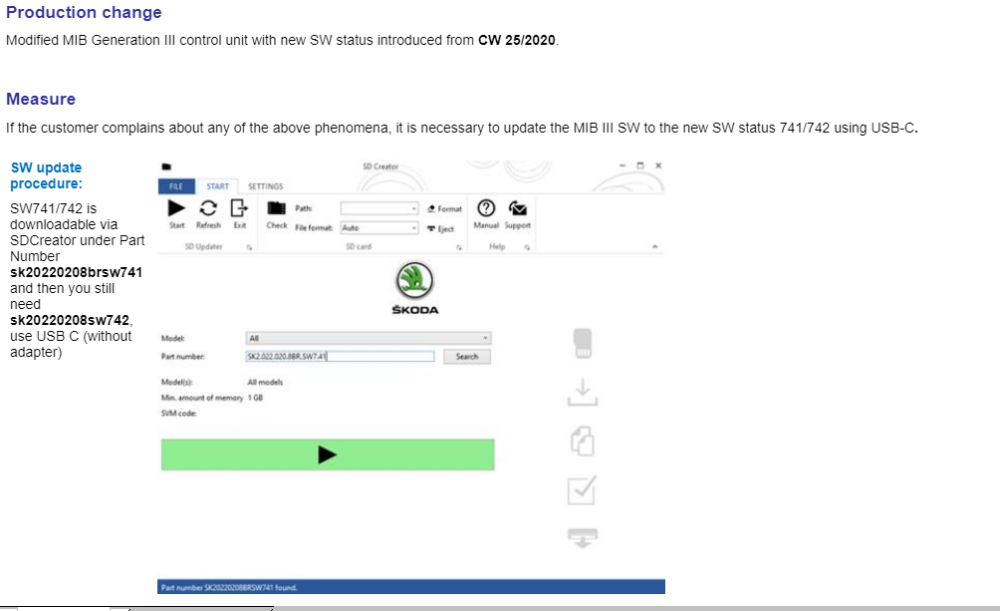

Important Information
Welcome to BRISKODA. Please note the following important links Terms of Use. We have a comprehensive Privacy Policy. We have placed cookies on your device to help make this website better. You can adjust your cookie settings, otherwise we'll assume you're okay to continue.