Tishout
Members
-
Joined
-
Last visited
Everything posted by Tishout
-
Real men don't RTFM!!! 🤣
-
I sent this tk the dealer: Update of the climate control module from 0341 to 0531. This should resolve the issue of the Climate SYNC feature not remaining on, when the engine is turned off. Not sure ifnthis is what they did, but the issue is fixed.
-
Wow, 7 years/unlimited km warranty, that's amazing. Kia have the same in the UK, but not VW group...
-
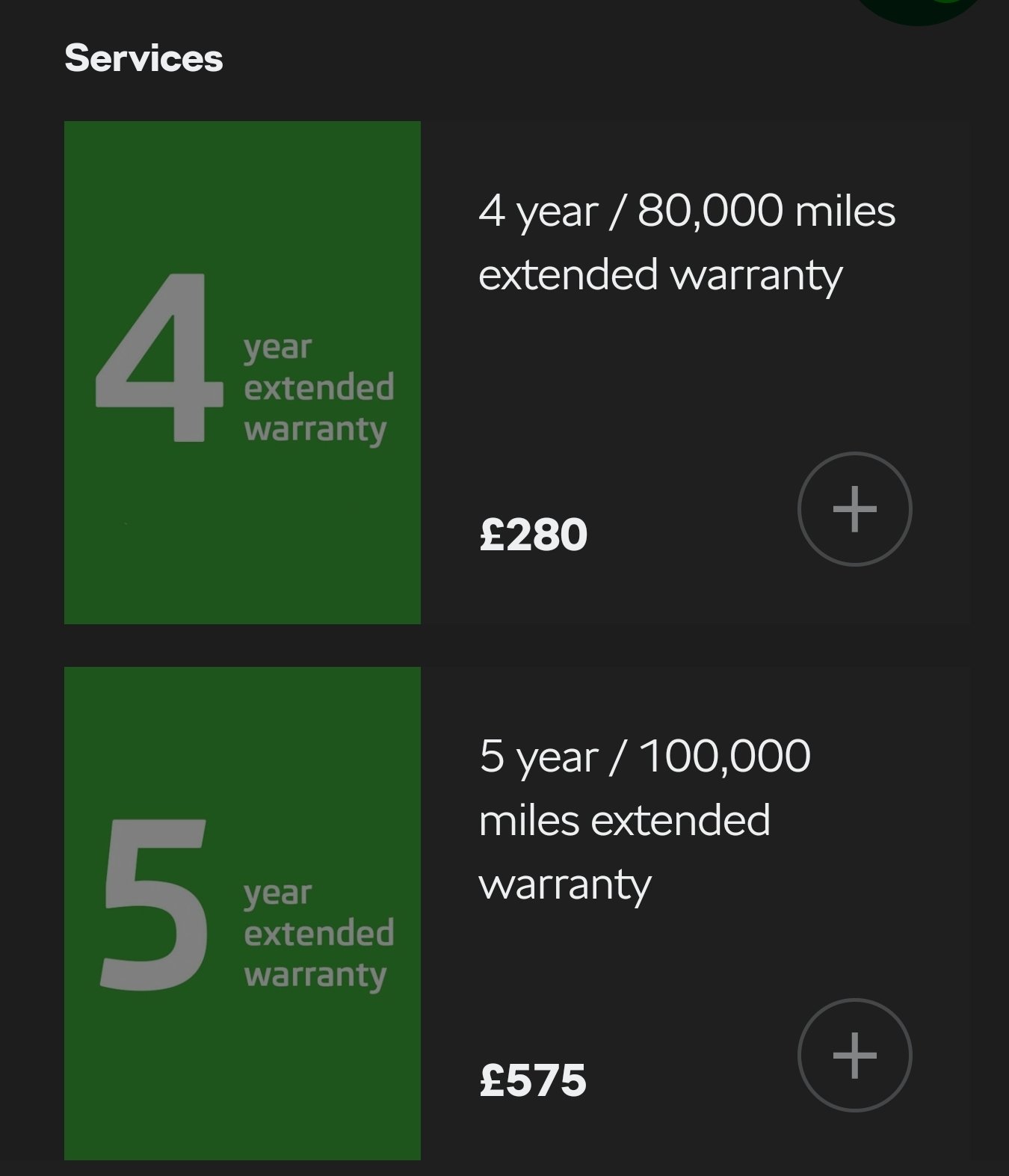
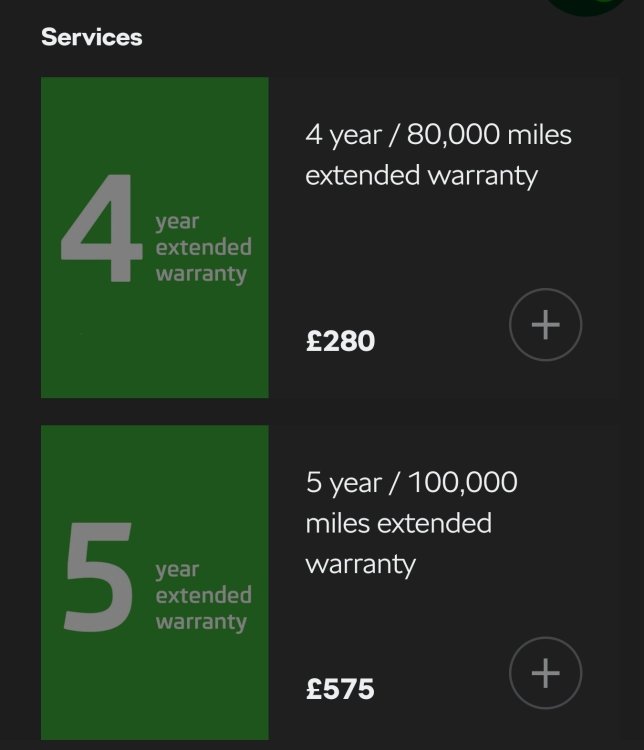
When you order the car, you can add extended warranty, and this only.can be done at the moment of ordering it. So, I take it it's manufacturer warranty... The all-in package is the extended warranty you can get after the manufacturer one expires. It's like an insurance policy really, where you can claim back for any repairs. You can get a warranty for certain named parts (engine, gearbox, etc.), or you can get the all-in package. I also got the all-in one, after my factory warranty exoired in April, and am a bit surprised they charge you for the diagbostics. Possibly you can claim it back from the "insurance"? I need to check the T's and C's....
-
You can get extended (up to 5 years) factory warranty at the time of purchasing/ordering the car. But only then.
-
I had mine fixed under warranty, when the car was just about two years old. They didn't charge me for diagnostics, or anything else, but that was with the manufacturer warranty. Not sure how it works with the extended warranty, though. I haven't claimed on that yet...
-
Why would they charge you for that if the car is under warranty?
-
-
On my MK3.5, I hirdwired the dashcam to the rear wiper fuse. But it's not permanently live, so you won't be able to use the park mode....
-
I had my car (21-plate vRS estate) serviced recently and specifically requested updating the climate control module from 0341 to 0531. The master technician at the dealer called me to confirm this, as (in his words) the official release information from Skoda did not say anything about fixing the SYNC issue. So, I think JamesK is right in saying that it was not officially recognised by Skoda as being a problem... But now it works fine.
-
Looks really nice. What was the original wheel size on yours?
-
Yeah, the 8J is not a problem overall. You need to be careful as it provides less protection for the wheel - I managed to curb mine a few times... Other than that, all good.
-
Funnily enough, my armrest "lost" the "ratcheting feature" at some point - the same issue as the one on the video. I was procrastinating raising this with the dealer for a while, and one day it suddenly started working normally... So, definitely, there's something wrong with the armrest.
-
Sorry to hear that... It's not just Skoda, unfortunately. I'm seeing the same attitude from pretty much everywhere - it's just ridiculous...
-
Fingers crossed, mate!
-
Do you have any further details on this update, such as ID or something similar, that can help pointing it out to the dealer?
-
Does it work when using the USB cable?
-
You missed the human sacrifice.... It's weird that the Swing has this bug. Hope they'll fix it soon!
-
Sorry that I couldn't be of further help...
-
I was thinking of testing my phone with your car and viceversa, but you're too far from me... Probably worth popping in to Mladá Boleslav...
-
Very weird... Where are you based?
-
That's very weird. If you have another phone that's working, clearly it's not the phone... Have you tested the same setup (cable, car) with another phone?
-
That's very weird. Have you tried contacting Samsung support? They could suggest something...
-
https://www.samsung.com/uk/support/mobile-devices/i-am-having-difficulty-connecting-to-or-using-android-auto/ Have you checked this?
-
That's very weird. I've got no issues, but it's not the Swing...