
Dale_Stevens
Members
-
Joined
-
Last visited
Everything posted by Dale_Stevens
-
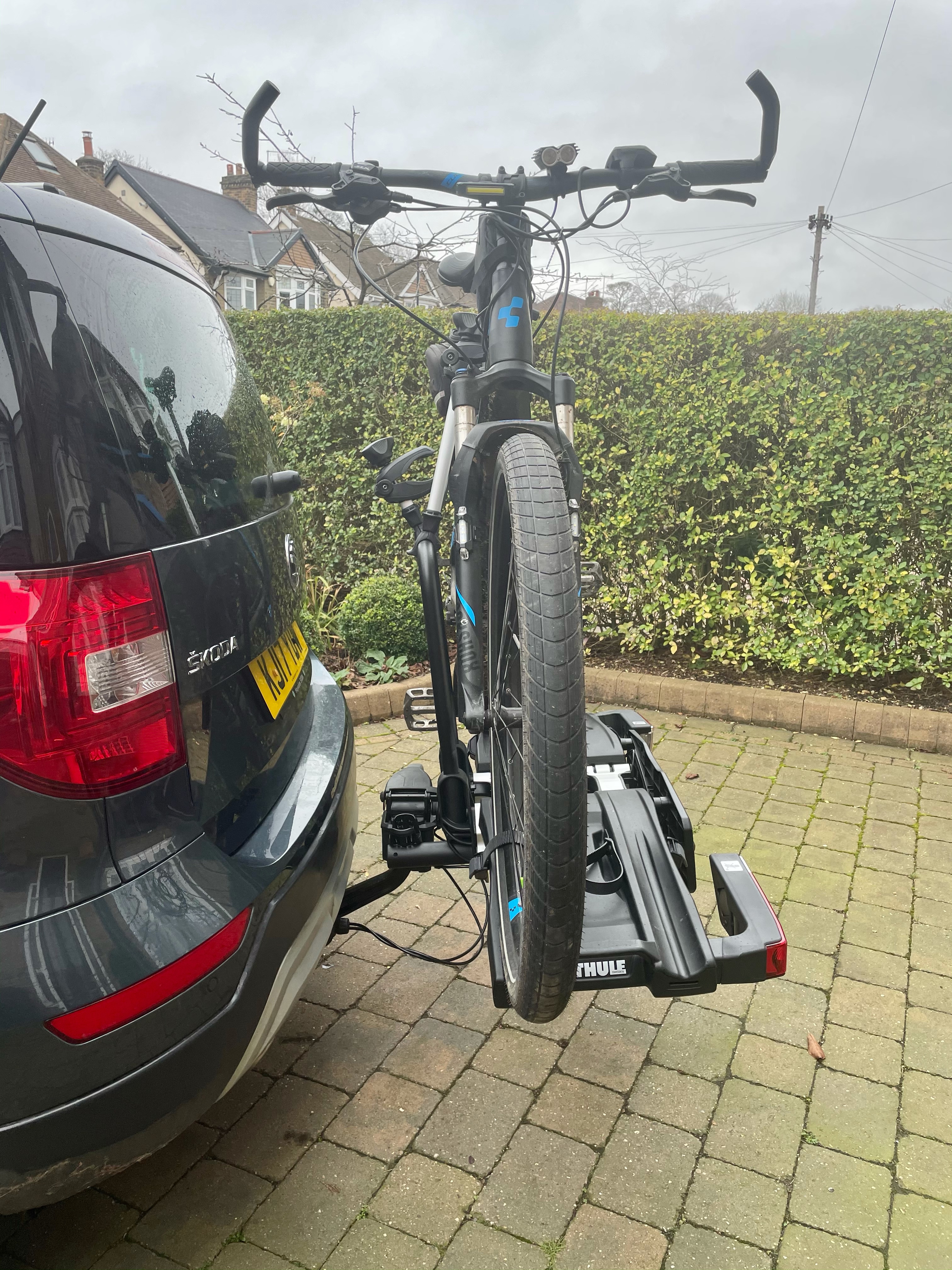
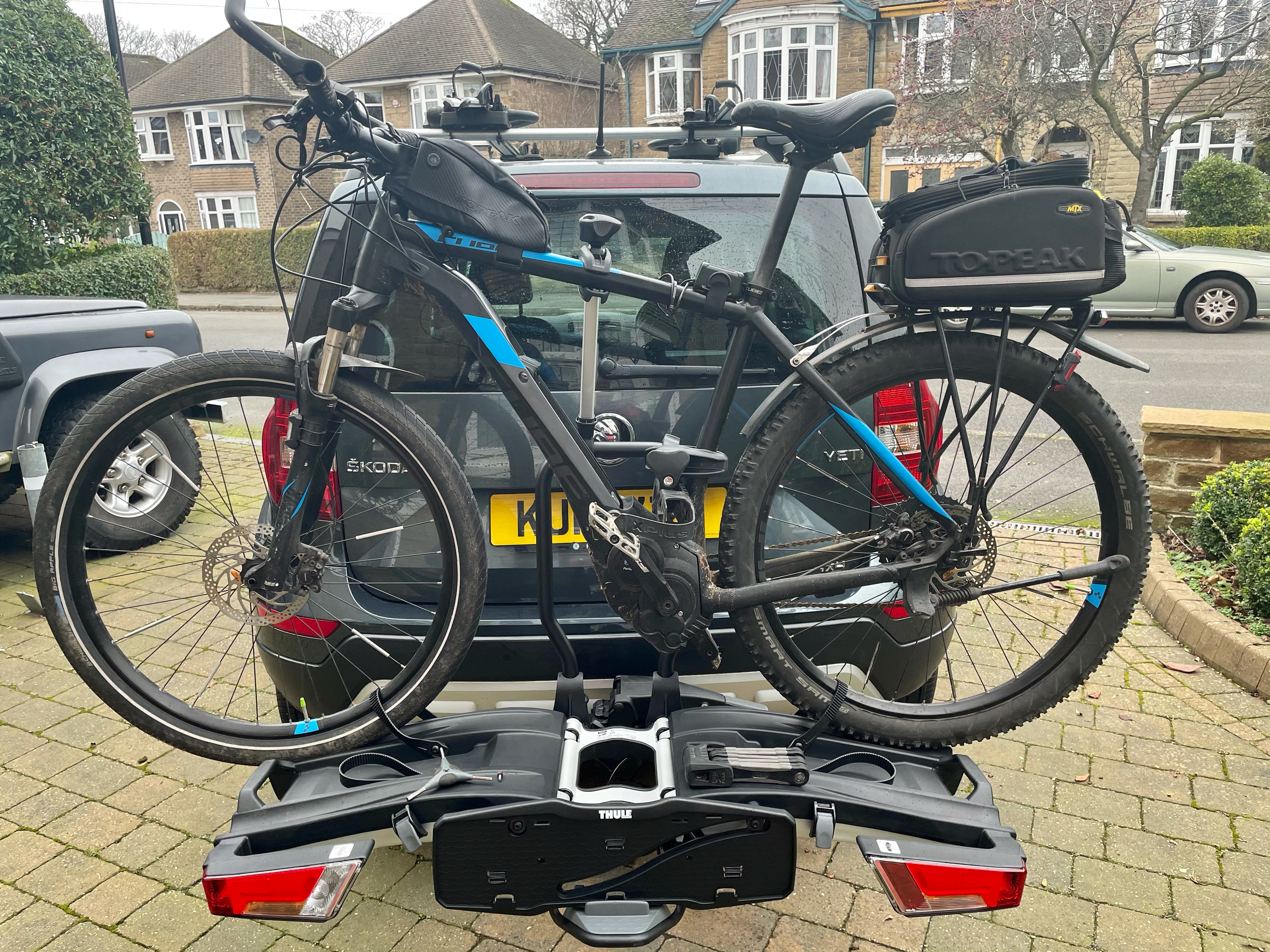
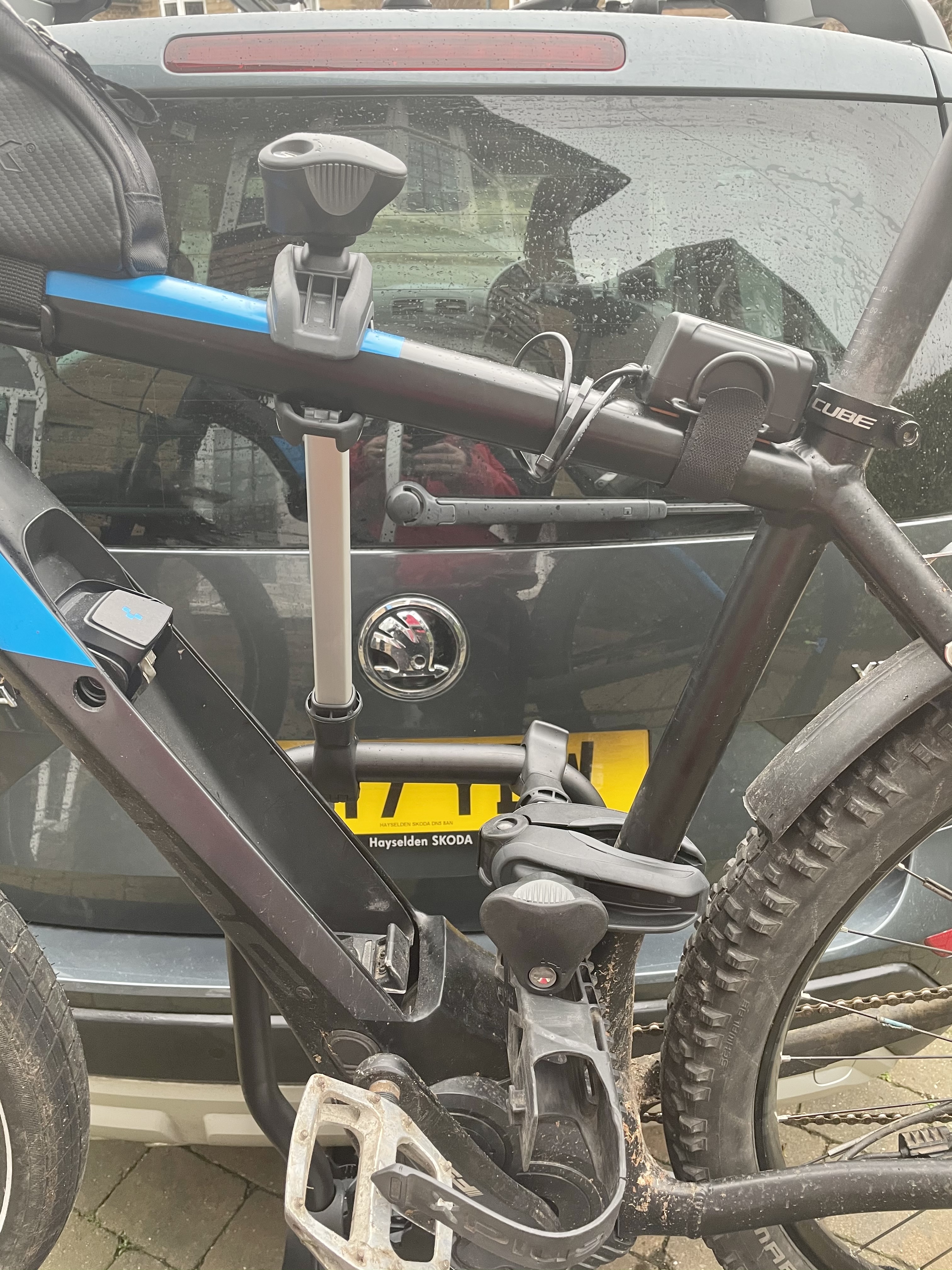
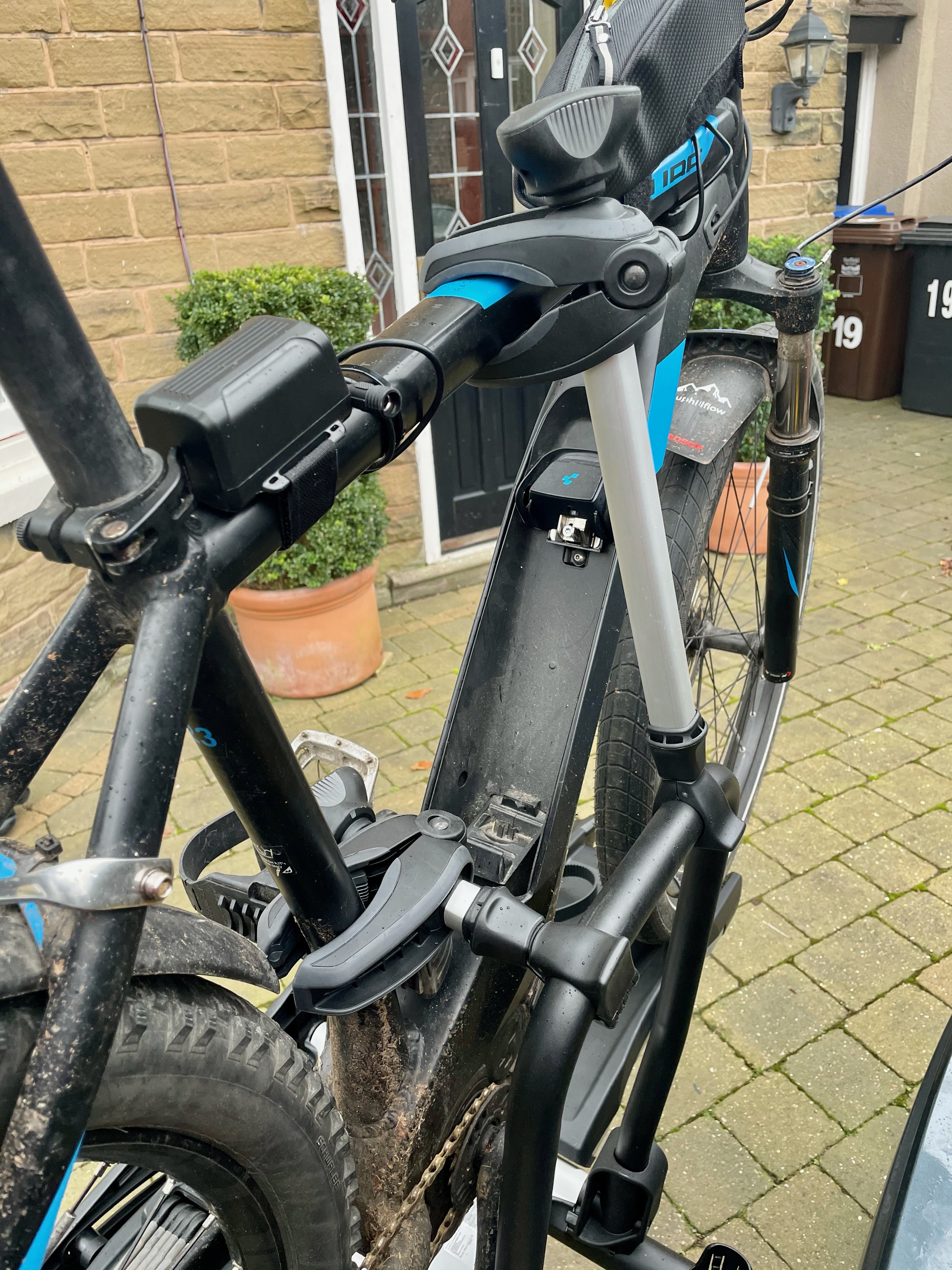
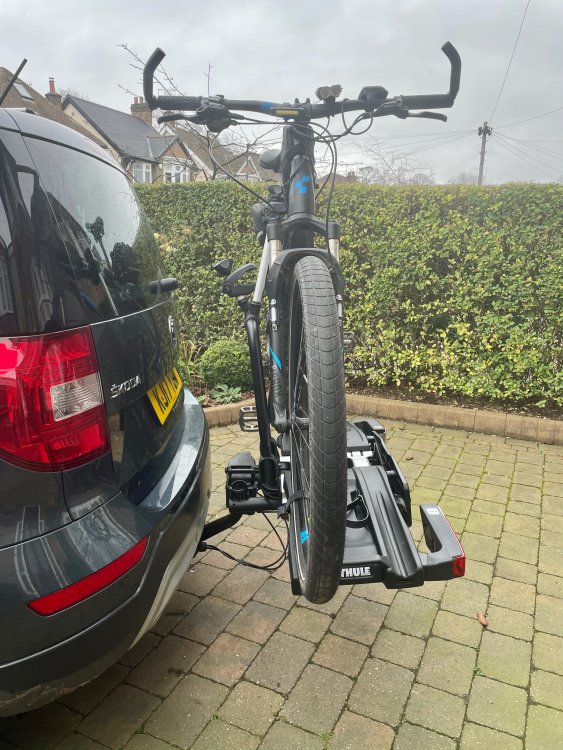
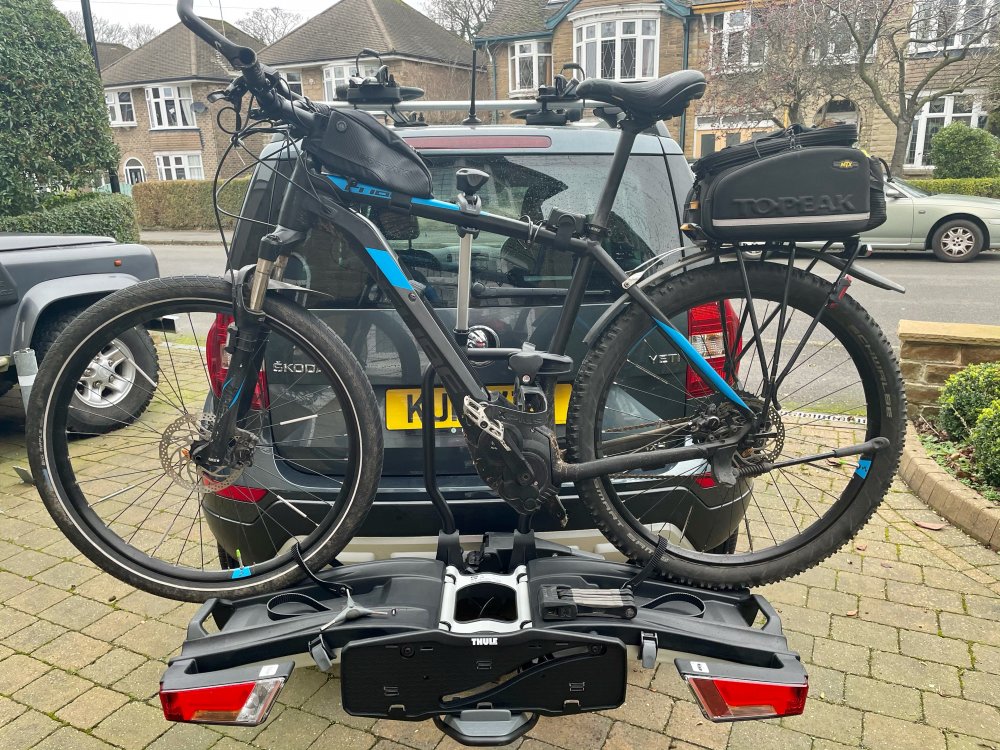
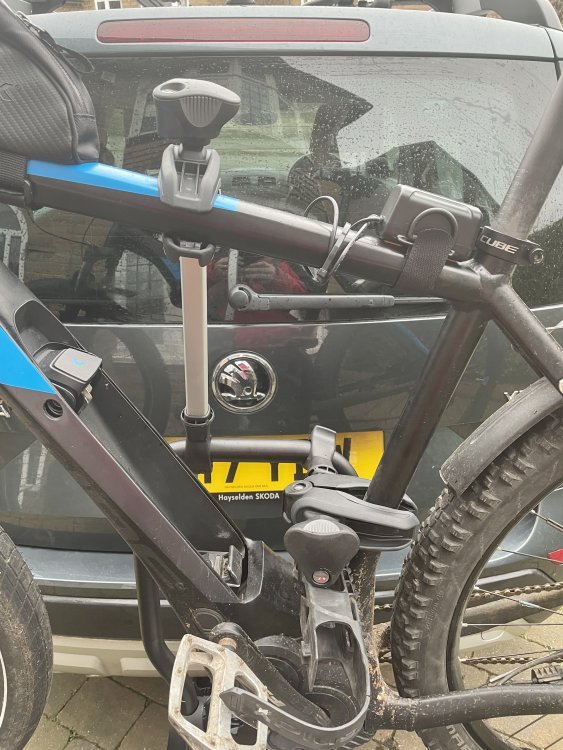
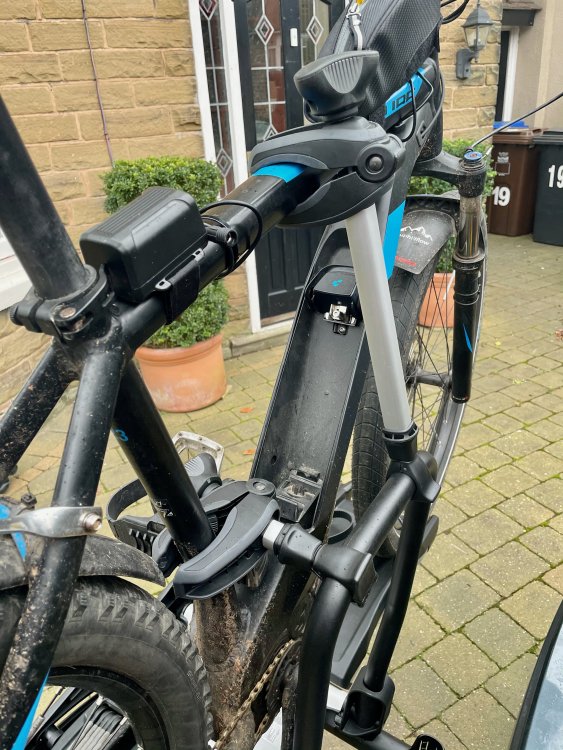
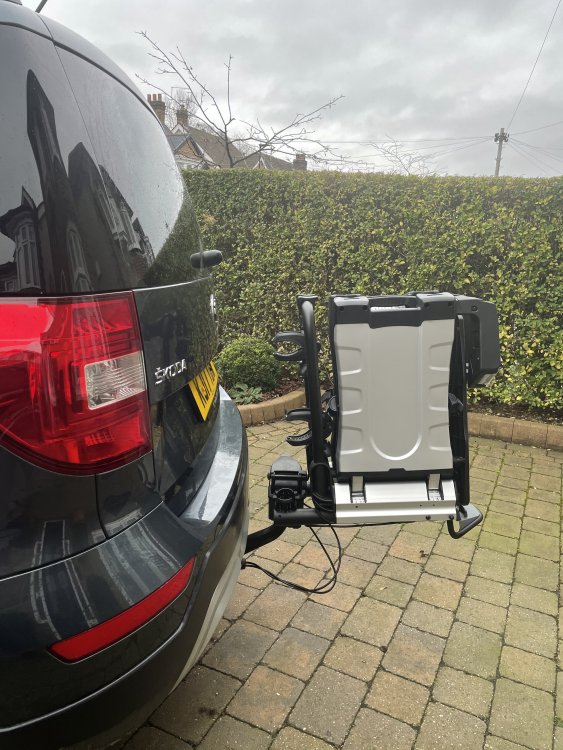
Rack folds out and bike sits onto the rack and secured with straps around each wheel.. The clamps don't suit a bike frame thats not tubular shape, the part of my bike frame which houses the battery isn't suitable for the clamps to fit. Thankfully the longer clamp will reach to my bikes crossbar, and the smaller clamp will fit the seat post part if I swivel the foldable lock holder away that I have fitted to the drinks bottle fixings. Though only one clamp is required per bike.
-
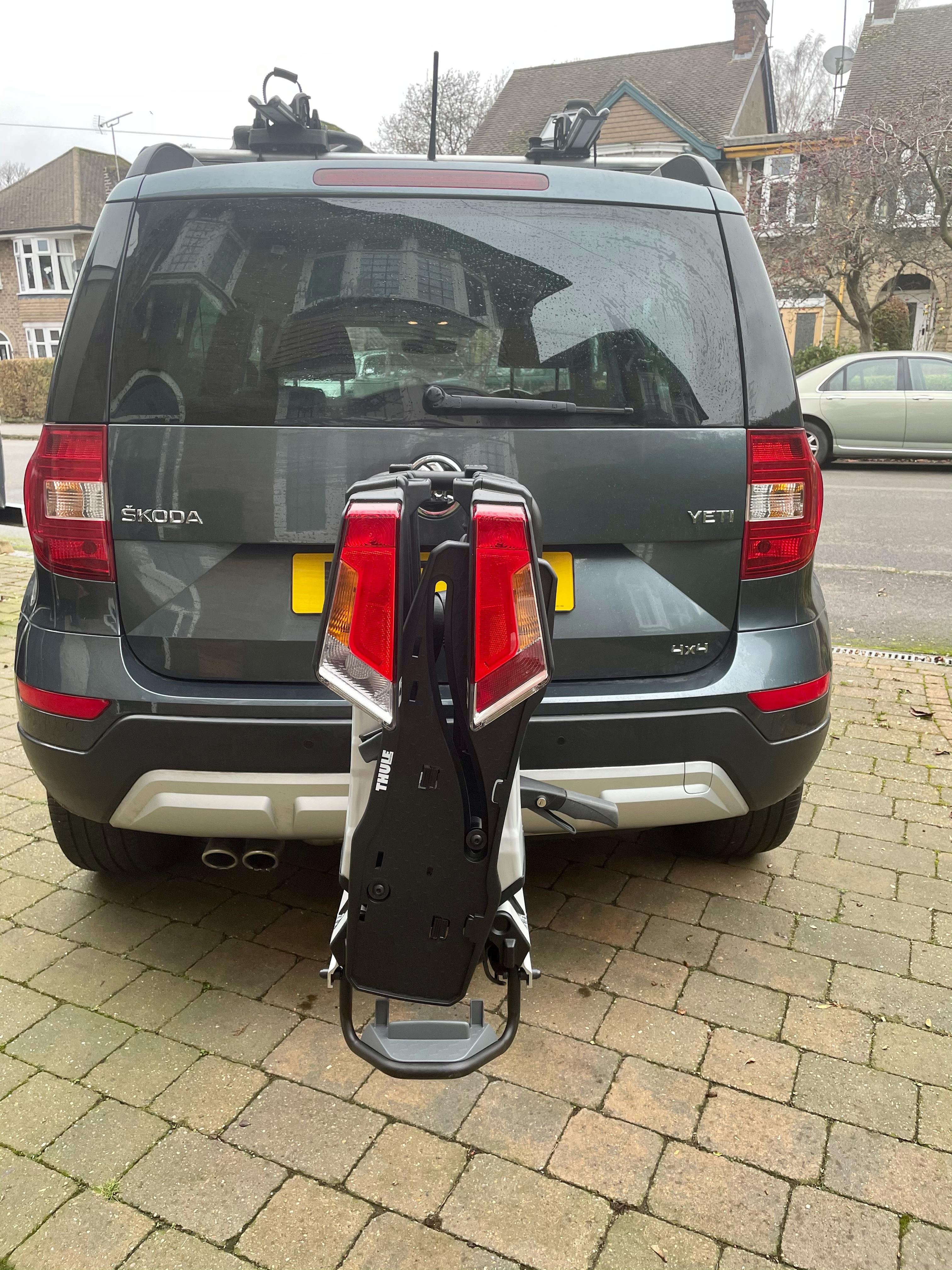
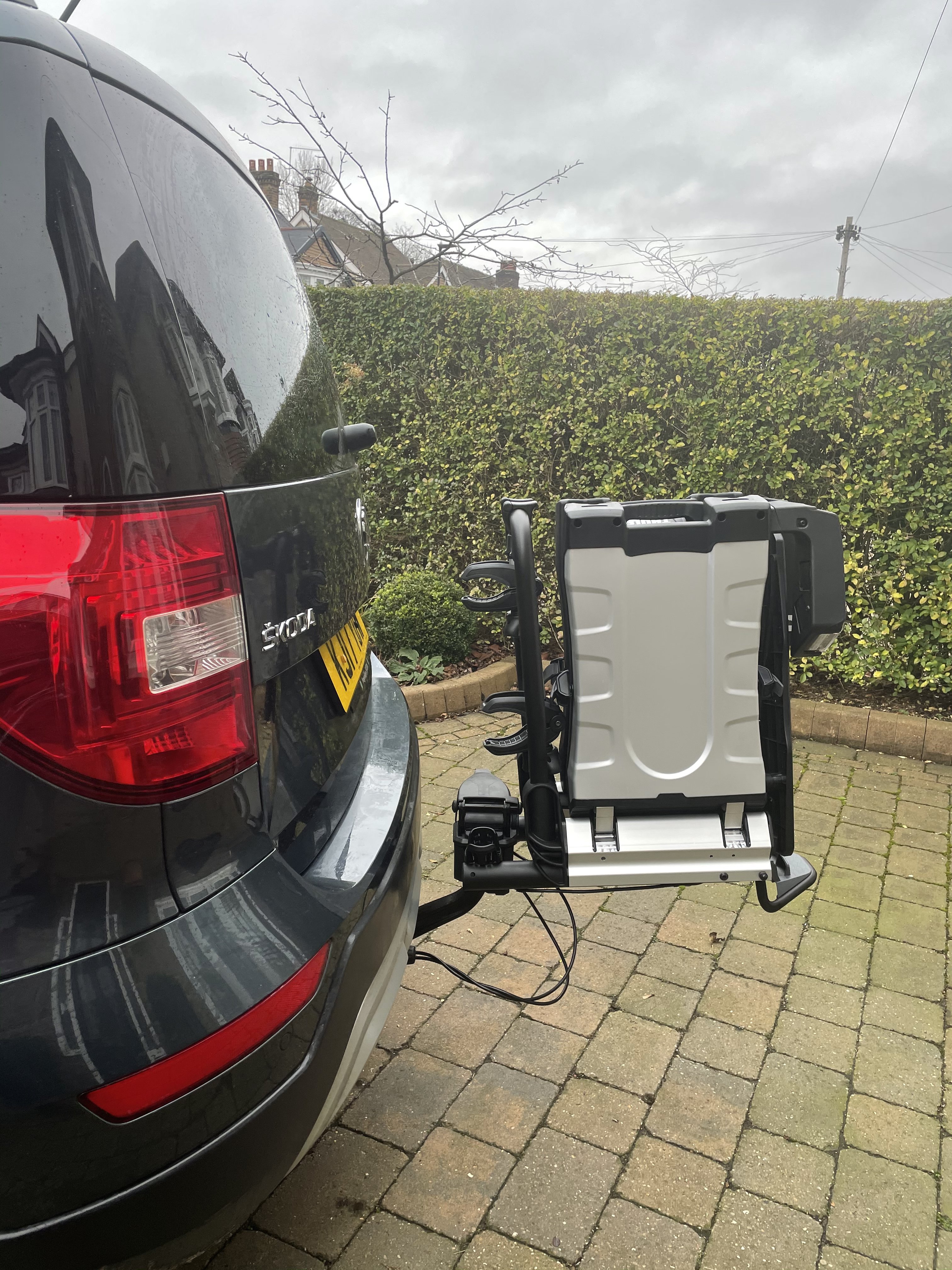
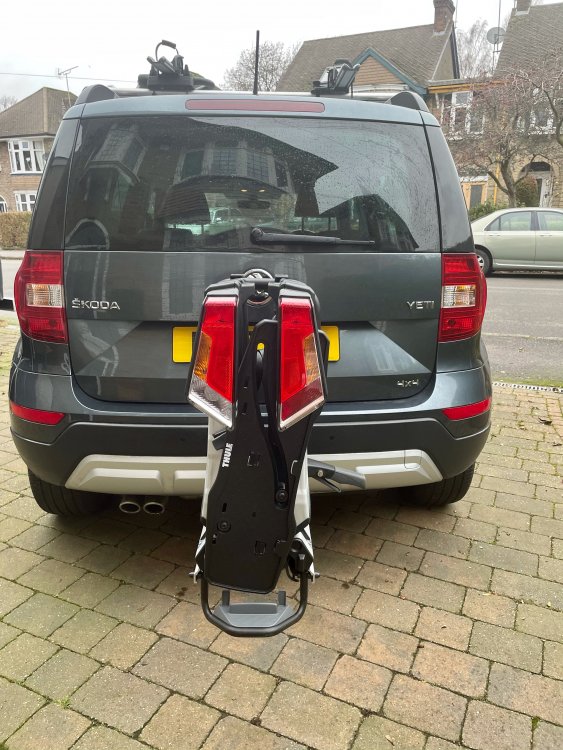
Slots onto the towbar, pulling down a lever to clamp it into situ...
-
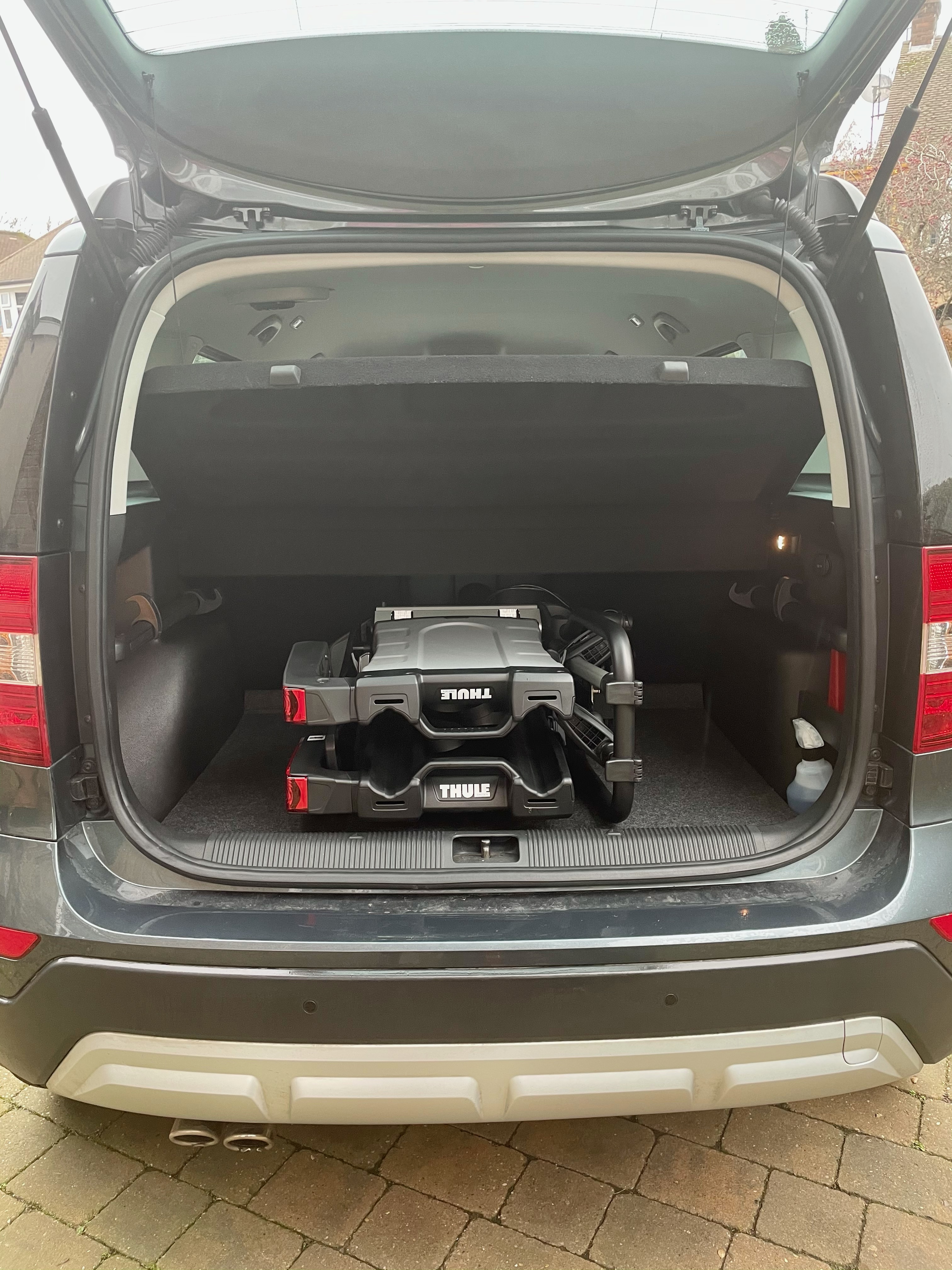
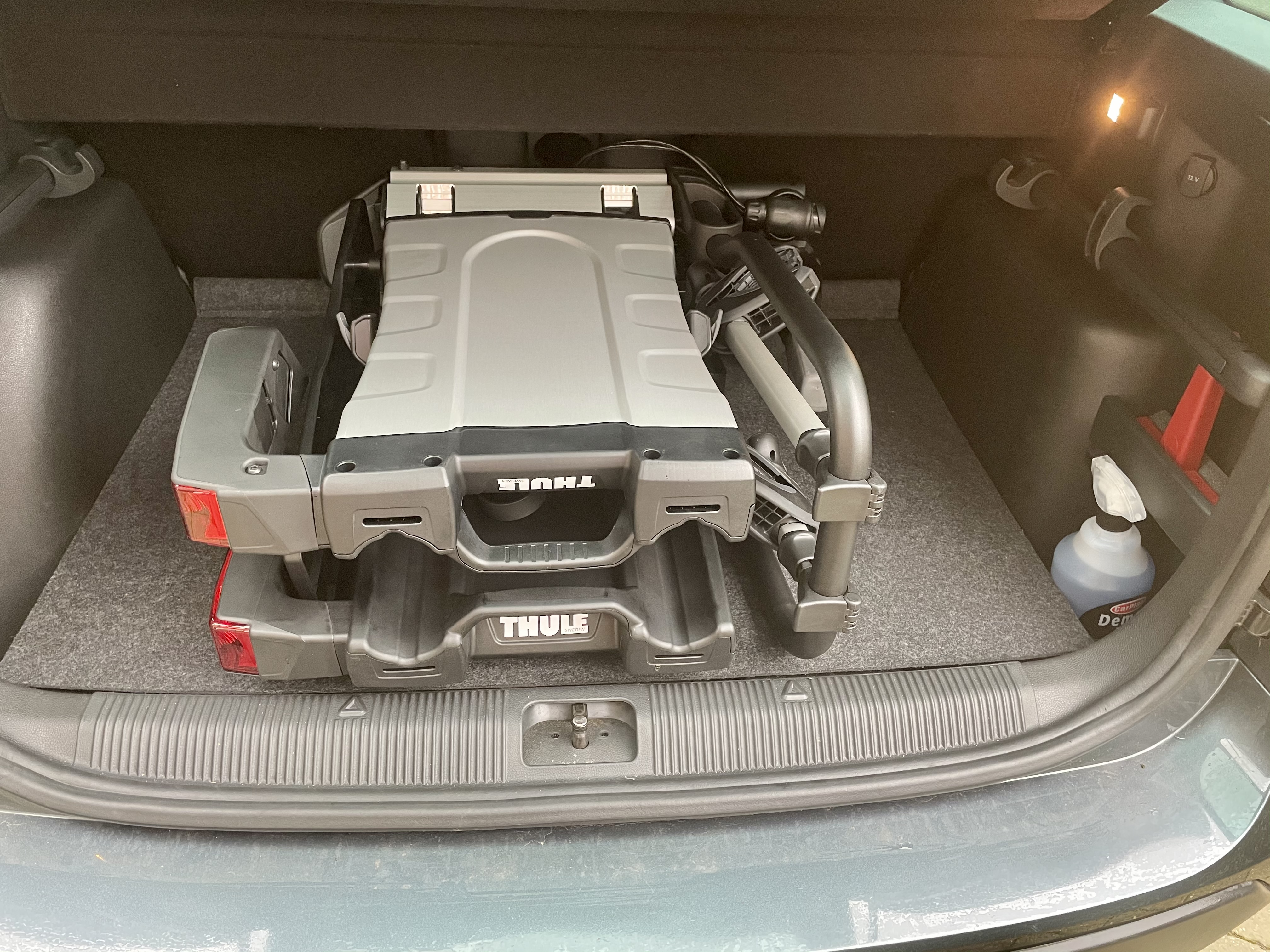
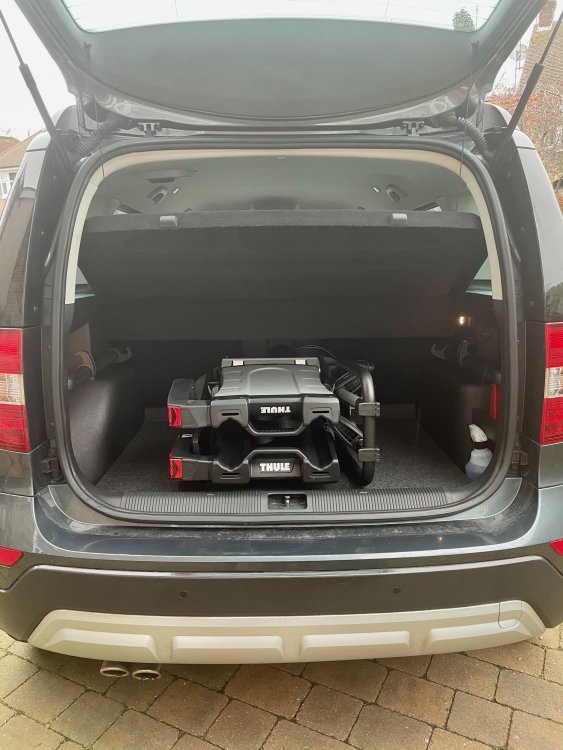
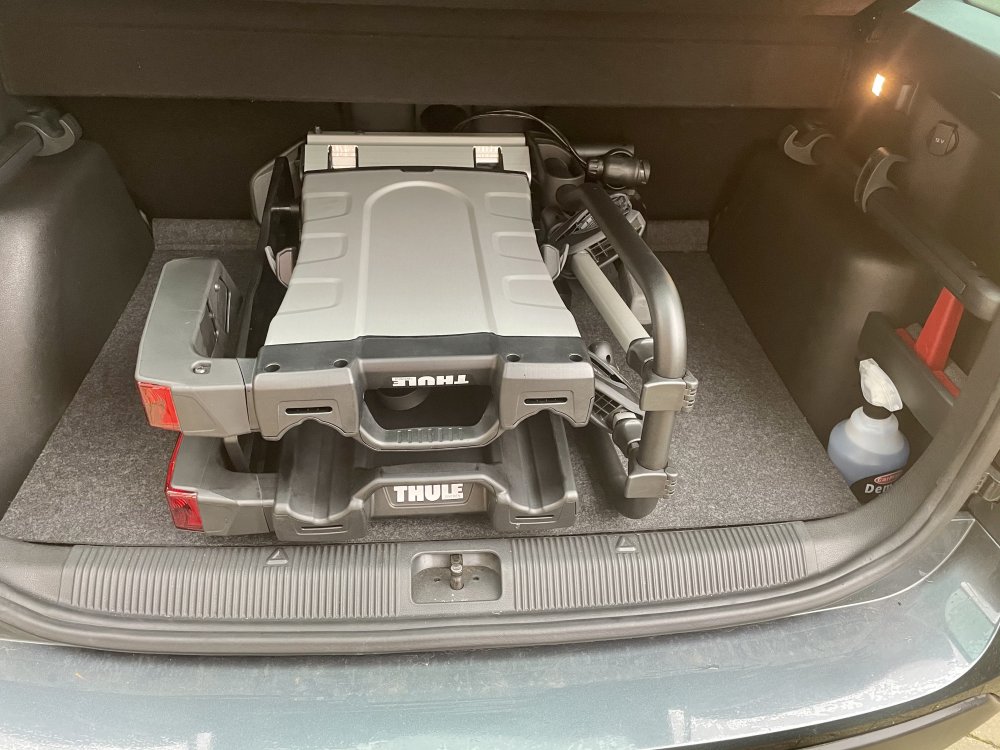
Multiple posts here due to photo file size limit... Finally decided to buy one of these, at £500 they aint cheap, but when folded it fits into the boot of the Yeti, which most other wouldn't. It also has a a higher max bike load limit of 30kg, where most have a 20kg limit, and my ebike is over 20kg. Nice and portable and easy to carry one handed. Fits nicely into the boot when folded...
-
I didn't realise that, so my Yeti with its heated screen will have heated nozzles?
-
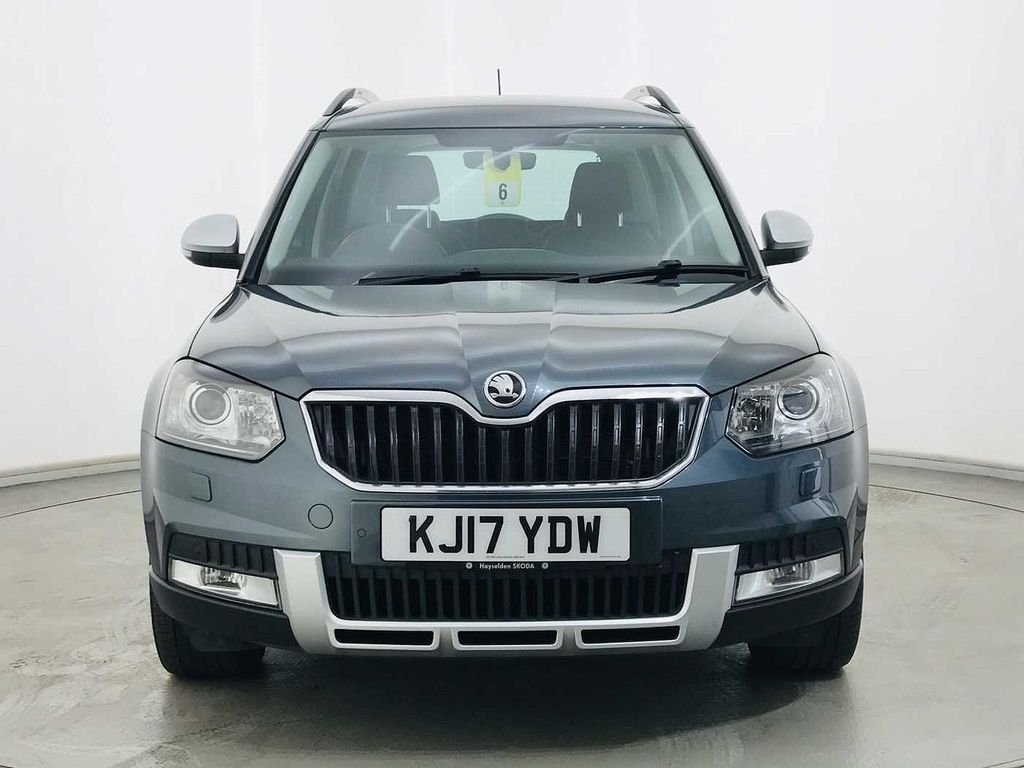
I tow a caravan so I've recently purchsed a 2017 Yeti 2.0L DSG TDI 150PS 4x4 Outdoor SE L Drive which I love.
-
Well thats precisely what I meant when I said I can't see the charging infrastructure being available.
-
I can't see the charging infrastructure being available by 2030, and I reckon the government can't either. They have probably given this date to jump start manufacturers into boosting development of electric cars, and changing the mindset of motorists for them to get behind the idea, whilst knowing that the target date can't be met.
-
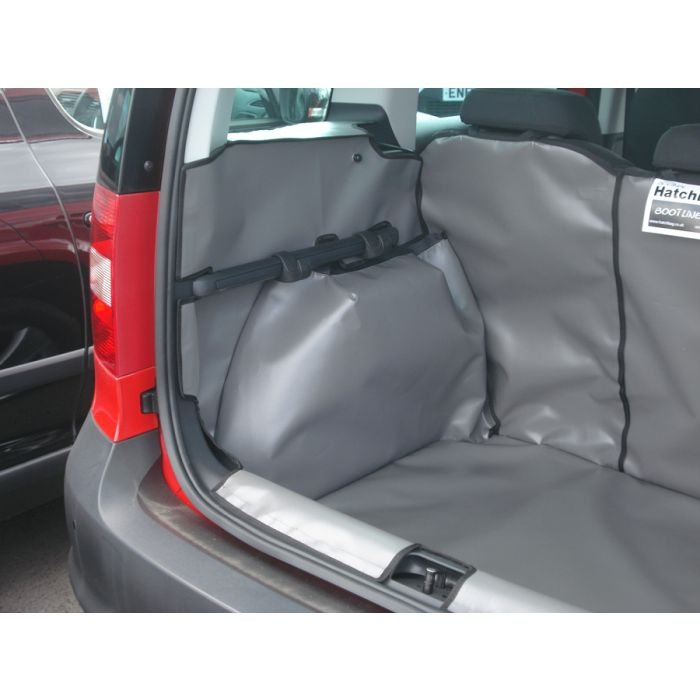
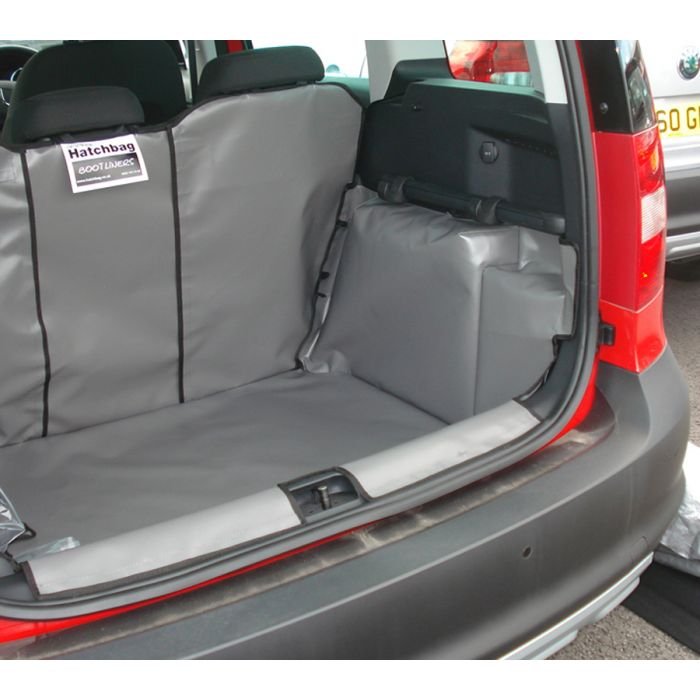
Any suggestions for a boot liner that covers the sides and the backs of the rear seats? We've had a Hatchbag boot liner for years which although purchased to fit a Renault Scenic we once had, it's fitted every car since. But it's too big for the Yeti. Anyone use any other brands? https://www.hatchbag.co.uk/skoda-yeti-2009-to-2017