
chopper85
Members
-
Joined
-
Last visited
-
My Enyaq has been into the dealership twice now for various issues, I was told the issues can be fixed with a software update, but I am still waiting.😔
-
Not yet, hopefully soon.
-
Used to happen on my VW golf and Tiguan in heavy rain and snow. Other than making it heated you can't do much about it.
-
Of course stupid me! 🤦♂️
-
Just been looking at a post on Reddit about cameras under the mirrors, just had a look at mine and there are what look like tiny cameras under the wing mirror, I haven't got the Parking Package plus pack though. Just wondering if they are false and nothing is there or maybe Part of the Assisted Drive Package Plus?
-
@TigerTony thanks for that its been a great help, I'll see if I can get hold of them.
-
When I ordered my car I didn't order the transport package, having had the car for a few weeks now I miss the variable boot floor I had in my Tiguan. I have enquired about ordering it as an accessory but I have been told its not available "YET". has anyone who has the transport package can tell me what's involved, what parts are there to it? Having looked it just looks like a foam boot liner and a boot floor, is there anything else to it?
-
That's about the same price I paid for my OEM skoda one.
-
It's my initials and my wife's and the year we met
-
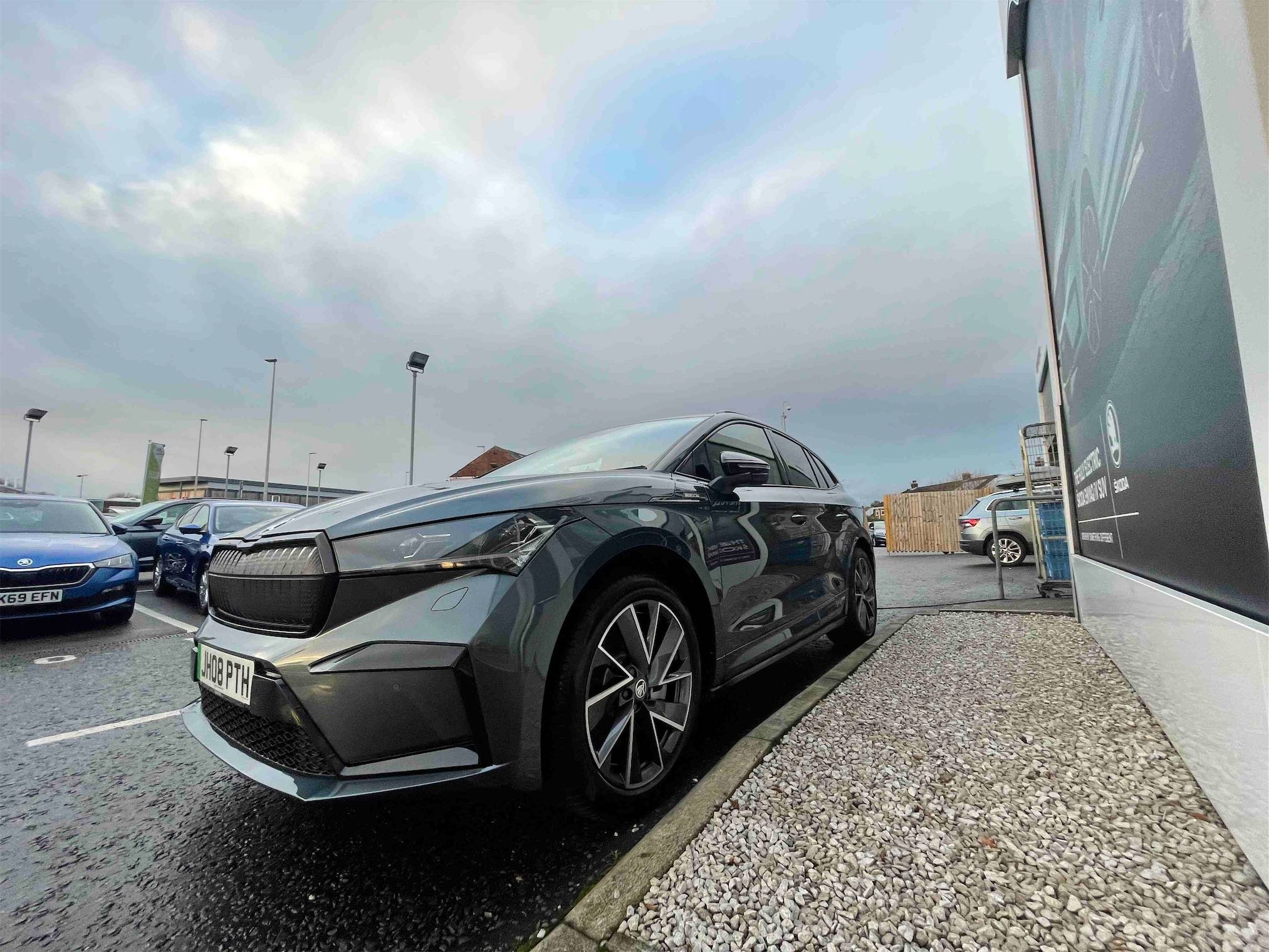
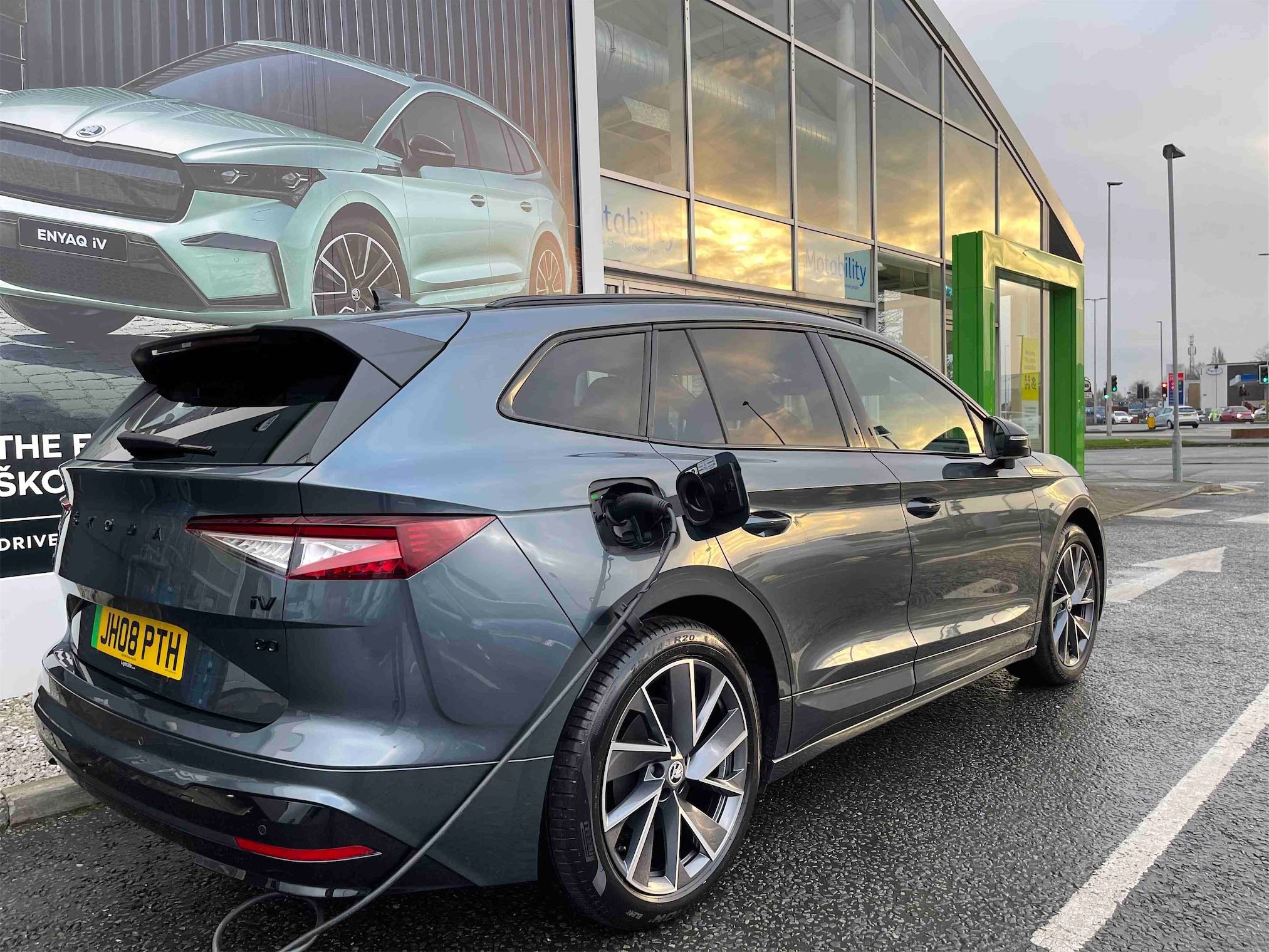
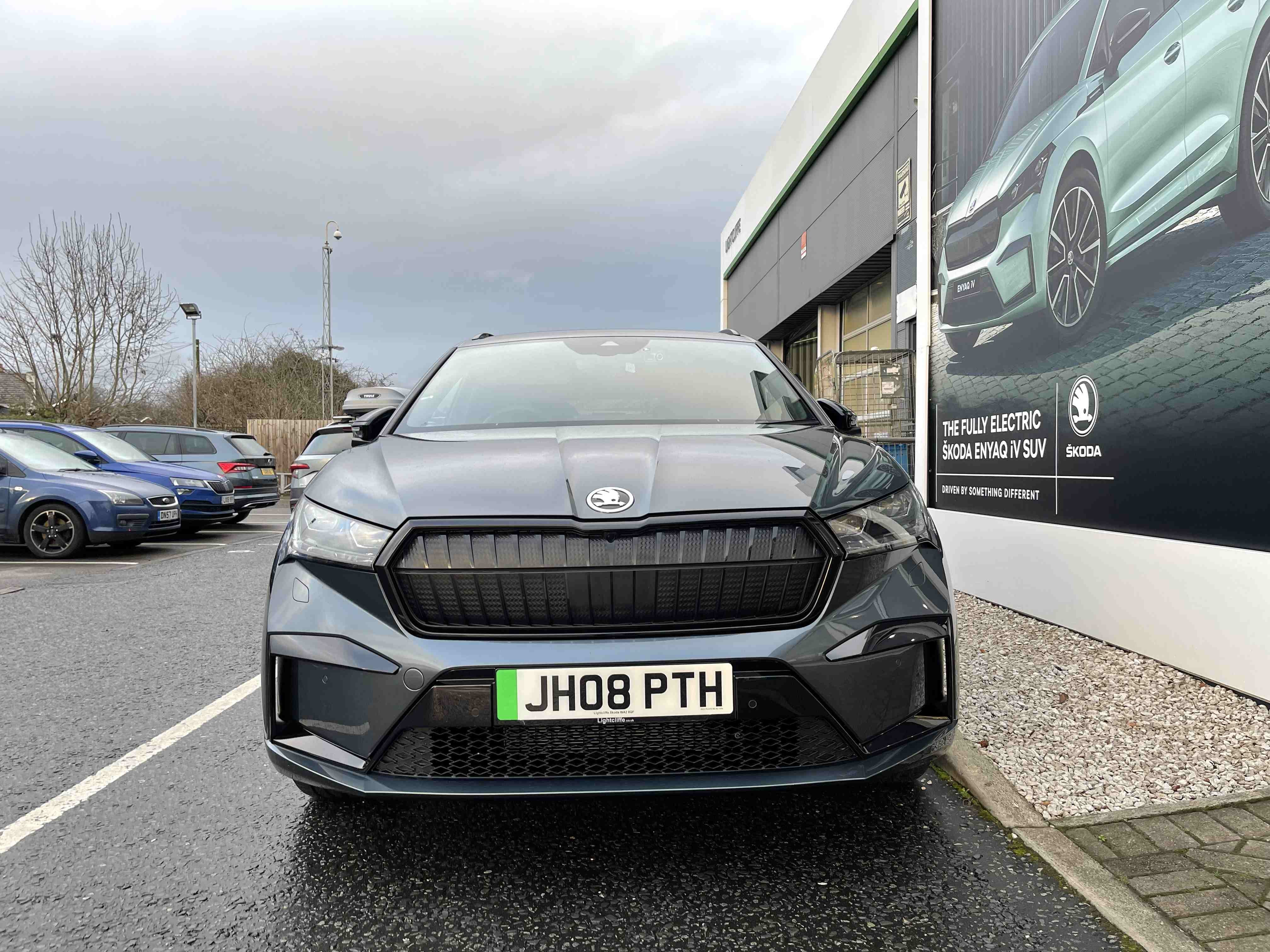
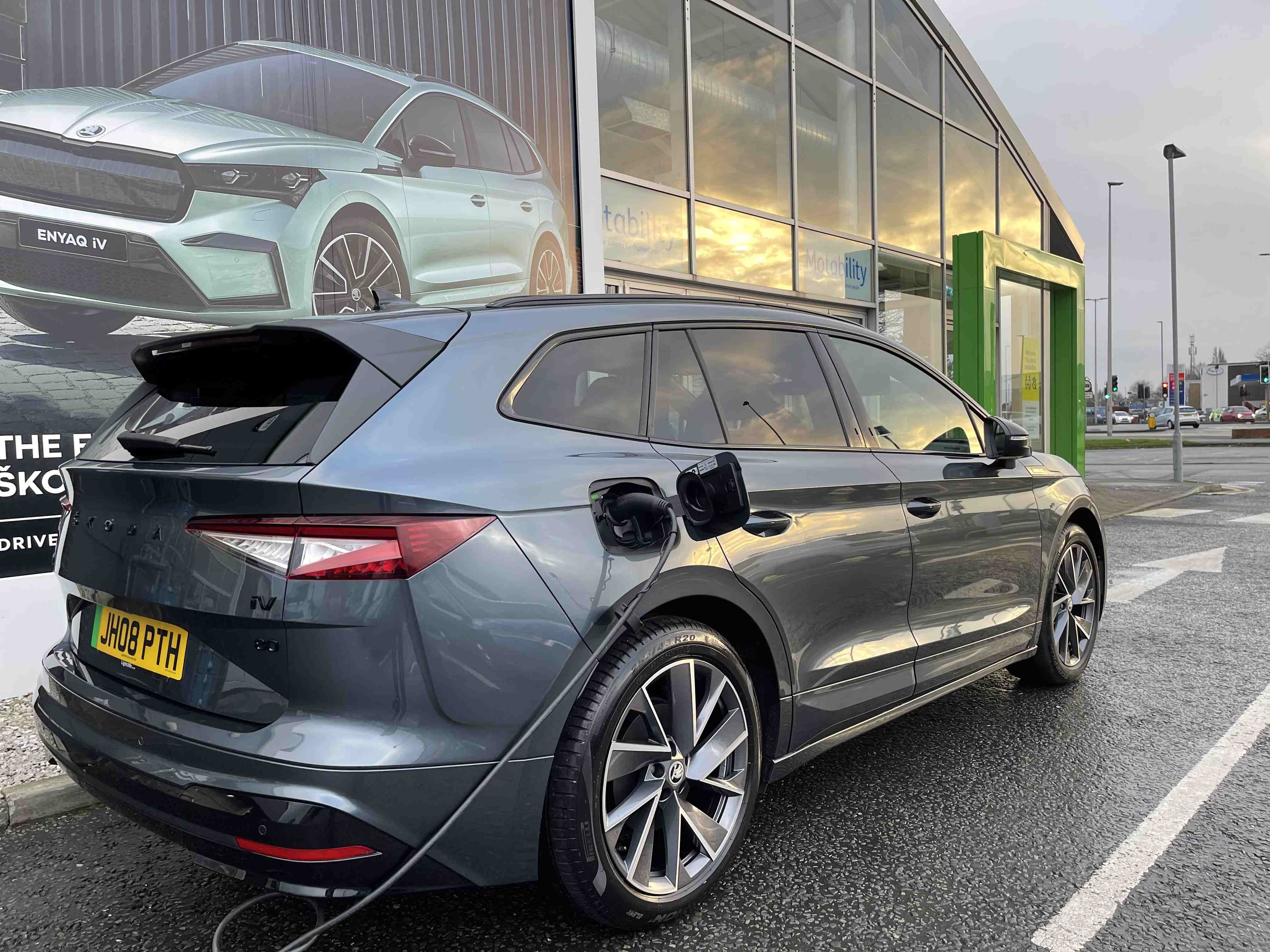
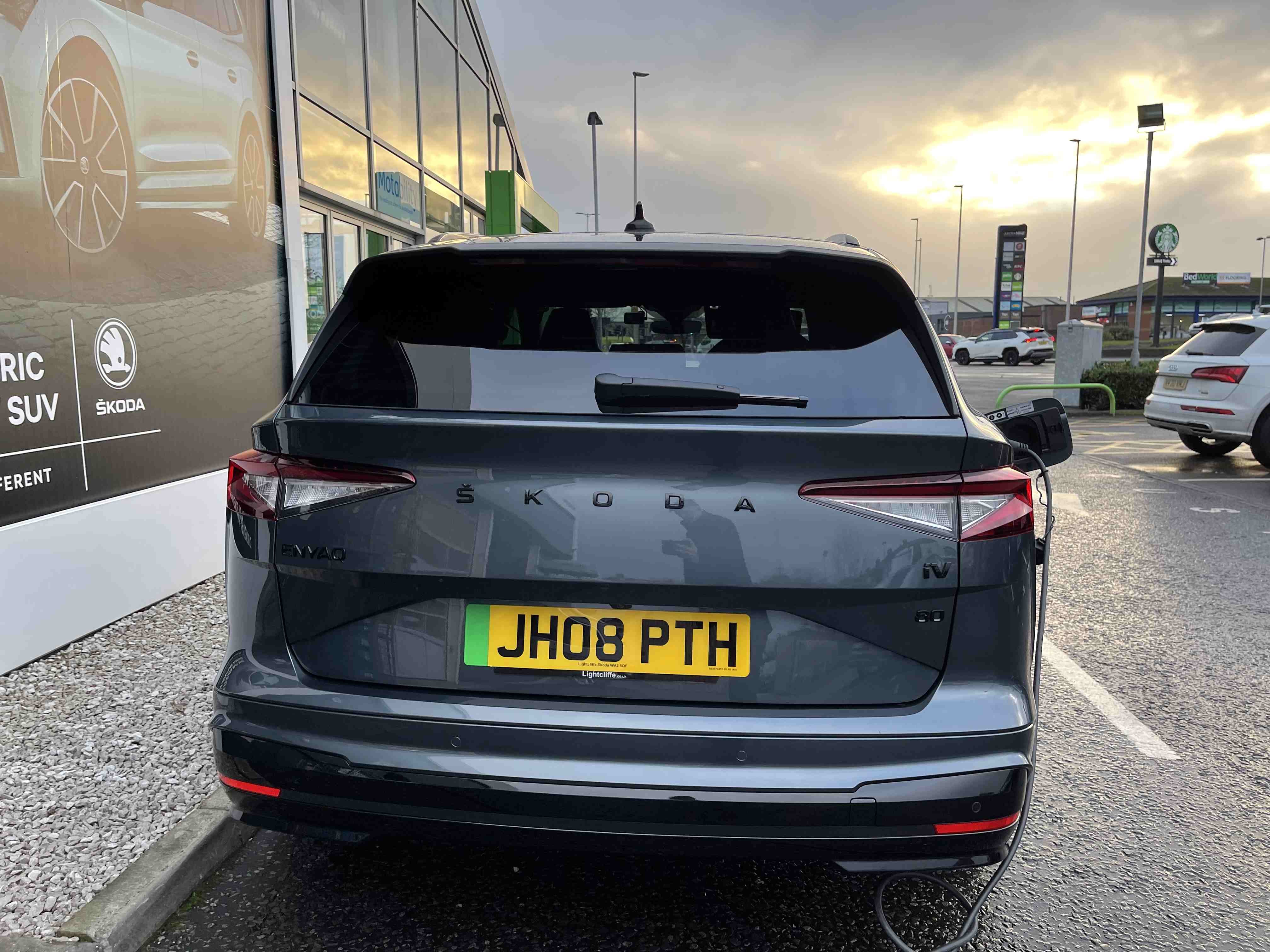
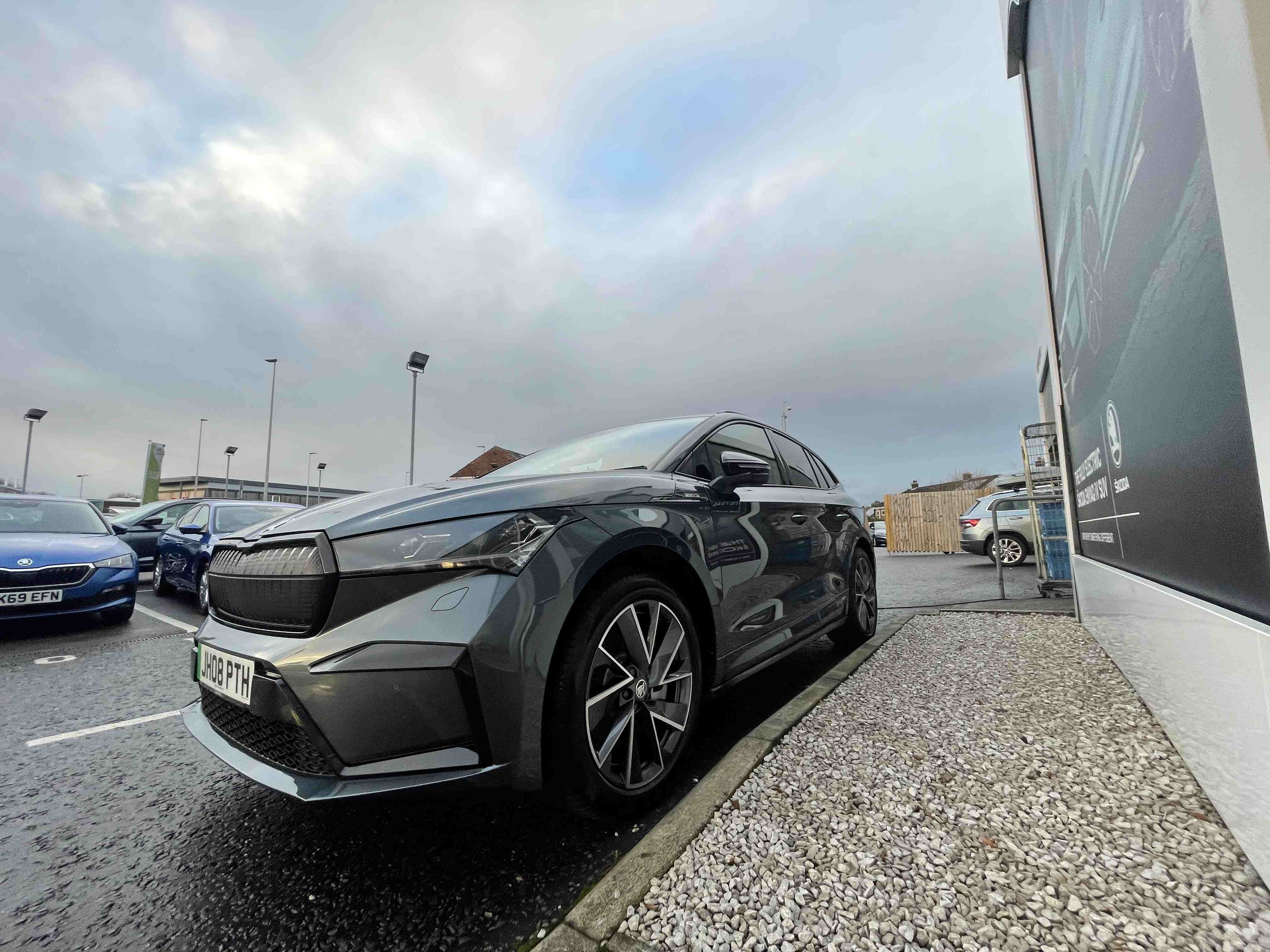
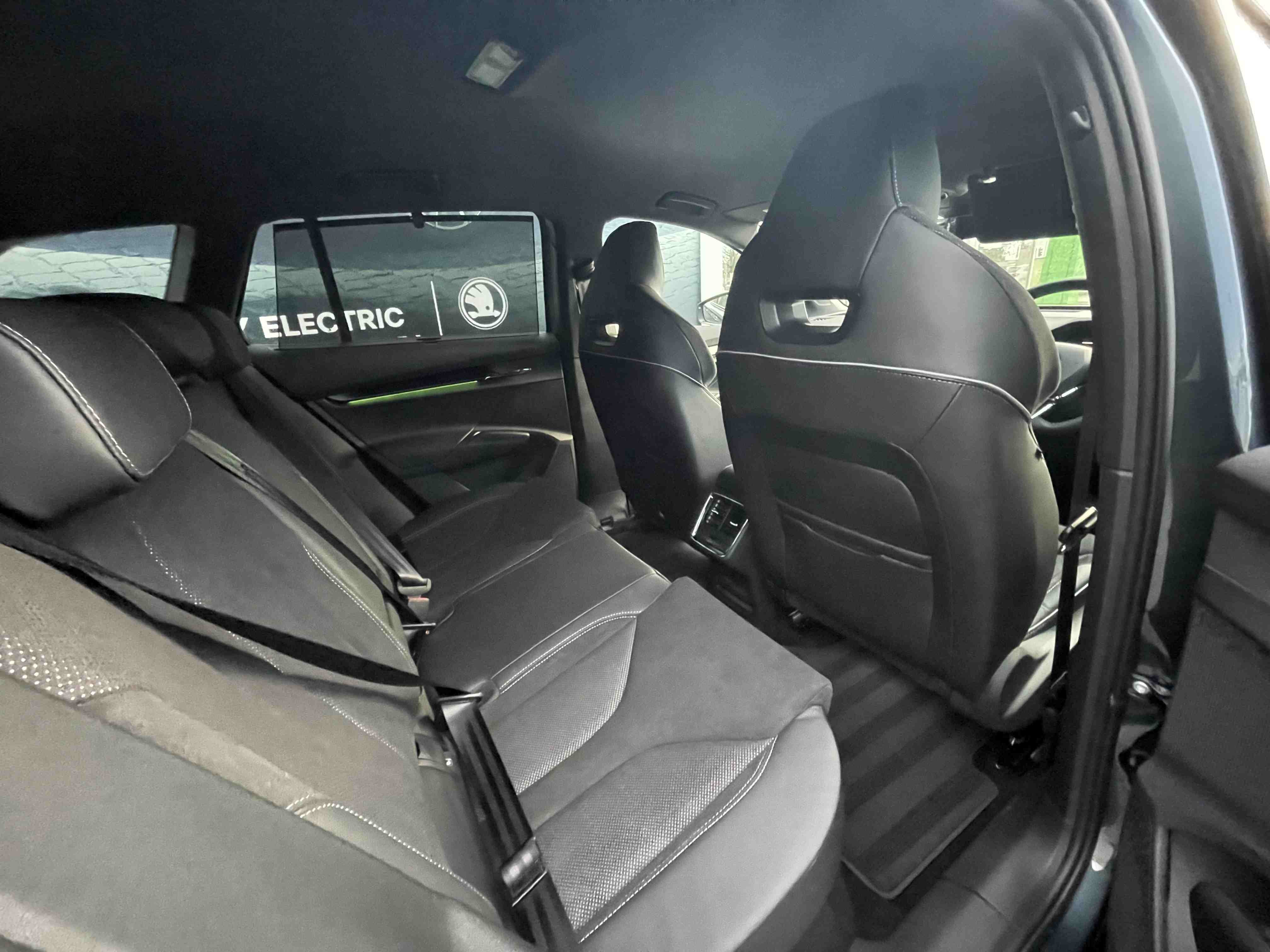
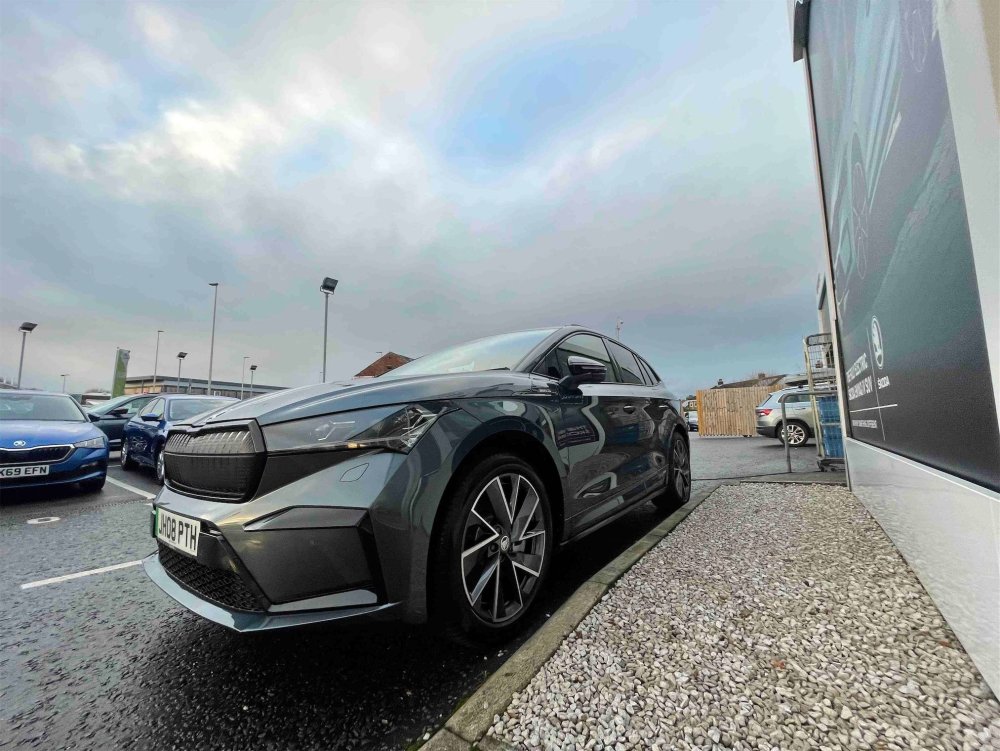
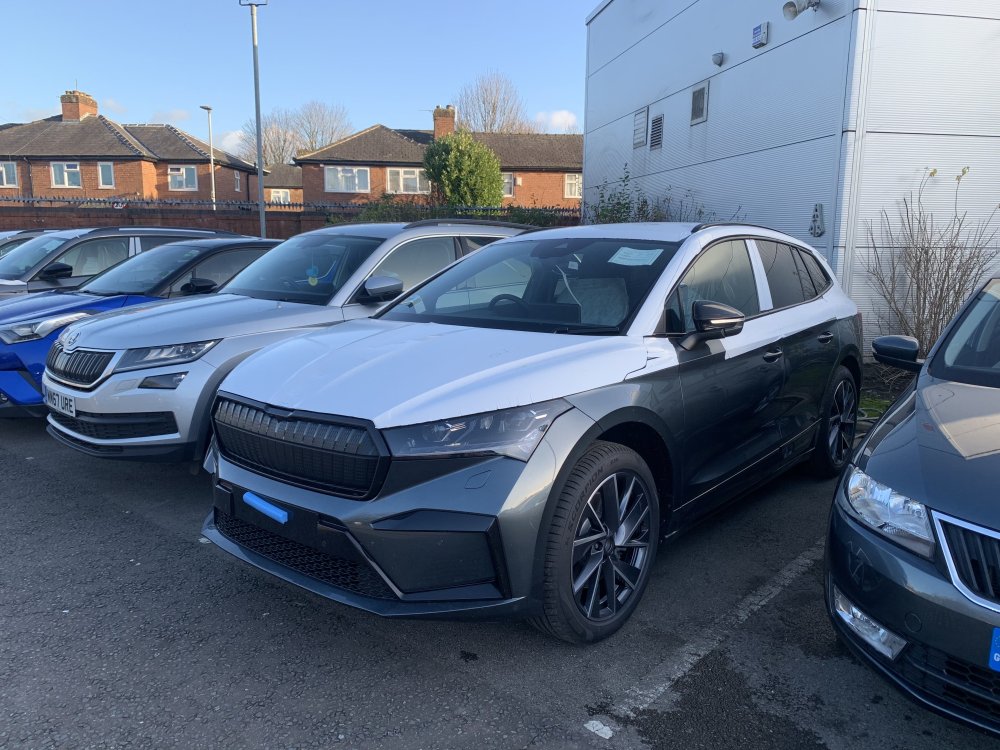
Picked up my 80 Sportline Quartz grey 6th of January. Packs bought are Convenience pack plus, Comfort seat pack plus, Assisted drive pack plus, Family pack. Also heat pump and 125kw charging.
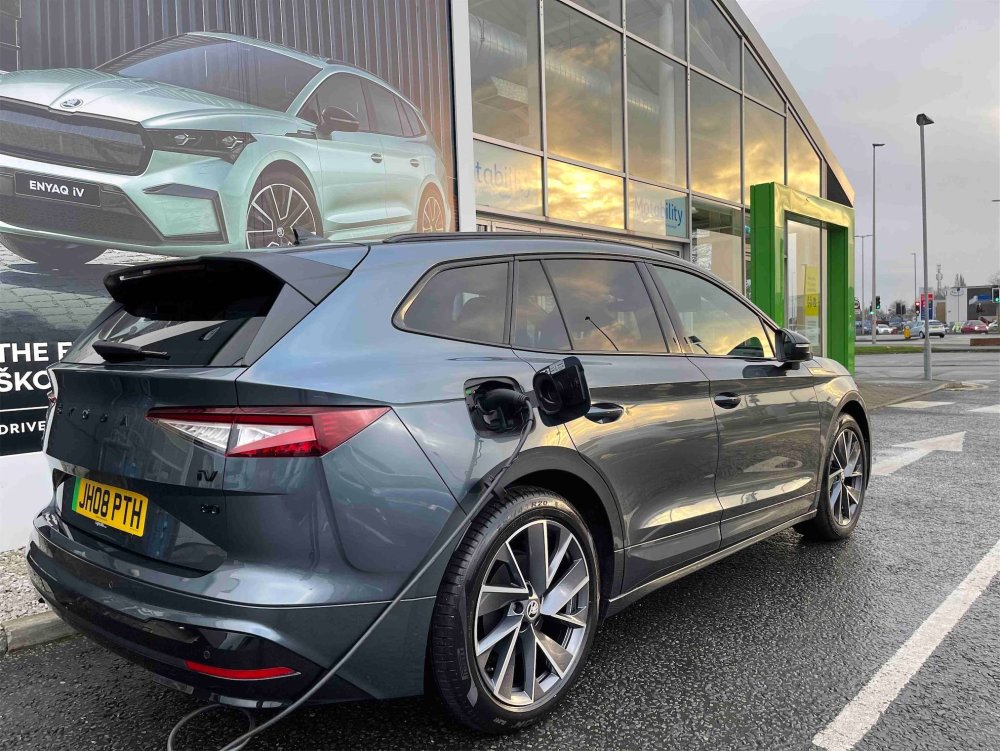
-
Sorry meant to post the correct images!
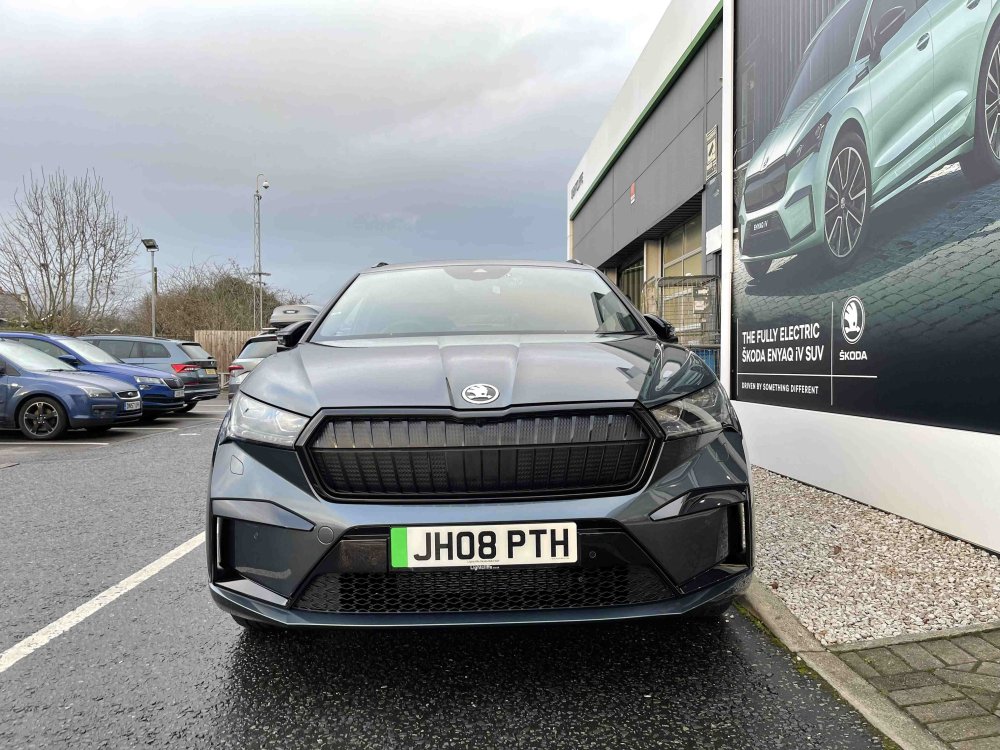
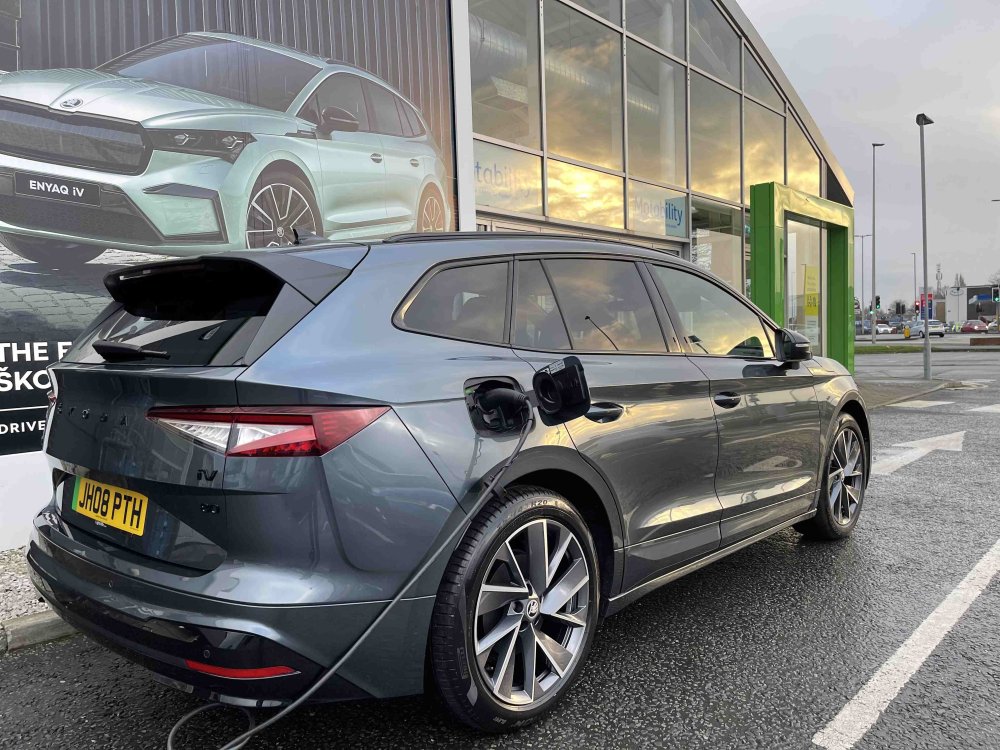
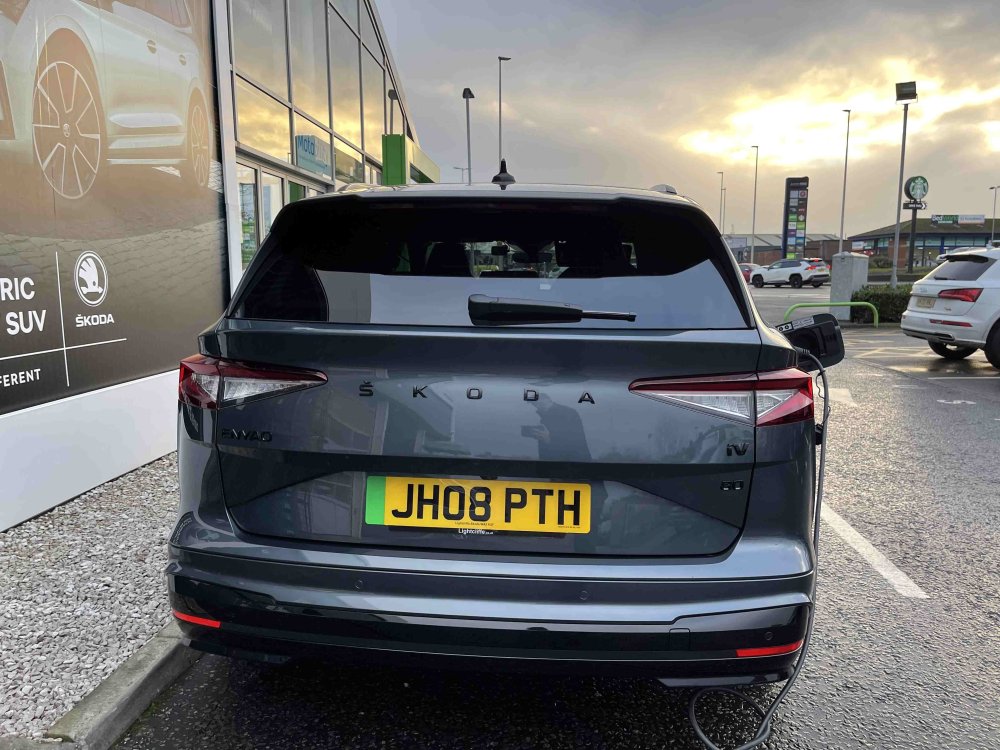
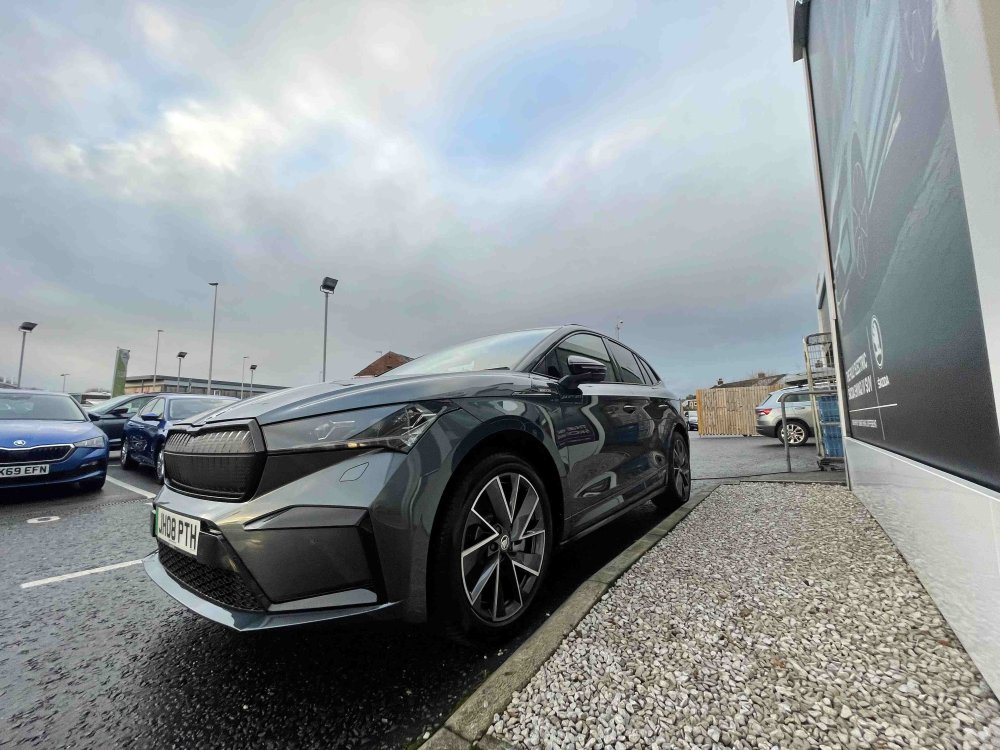
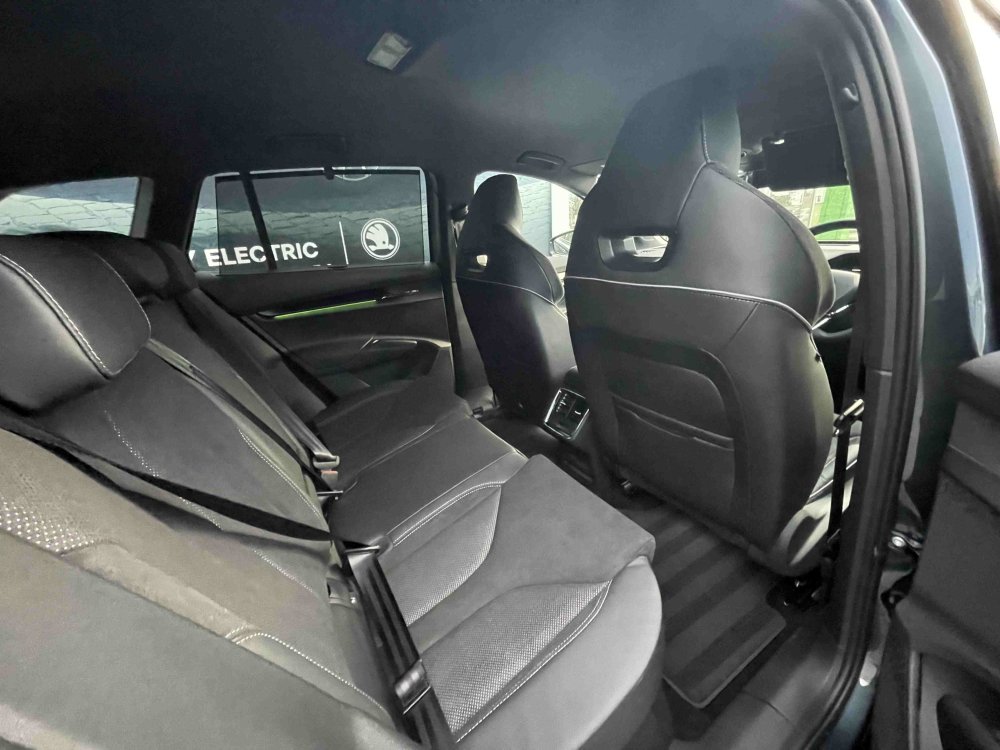
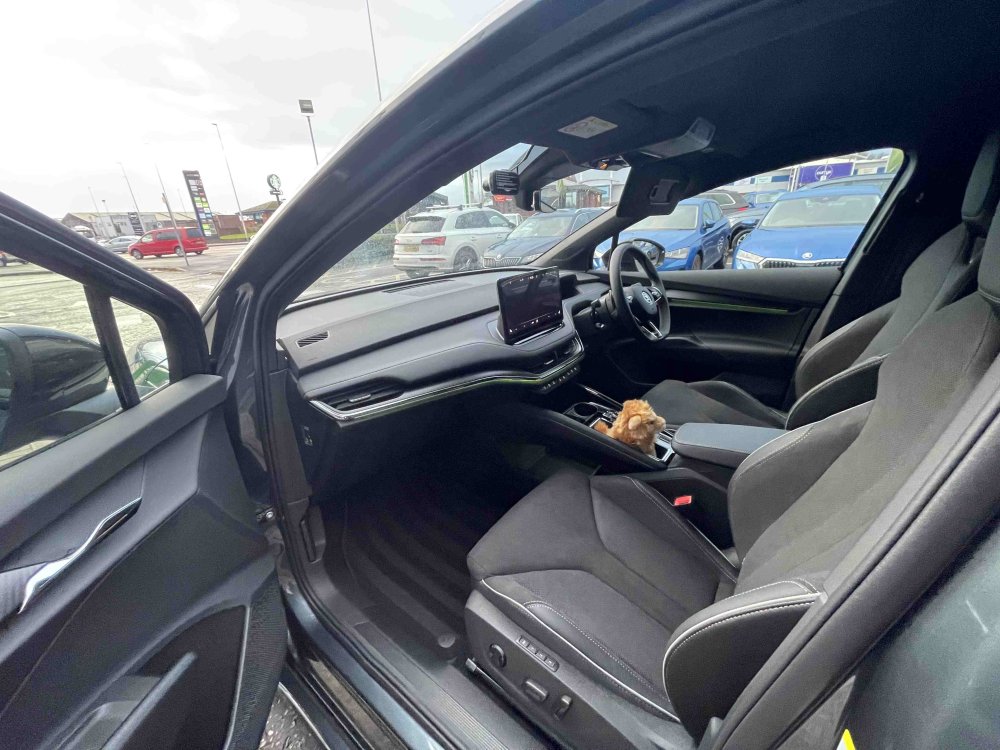
-
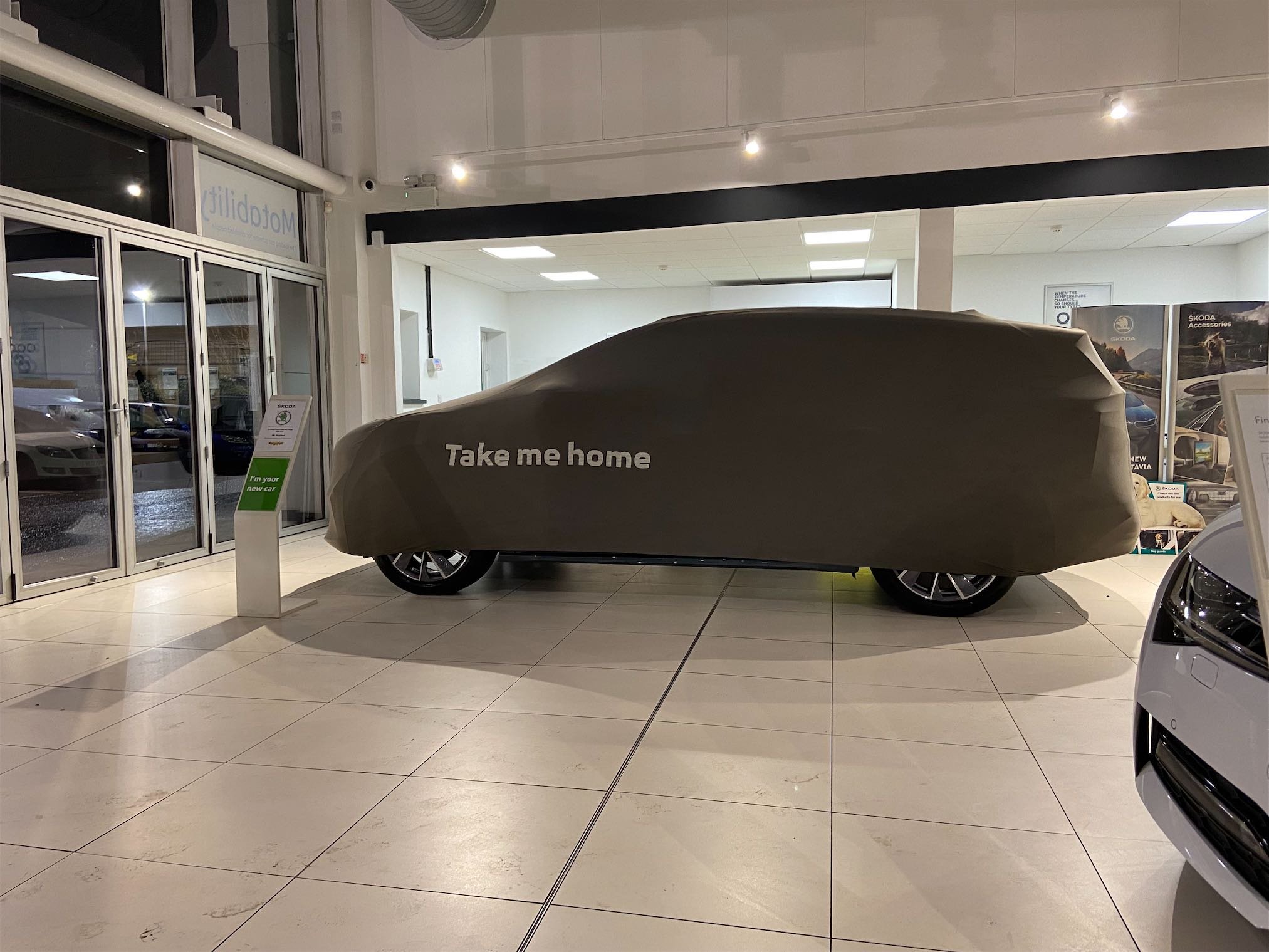
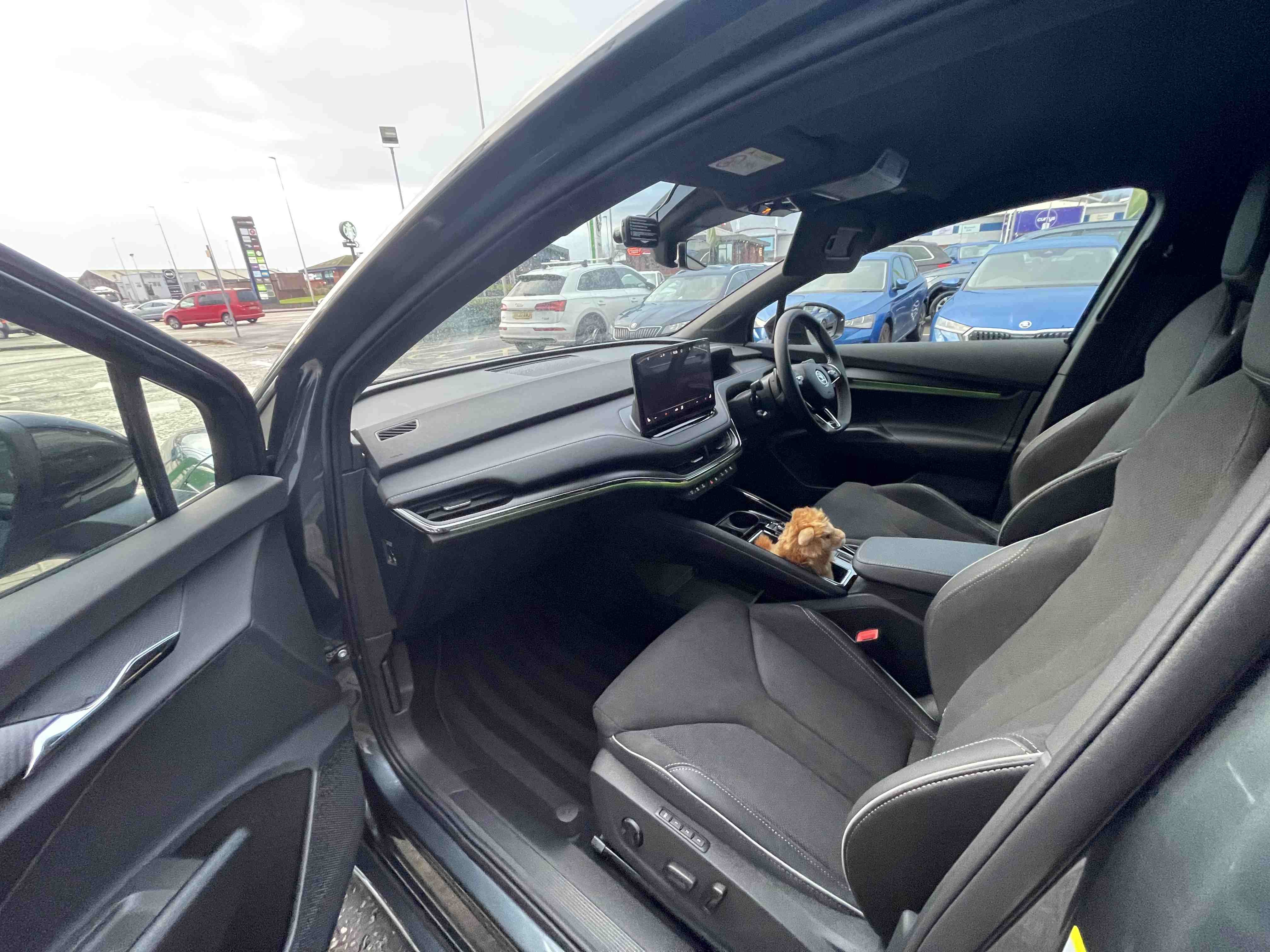
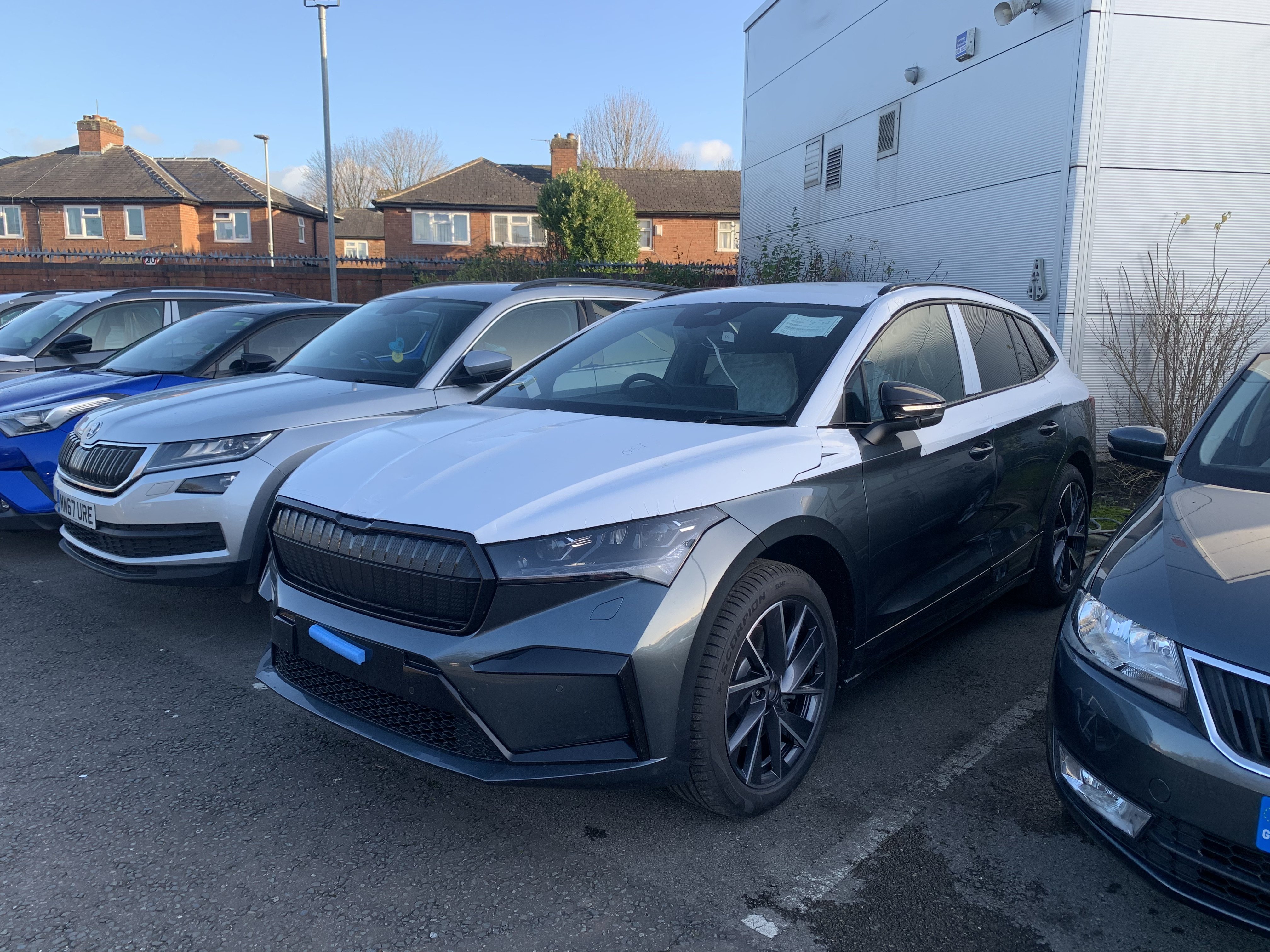
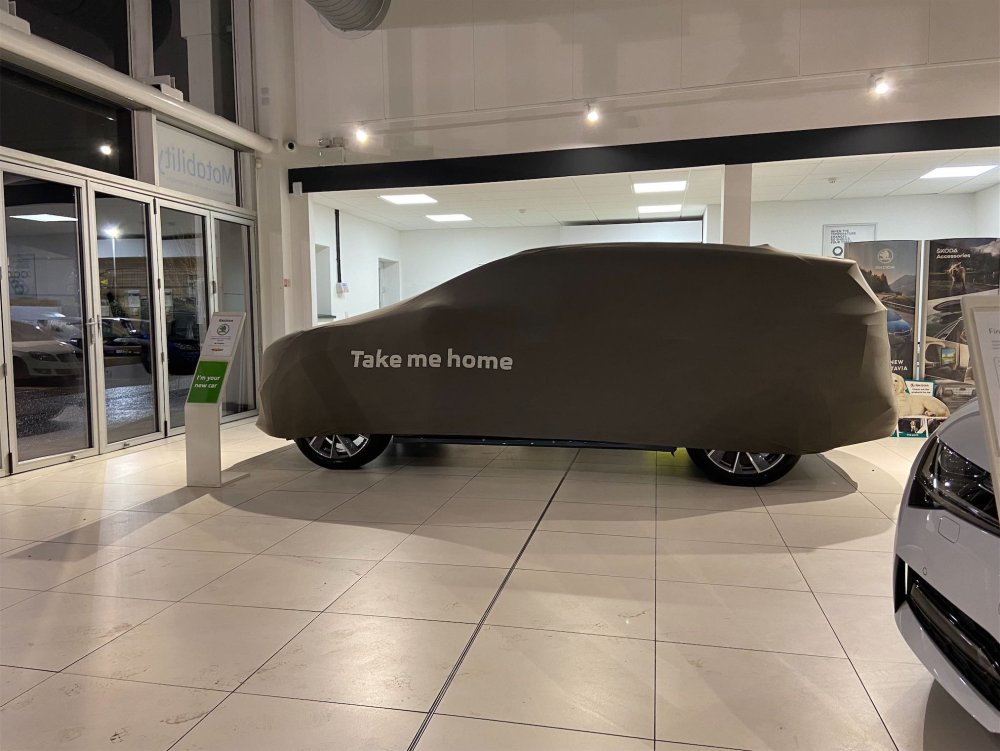
The dealer is teasing me with the Enyaq keeps sending me pictures! IMG_3507.heic IMG_3508.heic IMG_3509.heic IMG_3510.heic
-
Picking it up today! Like a kid on Christmas morning!
-
Its so close!
-
So each “app” costs different amounts between 5 and 10 credits. Best thing I can suggest is have a look at some of the videos on YouTube.