hhcd80
Members
-
Joined
-
Last visited
Everything posted by hhcd80
-
I don't know which version I've got, but I bought it at beginning of this yea (The square-ish one) and it has been fairly reliable over the last year with the exception of one day in November when it randomly crashed and after wasting an hour factory resetting it, then giving up and continuing on my journey, it randomly started working again and so has touch wood hasn't missed a beat since.
-
@tomhay1989Assuming your Octavia 2019 doesn't have any major revisions to the fusebox, the fuse position for the 12 volt power sockets (Number 40 in the fuse box behind the glove box in my version of the Octavia) should always be live. Be warned it might constantly result in an error that is picked up by diagnostic readers although nothing appears on the dash and it doesn't affect normal day to day driving assuming you are using a hardwire kit with voltage protection.
-
Yeah I know. I got a bunch of spare filmanent bulbs just in case.
-
I didn't get the chance to remove the LED bulbs. The car oddly started behaving itself today even after a stern drive along a major road to test it. Very strange. I can only guess some condensation caused a short as it is very cold right now.
-
Resurrecting this thread. I seem to be getting the same fault as well. Randomly getting the boot open warning flickering on and off while driving. It's a bit strange as I have had LED bulbs in the boot as well for almost a year and a half but never had any problems until now. Is there any other potential causes?
-
After a few months of the error not showing up, it's popped up again. Any other ideas before I just put it on the to do list for the mechanic to deal with at the next annual service and MOT?
-
OK the error is popping up again. How do I get access to the connection inside the headlight? I only see one external connector on the back of the headlight unit.
-
Jiggled the larger connector at the back of the headlight units. So far nothing has appeared. Could a low battery also cause this error?
-
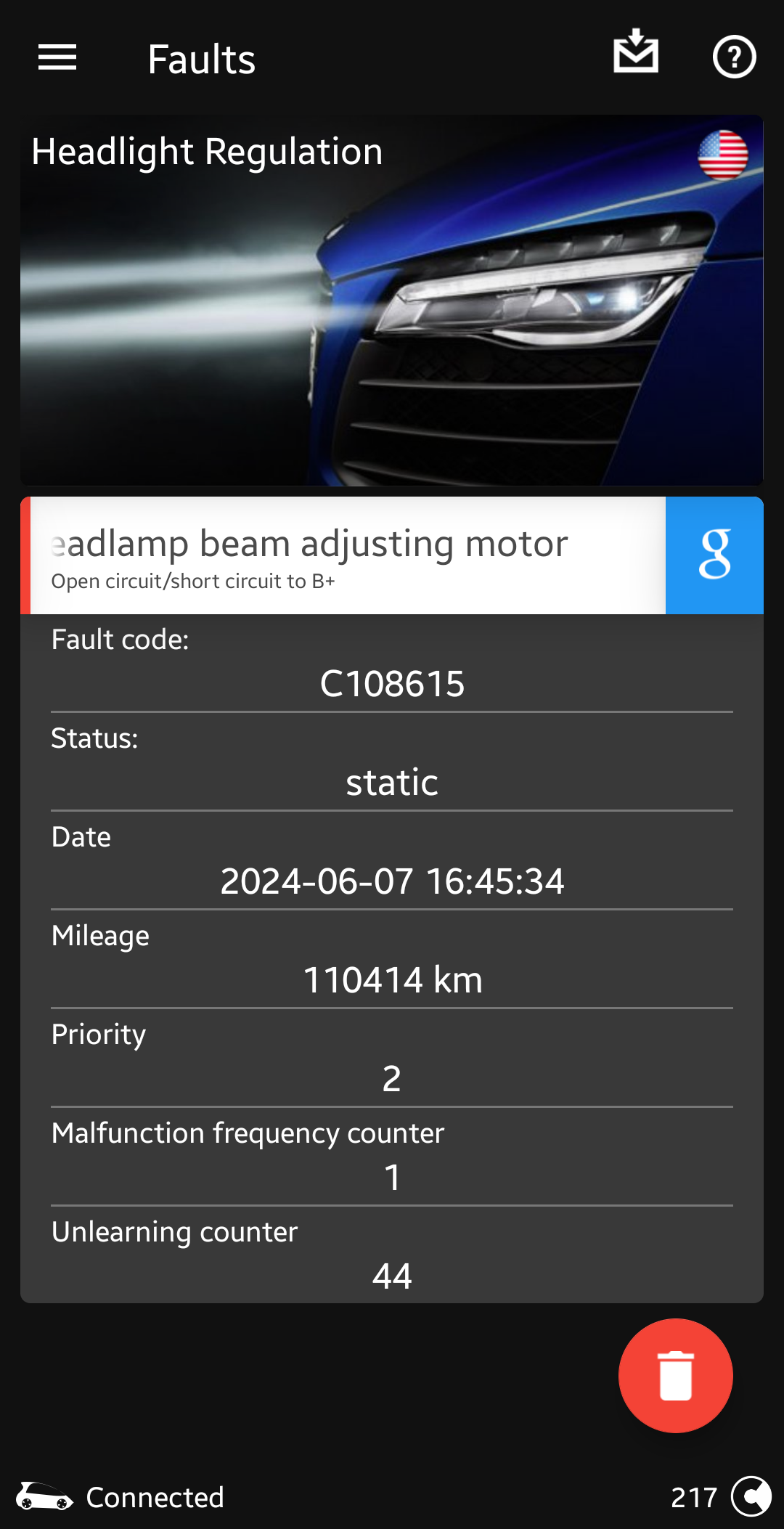
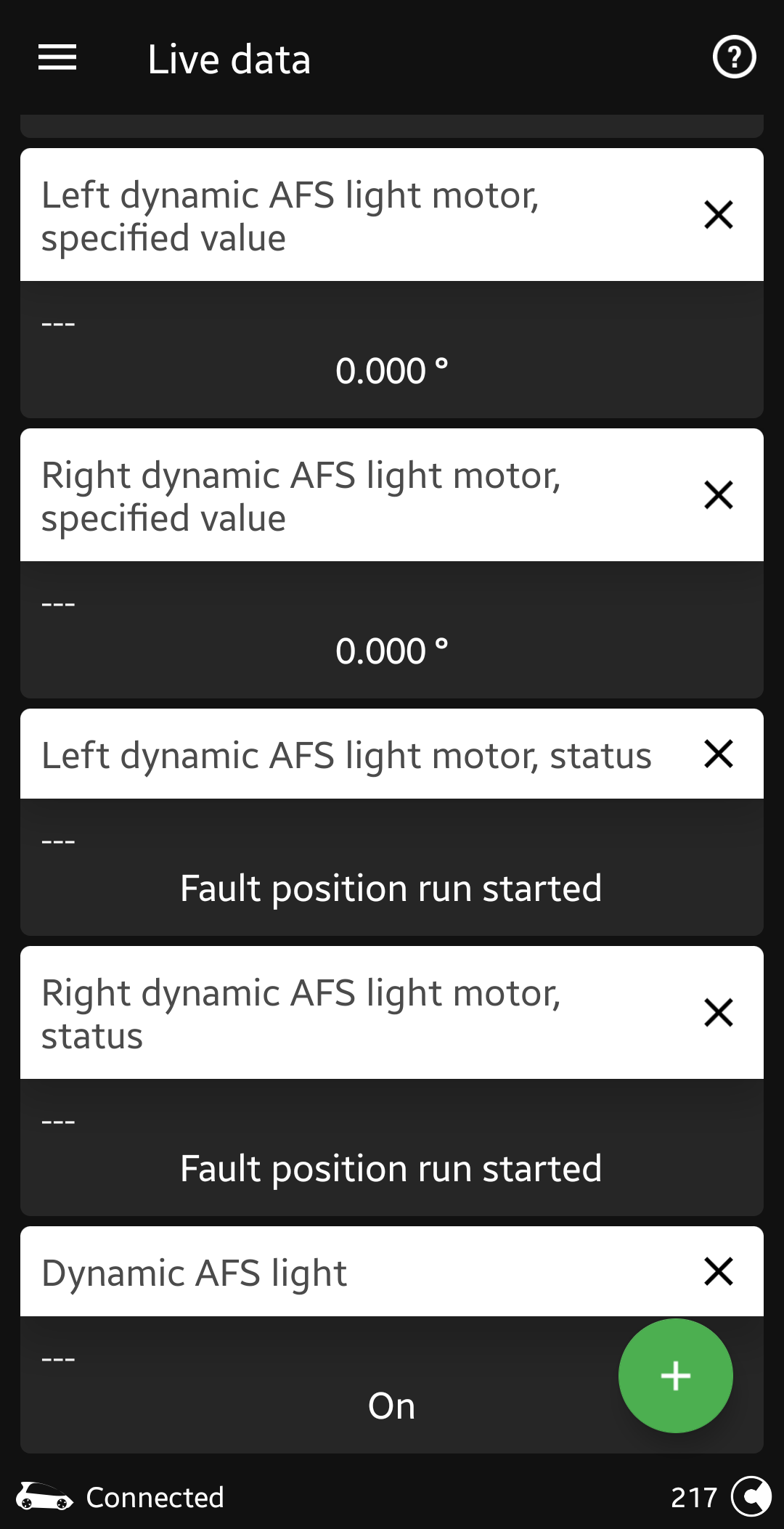
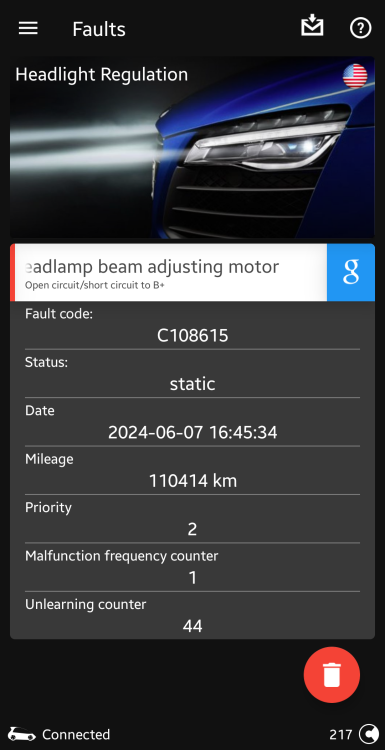
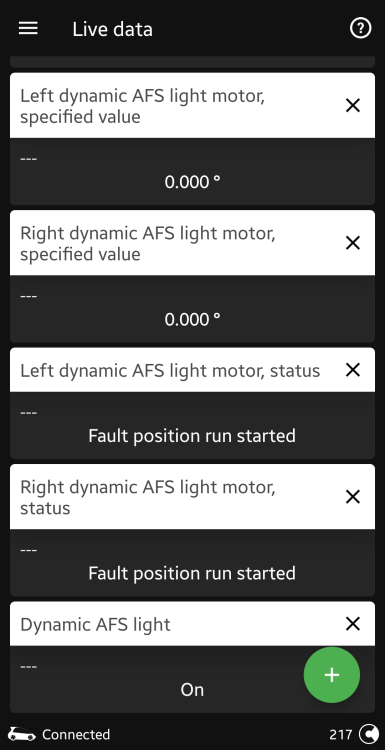
Hello everyone. So a few days ago I got the fault in the dashboard in the title or something similar. I have been doing some reading up and the potential failure points seem to be either the position motors in one or both of the headlights may have gone faulty or it is a red herring and the fault is actually with the light levelling sensor attached to the rear suspension. I'm not sure which is at fault, if either or if it is something else entirely. I don't have VCDS to give a full scan, but I do have OBDEleven and the fault codes and live data readouts from there. Any suggestions and advice is appreciated, as well as a potential cost. Am I looking at a simple sensor replacement? Or a more expensive fix? Can the local mechanic deal with this or am I going to have to drive out to a main stealer or VW group specialist? Many thanks in advance.
-
Considering that as I got some heavy duty velcro strips somewhere. Long story short trying to avoid drilling new holes anywhere. I don't trust myself to not break something critical.
-
Thanks for the update the advice, folks. I will leave it in the glove box for now but will keep what you all said in mind for later.
-
Did you need to drill any holes to do this? Would prefer somewhere that already has the holes for it rather than creating new ones.
-
So, I bought an AA brand safety hammer as it was cheap and you never know when I might have to get out of the car pronto. Where's the easiest way place to mount it? It comes with two screws but I don't see a place where I can easily screw in the mounting plate. So far it is in the driver's side glove box on it's own as it is within reach there without me having to mess around trying to find it.
-
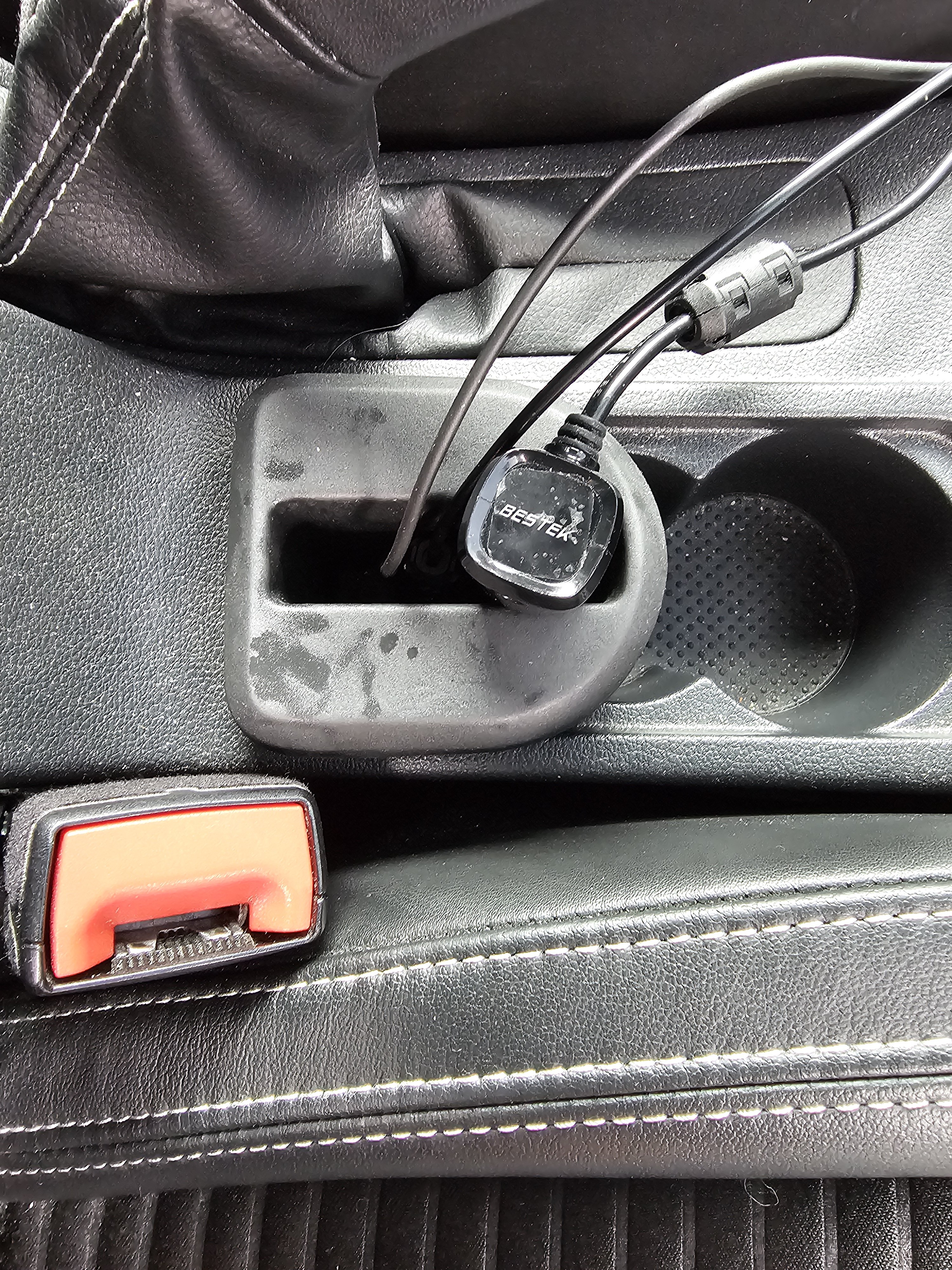
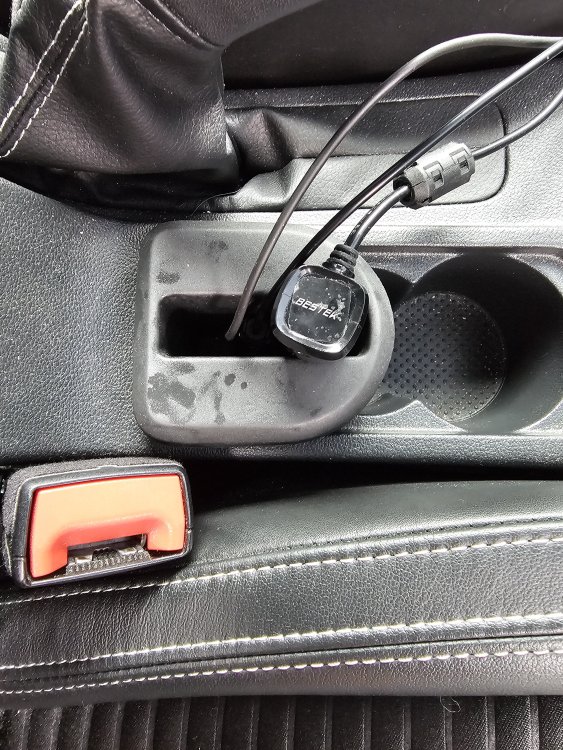
Yeah. Previously the cables would just be flopping around or stuffed into the storage area in the front, which sort of worked but I like this arrangement as it feels neater and makes use of the second cup holder that doesn't get much use anyway. I only occasionally use one.
-
The phone holder arrived. Using it now to hold various cables, including the plug for a 12V charger extension block which I don't always keep plugged in.
-
OK I enabled this adaptation. It seems to be working but is there anyway to test it for certain, like putting a high res picture of a speed limit sigh on your phone/tablet and holding it up to the lane assist camera? 🤣
-
I figured it might be of some use as an extra organising cubby. I don't tend to put cups in the cup holders and at most, one bottle gets placed there. 🤣
-
I might be interested. DM me?
-
-
Yeah sorry I should've clarified I did mean MIB2 Standard (Amundsen). Thanks for the info. I suspected that modifying the location tables was not a simple thing to do, but thought I might ask anyway in case some tinkerer somehow found a way. You don't ask, you don't get, as I'm told. Guess I'll just stick to Google Maps/Waze for relatively up to date maps and leave the MIB2 system on V12 maps for the TMC then.
-
Just out of curiosity, I know I asked this before but is there anyway to get this Inrix TMC fix to work with the newest Sat Nav maps? Is there anyone working on this or is it an impossibility? I mostly use Waze/Google Maps for navigation anyway but having a backup not reliant on phones and data connections would be useful.
-
I was going to suggest the Halford's "Advanced" line as a budget alternative. I've used their HIR2 bulbs in a previous car and although they weren't Xenon bright, they did seem to have more light throw to them.
-
I just used a long screwdriver to clip the damper back into place. Was easier for me. Also the side panel on the dash can be removed to make things easier.
-
Many thanks for that. Ended up getting a AAWireless. Had some initial teething issues but it seems to be working now.
-
I'm going to guess they mean the estimated range on the infotainment or multi-function display?