Hardy1812
Members
-
Joined
-
Last visited
Everything posted by Hardy1812
-
Afternoon peeps,, I’ve just replaced the battery in the fob CR2016 is what was in it originally, but when I tried it it still didn’t work,, I had a search and it says press a button and within a minute open the door to sync fob,, this didn’t work 🤣, wasn’t even sure it that is the correct procedure to re-sync it 🤣,, the buttons on the remote look a tad worn but they do click when pressed. is there a way to sync the or is there something I’m missing like checking a fuse 🤣,, thanks peeps
-
Mate thank you so much,, I will now hunt down a wheel and tyre in either of the two sizes you mentioned thanks again mate really appreciate the help and advice
-
Morning peeps,, another daft question sorry…. My 2010 VRS has no spare wheel or even one of them repair kit things (if I does have one from new) I’d much prefer a space saver or alloy but geeze they kinda expensive 🤣,,, what size space saver could I get 16”,17”,18” would anything less that 18” foul on the calliper etc cheers peeps
-
Hi peeps, new to the forum and Skoda cars in general and was wondering if anyone can point me the right direction to a link for parts and parts numbers I'm wanting to service it with correct oil,filter,air filter, change coolant, steering fluid, gearbox oil, brake fluid and wipers over the coming months. so any help would be appreciated thanks peeps
-
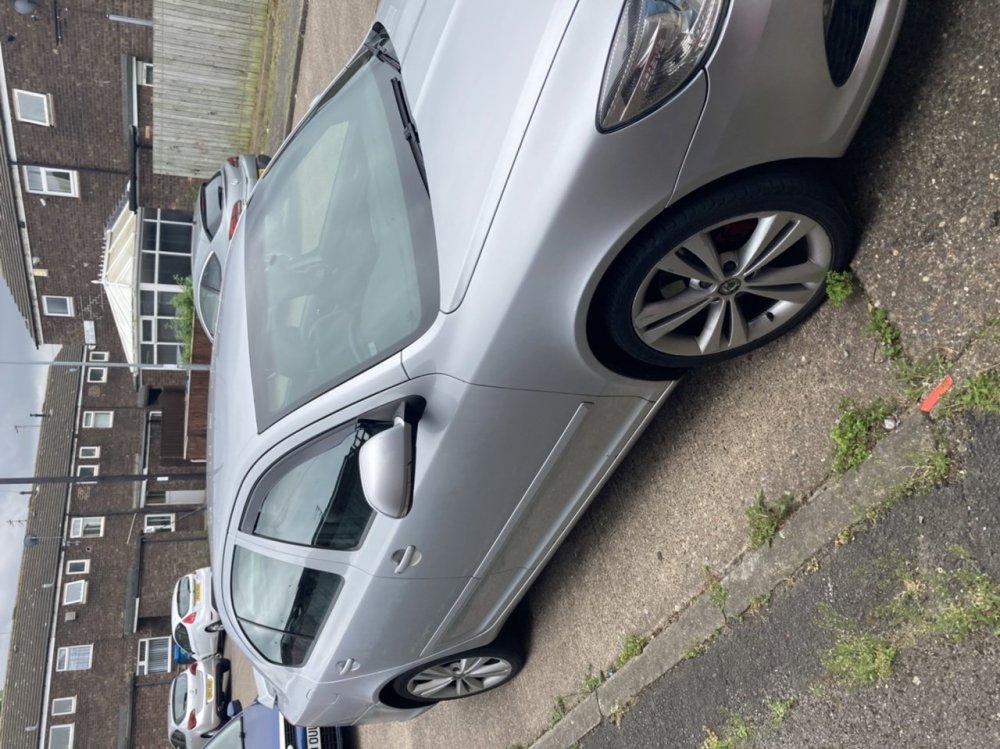
Hi peeps,, im a complete newbie to this forum and to Skoda cars in general as this is my first Skoda I thought I’d go for a mk2 Octavia VRS 👍🏻,, it’s a 2010 plate and I’m going to say sorry now for all the stupid questions I’ll be asking and all the repeat questions I’ll be asking 🤣🤣. So plz be gentle with the questions