



skoda1982
Members
-
Joined
-
Last visited
Everything posted by skoda1982
-
I just leave heater in auto and just turn heater temp up and down using the knobs. If i need aircon i just press max button on off aircon stays on. the only time i go into menu is to turn aircon off which is just like turning the radio channels. I think lane assist is good only comes on at 37mph great on motorways its not a jolt on the steering wheel more than a gesture.
-
text or phone message
-
-
You can set it if you want it to find another station if the signal is low on the station you are on
-
They do if you want to demist the windows press max button if you want to stop press again aim your vent at the window. And auto does not demist windows it keeps the set temp
-
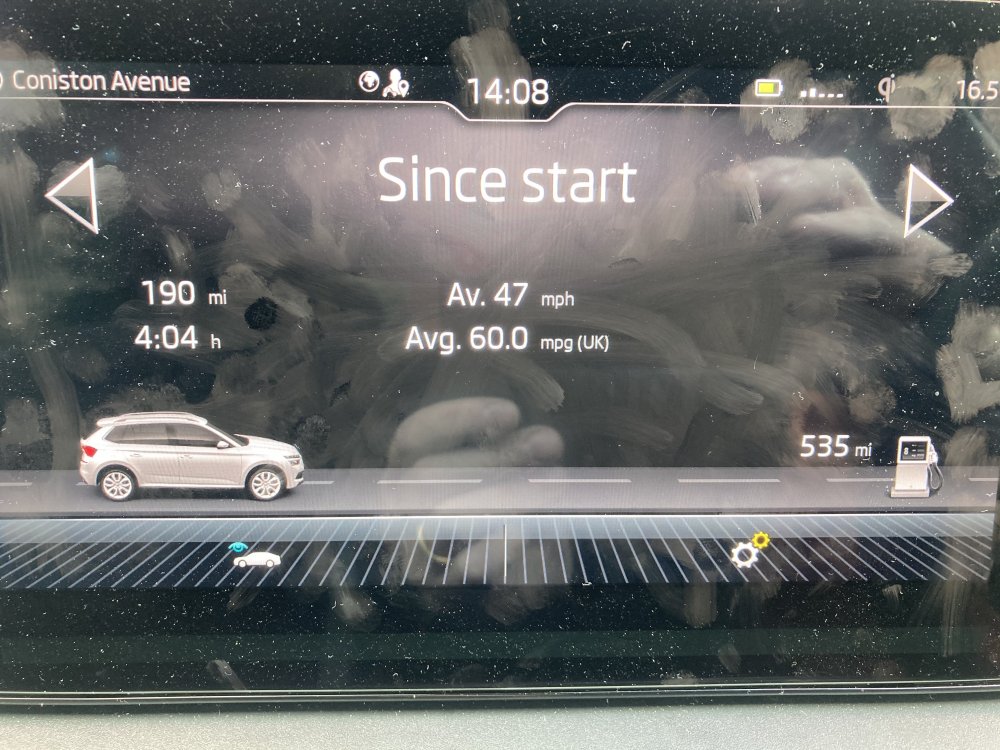
Manchester Birmingham and back 70mph and 50 in road works
-
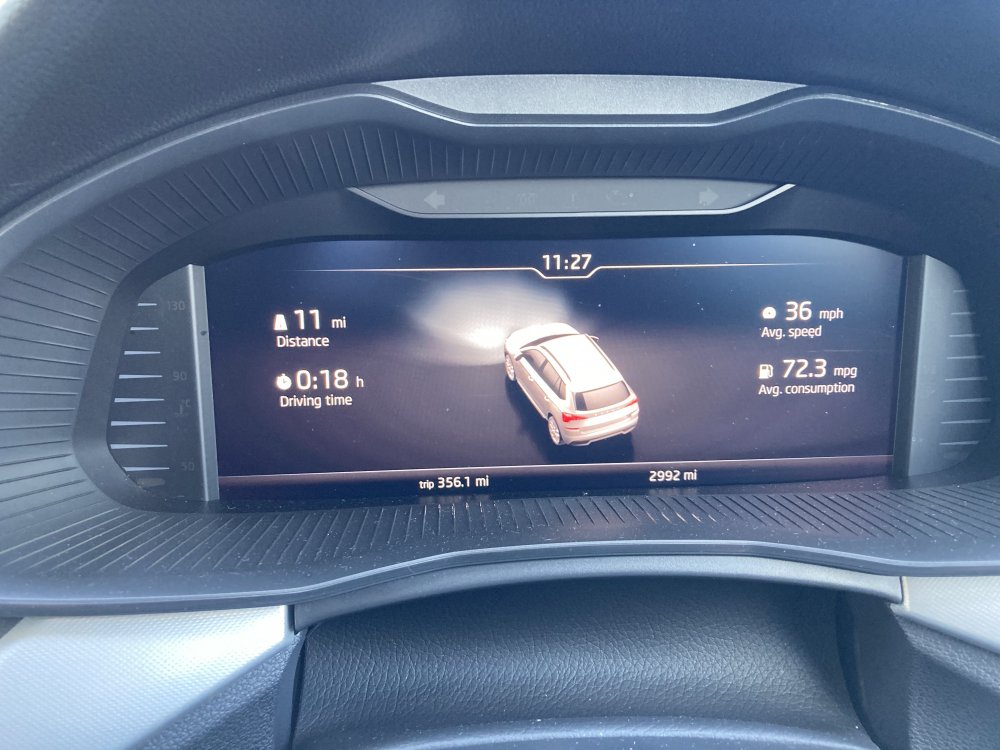
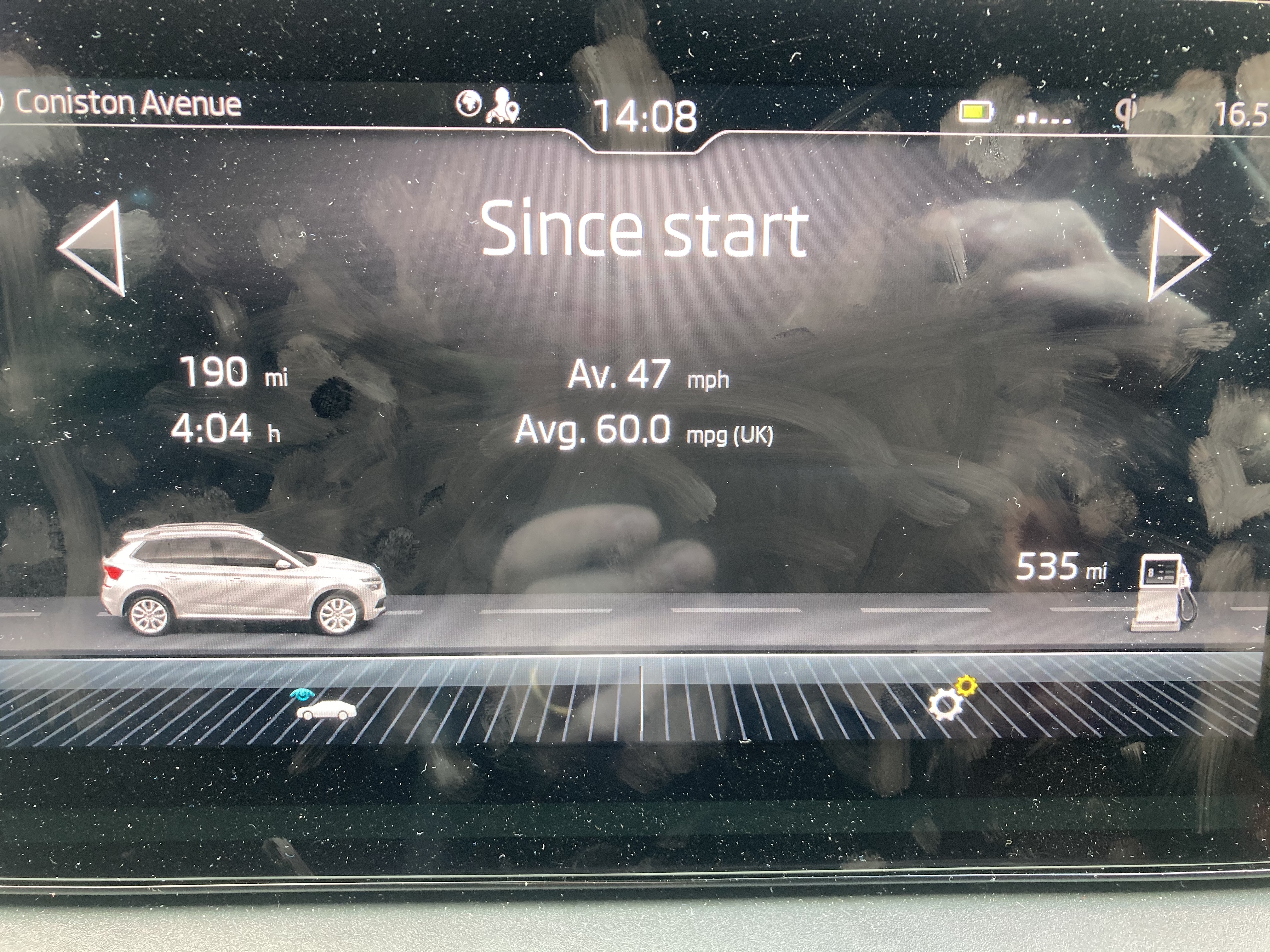
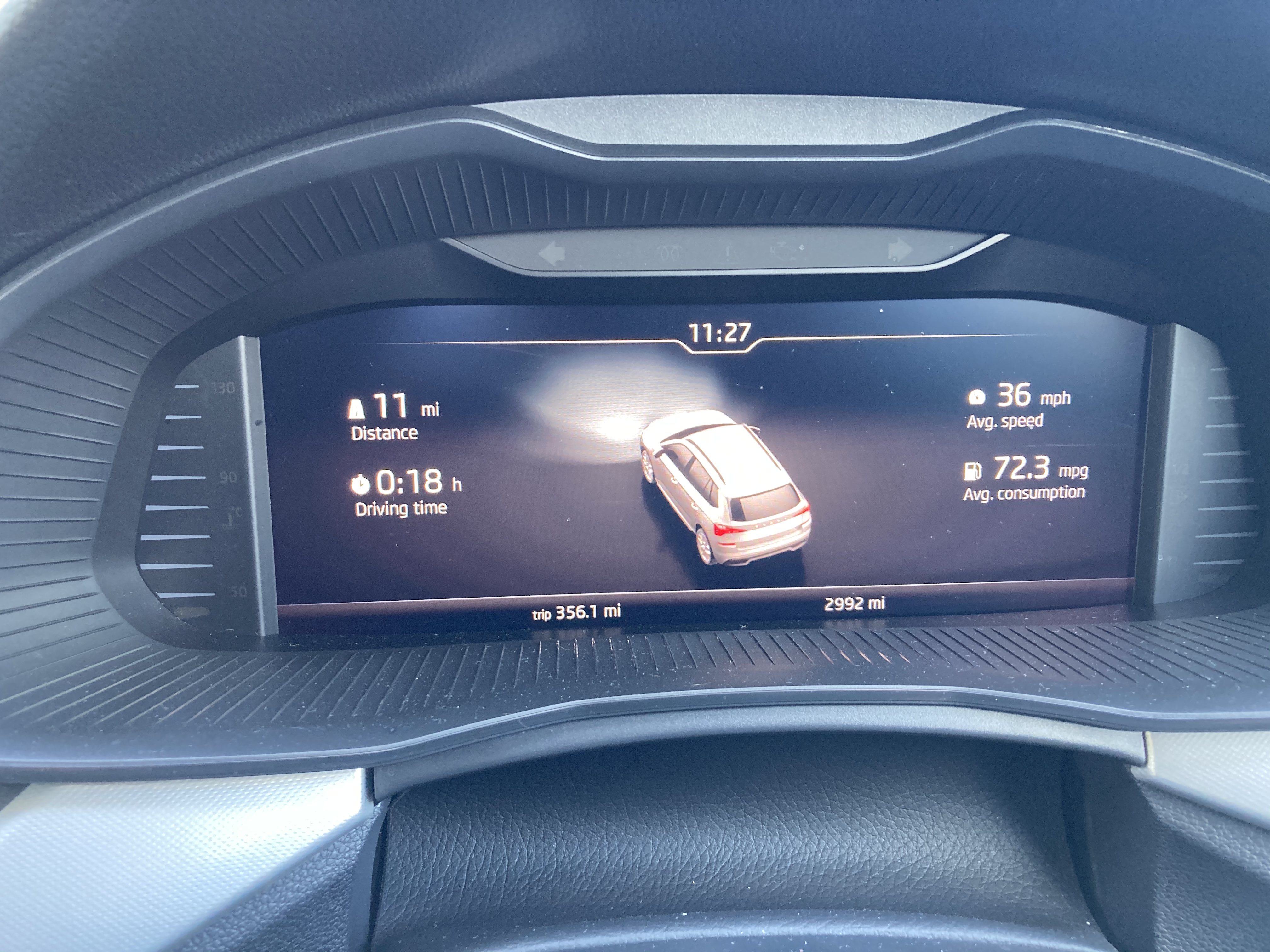
This was the same day first pic was to fill up and pick passengers. second pic was when i got back was about 64 drove a couple of miles to fill up again mpg dropped
-
Is that all my kamiq I get this 1.0l manual
 Never had a problem with any. share my position for it not to come on only shares with skoda so they know where you are if you brake down and if your car gets pinched in settings click if you want to share or not. lane assist would not put you in a dich there are two sides to a road senses white line gently turns to left senses curb or white line turns you back, Leave Heating in Auto then set temp. i cannot find any fine tune. skoda connect i click welcome ok off i gonever experienced rain below freezing so no water in the doorsMine collect water if I park on a slight down hill gradient as the drain holes are rear and middle none at the front. Got my kamiq last November and not a single problem with freezing water inside the doorsAnother one, if the outside temp gets to 4 deg it beeps if it gets to 4,5 deg on your trip then back to 4 it will beepThe Kamiq Does have leather, heated windscreen, soft touch dashboard, electric seats set by user profile, An all new up to date chassis all new brakes suspension electronics and driver aidsMake Shure you do a skoda scala configurator on skoda website just to make sure it has what you need and not what you thought it came withyes you could have asked the dealer as they give them free they did with me or look at Kamiq accessories, or buy online FITS YOUR SKODA USB Type-C to USB Type-A Adapter Connector £9.00So Skoda should update all EU countries including UK. so hopefully should get a recallIf you have no Build week you can change your orderAny body know CheersThe answer is No its not a dealer error They come with that size Space saver that is the size of tyre mine is the same you only use them to go and get your tyre sorted not to run all the timeHi here are some service intervals if you need them Timing Belt 210000 km Brake Fluid 3 year Air Filter 90000 km Air Filter 6 years Spark Plug 60000 km Spark Plug 4 years Oil Change & Engine Filter 15000 km Oil Change & Engine Filter 1 years Interior Filter 60000 km Interior Filter 2 yearsDo you want to change the spark plugs the service interval is 60000 km22 NMcould be you front assist that has a loud beep keep your radar clean any road dirt can impair. And you can set the sensitivity from Early Normal and Late. Mine used to go off all the time till i set to LateMight be virtual display settings see if in classic view and not one that you can set yourself then use view button on steering wheel




Important Information
Welcome to BRISKODA. Please note the following important links Terms of Use. We have a comprehensive Privacy Policy. We have placed cookies on your device to help make this website better. You can adjust your cookie settings, otherwise we'll assume you're okay to continue.