




b1ackb1rd
Members
-
Joined
-
Last visited
Everything posted by b1ackb1rd
-
Does the 170 have a bigger intake than the 110 ?
-
To assist with a retro-fit project, can I ask anyone with a 2010 Yeti with factory fitted MFSW for the steering wheel part number (and VCDS coding screenshot if you have them)? Thanks
-
A 2010 S won't have maxidot unless it's been retrofitted (my current project), the simple test is to open a door and see if you get a full outline of the car with the correct door showing as open, or a little red symbol in the clocks
-
Does anyone have a 2010 Yeti, a MFSW and VCDS who can let me have the part number for their MFSW off a scan, or paste the steering wheel screenshot please? There are no many versions of the steering wheel, buttons and control module so I'd like to ensure I get one that fits. Thanks
-
+1, following
-
God no! Don't use molegrips! If you are VERY careful you could start the movement of the bulb holder by pushing gently with a long thin screwdriver.
-
I thought RNS Cruise was an RNS 300 ?
-
I've just fitted h7 bulbs to our 2007 Scout, it IS simple - you just need strong fingers to twist the bulb holder as there's no room to move your wrist
-
I have the throttle pedal issue that plagued Roomies and Fabia 2's, idle is 1000rpm. Can anyone advise a part number for a later revision that will work ? Thanks
-
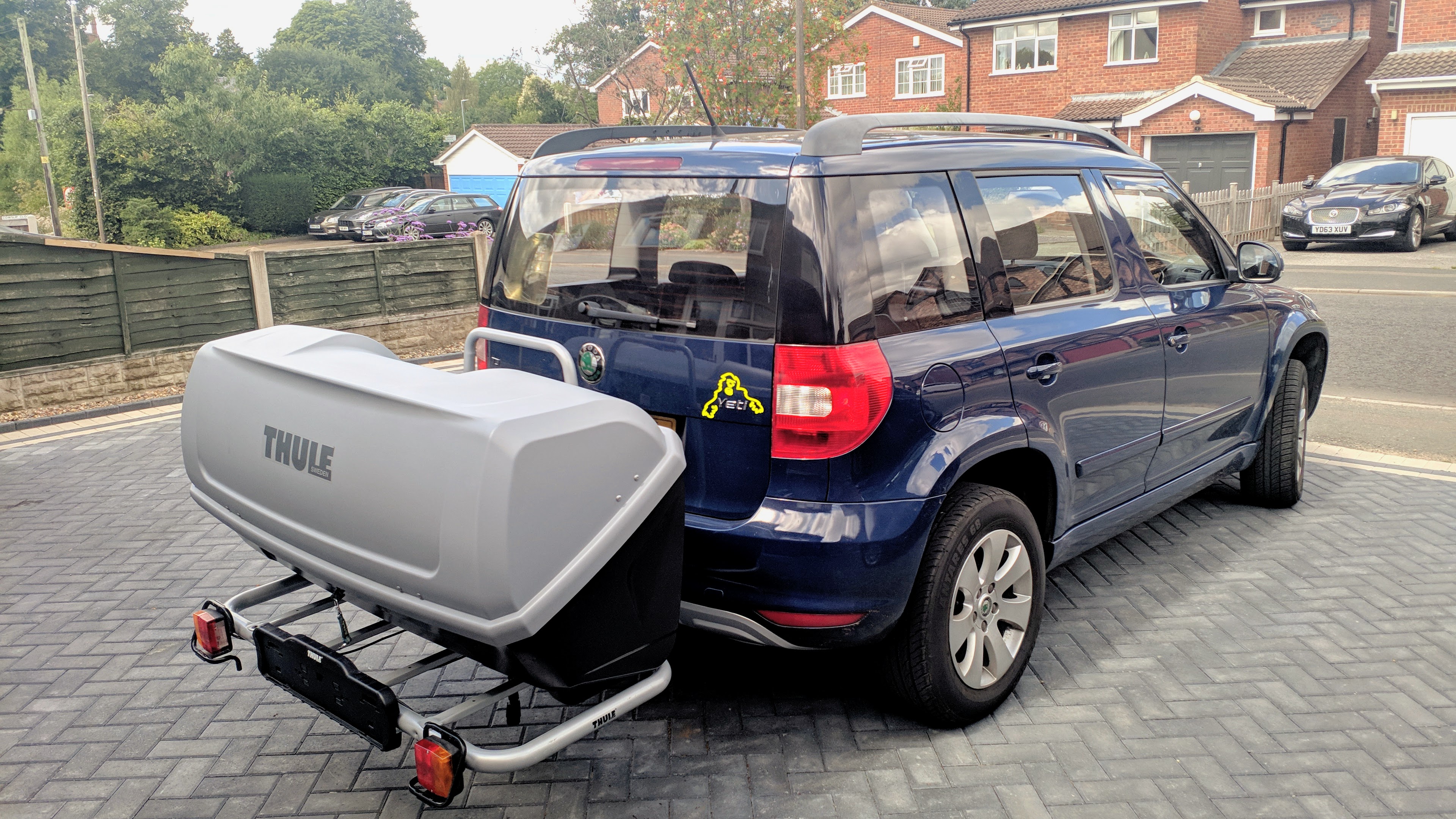
I think you can get a storage box to fit on that rack which is useful as the Yeti boot is somewhat lacking
-
The owner may not be sure what engine is in the car, but you can bet a lifetime's wages that the Vehicle Excise people know down to the last penny what they are owed - check what road tax you are paying against the CO2 figures.
-
Probably best to get it from Skoda, give them your VRM and you'll get the correct loom based upon the spec of the car when it left the factory As a guide, I paid (from memory) £65ish for a new door loom from VW for a 55 plate Touran, last year
-
Roomster and Fabia 2 headlamps are notoriously bad, HID's are the frequently trotted out remedy - but they give errors in the swinging headlamp system. Our Roomster currently has a set of ECP xenon blue h7s fitted, they are due to be changed for a set of 150% xenons
-
Disconnect the battery overnight if you intend to remove the airbag - you'll also need a wide(ish) short handled screwdriver and a small mirror to be able to see the catches that need to be released
-
I'm not up on the RCD310 as I wanted the ability to put 64Gb of music on an SD card. If there's internal BT there will be a proper BT address on the label - not in blank like this 00:00:00
-
If you want BT as well, make sure you look on the label for a valid BT address, not just a row of zeros. I updated the maps to 2020 spec with an SD card off ebay for £25. Then you'll need one of those GPS modules with 3m of cable and a fakra connection on the end (£5 on ebay) , they are usually magnetic and fit neatly under the A pillar trim
-
I have an RNS315DAB in my Scout which fits perfectly
-
I know this subject has been done to death, but most threads asking this question seem to get hijacked by HID posts. Anyway, I have a 2007 Scout with single H7 bulbs in projector lights, I've tried 35w HID's (personally I wasn't too impressed but better than standard) however, they caused an error in the swinging headlamp feature that caused a recent MOT fail, so they are now out. Standard 'supermarket' H7 bulbs are terrifying on the lanes where I live. Has anyone had any success with uprated H7 bulbs, LED bulbs? Or even a swap back to 'normal' H4 headlamps?

