Mark Hiscock
Members
-
Joined
-
Last visited
-
Hi @Owens, I just wanted to say a big "thank you" for this guide as I took the plunge and installed both rear liners on the weekend following your instructions. A future point for anyone thinking of undertaking this job: if you order from Skoda Parts, don't chose the "Wheel Arch Rear Left/Right European Union" cheaper option. These liners are not designed to be fixed on in the same way that the official liners are. I'm now crossing fingers that with the liners fitted, and a good dose of Tetroseal, I will avoid any future fuel filler cap rusting! Mark
-
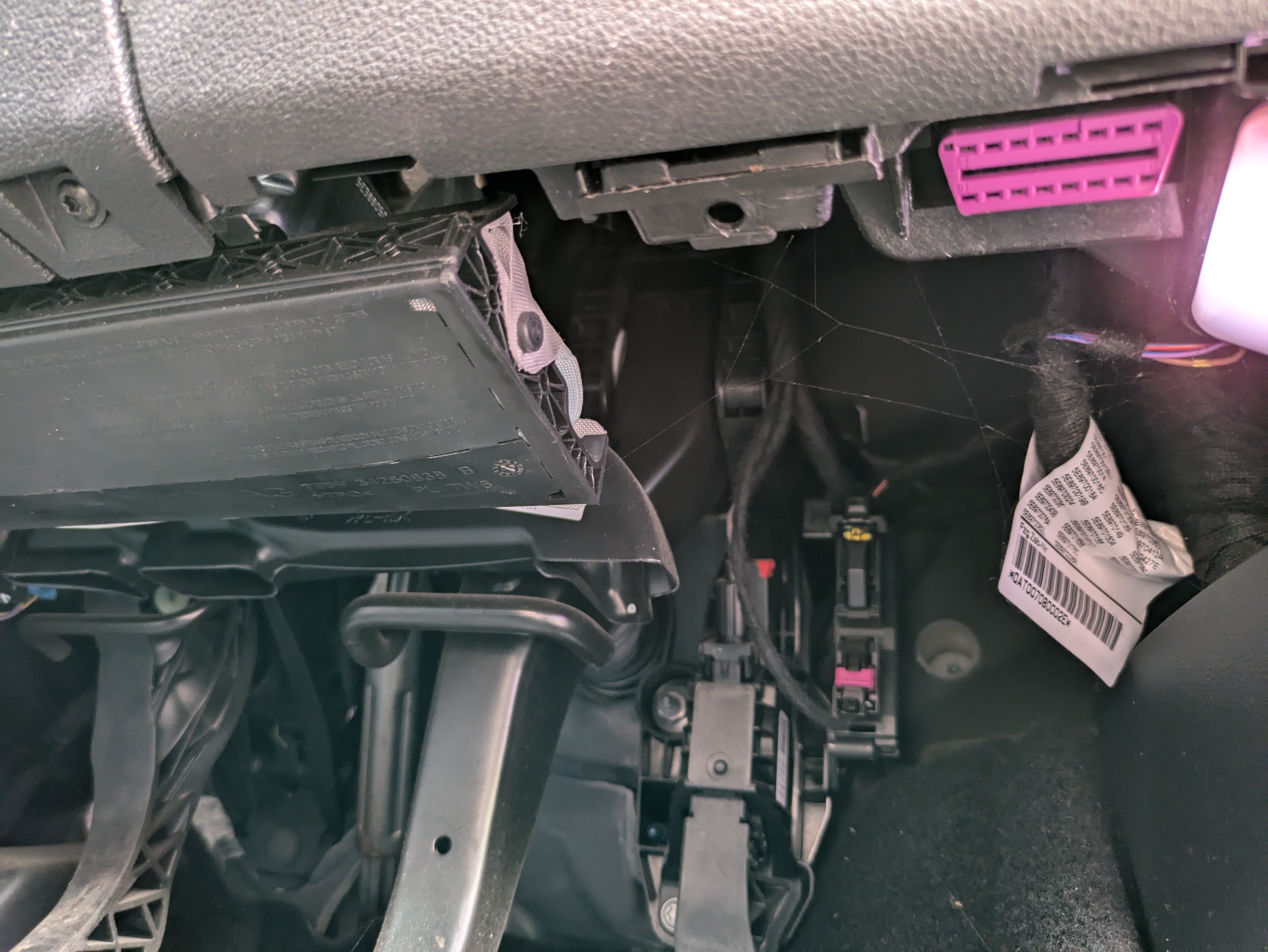
Looks the same as mine which I photographed this morning (I couldn't quite get the same angle but you should be able to see the similarities).
-
I managed to replace the pollen filter this weekend with a Mann Filter (carbon) part number 50744053900057 which retails for about £16. It was a 5 minute job and I found I didn't need to disengage the brake rod. Instead, after disengaging the latches (labelled 1 in the diagram) the glove box opened fully to expose the filter compartment. The dealer wanted £65 to do this as part of a service!!
-
I recently replaced a rear sensor with one from here: https://www.ebay.co.uk/itm/354801303652 Their numbering guide helped me to chose the correct sensor and the paint colour match is excellent too. Mark
-
Yes, I've got a 1.5 and always have to top up the oil between services. I use "TRIPLE QX SynPlus Engine Oil 0W-20 VAG 508/509 - 1Ltr" and even put it in the car if it's been a while since topping up and I'm doing a long journey.
-
It's to the right of the steering wheel below the storage cubby that opens downwards. If you open the driver's door and get on your knees you'll easily see it.
-
Thanks @andreiro221 👍 Do you have any guidance or links on how to remove the sensors? Mark
-
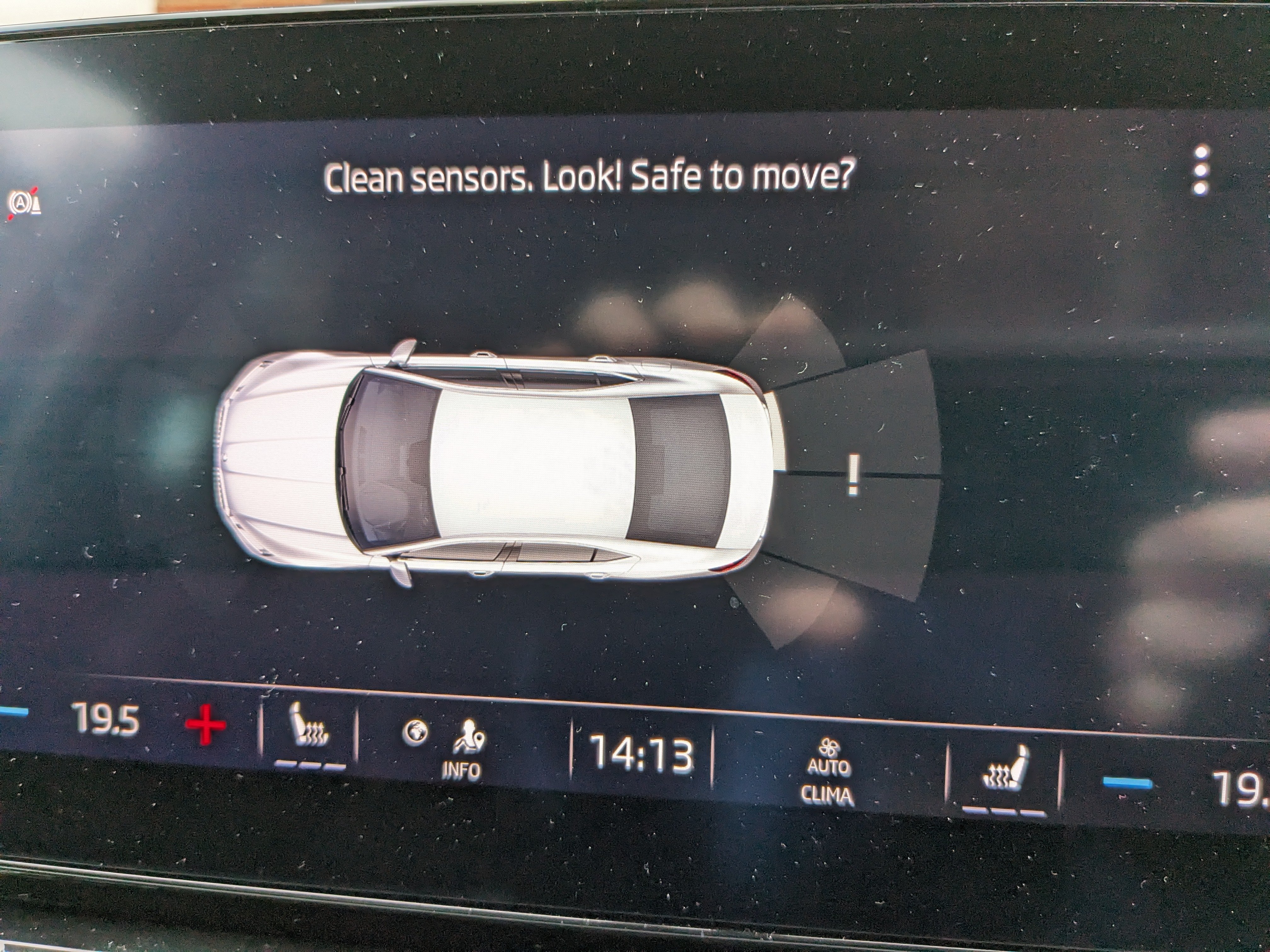
This is how mine looks on the infotainment screen and I also get a message on the Virtual Console saying that the rear sensors may need cleaning. Based on this picture, is it the sensor second from the right that is at fault? The gray bar on that area seems to suggest that. However, no amount of cleaning of all the sensors seems to fix the problem.
-
I have also just started getting PDC error warnings when I turn the car on and put it in reverse. I'm not sure if a single sensor is at fault or if it's a generic software issue. I'll try the "turn it off and on again" solution tonight to see if that temporarily resolves it. This has only started happening in the last few weeks. Mark
-
I find the 1.5 TSI to consume a lot of oil and I've needed to top it up multiple times before an oil change is due. Mine is on a long life service schedule and I've been topping it up with "TRIPLE QX SynPlus Engine Oil 0W-20 VAG 508/509 - 1Ltr". I did this twice (adding about 1ltr in total) over the last 12 months and the oil service has now just been done. I suspect I'll be topping it back up again in May/June next year. Mark
-
Yes, my car still exhibits this "feature" and I have learned to live with it. I asked the garage to investigate and they couldn't reproduce it (no surprise). So I just take it to be a quirk of the engine managing its emissions at cold start. I just wait 30 seconds or so before pulling away first thing in the morning.
-
This has happened to one of my tabs too. The dealer said it wouldn't be fixed under warranty as it had been misused?! Anyway, they said I could pay to have it repaired but the whole console would have to come out and it would be cost prohibitive. It appears to be a common problem and 3 are still working so I'll live with it.
-
A follow up on the original KPH issue: I raised this again with the garage early August and my car went in for an update yesterday. I am now able to select KPH for speed in the Settings -> Units menus and the sat nav now works in miles.
-
I see the same as you @SteveTheElder.
-
I thought the same, another 30GB download! I mainly use AA and this is just a backup so it can wait a few months.