




cristianene
Finding my way
-
Joined
-
Last visited
Everything posted by cristianene
-
First of all, let me start by saying this was neither quick nor easy. My factory Canton subwoofer finally gave up, and my first thought was: “How hard can it be to replace a speaker?” Turns out… very hard. The OEM subwoofer is a 165 mm dual voice coil speaker with 2 x 8Ω impedance, which immediately limits your options. There simply aren’t many replacements available. After quite a bit of searching, I found what seemed to be the best match: Audio System CO 06 D8 EVO Loudspeaker DatabaseAudio System CO 06 D8 EVO - 6.5″ Subwoofer 2x8ΩFull technical parameters and comparison: Audio System CO06D8EVO 6.5″ Subwoofer 2x8Ω · Xmax 7mm · Resonance 59Hz · Power handling 240W · Sensitivity 80dBUnfortunately, Audio System told me they didn’t have any in stock. After emailing them, I found out the only remaining stock was in Poland. Luckily, I have a friend there who ordered it for me and then shipped it to Romania. If you don’t have Polish friends… well… you might be SOL. Eventually the speaker made its journey from Germany to Poland, Poland to Poland, then Poland to Romania. Then came the next challenge… Removing the enclosure Getting the subwoofer enclosure out of the boot on the sedan is an absolute pain. I practically had to dismantle half the rear of the car, including removing the rear seats. I don’t know if it’s easier on the Estate, but on the sedan it definitely wasn’t a fun job. The mounting problem Once the new speaker arrived, I discovered what many of you probably already know. The mounting holes don’t line up. While searching for solutions, I found this Reddit post from someone who had already done the swap: https://www.reddit.com/r/skoda/comments/1r0vhlb/superb_mk3_canton_subwoofer_update/ His solution works, but it’s a bit of a “make it fit” approach. Personally, I’m the kind of person who likes things to look professional (read it as I’m very particular about these things) whenever possible. So naturally I thought… “I’ll just design and 3D print an adapter.” I’d never opened Fusion 360 before. How hard could it be? …yeah. Thankfully ChatGPT walked me through the whole process step by step, and after a lot of trial and error I ended up with an adapter that fits both the enclosure and the new speaker. I’ll happily share the STL/Fusion files if anyone wants them. If you’re better at CAD than I am, feel free to improve the design. https://www.printables.com/model/1776566-skoda-superb-mk3-subwoofer-flange Gaskets and damping I also bought some EVA foam sheets to use as gaskets between the adapter and the enclosure. Since I had plenty left over, I lined parts of the inside of the enclosure as well. I can’t say exactly how much difference it makes, but it certainly can’t hurt. One final tweak The only thing I couldn’t confidently model before printing was the exact position of the new speaker mounting holes. So I simply drilled those by hand once I had the printed adapter fitted in place. Final thoughts Was it worth it? I’d say yes. It took far longer than I expected, but I’m pretty happy with how it turned out, and it looks much cleaner than simply forcing the speaker to fit. I’ll be installing it today or tomorrow, and I’ll update this thread once I’ve had a chance to listen to it. I’ll also attach some photos of the process and the finished adapter in case it helps someone else down the road. Later edit,... seriously? 25.76 kB for file attachments?!?
-
Later Edit: Does the sedan use the same trim cover and flap as Combi? I don't know anyone with a combi so i can take a look
-
Hi all, I have a Superb III Sedan (L&K) and recently retrofitted the original foldable/swivelling tow bar. The installation is complete, but I’m missing the boot trim panel that contains the tow bar release access flap and the status LED. I’m trying to identify the correct OEM trim part number and, if necessary, the associated wiring/connector. Would anyone with a Superb III Sedan (not Combi) that came from the factory with the foldable tow bar (PR 1D4) be willing to help? Specifically, I’m looking for: Ideally, a VIN from a factory-equipped Sedan with the foldable tow bar so I can check the exact parts catalogue configuration. Confirmation that the Sedan uses a trim panel with the tow bar release access flap. Photos of the trim panel, front and rear if possible. Photos of the LED and connector on the trim. The trim part number from ETKA. Any help would be greatly appreciated. Thanks!
-
Yes, I have to admit i did my fare share of stupid things when I was a kiddo. I would say that the meme below sums it up nicely
-
Not the news I wanted, guys 😞 How the heck do I pull the old one out? preferably without disassembling the entire console
-
Hi everyone, My idiot nephew twisted the rotary dial on my superb lightswitch in the opposite direction based on a ticktok he saw. 🤦♂️ Lighs are always on and I got a lighting error on my dash. Can anyone tell me how to fix it, please? superb.mp4
-
ugh... i'll repost in the MK3 forum. Sorry
-
Hi everyone, My idiot nephew twisted the rotary dial on my superb lightswitch in the opposite direction based on a ticktok he saw. 🤦♂️ Lighs are always on and I got a lighting error on my dash. Can anyone tell me how to fix it? superb.mp4
-
Hmm, you may have a point, Wanderer, but maybe it's not the phone socket but the car socket.... I will inspect it with a bright light and magnifying glass. Hope it's not rust or something on the pins.
-
Yes please!
-
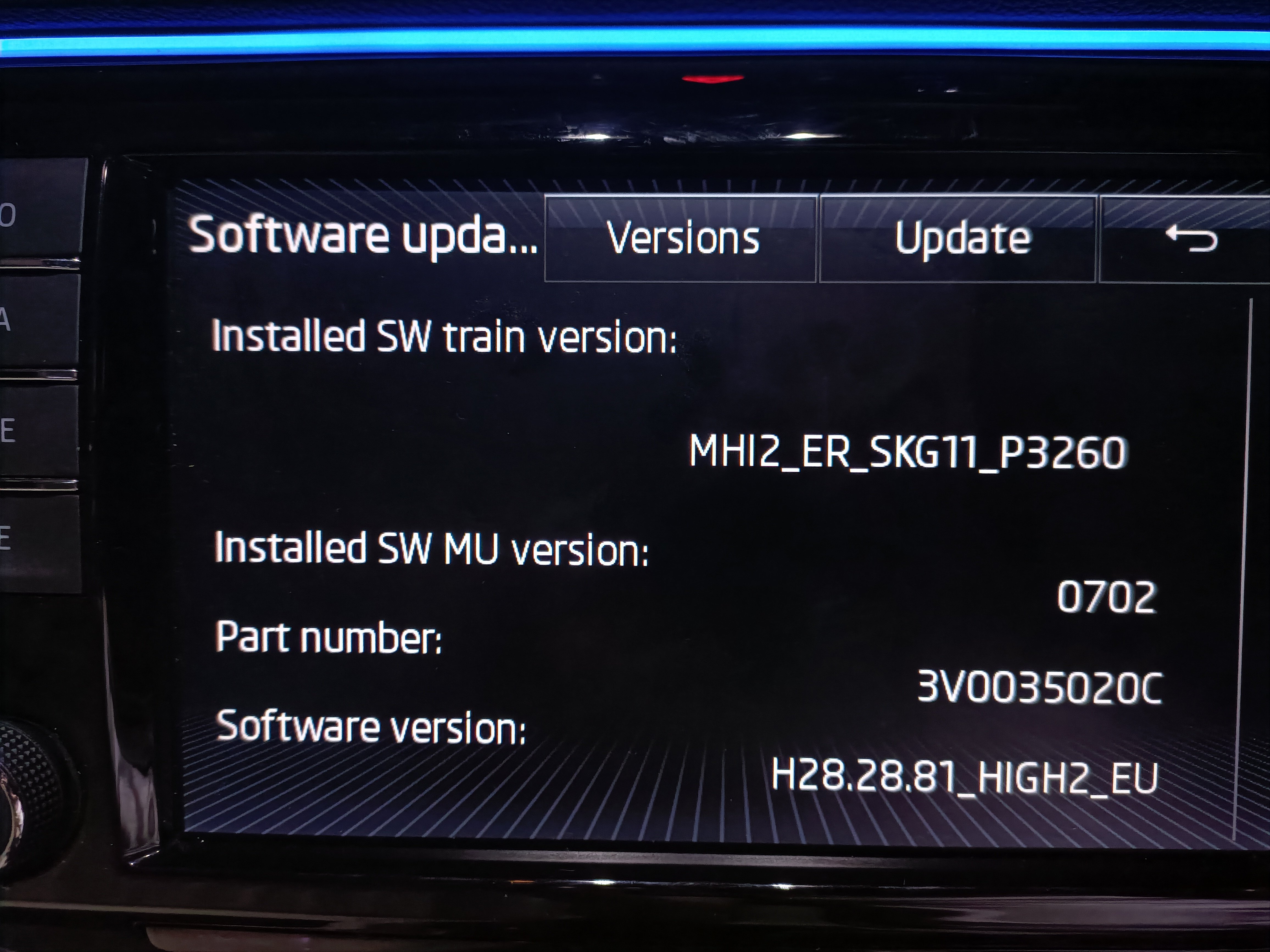
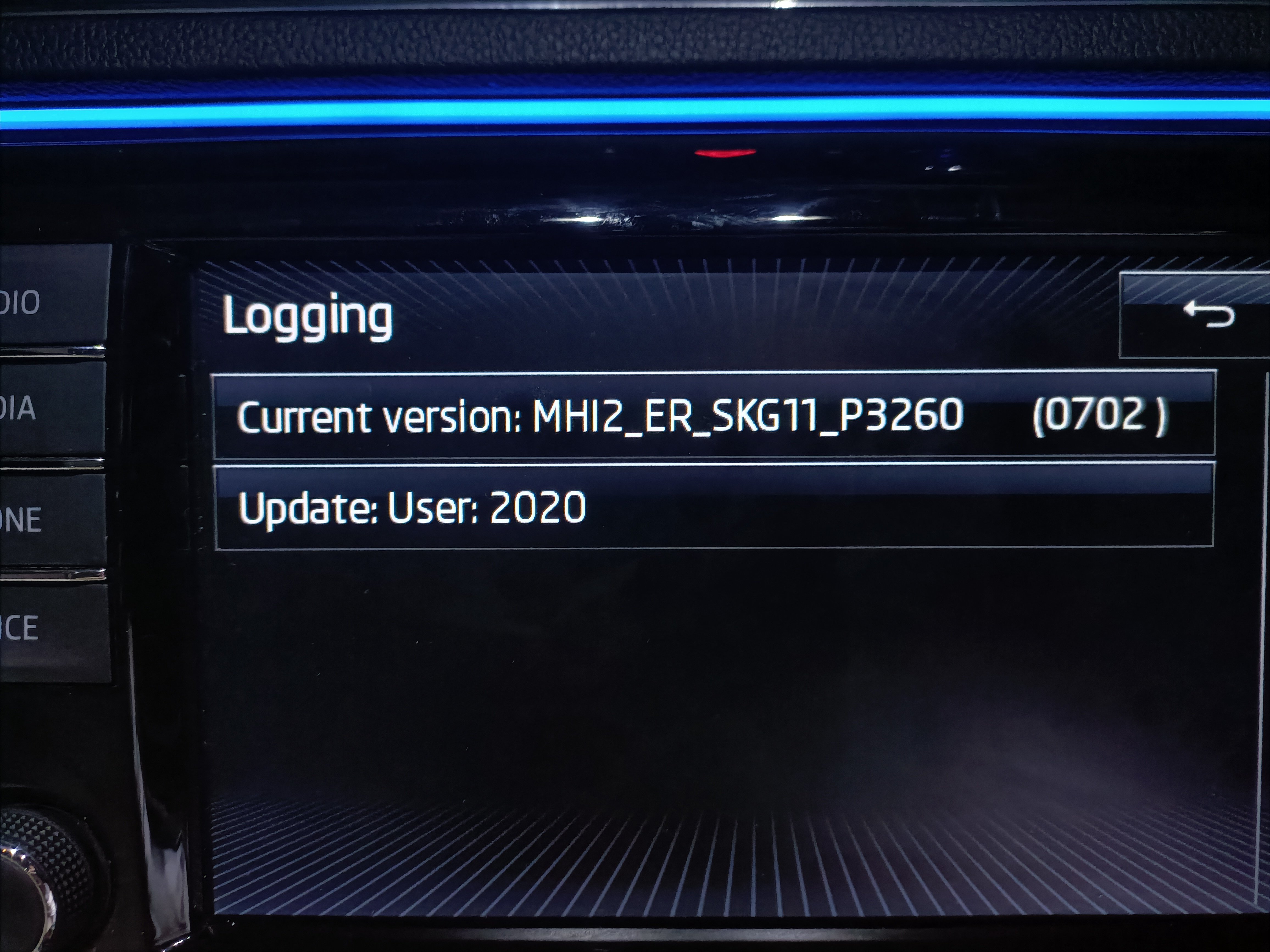
Hi, Had to drive for 8 hours today, and we use Waze for traffic info and Spotify for music and such. I drive a 2016 (2017 Model) L&K 220hp Petrol. It kept disconnecting the phone (sometimes it would reconnect after a few seconds, sometimes it didnt). I thought it's my phone's fault (Android Oppo Reno 6) and I had my wife plug in hers (Iphone SE) and unfortunately the issue repeated itself with both phones (different cables) It drove me literally nuts. Any suggestions as to what it may be? I'm thinking overheat issue or firmware issue. Not sure what sound system I have, this is the hardware info code: 3v0035020c. It's a Canton, multi speaker + sw included version.Hello everyone. Does anyone have a clue what this error is for? Address 05: Acc/Start Auth. (J518) Labels:| 5Q0-959-435.clb Part No SW: 3Q0 959 435 E HW: 3Q0 959 435 E Component: VWKESSYMQB 036 0811 Revision: 00036000 Serial number: 0420048235 Coding: 032C1C0F03 Shop #: WSC 12345 123 12345 ASAM Dataset: EV_KessyHellaMQBAB 004039 ROD: EV_KessyHellaMQBAB.rod VCID: 3C7781F7B76BAE6BDF-8068 Rear lid opener control module: Subsystem 1 - Part No SW: 3AA 962 243 G HW: 3AA 962 243 G Component: GEB.F.Heckoef H16 0903 Serial number: 84456315 1 Fault Found: 12786208 - Databus U1123 00 [137] - Received Error Message [New feature! Extended UDS fault detail is only supported by current gen. interfaces] MIL ON - Confirmed - Tested Since Memory Clear Freeze Frame: Fault Status: 00000001 Fault Priority: 6 Fault Frequency: 1 Reset counter: 36 Mileage: 36627 km Date: 2021.09.04 Time: 18:58:56 Terminal_15_Kessy_specified_value: On Terminal_15_Kessy_actual_value: On Terminal_15_central electric_actual_value: On Terminal_15red_Kessy_specified_value: On Terminal_15red_Kessy_actual_value: On Terminal_S_Kessy_specified_value: On Terminal_S_Kessy_actual_value: On Terminal_S_central electric_actual_value: On Terminal_50_Kessy_specified_value: OFF Terminal_50_Kessy_actual_value: OFF ZAT_pressed: OFF Park selector lever position: Engaged and locked Request active: Condition not met Enabling Steering Column Lock: Condition not met Enabling immobilizer: Condition not met No active error mode: Condition met Key signature validity: Condition met Control Module Voltage: 11.874 V Driver information key position copy workshop: not active Driver information: roll warning: not active Driver information: emergency shutdown: not active Internal_key_position: no_message Driver information comfort switching: not active Vehicle speed: 0.0 km/h Engine RPM: 0.0 /min Status of vehicle locking: Vehicle unlocked Approach to the inside: not active Actuation to the inside: not active Approach to the outside: not active Actuation to the outside: not active Pulling actuation: outside door handle: not active Coding information: coded Approach to the inside: not active Actuation to the inside: not active Approach to the outside: not active Actuation to the outside: not active Pulling actuation: outside door handle: not active Coding information: coded Approach to the inside: not active Actuation to the inside: not active Approach to the outside: not active Actuation to the outside: not active Pulling actuation: outside door handle: not active Coding information: Not coded Approach to the inside: not active Actuation to the inside: not active Approach to the outside: not active Actuation to the outside: not active Pulling actuation: outside door handle: not active Coding information: Not coded Driver door: Open Front Passenger Door: closed Left rear door: closed Right rear door: closed Active_LF_scans: Init ID-sensor 1 authentication: status: No response ID-sensor 2 authentication: status: No response ID-sensor 3 authentication: status: No response ID-sensor 4 authentication: status: No response SPN_Byte 0: 00 SPN_Byte 1: 00 SPN_Byte 2: 00up?Hi, My superb mk3 got doesn't want to lock the back door anymore (sometimes it does, most times it doesnt) I know that's a known issue for them, can anyone guide me on how to check the wires? A step by step would be great@coppertop Thank you! Got it! Can you lend a hand with the wiring loom code too? Code for it ... i presume it goes into the fusebox.Can I revive this post? I'm interested in the wiring loom also. Not sure about the correct code. Got myself a towbar (the swiveling kind) ..fitted in bought a towbar computer (5q0 907 383H) from a crashed superb 3 I need to know what code should I buy for the wiring loom from the control unit to the fusebox Superb MK III, L&k, petrol, 2017 modelHi, I wanted to equip my MK3 Skoda superb late 2016, L&K, 2.0 TFSI, sedan, petrol car with a towing hook. Bought and fitted the actual towing hook but it's my understanding that i need some sort of a computer to make the electrical connections. Towing hook code: 3v9803881a Towing computer: codes found until now 5q0907383H, 5q0907383N, 5q0907383G Does anyone know what's the right one? or differences between those? Has anyone did this retrofit?So, I was fiddling with the idea of having both fog lights lit while knob active and I asked you guys if you can code it via VCDS... well, bummer, you can't! Hmm, i'm not going to quit that easily! So this is how I did it: First, i unclamped the rear bonnet cover, careful not to ruin the paint nor the clamps! I would suggest using a plastic tool similar to this: https://www.amazon.com/GOOACC-Miayon-Dashboard-Dismantle-Installer/dp/B00D7XNQHG Next, i unscrewed both rear bonnet lights, and tested the one I have with the other one's connector to test if there is a led strip in there or not. Guess what?!?! IT WAS!! So, the bulb lights, but the lazy Skoda peeps have wired only one side, the other side has no wire. All you have to do is create an extension wire from the side that lights to the side that doesn't, and that's that! I bought 2m of wiring and tomorrow, i'll have 2 fog lights ON! I will create a photo how to, tomorrow.






Important Information
Welcome to BRISKODA. Please note the following important links Terms of Use. We have a comprehensive Privacy Policy. We have placed cookies on your device to help make this website better. You can adjust your cookie settings, otherwise we'll assume you're okay to continue.