Camarao69
Members
-
Joined
-
Last visited
Everything posted by Camarao69
-
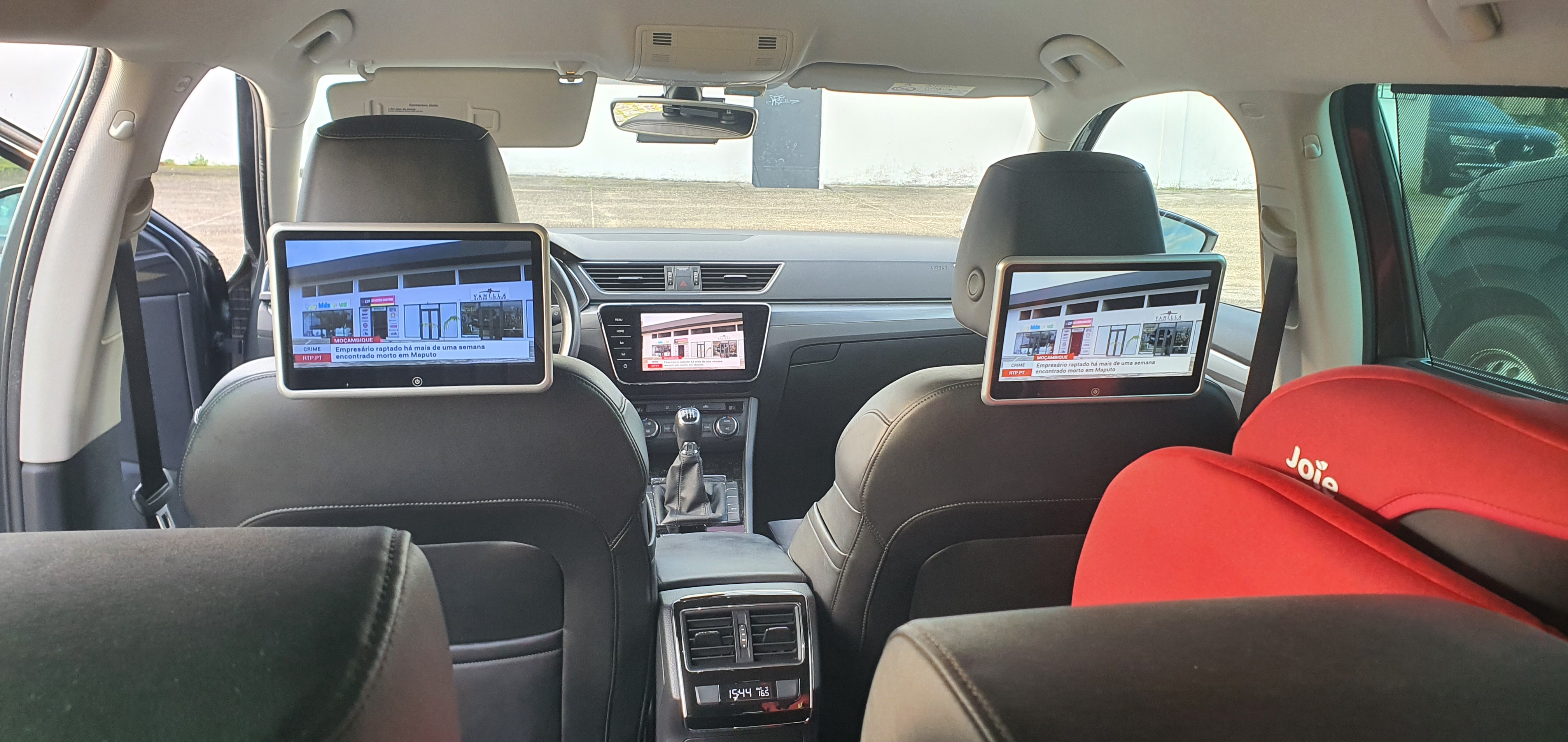
Yes they are aftermarket , but the tv tuner just conects to te monitors through rca cables yelow red and white . I always thought that they would mirror the mib unit but now i'm starting to think that it works just like this . The tv tuner it self does not have many configurations to switch via odis.
-
Hello , i as able to see tv in the back monitors but if i want to pass multimedia from the mib unit i can´t , how ca in achieve this ?
-
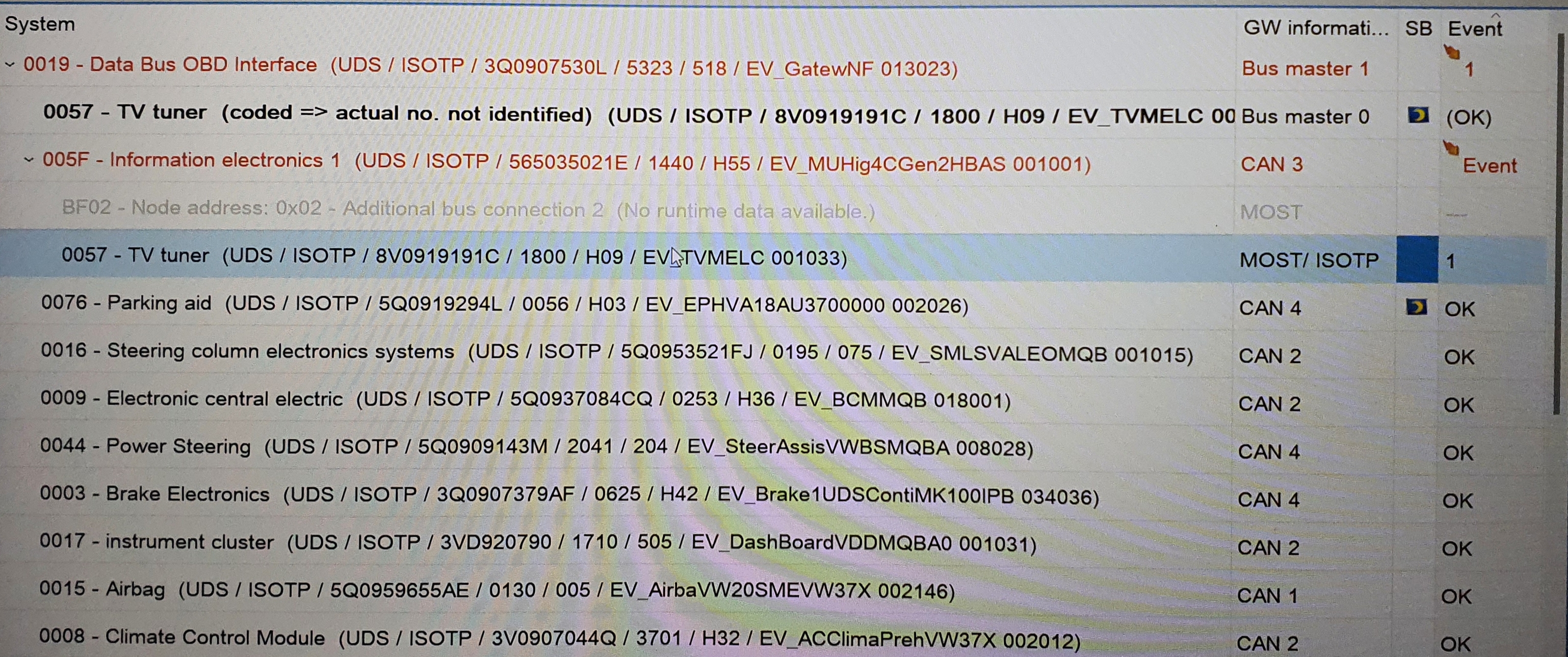
So much back and forward all this time and every thing was working , you don't have to enable 57 tv tuner in gateway because it talks to the mib2 unit 5F (5F is a Most bus master ) and obdeleven did not help in here because it does not scan most bus modules . A year after and i have it working finally.
-
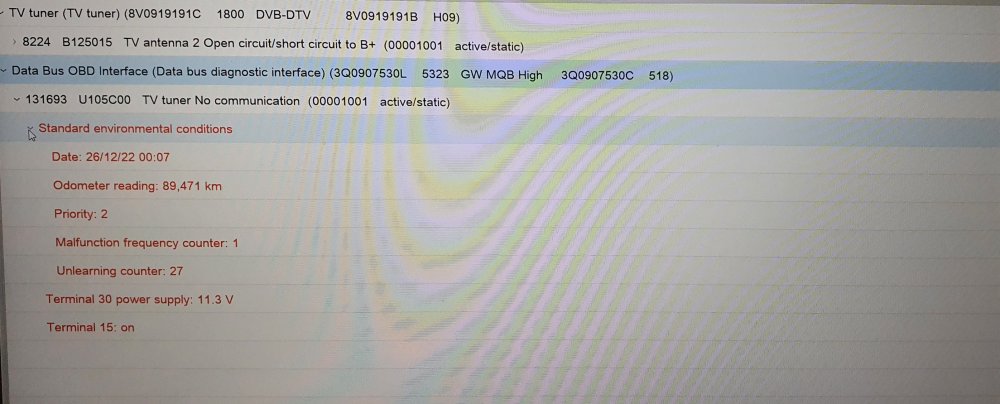
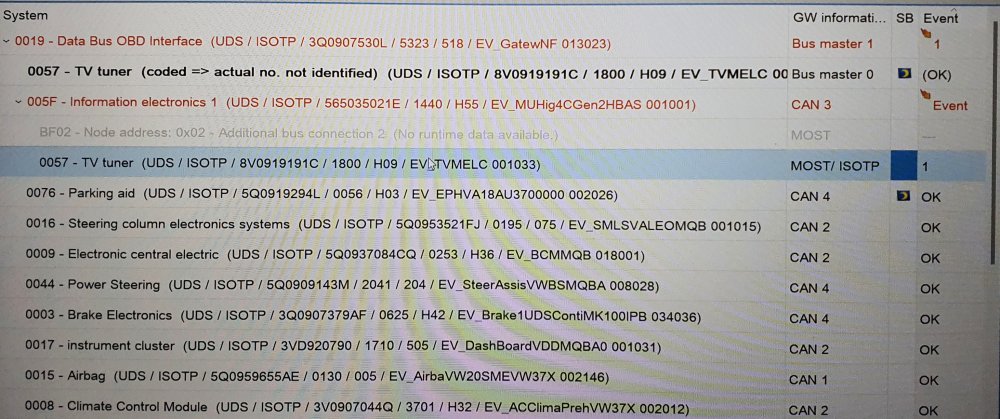
Hello, yes the ring break diagnostics cable was plugged to the 5F. Here is the scan with odis.
-
Tv tuner is power and MOST only. In 5F there is an adaptation in Car_Function_List_BAP_Gen2 > TV_tuner_0x2C_msg_bus , Comfort data bus is selected i don´t know if it is the correct one and have lots to choose.
-
Well if i add it to the installation list i have a no comunication error. Is the tv tuner a subsystem of mib 5F ?
-
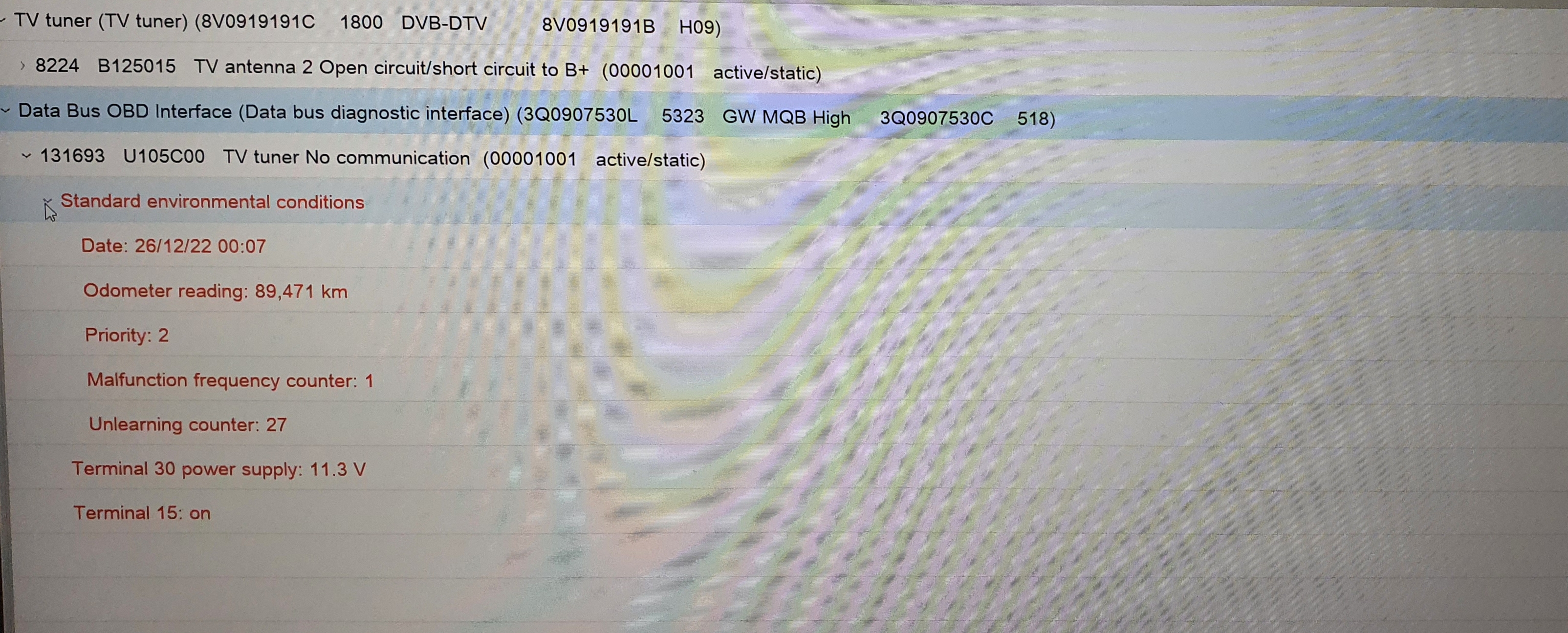
Well the other day i was able to check via vcds that i had component protection activated on the tv tuner. I was able today to remove component protection using odis-s and was able to plug the antenas cables . I have no errors on tv tuner now (in odis-s) but still have no 57- tv tuner as a installed component i' not understanding that. Obd11 does not see it either , i'm at a loss don' t know what to do.
-
Ok here is my obd11 scan , some parts are in portuguese sorry . The errors are in 13 and A5 , the 19 error is for component protection for the tv tuner i have installed ( i have to find a dealer i can trust) history.txt
-
Well the German solution did not work for me, I have tried to clean the windshield and the camera lens but it did not work either. My camera was retrofited 2 year ago by me , it has been working flawlessly until two weeks ago. The error appears when e turn the key the thing is the camera is working, because if deleted the errors and do not turn of the car the camera works.
-
I'm going to try a solution i found in a german site. All settings for the VZE in the STG 5F, A5, and 17 (in this order) removed/reset with VCDS and error memory in the control units deleted. The error memory remained empty. The display of the error message in the AI was initially retained. Then disconnect the battery for 10 minutes. After reconnecting the battery, drive a bit so that the steering angle sensor etc. get values again. Then all errors in all control units are deleted. The display: "Error: Traffic sign recognition" was then no longer available.
-
Hello, every time i start my car, i have this error , if i clean the errors with obd11 lane assist and traffic sign work . The errors i have to clean is in A5 camera malfunction , and a databus error value received, on 13 ACC i have databus error value received. Did anyone have this problem ?
-
Hello @ApertureS i was able to fix it yesterday with obd11 . Thank you
-
Hello , i'm havind this problem in my car. OBD11 says i have no basic settings for all seat moving parts although i can move them with the power buttons, just can't memorize seat positions. ApertureS, did find what as the problem with your seat ?
-
Hello, I'm thinking on remaping my superb (1.6tdi manual transmition), has anyone done it to this engine ? By the way if i wanted to upgraded it to 190hp by adding Garret turbo GTD1449VZ what other modifications would i have to do ? Thank you
-
For the size 245\40R19 , can anyone share experience with these 2 please : Goodyear F1 assimetric 5 , can buy at 150€ Bridgestone Turanaza T005 - can buy at 134€ Thank you
-
Expensive does not necessarely means they are the best as well, but i understand what you say.
-
Can you please point me to that tests ?Here in Portugal those tires have more reviews than other premium brands and have 4.3 average https://www.pneuslider.pt/pneu-auto/landsail/qirin990/235-40-zr19-96y-1193152
-
Sorry to hack this thread , everyone is talking about premium tires here but i would like to know if anyone has fitted the 235\40R19 landsail qirin 990 . They have real good specs considering the price they cost almost half the price of the premium ones.
-
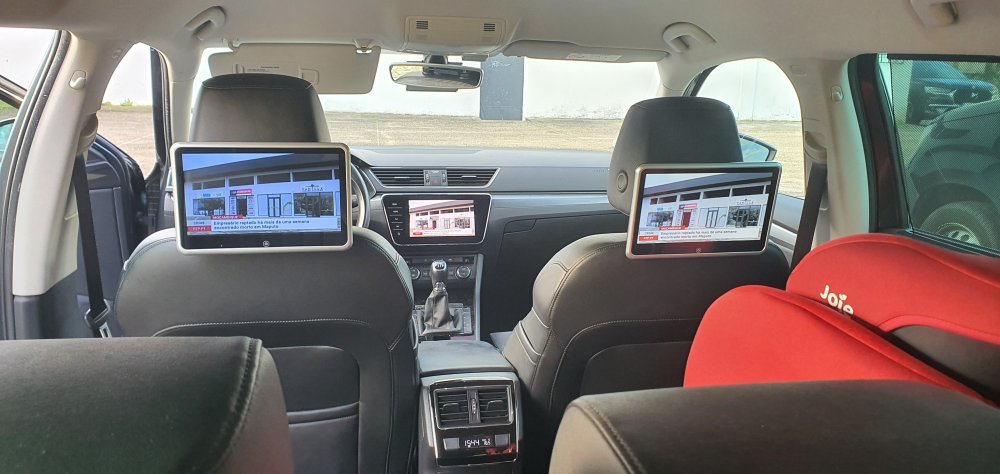
Hello , I'm referring to the back one, i have installed monitors on the headrest using the cable of the back cigarrete lighter and i want them to turn of when i remove the car key. Mine is always on.
-
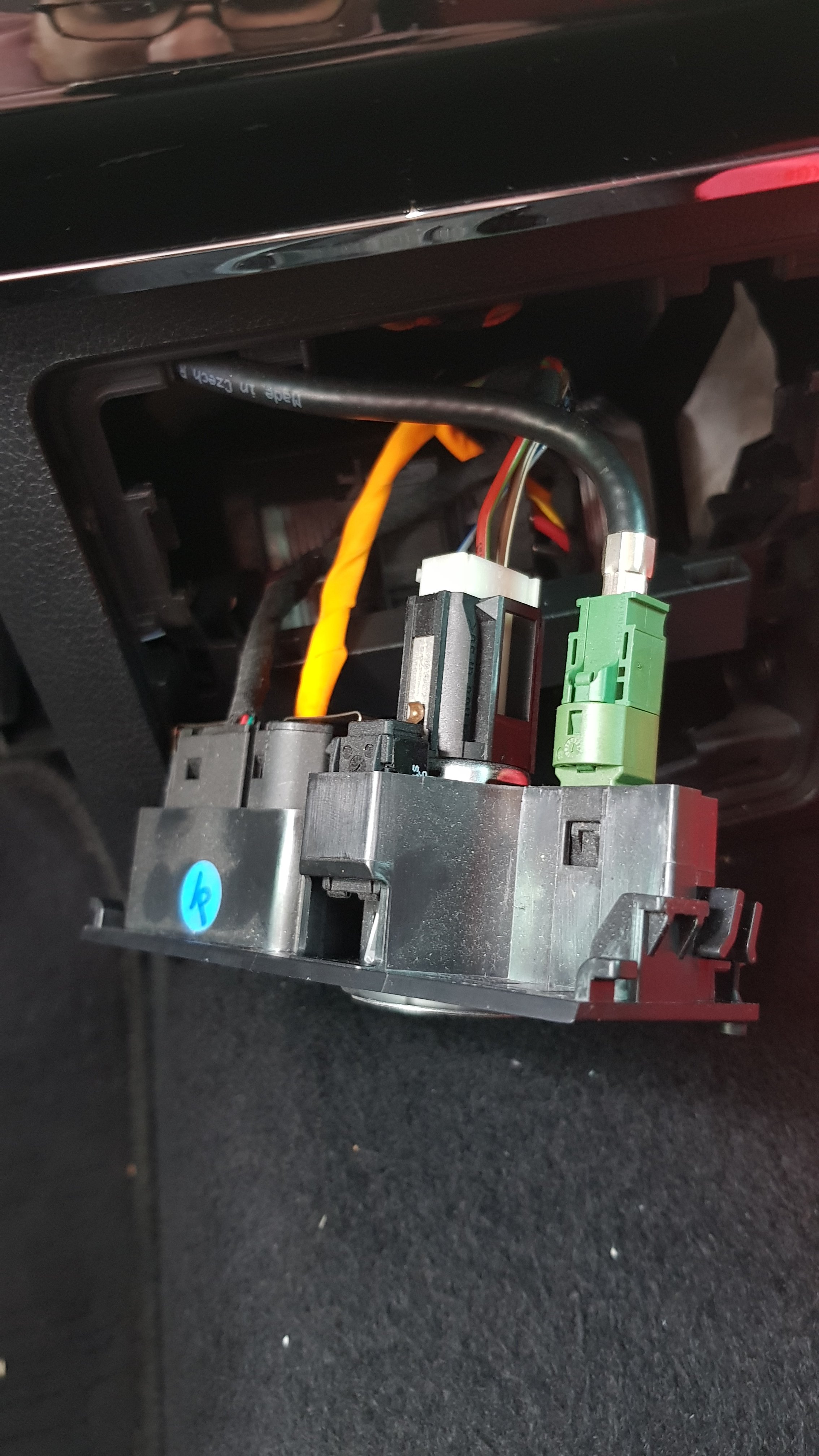
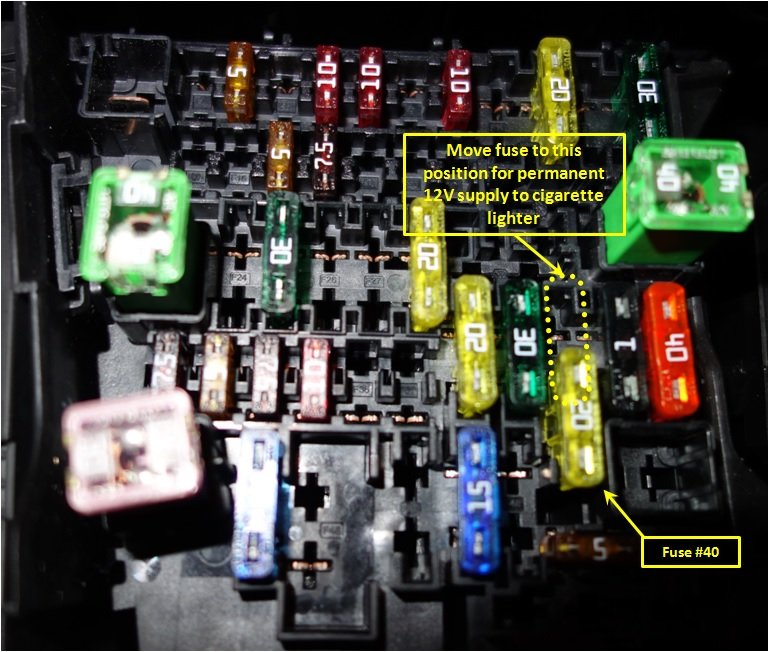
Hello , has anyone tryed this so that the power is shot down when removing the key, i have tried this but i have no power on the cigarrete lighter.
-
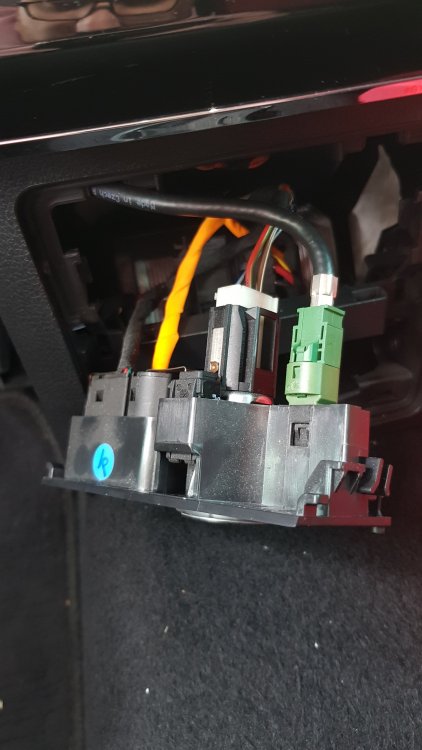
Hello i just want to update this information, the usb is not just power it reads multimedia , the cable colors of my cigarrete lighter are brown\white i think its earth and red\green that i think it is power can anyone confirm please.
-
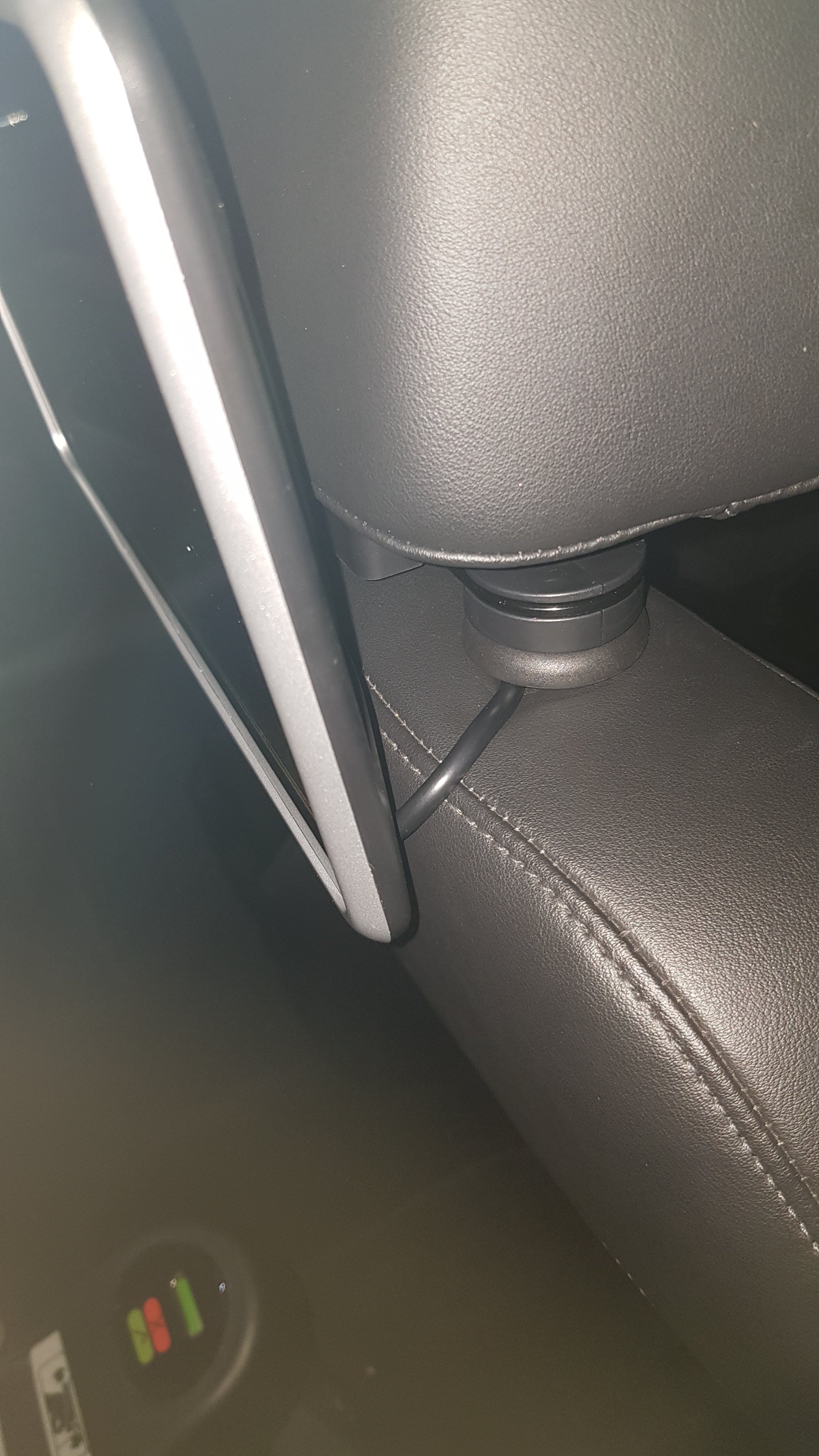
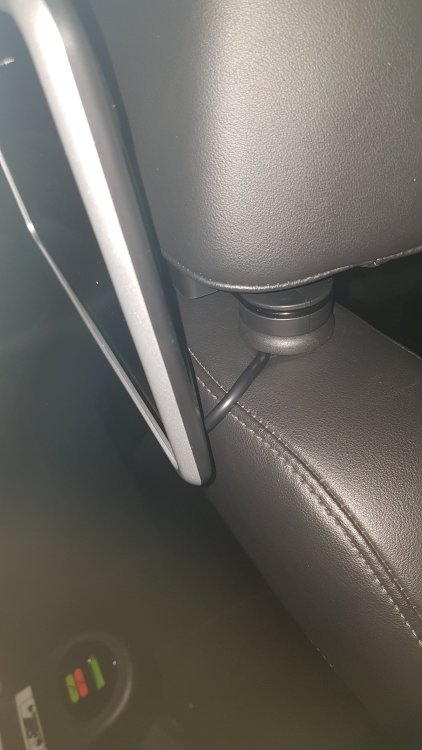
Well it was very simple, just released the back cover like in the video, i passed the cable through the side of the headrest hole then with my arm all way up through the back of the cover i was able to pull it down.
-
I asked because i have tryed many things that did not work in my country (Portugal), I share de codes for all countries thanks to jilleb for his developments in mib units. https://github.com/jilleb/mib2-toolbox/wiki/TMC-channels-research
-
Well i think i have found something that might help the seat is very similar to superb 2.
-
Hello JR RS, about the tmc can you please tell me what you did please .