




DEL80Y
Members
-
Joined
-
Last visited
-
This one 👍
-
Thamks @pab567 👍 What model is currently in there Ive been away from them for too long 🤣
-
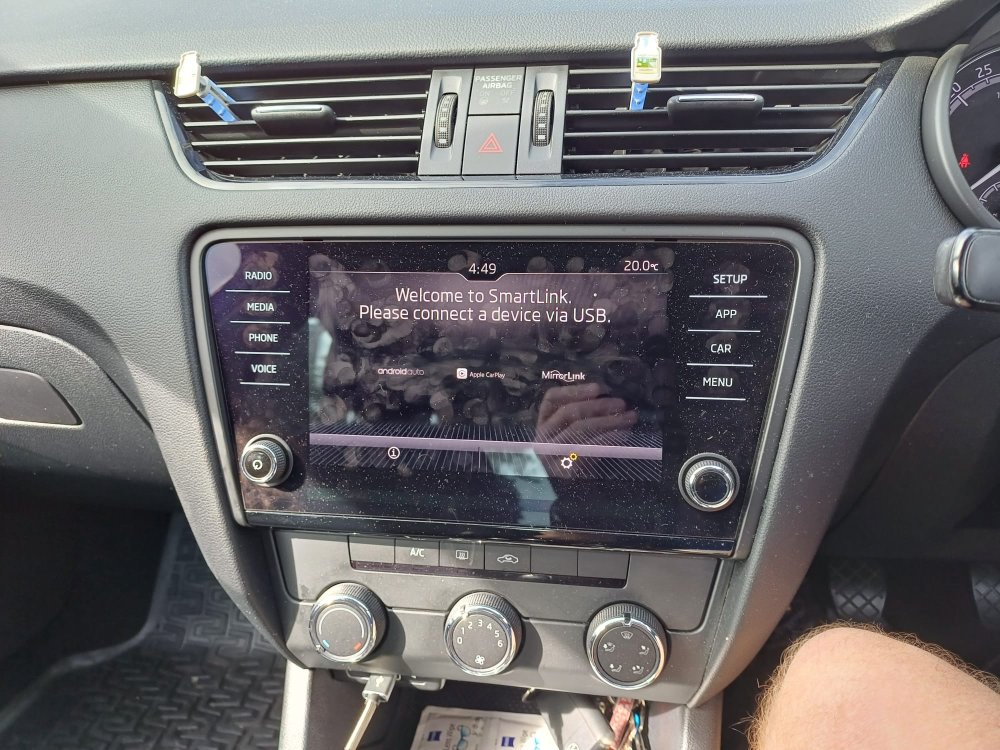
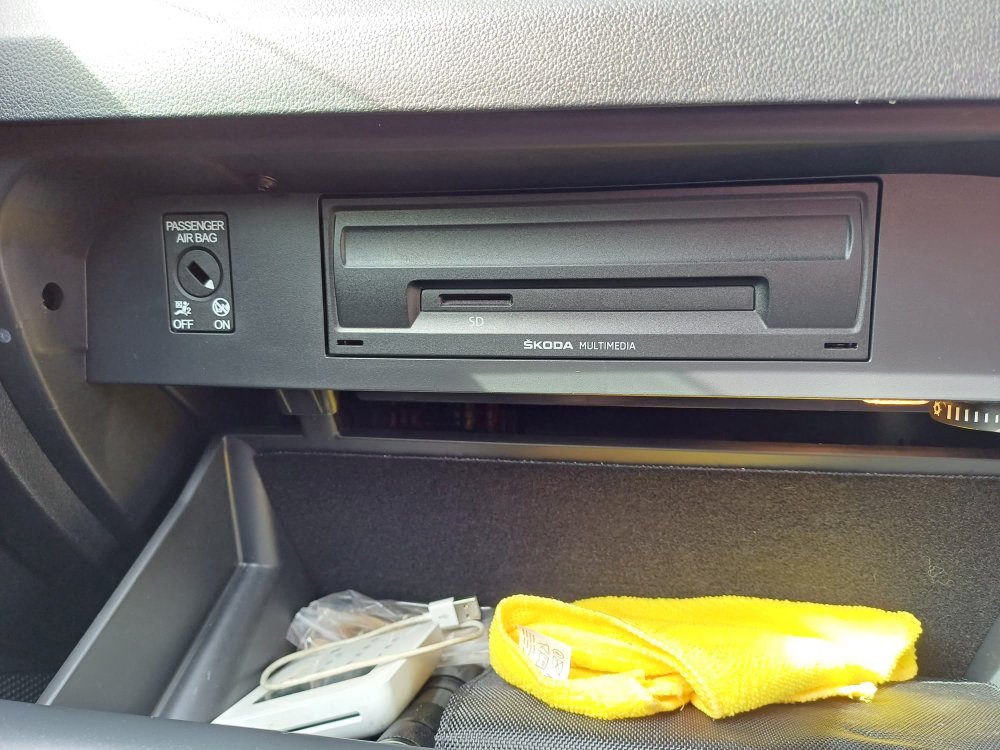
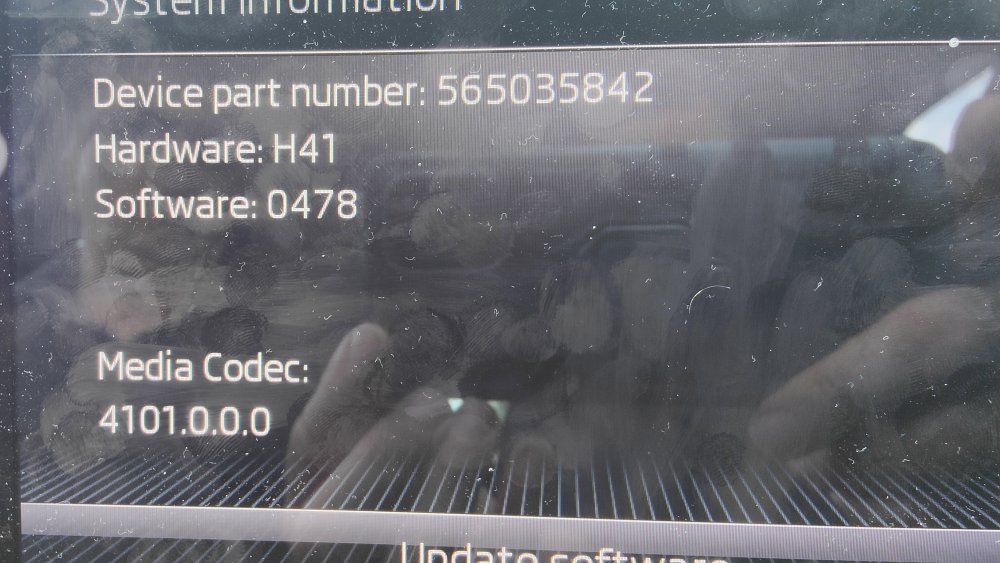
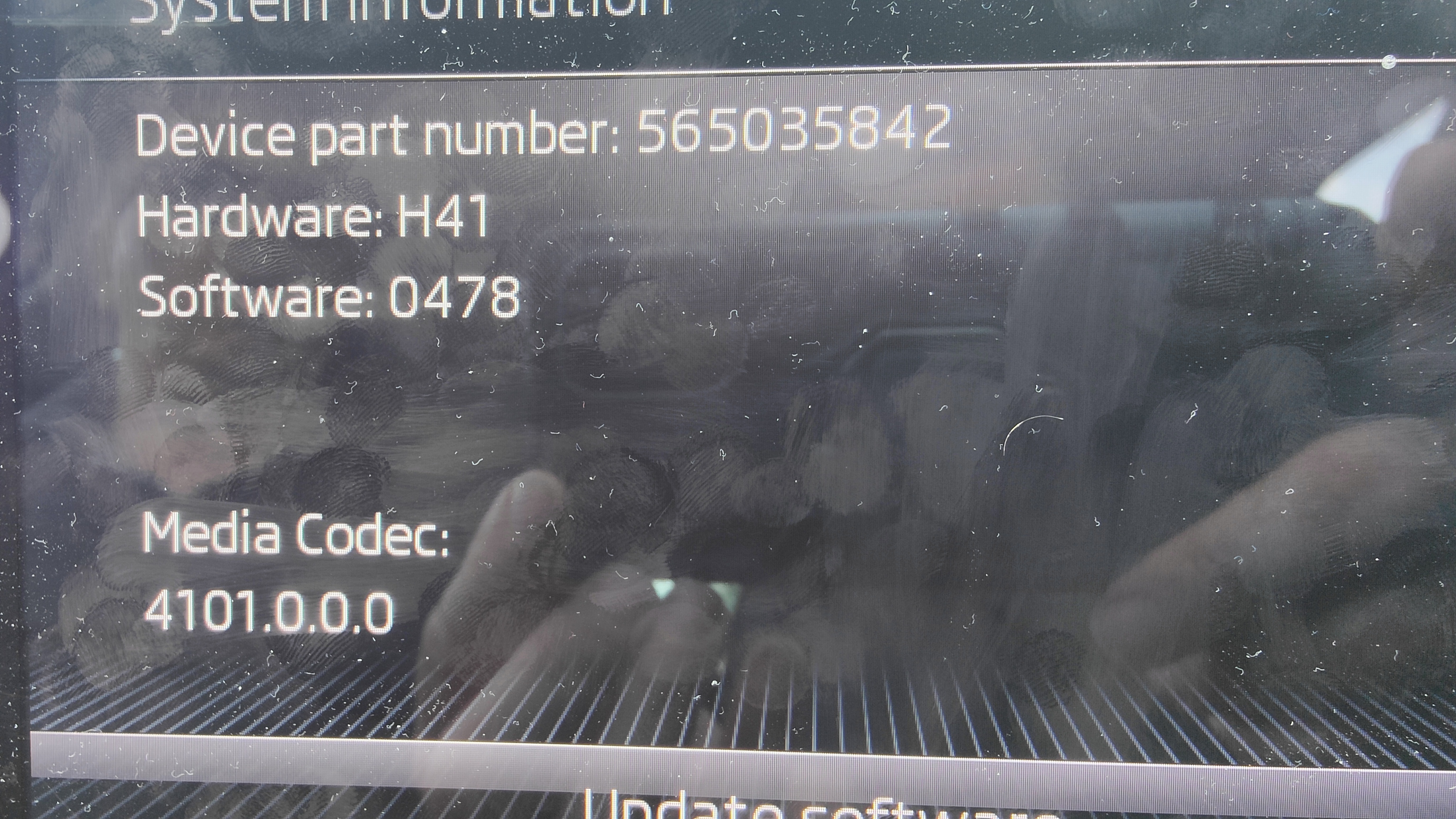
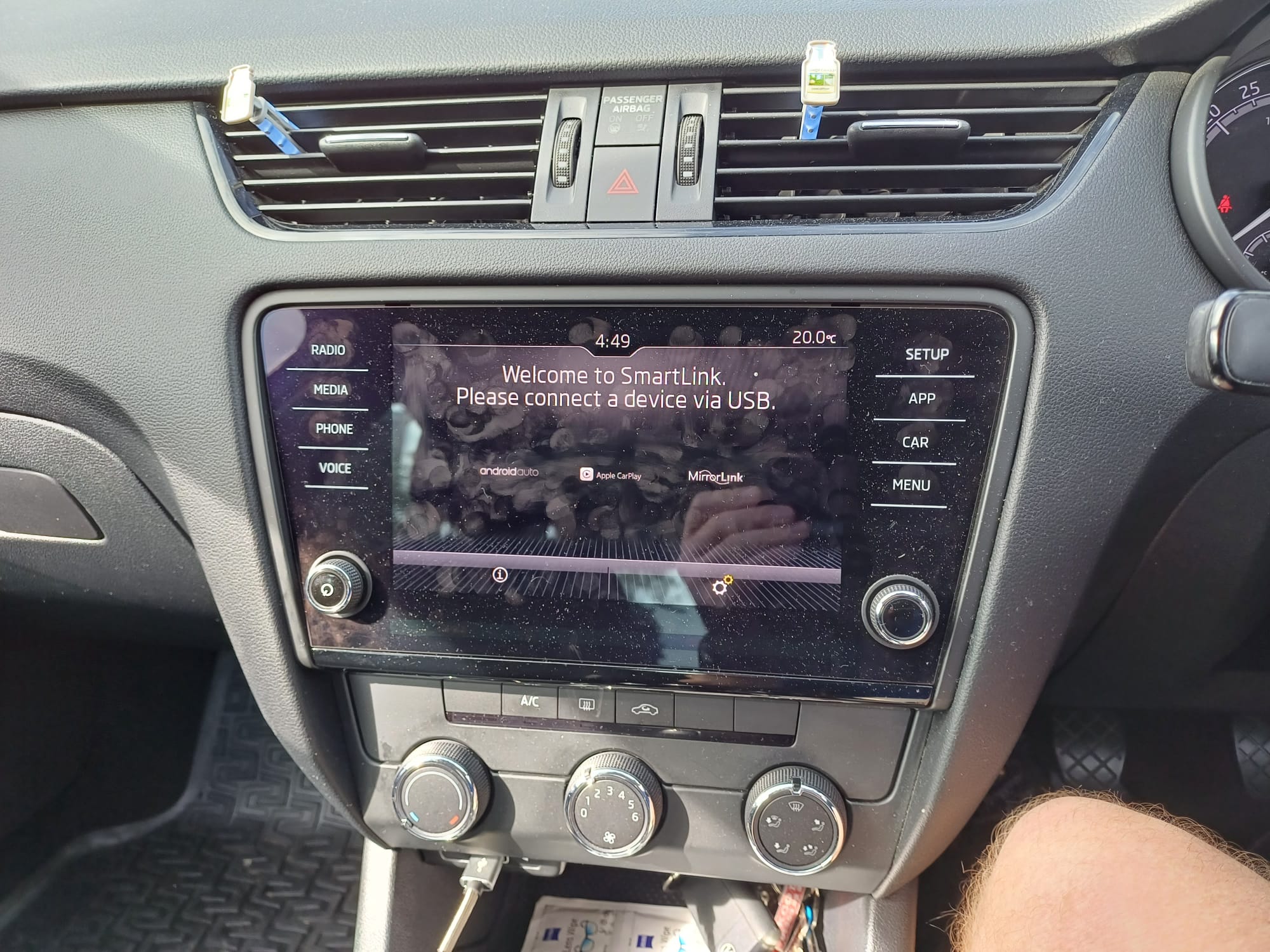
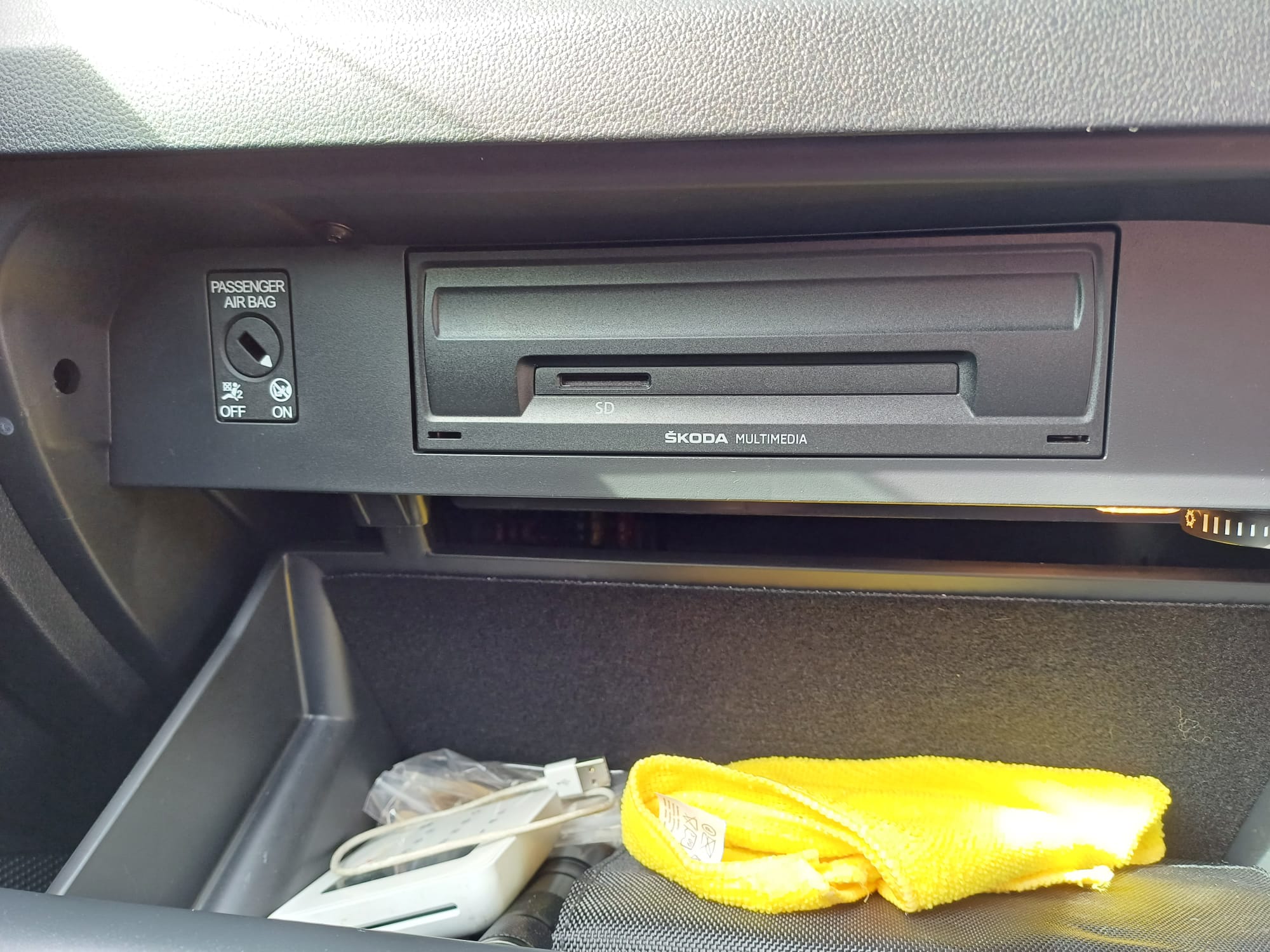
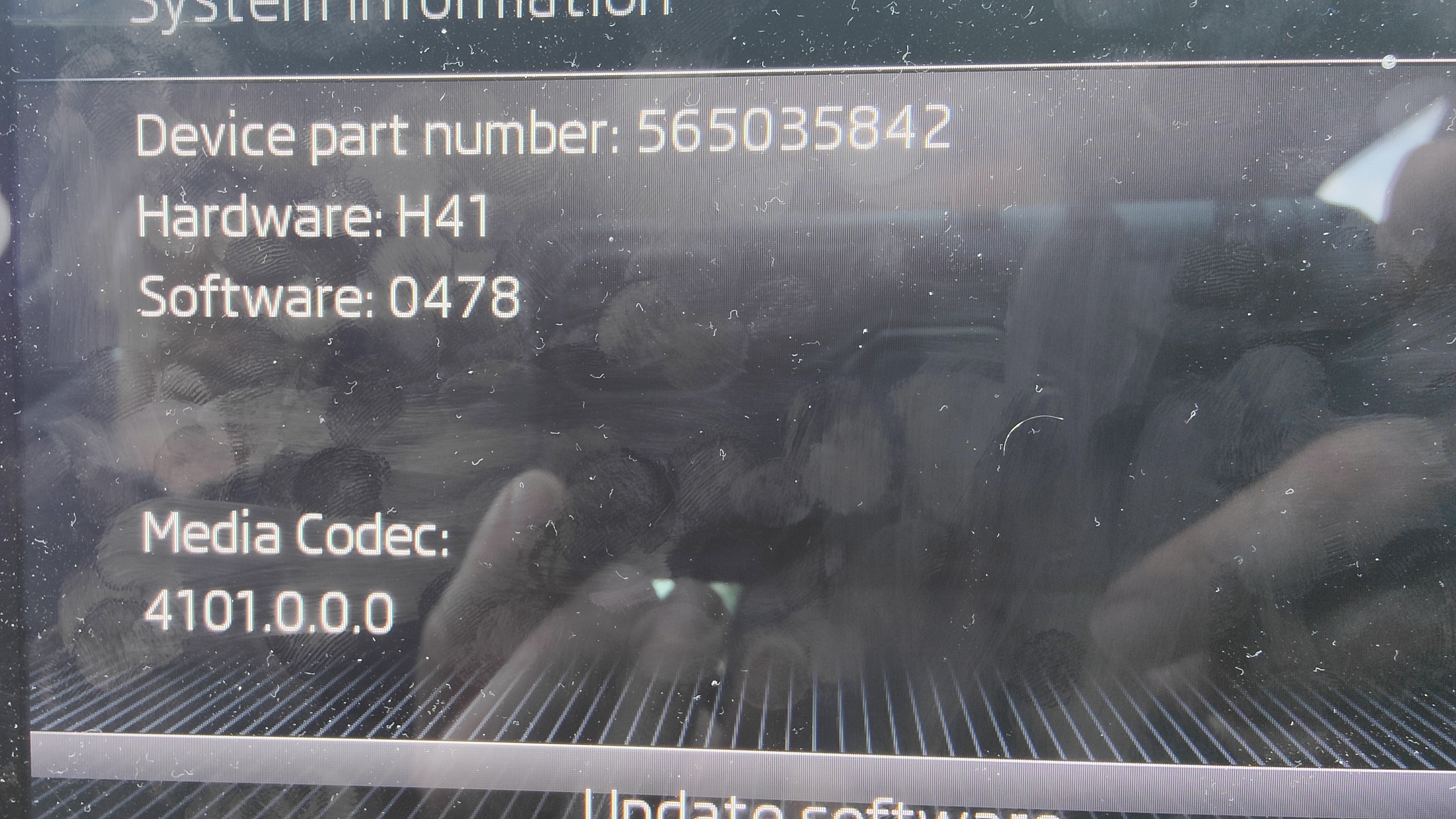
Hi @pab567 My friend has just got a replacement Octavia as a taxi and cant connect to bluetooth I have tried to connect but not showing Skoda BT on any of my devices Would a firmware update help at all or what am I looking for pic below of unit and firmware Many Thanks Del👍
-
Its completely unpractical for driving a car safely You check your mirrors before moving off Maybe its fitted on your past BMW but some BMW's also come with NO indicators🤣 And also no need for shouting👍
-
The errors for TV tuner can be left alone i have still never solved the exact problems
-
Yes with that code a lot of people through a pedal at it As above Video clean the throttle body👍
-
Don't think it can Why would you want this? If you parked and needed to reverse what would you do@CombatWombat I cant recommend Tayna enough for great prices and next day delivery for batteries👍~ For the price and piece of mind your as well changing the other 3 glow plugs ....They will all be the same ageHi it will more than likely be where the wiring comes from bodywork to tailgate Its a common issue with the twin tailgate there is lot of posts about it read this one👈
.thumb.jpeg.11b34a37d4b4a6399d710e4efe2c2138.jpeg.cbfdad57a0d2c4801c3ef35a1c8c5ea5.jpeg) Why not just change all the glow plugs with it having 148,000 miles on it Have you checked under fuse box Below link is for Octavia w link iosPlus one for the link above Fitted in mine and have been greatThe sidewalls on the cross climates are really soft. Hence your steering A strut brace wont fix thatOr take them off and retro fit Plain gas struts For £17
Why not just change all the glow plugs with it having 148,000 miles on it Have you checked under fuse box Below link is for Octavia w link iosPlus one for the link above Fitted in mine and have been greatThe sidewalls on the cross climates are really soft. Hence your steering A strut brace wont fix thatOr take them off and retro fit Plain gas struts For £17


Important Information
Welcome to BRISKODA. Please note the following important links Terms of Use. We have a comprehensive Privacy Policy. We have placed cookies on your device to help make this website better. You can adjust your cookie settings, otherwise we'll assume you're okay to continue.