ChrisCh
Members
-
Joined
-
Last visited
Everything posted by ChrisCh
-
Not entirely sure to be honest - check in individual settings and see if there is an option for suspension. From what I've heard the standard suspension is fine on the SportLine, even if not DCC. The main thing is you've got the correct engine / powertrain
-
-
If it's L&K it'll come with DCC as standard. I believe it's an option on the SportLine. Either way you can check in the driver modes settings.
-
Heated windscreen was the most important option for me - not standard! Make sure you give it a test drive and try out as many buttons as possible. Check the service history too.
-
FIxed and now with all season tyres! Hopefully all set for the winter now.
-
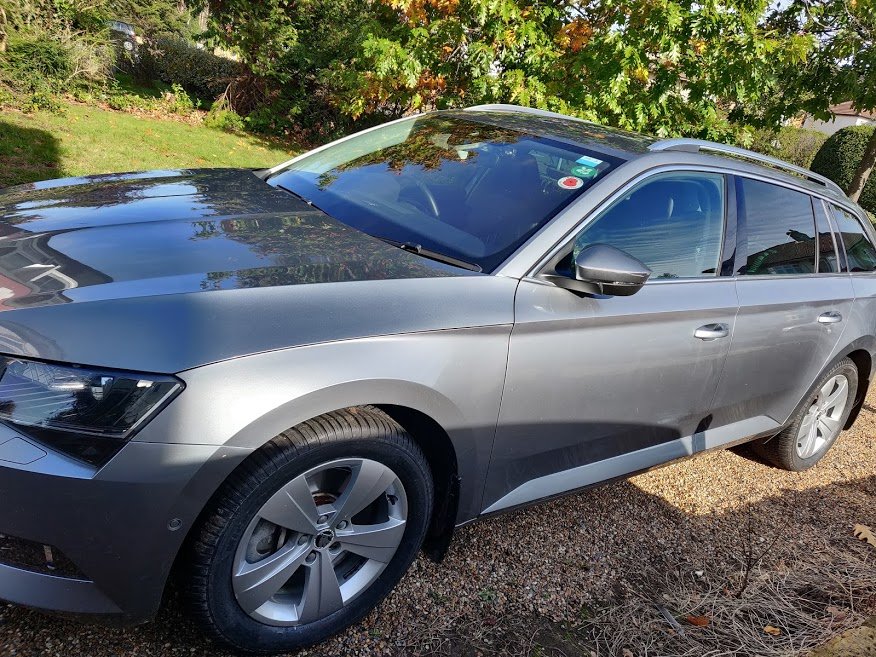
The car just got back from the body shop this morning, looking much better! All of the bodywork has been repaired / repainted by our local ChipsAway who did a great job (cheaper to not involve insurance). Terrible weather today, so no photos but will update once I've got the all season wheels & tyres on - booked in for this Wednesday. I've gone for Michelin CrossClimate+ (which were on offer) which will go on the 17" wheels (the summer tyres will stay on the 18").
-
Has anyone managed to install further USB ports in the Mk3 Superb? My 2016 car only has one USB port by the climate control buttons and it's frustrating. I'd love to install further ports in the cubby under the drivers' arm rest - which I believe has been installed in later cars. Has anyone attempted the retrofit?
-
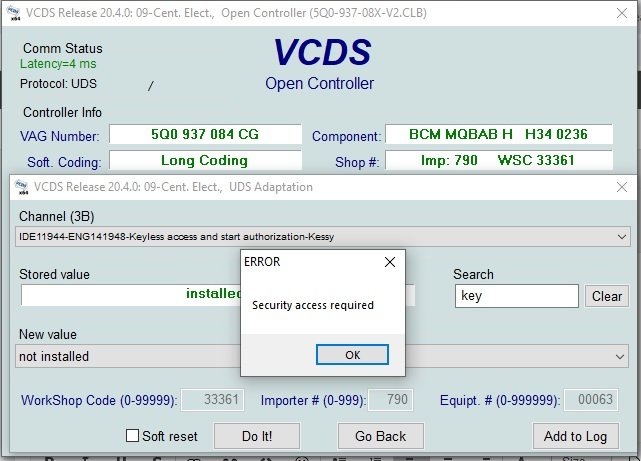
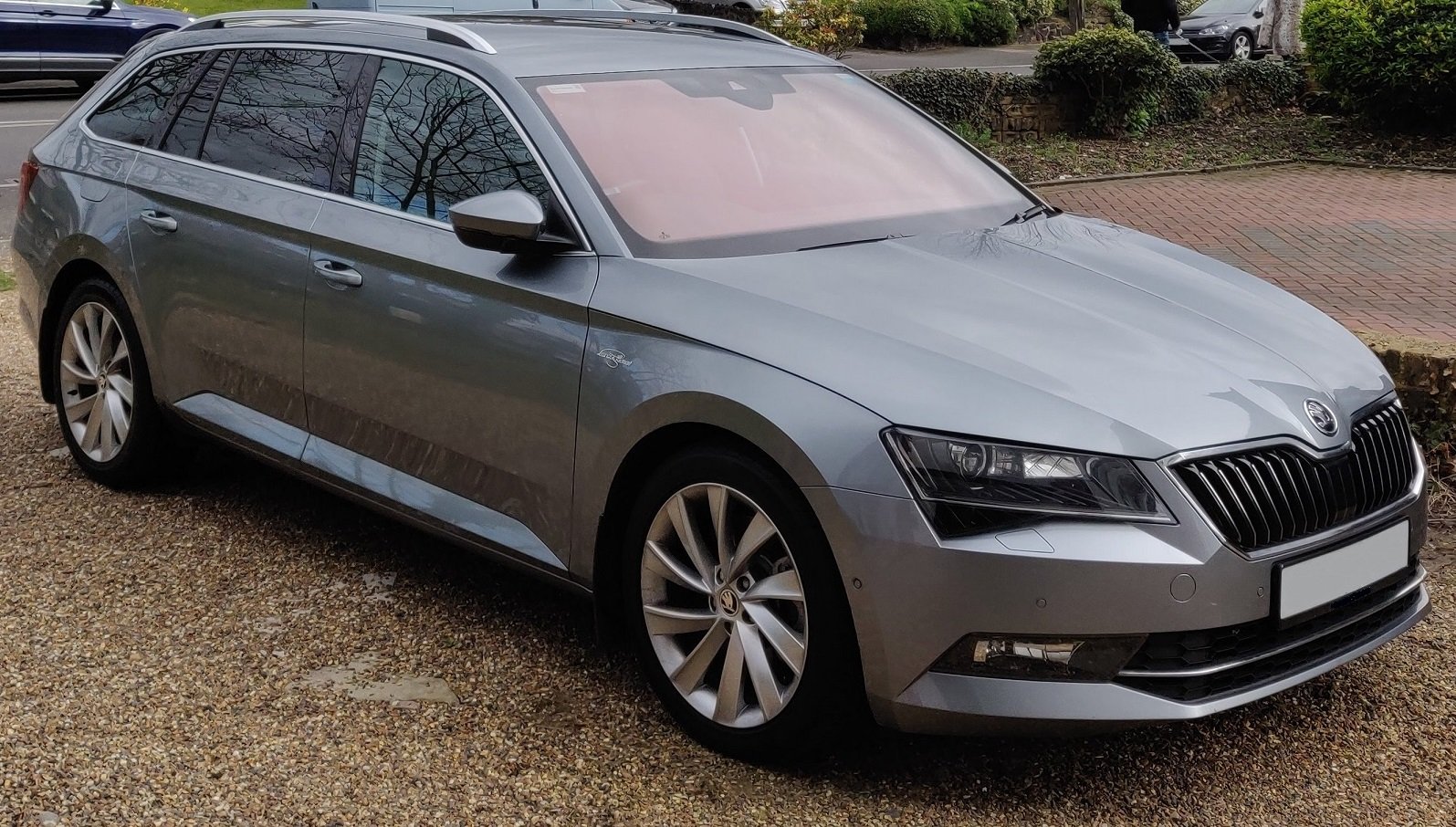
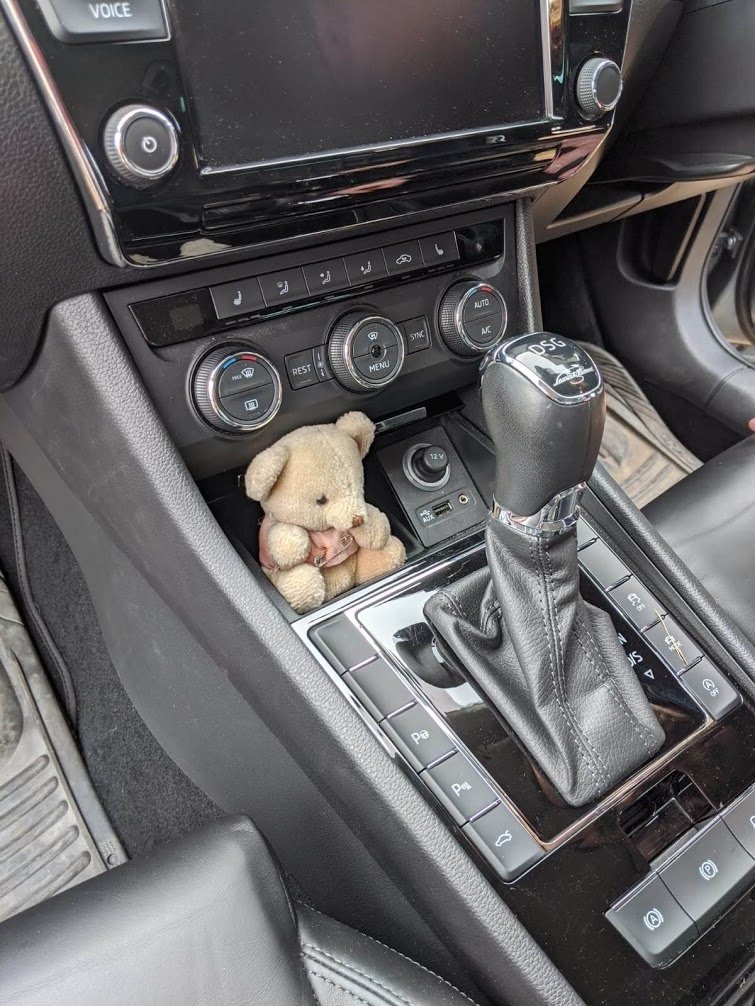
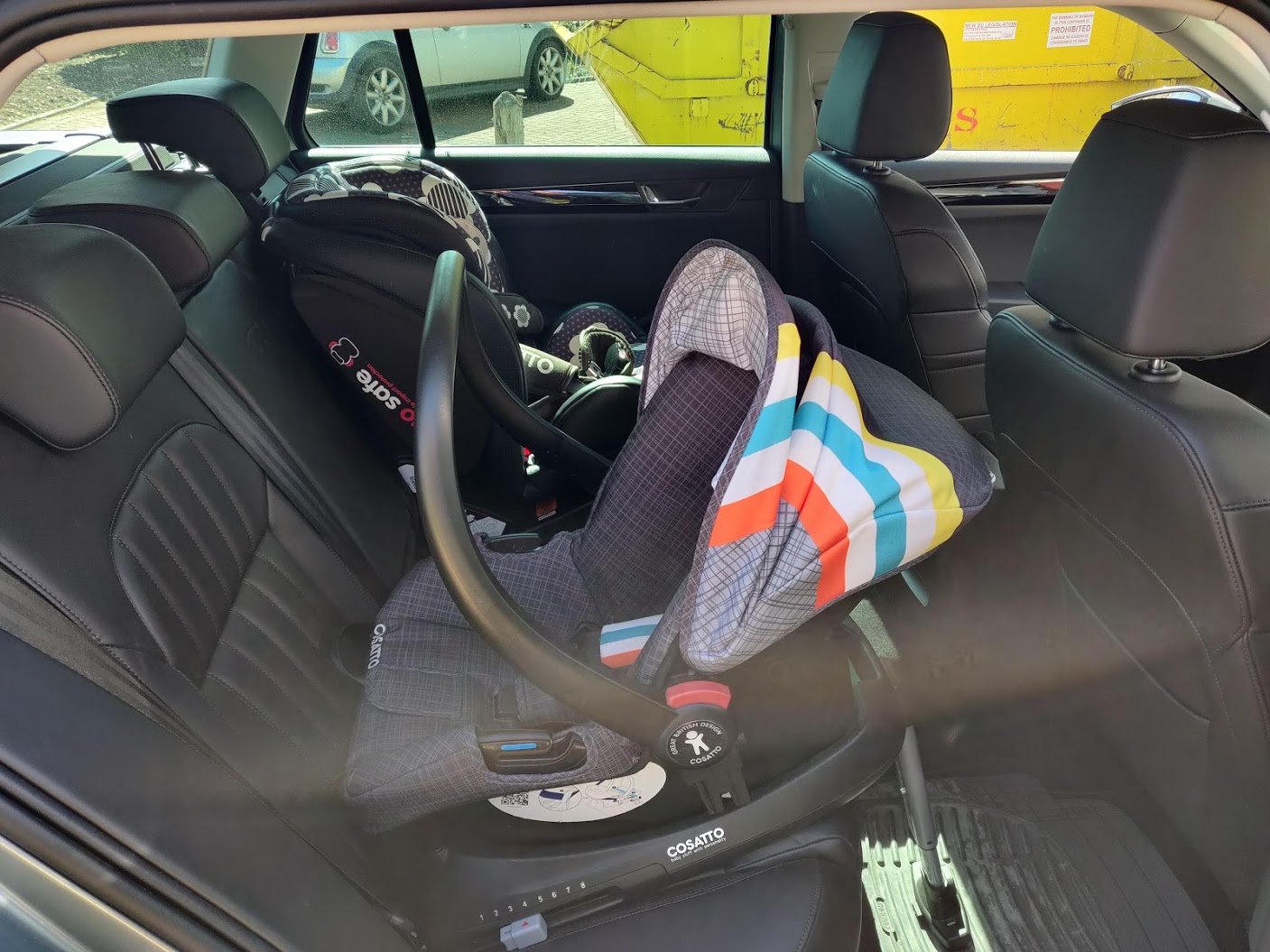
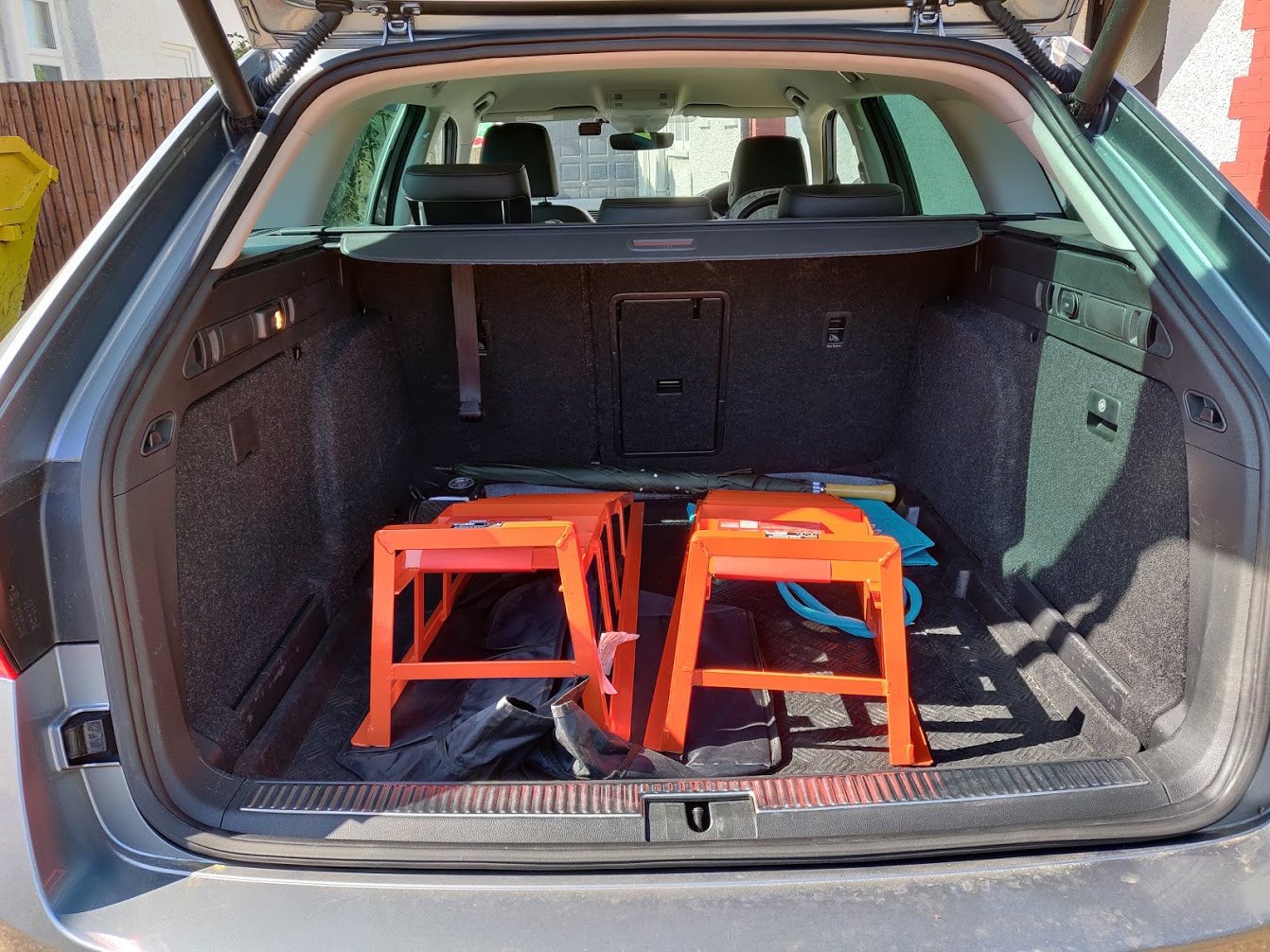
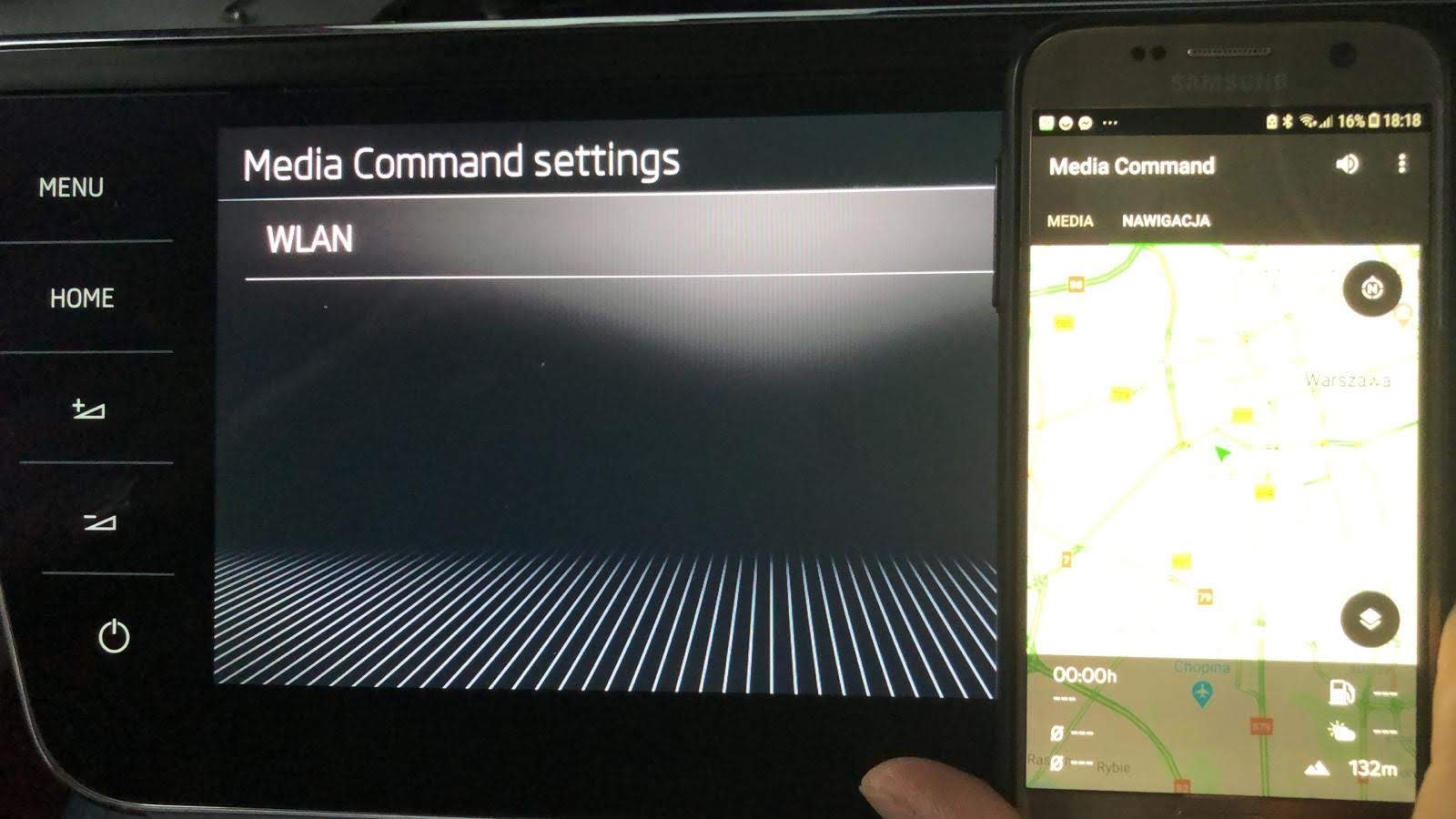
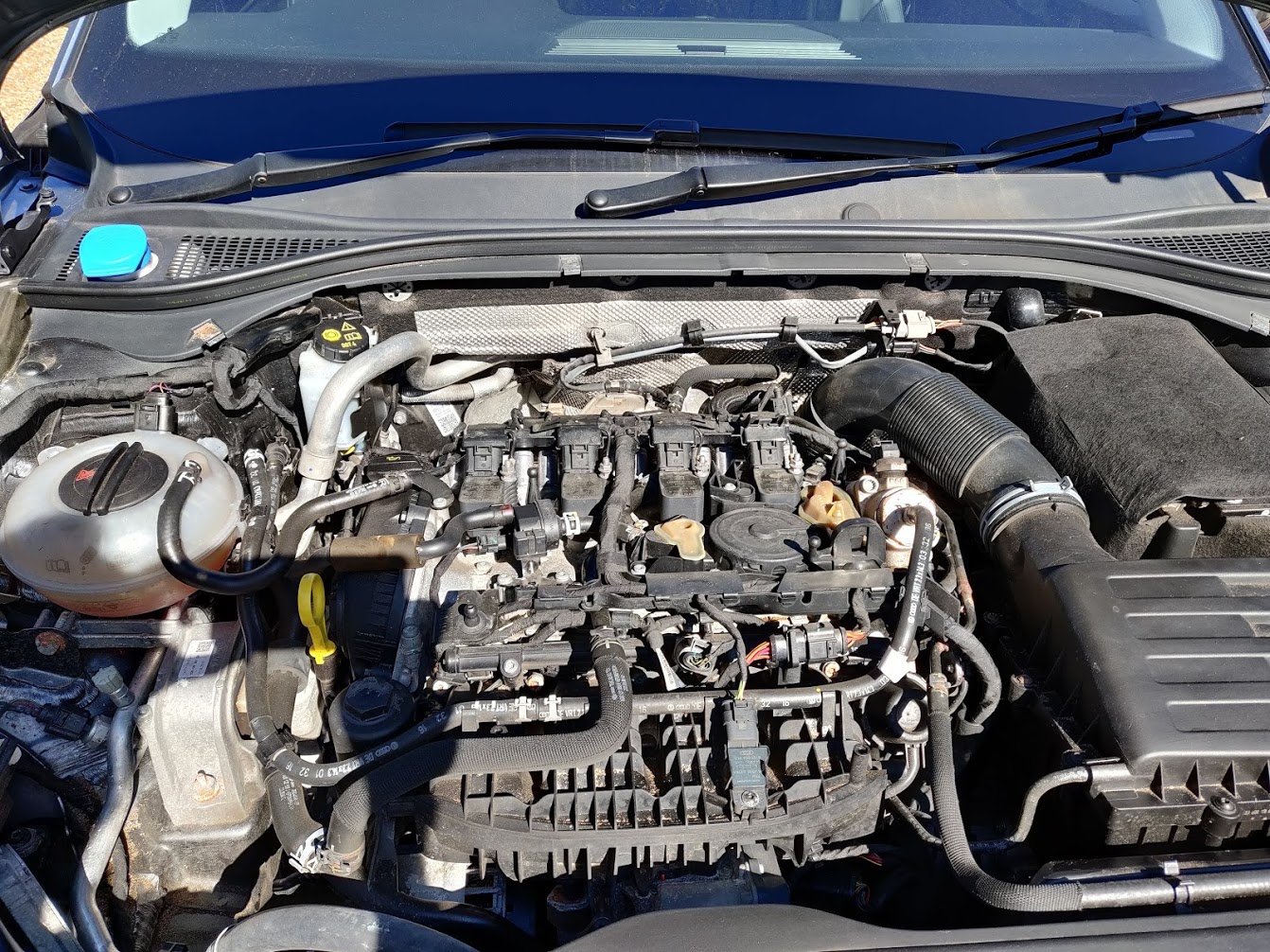
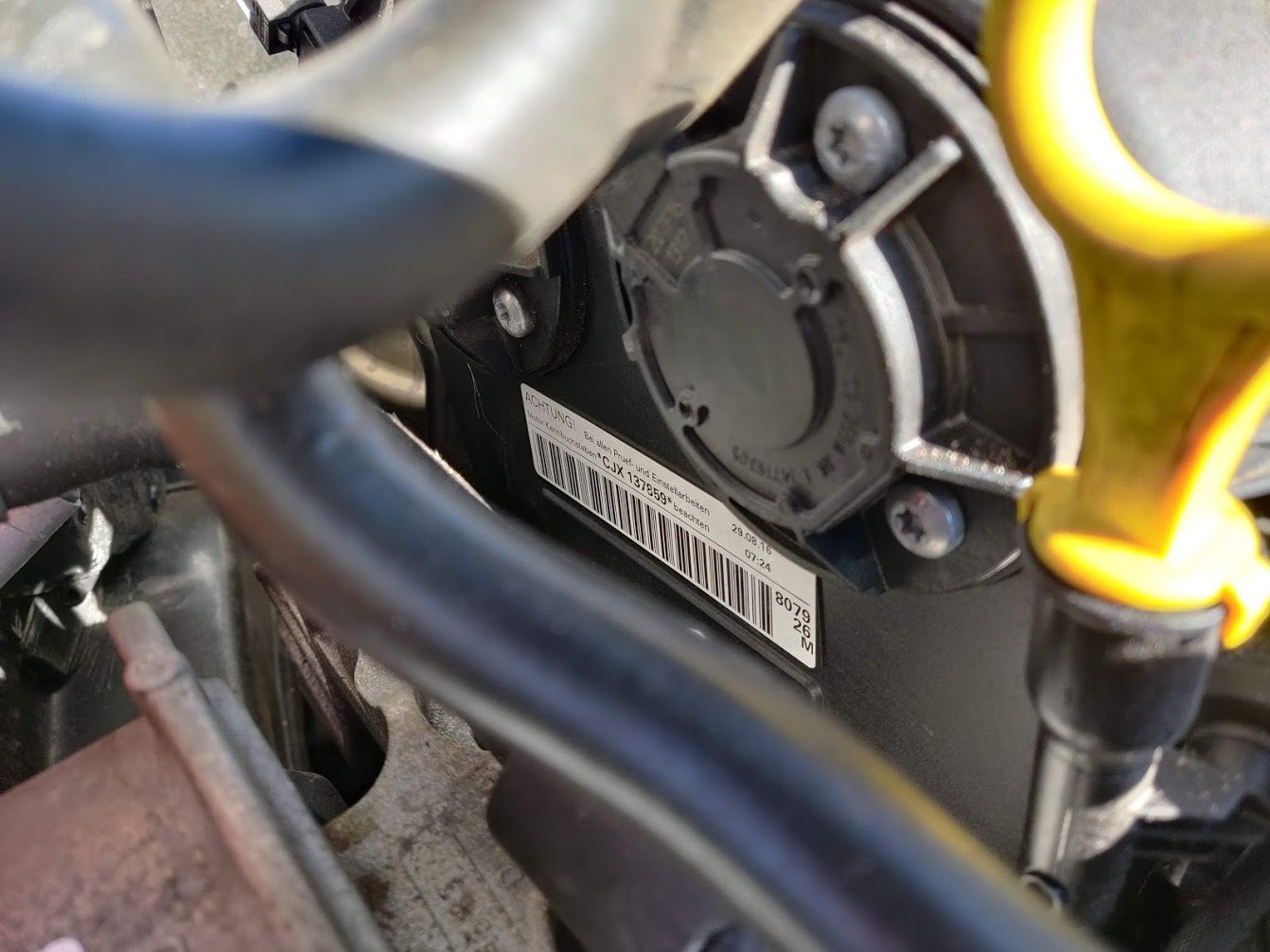
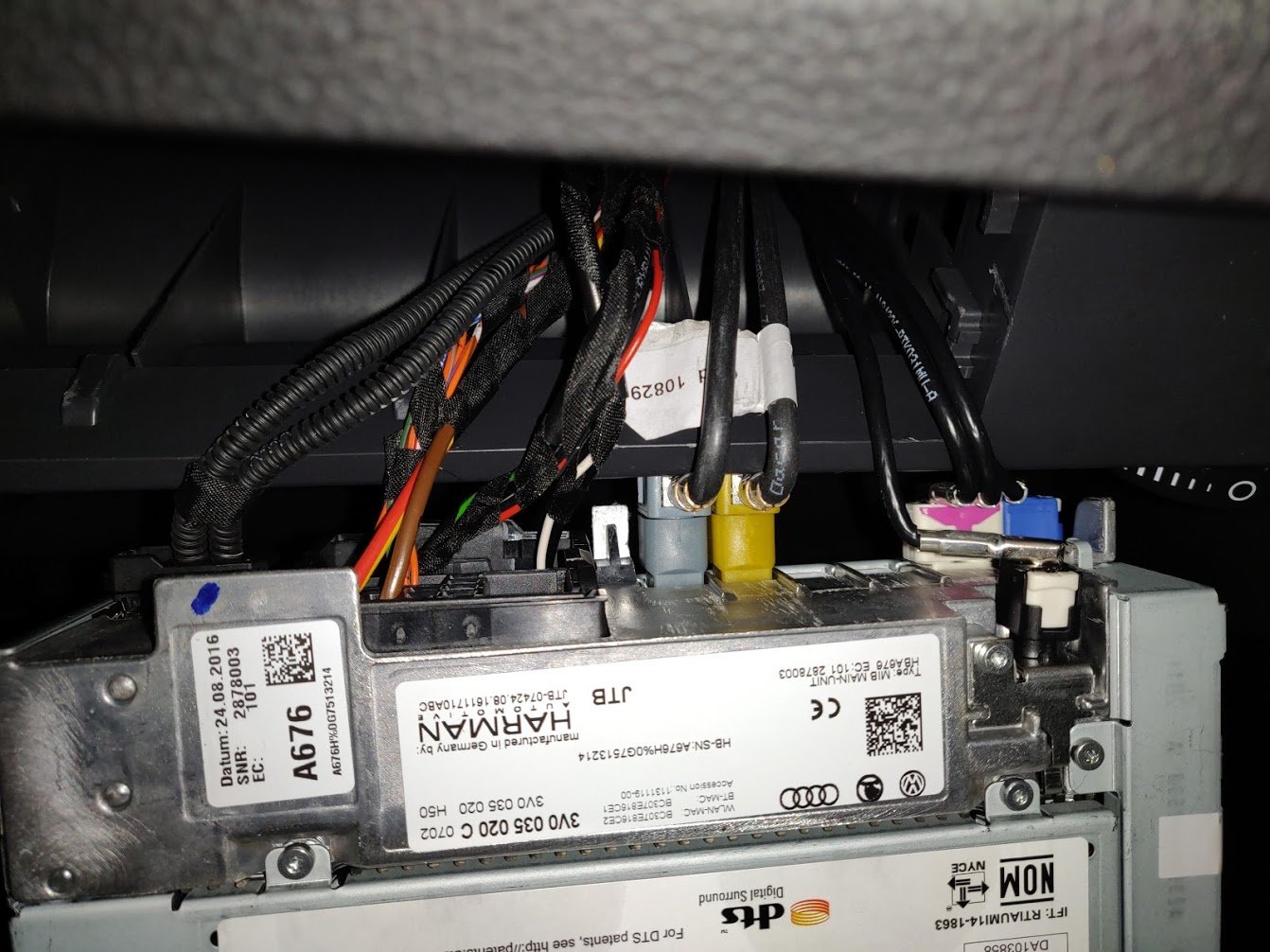
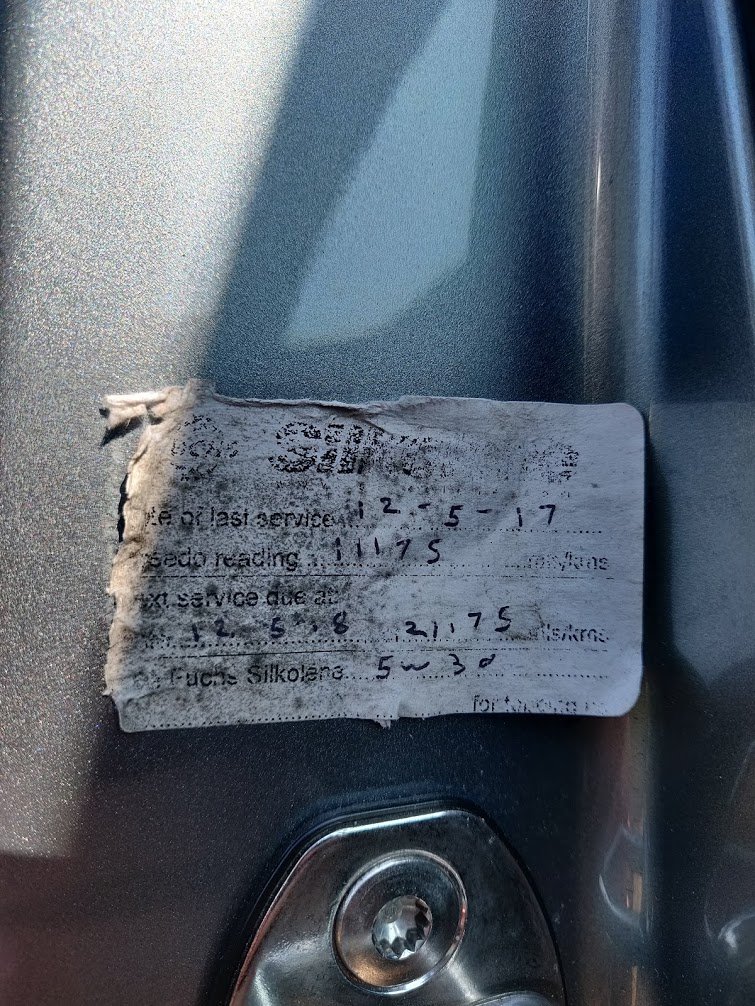
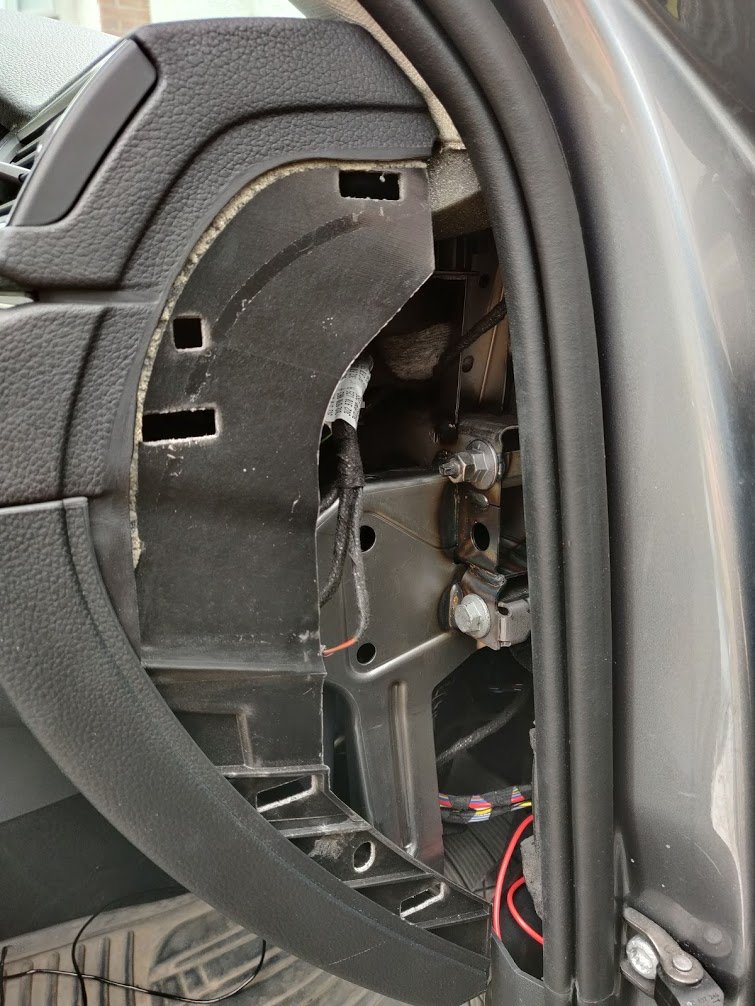
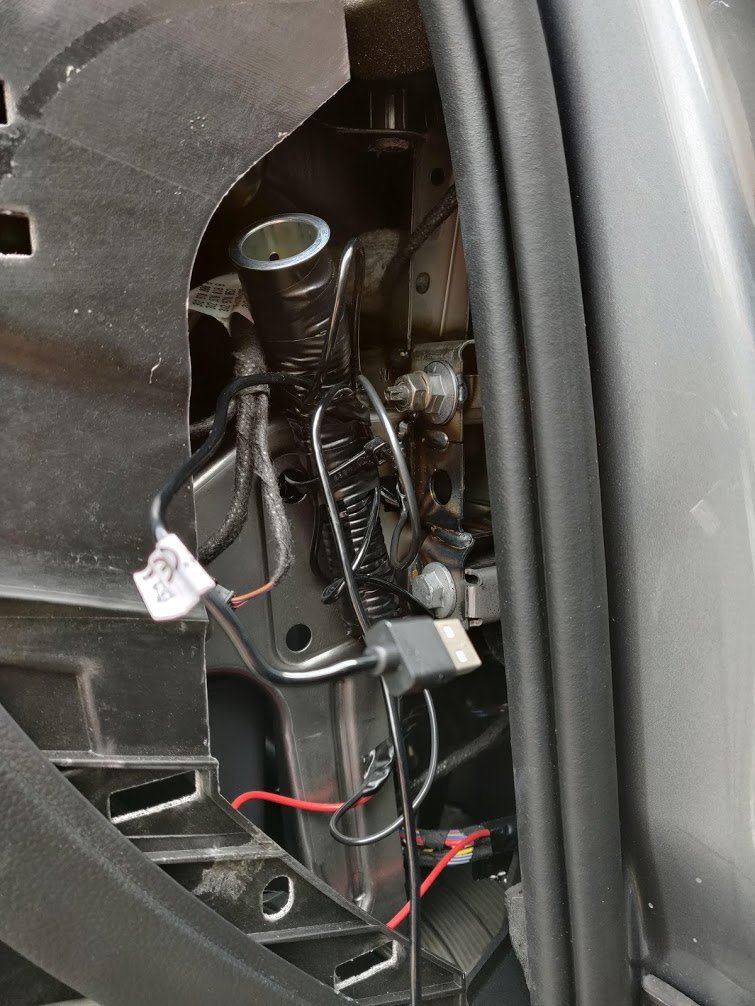
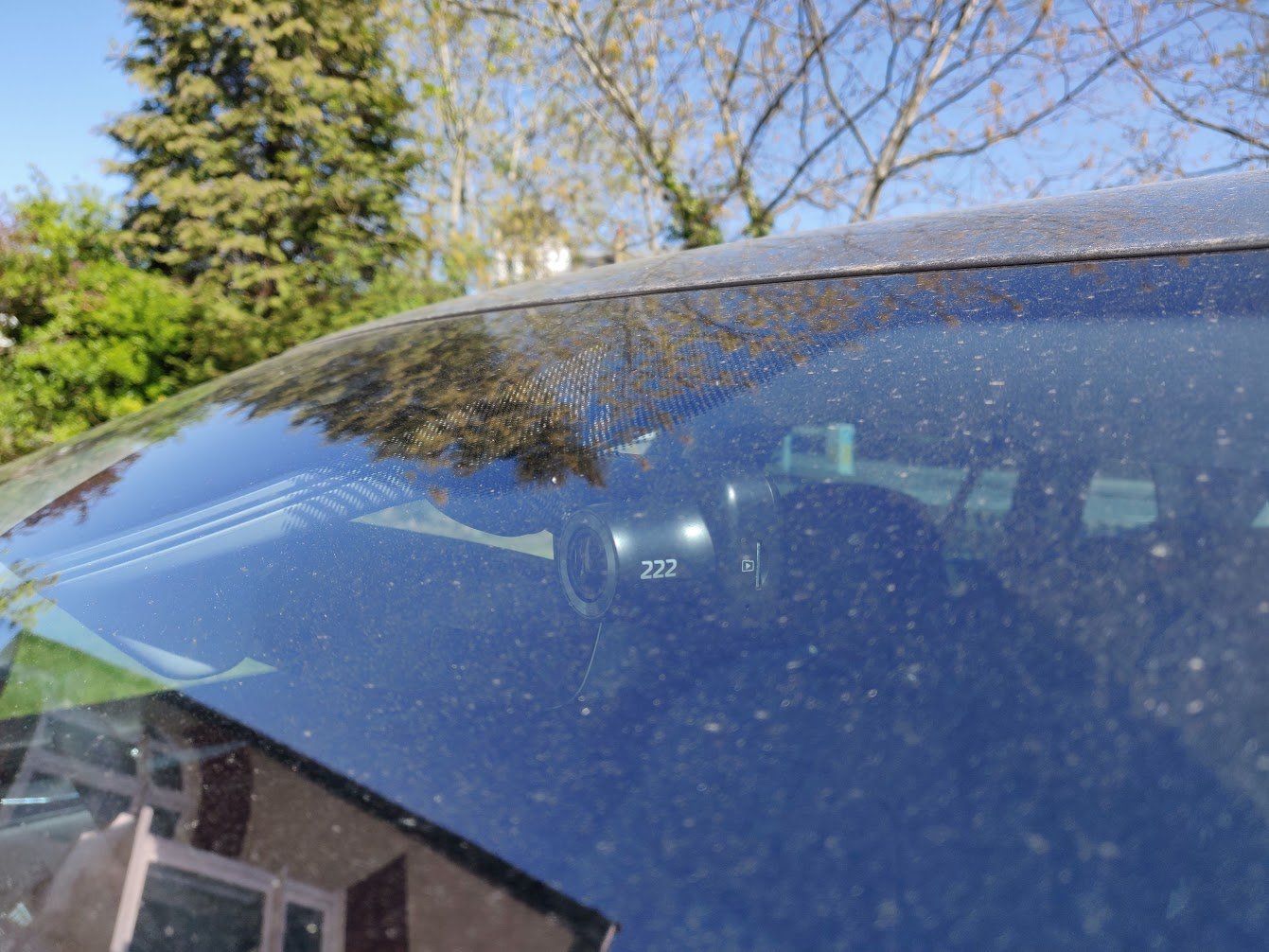
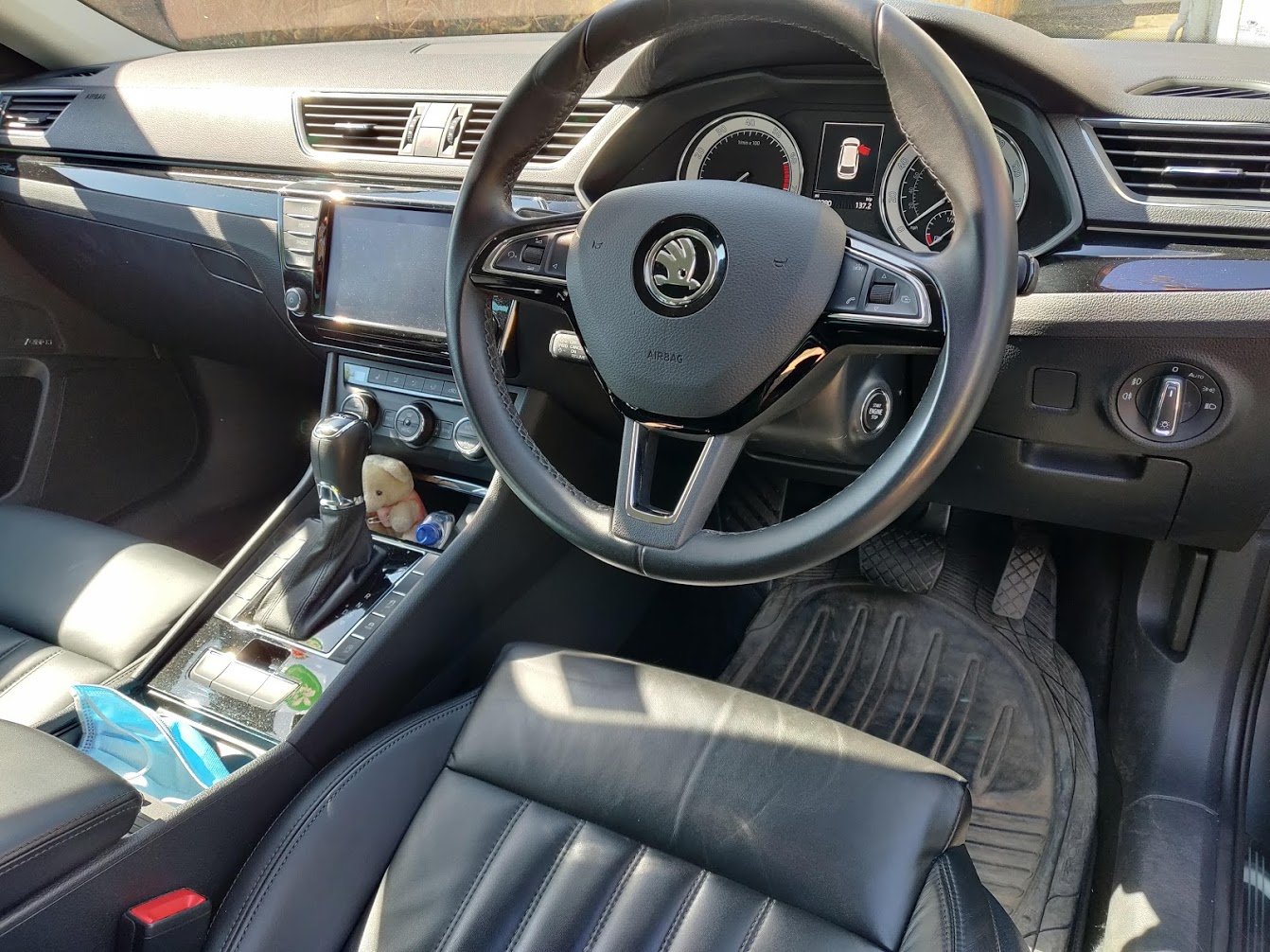
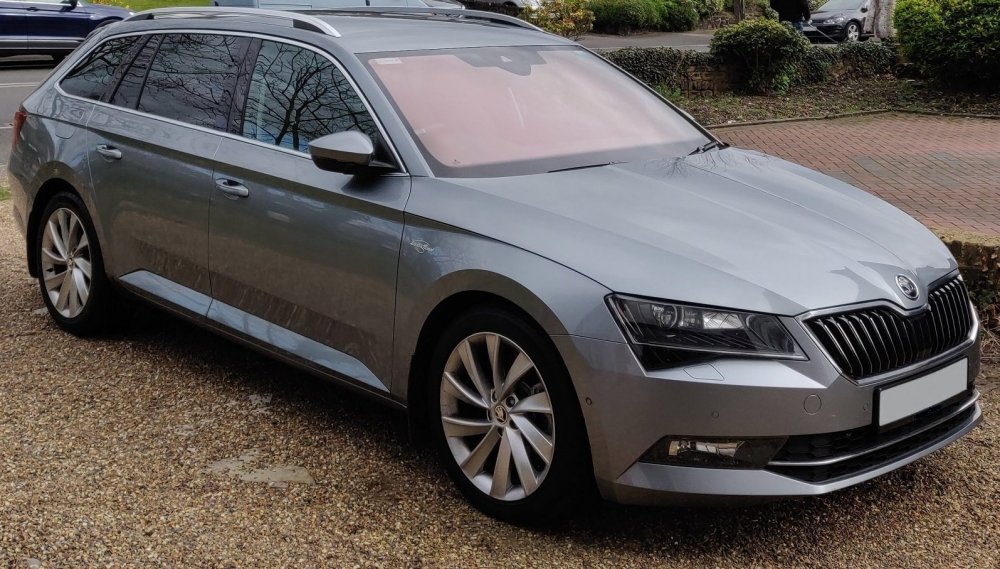
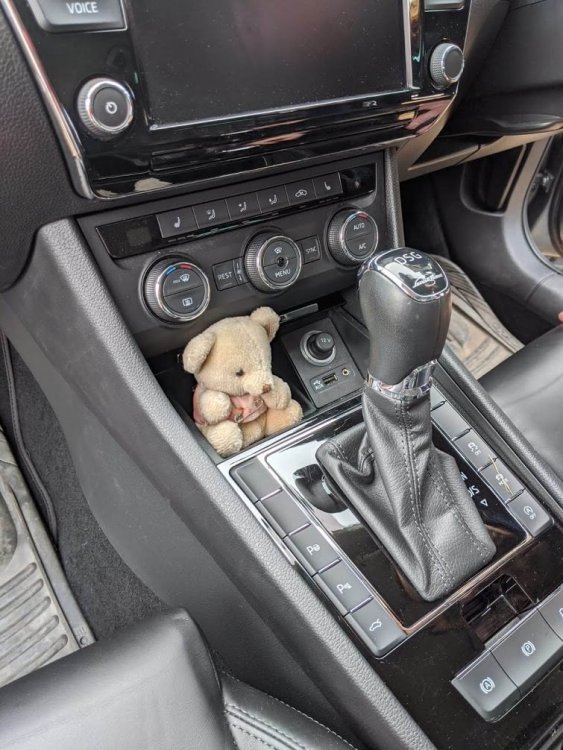
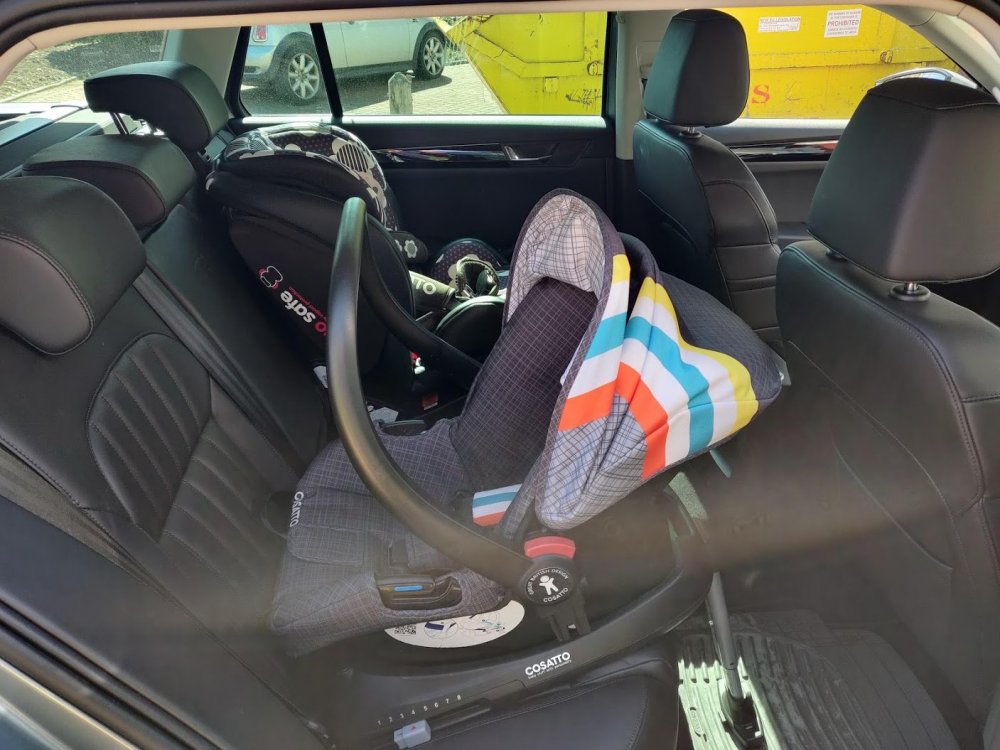
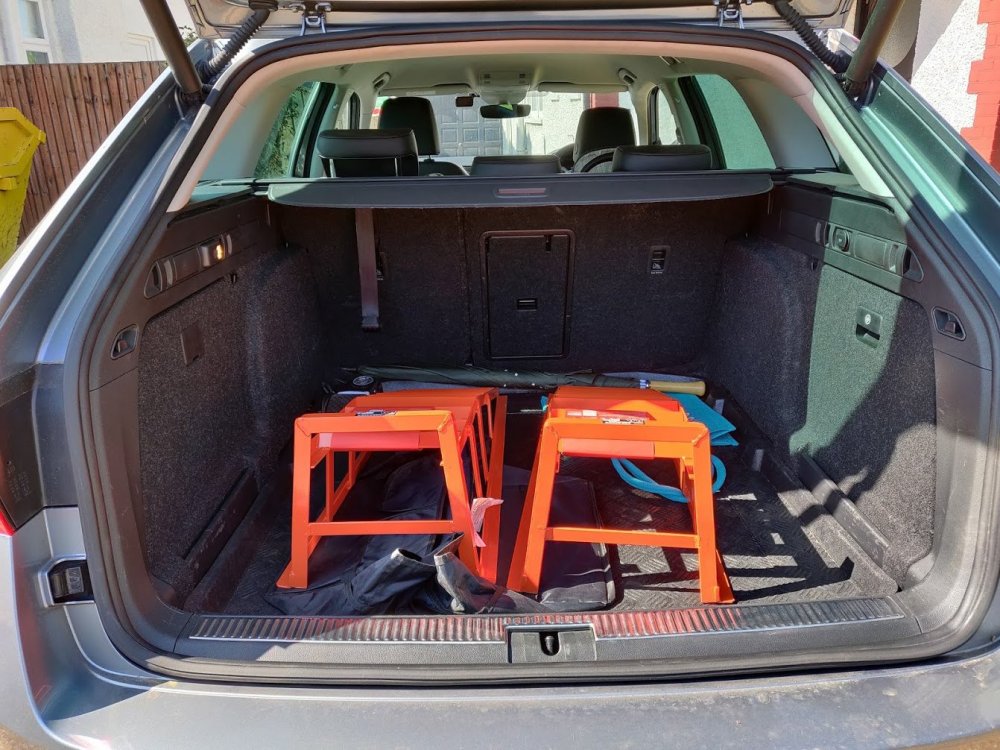
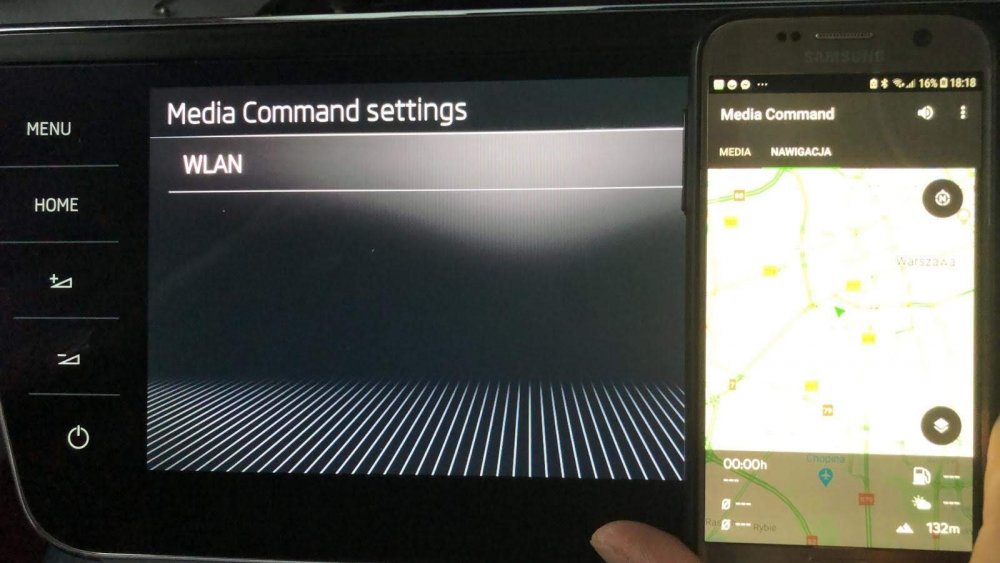
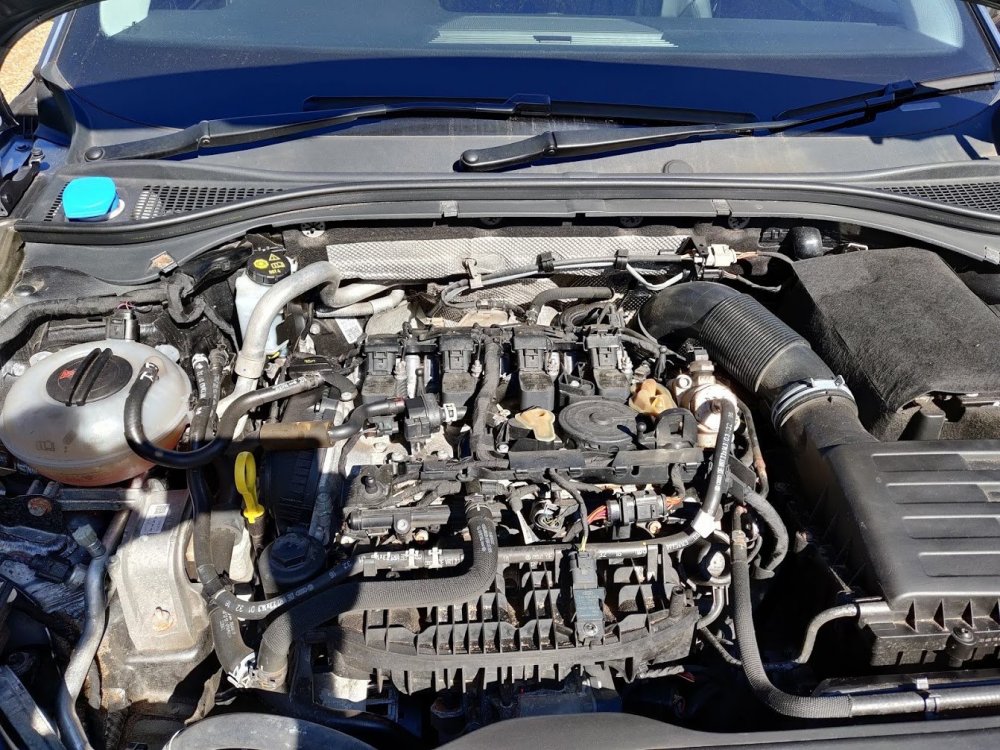
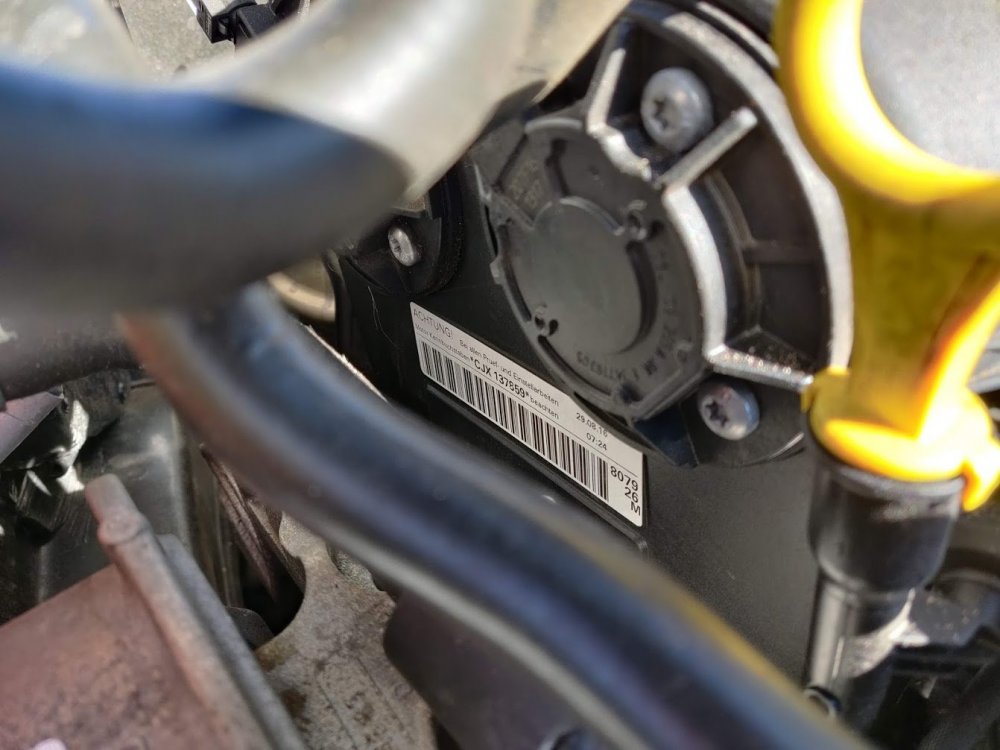
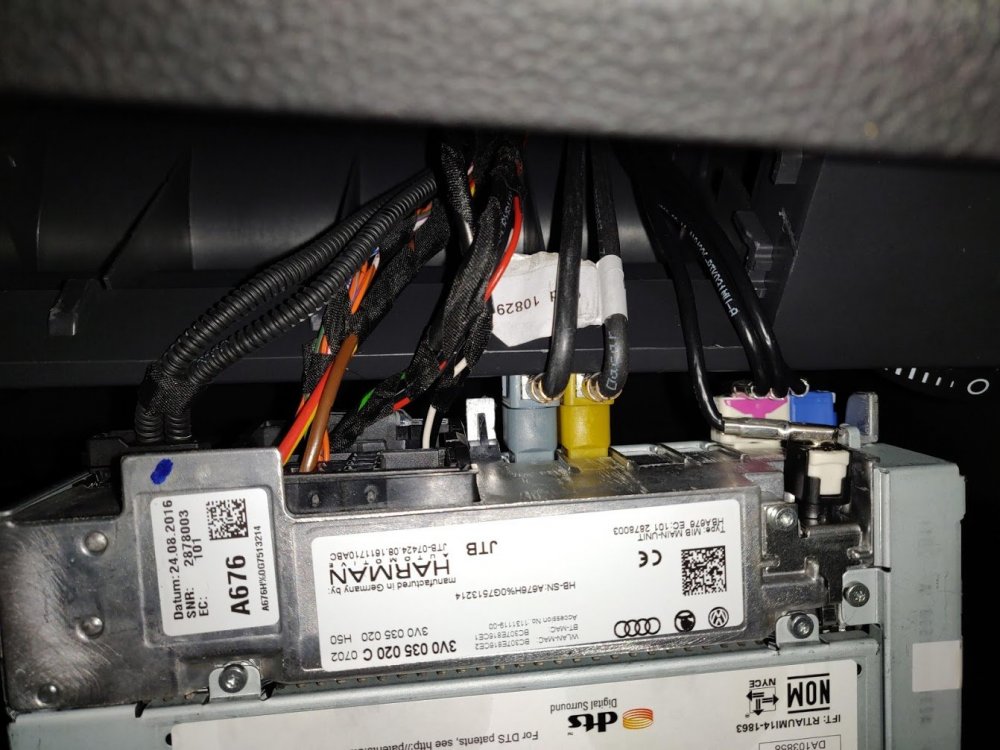
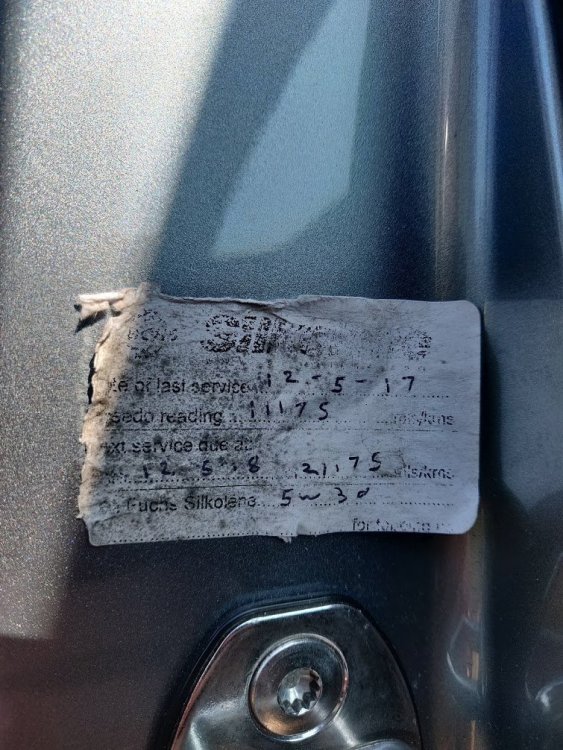
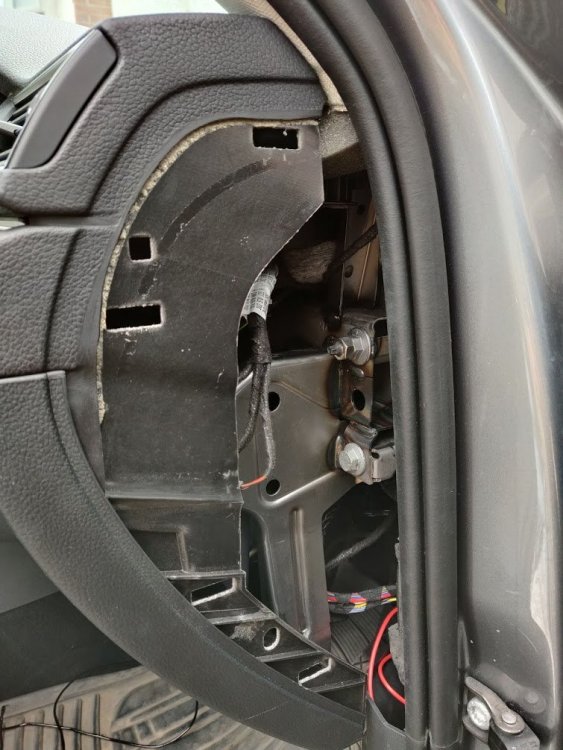
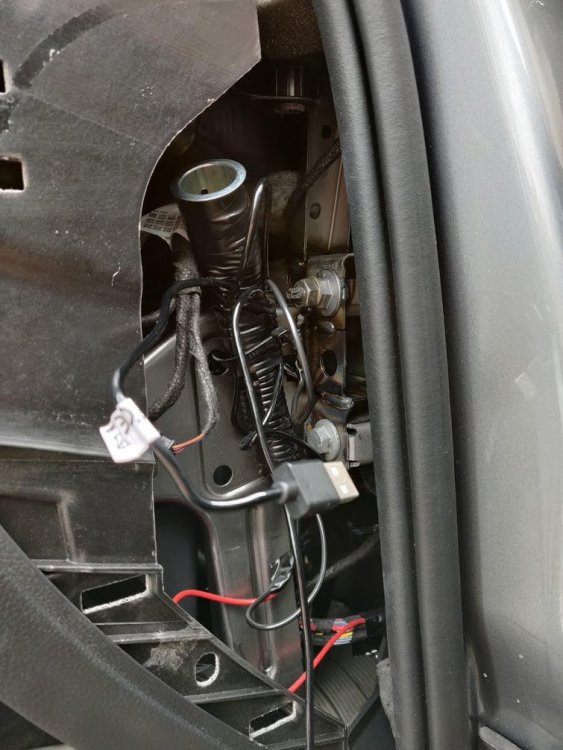
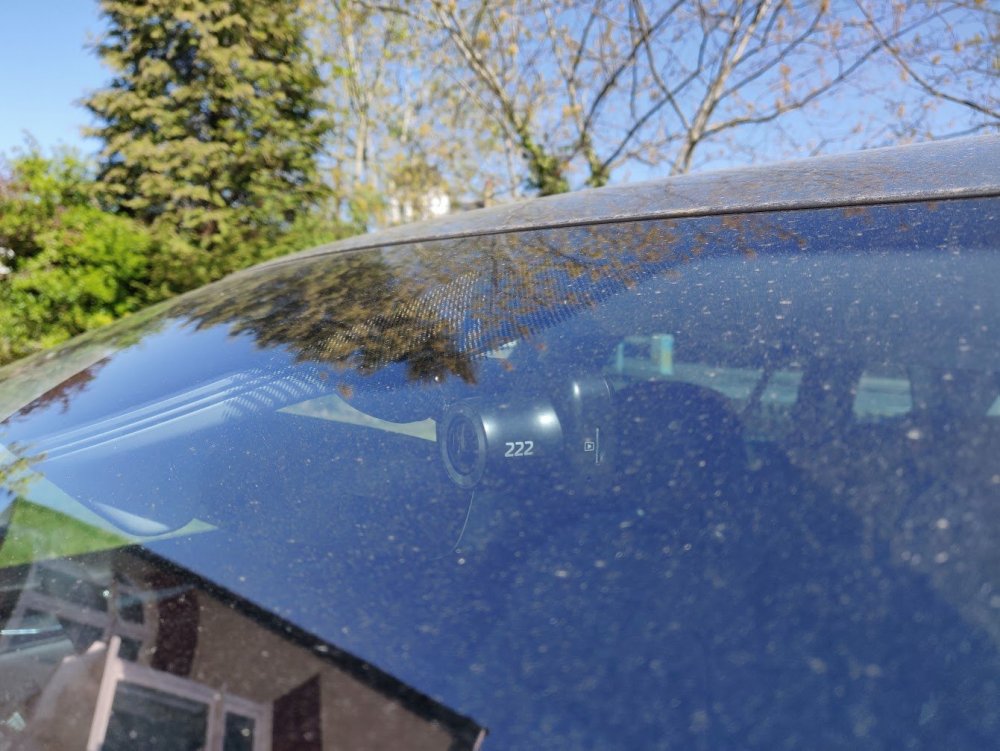
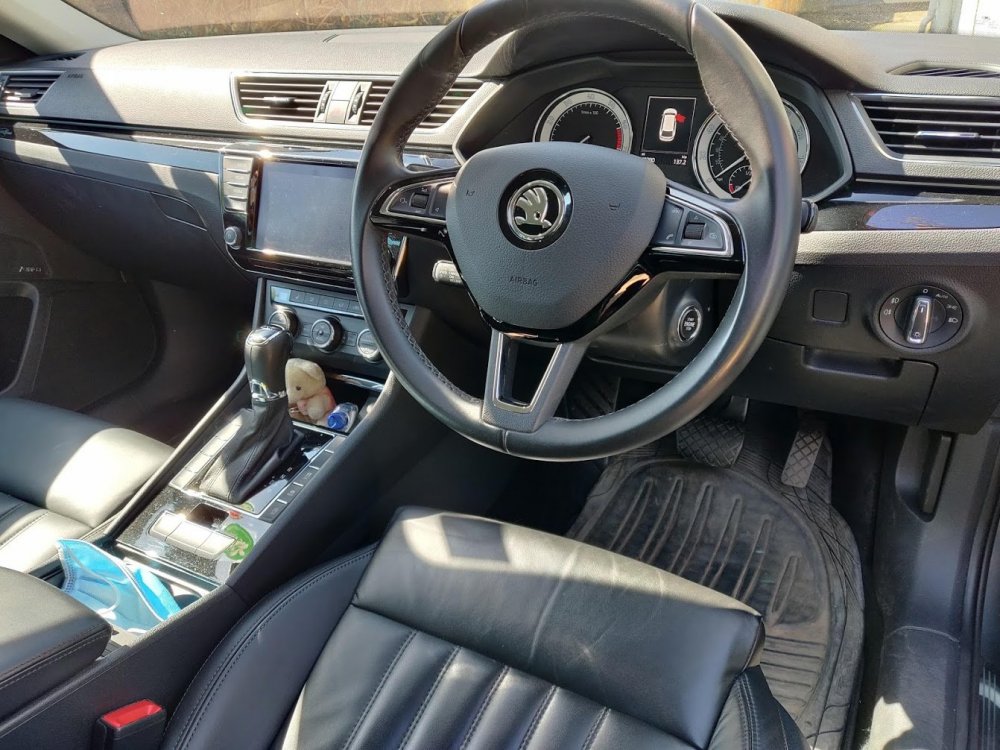
Hello all, Just before lockdown, I picked purchased a 2016 Superb L&K 280 from Arnold Clark. It's a much needed size upgrade on our 2009 Fiesta (part exchanged) and is our new family barge - mostly for short trips but occasionally for longer ones (hence why it's not a diesel). The car had covered 40,000 miles and had a very patchy service history. But it did have the spec I wanted plus it was cheap enough to bring it (just) into budget. Plus as my wife's car / the family car it's good if it's had some good use already - so I'm not too precious about it. My plan for the car is to tidy it up a little and to give it some much needed TLC - it's only ever been serviced twice as far as I can see... Collection day: My wife's bear immediately placed (don't ask): Child seats installed (hence the need for a big car!): Dash cam installed (and hard wired into fuse box): Engine bay (with plastic cover temporarily removed): EA888 engine code: Evidence of patchy service history (as well as a few other stickers) removed from drivers door frame: Dodgy wiring for an old dash-cam on the drivers side removed (yes that is a cigarette lighter! ) : MIB 2 unit removed (to be sent off for re-programming as MIB 2.5): New Columbus 9.2" screen during testing (hasn't arrived yet - thanks to pab567 ) The next job is to replace the oil on the Haldex pump and clean the filter myself (fairly sure that it's never been done) and to replace the DSG gearbox oil (again, I'm fairly sure this hasn't been done but I may get a garage to do it once lockdown has lifted). I sourced the boot liner second-hand for circa £5 on eBay, which I'm delighted with as it's like new: Interior shot: The steering wheel has a large imprint of where the steering wheel controls were, but if you can overlook that, it does mean that the rest of the wheel is like new (as it's barely been used). I've also disabled KESSY using VCDS, which is much better for peace of mind and isn't too annoying for daily use. More to come - thanks for looking. Chris
-
Hello all, I've recently bought a 2016 Skoda Superb L&K and I'm trying to disable KESSY using VCDS. I bought VCDS from Gendan. I've been following the instructions below, but VCDS doesn't ask for a security key. Instead if gives me an error when I try to make the change. Any ideas? Thanks!